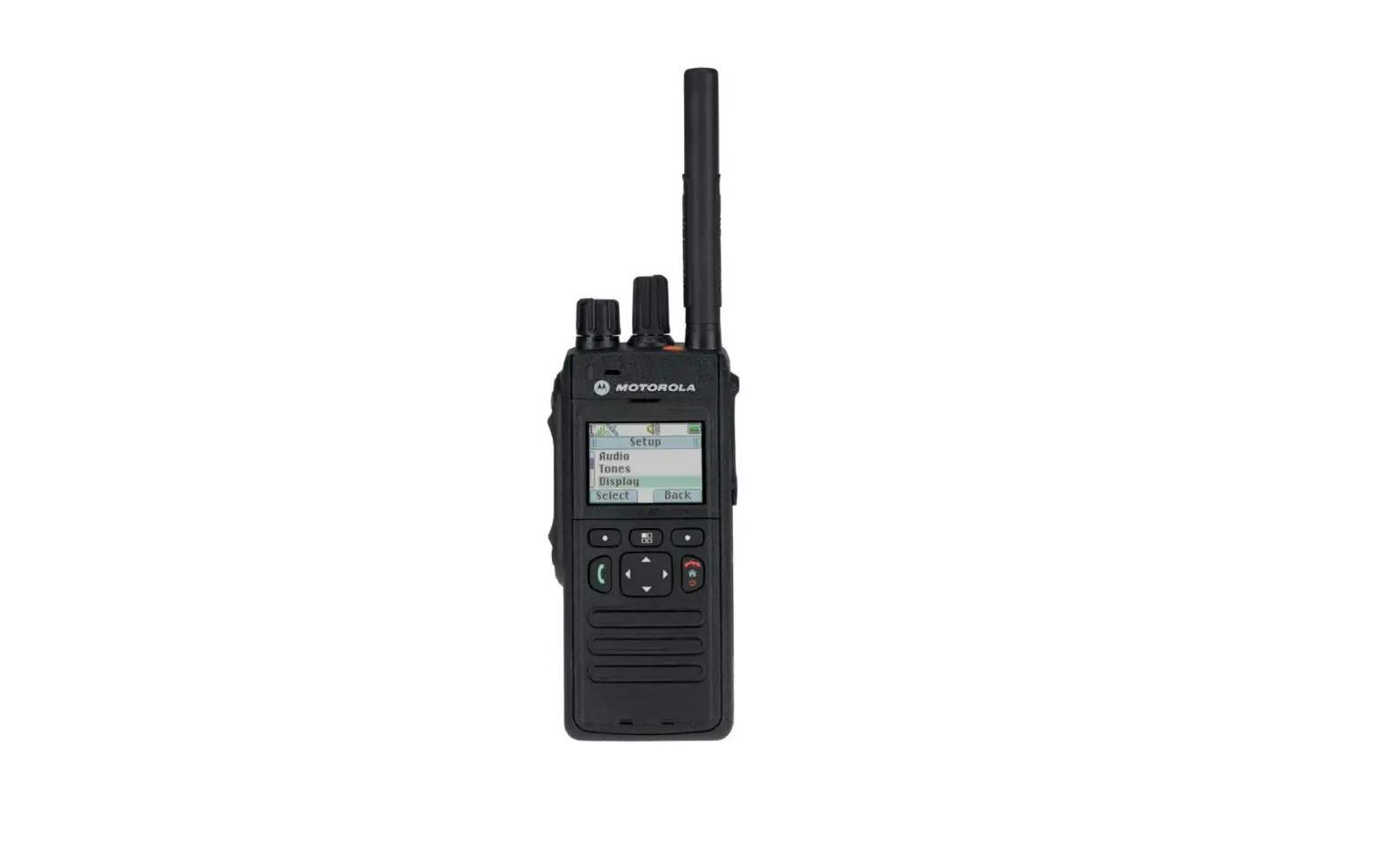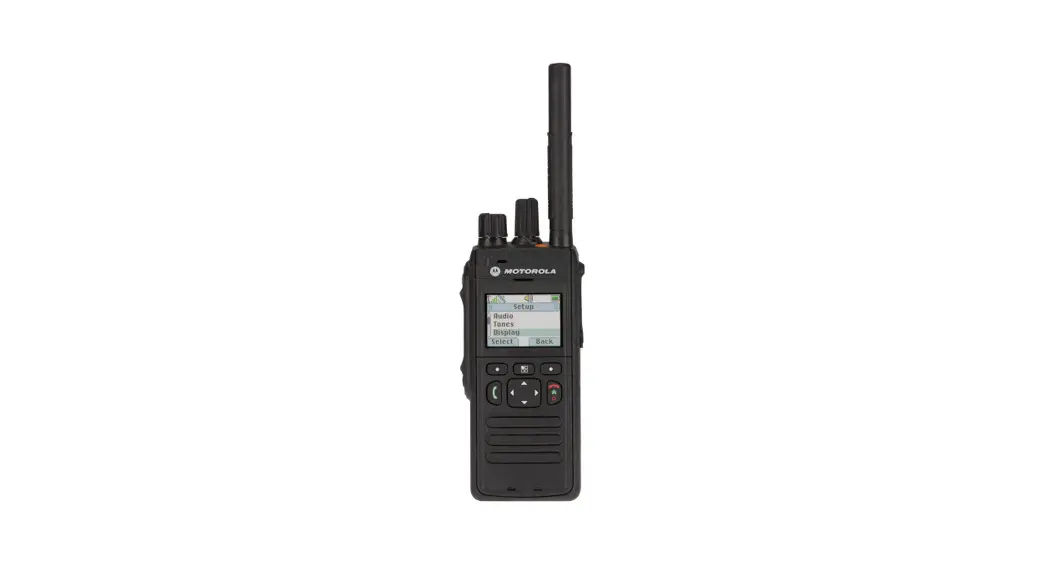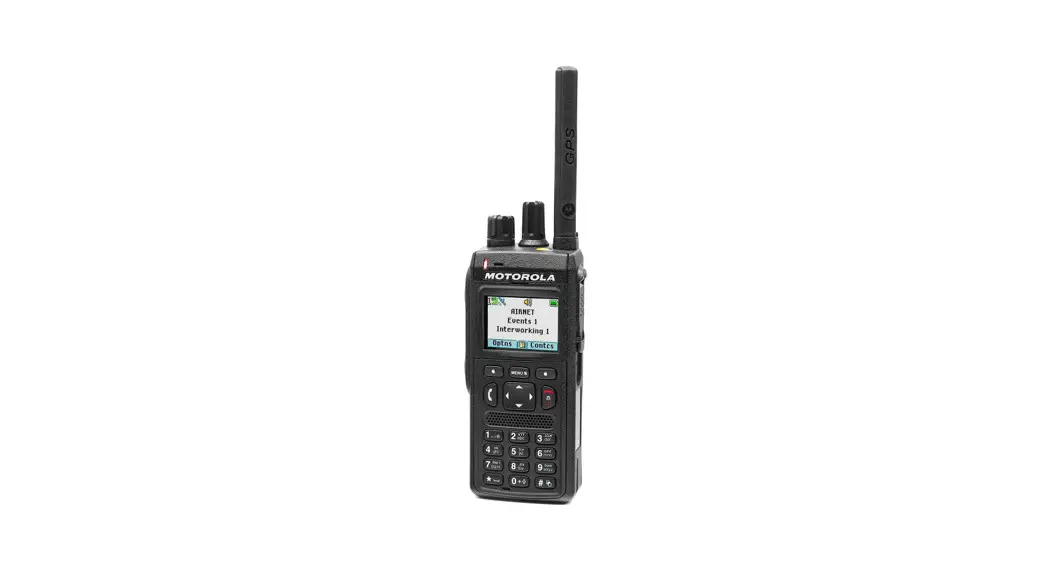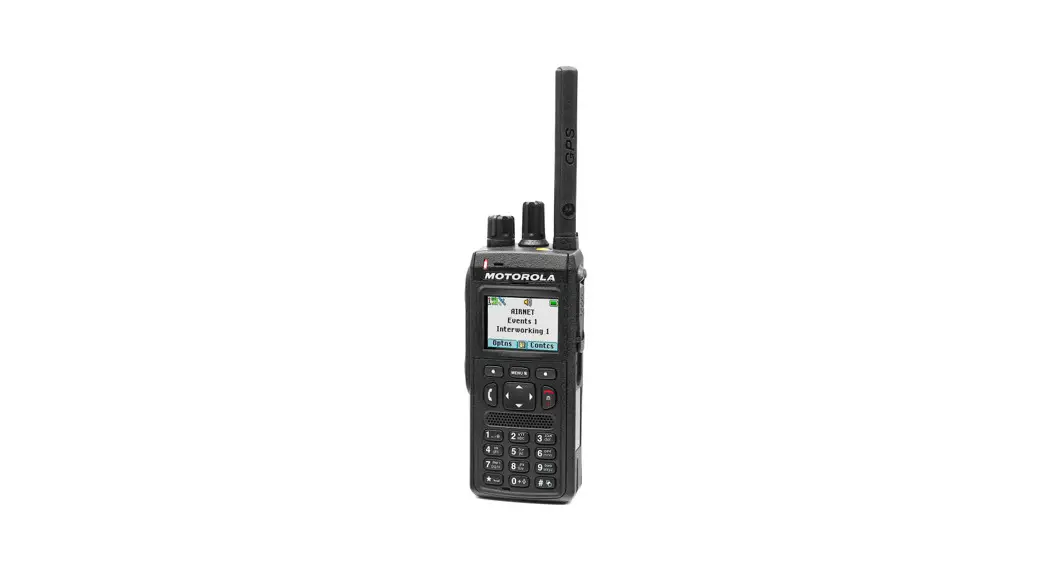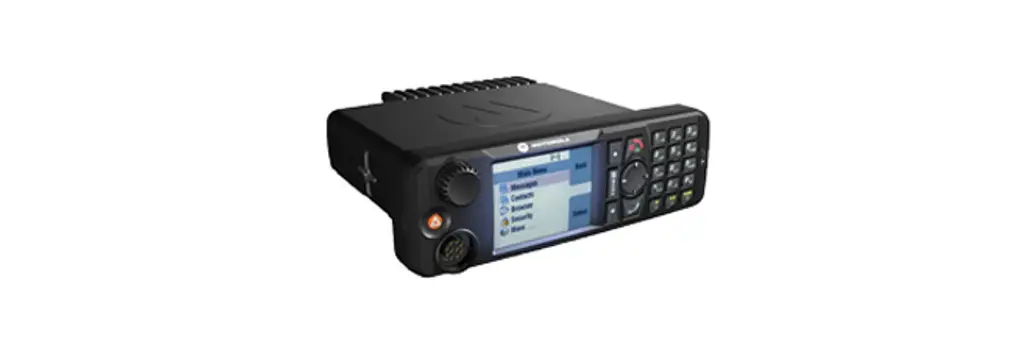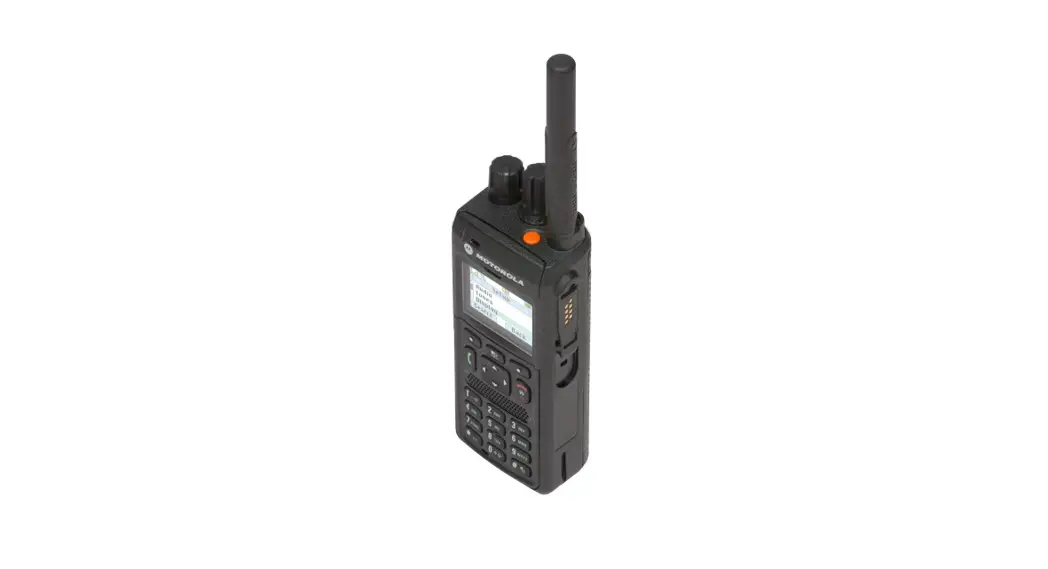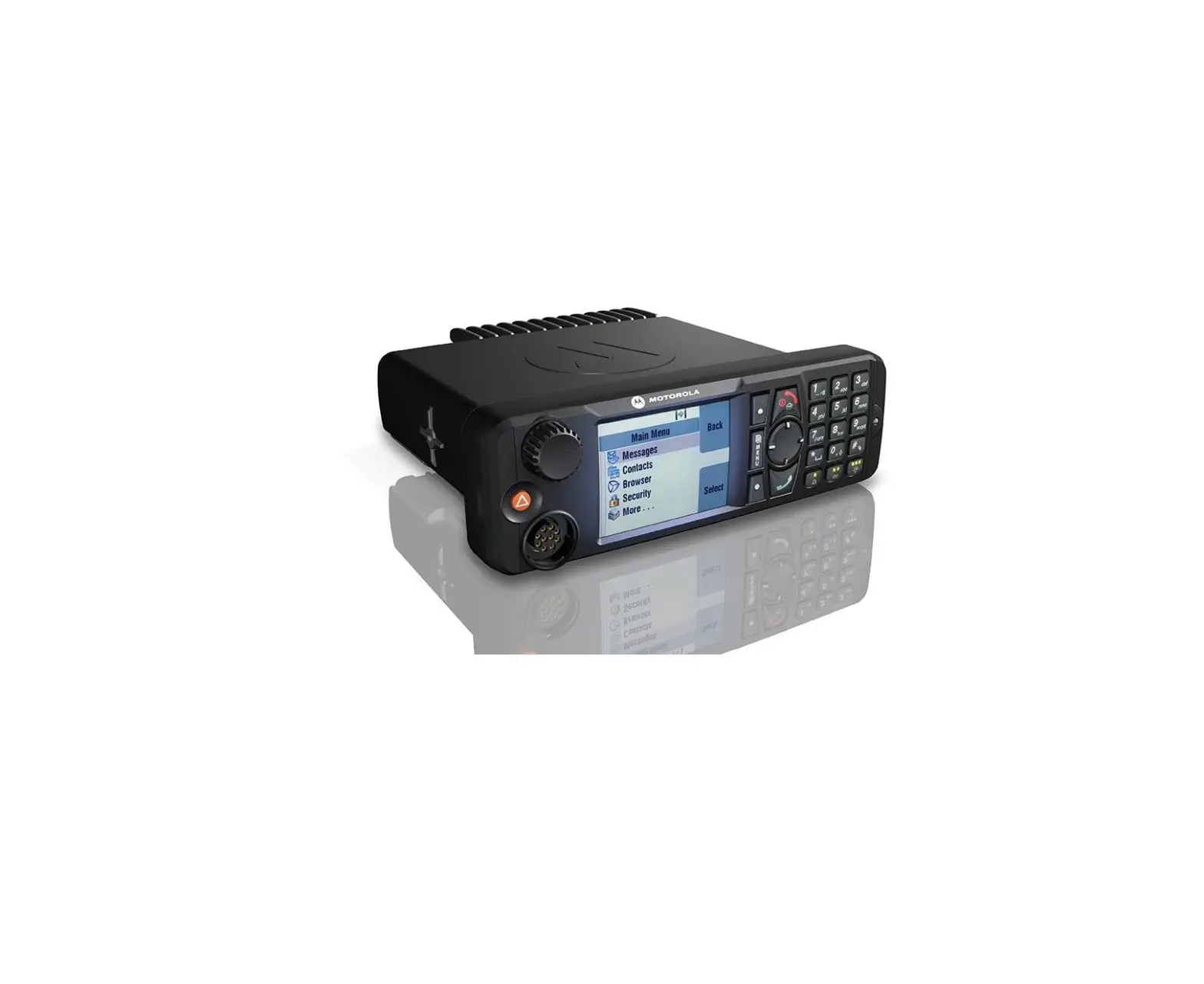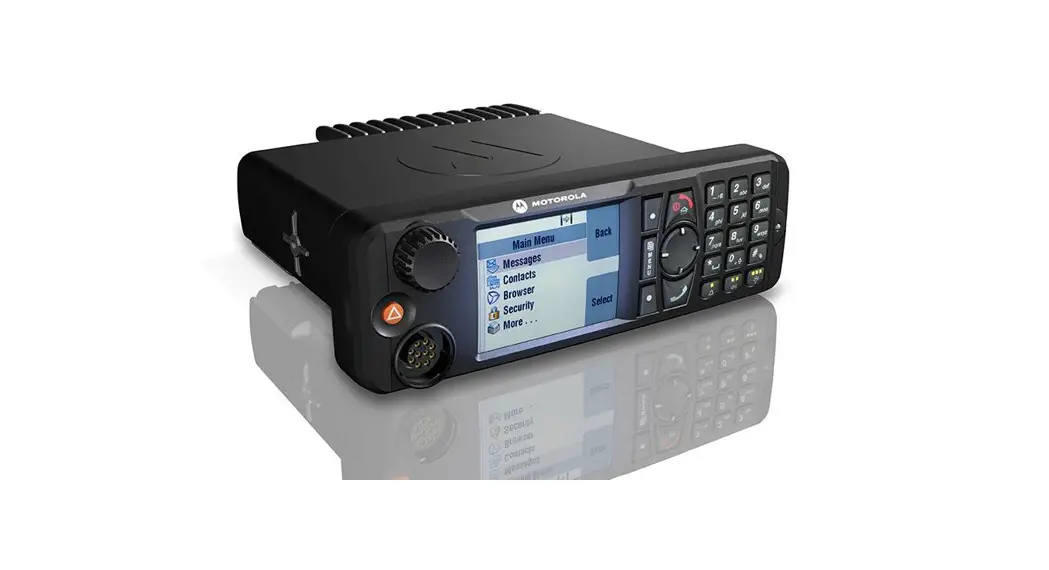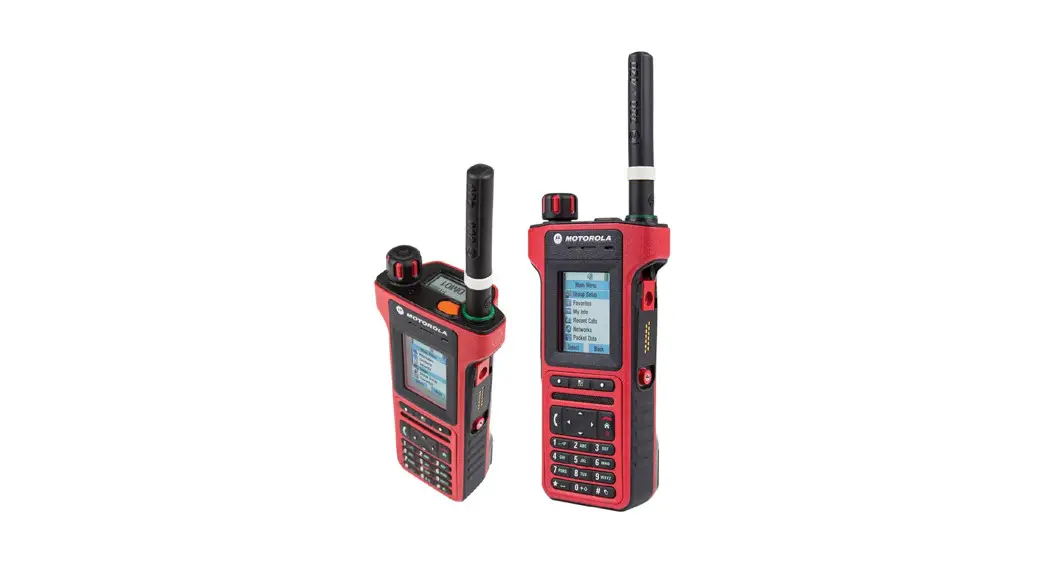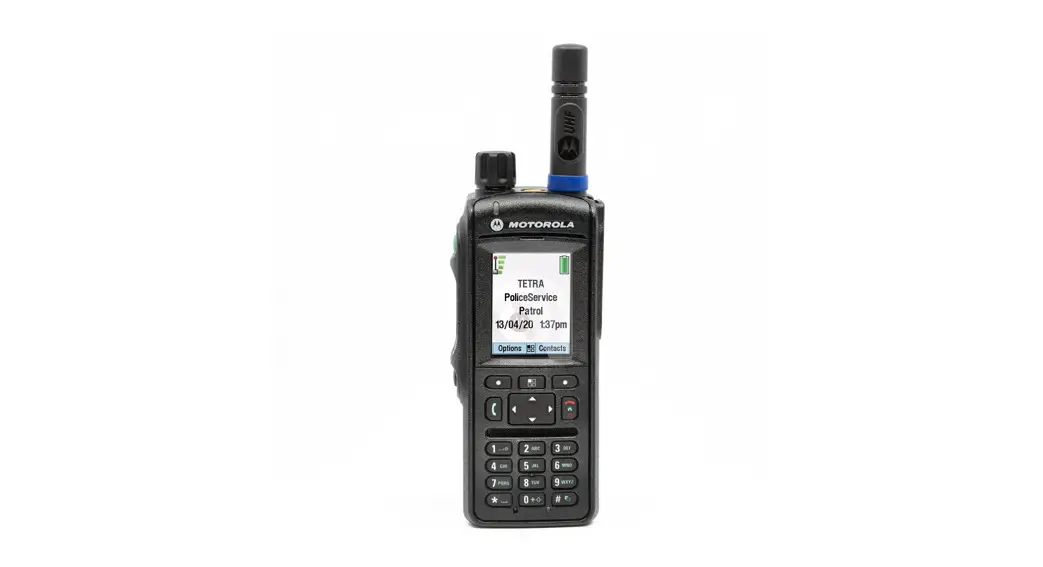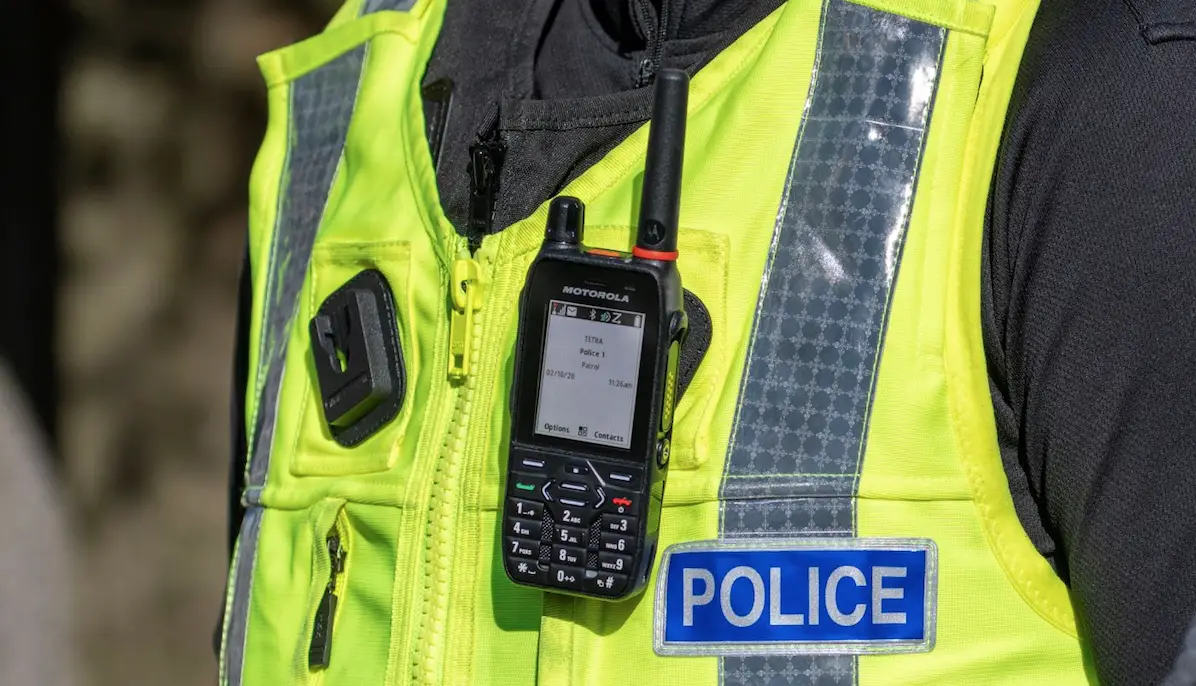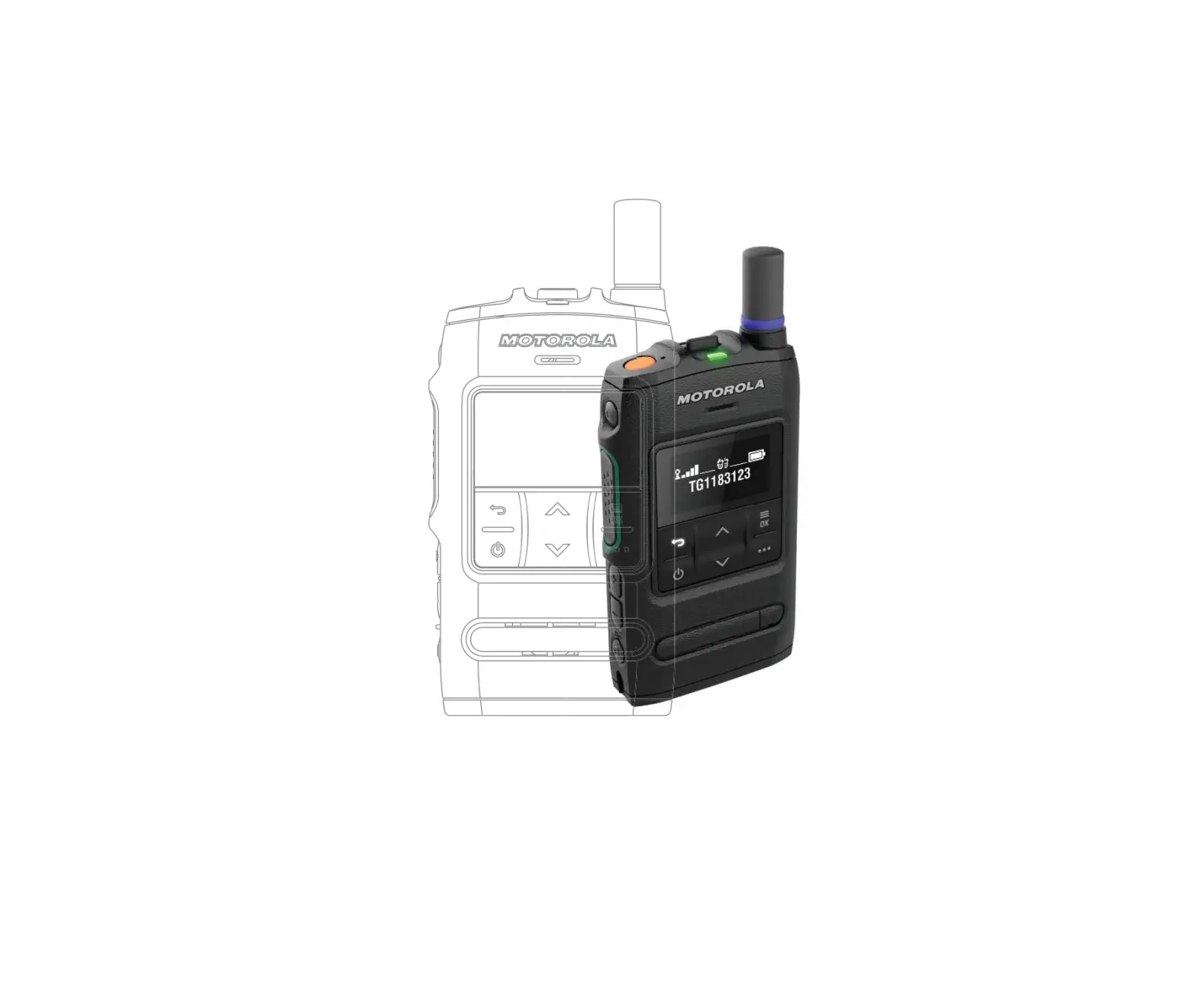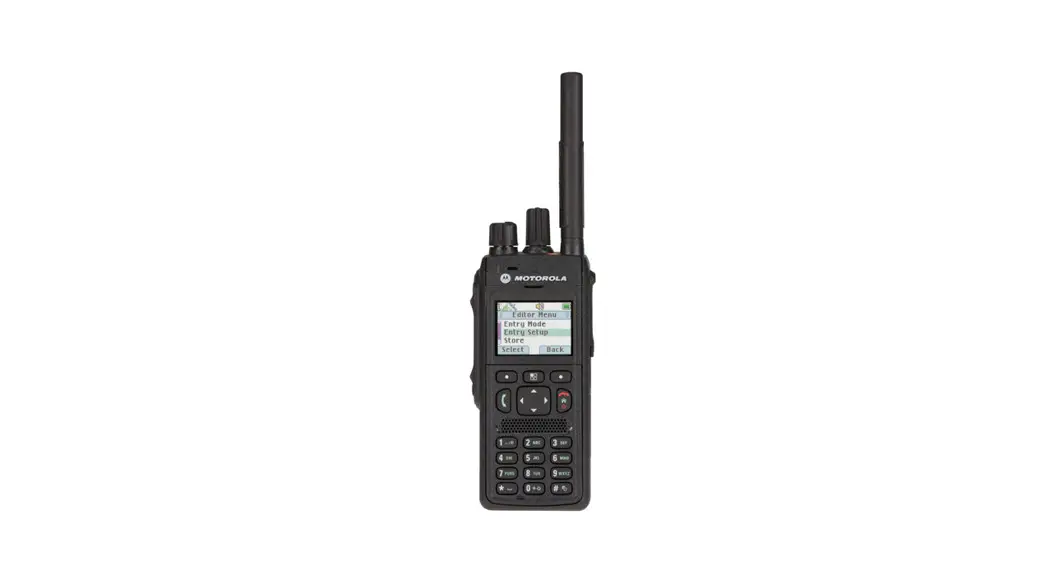
 MTP3150
QUICK START GUIDE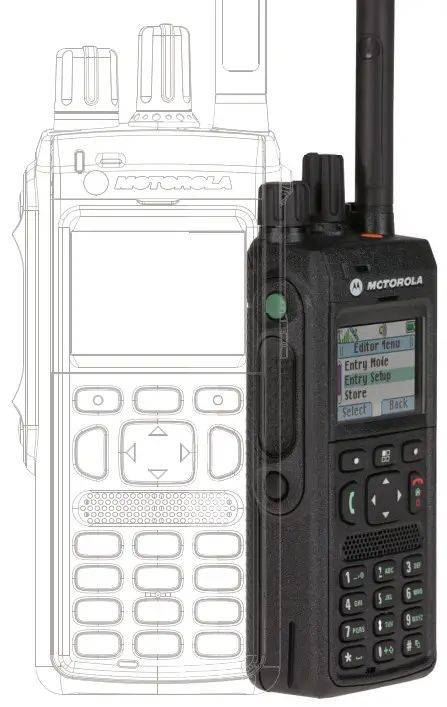
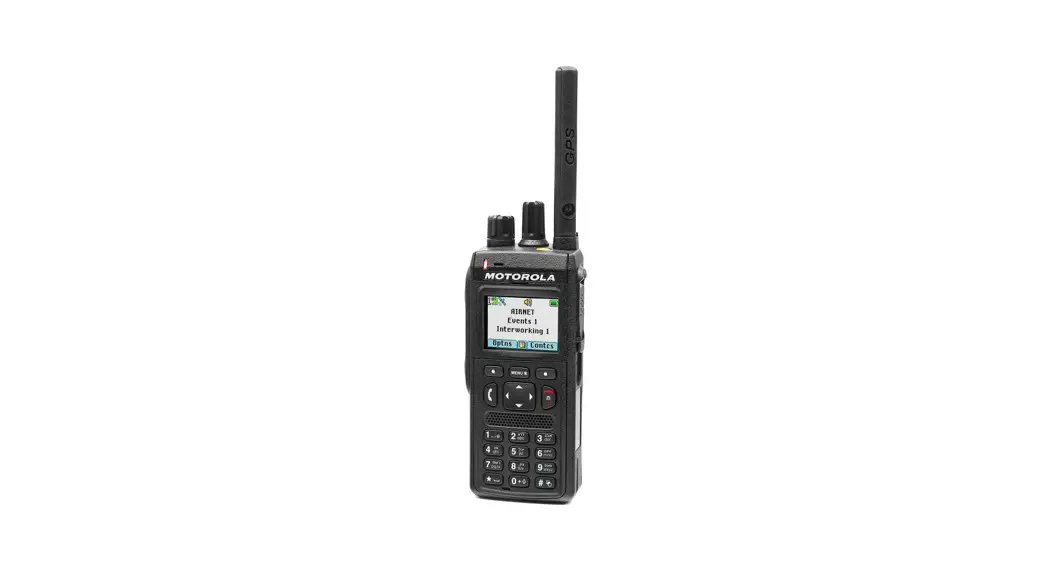
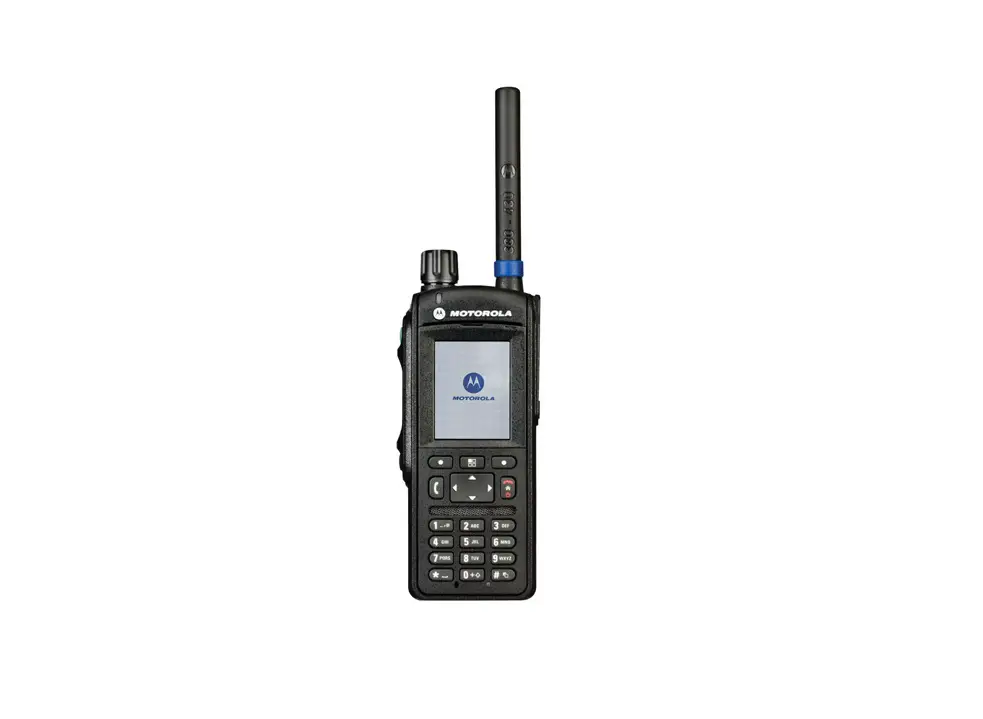
Controls and Indicators
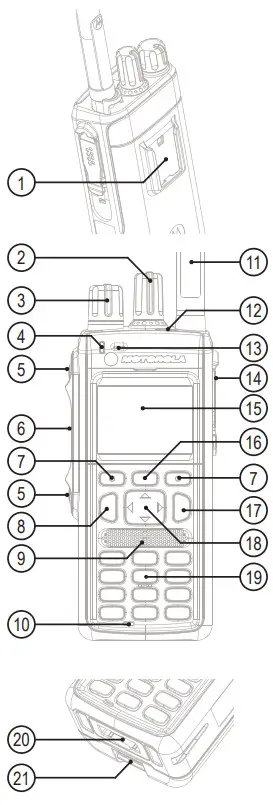
- Accessory Socket
- Talkgroup Knob
- Volume Knob
- LED Status Indicator
- Programmable Side Button
- Push-To-Talk Button (PTT)
- Soft Key
- Send Key
- Speaker
- Bottom Microphone
- Antenna
- Emergency Button
- Top Microphone
- Side Connector
- Display
- Menu Key
- On-Off/End/Home Key
- Four Way Navigation Key
- Alphanumeric Keypad
- Bottom Connector
- Battery Latch
LED Status Indicator
| Indicator | Status | Charging Status |
| Solid green | In use | Fully Charged |
| Blinking green | In service | 90% Charged |
| Solid red | Out of service | Rapid Charge |
| Blinking red | Connecting to a network Entering DMO | Faulty or Invalid Battery |
| Solid orange | Transmit Inhibit in service Channel busy in DMO | – |
| Blinking orange | Incoming private or phone call | Battery is waiting to charge |
| No indication | Switched off | – |
Battery Capacity Information
| Information | Description |
 | Full (80% – 100% capacity) |
 | Middle (60% – 80% capacity) |
 | Low (25% – 60% capacity) |
 | Very low (5% – 25% capacity) |
 | Less than 5% capacity |
Icons
| Icon | Description | Icon | Description |
 | In Service (TMO) |  | Migration |
 | No Service (TMO) |  | Low Audio |
 | Signal Strength |  | High Audio |
 | Direct Mode (DMO) |  | Earpiece Connected |
 | Emergency Mode |  | Speaker Off |
 | Scan (TMO) |  | New Message Has Arrived |
 | Priority Scan (TMO) |  | New Message(s) |
 | Battery Level |  | Packet Data Enabled |
 | Battery Charging |  | Packet Data Transmitting |
 | All Ring Muted |  | High RF Power |
 | Simplex Ring Muted |  | Radio Keys Locked |
 | Duplex Ring Muted |  | Location |
Getting Started
Installing the Battery
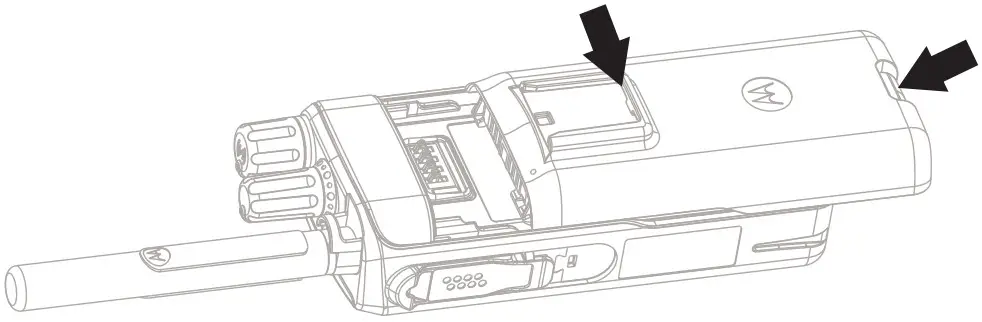
Insert the battery into the compartment.
Slide towards the top of the radio until it clicks.
Attaching the Antenna
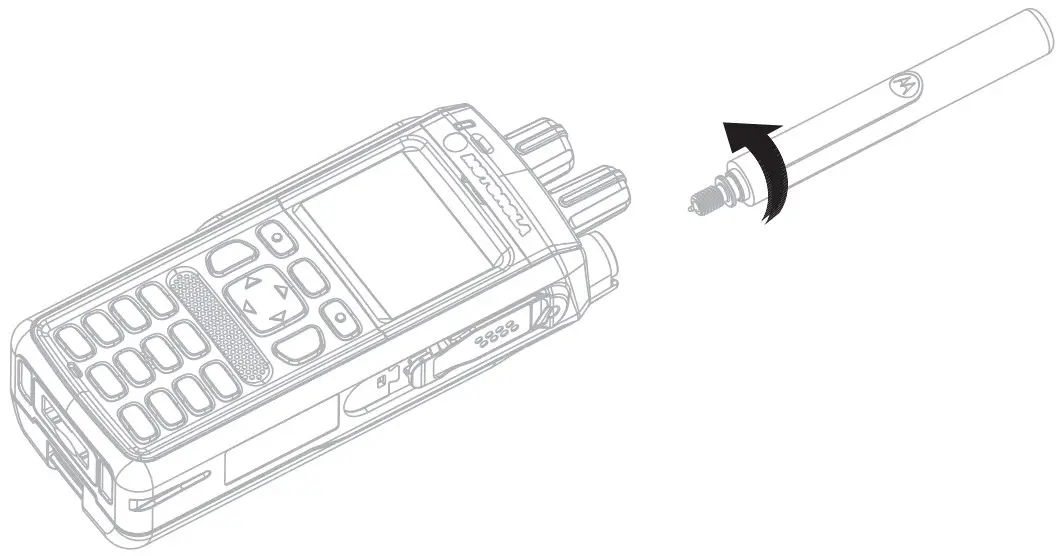
Turn the radio off before attaching the antenna.
Align the bottom of the antenna and the screw-in base on the top of the radio.
Turn clockwise until snug. Do not force.
Unlocking the Radio
Your radio may be locked at power up. To unlock the radio after powering on, enter the code at the prompt using Navigation keys.
The unlock code is originally set to 0000. Your service provider may change this number before you receive your radio.
Unlocking/Locking the Keypad
To unlock/lock the keypad, press the Menu key and then the * key.
Holding Your Radio
The radio has two microphones:
- A top microphone for simplex group, dispatcher, or private calls
- A bottom microphone for duplex, telephone-like calls
When making duplex calls (low audio), hold your radio as you would a telephone. Speak into the bottom microphone. Listen via the earpiece. Keep the antenna at least 2.5 centimeters from your head and body.

When making simplex calls (high audio), hold the radio in a vertical position with the top microphone 5 to 10 centimetres away from your mouth. Speak into the top microphone. Listen via the radio internal speaker. Keep the antenna at least 2.5 centimeters from your head and body.

Looking After Your Radio
Never leave your radio or battery in extreme temperatures (over +85 °C), for example, behind a windscreen in direct sunlight.
The radio is submersible (compliant with the IP67 standard) – but only with the battery and the antenna attached.
To clean your radio, use a moistened or antistatic cloth.
Using the Terminal
Turning the Radio On/Off
To power the radio on/off, press and hold On/Off key.
Using the Radio Menu
To enter the menu, press the Menu key.
To scroll through the menu, press the Up or Down Navigation key.
To select a menu item, press Select or the Right Navigation key.
To return to the previous level, press Back or the Left Navigation key.
To exit the menu, press the Home key.
Sending Status Messages
Select the target talkgroup, then press the Menu key and select Messages > Send Status. Highlight a status message and press the Send key or PTT to send it.
Sending SDS Messages
From the home screen, press the Menu key. Select Messages > New Message.
Enter your message and select Send. Select Private or Group. Enter a Private ID or choose a group.
Selecting Trunked/Direct Mode Operation
From the home screen, press Optns, then select Trunked Mode or Direct Mode.
Making TMO/DMO Group Calls
Enter TMO or DMO. From the home screen, use the Navigation keys to highlight the target talkgroup. Press Select (if configured). Press and hold PTT. Wait for the talk permit tone (if configured) and talk. Release PTT to listen.
Making TMO/DMO Emergency Group Calls
Enter TMO or DMO. Press and hold the Emergency button. The emergency alarm is sent automatically (if configured). Press and hold PTT. Wait for the talk permit tone (if configured) and talk. Release PTT to listen.
If using the Hot Mic feature, wait for the “Emgcy Mic On” message to appear on the display, then talk without pressing PTT.
To exit the emergency mode, press and hold the Exit soft key.
Making Simplex Private Calls
IN DMO: From the home screen, dial a number. Press and hold PTT to make the call and talk (wait for the talk permit tone if configured). Release PTT to listen. Press the End key to terminate the call.
IN TMO: From the home screen, dial a number. Press and release PTT to make the call. Wait for the called party to pick up. Once the call is connected, press and hold PTT to talk (wait for the talk permit tone if configured). Release PTT to listen. Press the End key to terminate the call.
Making Duplex Private/Phone/PABX Calls
From the home screen, dial a number. Change the call type by pressing Ctype. Press and release the Send key. The ringing sounds. The called party answers. Press the End key to terminate the call.
To answer an incoming call, press the Send key.
More Information on the Radio
Visit the Motorola Solutions Web site at: https://www.motorolasolutions.com/
Learning Experience Portal
User documentation available at: https://learning.motorolasolutions.com/
Open Source Software Legal Notices
Available in Customer Programming Software Plus (CPS Plus) DVD

This document is copyright protected. Duplications for the purpose of the use of Motorola Solutions products are permitted to an appropriate extent. Duplications for other purposes, changes, additions or other processing of this document are not permitted. Only this electronically-saved document is considered to be the original. Duplications are considered merely copies. Motorola Solutions, Inc., and its subsidiaries and affiliates do not vouch for the correctness of such kinds of copies.
MOTOROLA, MOTO, MOTOROLA SOLUTIONS and the Stylized M Logo are trademarks or registered trademarks of Motorola Trademark Holdings, LLC and are used under license. All other trademarks are the property of their respective owners.
© 2015 and 2021 Motorola Solutions, Inc. All rights reserved.

 Motorola Solutions
 Mission Critical Communications - Motorola Solutions