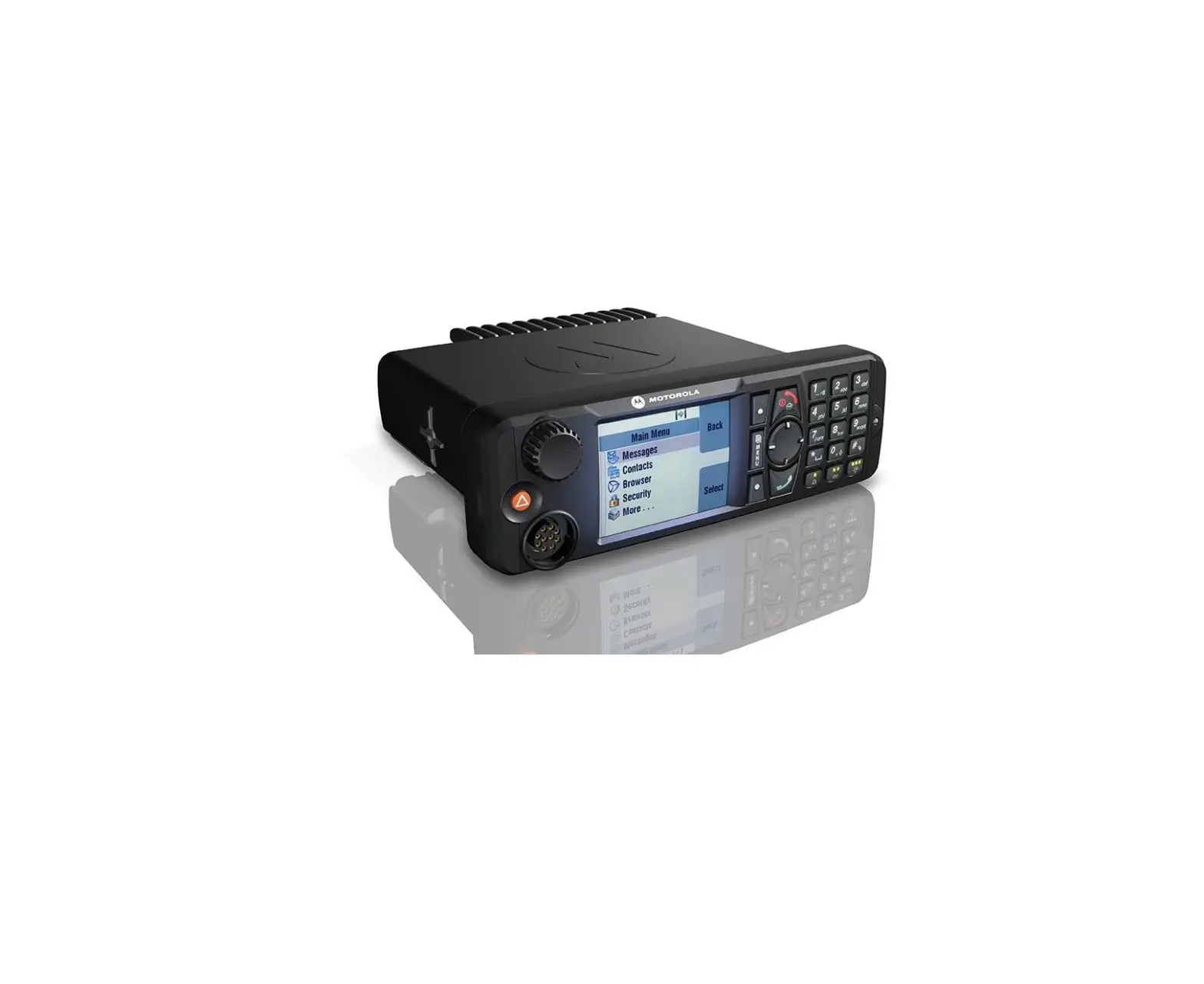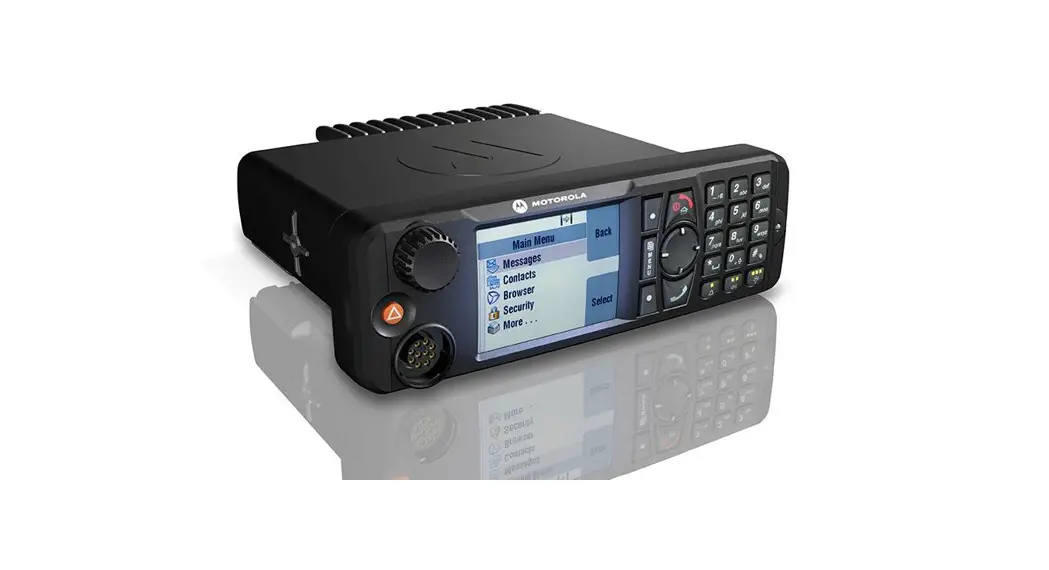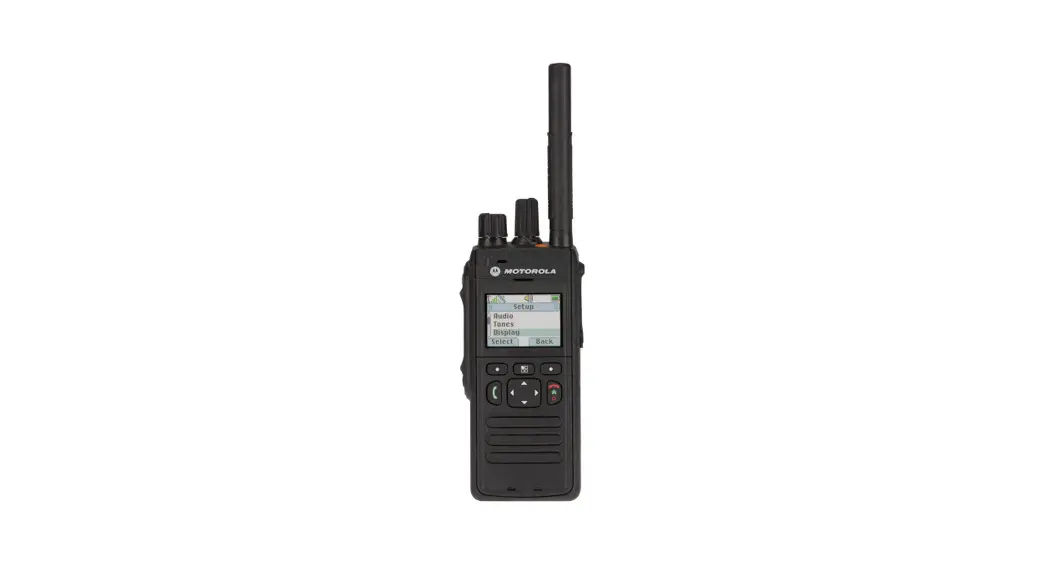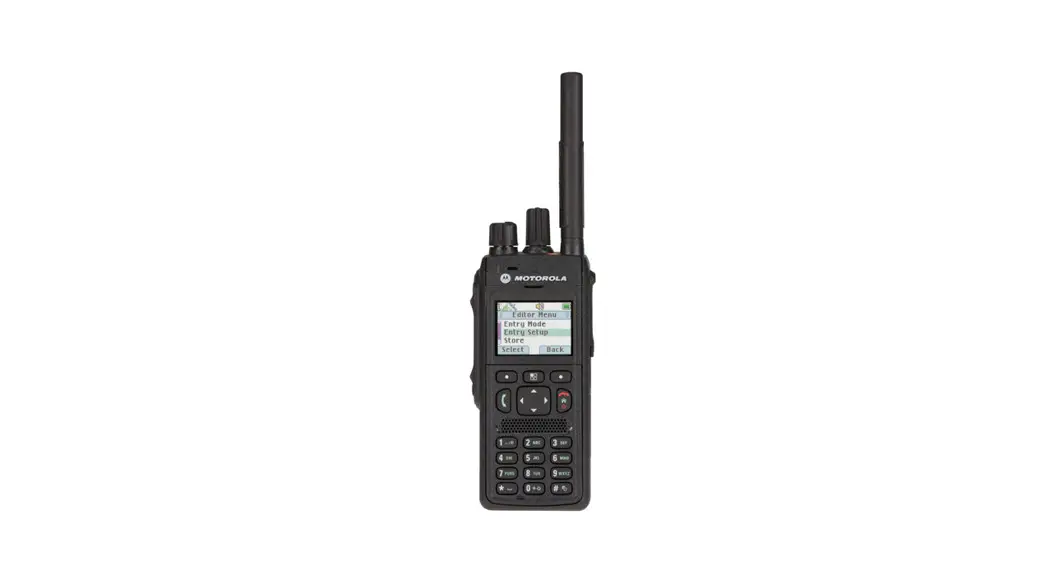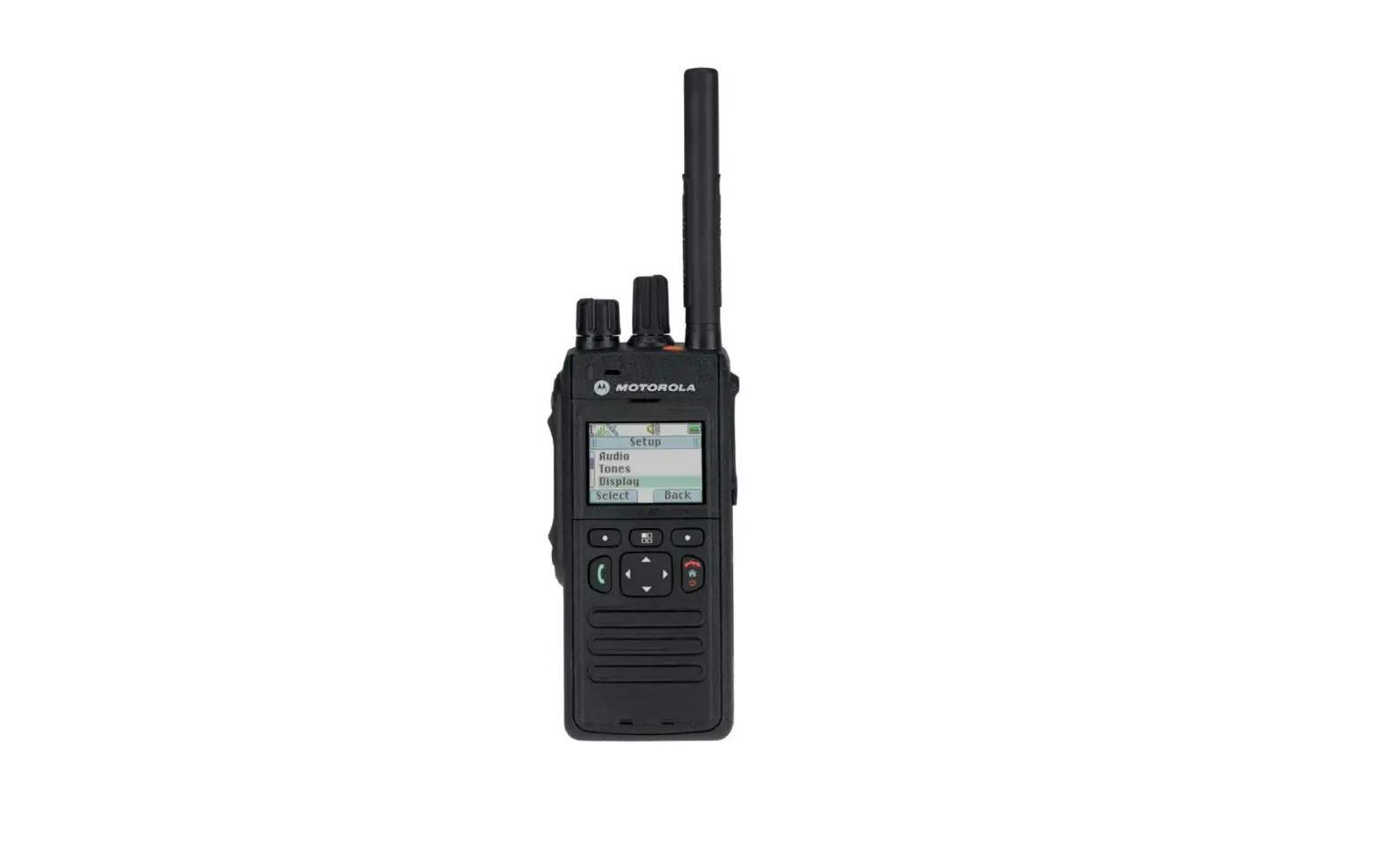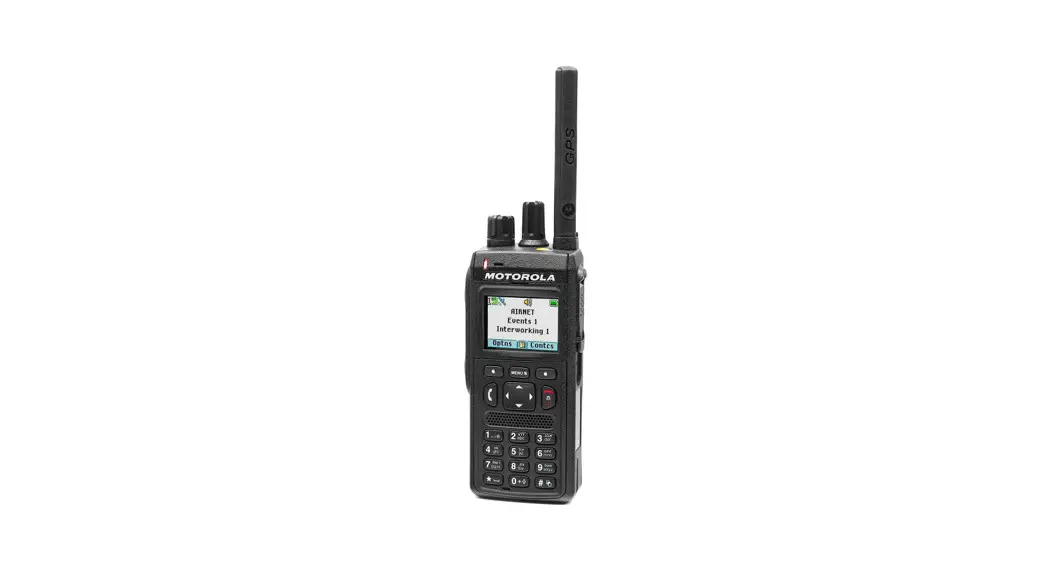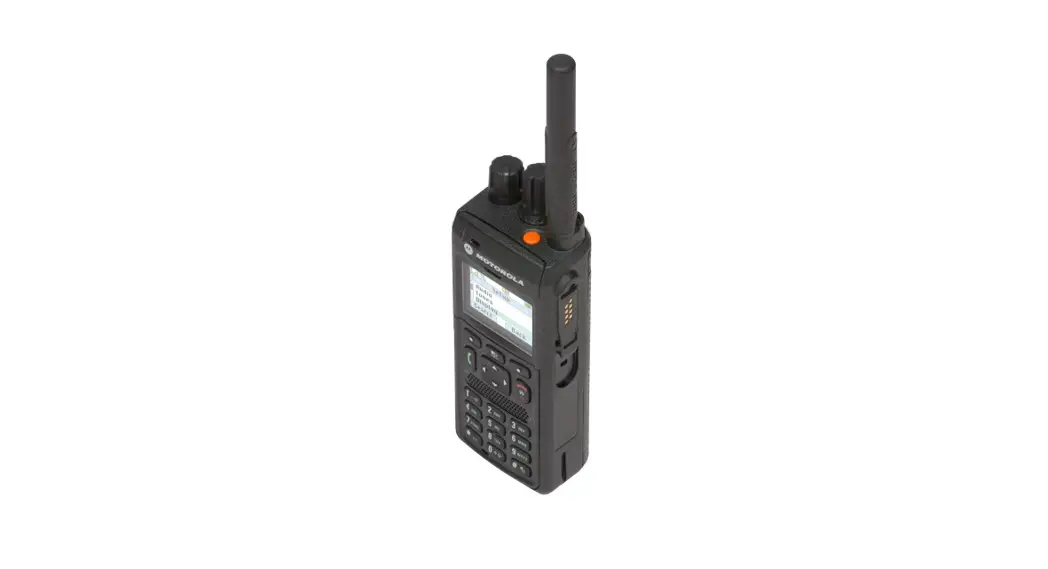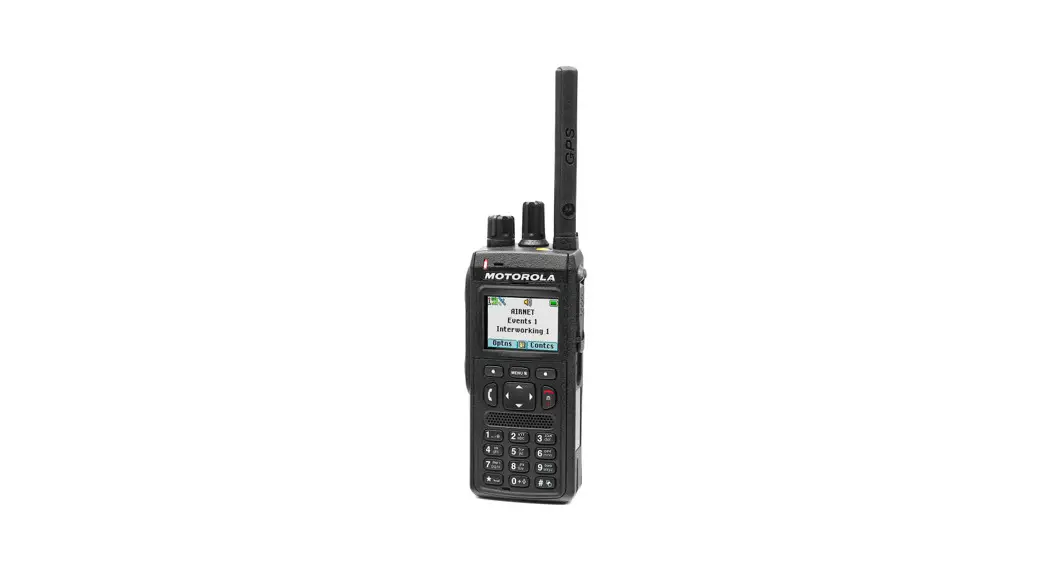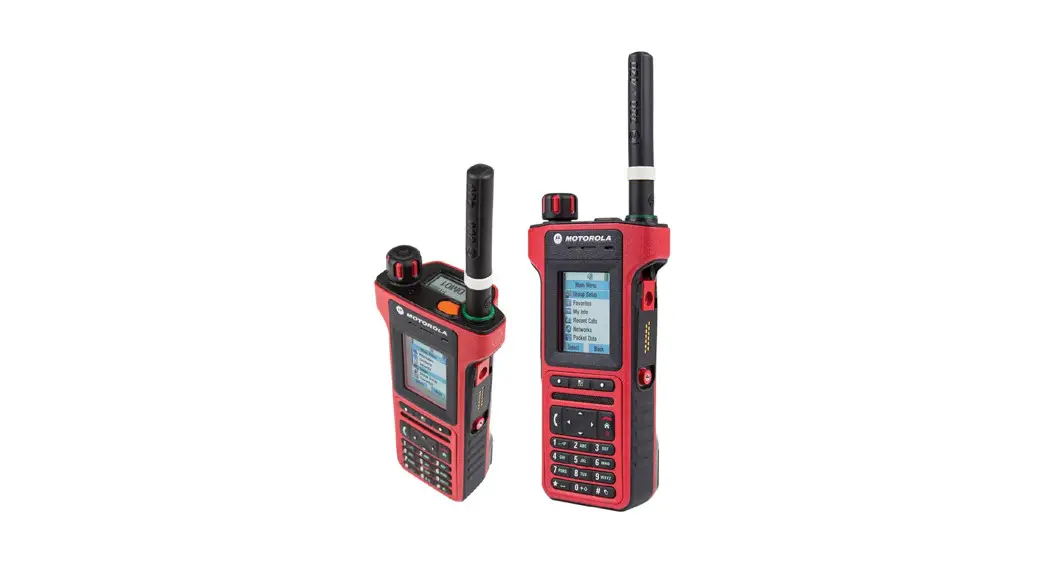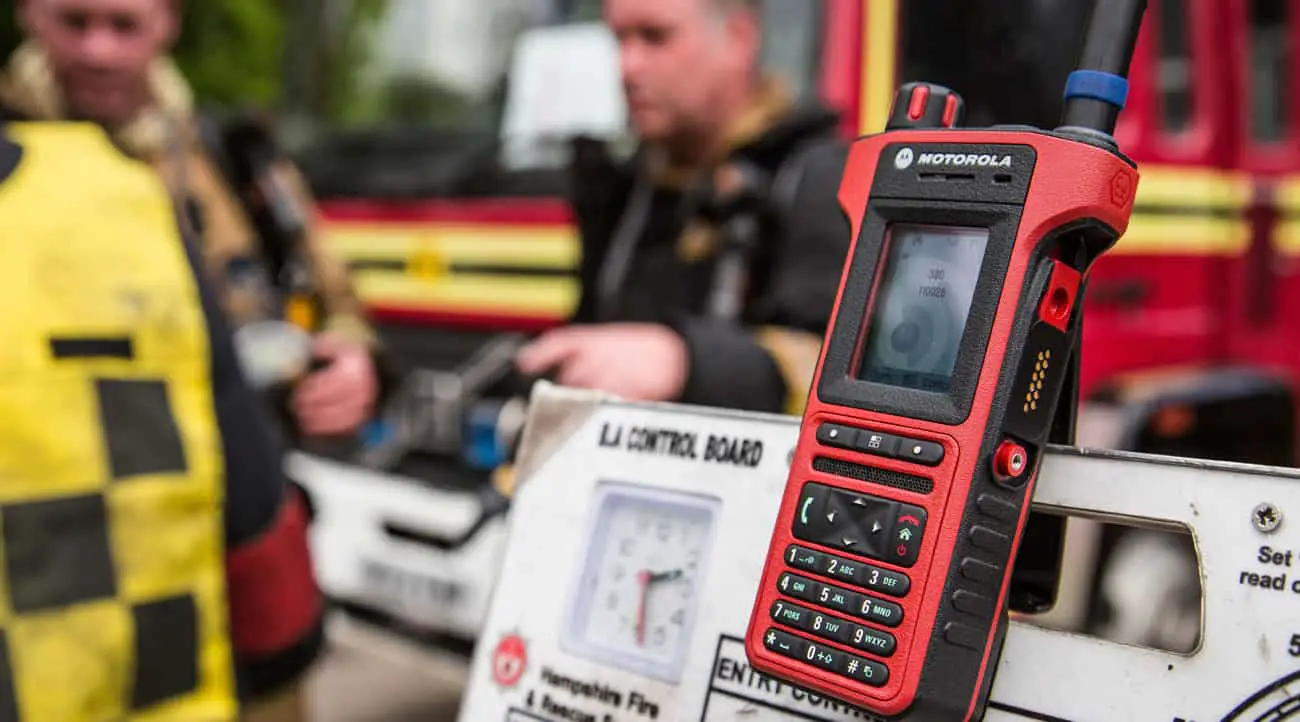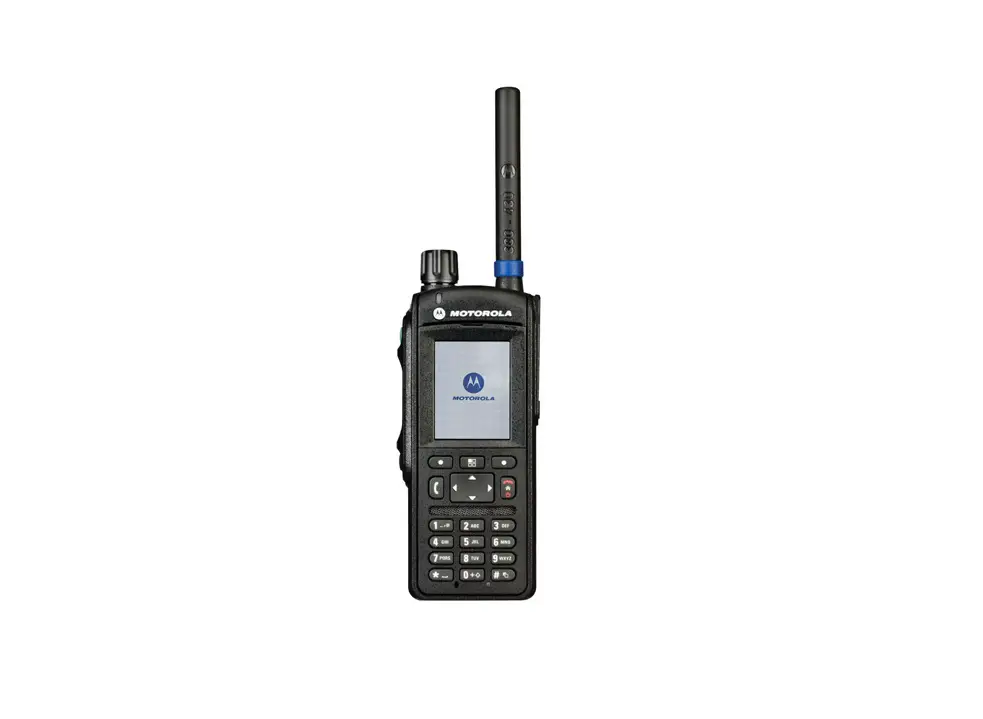
 MTM5000 Tetra Mobile Radio
User Guide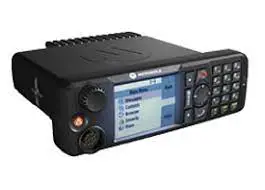
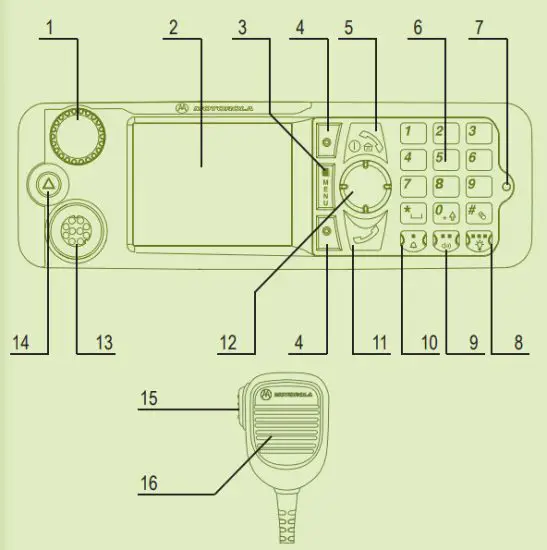
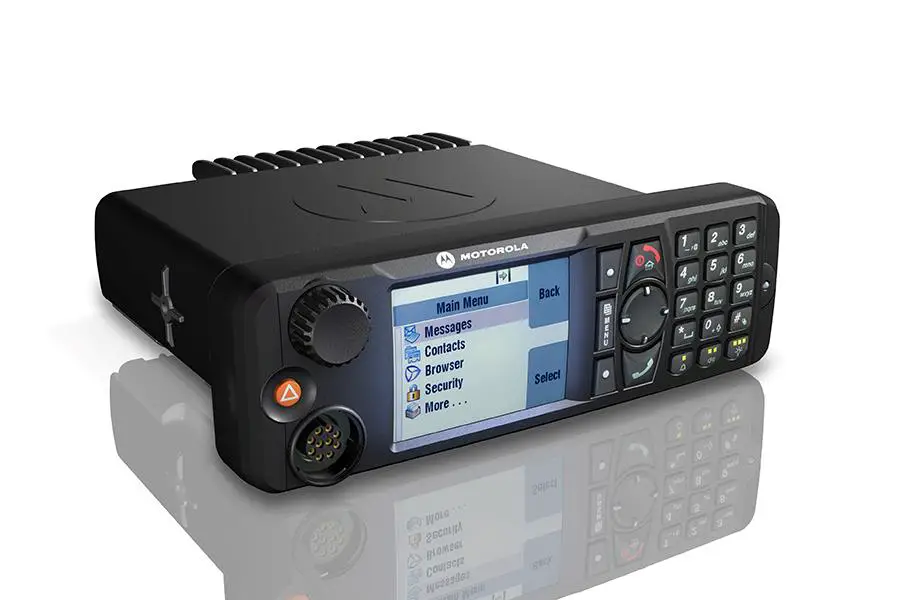
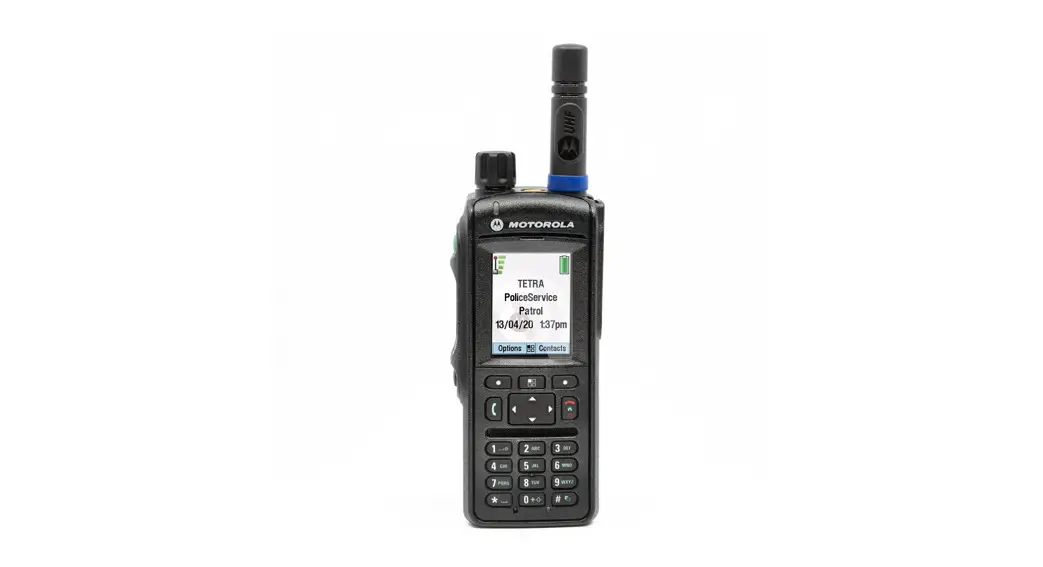
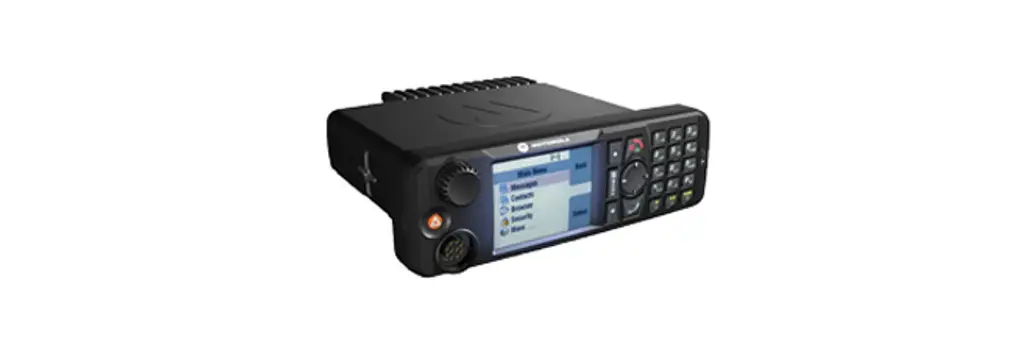
| 1. Rotary Knob/On Push Button | 9. Speaker Control Key |
| 2. Color Display | 10. External Alarm Key |
| 3. Menu Key | 11. Send Key |
| 4. Soft Key | 12. Four Way Navigation Key |
| 5. On-Off/End/Home Key | 13. Mobile Microphone Port |
| 6. Alphanumeric Keypad | 14. Emergency Button |
| 7. LED Status Indicator | 15. Push-To-Talk Button (PTT) |
| 8. Backlight Key | 16. Microphone |
LED Status Indicator
| Indicator | Status |
| Solid green | In use |
| Flickering green | In service |
| Solid red | Out of service |
| Flickering red | Connecting to a network Entering DMO |
| Solid orange | Transmit Inhibit in service Channel busy in DMO |
| Flickering orange | Incoming private or phone call |
| No indication | Switched off |
Home Display
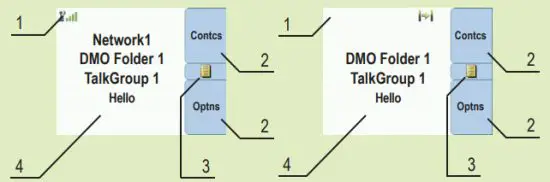
| 1. Status Icon Area | 3. Menu Icon |
| 2. Soft Key Area | 4. Displaying Area |
Unlocking/Locking Keys
To lock/unlock the keypad, press the Menu button and then *.
Unlocking the Terminal
Your terminal may be locked after turning on. To unlock the terminal enter the code at the prompt.
The unlock code is originally set to 0000. Your Service Provider may change this number before you receive your terminal.
Soft Keys
Press a soft key to select the option that appears on the screen directly next to the respective key.
In the home display, Contcs is displayed next to the upper soft key. Pressing the key enters the contact list.
Menu Key
Press the Menu button to enter:
- the menu (when there is no ongoing activity). The menus allow you to control your terminal settings. Menus are organized in a hierarchy.
The menu options provide access to a further list of options called a sub-menu. - the context-sensitive menu (when the context-sensitive icon is on) to view a list of items for the current menu.
Rotary Knob
The Service Provider can program the Rotary knob to one of the following uses:
- Dual Control – the knob is used as both a Volume control and to scroll through Lists. Press the knob to toggle between Volume and List (default programming).
- List Control – the knob is used to scroll lists (for example talkgroups) or menu items. In this case, volume can be controlled only via menu or via external accessories (if present).
- Volume Control – the knob is used only as volume control. Turn clockwise to increase the audio volume level. Press and hold the Rotary knob to lock it, press and hold it again to unlock. On turning off the Rotary knob is also unlocked.
Press and hold this button to enter Emergency Operation.
When the terminal is turned off, press and hold this button to turn the terminal on in Emergency Operation (if configured by your Service Provider).
Looking After Your Terminal
To clean your control head, use a moistened or antistatic cloth.
Do not use a dry or electrostatically charged cloth.
Icons
| Icon | Description |
 | In-Service (TMO) |
 | No Service (TMO) |
 | Signal Strength |
 | Direct Mode (DMO) |
 | Gateway Communication Mode (DMO) |
 | Repeater Communication Mode (DMO) |
 | Gateway Mode |
 | PTT to DMO/TMO in Gateway Mode |
 | Repeater Mode |
 | Emergency Mode |
 | Talkgroup Scrolling |
 | Scan (TMO) |
 | Unmute/Mute |
 | Single/Dual Control Head |
 | Radio Selection |
| Icon | Description |
 | All Tones Off and Duplex and Simplex Ring Muted |
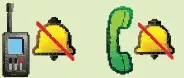 | Simplex/Duplex Ring Muted |
 | Horn and Lights |
 | New Message Has Arrived |
 | New Message(s) |
 | Packet Data/TEDS |
 | Location |
 | WAP |
 | End-to-End Encryption |
 | RUI Logon |
 | RUI Packet Data |
 | Call Out |
 | RMS |
 | WAP Box |
Turning the Terminal On/Off
To turn the terminal on/off, press and hold the On/Off Key.
Using the Terminal Menu
To enter the menu, press the Menu Key.
To scroll through the menu, press the Up or Down Navigation Key.
To select a menu item, press Select or the Right Navigation Key.
To return to the previous level, press Back or the Left Navigation Key.
To exit the menu items, press the Home Key.
Selecting Trunked/Direct Mode Operation
From the Home display press Options, select Trunked Mode or Direct Mode.
Selecting Gateway/Repeater Mode Operation
In the Gateway Mode, your terminal provides an interface between DMO and TMO.
In the Repeater Mode, your terminal is used to extend the DMO range by retransmitting received information.
From the Home display press Options, select Gateway Mode or Repeater Mode.
Making a TMO/DMO Group Call
Enter TMO or DMO. From the Home, display navigate to the desired group. Press Select (if configured). Press and hold the PTT button. Wait for the talk permit tone (if configured) and talk. Release the PTT button to listen.
Making a TMO/DMO Emergency Group Call
Enter TMO or DMO. Press and hold the Emergency Button. The emergency alarm is sent automatically. Press and hold the PTT button. Wait for the talk permit tone (if configured) and talk. Release the PTT button to listen.
If using the Hot Mic feature, wait for the Emgcy Mic On message to appear on the display and talk without pressing the PTT button.
To exit Emergency Mode, press and hold the Exit soft key.
Making a Simplex Private Call
From the Home display dial a number. Press and release the PTT button. The ringing sounds. The called party answers. Wait for the called party to finish speaking. Press and hold the PTT button. Wait for the talk permit tone (if configured) and talk. Release the PTT button to listen. Press the End Key to terminate the call.
Making a Duplex Private Call/Phone/PABX Call
From the Home display dial a number. Press and release the Send Key. The ringing sounds. The called party answers. Press the End Key to terminate the call.
Local Site Trunking
Local Site Trunking allows more than one terminal from the same site to communicate when the link between the site and the infrastructure fails. (The mode availability depends on your Service Provider settings.) When your terminal enters Local Site Trunking, a special tone is played, a message is displayed, display icons and soft keys turn green.
Sending a New Message
Press the Menu Key and select Messages > New Message. Write your message.
Select Send. Select your message recipient. Select Send, or press the Send Key to send the message.
Sending a Status Message
Select the desired group, then press the Menu Key and select Messages > Send Status. Select a status and press the Send Key or PTT button.
More Information on the Radio
Visit the Motorola Solutions Web site at: http://www.motorolasolutions.com/
Learning Experience Portal
User documentation is available at: https://learning.motorolasolutions.com/
Open Source Software Legal Notices
Available in Customer Programming Software Plus (CPS) DVD
This document is copyright protected. Duplications for the purpose of the use of Motorola Solutions products are permitted to an appropriate extent. Duplications for other purposes, changes, additions or other processing of this document are not permitted. Only this electronically-saved document is considered to be the original. Duplications are considered merely copies. Motorola Solutions, Inc. and its subsidiaries and affiliates do not vouch for the
correctness of such kinds of copies.
MOTOROLA, MOTO, MOTOROLA SOLUTIONS, and the Stylized M Logo are trademarks or registered trademarks of Motorola Trademark Holdings, LLC and are used under license. All other trademarks are the property of their respective owners. © 2016 and 2022 Motorola Solutions, Inc. All rights reserved.
 Mission Critical Communications - Motorola Solutions
 Motorola Solutions