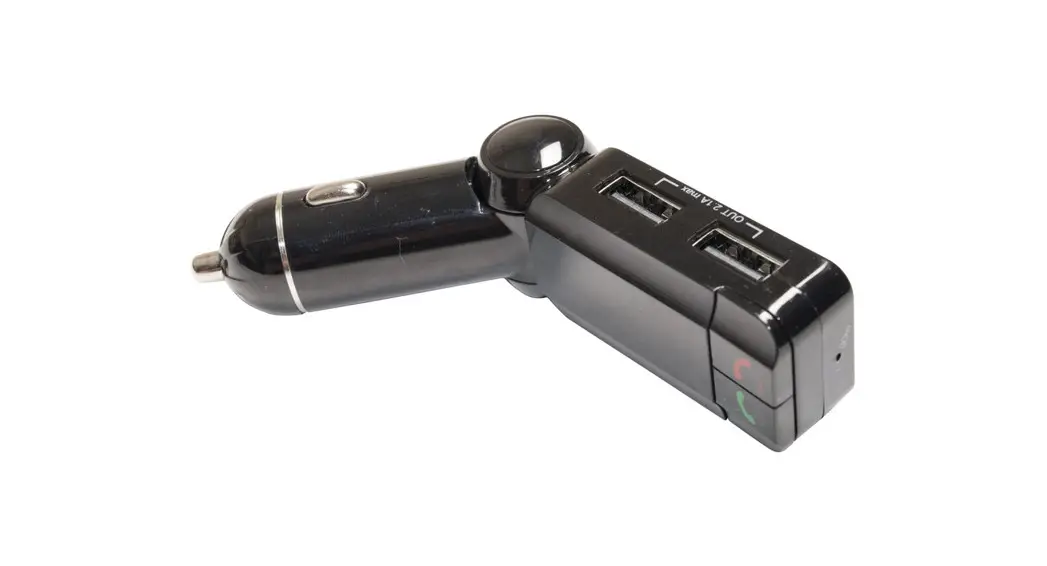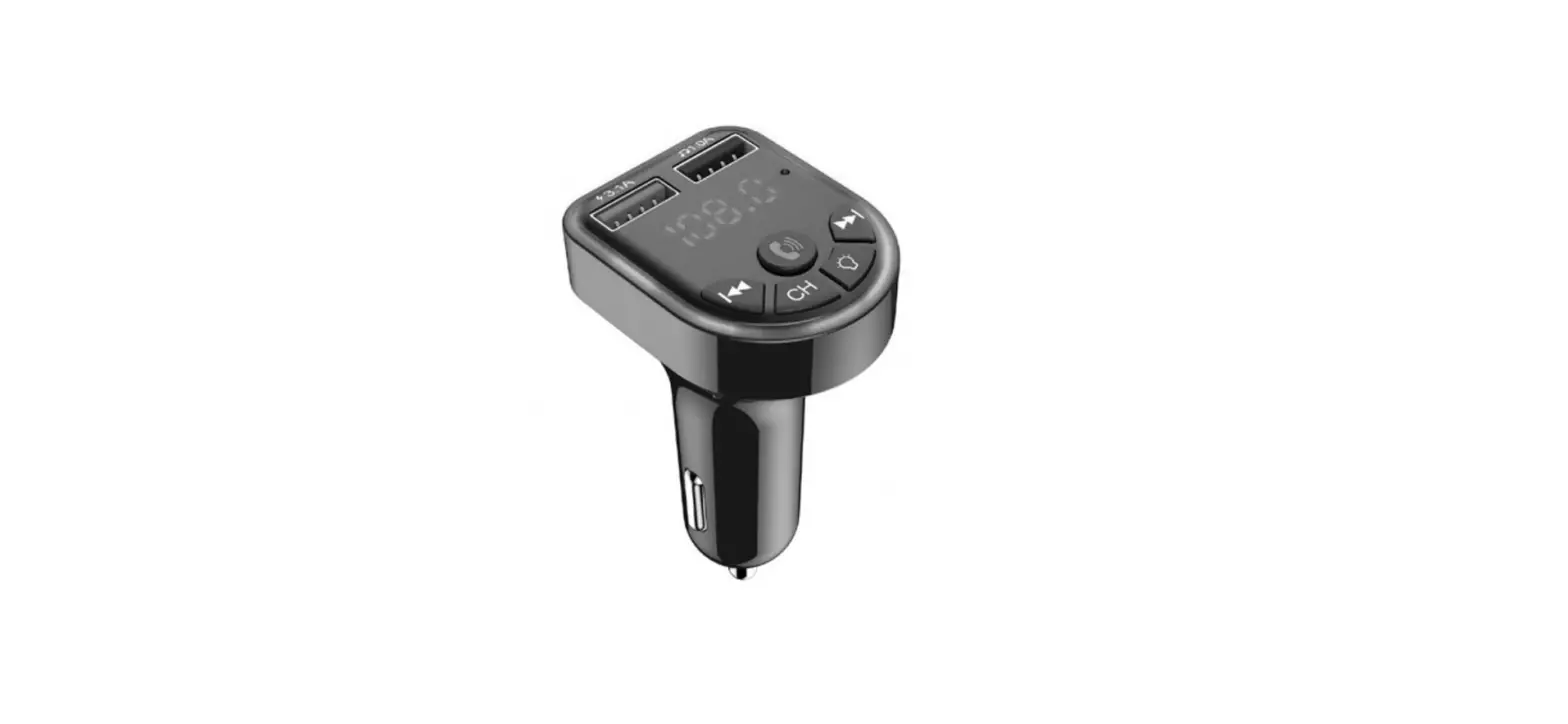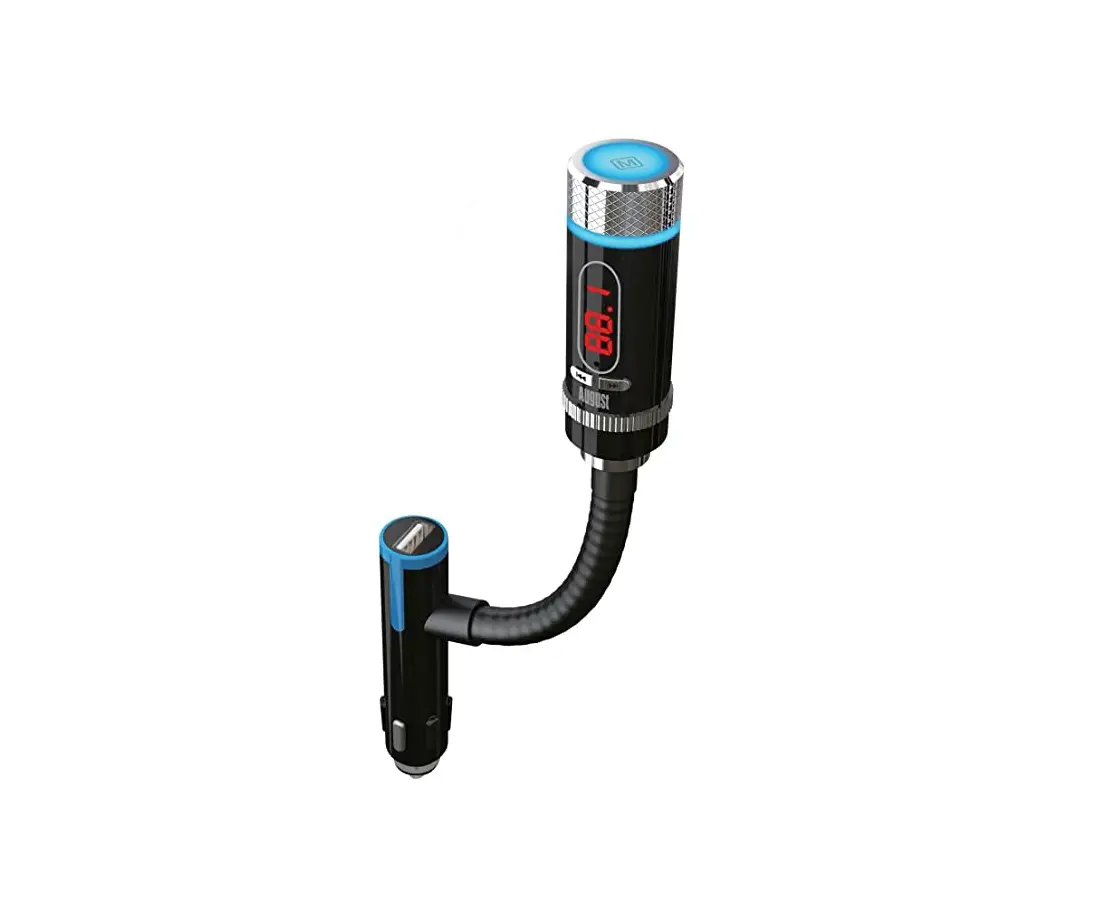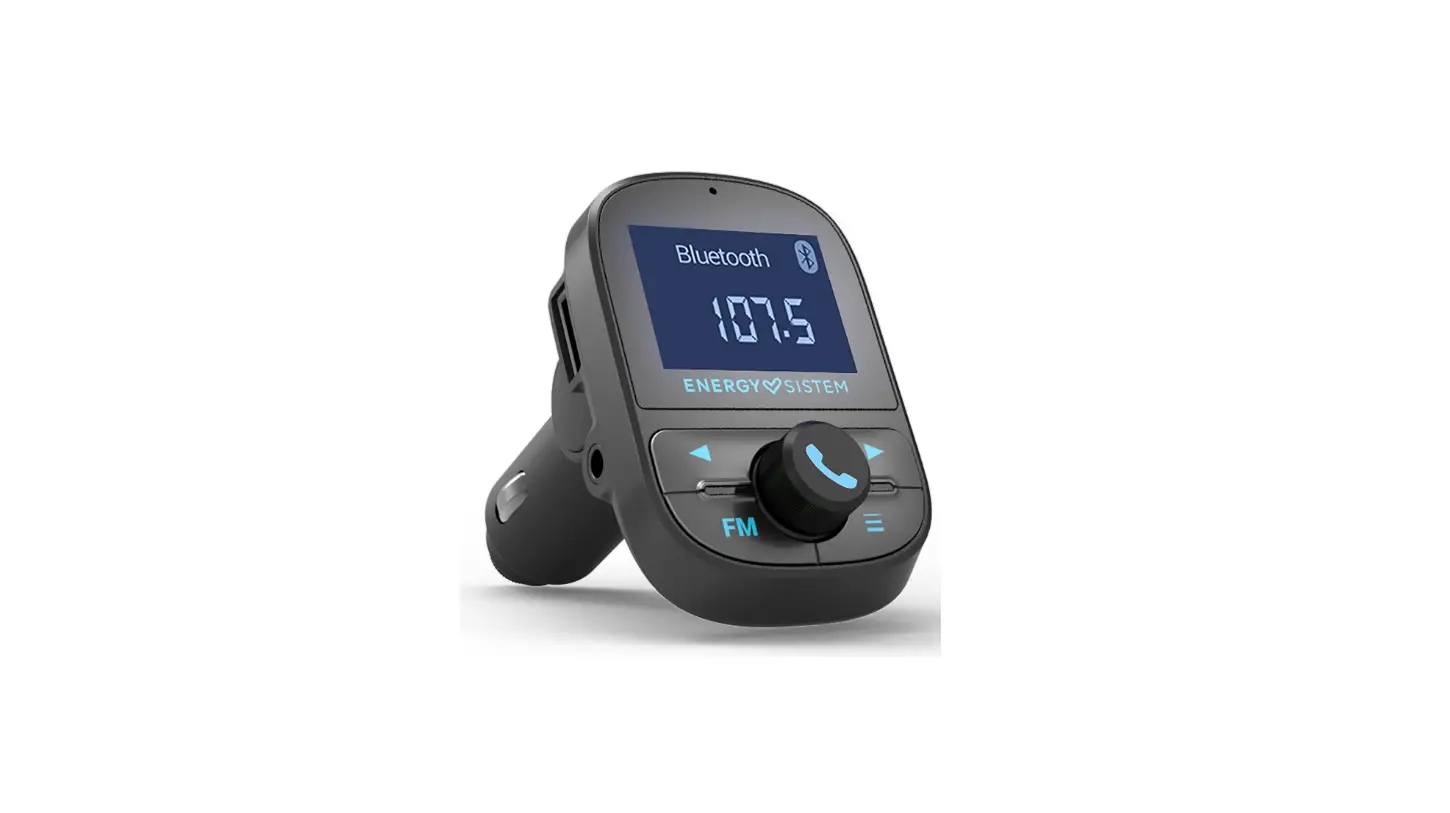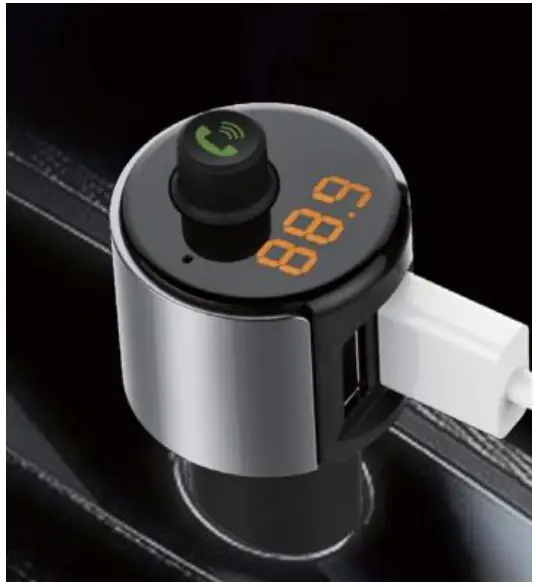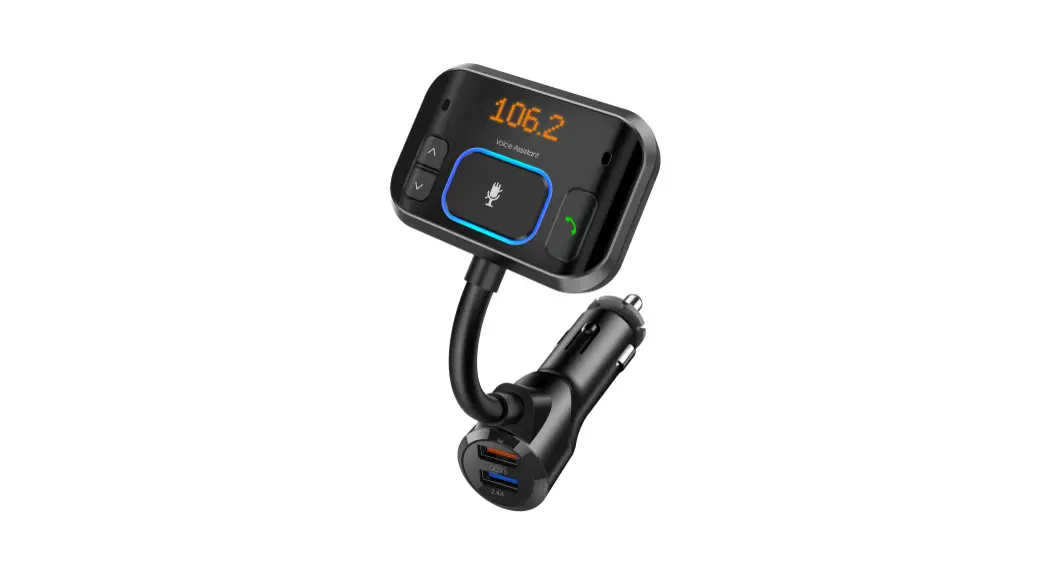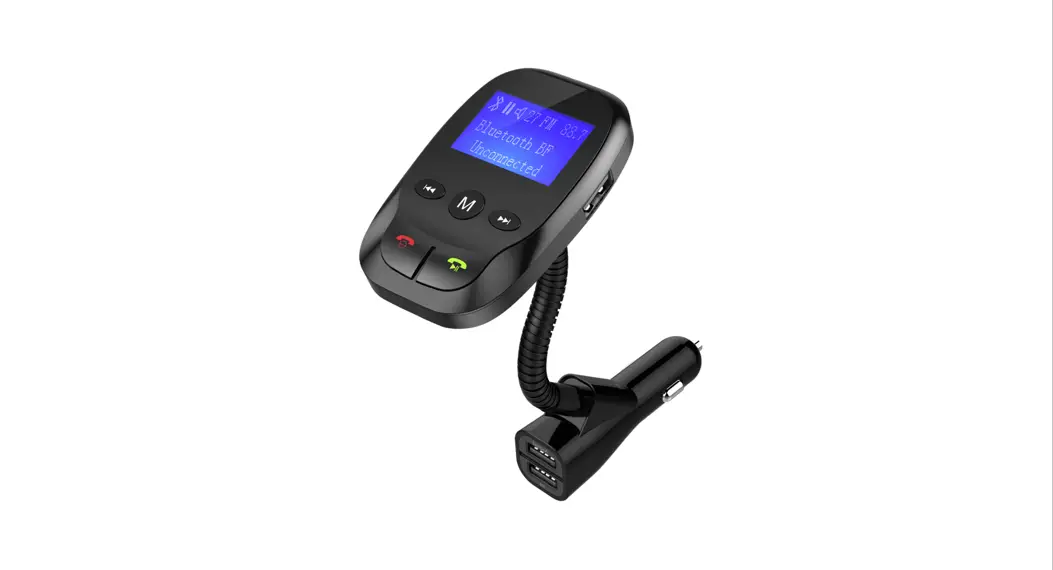
 SBT1107 Bluetooth Hands-Free Fm Transmitter With Siri And Google Assistant +3.1a Charger
User Guide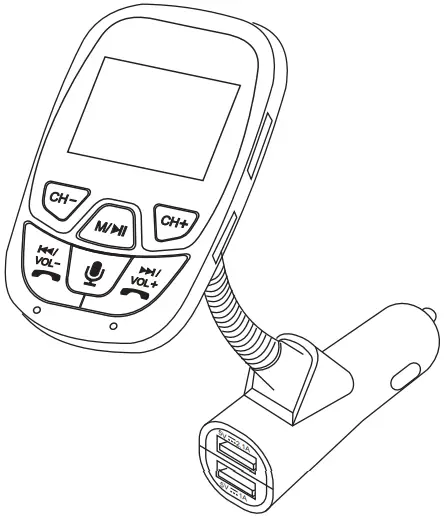
PLEASE READ BEFORE OPERATING THIS EQUIPMENT is a registered trademark of OSRAM SYLVANIS Inc. used under license?
Introduction
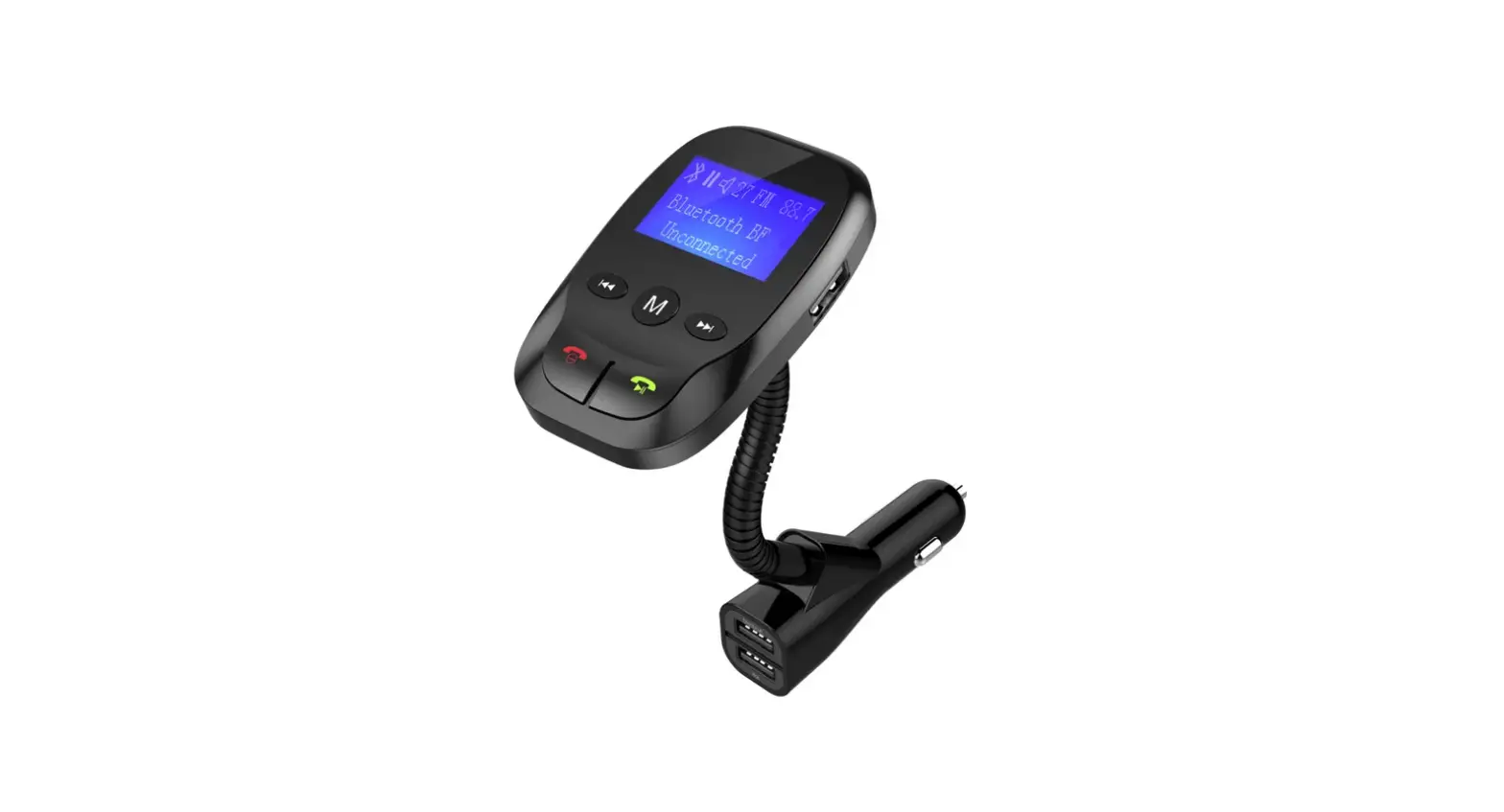
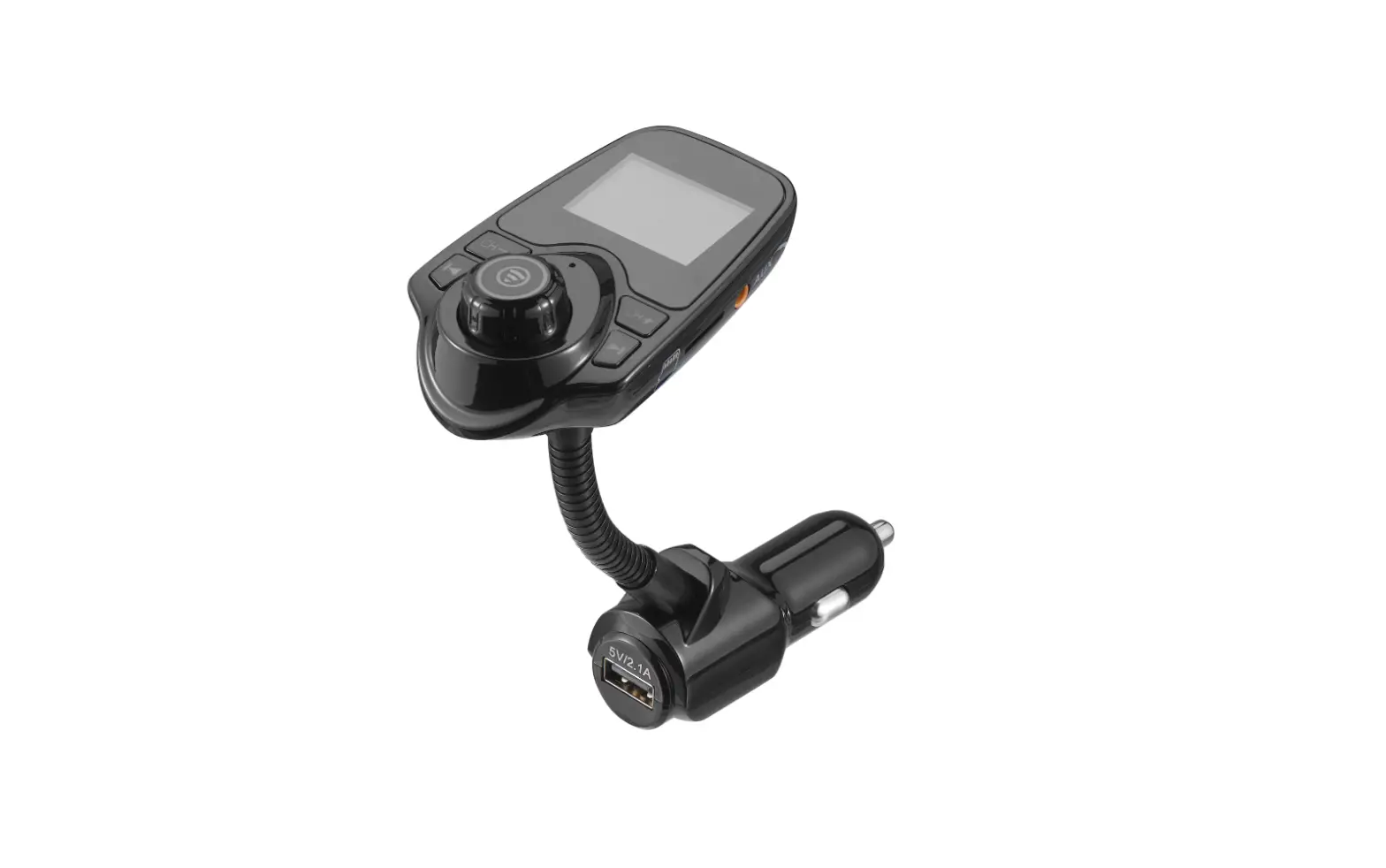
The SBT1107 Bluetooth FM Transmitter utilizes Bluetooth 5.0 technology and equips three USB ports: one for USB music file playing; two designed for charging (IOS and Android devices). Moreover, it supports TF card and AUX Input.
SBT1107 provides multi-solutions for your hands-free driving and in-car stereo streaming. Smart phone can be connected to SBT1107 through Bluetooth and stream through car FM system.
Read before use
- The transmitter will connect to the pre-set phone automatically when turns on (Keep mobile phone’s Bluetooth active).
- For the best audio quality, find a least interfered frequency and adjust to find an ideal volume for the FM transmitter (Volume 15 is usually good).
- If the noise is too loud, please try other vacancy FM frequencies or use the Aux-In port
- The display screen will power off automatically while no Bluetooth connected and without any operation in 5 minutes (without flash drive or TF card in), you need to long press the multi-function button for 2 seconds to turn it on again.
- Never disassemble the product, which will void its warranty and cause safety concern.
Product Diagram
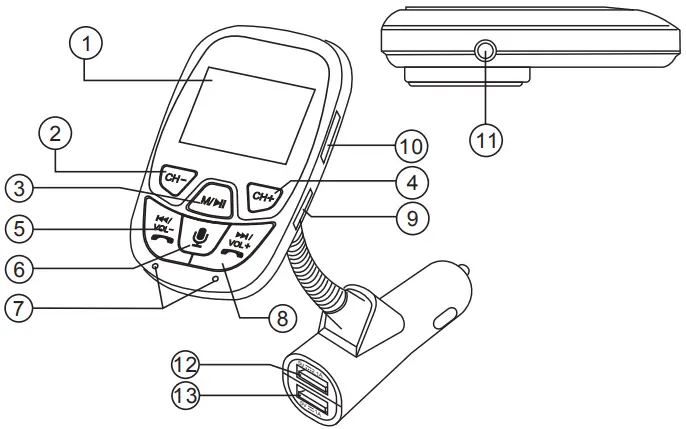
| ① Display screen ② Frequency (channel) down ③ Multi-function button/Play / Pause button ④ Frequency (channel) up ⑤ Hang up / Previous / volume down ⑥ Voice control button ⑦ Microphone | ⑧ Answer the call / Next / volume up ⑨ TF card slot ⑩ USB port(for reading files) ⑪ Aux input / Aux output ⑫ Charger USB1 ⑬ Charger USB2 |
Specifications
FM Frequency Range: 88.1~107.9MHz
Product Input: 12-24V
USB Charger Output: 5V/3.1A (total)
TF Card Slot and USB Reader Support Music Format: MP3, WMA
TF Card and USB Flash Drive (Max capacity): 32GB
FM Operating Distance: about 5M
Operation Instruction
- FM Transmitter Set-up
1). Plug this device into your car cigarette lighter port, and it will turn on automatically;
2). Tune the radio to a vacant FM frequency, then adjust this device to sync the same frequency (via the “CH+” button and “CH-” button).
(Please find the least interfered vacant frequency, in order to achieve the least noise upon sync) - TF Card and USB Flash Drive
Insert your TF card into the TF card slot or insert a USB flash drive into the USB reader port, it will play your MP3/WMA audio automatically. - Bluetooth Phone Set-up
Using Bluetooth for the first time, you need to pair your mobile phone with this unit. Activate your mobile phone’s Bluetooth function, then detect and pair this unit (SYLVANIA SBT1107). - Bluetooth calling
In the music-playing mode, when there is an incoming call, this unit will automatically switch to telephone mode.
1). Please press the ”Answer the Call button” to answer an incoming call.
2). Please press the ”hang up button” to hang up a call.
3). Please press the ”Answer the Call button” twice to dial the last out-call number. - AUX Input / AUX Output
Aux Input: Use the audio cable (not included) to connect MP3/MP4 players or other external device and the other end connect to the “Aux input/Aux output”.
Aux Output: Use the audio cable (not included) to connect the external speaker’s Aux-In port and the other end connect to the “Aux input/Aux output”, this unit can be used as a card reader. - Charge Function
There are dual USB Charging ports, one for 5V 2.1A and the other for 5V 1A. The different current is for different devices charging. USB Port is not intended for charging purposes. - Playing Mode Switch
While playing audio, short press the M/ button, and you can pause or play again. Long press the M/ button, and you can switch the audio source from Bluetooth, TF card, USB flash drive, or Aux input.
 - Voice Control Button
When the unit is in BT mode, you can access Siri or Google Assistant using Voice Control.
• Press the Voice Control Button to activate Siri or Google Assistant via your paired smartphone. When you hear a confirmation tone, speak Voice Control Microphone to make your voice commands.
Quick Guide
| Operation Guide | On FM transmitter |
| 1. Set Frequency | Press the “CH+” button: to increase the frequency; Press the “CH-“button: to decrease the frequency. |
| 2. Choose audio | Short press the VOL+/  button: play the next audio. Short press button: play the next audio. Short press  /VOL- button: play the previous audio. /VOL- button: play the previous audio. |
| 3. Play and pause the audio | Short press the M/ button |
| 4. Answer/hang up a call | Press the answer the call button / hang up button |
| 5. Adjust the volume | Long press VOL+/ button: volume up Long press /VOL- button: volume down |
| 6. Reject a call | Press hang up button |
| 7. Private call answer | Long press the answer the call button for three seconds, and you can answer the call privately, instead of via Bluetooth. |
LIMITED PRODUCT WARRANTY
This quality product is warranted to be free from the manufacturer’s defects in material and workmanship, provided that the unit is used under the normal operating conditions intended by the manufacturer. Should you have any problem with this product, please and it is highly recommended to visit our website at www.curtisint.com before you take any other steps as we have additional copies of instruction manuals, operating manuals, and troubleshooting tips on our website which gives you the answer on most of the questions you could have in operating the unit.
TERMS OF WARRANTY
C.I. Service Dept. warrants this product to be free from defects in materials and workmanship for 90 days on parts and 90 days on labor. If you originally purchased your product more than 90 days ago, a repair fee may apply.
Nothing within this warranty shall imply that C.I. will be responsible or liable for any damage to any items placed in this product, whether due to any defect of the product, or its use, whether proper or improper.
EXCLUSIONS
Save as herein provided, C.I. Service Dept. (Canada) or C.I. Service Dept. (USA), there are no other warranties, conditions, representations, or guarantees, express or implied, made or intended by C.I. or its authorized distributors, and all other warranties, conditions, representations or guarantees, including any warranties, conditions, representations or guarantees under any Sale of Goods Act or like legislation or statue is hereby expressly excluded. Save as herein provided, C.I. Service Dept. (Canada) or C.I. Service Dept. (USA), shall not be responsible for any damages to persons or property, including the unit itself, howsoever caused or any consequential damages arising from the malfunction of the unit and by the purchase of the unit, the purchaser does hereby agree to indemnify and save harmless C.I. from any claim for damages to persons or property caused by the unit.
TO OBTAIN REPAIRS UNDER THE TERMS OF THIS WARRANTY
- The original purchaser must present a copy of the original bill of sale and the service warranty card.
- Any alterations, abuse, misuse, battery corrosion, or accidental damage voids the warranty.
- The warranty does not cover cabinets and accessories.
- No warranty or insurance contained or set out shall apply when damage or repair is caused by power failure; damage in transit or when moving the unit; improper power supply; use for commercial or industrial purposes; service calls resulting in customer education, etc.
- The defective product should be mailed to:
Canada
C.I. Service Dept.
7045 Beckett Drive, Unit 15
Mississauga, ON
L5S 2A3Curtis International Ltd.
C/O CNR International
2626 Vista Industria
Compton, CA 90221
U.S.AFor service assistance and product information, please call 1-800-968-9853.
If mailing the product, the freight must be prepaid and a money order for $7.00 should be included to cover the cost of insurance and the return of the product. - C.I. reserves the right to repair or replace the parts which have become defective.
To begin the warranty repair process, please note that you MUST obtain a return authorization number prior to returning your product for warranty-based support. This can be placed under the 1-800-968-9853 contact line.
Model No. ____________ Date Purchased ____________ Serial No. _____________
©Curtis International Ltd.
7045 BECKETT DRIVE,
UNIT 15, MISSISSAUGA,
ON, L5S 2A3
www.curtisint.com