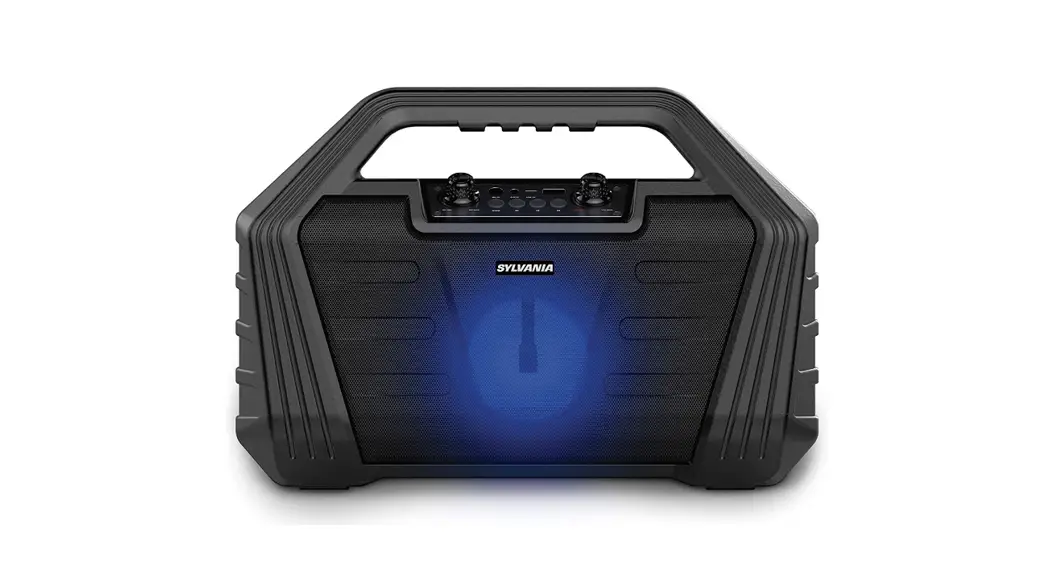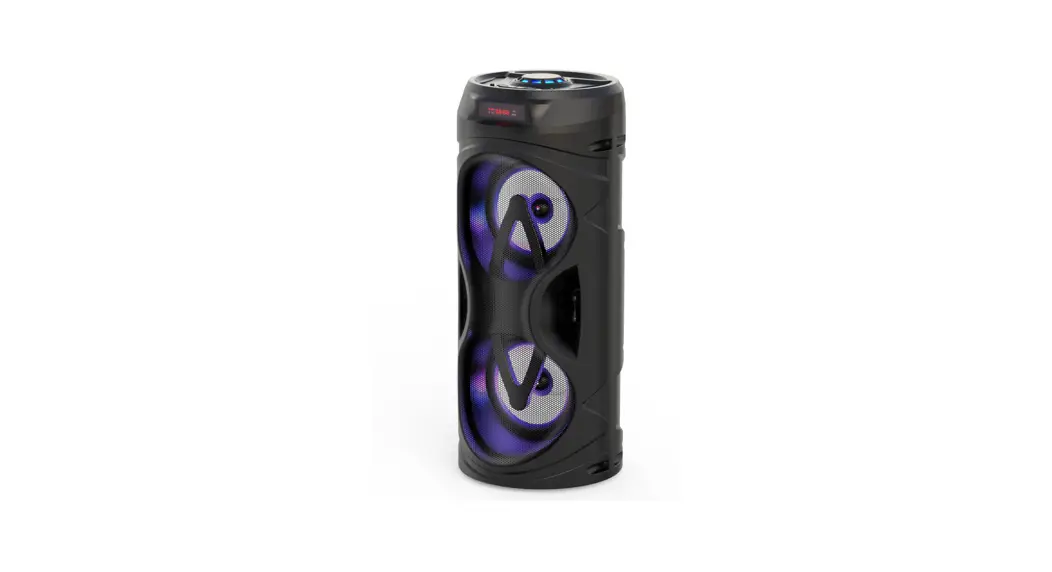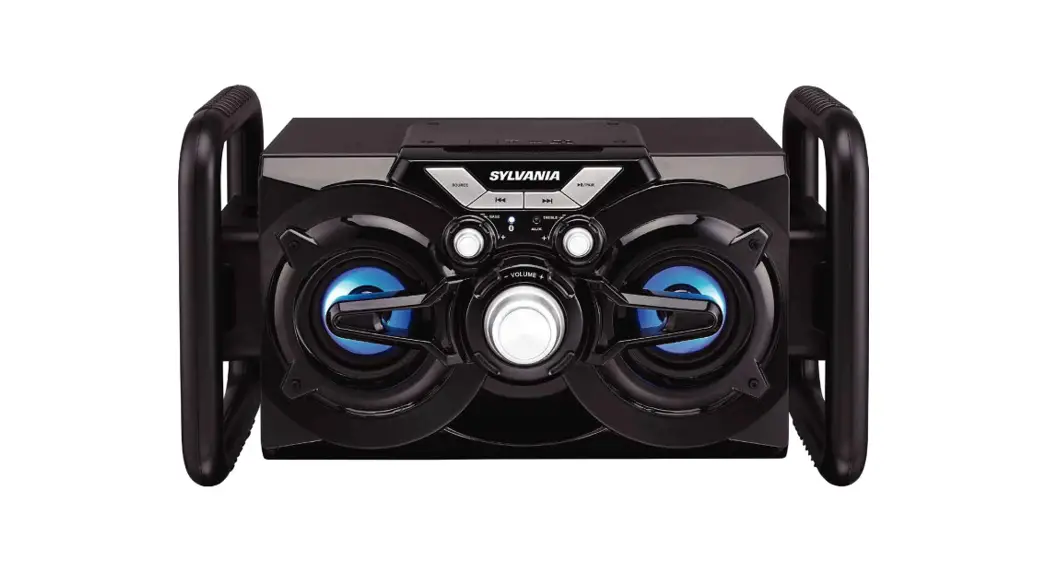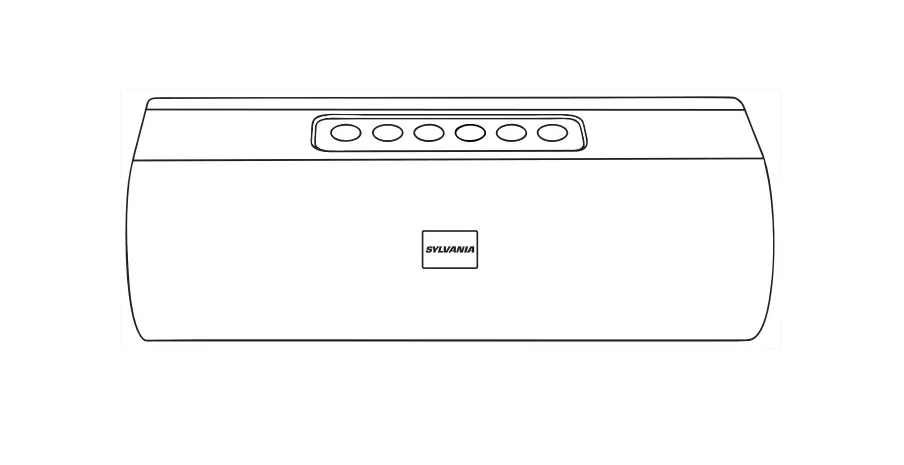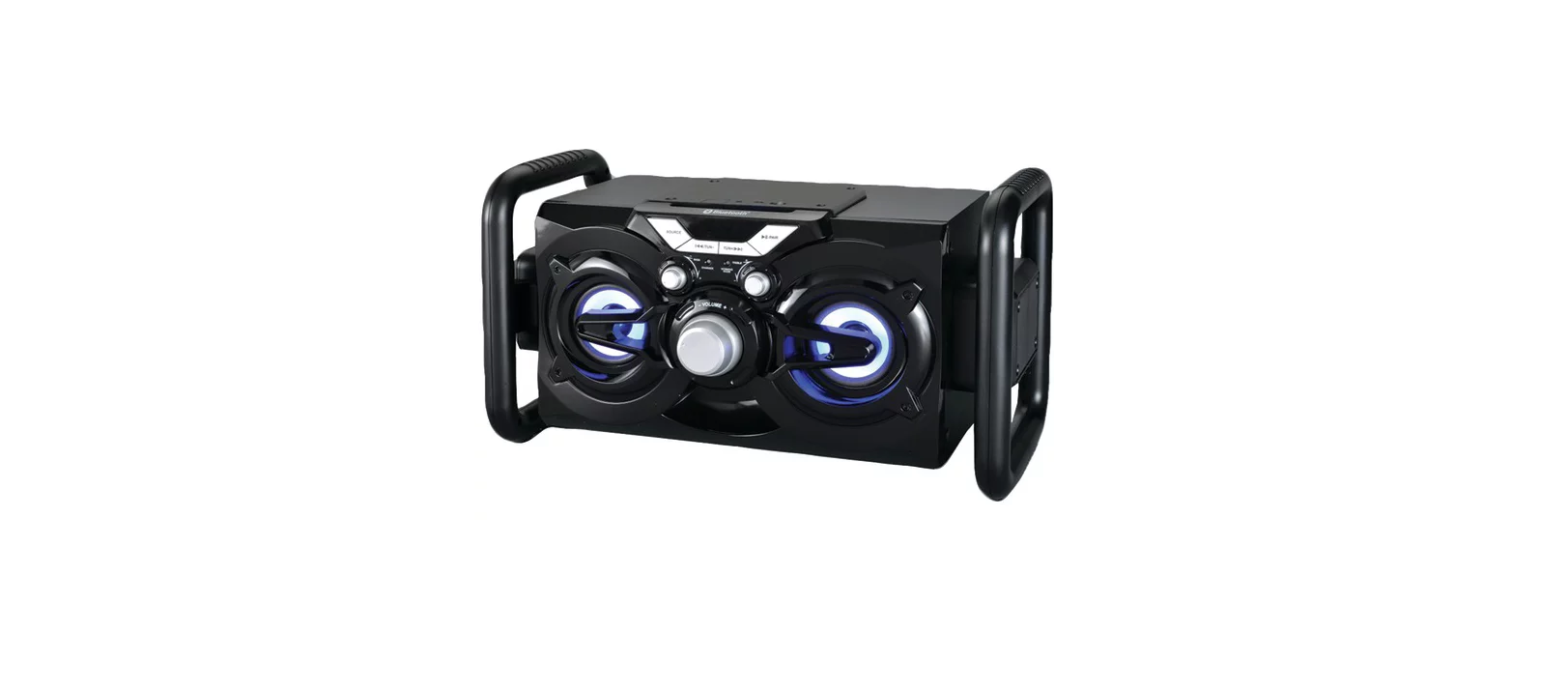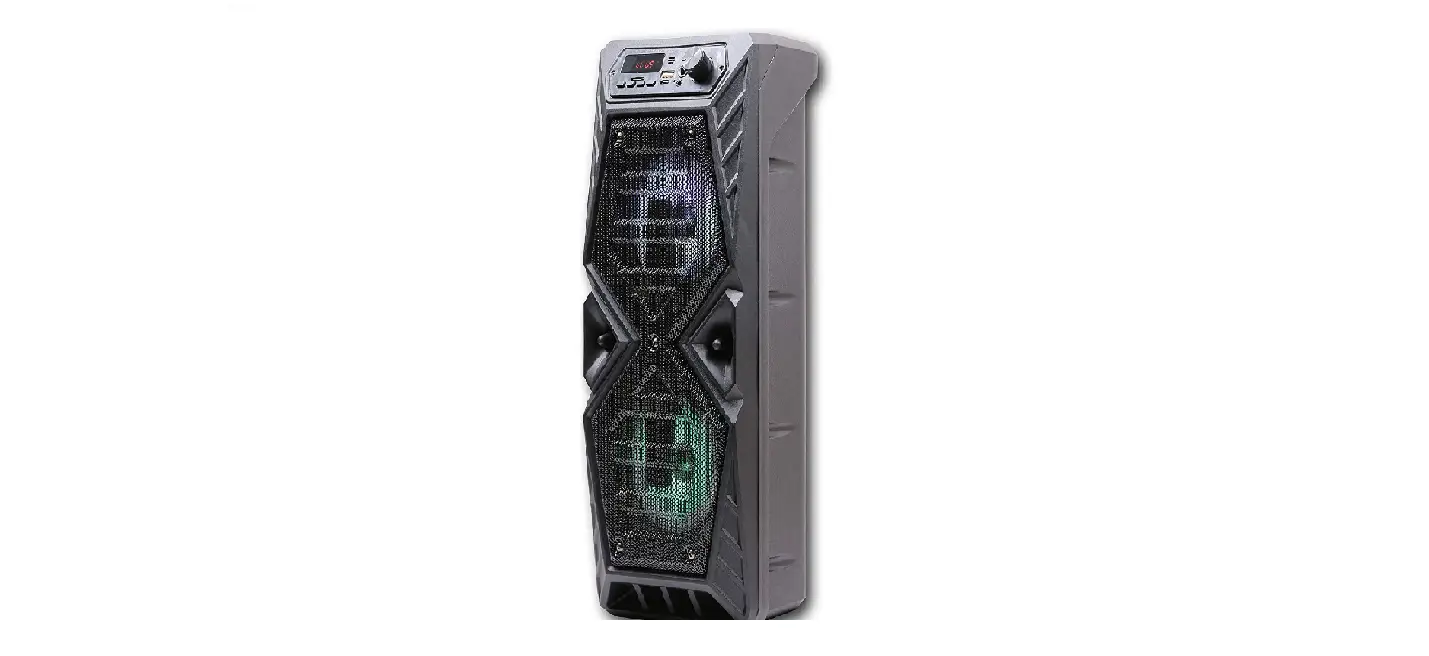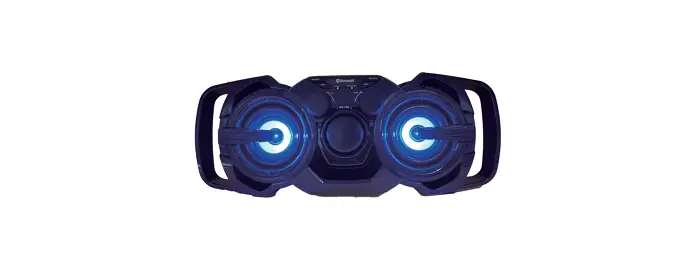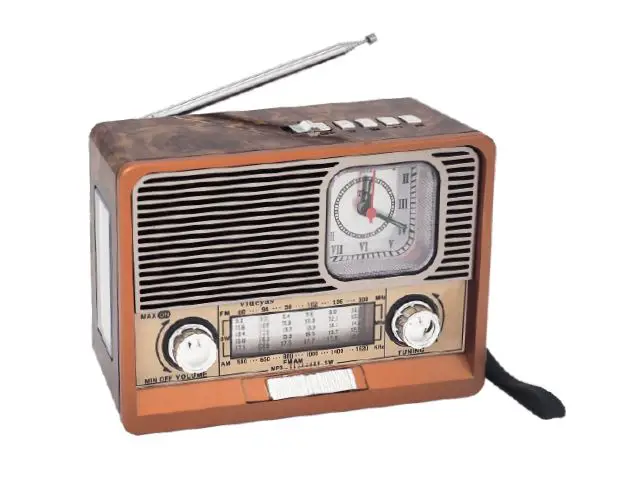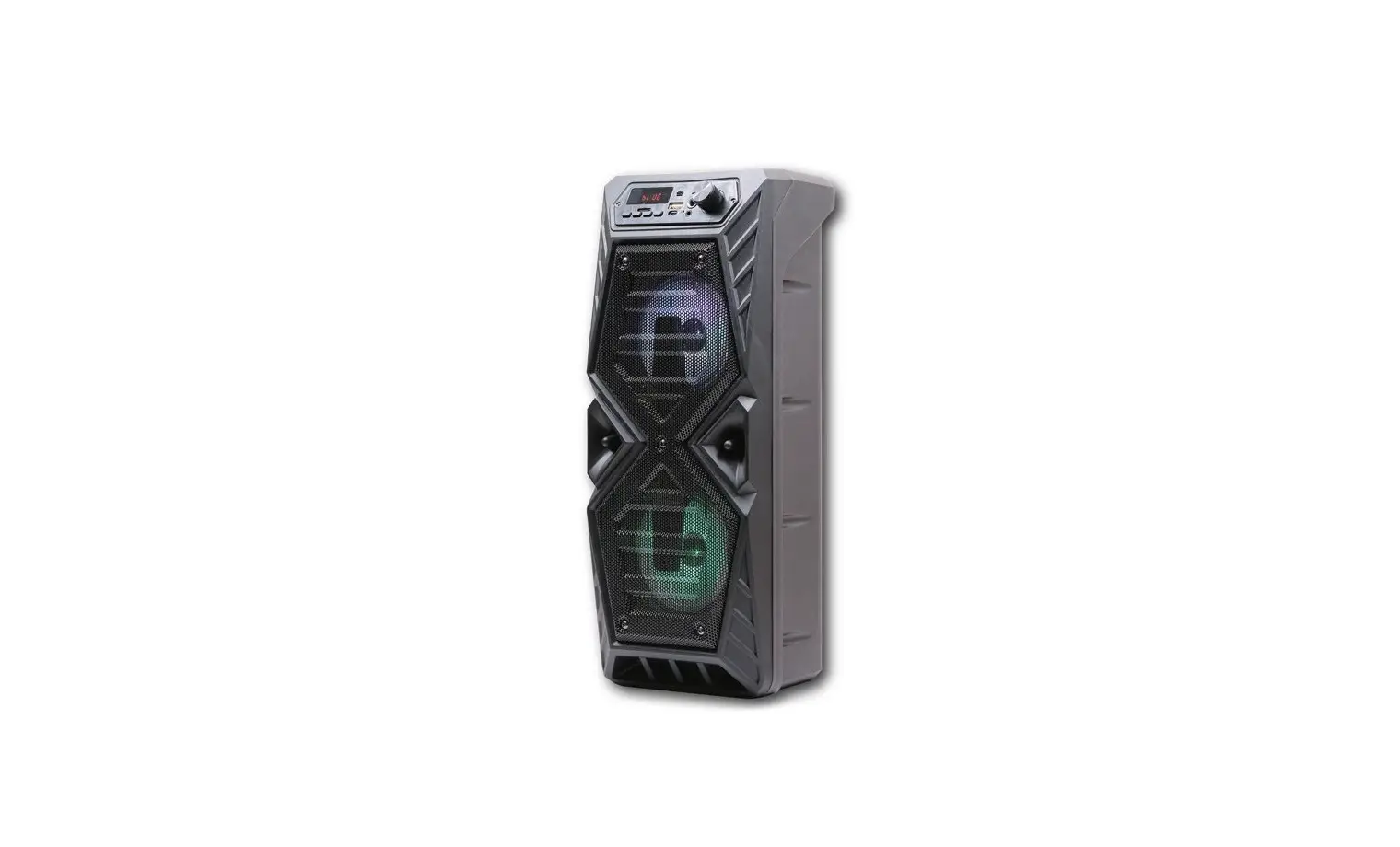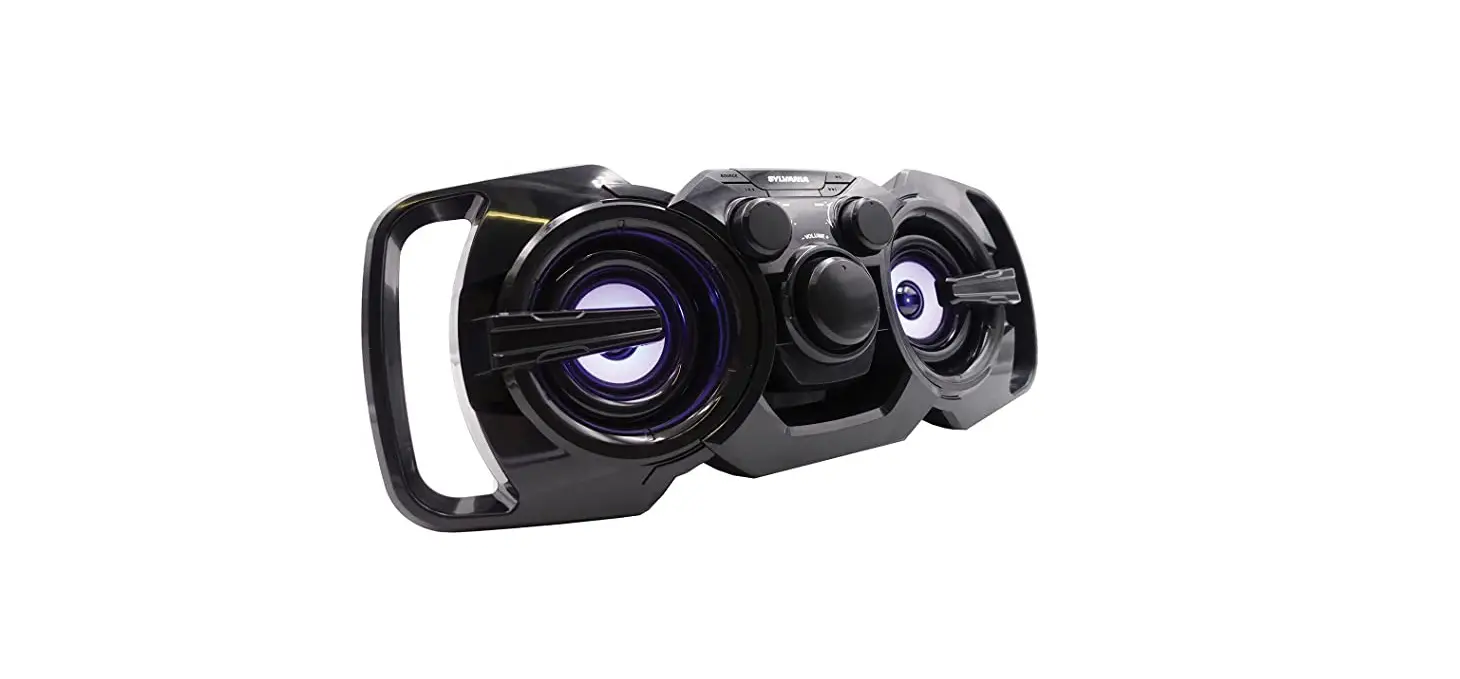

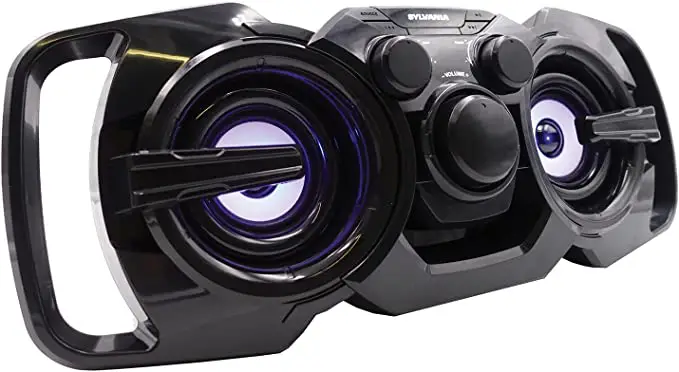
SYLVANIA SP336 Bluetooth Rechargeable Speaker with FM Radio
Specification
- Product Dimensions
19 x 9 x 16 inches - Item Weight
2.9 pounds - Item model number
SP336 - Power Source
Battery Powered - Batteries
1 Lithium Ion battery is required. (included) - Hardware Interface
3.5mm Audio - Mounting Type
Plug Mount, Freestanding - Connectivity Technology
Bluetooth, Auxillary - Recommended Uses For Product
Music - Color
Black
Features
- The output power of 10 watts
- Response to Frequencies 50 Hz to 20 kHz
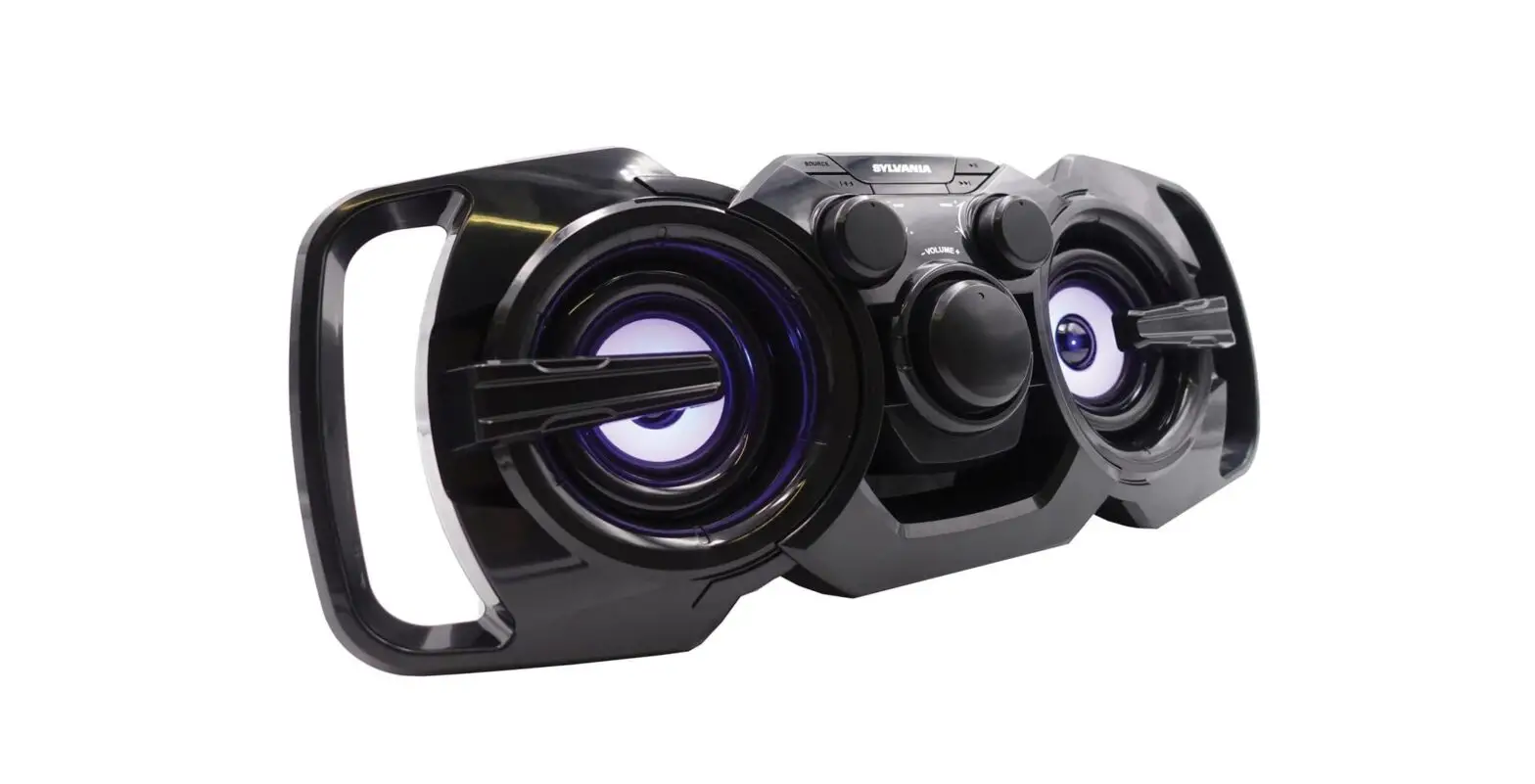
- Light-up LED speaker
- 3 in. x 2 drivers
- Integrated FM radio
What’s in the box
- Speaker
- USB Cable
Product Description
The SYLVANIA Rechargeable Light-up Speaker with FM Radio has Bluetooth streaming, allowing you to stream music wirelessly from your smartphone up to 30 feet away. When not streaming music, you can listen to the FM radio that is already there. You can also connect your MP3 player or other non-Bluetooth device using the 3.5 mm aux input jack. You may customize the sound with the volume, bass, and treble controls. Additionally, the built-in, rechargeable battery offers hours of fun listening!
How to use Bluetooth to connect
You can pair your device with the gadget by selecting YES or SYLVANIA from the Bluetooth listings on your device. Enter the passcode “0000” if prompted. 5. After turning on your smartphone, use its buttons to change the volume.
How to Clean
One of the most important things to remember is to not use liquids to clean your wireless Bluetooth speaker. Liquids can get inside the wireless Bluetooth speaker and damage internal parts. A simple cloth to wipe away dirt and other particles will do the job nicely.
FAQ’s
FM Radio with 20-Watt Rechargeable Disco Light-Up Bluetooth Speaker
With steady use, the charge lasts roughly 8 hours, however, the device is still playable while it is charging.
Electronics Sylvania Portable Bluetooth Speaker, 7 x 8.2 x 15.5 inches, black (SP336-BLACK).
Bluetooth Connection: The speaker only needs to be turned on to enter pairing mode. The speaker is prepared to play music once you choose it from your Bluetooth menu!
To turn the lighting function on or off, press and hold the BATT (battery) button and LIGHT button inside the speaker’s cap for around 3 seconds. The lighting function can be turned back on/off by pushing and holding the button for an additional three seconds. I apologize, there was an issue.
Try one more later, please. The light is on while it is charging. The light turns off after it has finished charging. The light is always on when it is turned on and in use, but when it is not used for a time, it automatically turns off.
With its ultra-portable size and tough IPX4 waterproof build, it’s perfect for taking your jams to the beach or the pool. Enjoy music by connecting this portable Bluetooth speaker to a Bluetooth-enabled smartphone, such as an iPhone, iPad, or Android-powered device.
Things to Know
By holding down the Power or Pairing button, you can put your Bluetooth device in pairing mode.
iPhone: Select Other devices under Bluetooth settings. To connect, tap the gadget.
Go to Settings > Connected devices > Bluetooth on an Android device. After choosing Pair new device, tap the speaker’s name.
The charging process for speakers using AC mains power typically takes 6 to 8 hours. A USB-charged speaker will take about 3–4 hours to completely charge.
The (power) PAIRING button must be pressed and held down until beeps are heard and the white (BLUETOOTH) indicator starts to flash rapidly. It switches to pairing mode. To get the Bluetooth device to recognize the speaker, couple it with a Bluetooth device.
By switching the Function button between the AUX and Bluetooth modes, you can activate the FM Receiver. By pushing Volume up and down, you should now be able to locate the radio station because the FM tuner mode should be on.
Go to Settings > System > Advanced> Reset Options > Reset Wi-fi, mobile, & Bluetooth on Android devices. For iOS and iPadOS devices, you’ll need to unpair every device first, then restart your phone or tablet by going to Settings > Bluetooth, selecting the info icon, then selecting Forget This Device for each device.
If your Bluetooth device’s visibility is enabled, anyone with a connection to your Bluetooth could theoretically access your device without authorization
If the portable wireless speaker won’t turn on, check these things:
Check to see if your speaker has enough power.
Make sure the USB AC adapter is firmly (not loosely) attached to the speaker and the wall outlet.
Hold down the power button while waiting for the speaker to start up.
From hands-free phone calls to wireless file sharing to listening to music on a car’s speakers, Bluetooth technology offers ease. However, having your Bluetooth on all the time can be risky, and hackers are taking advantage of the technology to spread harmful software, access sensitive information, and more.