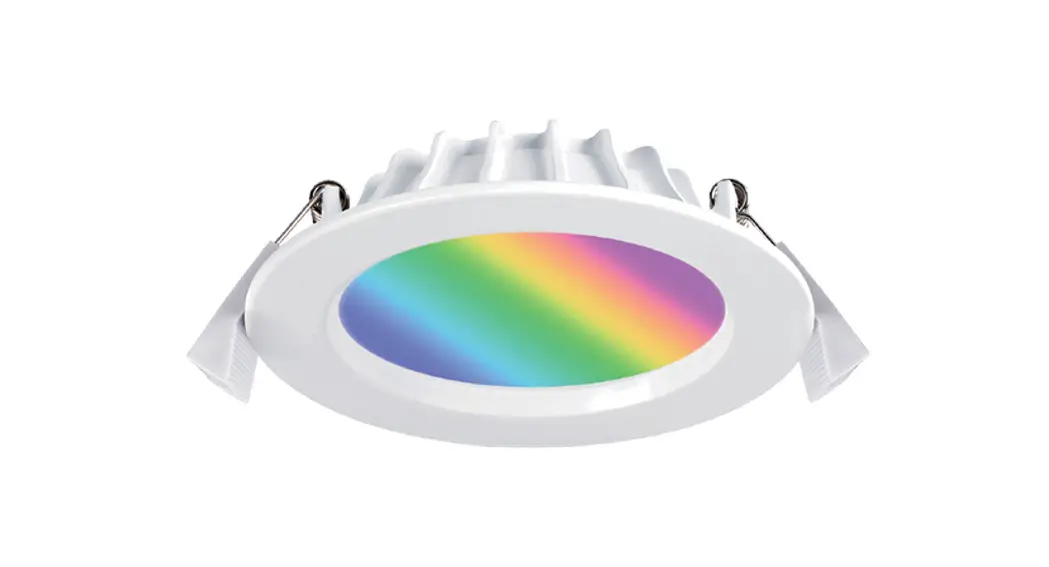

Installation Instructions
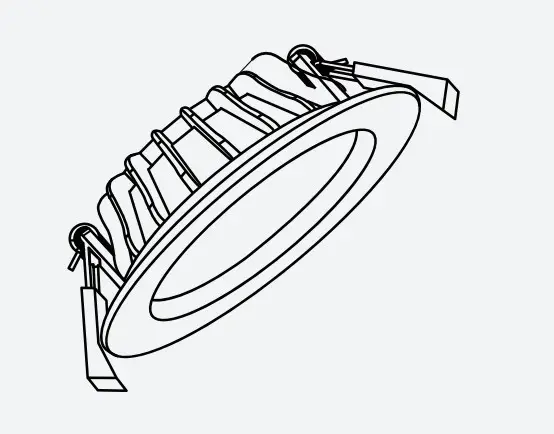
KASTA
Smart Downlights
Product Code:
KB12TWD1-WH/ KB12RGBTWD1-WH
APP Installation
Visit www.kasta.com.au or your app store to download the free KASTA app.
iOS: requires iOS 9.0 or later.
Android: requires Android 4.4 or later.
Devices must support Bluetooth 4.0

Important Safety Information
- This product must be installed by a licensed electrician in accordance with all the requirements of AS/NZS 3000 (current edition) and other relevant Standards and Regulations.
- Electricity MUST be disconnected prior to installation. Failure to do so may result in serious injury and or loss of life.
- Indoor use only. Not suitable for damp or explosive environments.
- Complies to Australian Standards AS/NZS 60950.1:2015, AS/NZS CISPR 15.
- No user-serviceable parts inside.
FEATURES
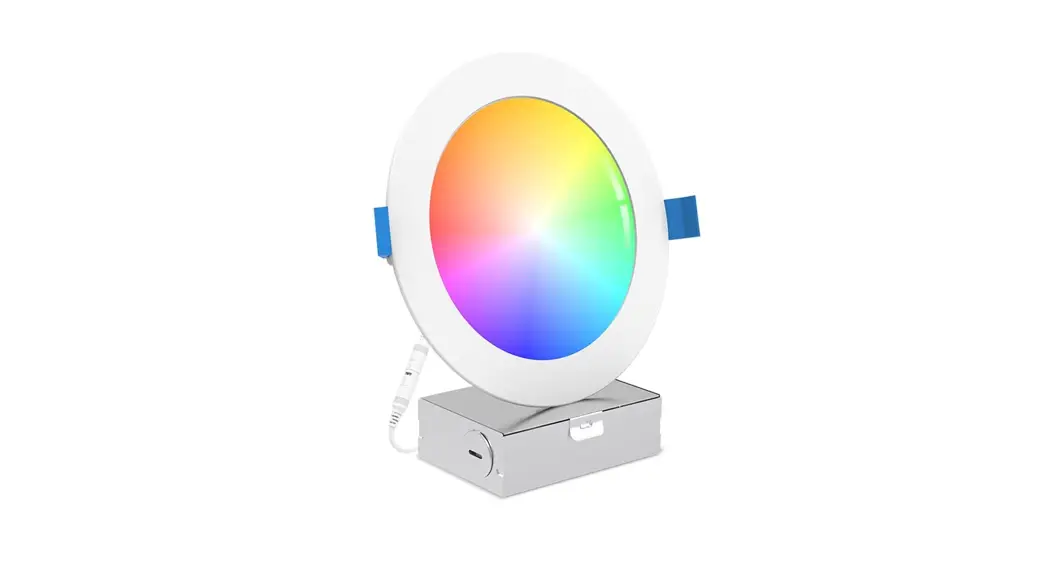
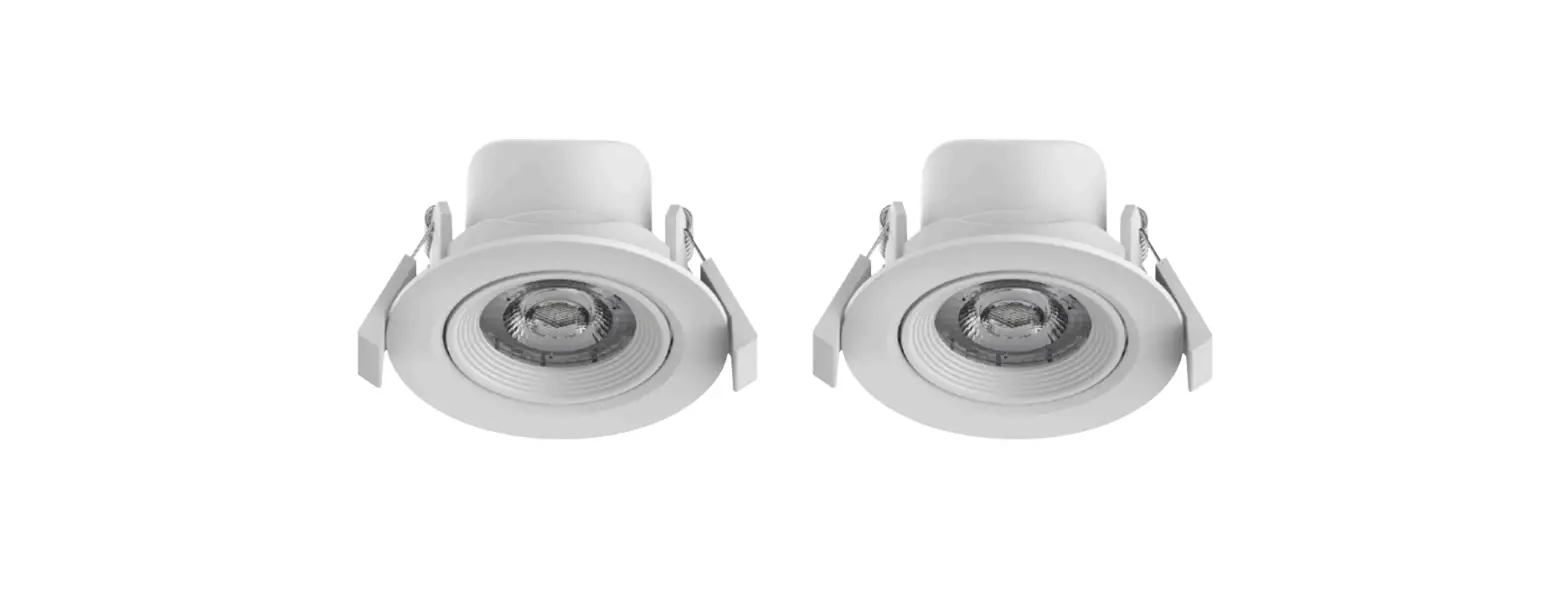
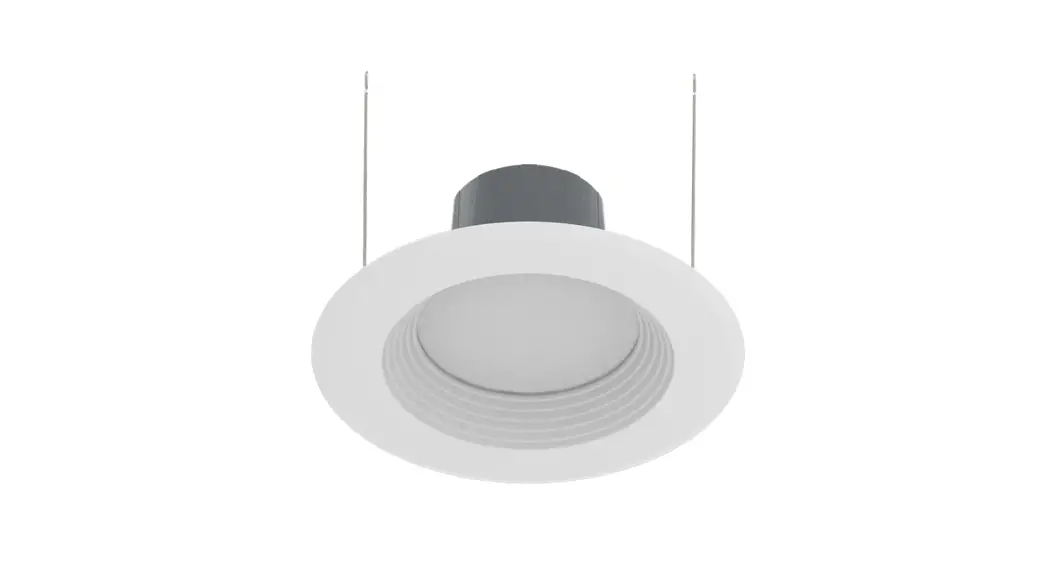
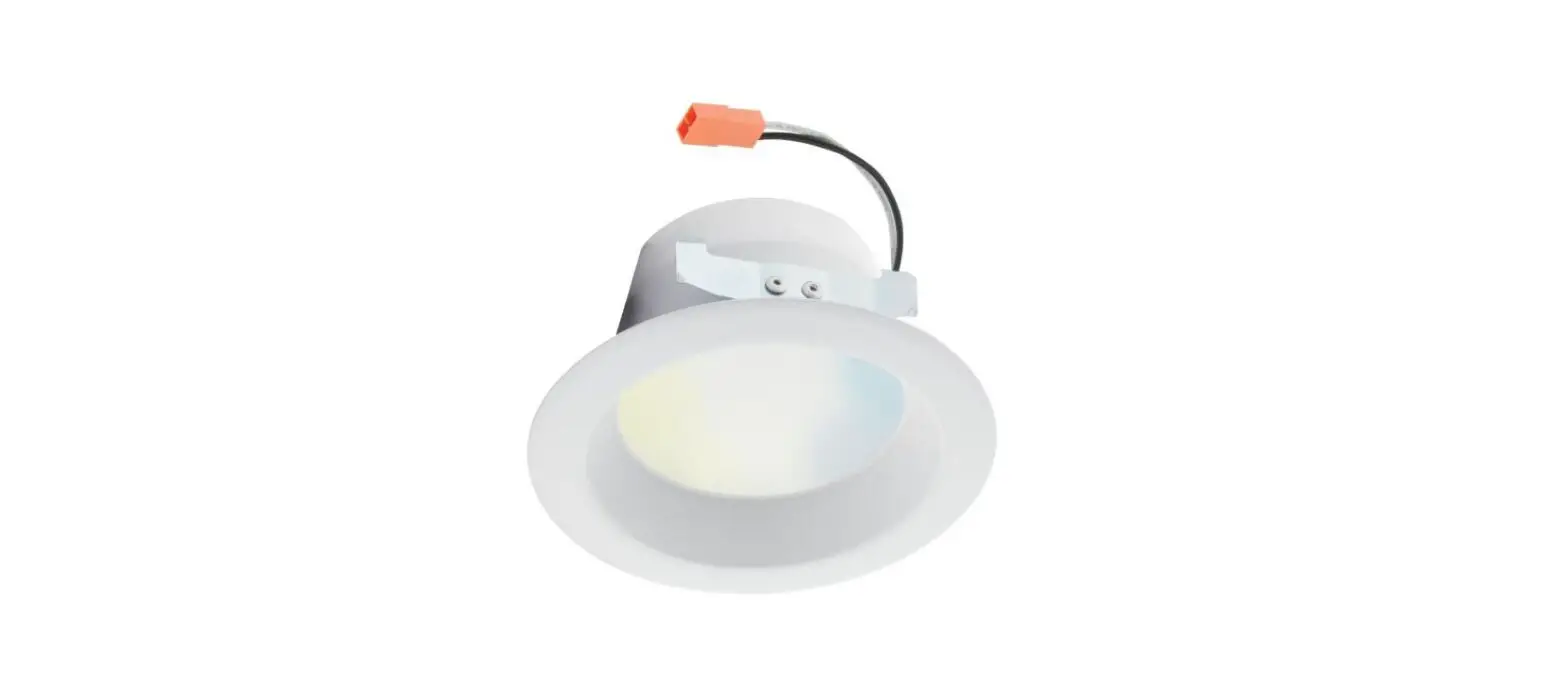
- Tuneable White LED Downlight.
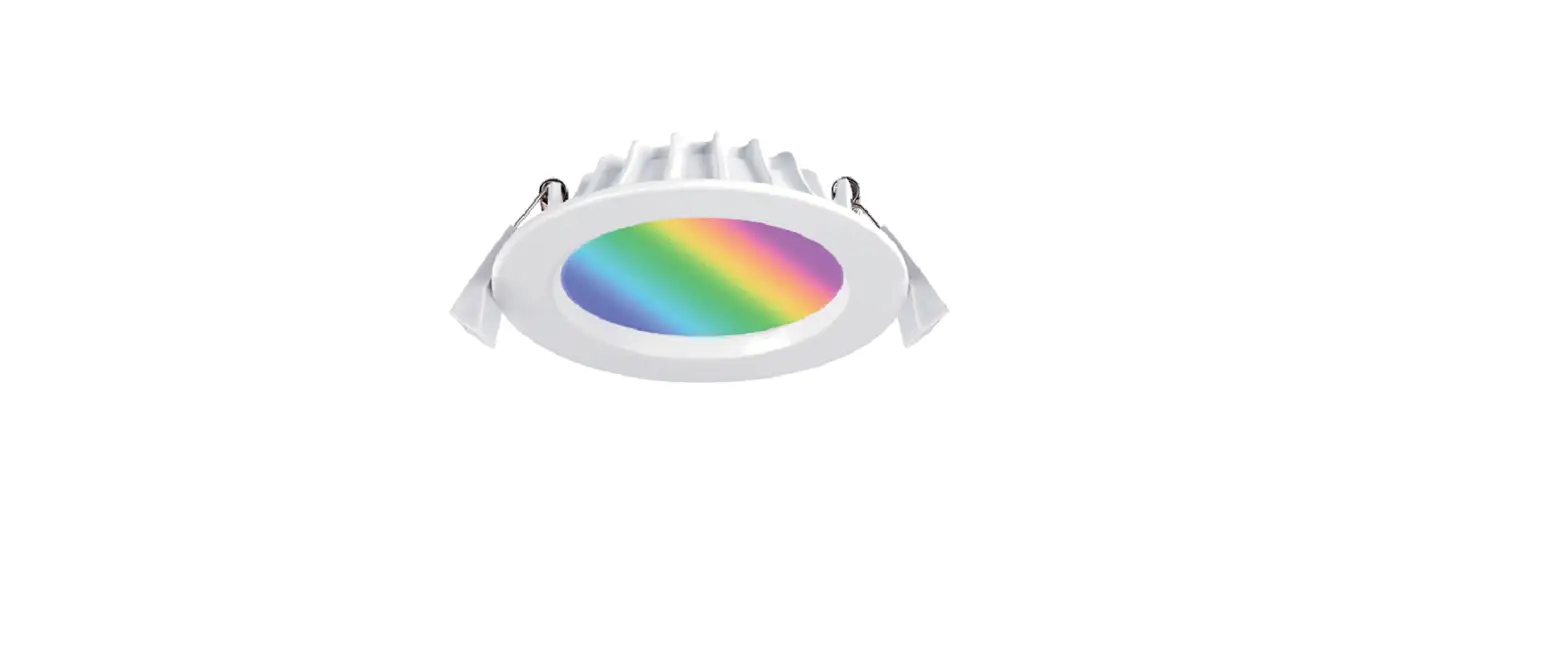
- RGB and Tuneable White LED Downlight.
- 110mm diameter white trim.
- 90mm cut-out.
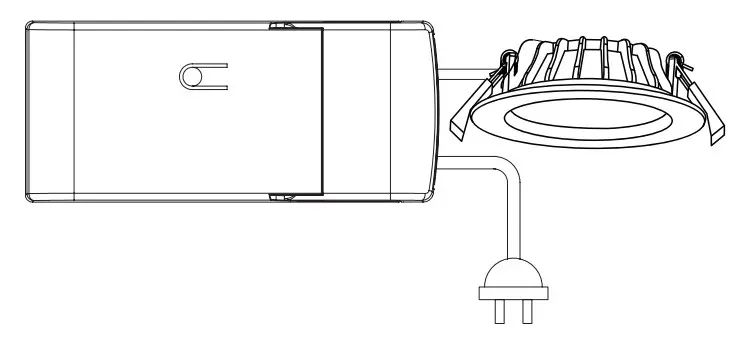
- Remote driver with flex and plug.
- IC-4 rated (AU) and IC-F rated (NZ).
- Wireless Bluetooth® Mesh communication.
- Control from the KASTA app or KASTA remote switch devices (8x maximum per downlight).
- On, off, dim, and button press functions from the local button (remote KASTA remote switch devices).
- Configured using the KASTA app (iOS and Android), with a white C (an RGB color wheel and a pre-set color palette).
- Supports Group, Scene, Timer, and Scheduling automation functions.
- 3-year warranty.
FUNCTION SETUP
Controllable via KASTA remote switch devices or the RESET button on the LED Driver.
| ON/OFF | 1 CLICK |
| Turns lights on or off. When turned ON, lights will adjust to the previous brightness setting. | |
| DIM UP/DOWN | ONE LONG PRESS |
| When lights are on, long-press the button to dim up or down. Release the button to stop. | |
| FULL BRIGHTNESS | 2 CLICKS |
| Sets lights to full brightness. | |
| DELAY TO OFF | 3 CLICKS* |
| Lights turn off automatically after a set time (configured in the app). | |
| SET WHITE CCT COLOUR TEMPERATURE | 4 CLICKS* |
| Cycle through white CCT color temperature. Click the button 1 time to store the setting. | |
| SET RGB COLOUR | 5 CLICKS* |
| Cycle through the pre-set colors to your desired color. Click the button 1 time to store the setting. | |
| FACTORY RESET | 9 CLICKS |
| Restores all settings back to the factory (using the reset button only). *If successful, light will pulse the number of times that the switch was clicked, indicating function. | |
TECHNICAL SPECIFICATIONS
Operating Temp: -20ºc to 40ºc (IC-4 Max 25ºc)
Supply: 220-240V AC 50Hz
IP Rating: IP44 (light-emitting area)
IP40 (main body)
RGB & CCT: RGB: 16M colours
White: 2700K – 6500K
Input Power: Max 12W +/- 10% (White)
CRI: ≥80 (for White)
CONNECTION DIAGRAM
 KASTA - Living Enhanced
 KASTA - Living Enhanced