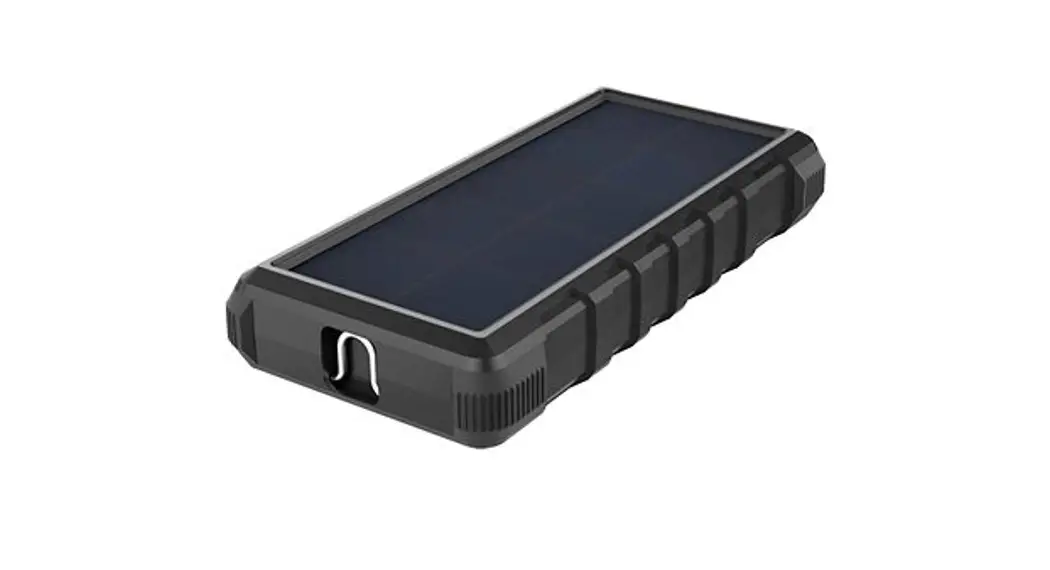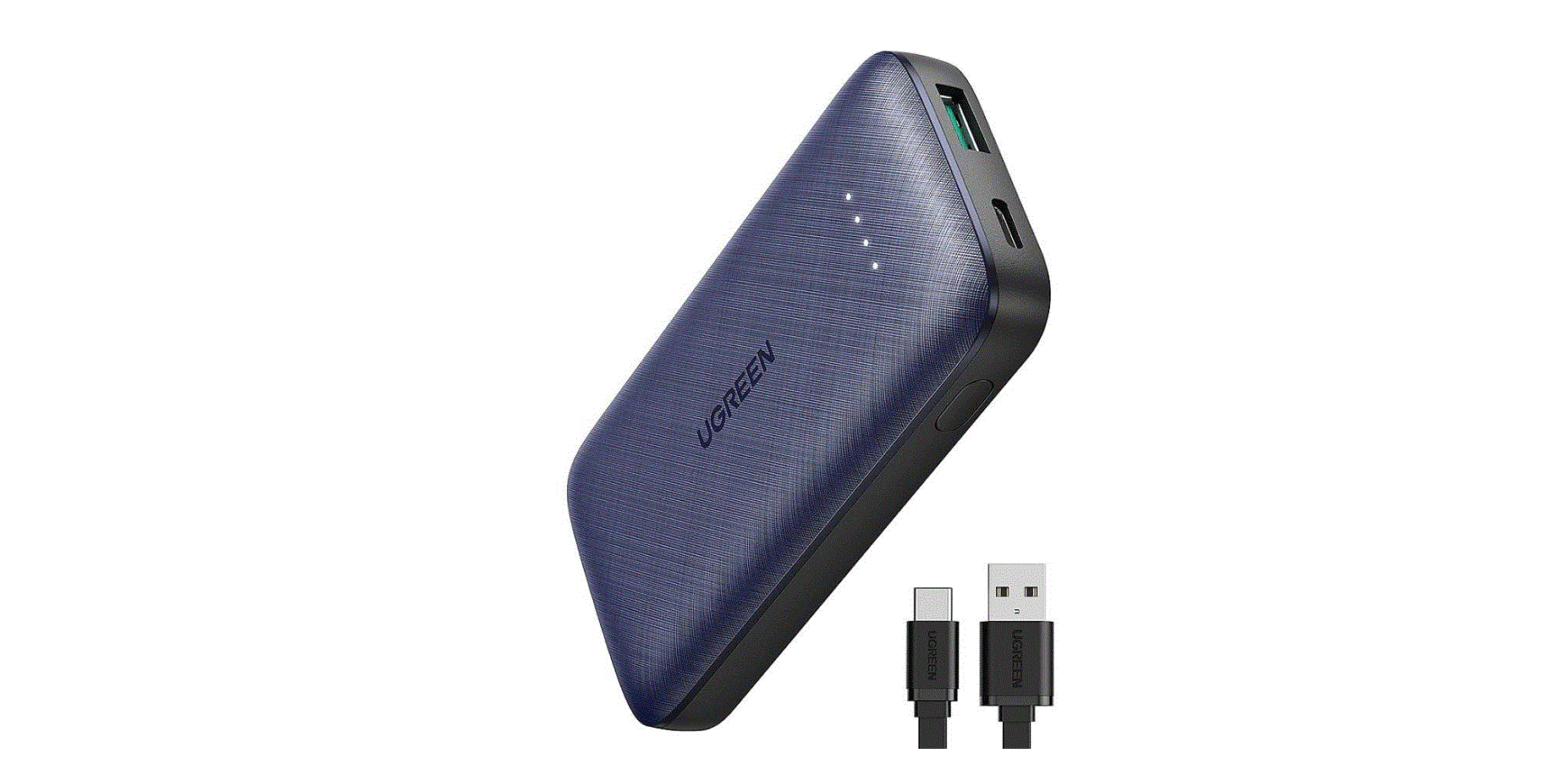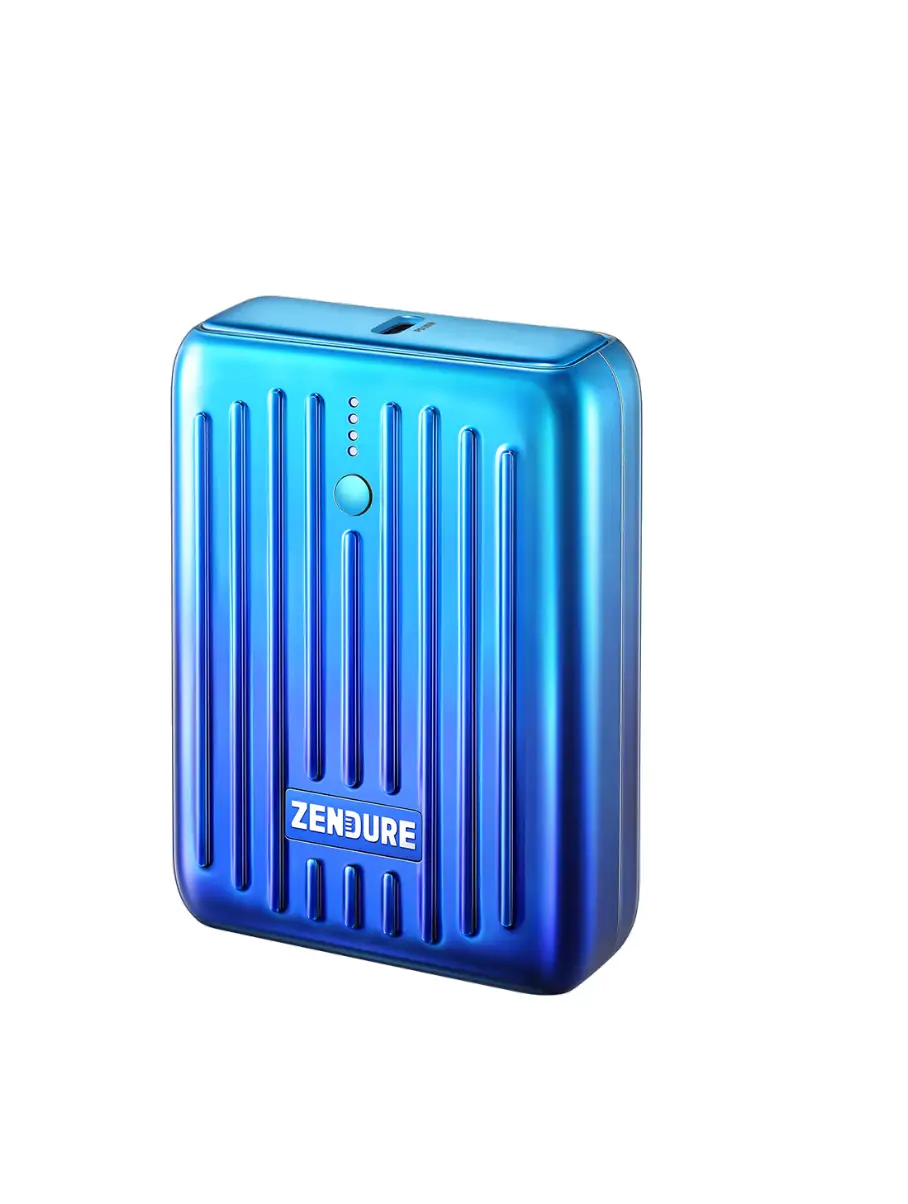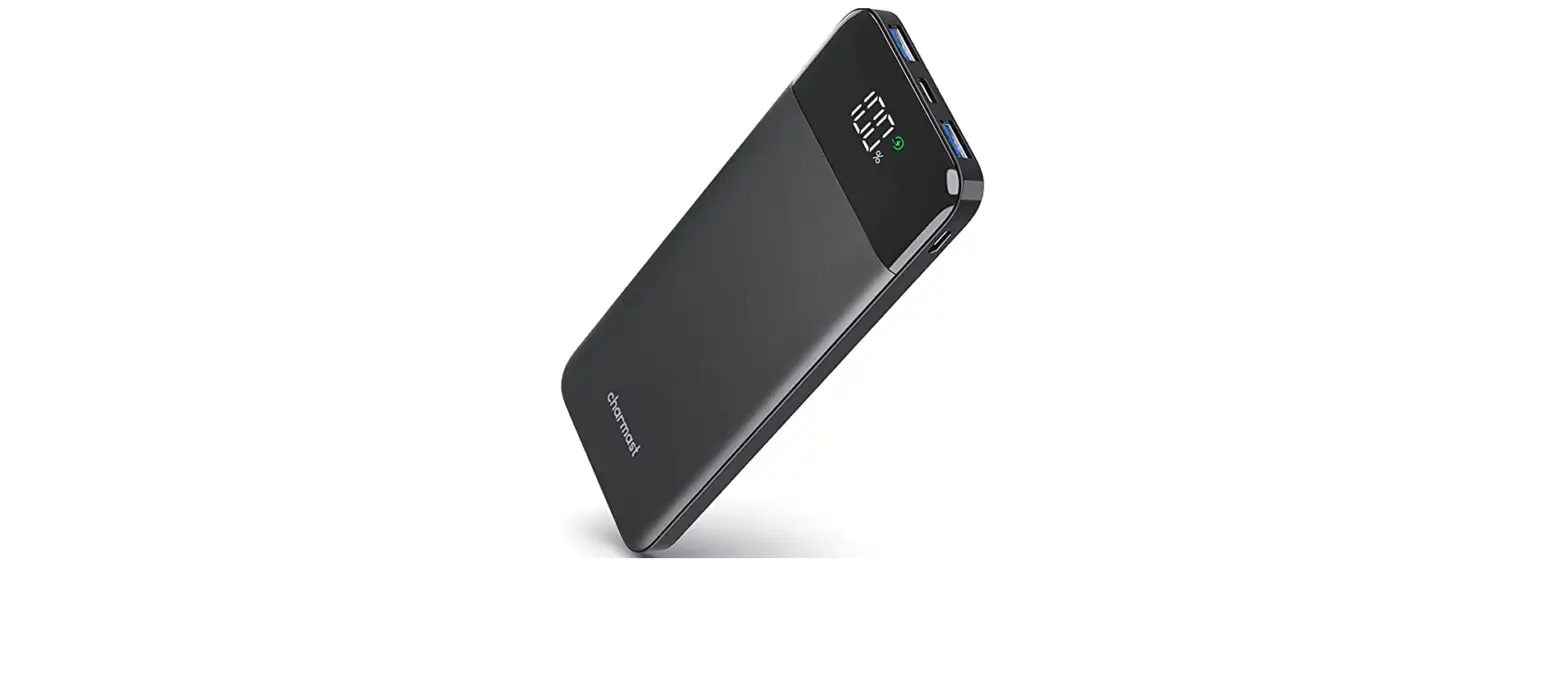

Charmast 23800mAh/88Wh Universal Power Bank
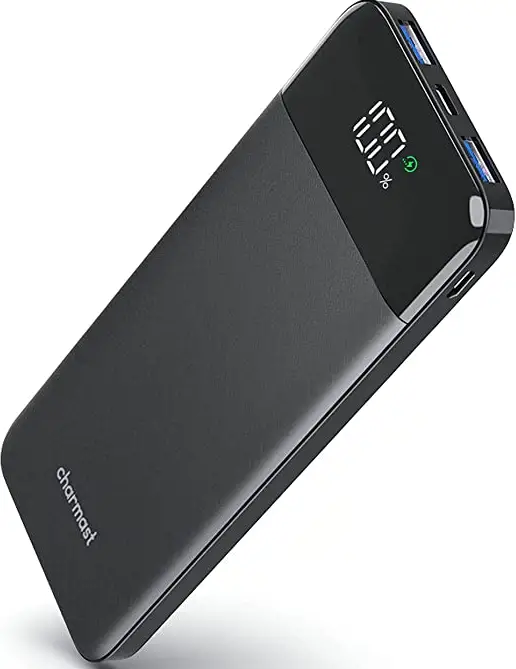
Thank you for purchasing the charmast C2023 23800mAh Universal Power Bank. Please read this user manual carefully and keep it for future reference. If you need any assistance, please contact our support team with your product model number and Amazon order number.
Package Contents
- 23800mAh Universal Power Bank * 1
- User Manual * 1
- charmast Certificate * 1
- USB A to USB C Cable * 1
- Warranty Card * 1
Product Diagram
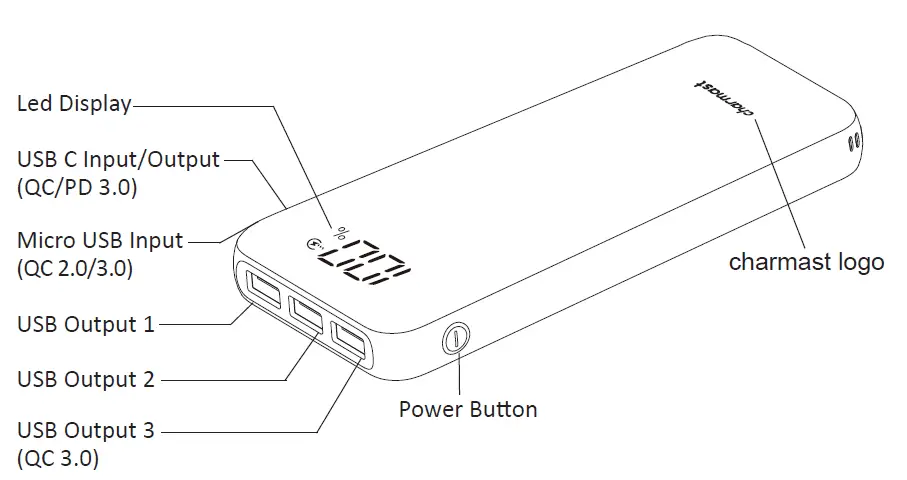
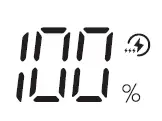 | Led Display | Battery Status |
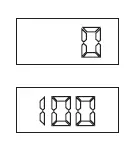 | 0-100% on the Led display shows the battery electricity level. (The last digital that showing the power status will flash when charging this power bank, power level display in an increasing manner. After fully charged to 100%, it will stop flashing.) | |
 | quick charging/recharging |
Specifications
| Brand | charmast |
| Capacity | 23800mAh/88Wh |
| Battery Type | High Density Lithium Polymer |
| Charging Time | appr 6 hours (by QC 3.0/PD 3.0/Samsung AFC/MTK-PE 2.0/ Huawei FCP Power adapters) appr 11 hours (by 5V/2A Power adapter) appr 16 hours (by 5V/1.5A Power adapter) |
| Input | Micro USB (QC 2.0/3.0) 5V-2A 9V-2A, USB C (QC/PD 3.0) 5V-3A 9V-2A |
| Output | USB C (QC/PD 3.0) 5-6V-3A 6-9V-2A 9-12V-1.5A, USB 1/2 5V-2.4A ,USB 3 (QC 3.0) 5-6V-3A 6-9V-2A 9-12V-1.5A |
| Dimensions | 154.8 * 69.9 * 23.3mm/6.09” * 2.75” * 0.92” |
| Weight | 386g/13.62oz ~ ~ |
| Operating Temperature | Input:0°C 45°C Output:-10°C 60°C |
Getting Started
Charging the Power Bank
Fully charge your power bank before first use.
- Connect a Micro USB/USB C charging cable to a USB charger or charging port.
- Connect the other end to the Micro USB/USB C input port on the power bank.
- Unplug the power bank when fully charged.
Charging Your Device
- Connect the charging cable to your device’s charging port.
- Connect the other end to the appropriate USB output port on C2023.
- Unplug your device when fully charged.
- To check the remaining battery level, press the power button.
Product Care & Use
- Keep away from liquids, fire and extreme heat.
- When pass-through charging, USB output charging can only up to 5V-1A.
- Charge your C2023 at least once every 3 months.
- Dispose of battery according to local environmental law.
- Do not disassemble by yourself.
- Avoid dropping.
Charging Notes
- Micro USB and USB C input are compatible with QC 3.0/Samsung AFC/MTK-PE2.0/Huawei FCP quick charge protocols. Besides, USB C input is provided with PD 2.0/3.0 quick charge protocol.
- USB C and USB 3 output are compatible with QC 3.0/Samsung AFC/MTK-PE 2.0/Huawei FCP and Spreadtrum SFCP quick charge protocols. It also supports BC1.2 protocol, Samsung and iPhone high current charge. Besides, USB C output is provided with PD 2.0/3.0 and PPS quick charge protocol. USB 1/2 output are support BC1.2 protocol, Samsung and iPhone high current charge too.
- Power bank will shut down and enter into standby mode if you double click the power button when charging your phone. It will back to work again after you pressed the power button.
- When USB C input/output is under quick charging, in this condition if you press the power button it will quit quick charge mode and turns into standard 5V charging. Power bank will restart and enter into quick charge mode again 16 seconds later. Press the power button only works in this case, it has no effect on quick charging through UBS 3 output or Micro USB input charging.
- When one mobile phone is under quick charging, plug another phone into USB 1/2/3 output or USB C output, the quick charge output will exit the quick charge mode, and the voltage will down to 5V. At this time, both phones will be entering into the normal charging mode.
- When power bank is charging 2 quick charge phones at the same time, if you unplug any one of them charging through USB 1/2/3 output, the power bank will restart 10 seconds later, and the other phone will enter into quick charge mode. If unplug the phone charging through USB C output, the power bank will restart 1 second later, and USB 3 output charging will enter into quick charge mode.
- This power bank support low current charging. When power bank is charging your devices and the Led screen is on, after you long pressed the power button for 2 seconds, the last digital that showing the power status will display circling, and after 5 seconds showed the remaining power status, it will display by circling again. Display circling once in every 5 seconds. Power supply will be always on and it won’t enter into standby mode when low current charging. Power bank will exit the low current charging mode automatically 2 hours later if there is no load charging. Or you can long press the power button for 2 seconds or double click it to exit the low current charging mode.
- There is an IC (Integrated Circuit) chip in iPhone Lightning cable, which is similar to a light loading. When iPhone is connected with the power supply for charging, if the disconnected time for more than 35 seconds, the Led display will turn off and power bank goes into standby mode. At this time, even though iPhone was plugged into the charging port, it can’t be charged automatically. You need to press the power button, or unplug USB cable from the power bank firstly, then replug the USB cable to charge your iPhone. Except for Apple IOS devices, other mobile phones are unaffected.
Warranty & Customer Support
Customer Support
For questions, support, or warranty claims, contact us at the address below with your Amazon order number and product model number.[email protected]
*Please note, charmast can only provide after sales service for products purchased directly from charmast. If you have purchased from a different seller, please contact them directly for service or warranty issues.
Warranty Card
Thank you for purchasing charmast products
Through rigorous quality testing, all our products are 100% guarantee satisfaction provided. For more information, please consult our website:www.charmast.com
Guarantee:
- Customers buy charmast products will get superior after-sale service
- You can return back for replacement within 30 days if there is any quality issues without man-made destroy or maintain, keep the packaging integrity
- Enjoy one year of free maintenance
- Guarantee excluding:
- Man-made destroy, working in an informal working environment
- Users unpack,refit and repair privately without authorized service
- Damaged due to force majeure
- Without the guarantee card or effective invoice of purchase
- Exceeds the warranty period
 USB Power Delivery PD Power Bank Portable Charger – Charmast Direct