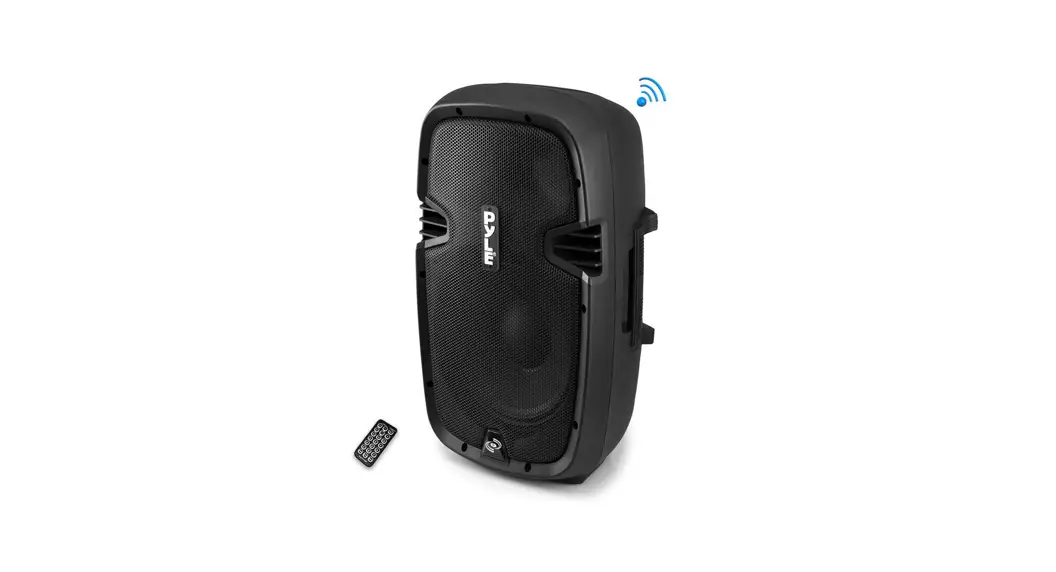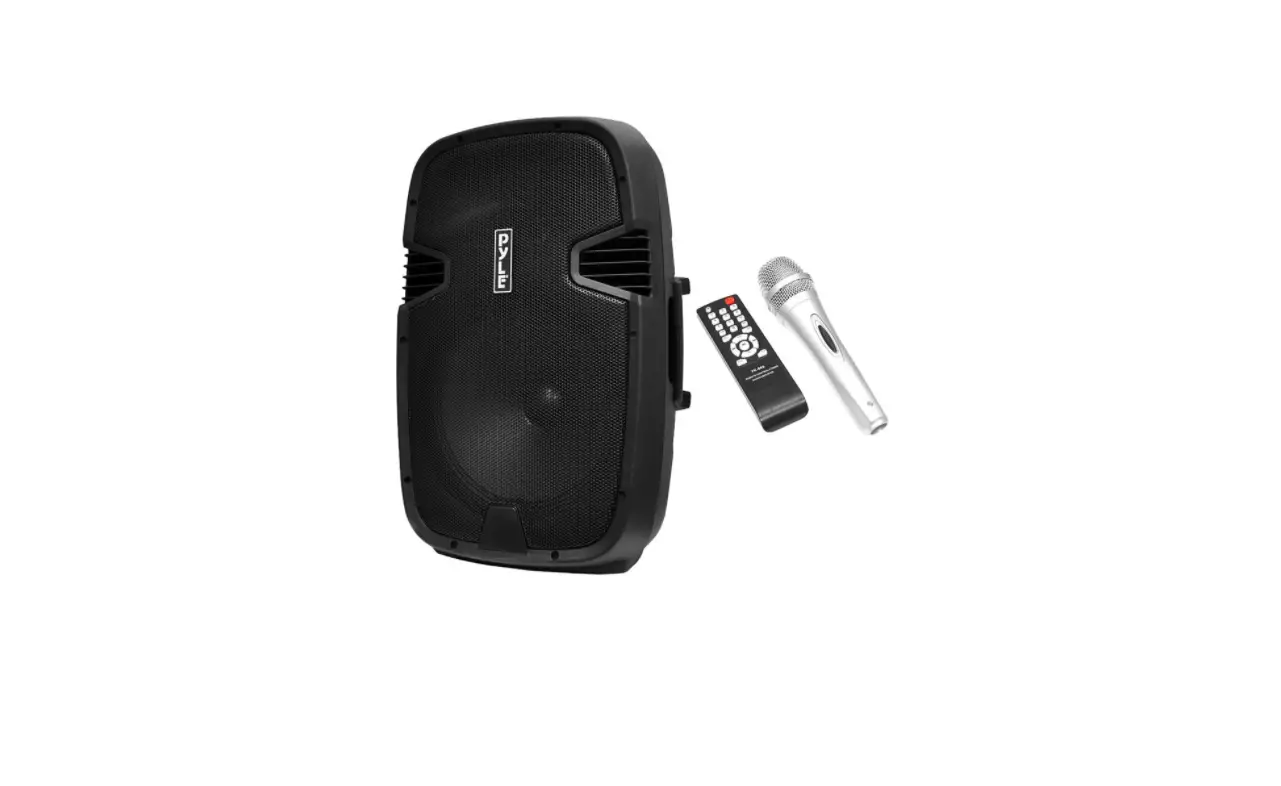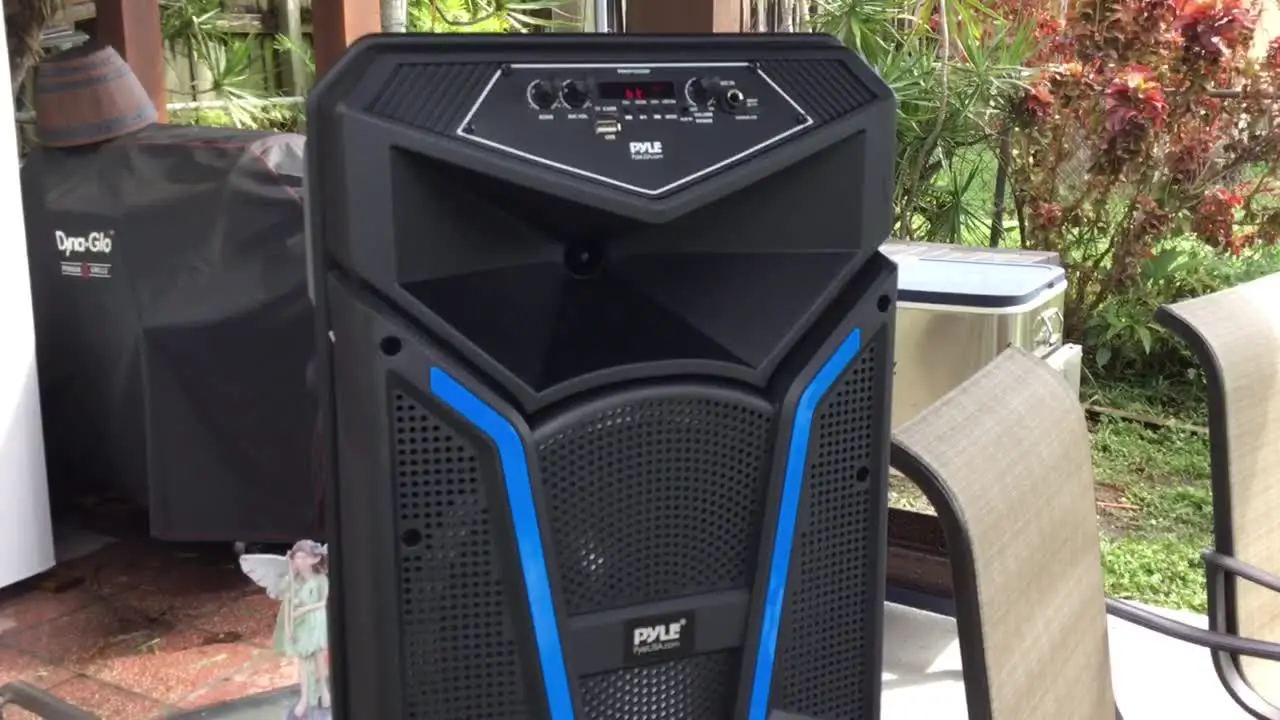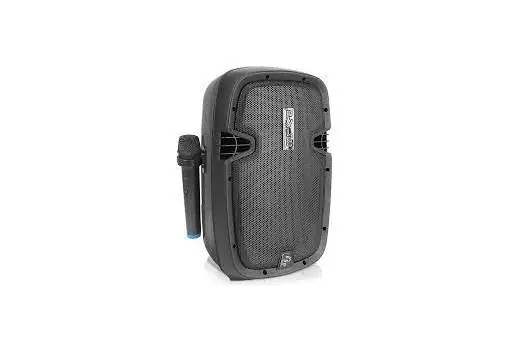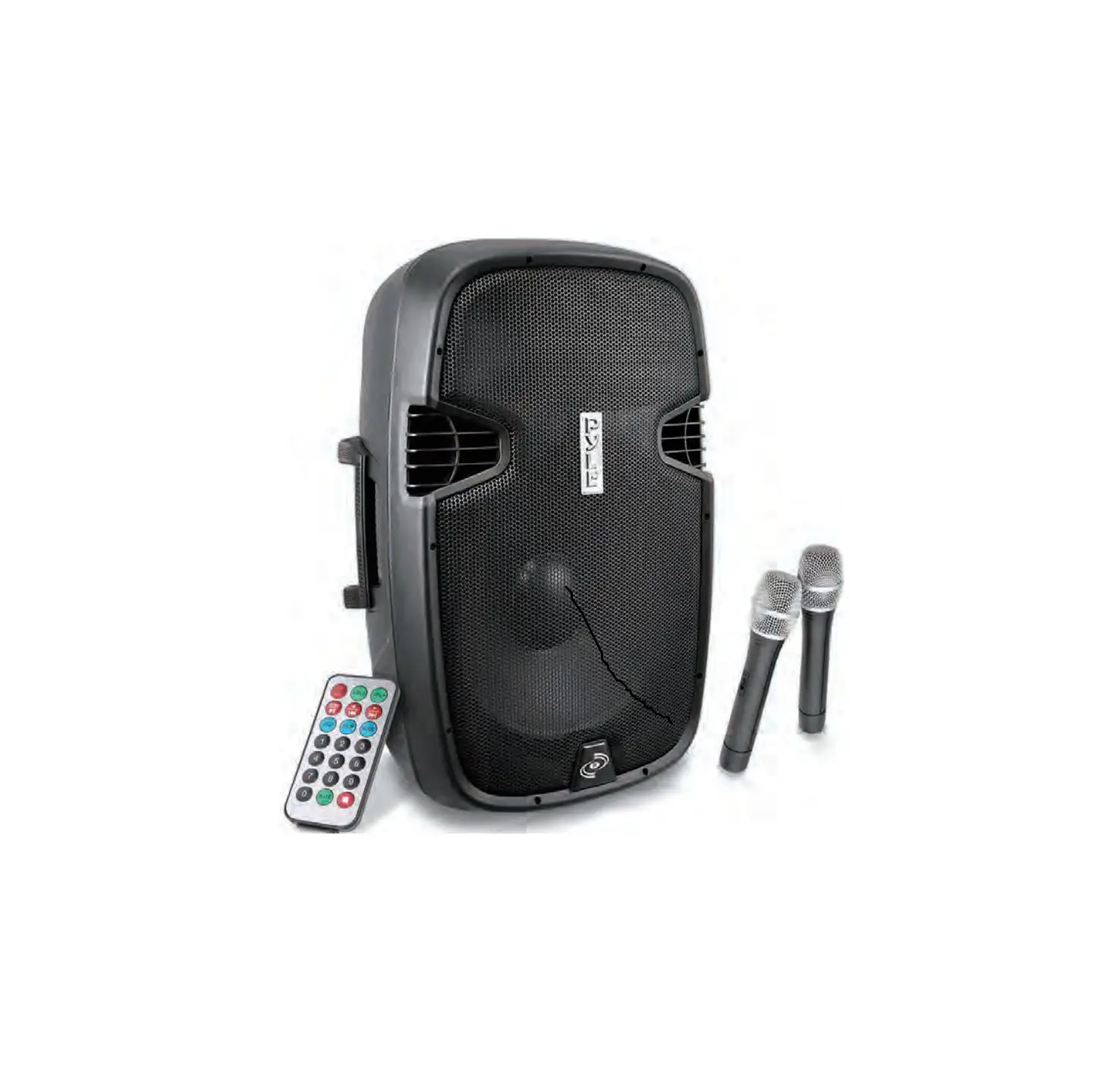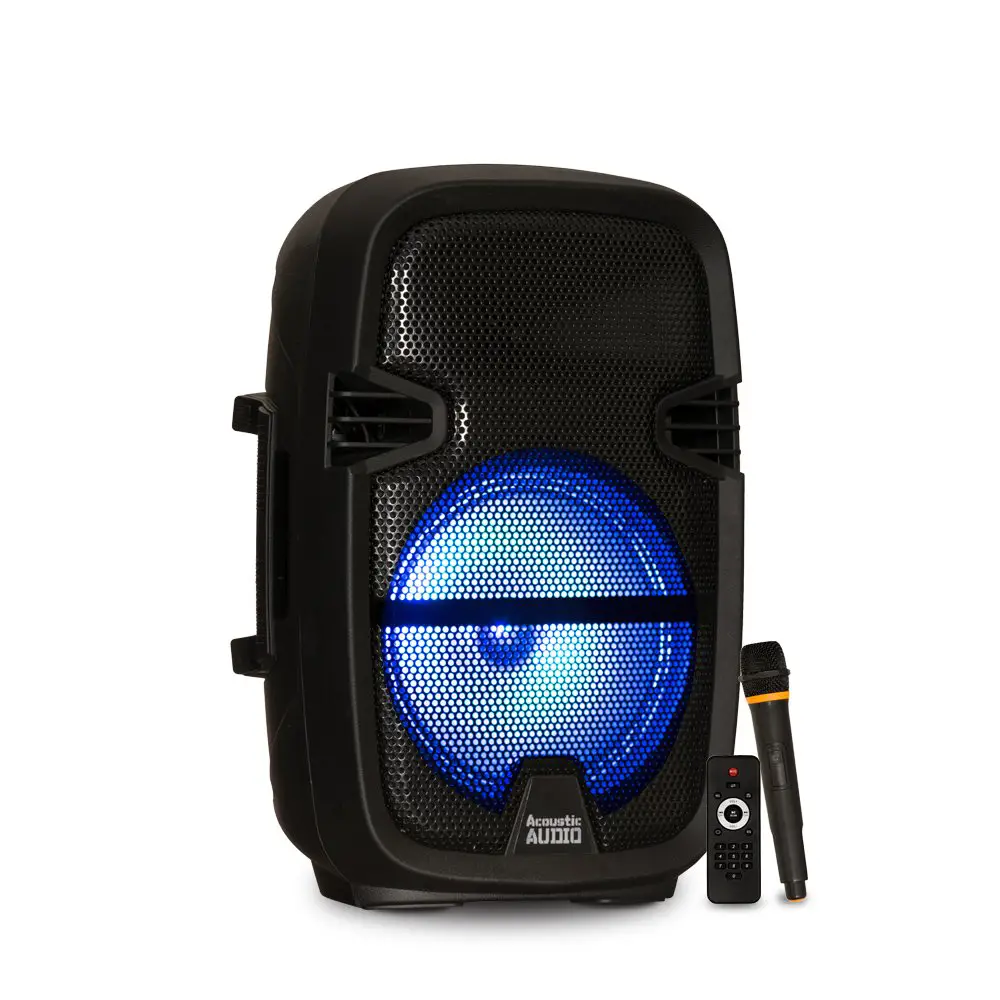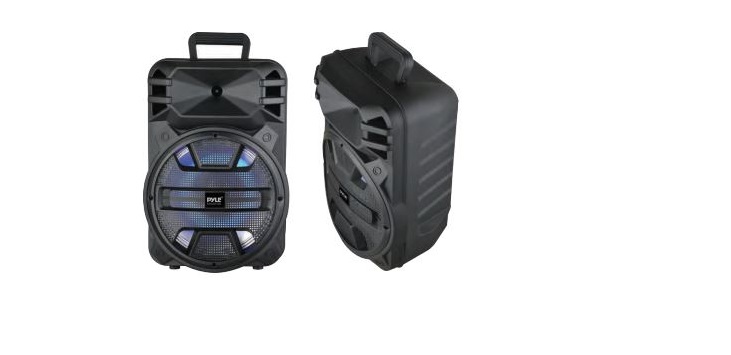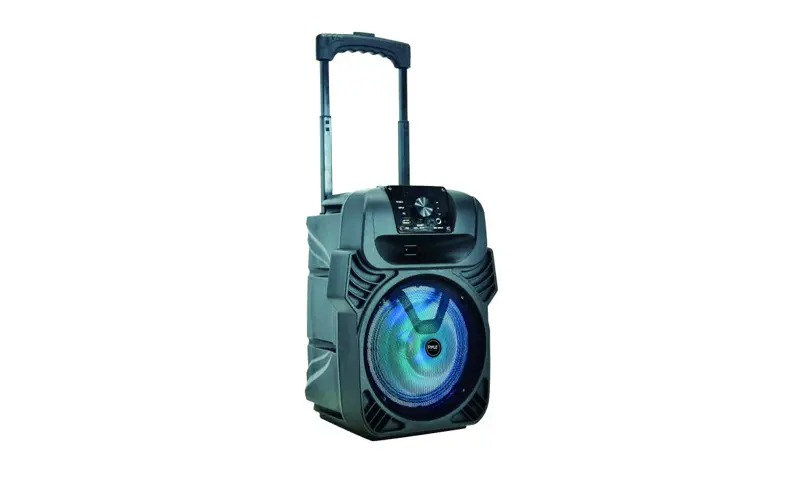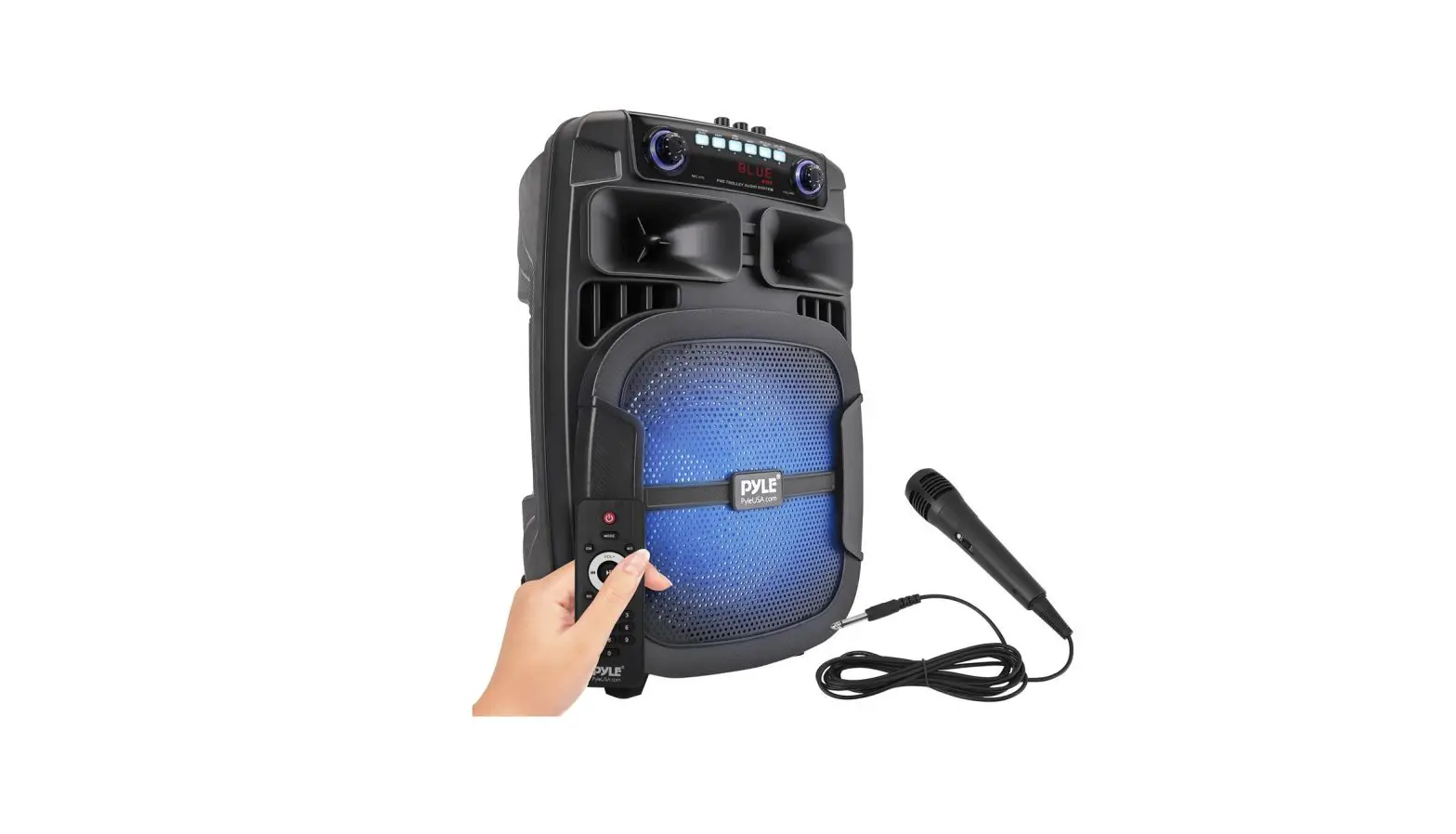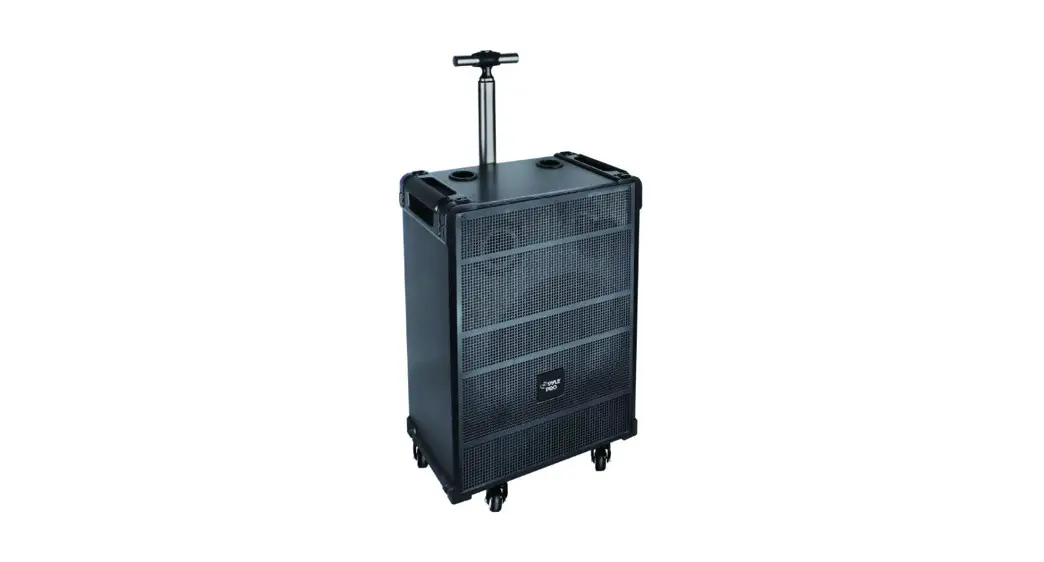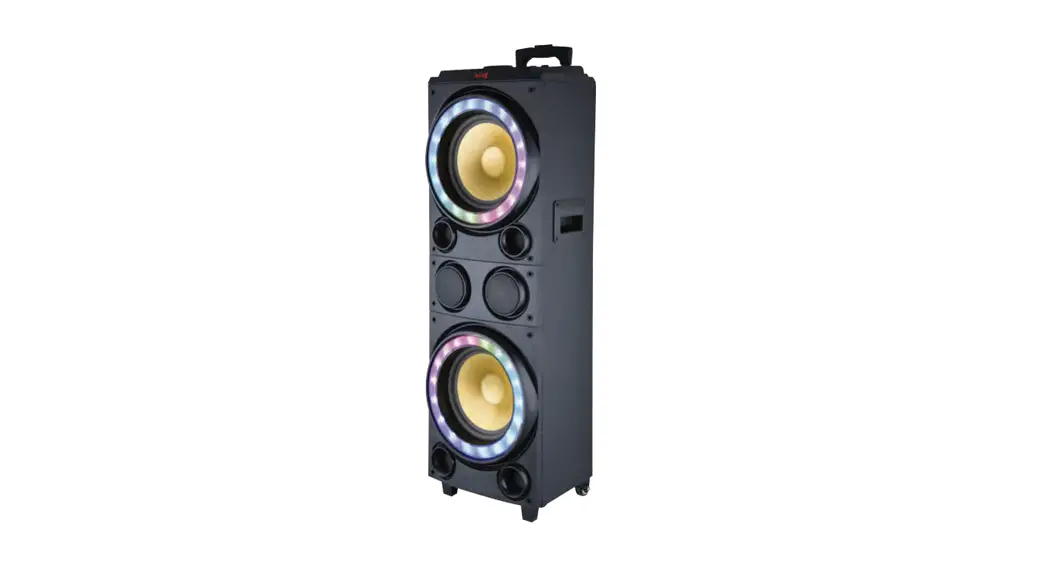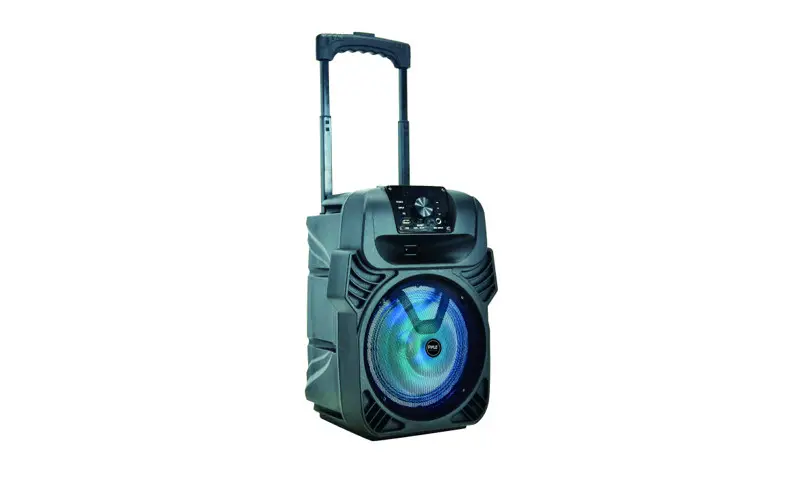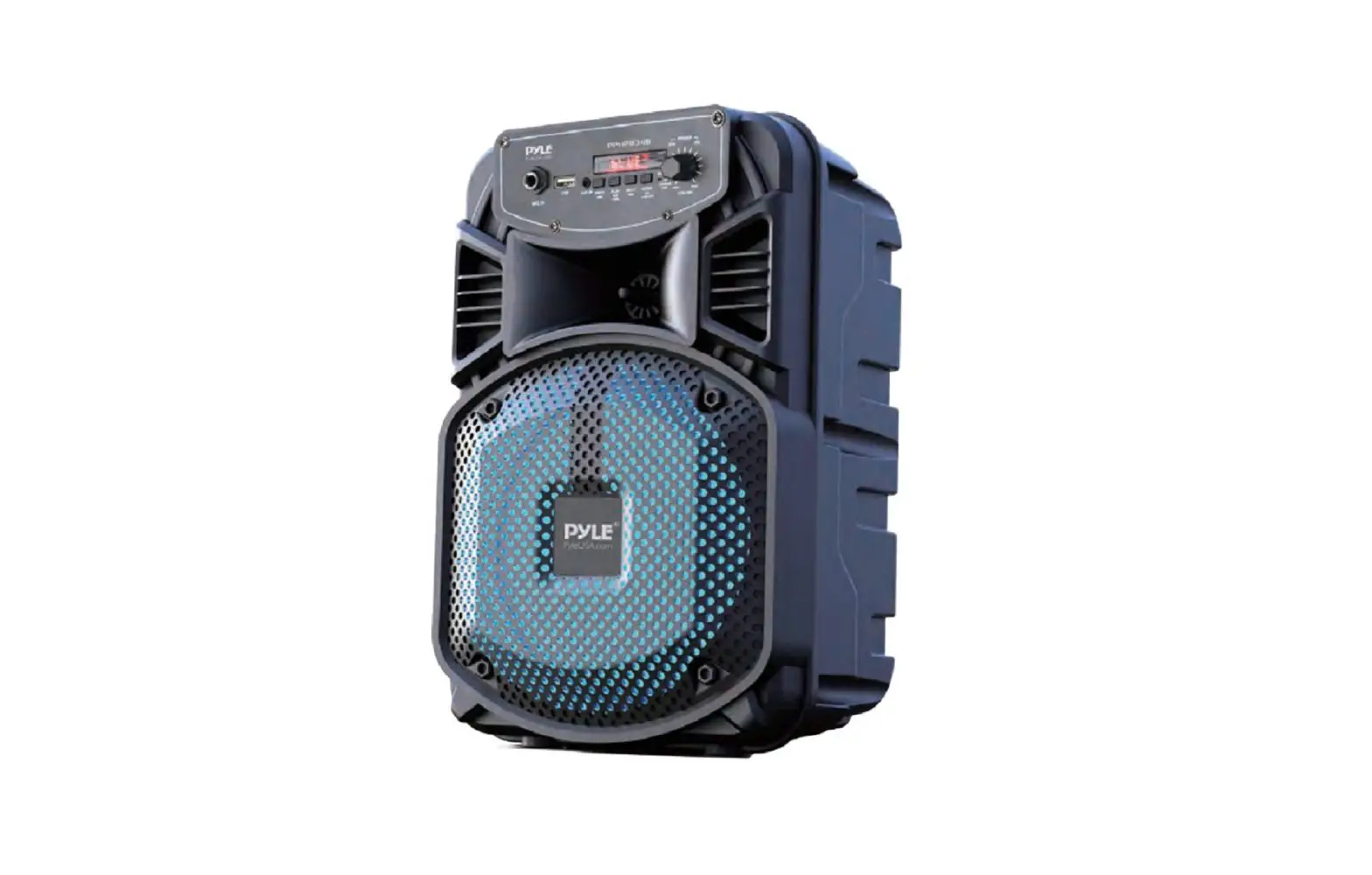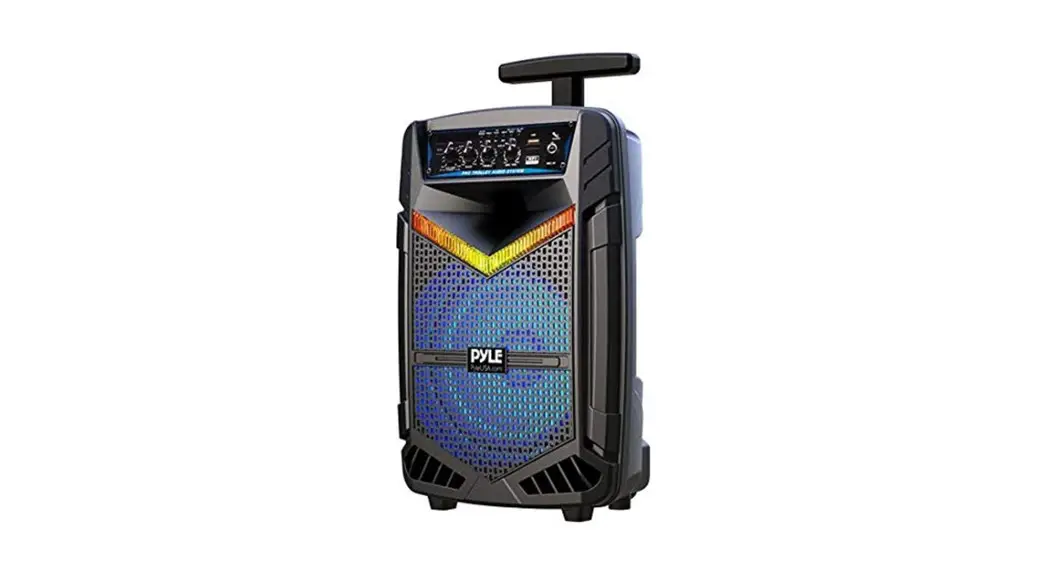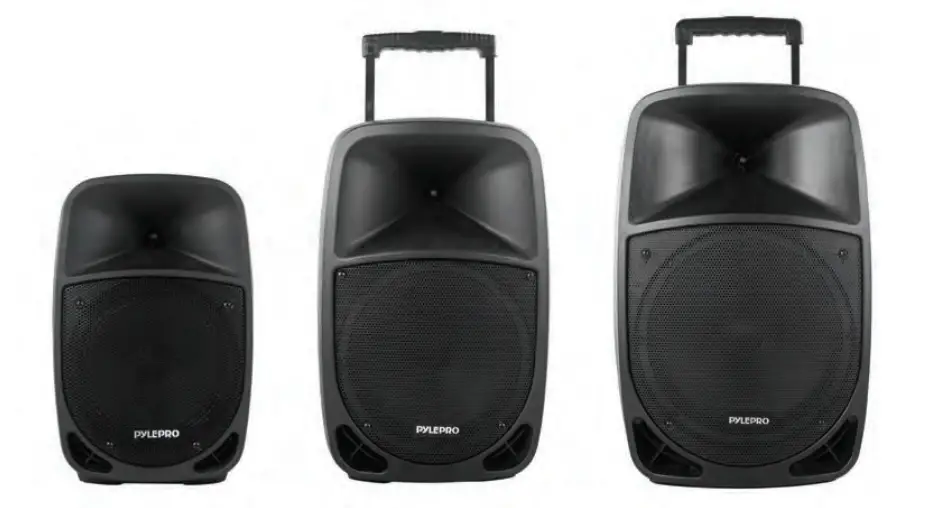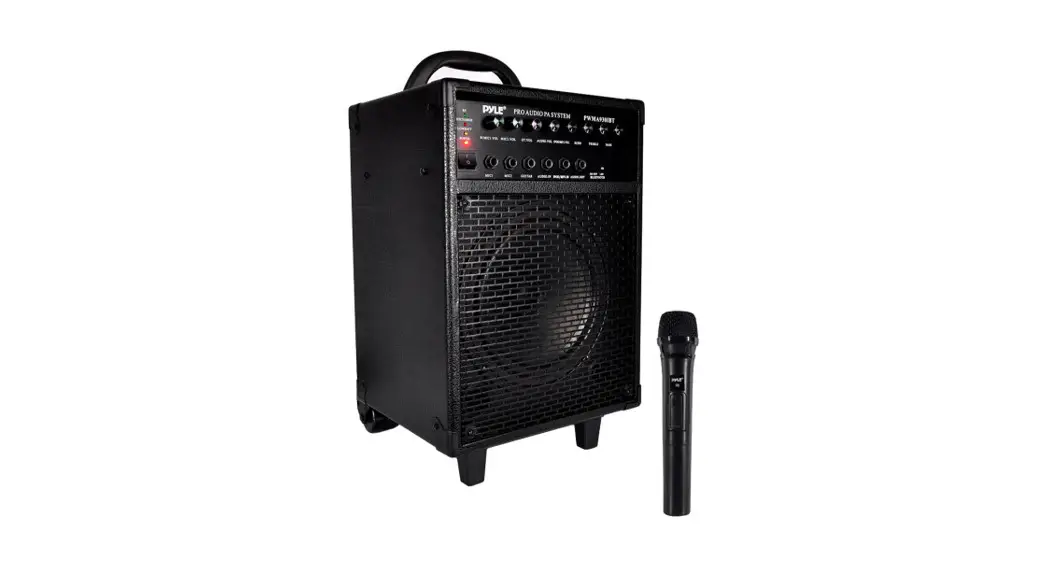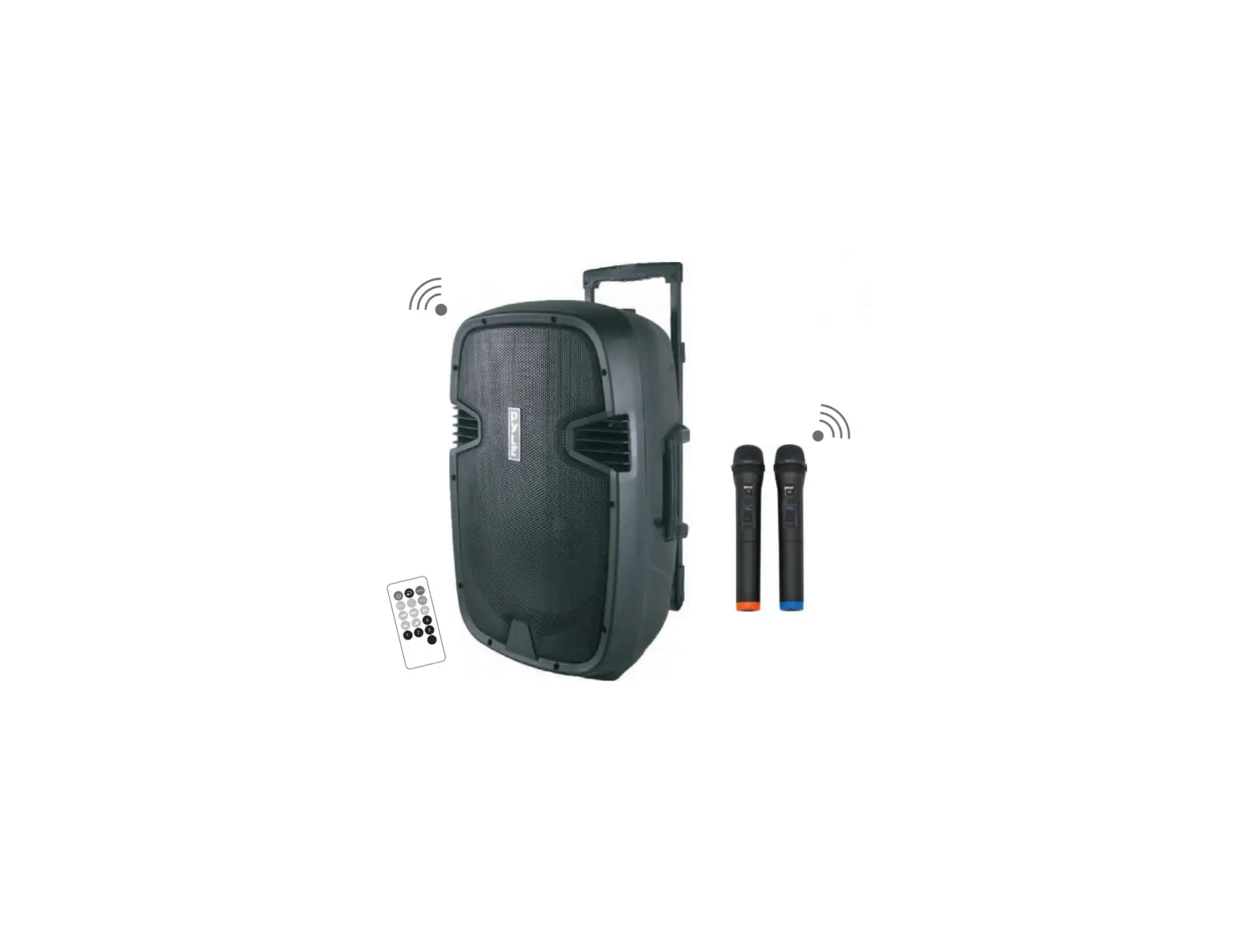
PYLE PPHP1235WMU Wireless BT Streaming PA Loudspeaker System
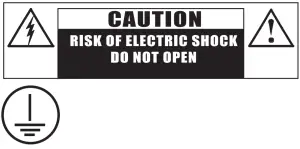
- CAUTION: To Reduce the risk of electric shock, do not remove the cover (or back)
- This product must be earthed
- No user-serviceable parts inside, refer servicing to qualified service personnel
OPERATION
- Prior to switching on, turn volume down to minimum.
- Connect the audio source to the appropriate Input socket
- Ensure that the unit is connected to the appropriate power source
- Switch on the audio source, followed by the active speaker.
- Set the volume with the applicable control.
- Adjust the bass + treble.
- When using the speaker box by built-in battery, if you find the MP3 screen flickering which indicates the battery voltage is low, you have to turn off the speaker box and charge battery.
- If you don’t use the unit frequently, please do remember to charge the unit every three months to keep the battery in good condition.
Note: Please turn off the product when finished charging.
INSTRUCTIONS
- Do not overload the box to avoid damage to the speakers.
- No naked flame sources, such as lighted candles, should be placed on the apparatus. – FIRE HAZARD
- Only connect to an earthed mains outlet: AC115V, 60Hz / AC230V, 50Hz.
- For indoor use only. If the box will be used outdoors, you need to make sure that there’s no humidity can enter the box.
- When not in use, unplug the unit from the mains.
- Unplug the unit from the mains prior to checking or replacing the fuse
- Make sure that the box is placed on a stable, strong surface.
- The boxes can be hung. Use only strong and approved mounting material.
During the mounting, make sure that nobody is standing below the mounting area. - Do not place liquids on the box and protect it against humidity. Humidity can shorten the life time considerably.
- Only use suitable means of transportation if you want to move the box.
- Always unplug the unit during thunderstorms or if its not in use.
- If the unit will not be used for a long period of time, condensation may occur inside the housing. Please let the unit reach room temperature prior to use.
- Never try to repair the unit yourself. It does not contain any user serviceable parts.
- Protect the power cord from being walked on or pinched, particularly at plugs, convenience receptacles, and the point where they exit from the apparatus.
- Set the unit to the lowest volume prior to switching it on.
- Keep the unit out of the reach of children.
CONTROLS AND CONNECTIONS
- Digital Display Screen
- Reception of Remote control
- MP3 Control
MOD: USB/REC/FM/BT/Switch over
REC PLAY: Recording/Play function : Play/Pause
SCAN: Search radio station for FM : Pause
REP: Repeat function : Previous song
VOL-: Volume down
FM: Previous station : Next song
VOL+: Volume up
FM: Next station - SD/MMC card input
- USB input
- RCA Phono (R+L) line input level control
- RCA line output
- RCA Phono (R+L) line input
- Treble control for high frequencies
- Bass control for low frequencies
- Master Volume control
- Reverb Time Control
- Echo Control
- Mic input level control
- Guitar input / 6.35mic 1 input
- 6.35mm mic 2 input
- Wireless microphone B channel indicator
- Wireless microphone A channel indicator
- Wireless power indicator
- Wireless mic power switch
- A channel volume control
- B channel volume control
- Wireless microphone A-B channel receiving antenna
- FM Radio antenna
- Power Indicator
- Charge Indicator
- Low Voltage Indicator
- Fuse Socket
- DC Power Interface
- POWER: Main Power Switch AC: AC Input BATT: Battery
- Power select
- 115V-230V AC Input

 : Play/Pause
 : Pause
 : Previous song
 : Next song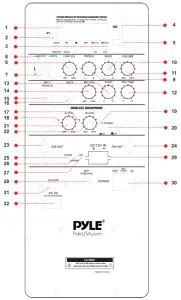
Features
- Versatile PA Loud Speaker Sound System
- Wireless BT Music Streaming Ability
- Active 2-Way Full Range Stereo Sound
- Heavy Duty, Rugged & Reliable
- Built-in Rechargeable Battery
- FM Radio with Automatic Station Recognition
- USB Flash & SD Memory Card Readers
- Includes (2) Wireless Microphones
- (2) 1/4″ Microphone/Guitar Inputs
- Independent Adjustable Mic/Guitar Volume Controls
- RCA (L/R) Line Input Connector Jacks
- Ability to Connect External Devices
- RCA (L/R) Line Output Connector Jacks
- Ability to Connect to Additional Speaker Systems
- Rear Panel Button & Rotary Knob Control Center
- Volume, Bass and Treble Adjustment
- Wired Microphone Compatible
- 12 Volt Inlet for Car/RV Use
- Digital LCD Display
- ID3 Tag Song Read out Info
- Battery LED Indicator Lights
- Engineered Fortified Molded Cabinet
- Convenient Rolling Wheels and Extendable Carry Handle
- 35mm Speaker Stand Mount
Wireless BT Streaming
- Instantly Stream Music from Your Wireless BT Devices
- Works with All Your Favorite Wireless BT Devices
(iPhone, Android, Smartphone, iPad, Tablet, PC, etc.) - Wireless BT Network name: PYLE SPEAKER
- Wireless BT Range: 30’+ Feet
Recording Function
When you insert USB/SD, press “MODE” button to select the REC mode. Press “REC/PLAY” button once, the unit will begin recording, when the recording is finished, just press “REC/PLAY” button again. The recording will stop. How to play the recorded files? Press “MODE” button to select the REC mode. Press and hold “REC/PLAY” button more than three seconds, the unit will auto play the recorded files, press CH+/CH- to select files.
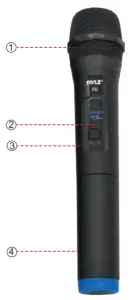
WIRELESS MICROPHONE INTRODUCTION
- Wireless Microphone head
- Digital Display Screen
- Power ON/OFF Switch button
- Battery Box: (need 2XAA 1.5V batteries)

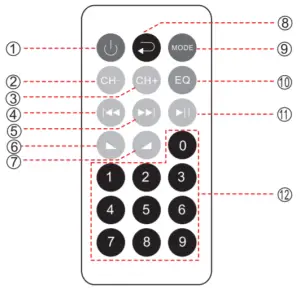
REMOTE CONTROL FUNCTION
- Power Switch
- Previous Station
- Next Station
- Previous Song
- Next Song
- Volume
- Volume+
- Repeat Function
- Mode Menu Control Button
Press it for Audio Input Selection LINE/REC/USB/FM/BT, etc. - Equalizer Button
- Play/Pause Button
- Number Buttons for Song Selection

SAFETY NOTES
- Protect the unit from moisture or rain.
- Keep the unit in a well ventilated environment and keep away from, direct sunlight to prevent unit from overheating.
- Don’t use volatile or dangerous chemical cleaners on the unit (like toluene, alcohol, gasoline etc.) Use gentle cleaners.
- Do not open the chassis! Extremely dangerous! Do not put your hands inside the chassis.
- If the device begins to malfunction do not attempt to repair, unplug the unit and contact Pyle immediately.
- Carefully handle, plug and unplug the power cable when handling.
Hold the plug with a firm grip and when plugging or unplugging from sockets. - Correct power must be used to operate this unit properly, do not use any other powering options, cords or methods.
What’s in the Box
- PA Speaker
- (2) Wireless Handheld Microphones
- Attachable Rolling Wheels
- Remote Control
- Power/Charging Cable
Technical Specs
| Technical Specs: | PPHP1235WMU | PPHP1535WMU |
| Max Power Output | 1000 Watt | 1600 Watt |
| RMS Power Output | 500 Watt | 800 Watt |
| Battery Life | Up to 4 Hours | Up to 4 Hours |
| Battery Charge Time | About 8 Hours | About 8 Hours |
| Subwoofer Frequency | 80-18Khz (-10dB) | 75-18kHz (-10dB) |
| Subwoofer | 12” | 15” |
| Tweeter | 1.34″ | 1.34″ |
| Impedance | 4 Ohm | 4 Ohm |
| Sensitivity | 95dB (+/-2dB) | 95dB (+/-2dB) |
| S/N Ratio | >50dB | >50dB |
| T.H.D. | 10.0 %, 25 Watt | 0.3 %, 25 Watt |
| Frequency Response 8 | 80-18Khz (-10dB) | 80-18Khz (-10dB) |
| Power | 110/220V, Switchable | 110/220V, Switchable |
| Maximum USB/SD Card Support | 16GB | 16GB |
| Digital Audio File Support | t MP3, WMA | MP3, WMA |
| Dimensions (L x W x H) | 13.4” x 12.2” x 22.6” -in | 17.3” x 14.6” x 26.8” -in |
| Sold as: | Unit | Unit |

Documents / Resources
 | PYLE PPHP1235WMU Wireless BT Streaming PA Loudspeaker System [pdf] User Manual PPHP1235WMU, PPHP1535WMU, Wireless BT Streaming PA Loudspeaker System |
 Pyle USA Electronics | Home Audio | Car Audio & More