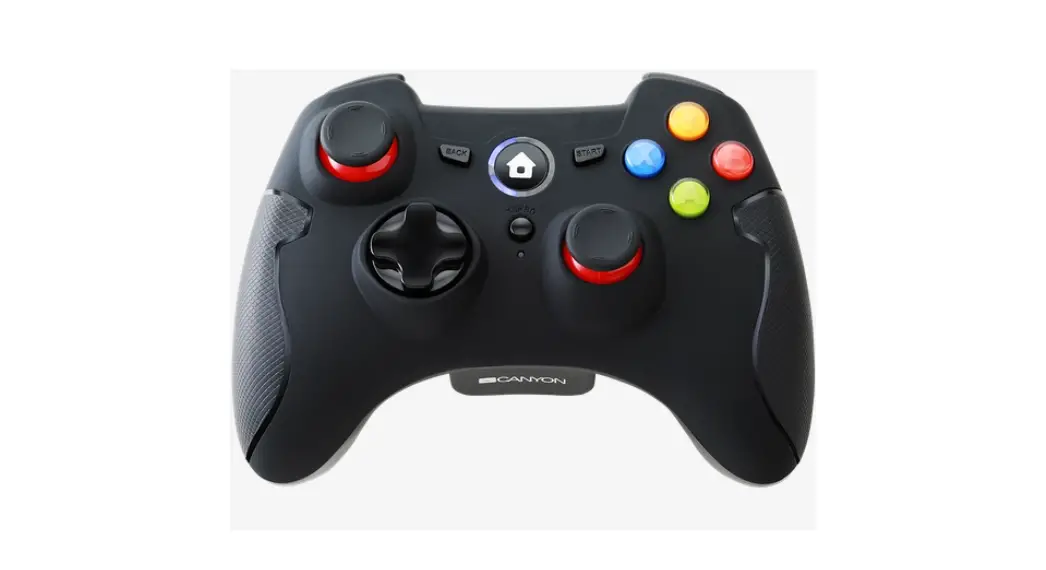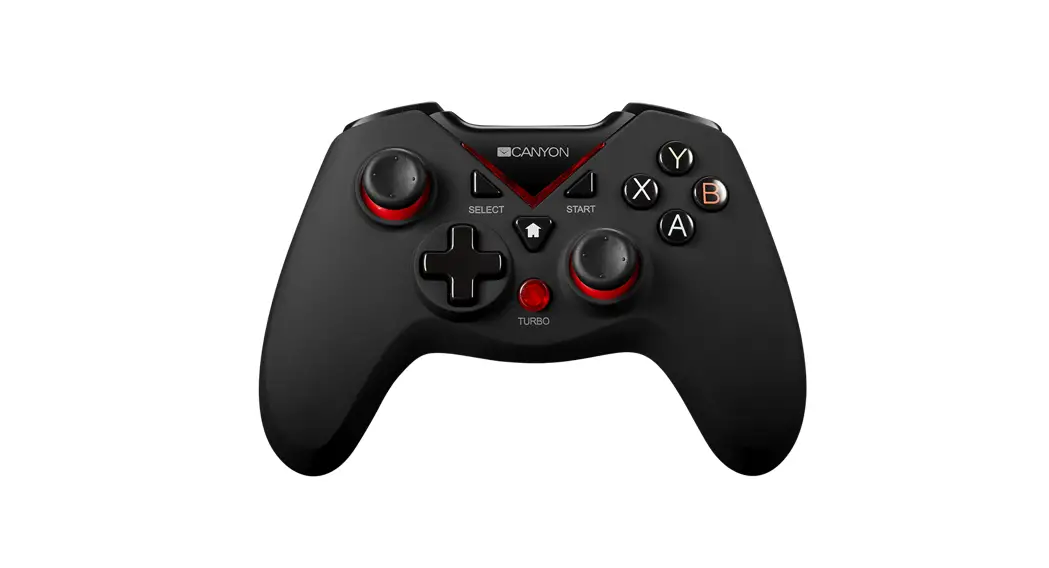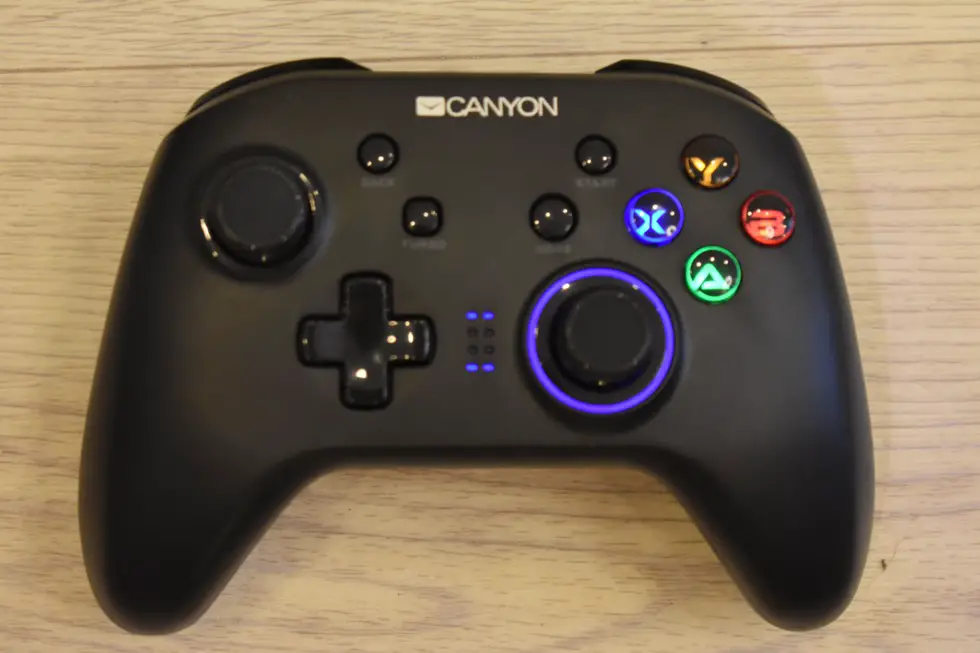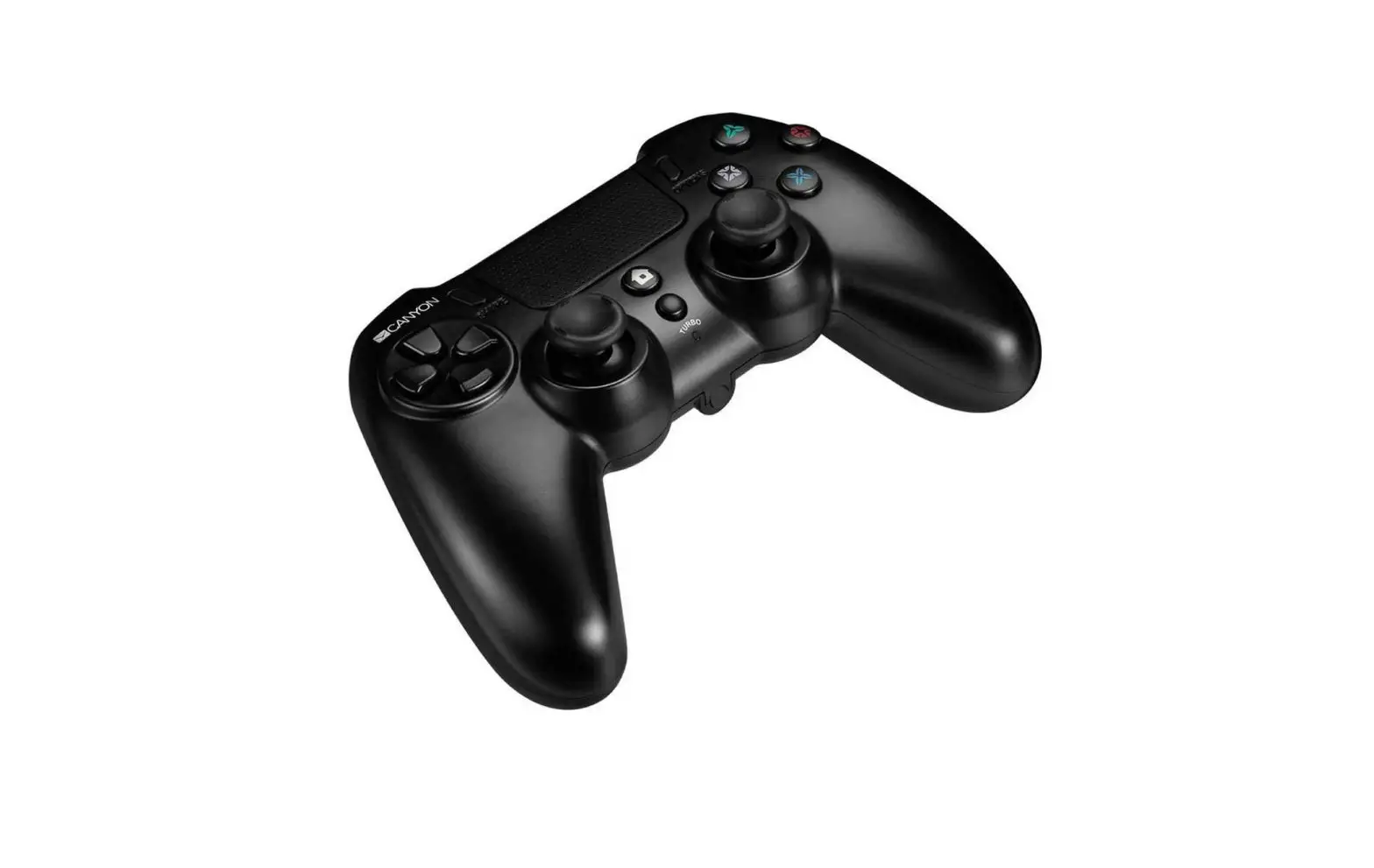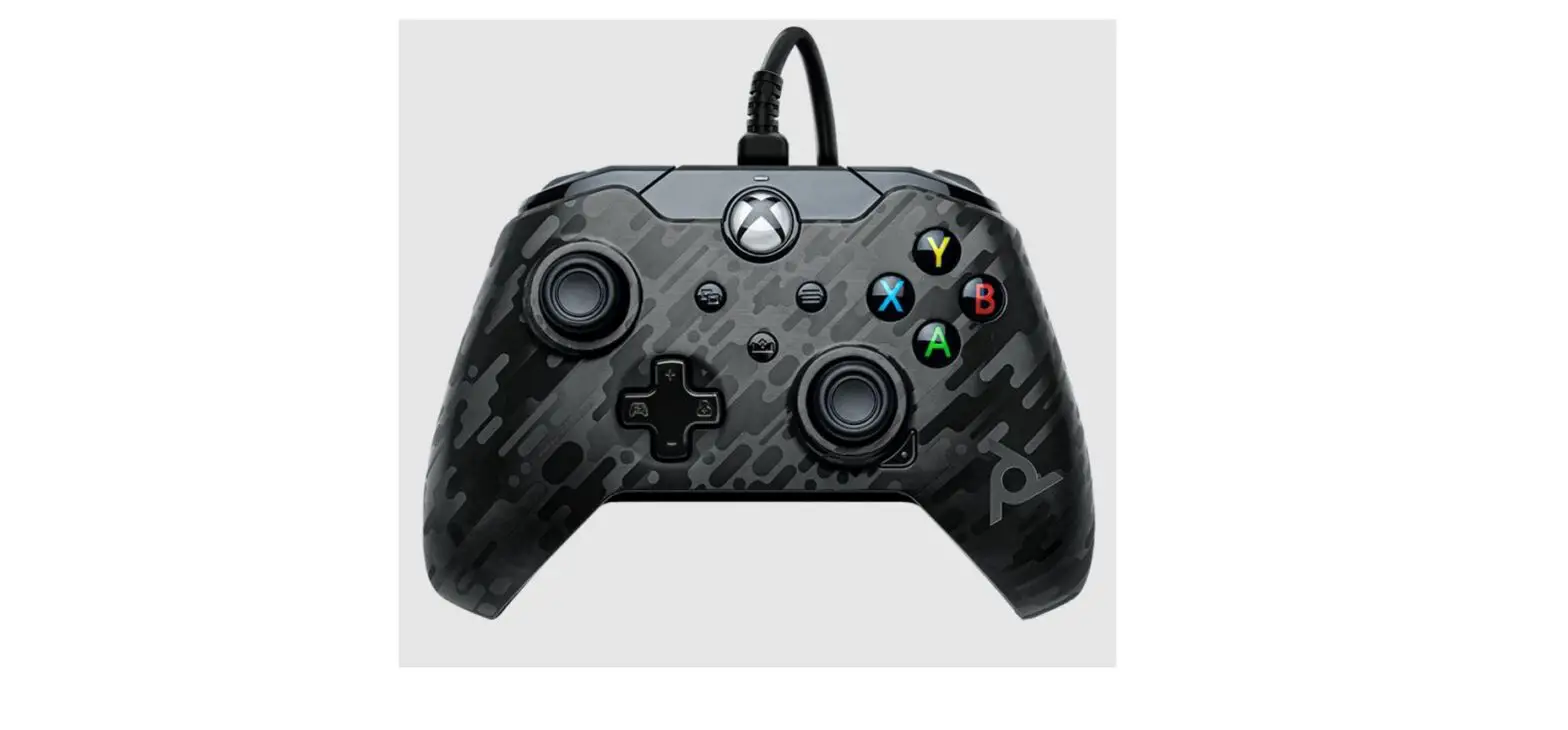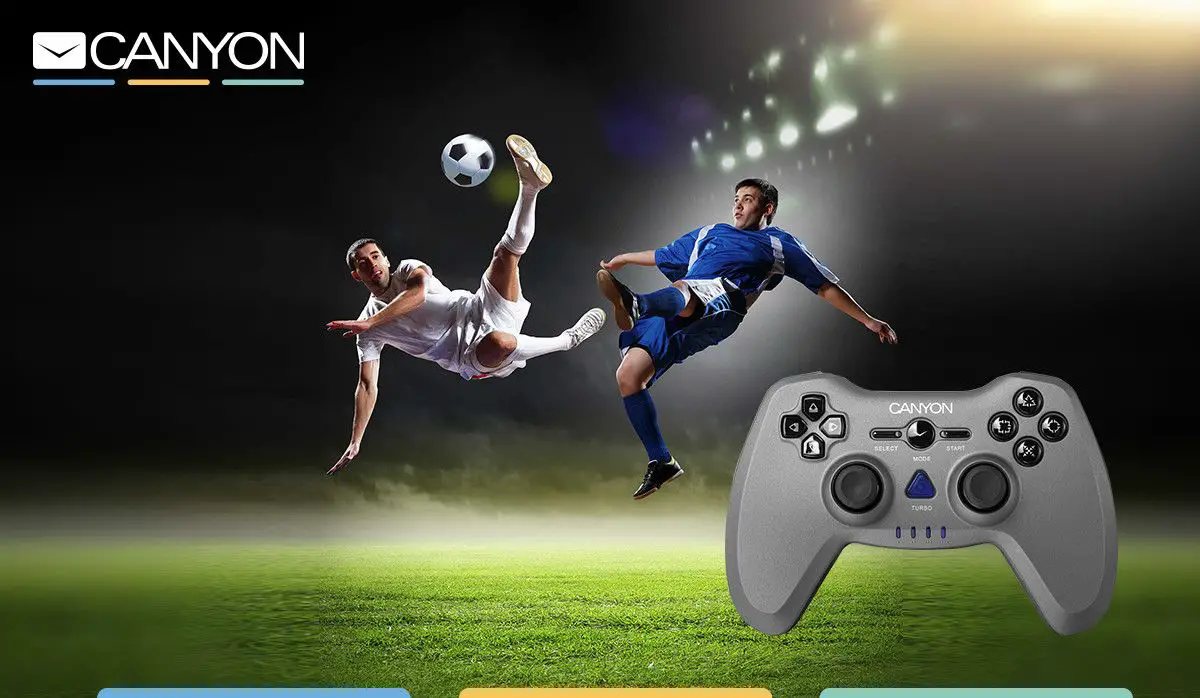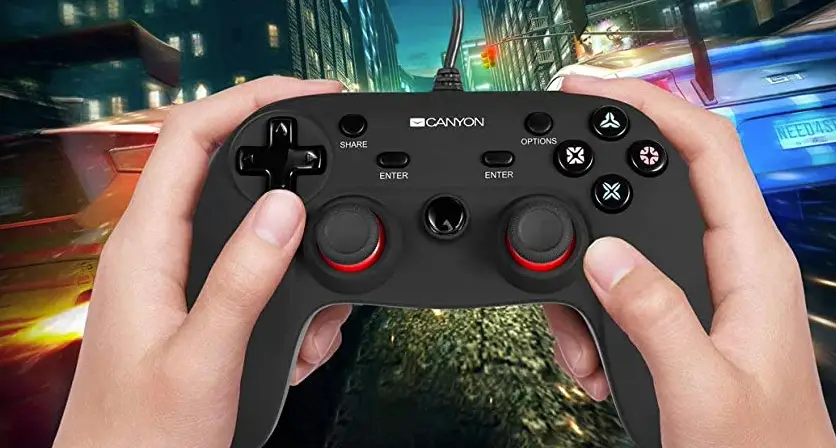
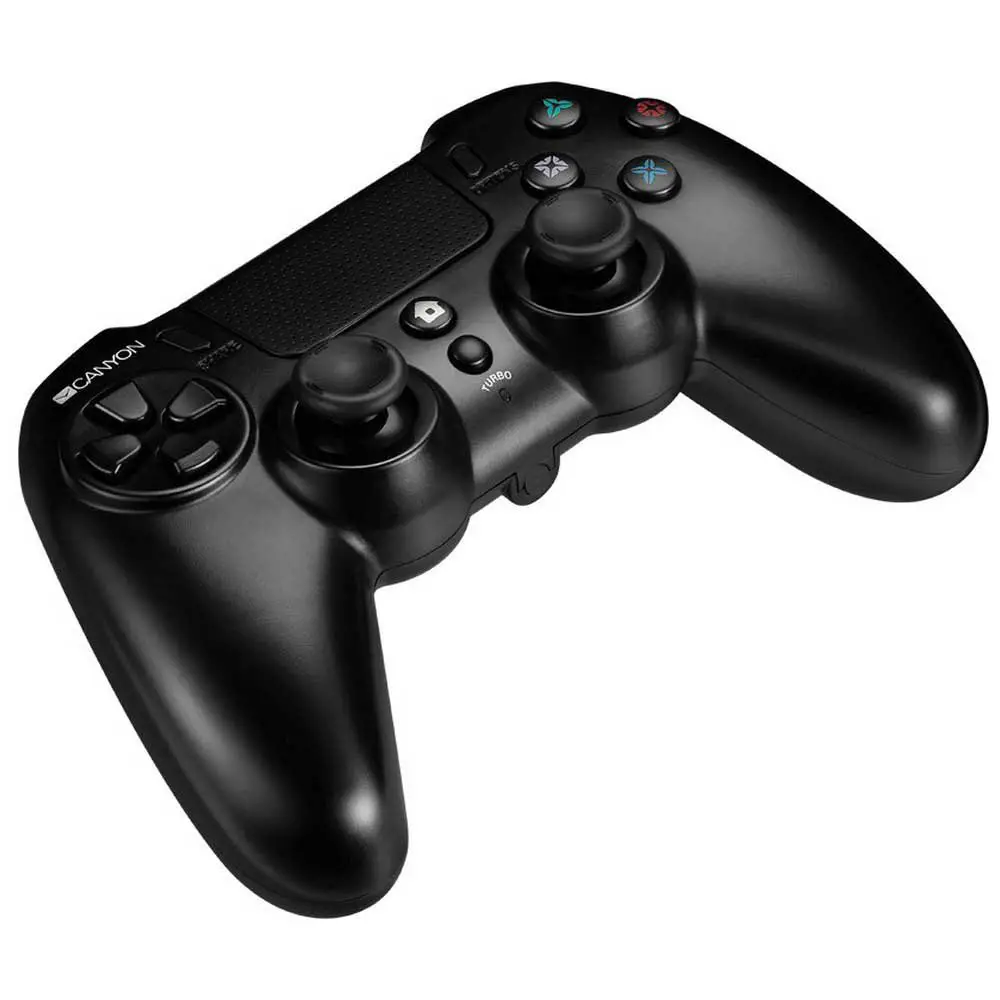
CANYON Game Controller CND-GPW5
Driver
http://canyon.eu/drivers-and-manuals/
Device Overview
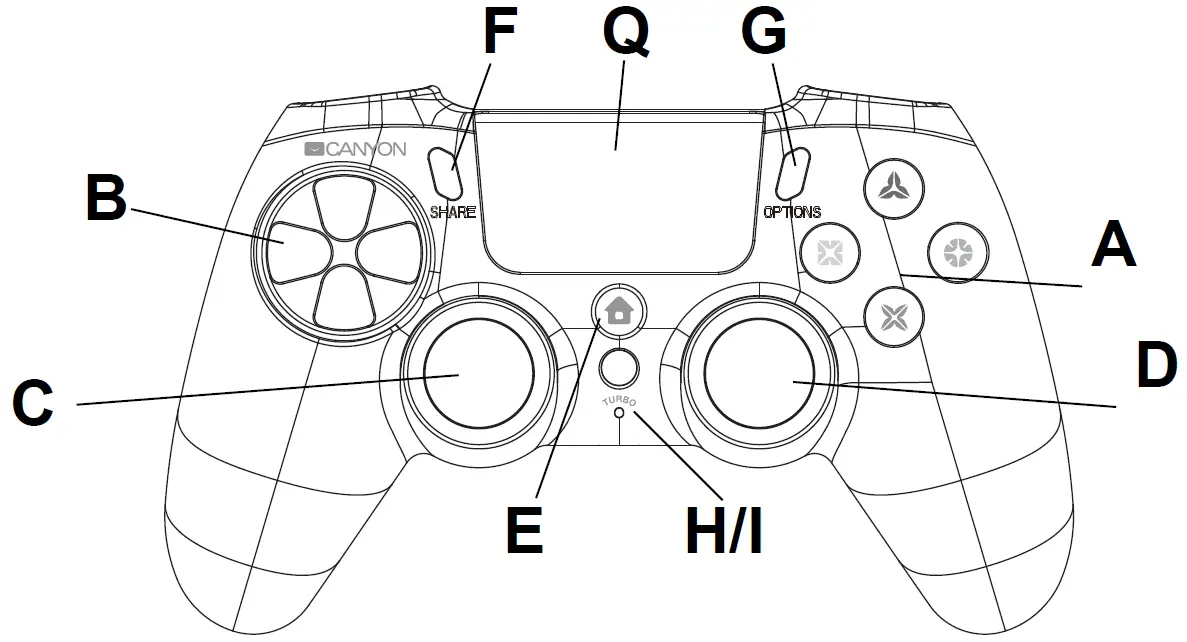
| Function on PS4 | |
| A | Command buttons |
| B | 8 D Direction pad |
| C/D | Left analog stick/Right analog stick |
| E | Home button (back to menu, wake up, switch off.) |
| F/G | Share ( share your gameplay online)/ Option (set option menu) |
| H/I | Turbo button/ Turbo LED indicator |
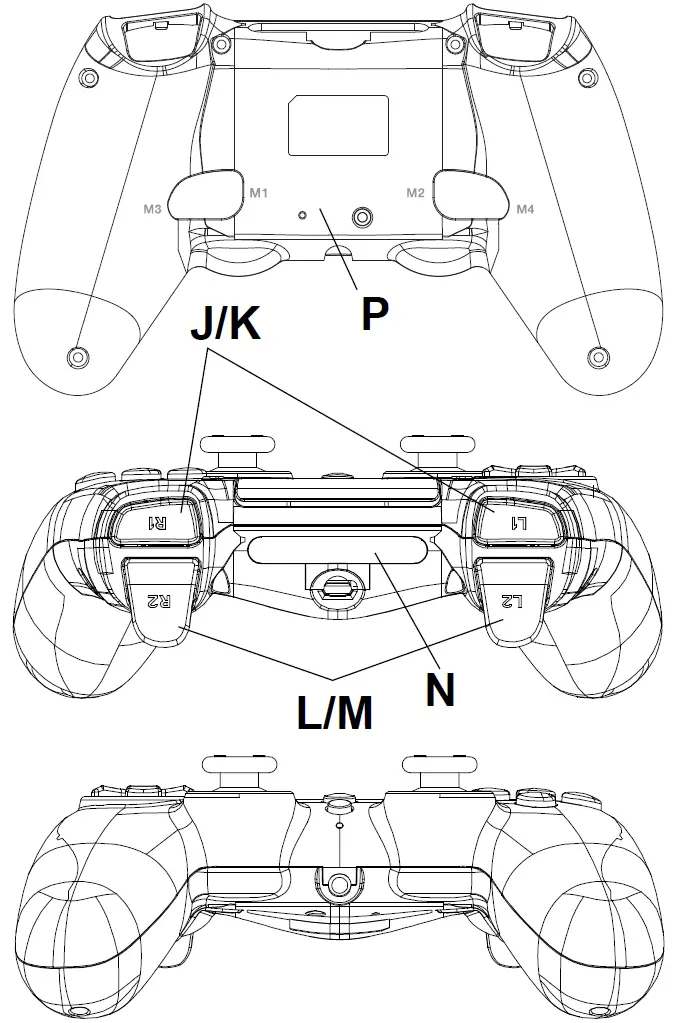
| J/K | R1/L1 buttons/triggers |
| L/M | R2/L2 buttons/triggers |
| N | Smart light bar (7 available colors) |
| P | Remapping/macro buttons M1-4 / default settings are command buttons |
| Q | Touch panel |
Turbo Function
- Hold the key to which you want to apply the turbo function while not releasing it, and then press the turbo button once.
- To cancel this function, hold the key to which you applied the turbo function and do not release and then press the turbo key once.
- If turbo function is active, Turbo LED will blink.
M1-M4 are the remapping buttons and they can remap up to a maximum of 10 buttons. Their default settings are the same as for the command buttons.
Mode A Remapping
- Press M(1-4) first and hold it without releasing and then press the <Share> button until the Turbo LED light is on. Gamepad is now in ‘setting’ status and you may release the former 2
- Hold the button to which you want to set the function, L1, R3 etc., press M (1-4) again to confirm the setting and the Turbo LED light will then switch off to show the setting is successfully completed.
- M (1-4) after setting will be stored in the memory. You can change the setting for each button by repeating the above steps. If you want to clear the memory and remove the setting then press M(1-4)+Share+M(1-4).
Mode B Macro
- Press M(1-4) first and hold it without releasing and then press the <Option> button until the Turbo LED light is on. Gamepad is now in ‘setting’ status and you may release the former 2
- Press the buttons one by one to which you want to set the macro function, L1 + R1 +L2 etc., press M (1-4) again to confirm the setting and the Turbo LED light will then switch off to show the setting is successfully completed.
- The sequence of actions depends on the order of the selected buttons. If you press M(1-4), then it will activate button L1 first, then R1, then L2, in sequence one by one in the order you originally
- M (1-4) after setting will be stored in the memory. You can change the setting for each button by repeating the above steps. If you want to clear the memory and remove the setting then press M(1-4)+Option+M(1-4).
Device Connection
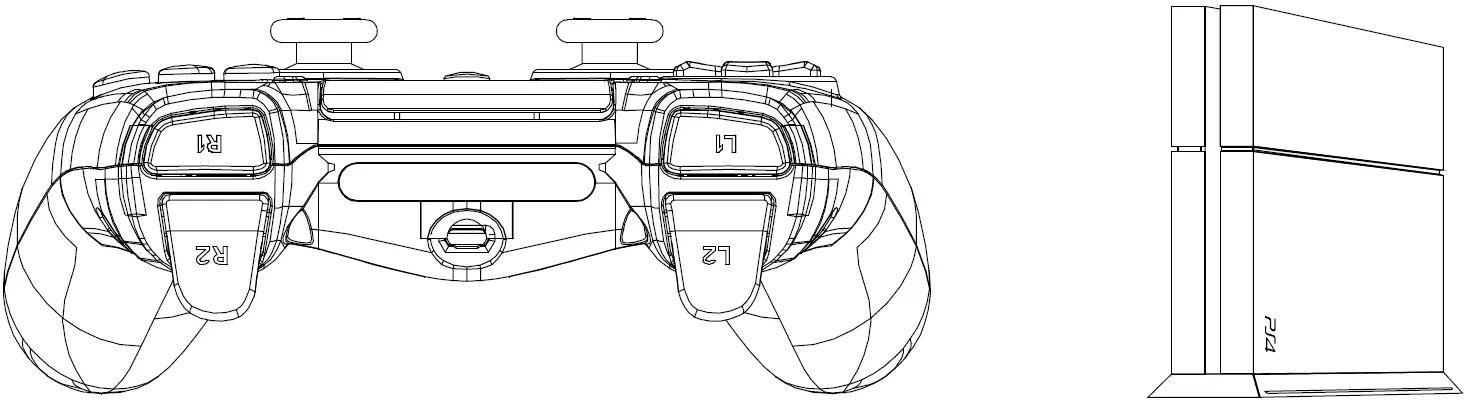
- Insert USB dongle directly to the PS4 console/ PC USB port;
- When channel LED stays on, connection is successful;
- Press home button to enter;
- Enjoy your game on your device.
Technical Specifications
| Compatible with | PS4,PC |
| Сonnection distance of wireless MAX | up to 10m |
| Standby current less-than | 60uA |
| Motor | Dual vibration |
| Battery capacity | 600mAh |
| Сharge voltage | 5V |
| Сharge current MAX | 600mA |
| Dimensions | 162mm*106mm*62mm |
| Weight | 214g±10g |
| Operating temperature | -5° ~ 45° |
| Operation humidity | 25%-85% |
Troubleshooting
The gamepad does not work
- Check USB connection;
- Try to plug gamepad into a different USB port;
- Restart computer/console.
- Gamepad works well when plugging into a full powered USB port. If you use USB HUB, it must have its own power supply.
The gamepad is detected disconnection when playing game
- Check your console system is latest version or not, if you updated your system, please download our updating software.
Warranty
- This product comes with 24-months limited warranty.
- For more information about usage and warranty, please refer to www.canyon.eu/support
Manufacturer: Asbisc Enterprises PLC, Cyprus, Limassol 4103. Diamond Court, 43 Kolonakiou Street. Agios Athanasios. http://canyon.eu/

 Canyon | Mobile and Computer Accessories
 Canyon | Mobile and PC Accessories
 Canyon