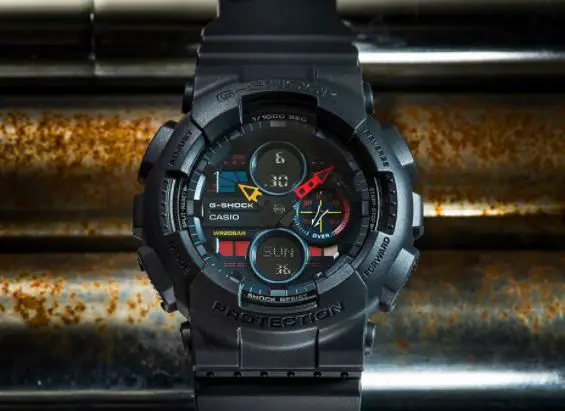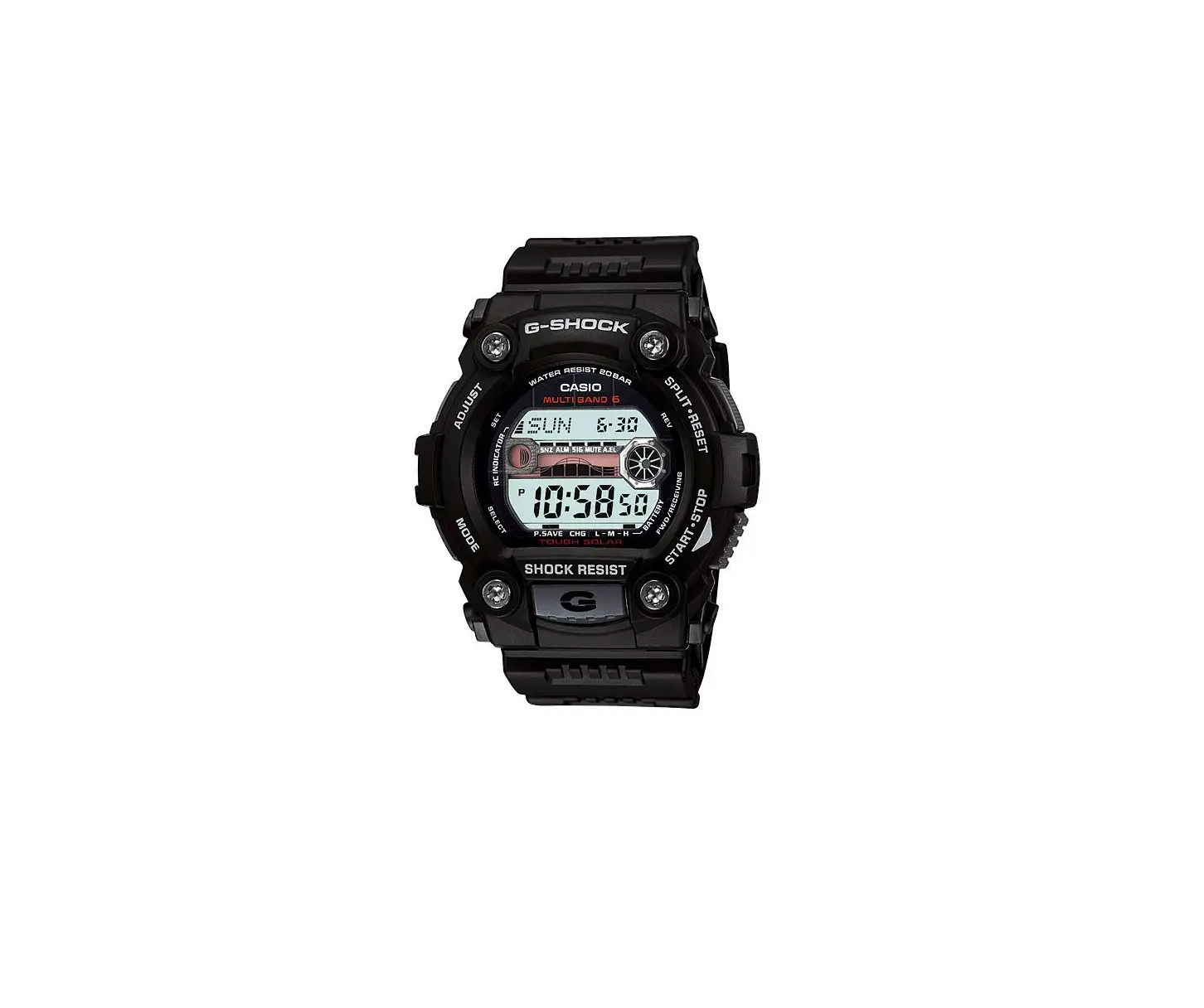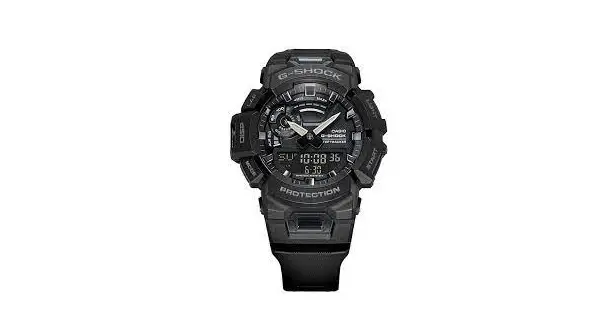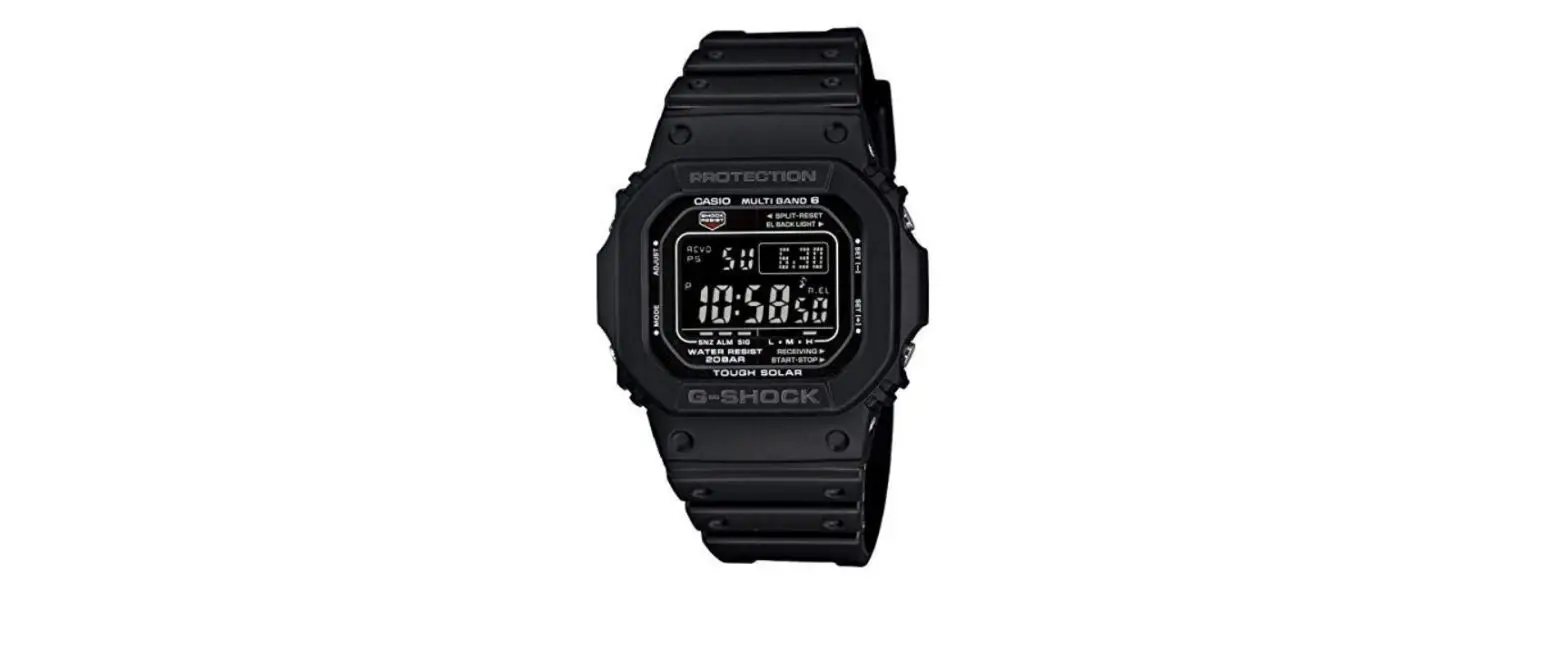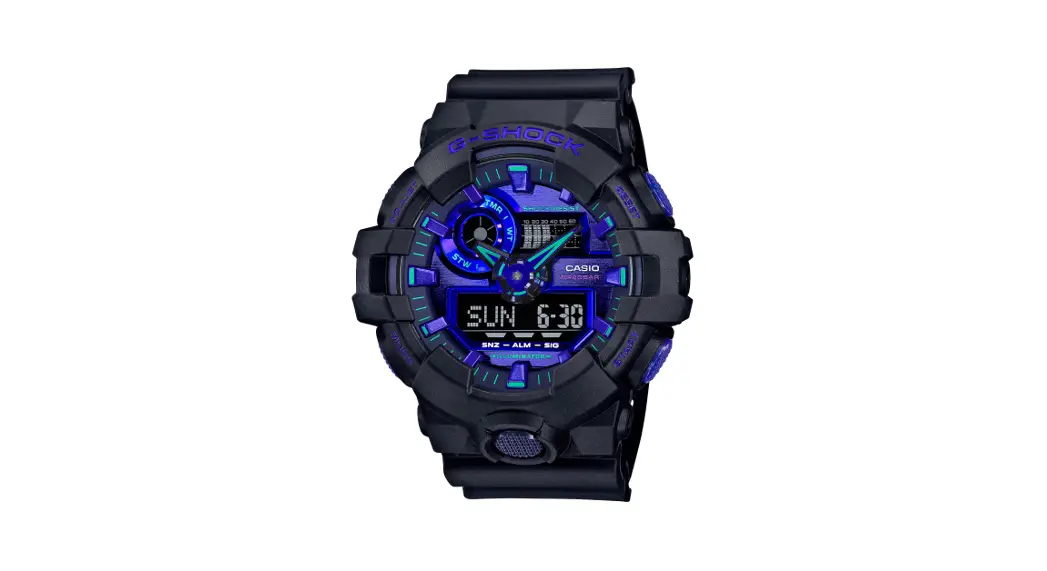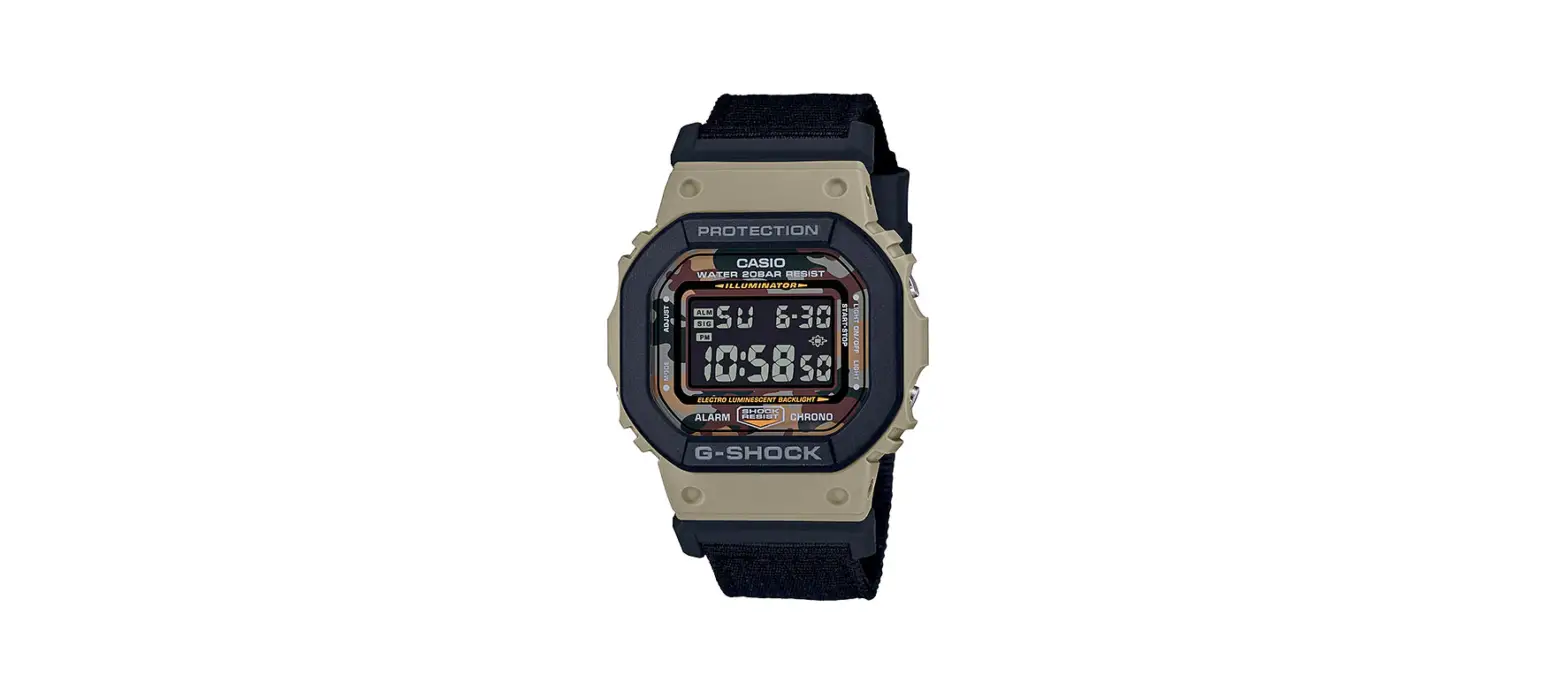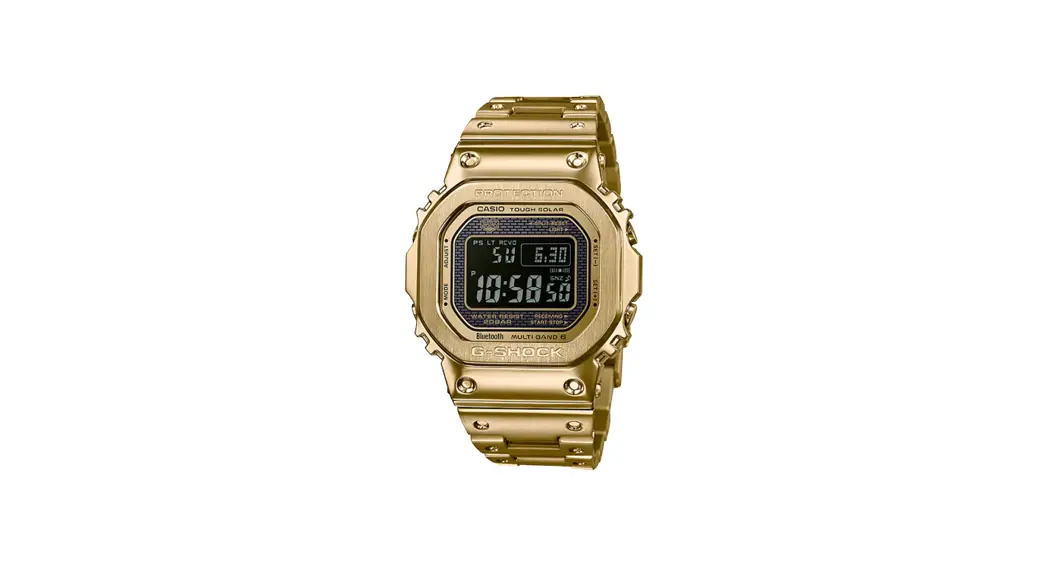

CASIO 5678 G-Shock Smart Watch

DST Setting/Module :5678
Firstly, make sure it is in the Timekeeping Mode.
Timekeeping Mode
<Timekeeping Mode Screen>
To return to the Timekeeping Mode, hold down Ⓑ for about 2 seconds.
- In the Timekeeping Mode, pull out the crown.

- “CITY” will flash on the digital screen.

- Press Ⓑ once to display the DST settings mode.

- Rotate the crown to switch the DST between “AUTO”, “OFF” and “ON

- Push the crown back in in to return to the Timekeeping Mode.




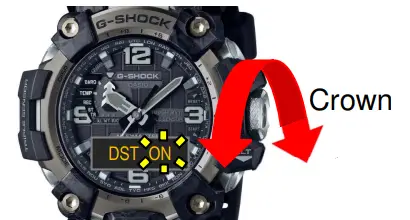

Timekeeping Mode Screen>
*In cities where radio wave reception is possible, On and Off will automatically switch if the setting is set to AUTO.