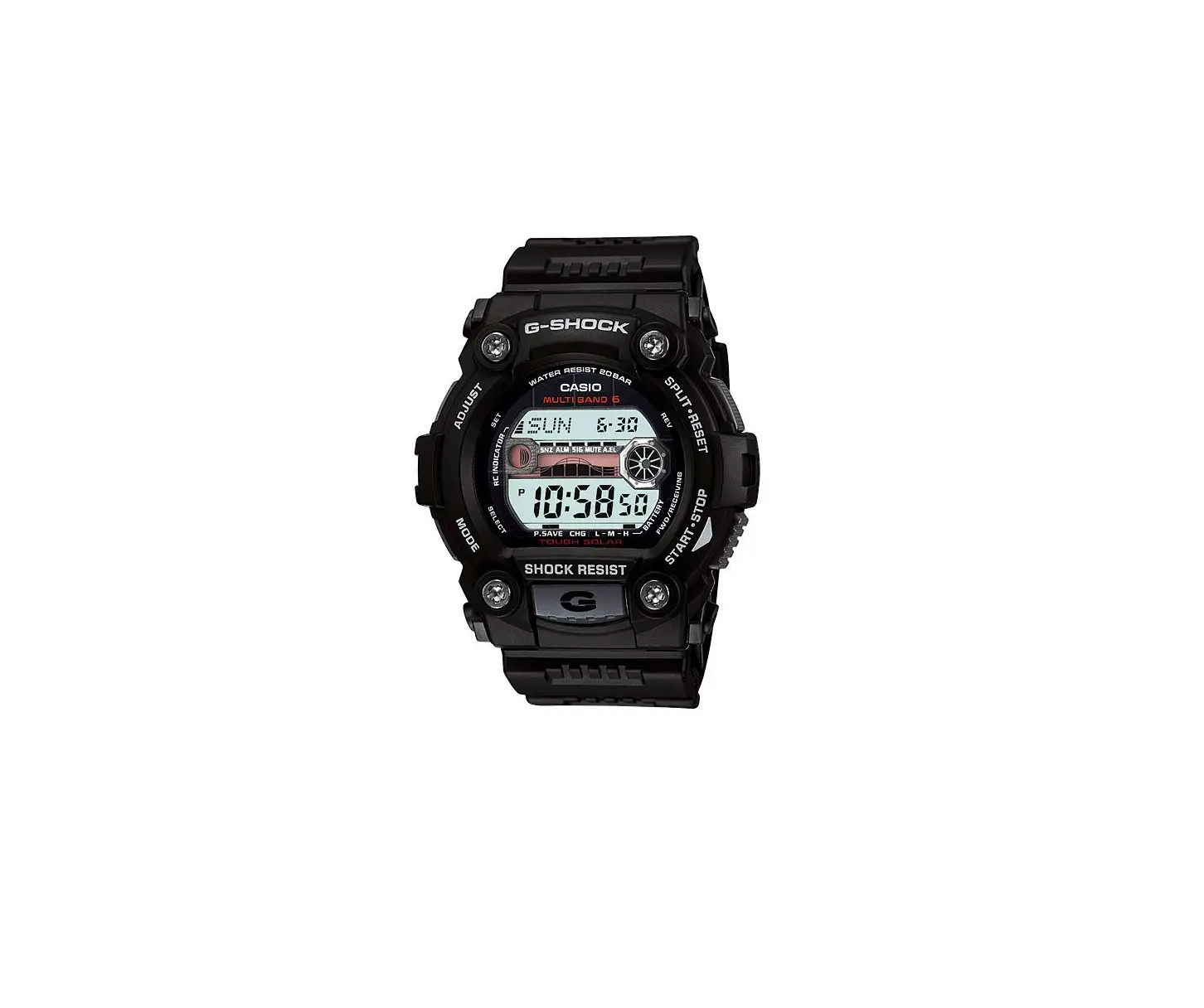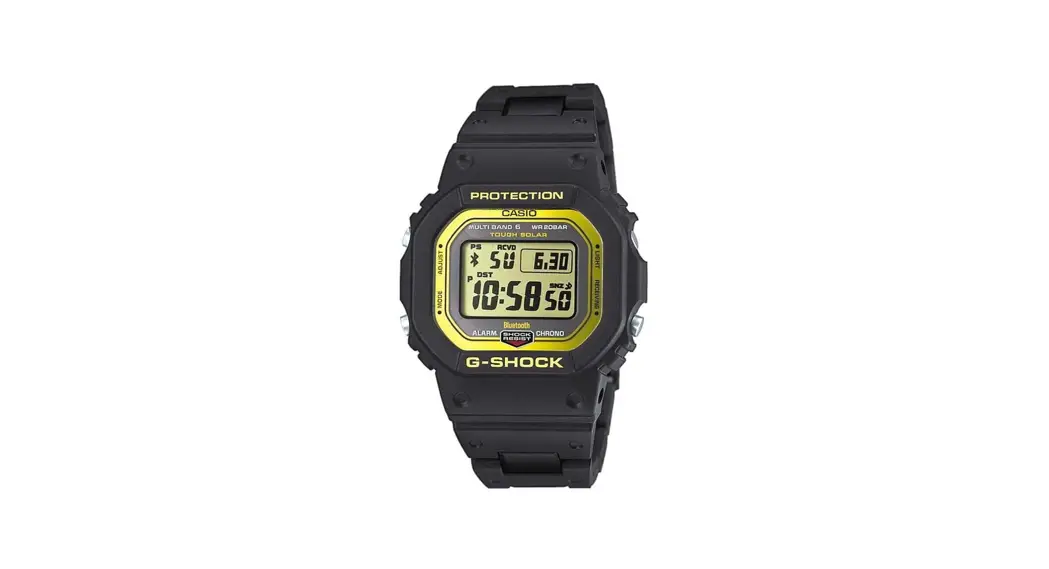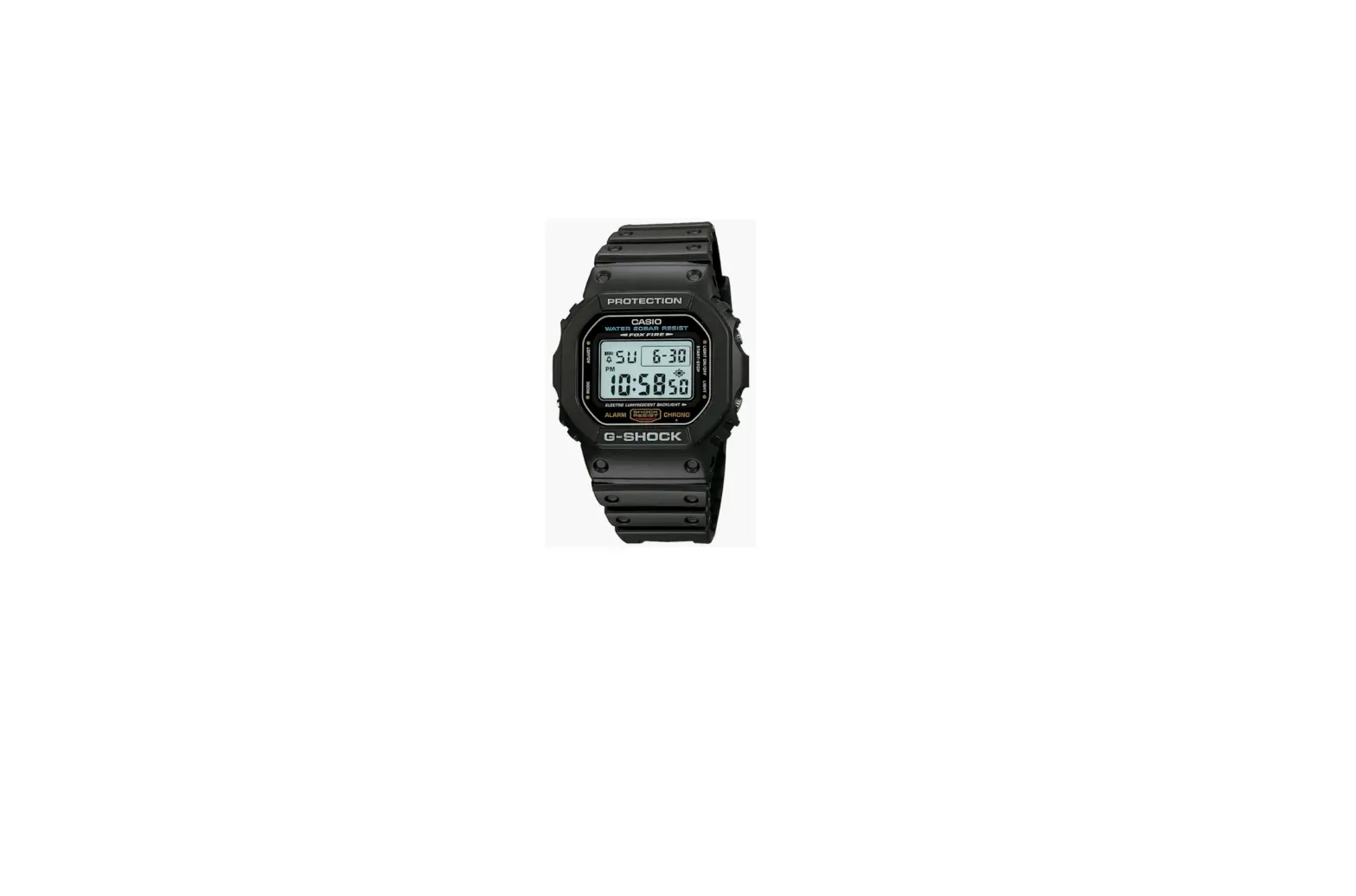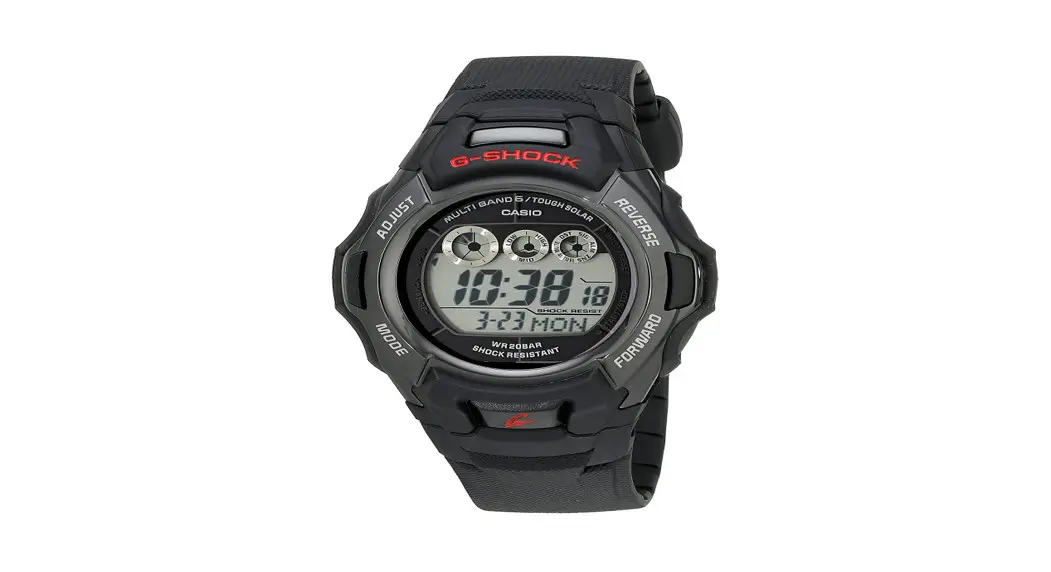

Casio Gw-m500 3405 G-shock Watch Instructions

Casio Gw-m500 3405 G-shock Watch Instructions

DST Setting / Module : 3405

Firstly, make sure it is in the Timekeeping Mode.

<Timekeeping Mode Screen>
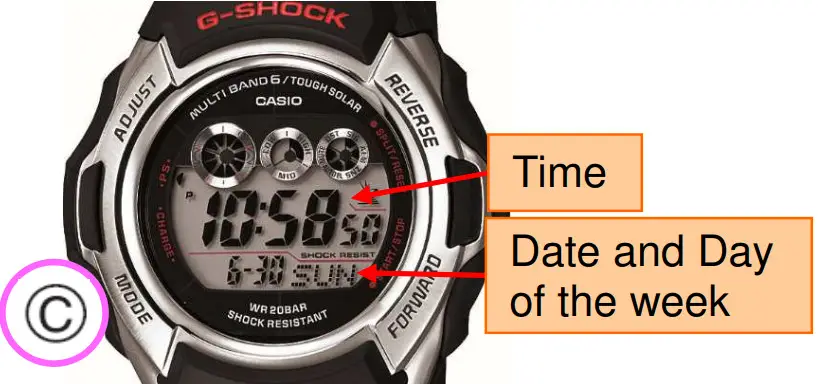
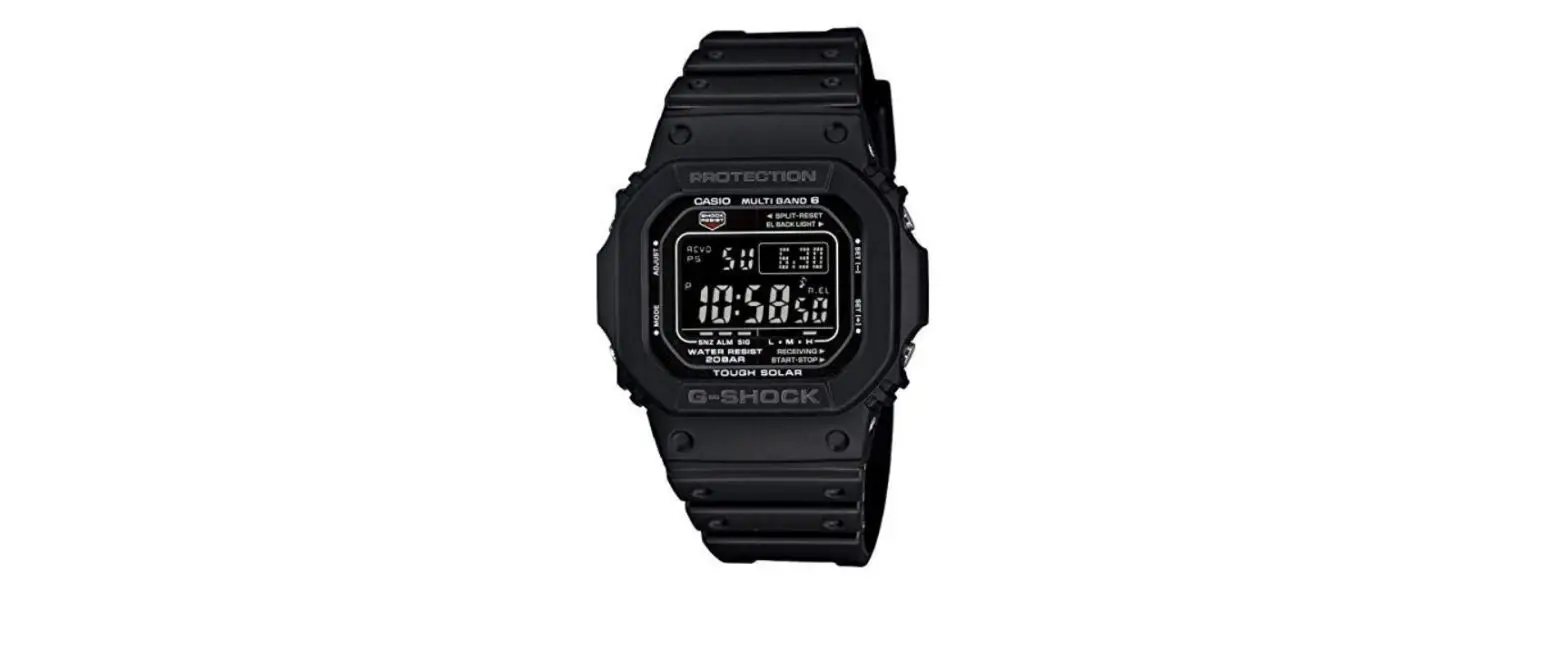
CASIO GW-M500 3405 G-Shock Watch - Timekeeping
To return to the Timekeeping Mode, press © several times.
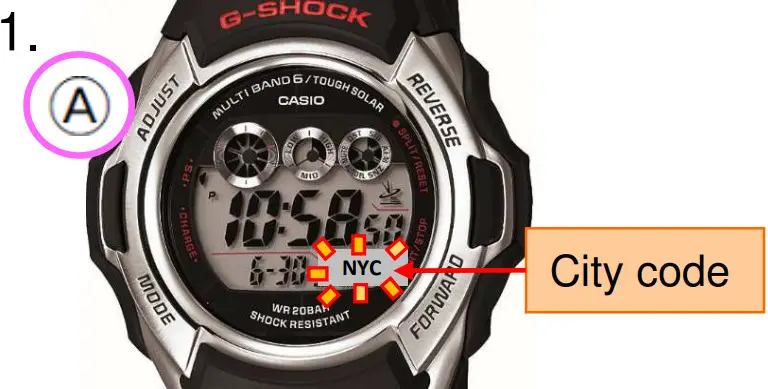
CASIO GW-M500 3405 G-Shock Watch - Timekeeping1
In the Timekeeping Mode, hold down:k until the city code starts to flash.
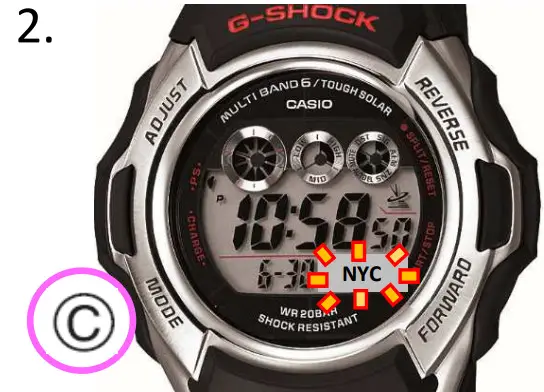
CASIO GW-M500 3405 G-Shock Watch - Timekeeping2
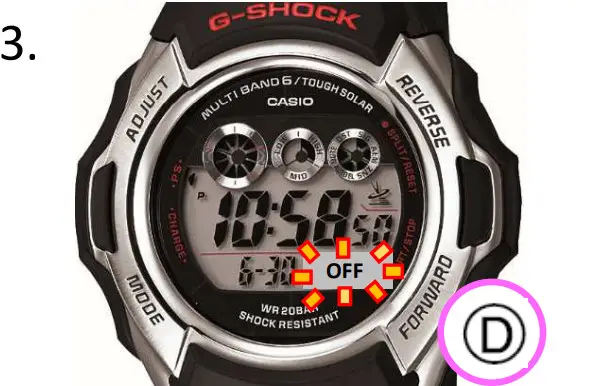
Press © to display the DST setting screen. <DST Setting Screen>
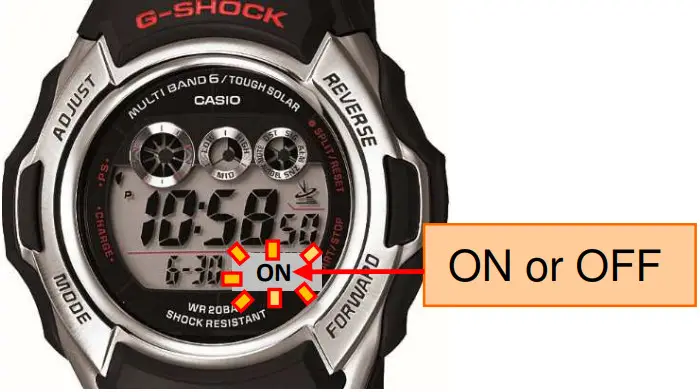
CASIO GW-M500 3405 G-Shock Watch - Timekeeping3

CASIO GW-M500 3405 G-Shock Watch - Timekeeping4

Press © to switch between “ON”, “OFF” or “AUTO”.
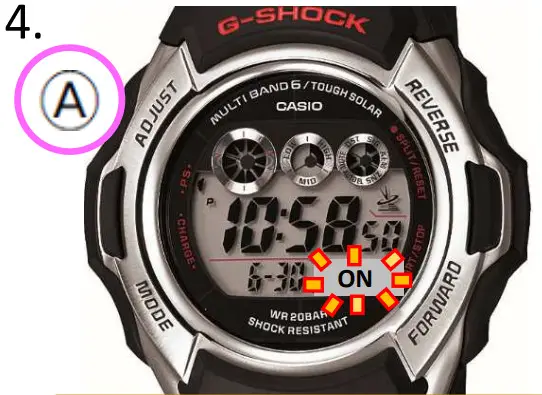
CASIO GW-M500 3405 G-Shock Watch - Timekeeping5Press ® to return to the Timekeeping Mode.
I<Timekeeping Mode Screen> I
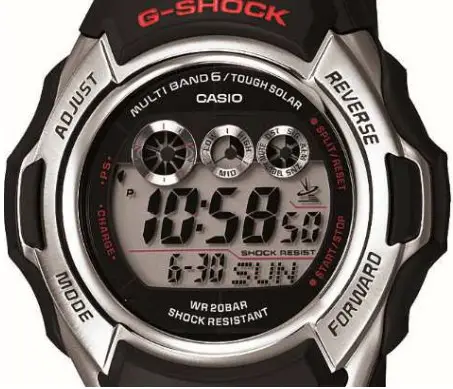

CASIO GW-M500 3405 G-Shock Watch - Timekeeping6

Documents / Resouces

Download manual
Here you can download full pdf version of manual, it may contain additional safety instructions, warranty information, FCC rules, etc.


Related Manuals