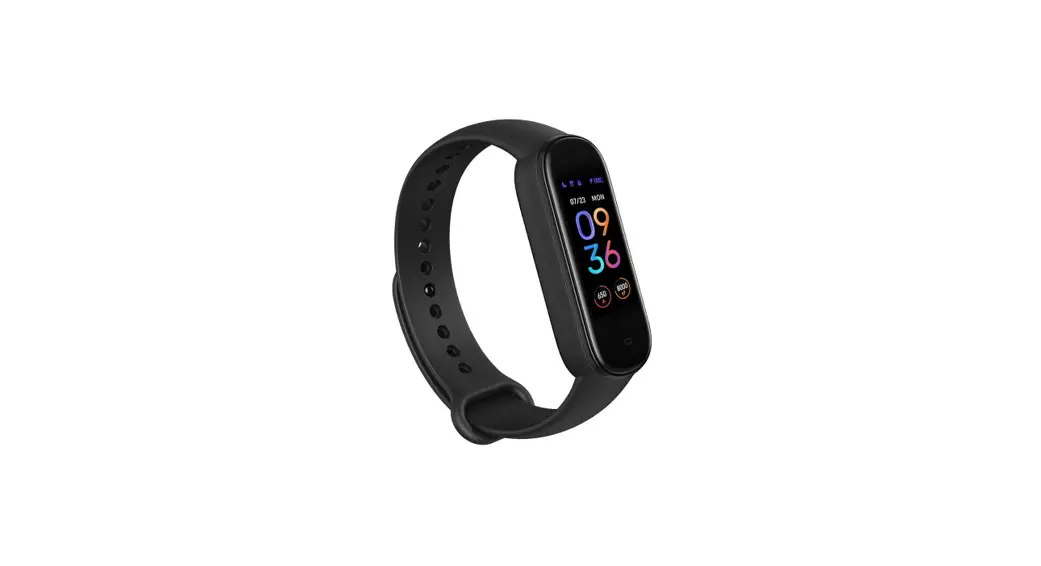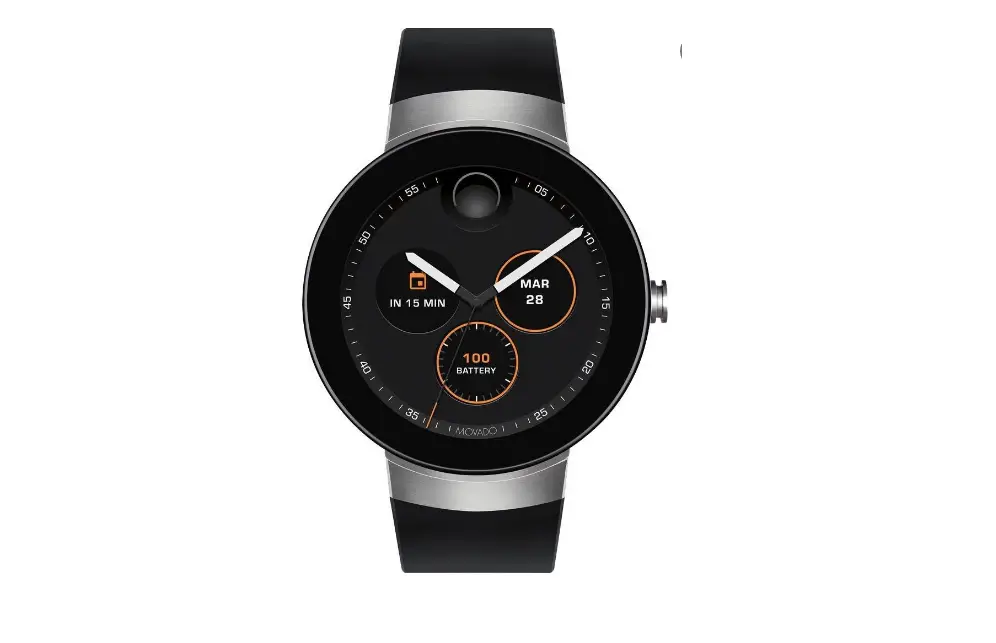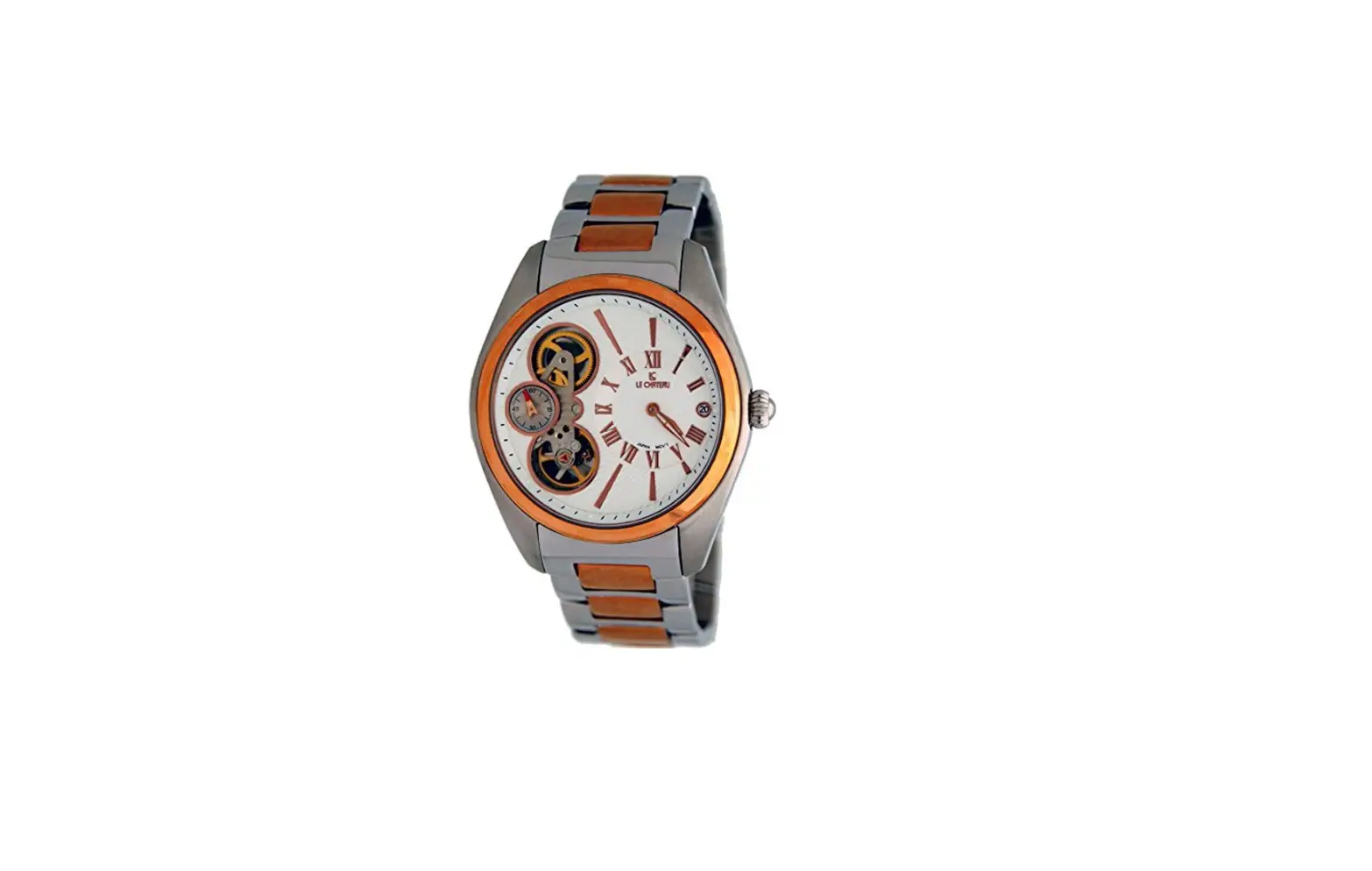
 5637 Smartwatch
User Guide
5637 Smartwatch
DST Setting / Module : 5637
Firstly, make sure it is in the Timekeeping Mode.
<Timekeeping Mode Screen>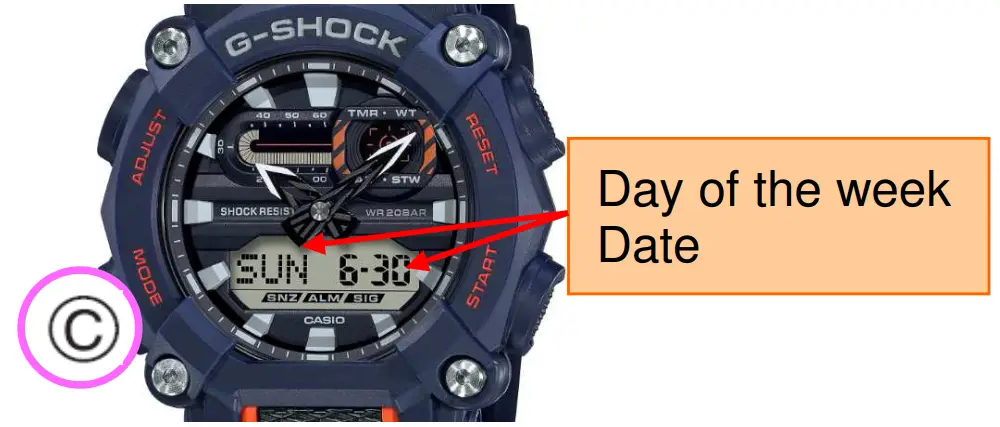 To return to the Timekeeping Mode, hold down for two seconds.
 In the Timekeeping Mode, hold down until the city code starts to flash.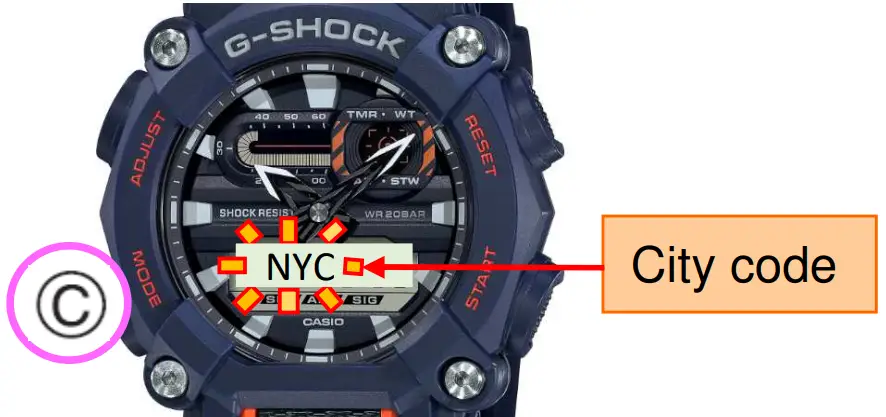
Press once to display the DST setting mode.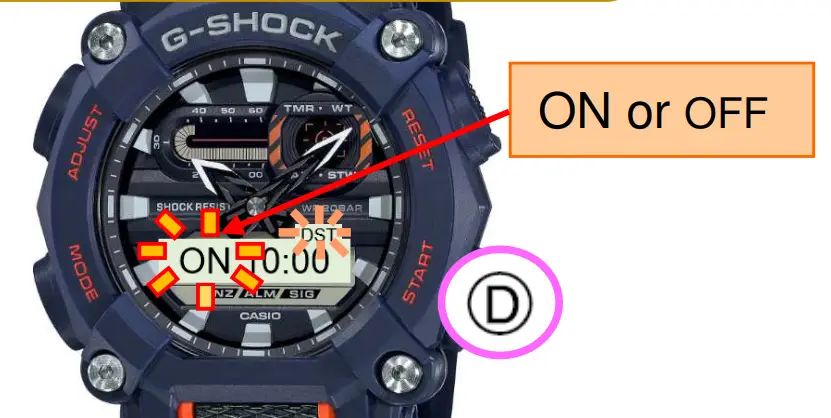 Press to toggle ON and OFF.
 Press to return to the Timekeeping Mode.
<Timekeeping Mode Screen>