
Smartwatch User Guide
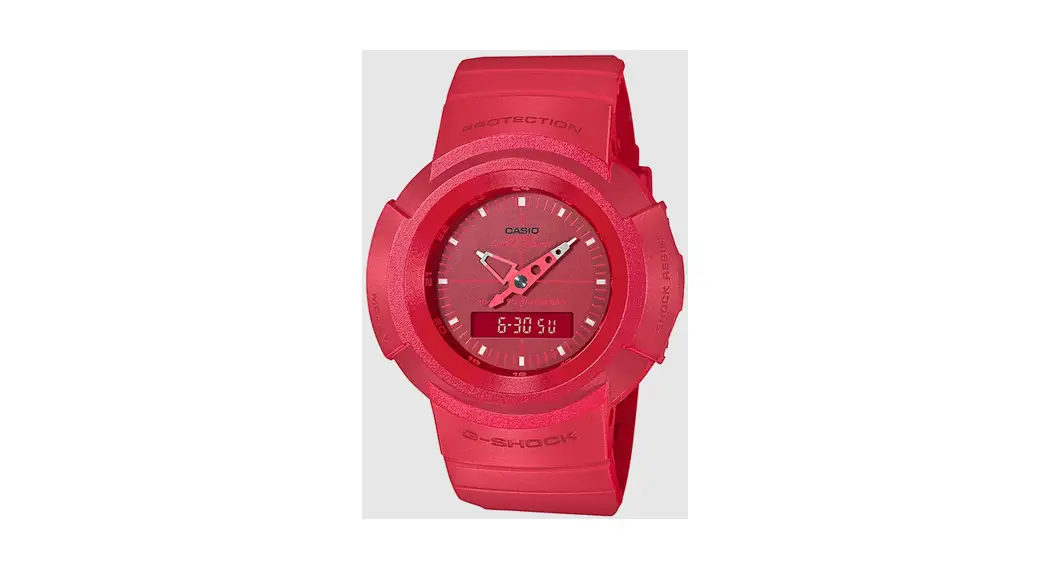
casio5641 Smartwatch
DST Setting / Module : 5641
※ If you are connected to a mobile phone, please switch from the G-SHOCK MOVE app.
Firstly, make sure it is in the Timekeeping Mode.
<Timekeeping Mode Screen>
Depending on the settings, the digital screen may display as follows. 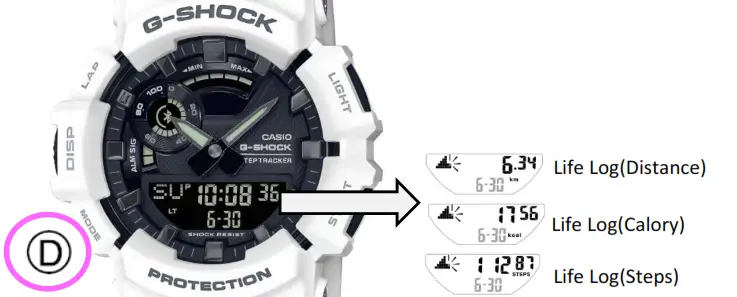
To return to the Timekeeping Mode, hold down Ⓓ for two seconds.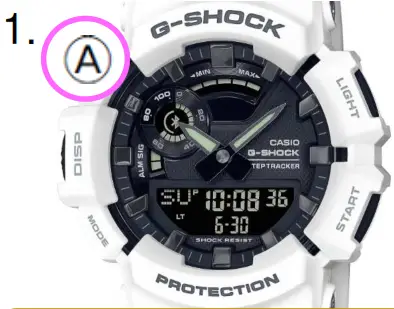
In the Timekeeping Mode, hold down Ⓐ until ”SET” stops flashing.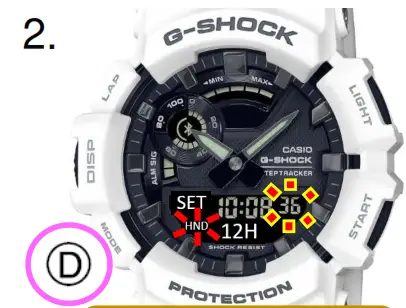
Press Ⓓ once.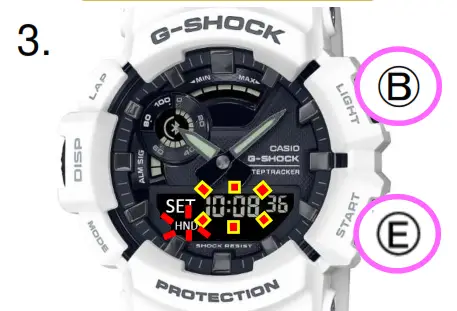
“Hours” flashes.
Press Ⓑ or Ⓔ to change the hour.
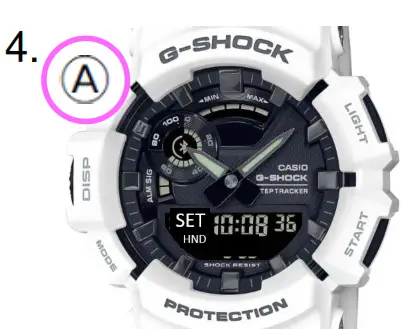
Press Ⓐ twice to return to the Timekeeping Mode.
<Timekeeping Mode Screen> The hands also change to the time set in above number 3.