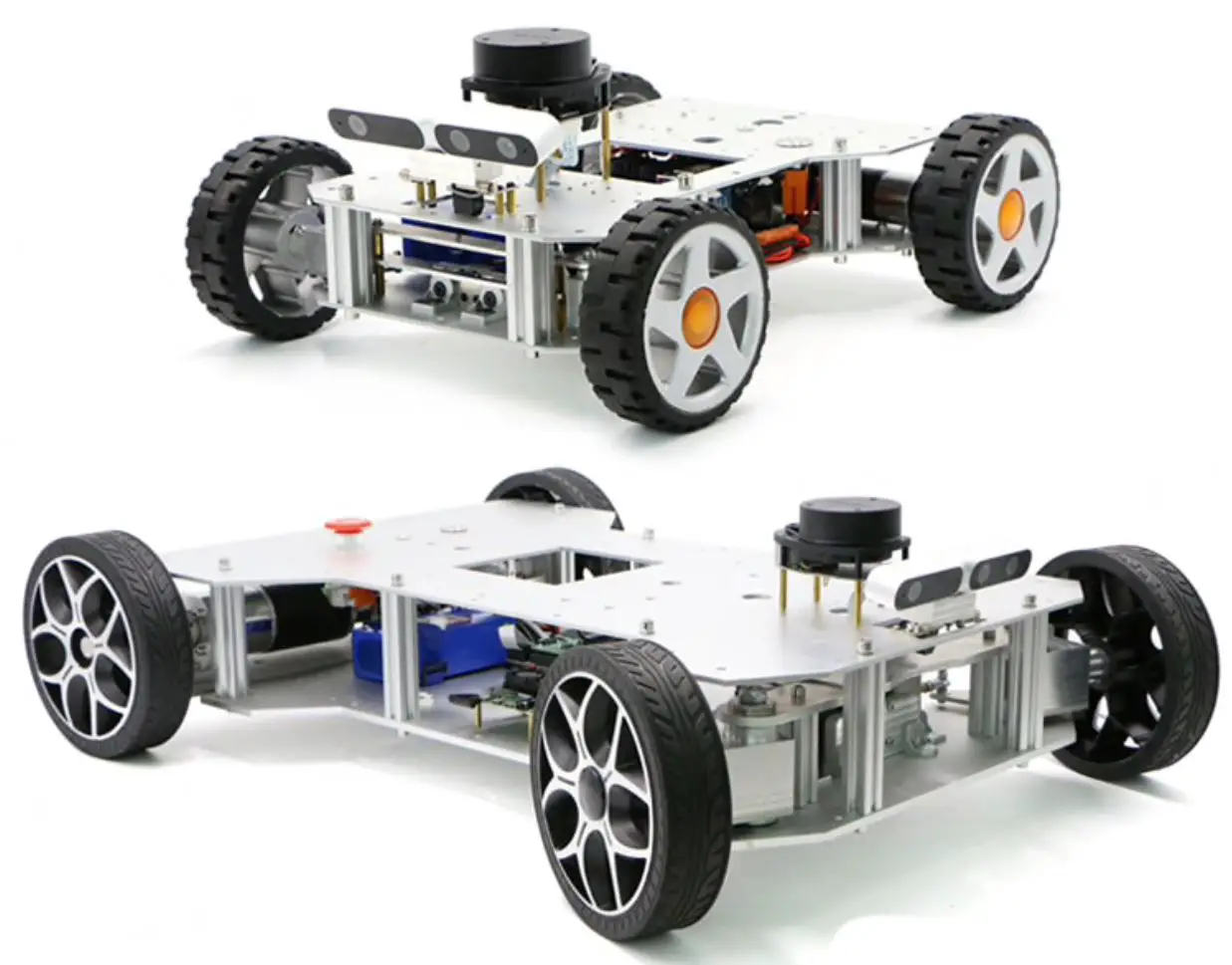
CrowBot BOLT Programmed Educational Robot Car
Product Information
The CrowBot BOLT is a programmed educational robot car that
comes with a tracking map. It is designed to help children explore
the electronic world and learn about STEAM education. The robot car
comes with a chassis, 2 battery holders, 4 AAA batteries, 2 side
acrylic plates, 1 front acrylic plate, 2 wheels, 1 ultrasonic
sensor, M3x8mm screws, M3x55mm copper column, and a screwdriver.
Please note that the product contains small parts and is not
suitable for children under 3 years of age. Children should always
use the robot car under adult supervision.
Product Usage Instructions
- Before using the robot car, please check the parts list to
ensure all components are present. - Assemble the robot car by attaching the side acrylic plates and
front acrylic plate to the chassis using M3x8mm screws and M3x55mm
copper columns. Use the screwdriver to tighten the screws. - Attach the left and right wheels to the chassis using M3x8mm
screws and M3x55mm copper columns. Use the screwdriver to tighten
the screws. - Insert the ultrasonic sensor into the front acrylic plate and
connect it to the battery holder. - Once assembled, turn on the robot car and customize its
functions according to your preferences. The robot car can be used
for ultrasonic obstacle avoidance, line tracking, light chasing,
music playing, and patrolling.
For more information and help with using the CrowBot BOLT,
please visit https://www.elecrow.com/.
Tracking Map
CrowBo t BOLT
Programmed Educational Robot car
Assembly Instruction
2 Battery Holder
Chassis x1 Battery Holder x1 AAA Battery x4
Explore Electronic World
For more product information and help, please visit the website. https://www.elecrow.com/
WARNING
CHOKING HAZARD Small parts. Not for kids under 3 years. Children to use only under adult supervision.
STEAM
EDUCATION
1 Preparation
3
Acrylic Plates
Side Acrylic Plates x2
M3x8mm Screws x4
Front Acrylic Plates x1 Scewdriver x1
M3x55mm Copper Column x2
4 Left & Right Wheels
Wheels x2
Chassis x1
Ultrasonic Sensor x1
Battery Holder x1
Wheels x2
M3x8mm Screws x4
M3x55mm Copper Column x2
Scewdriver x1
AAA Battery x4 (not included)
Side Acrylic Plates x2
Front Acrylic Plates x1
TIPS: Please check the parts list before using
5 Connect Ultrasonic Sensor
Ultrasonic Sensor x1
6 Finish
Front
Back
Instructions for Factory Procedures
Ultrasonic obstacle avoidance robot
Line tracking robot
Light chasing robot
Music playing robot
Robot on patrol 3 in1
Turn on the light
Turn left Go back
User can customize functions Buzzer sounds
Go ahead Turn right Cancel the program
Notice: · Preset infrared remote controller functions.If you reload other programs, the above functions will be invalid. · If you need, visit the product link or contact customer service to ask for this factory setting program.
CrowBot