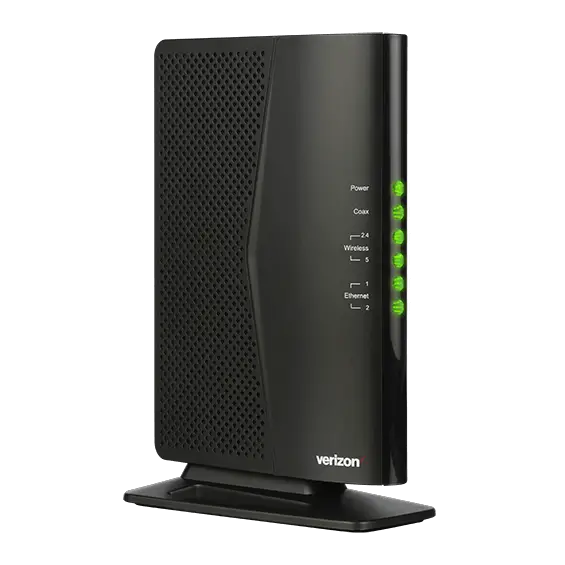
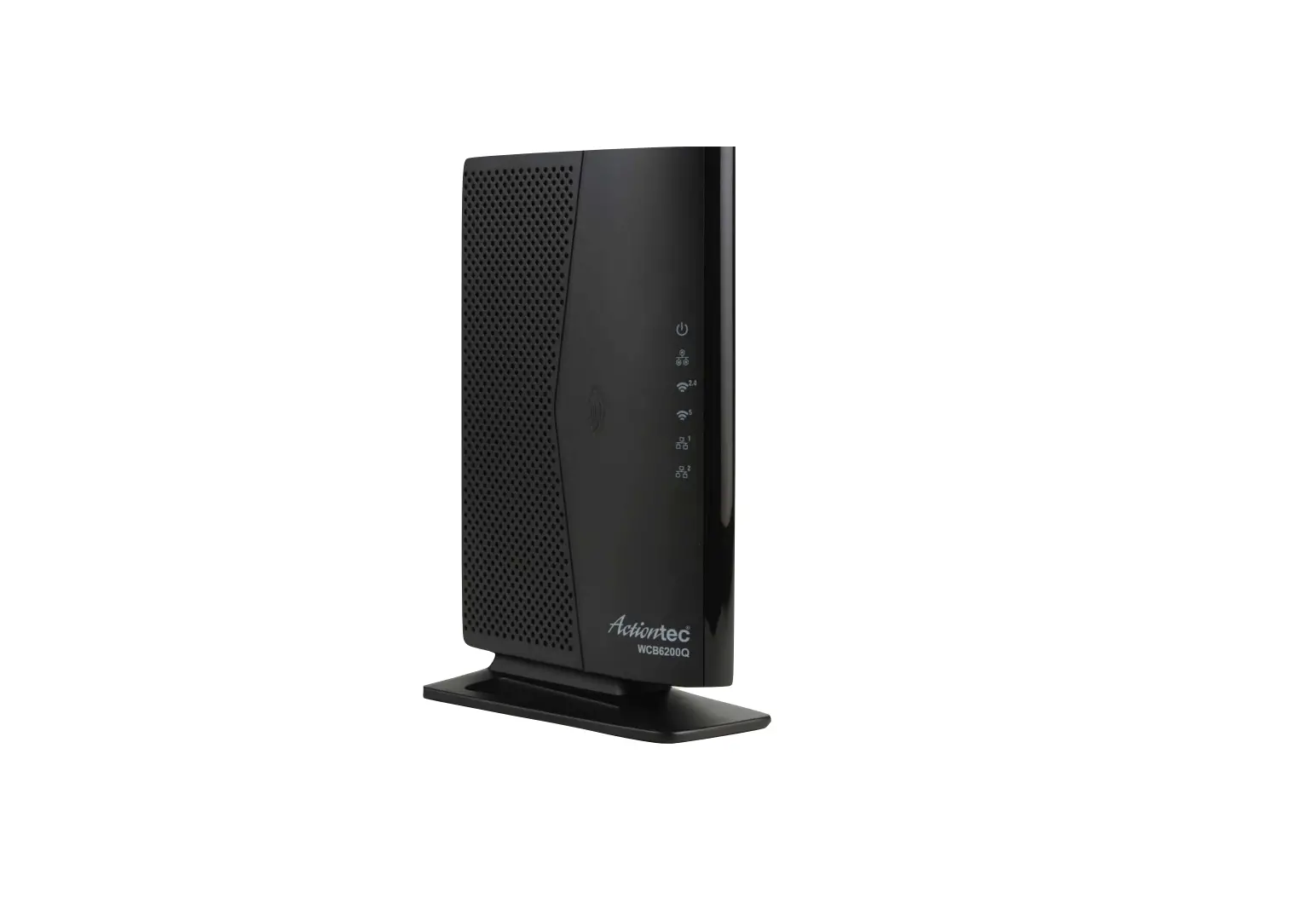
Fios Network Extender WCB3000N Basic Instructions
Getting Started
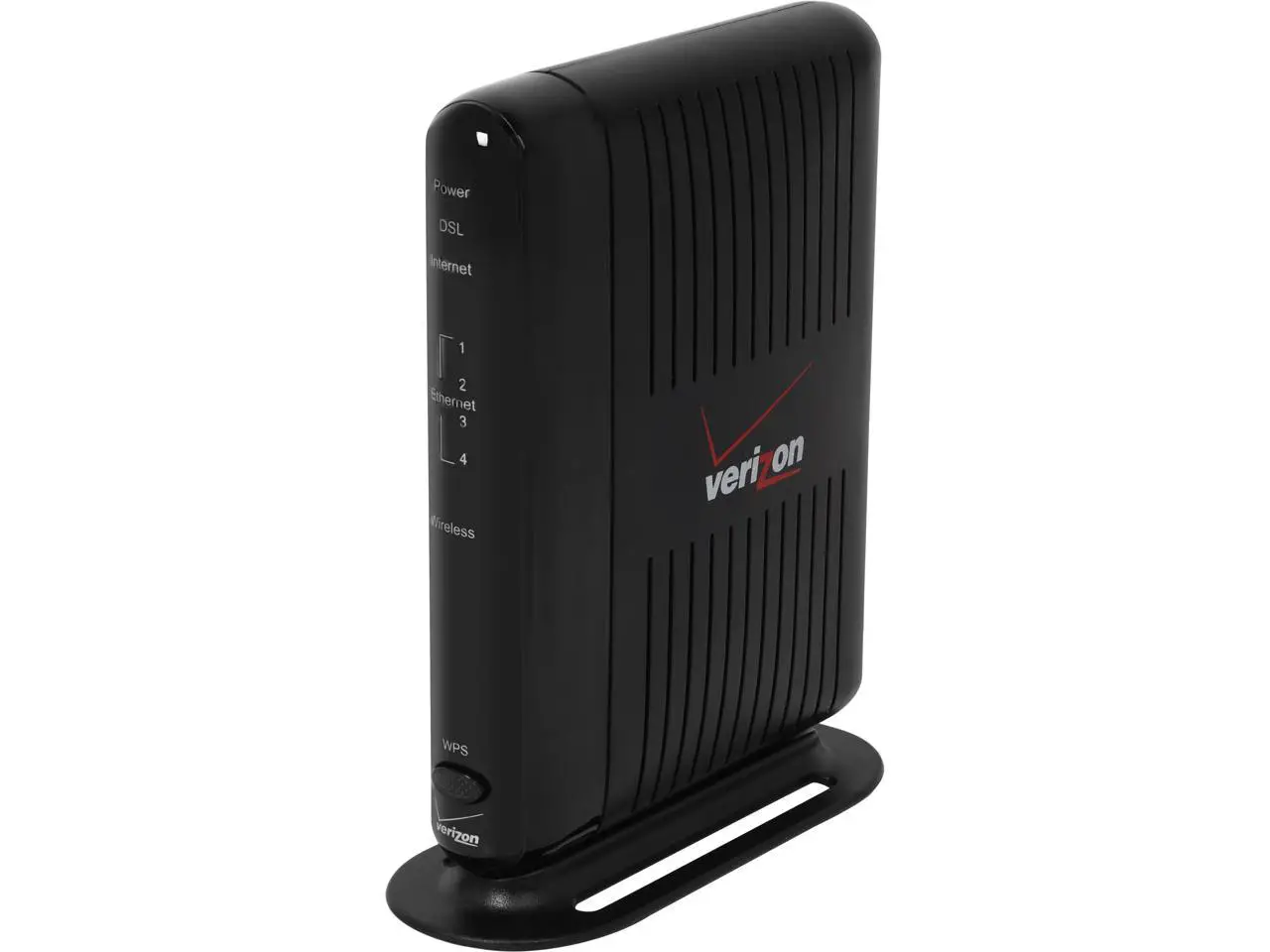
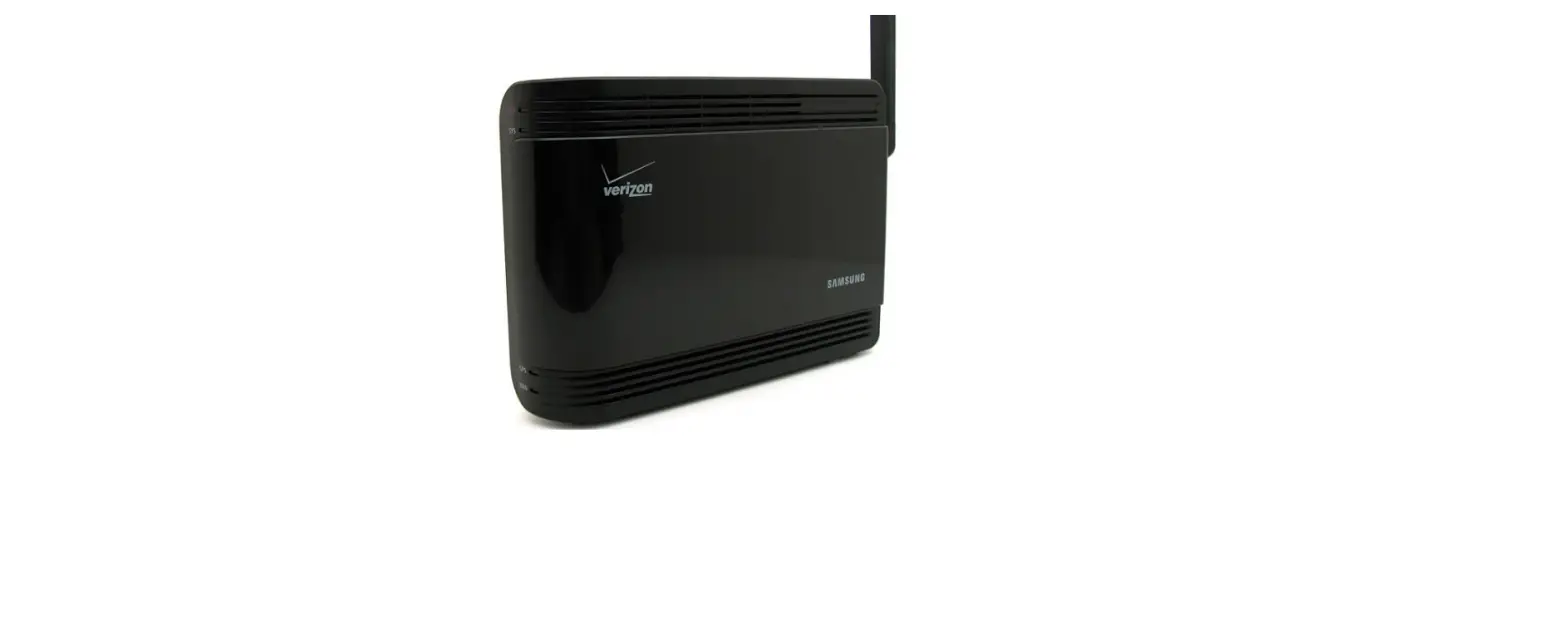
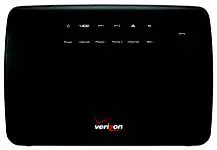
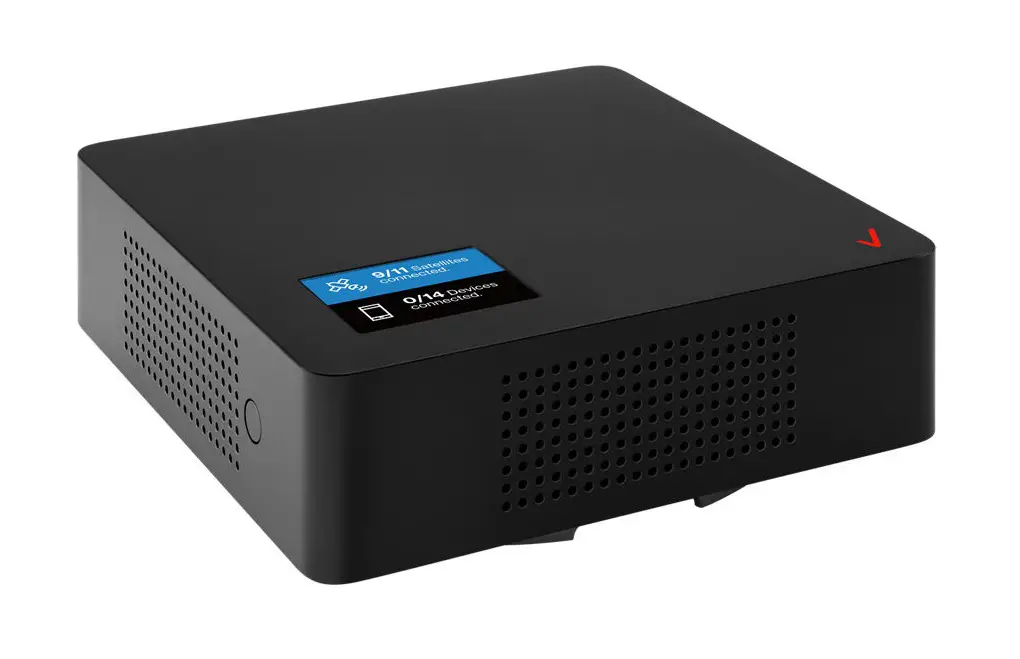
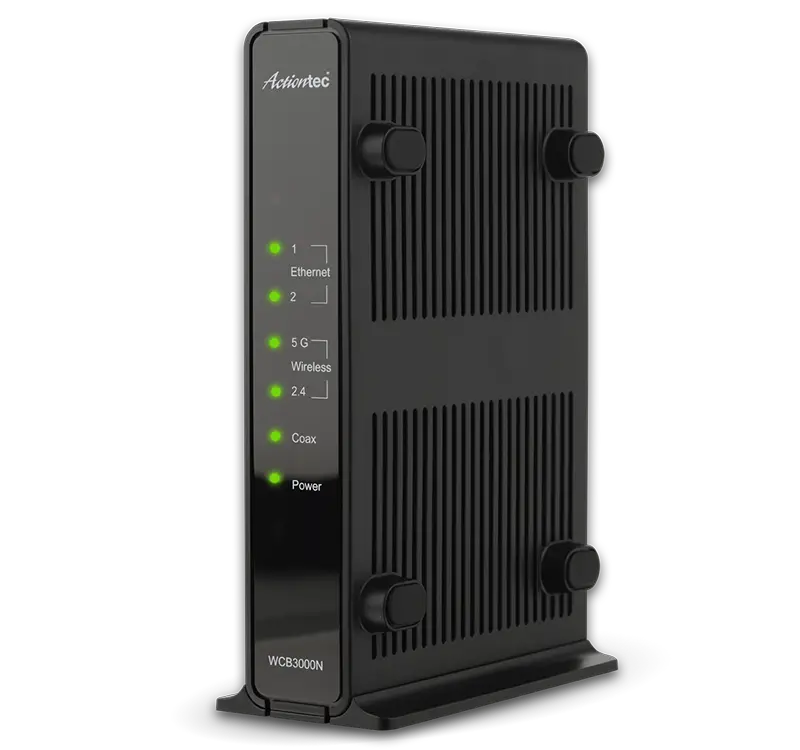
Verizon FiOS Network Extender
- The Verizon FiOS Network Extender works as a Wireless Network Adapter to extend your existing Wi-Fi network.
- It uses the same Wi-Fi network name (SSID) and wireless credentials as your Verizon FiOS Router.
- You can surf the Internet wirelessly from different locations within your home or business without having to change from one wireless network to another.
Your Verizon FiOS Network Extender Kit Includes –
- One WCB3000N FiOS Network Extender
- One Power Adapter (External, 5V DC, 2A made by Actiontec, Model #WA-10P05FU)
- One Ethernet Cable
- Two Coaxial Cables
- One Coaxial Splitter
Installing FiOS Network Extender
Setting up the FiOS Network Extender
Step1 Place the FiOS Network Extender in a room of your home or business where the Wi-Fi signal is weak.
Step2 Locate the Coaxial Cable connected to the wall outlet in the room where you want to install the FiOS Network Extender. Connect the coaxial cable from the Wall Outlet to the Coax In Port on the back of the FiOS Network Extender.
Step3 Plug one end of the Power Adapter into the Power Port on the back of the FiOS Network Extender. Plug the other end of the Power Adapter into a nearby Electrical Power Outlet.
Step4 Wait until the Coax Light on the front of the FiOS Network Extender is Green. This may take a couple of minutes.
Step5 Connect a Wi-Fi device and surf the Internet wirelessly
If your coaxial cable is already connected to a set top box you will need to use the Coaxial Splitter that is included in your kit box.
- Disconnect the Coaxial Cable from the wall outlet and connect it to one of the two OUT Ports on the Coaxial Splitter.
- Remove one of the two Coaxial Cables from the box. Plug one end of the Coaxial Cable into the INPort on the Splitter and the other end into the Coaxial Wall Outlet.
- Remove the 2nd Coaxial Cable from the box. Plug one end into the OUT Port on the Splitter and the other end into the Coax In Port on the back of the FiOS Network Extender.
Congratulations!
You have successfully extended your Wi-Fi network.
For additional information go to www.verizon.com/quickguides
This product has a 1-year Limited Warranty from the date of purchase. Go to http://www.actiontec.com/products/warranty.php for more information.