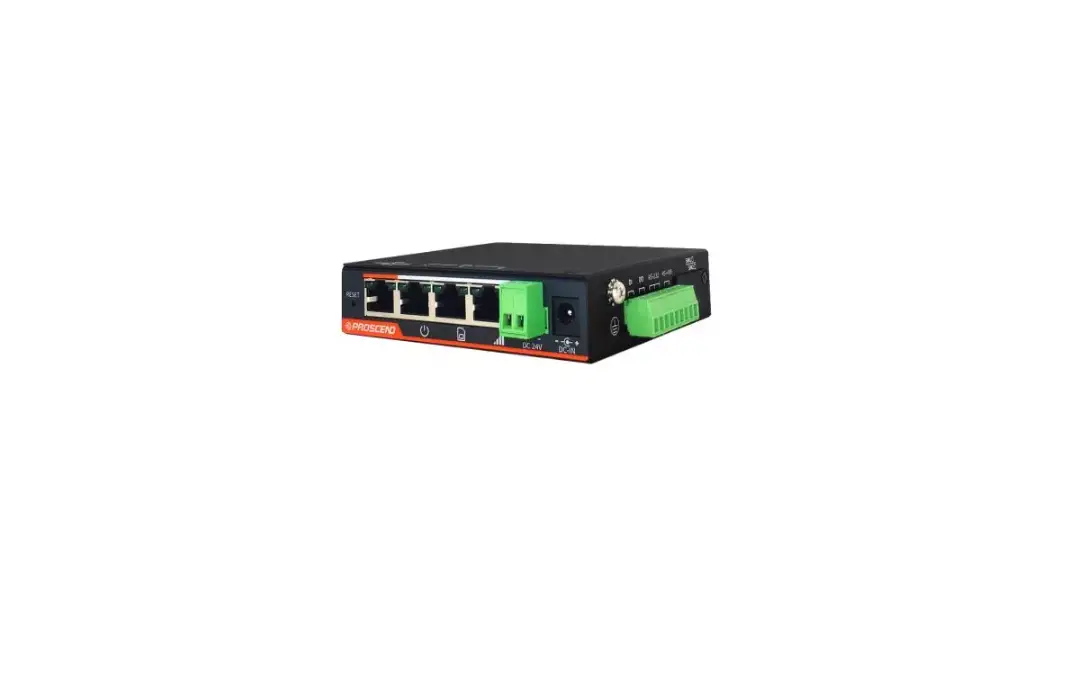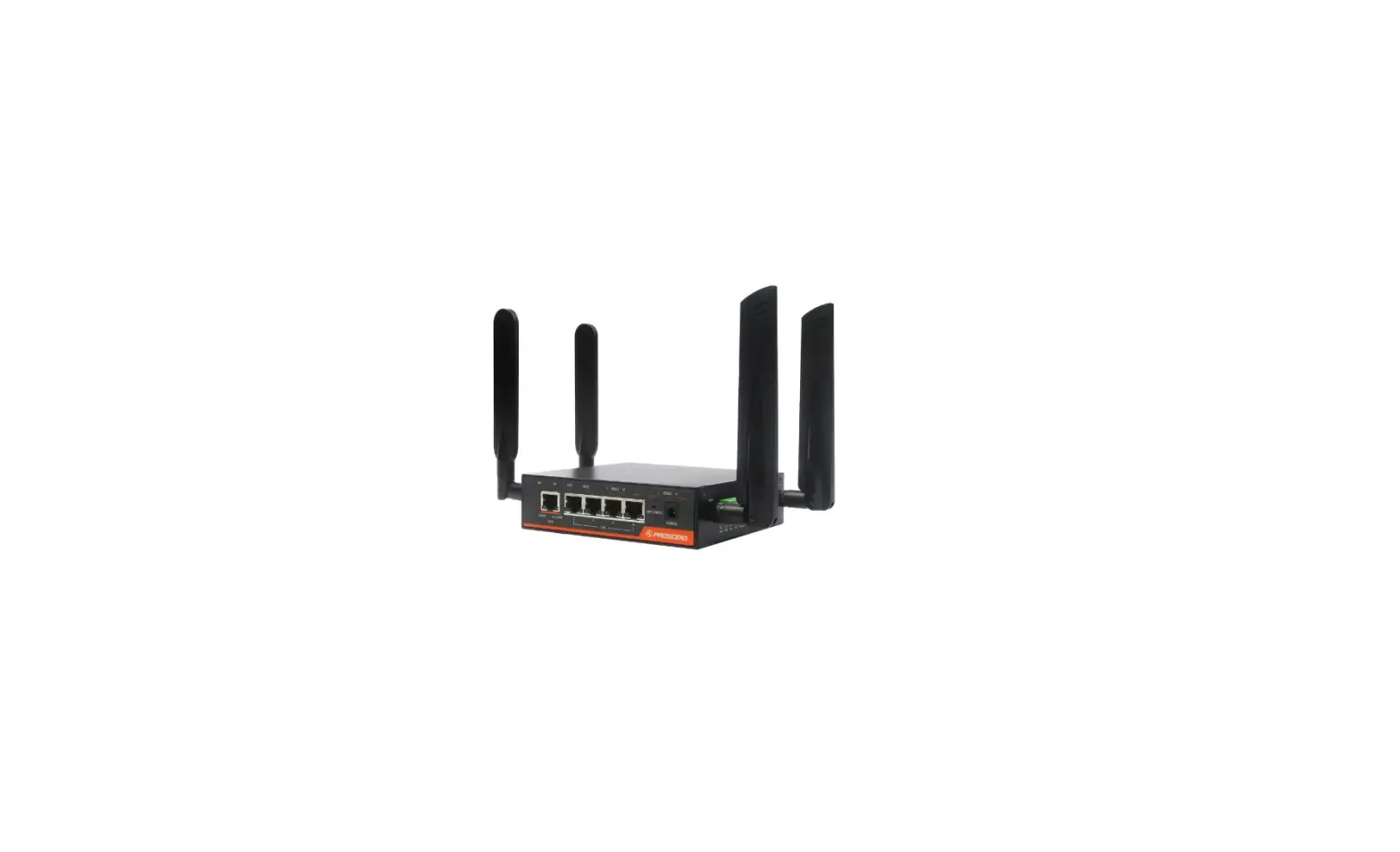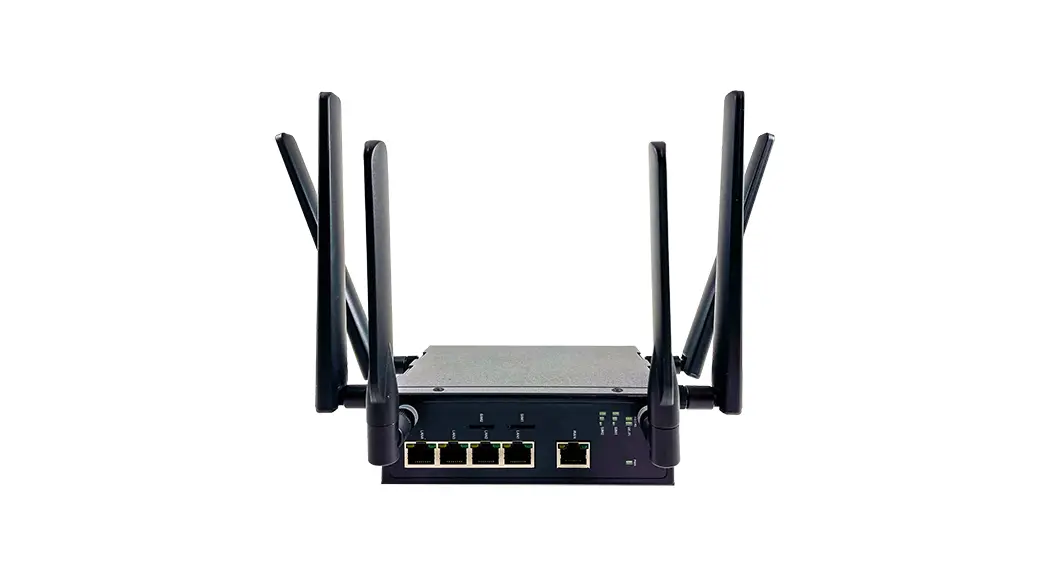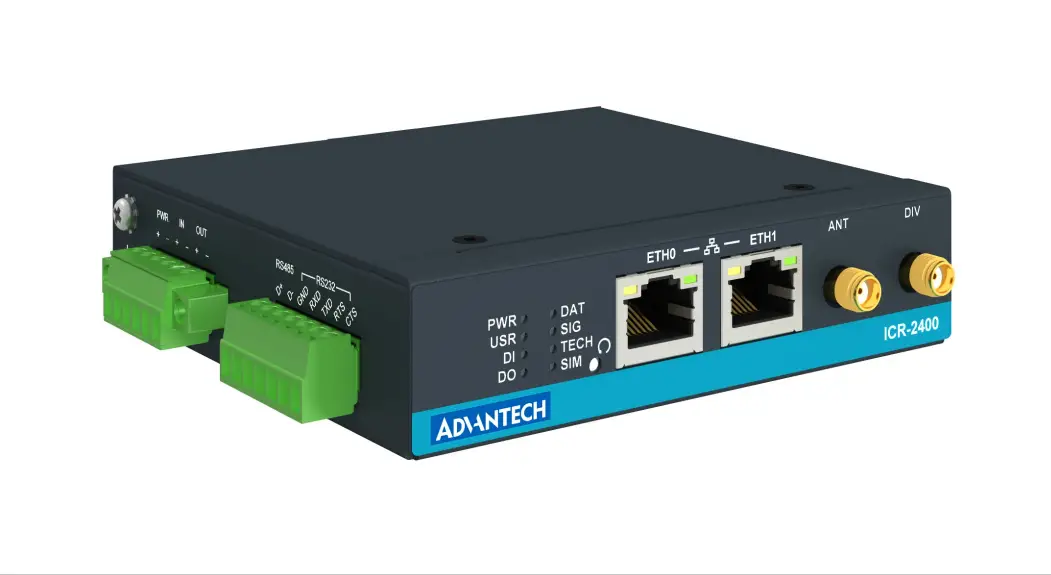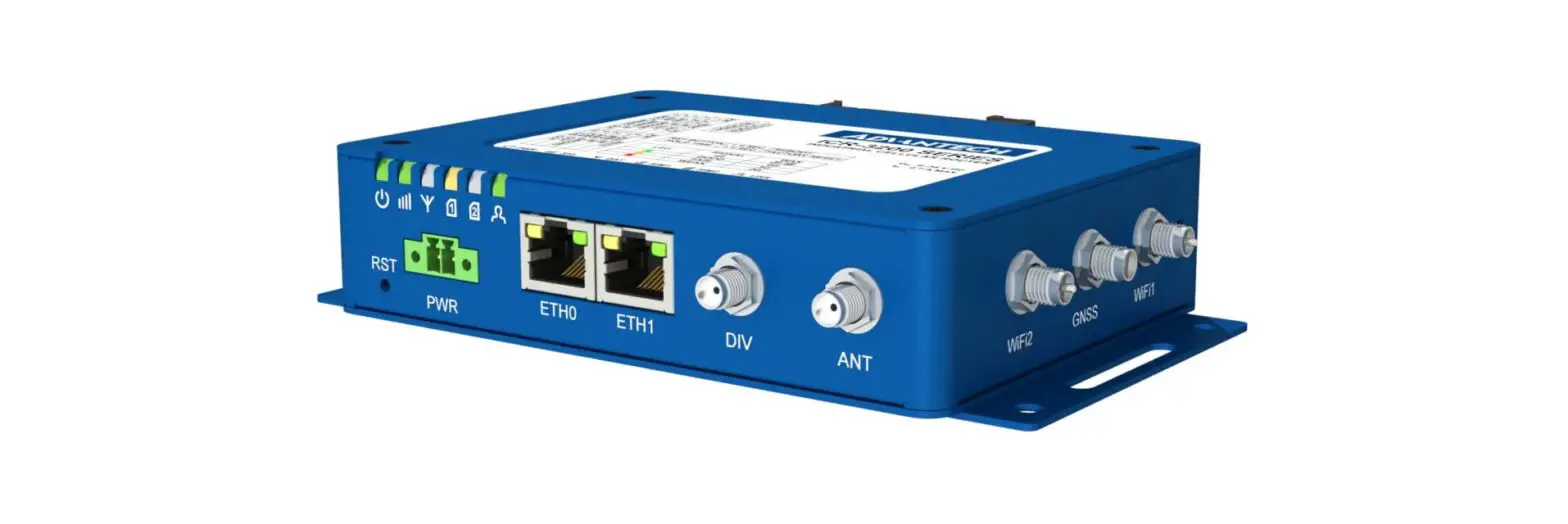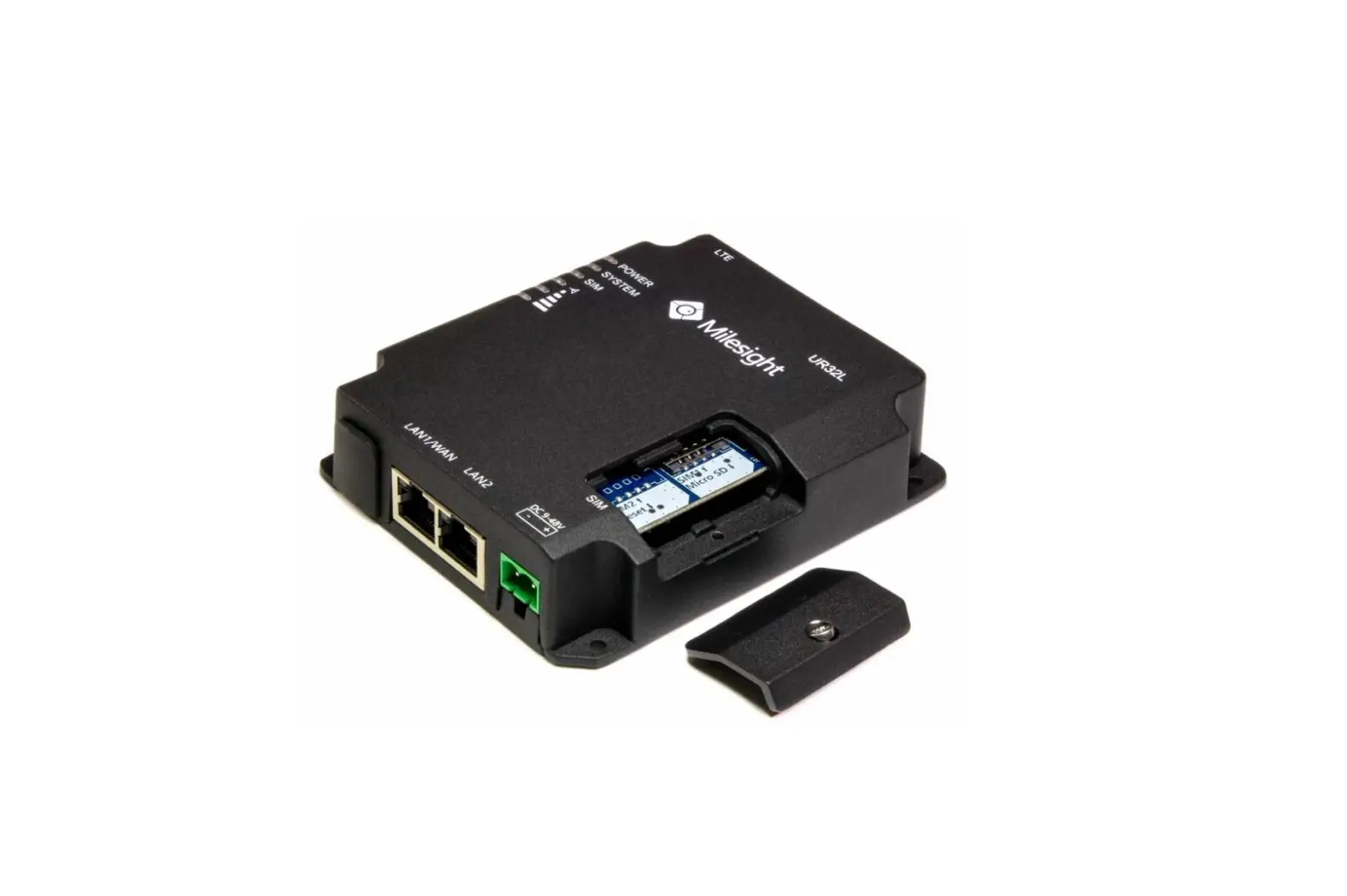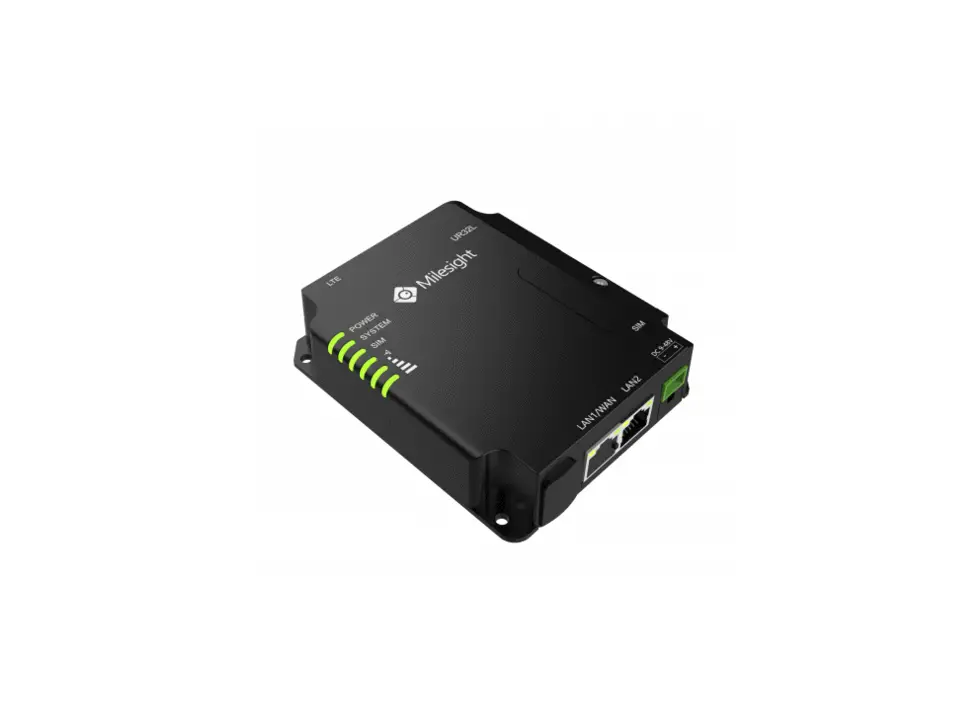

PROSCEND M330 Series Industrial Cellular Router
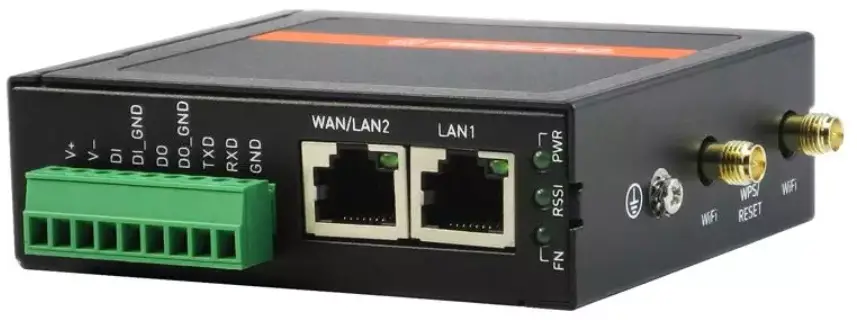
M330 Series Industrial Cellular Router Quick Installation Guide
Version: 1.00
Install the SIM Card
- STEP 1: Before inserting or removing the SIM card, ensure that the power has been turned off, or the power connector has been removed from the M330 Cellular Router.
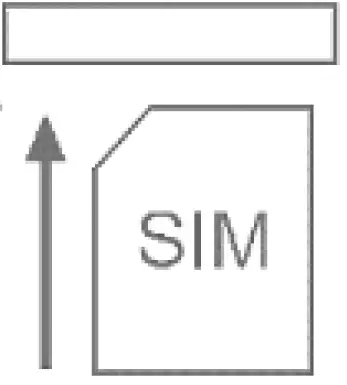
- STEP 2: Using a screwdriver to remove the metal protective cover first, insert the SIM card into the card slot. The cut-off edge of the SIM card on SIM slot is to the left.
- STEP 3: Push the SIM card and lightly press it to lock into the slot.
- STEP 4: Remove the SIM card, lightly press it and it will pop out of the slot.
NOTE:
- Please use the industrial SIM card operating from -40°C to +105°C to ensure proper cellular router operation.
LED Indicators
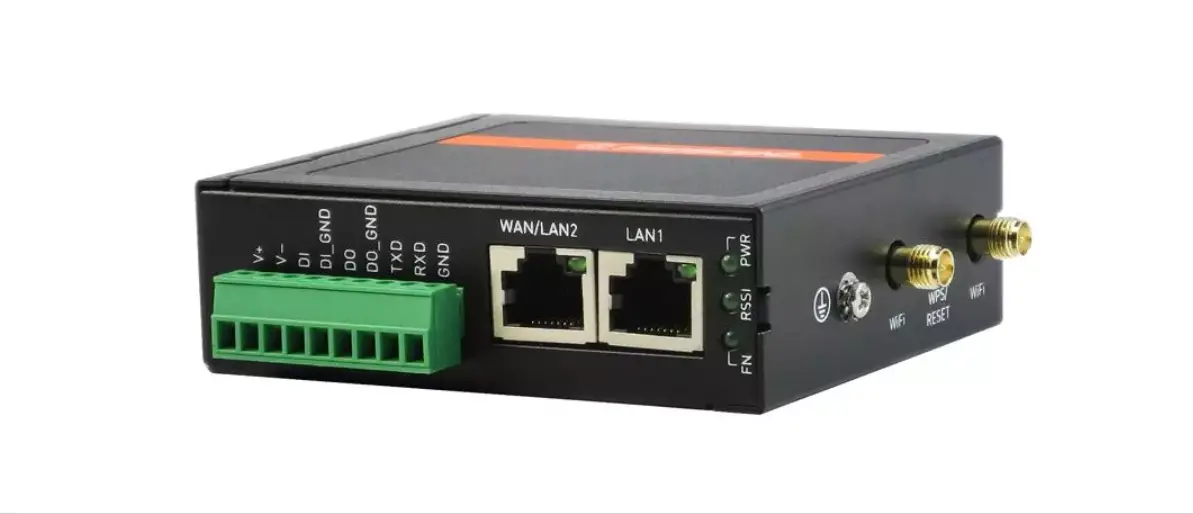
The following table explains the LED indicators on the front panel.
| LED | Off | On | Slow | Fast | Heartbeat |
| FN | N/A | VPN connected | Internet connected | Booting | Wi-Fi Connected |
| RSSI | No signal | High signal | Medium signal | Low signal | WPS Processing |
| PWR | Power down | Power up | N/A | N/A | N/A |
| Function | Operation |
| WPS Processing | Press the button less than 5 seconds. |
| Reset | Press the button for 5-10 seconds. |
| Reset to default setting | Press the button for more than 10 seconds. |
Connecting I/O Ports
There are four terminals on the terminal block with two terminals used for digital input and two terminals used for digital output.
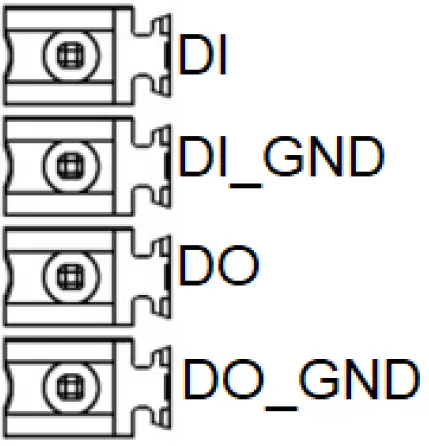
| Pin | Description |
| DI | Digital Input |
| DI_GND | |
| DO | Digital Output |
| DO_GND |
- DI: Low (+0 to +5V) / High (+8 to +40V)
- DO: Open Collect (maximum 30V/300mA)
LED Indicators of Ethernet Port
There is one LED indicator for LAN port and WAN port.
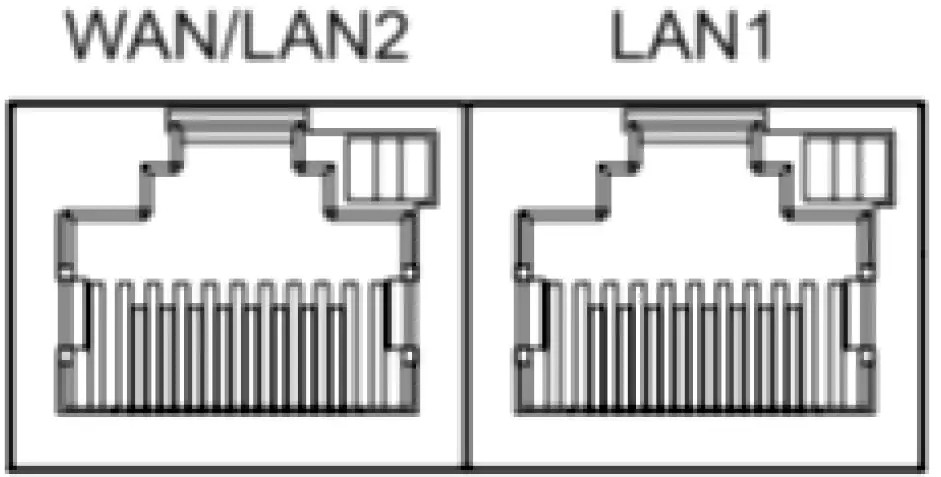
| LED | Blinking | On | Off |
| Green (Link / ACT) | Data Transmitting | LINK UP | LINK DOWN |
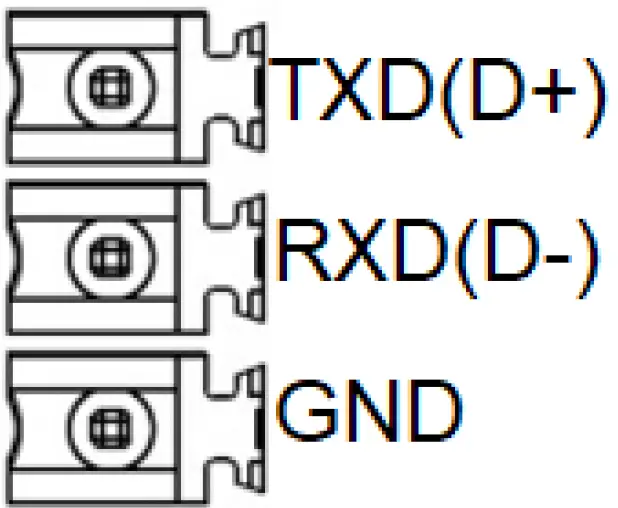
RS-232 and RS-485 pinouts
NOTE:
- RS-232 and RS-485 share the signal pins “TXD(D+)”, “RXD(D-)” and common ground pin “GND”.
RS-232 (Applicable for M330-W)
| Pin | Signal | Direction |
| TXD | Transmit Data | Output |
| RXD | Receive Data | Input |
| GND | Signal Ground | – |
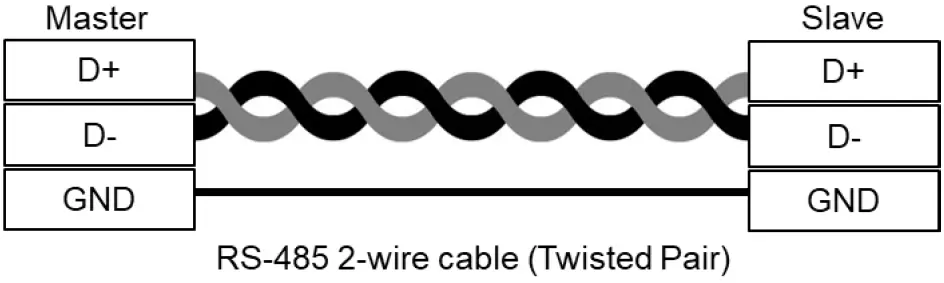
RS-485 (Applicable for M330-W5)
| Pin | Description |
| D + | Serial Port, Data+ (A) wire |
| D – | Serial Port, Data- (B) wire |
| GND | Signal Ground |
Connecting the Power Supply
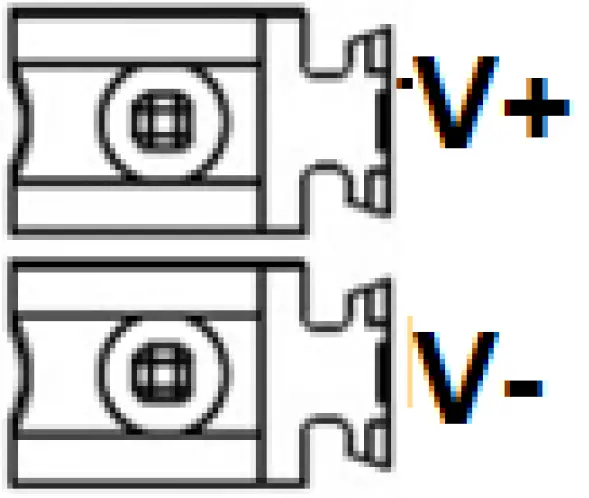
Powering the M330 Cellular Router is by either terminal block or a DC jack.
- V+, V- pints of the terminal block on the front panel.
- The power input voltage range is 8 ~48VDC.

- One DC Jack is on the right panel.
- The power input voltage is 12 VDC.


Antenna Installation
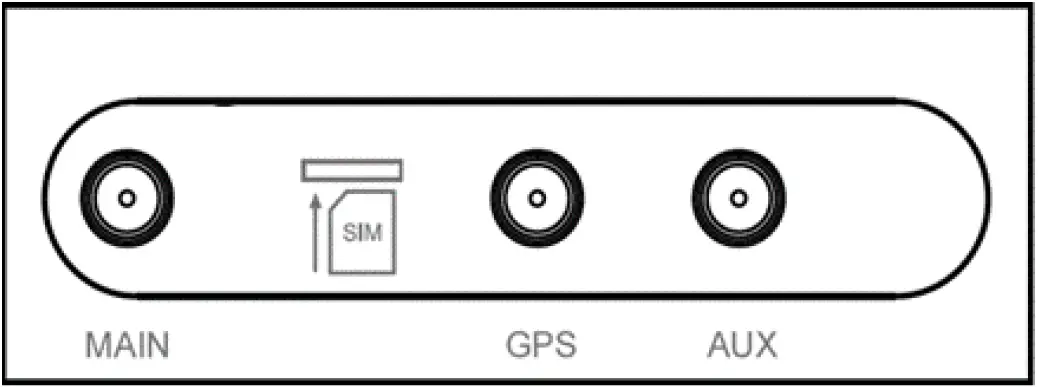
Three SMA connectors placed on the left panel are for connecting to external LTE and GPS antennas.
- MAIN: for LTE Transmit and Receive
- GPS: for GPS
- AUX: for optional LTE Receive for better downstream speed
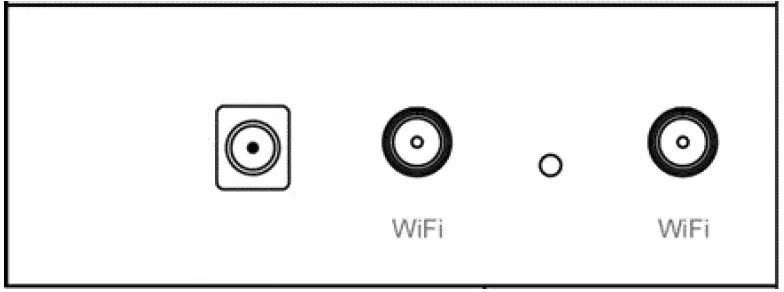
Two RP-SMA connectors placed on the right panel are for connecting to external Wi-Fi antennas.
DIN-rail and Wall Mounting
Din-rail
- STEP 1: Use the screws to install the DIN-rail kit to attach at the rear side of the device.
- STEP 2: Hook the unit onto the DIN-rail.
- STEP 3: Push the bottom of the unit towards the DIN-rail until it locks in place.
NOTE:
- Two screw types are flat head M3 x 4 mm.
Wall Mounting
- STEP 1: At the bottom side of the device, use two screws to install the wall bracket.
NOTE:- Each screw type is flat head M3 x 4mm.
- STEP 2: Hang the device on the wall with the installed wall bracket.
Setup
- Access the Web Configurator
- Type the default URL http://192.168.1.1 in your web browser.
- In the login page, enter the default username root and the default password 2wsx#EDC and then click the Login button.
- Change the Password
Go to the Management -> Administration and enter the desired New Password and then scroll down the page and click the Apply button.
Wi-Fi Connection
- SSID
The default SSID is a string of characters (the MAC address of the device). - Password
- The default Wi-Fi password is 12345678.
- Go to WiFi -> WiFi Config and change the default SSID and passphrase, then click Apply button
NOTE
- Please scan below QR Code to download online resources. Download link: https://www.proscend.com/en/product/M330.html
P/N: 604040000083
Proscend Communications Inc.
All rights reserved.
 PROSCEND provide high quality IoT Management System, Industrial Cellular Router, Industrial 5G Cellular Router, Industrial 4G LTE Cellular Router, Dual SIM Cellular Router, Outdoor Cellular Router, Industrial Ethernet Extender, Industrial Ethernet Switch,