 Pure Sound
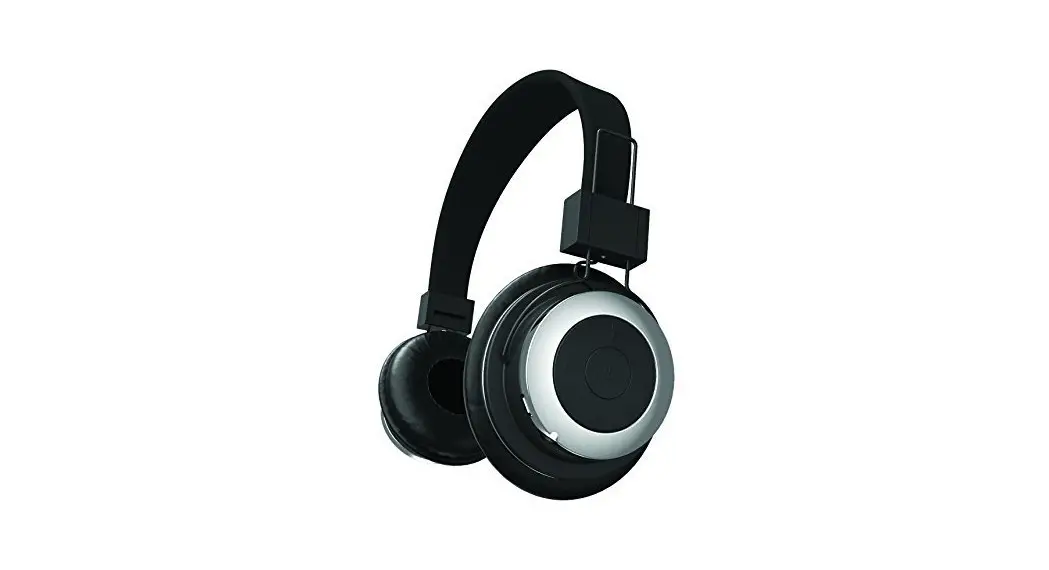
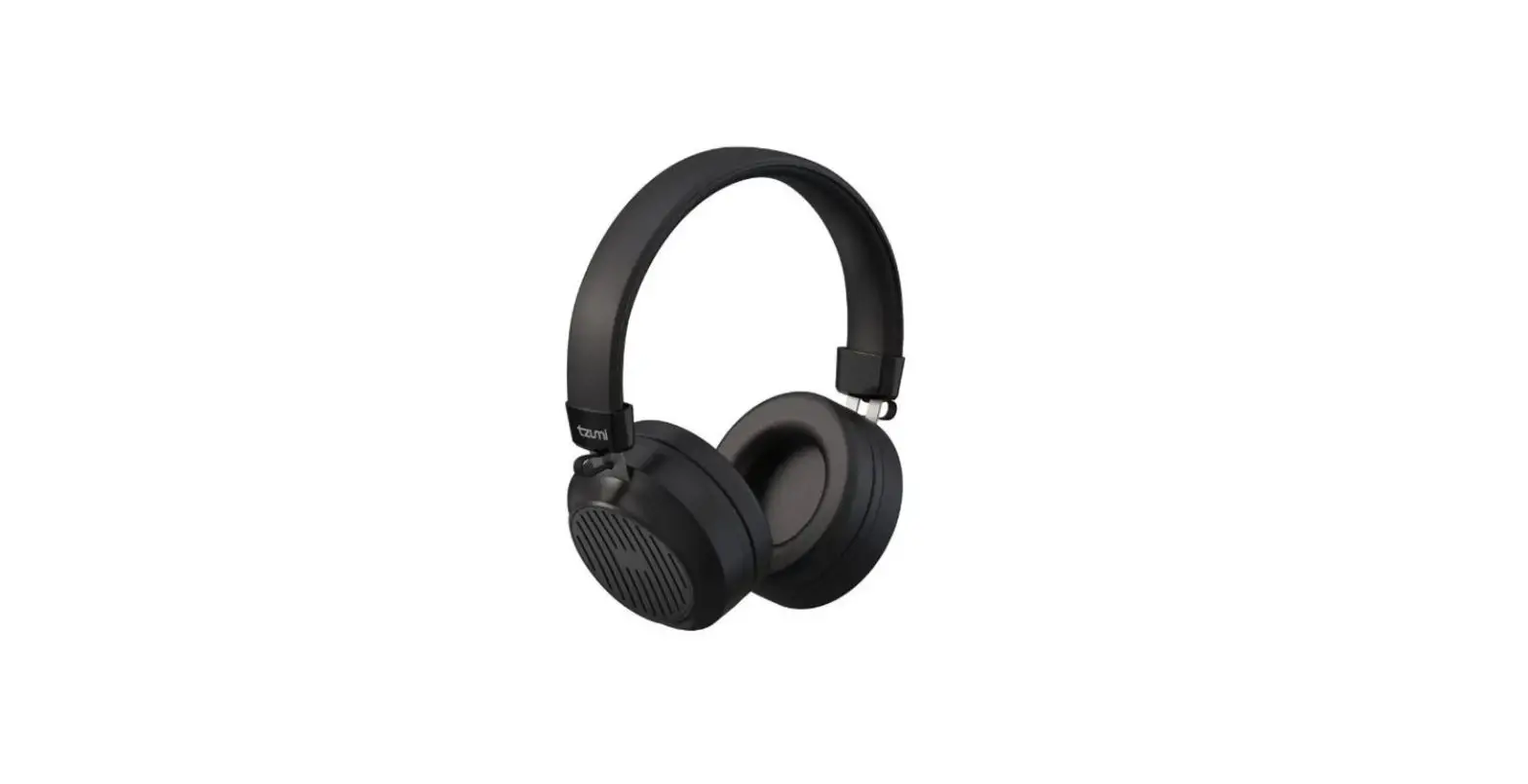
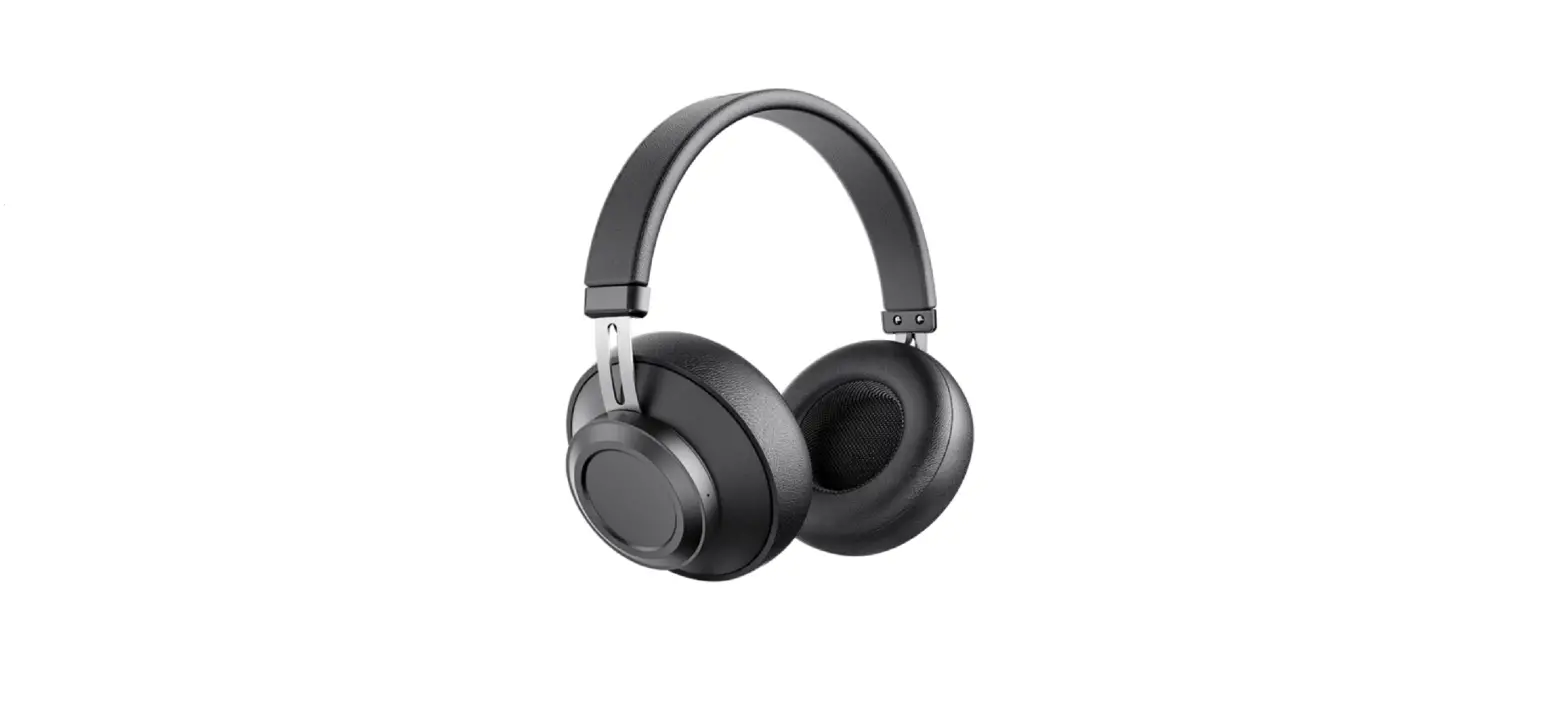
Stereo Headphones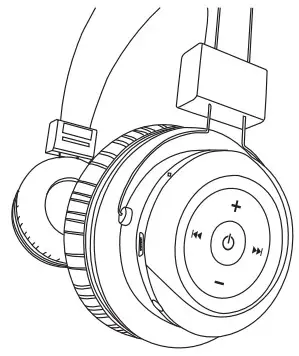
PRODUCT OVERVIEW & FUNCTIONS
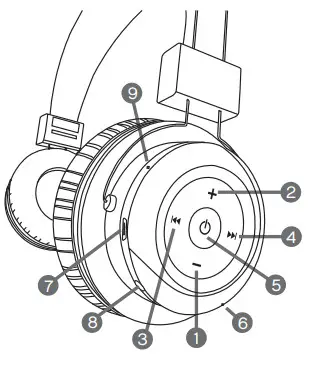
| 1. Volume Down 2. Volume Up 3. Previous 4. Next 5. Power /Multi-functional ON/OFF, Call Answer, Redial, Hang Up, Play/Pause | 6. Built-in Microphone 7. Charge 8. Line-in 9. Indicator Light |
PACKAGE CONTENTS:
1x Bluetooth Headphones
1x Micro USB cable
1x AUX line-in cable
CHARGING YOUR HEADPHONES
These headphones have an internal rechargeable battery. The battery must be fully charged prior to use. The charging time is approximately 2 hrs. Your headphones cannot be used
while charging.
| RED Light ON – Charging | Light OFF- Fully Charged |
CHARGING VIA COMPUTER
Using the provided Micro USB cable, connect the headphones to the computer or laptop (USB port).
CHARGING VIA AC ADAPTER WALL CHARGER
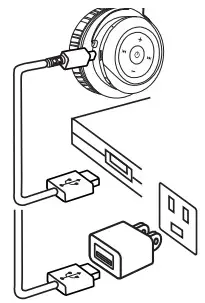 Using the provided Micro USB cable, connect the headphones (Micro USB port) to the AC Adapter (USB port).
PAIRING THE HEADPHONES TO BLUETOOTH DEVICE
Make sure the Bluetooth function is available on your cell phone. Specific pairing procedures will be different depending on a different cell phone. For detailed information, please refer to your cell phone’s User Guide.
- If no device connection is made within 10 minutes of the headphones being switched on, the headphones will automatically be switched off to save power.
- After a successful pairing devices will memorize each. Therefore, no pairing will be needed next time.
- Keep the distance between the cell phone and the headphones within 3 feet (for pairing only).
- Press the multifunction button for a couple of seconds and the headphones will turn on. The announcement “Power ON” will sound and the blue light will come on.
- The device will automatically go into pairing mode until the announcement “Pairing” will sound as blue and red lights flash alternately.
- Activate the Bluetooth function of the cell phone to search for Bluetooth devices. After finishing the search, select “Tzumi-Headphones” in the device list displayed.
- Only for some electronic devices: Press “yes” or “enter” key to confirm the successful pairing.
- After the successful connection, the blue light of the headphones will flash one time every few seconds.
CONNECTING TO OTHER BLUETOOTH DEVICES
Note: Your headphones can only be connected to one Bluetooth device at a time.
- In order to connect to the other Bluetooth device, you must first close the current Bluetooth connection.
- Follow the above steps (under PAIRING TO BLUETOOTH DEVICE) to pair your headphones to another Bluetooth device.
FAQs
Q: Why can’t I turn the headset on?
A: Make sure your device is fully charged before using it for the first time. Your device can not be turned on if the battery level is very low. Refer to the Charging the headphones section of the manual.
Q: There is no sound during playback.
A: Check the connection between your device with phone or computer. If the connection is not established, please reconnect again. And adjust the volume level to a suitable level.
HEADPHONES CONTROLS
Making and receiving calls
You can use your headphones in various ways for handling calls.
Answer call_____________Press
End a call______________Press
Redial last call___________Quickly press 2 times
Listening to music
Play music_______________Press
Pause/resume music_______Press
Go to next song__________Press
Go to previous song_______Press
Power ON/OFF_________Press and hold
Changing the volume
When needed, adjust the volume by pressing the keys+ (up) or– (down) during a call or when listening to music.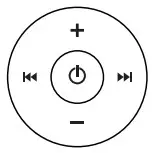
LINE-IN USE
You have an option to use these headphones via line-in.
Make sure your headphones are charged for line-in use.
- Turn ON the headphones by pressing the power/multifunction button.

- Use the standard 3.5mm auxiliary cord to connect the headphones to your device.
IMPORTANT SAFEGUARDS
- Do not use this unit for anything other than its intended use.
- Keep the unit away from heat source, direct sunlight, humidity, water or any other liquid.
- Do not expose the device to extremely high or low temperatures, as it may damage the battery.
- Do not operate the unit if it has been wet or moist to prevent electric shock and/or injury to yourself and damage to the unit.
- Do not use the unit if it has been dropped or damaged in any way.
- Repairs to electrical equipment should only be performed by a qualified electrician.
Improper repairs may place the user at serious risk. - Keep the unit out of reach of children.
- This unit is not a toy.
SPECIFICATIONS
Bluetooth Version_____________Bluetooth V5.0
Distance____________________Up to 33ft (10m)
Battery_____________________Rechargeable lithium battery: 220mAh
Frequency__________________160HZ-20KZH
Standby Time_______________Up to 30 hours
Charging Time______________around 1.5-2 hours
Play Time__________________up to 8 hours
Talk Time_________________up to 8 hours
Input_____________________DC: 5±0.25VA
BATTERY DISPOSAL:
This product contains a lithium polymer battery. Lithium Polymer batteries are environmentally safe when fully discharged. Please refer to your local and state laws for battery disposal procedures.
tzumi® BT STEREO HEADPHONES Distributed by tzumi® INC. NY, NY 10016 ©Copyright 2019 tzumi® All Rights Reserved. Made In China. The Bluetooth trademarks are owned by Bluetooth SIG, Inc. Other trademarks and trade names in this document are those of their respective owners. © 2019 Bluetooth SIG, Inc. Subject to change without prior notice. FCC#: QIF-E06

![Tzumi Sound Mates User Manual [be4001]](https://static-data1.manualsee.com/1/img/432/3798/2019/02/tzumi-sound-mates-BE4001-featured-1568x764.png "Tzumi Sound Mates User Manual [be4001]")