
tzumi 7646HD Soundmates Pro ANC Earbuds
Introduction
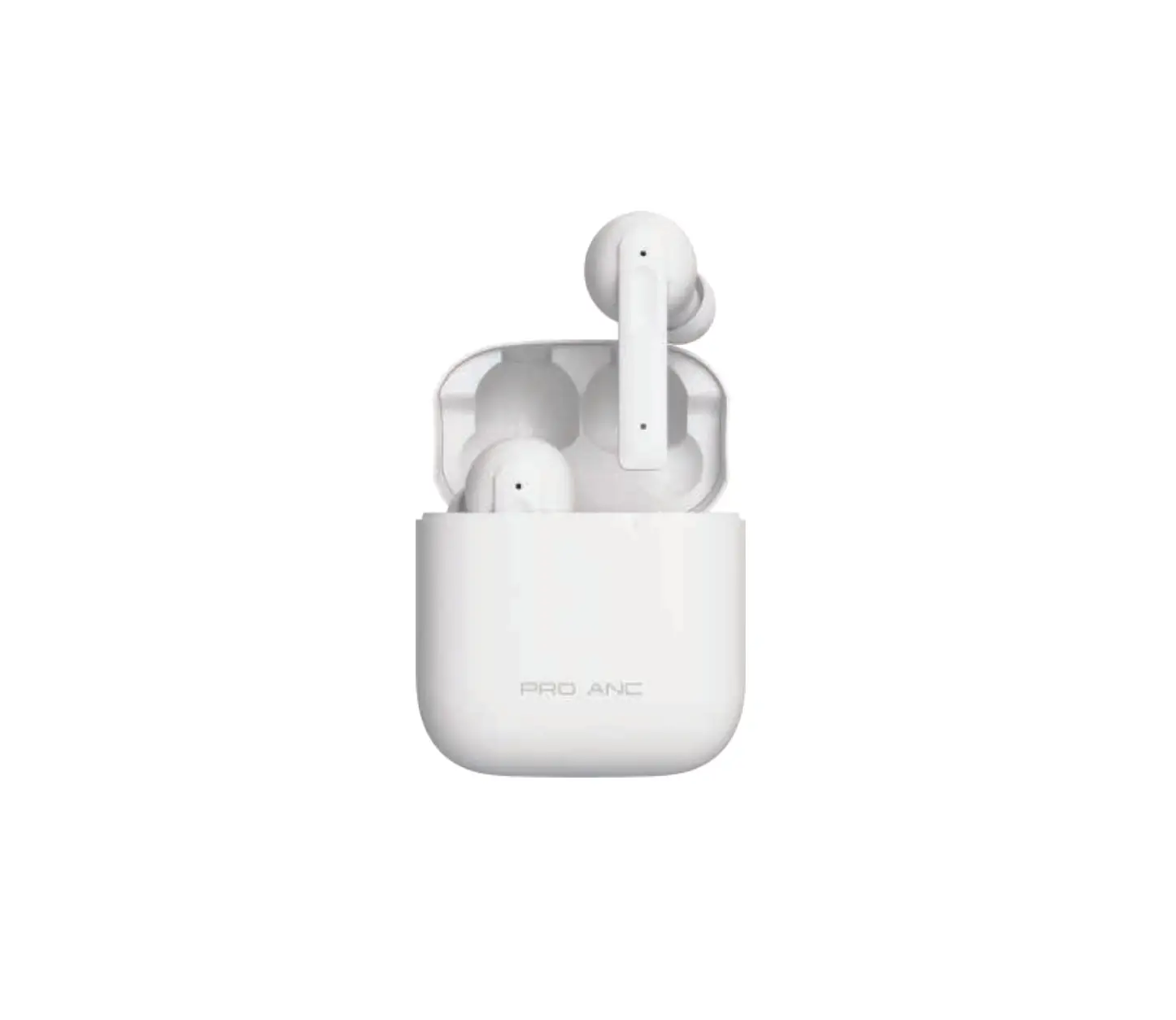
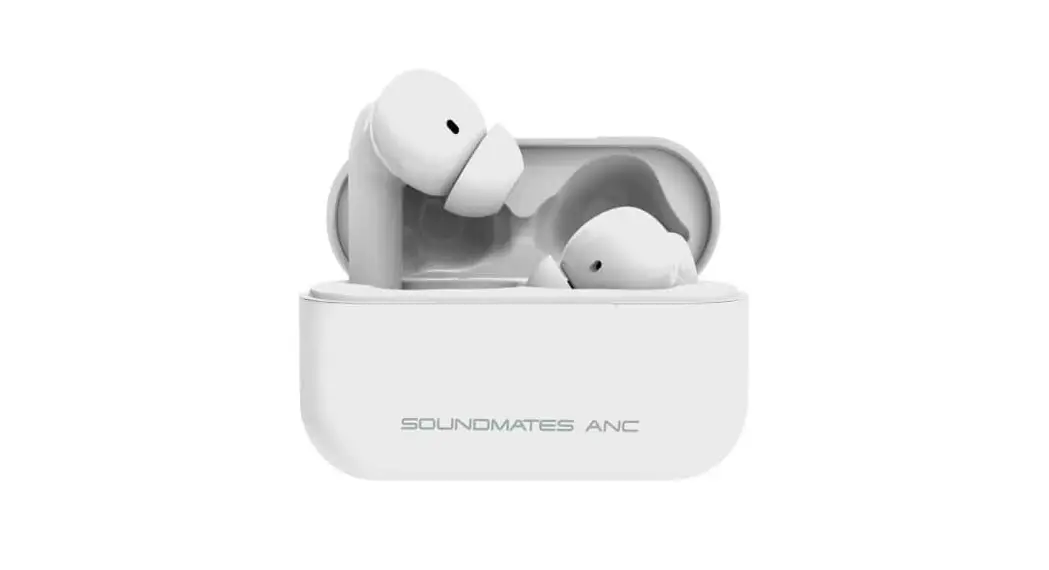
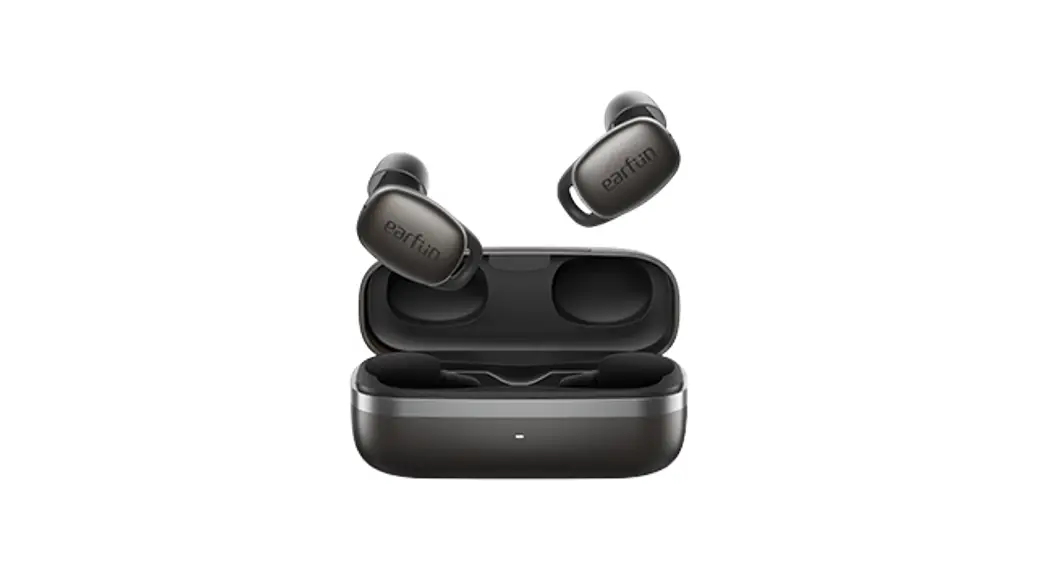
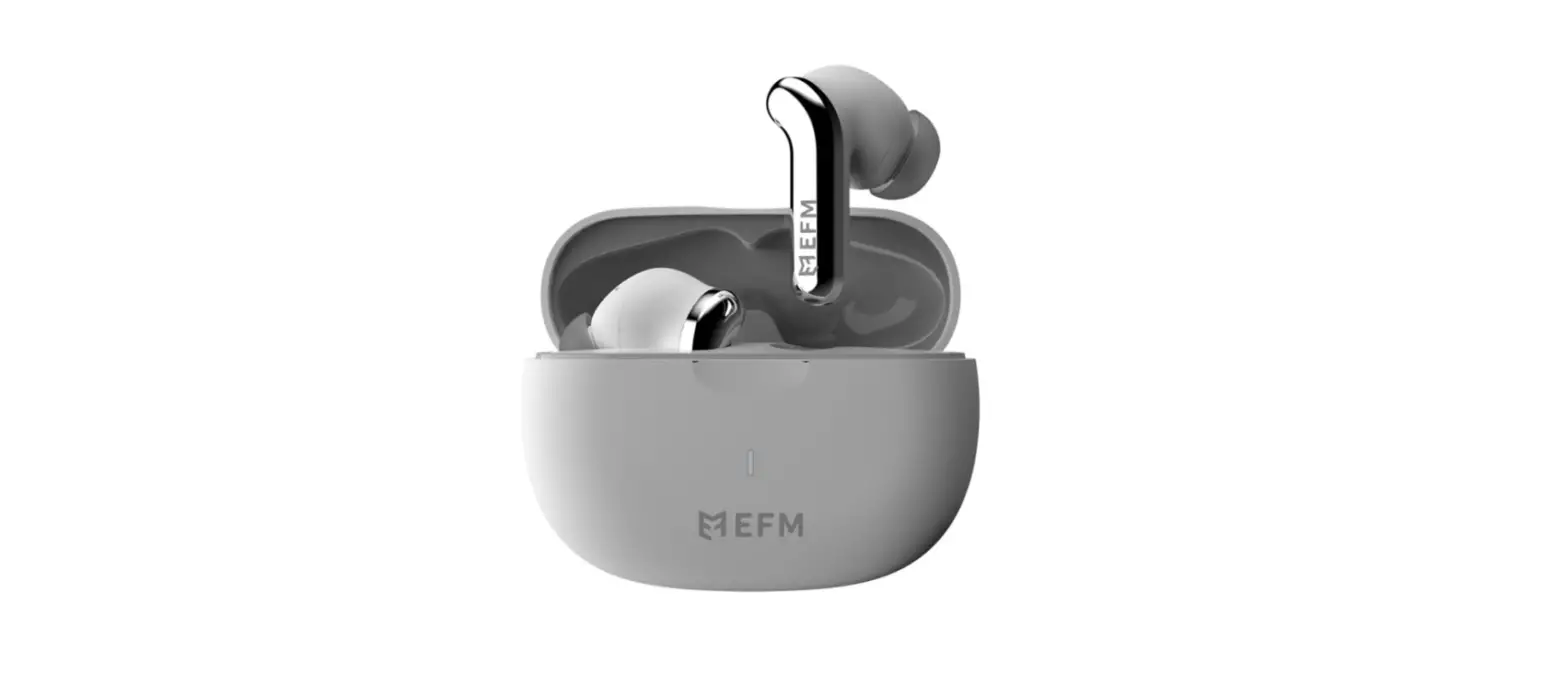
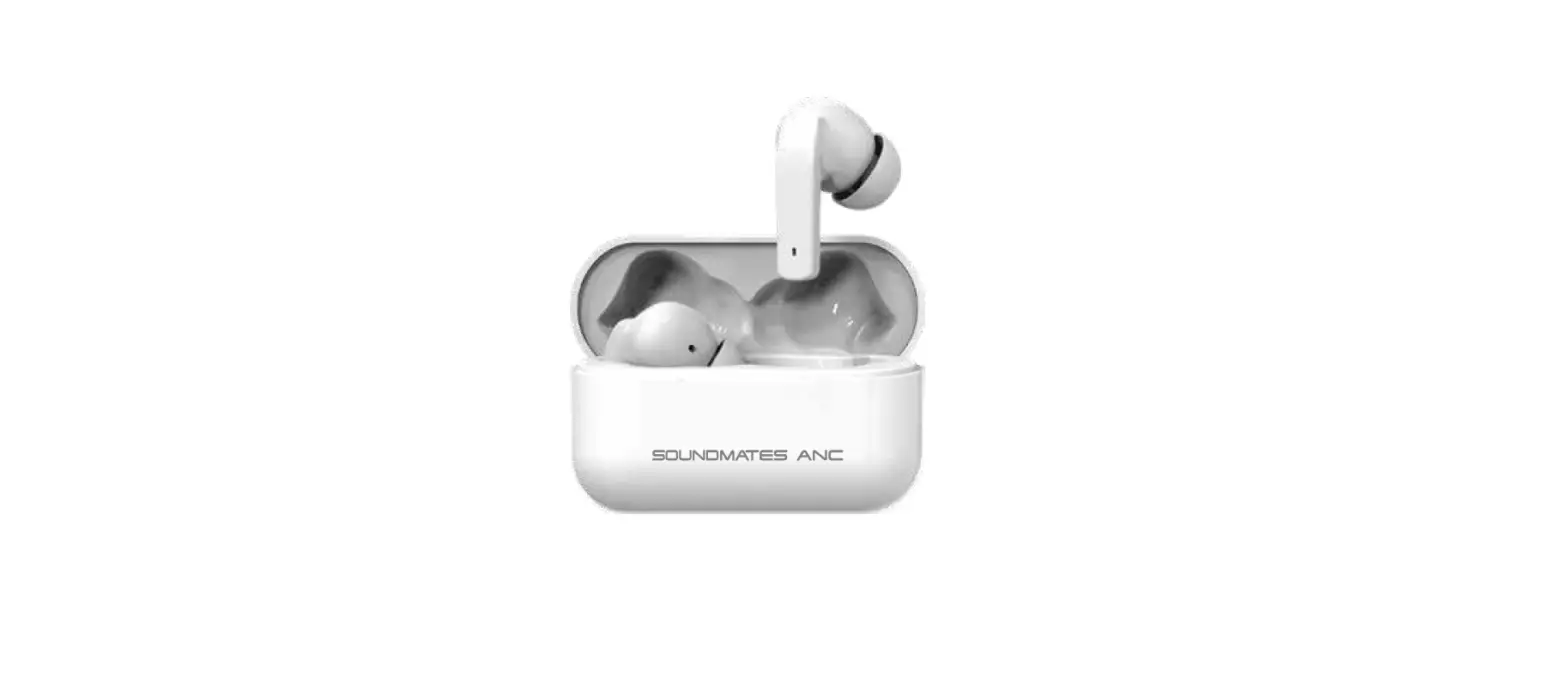
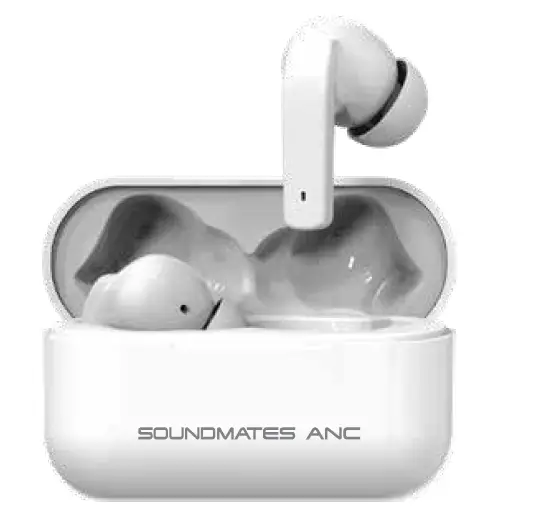
SOUNDMATES ANC are your solution for true wireless freedom and high-quality audio. Stereo sound and active noise-canceling technology let you hear music and phone calls the way they were meant to be heard, while the compact charging carry case makes them perfect for keeping up with everyday life.
Features
- Noise-Canceling
- 5 hrs play/talk
- 4 x Recharge in case Bluetooth 5.0
- Auto-Pairing
Product Overview & Contents
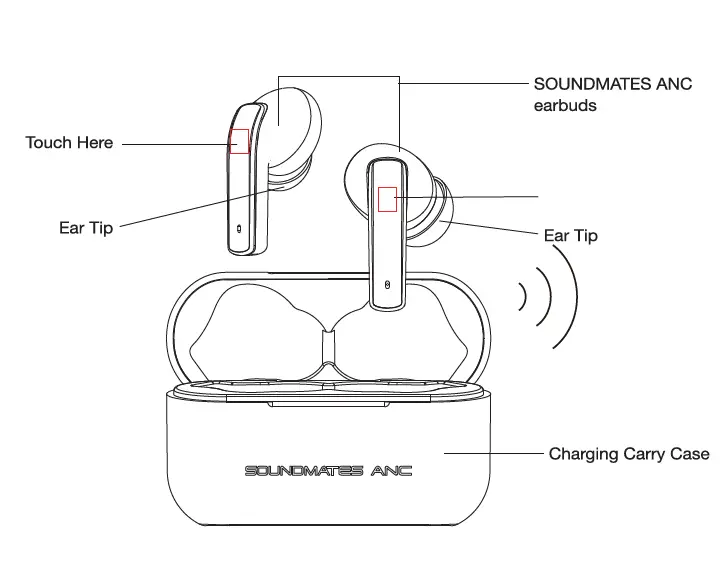
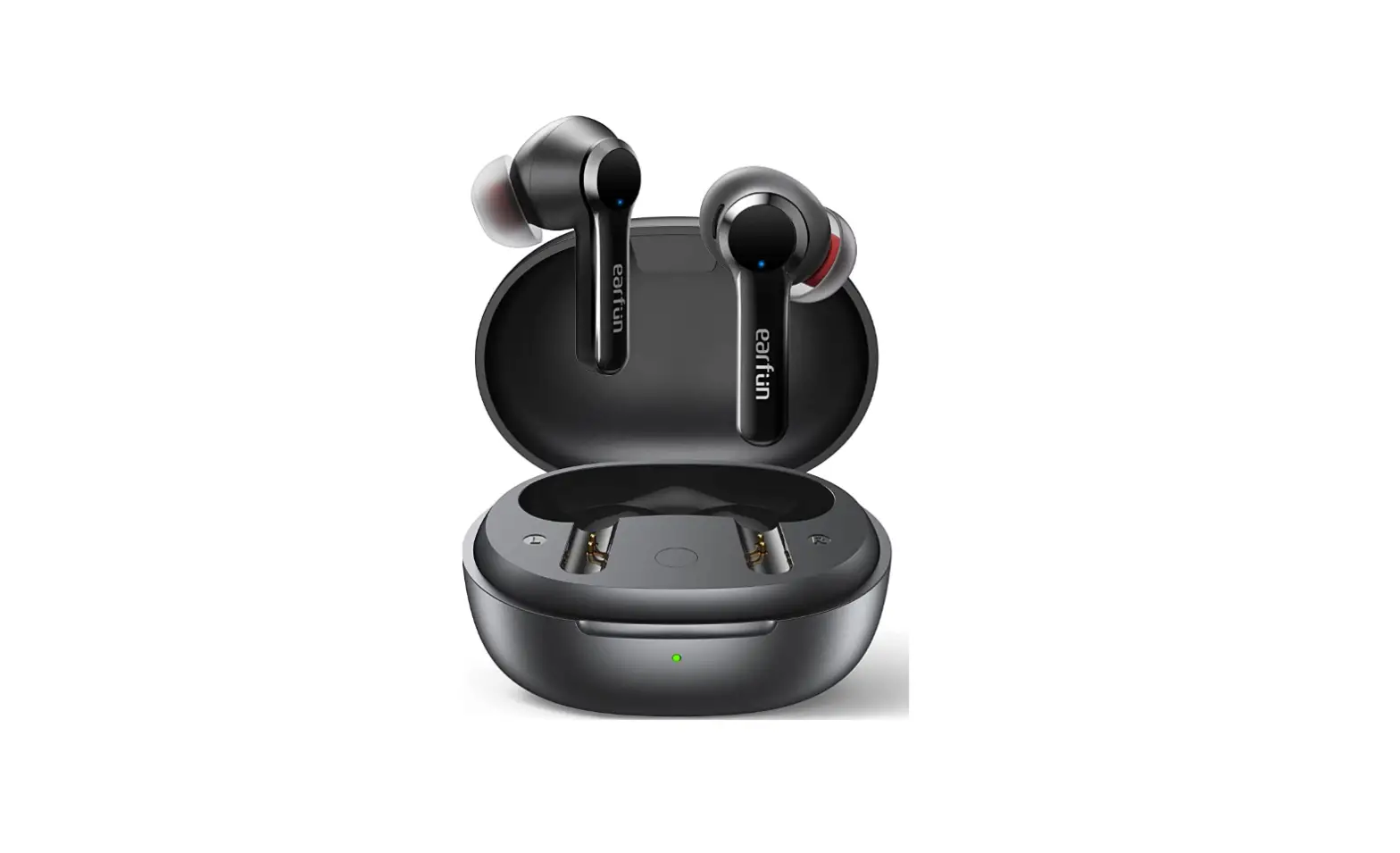
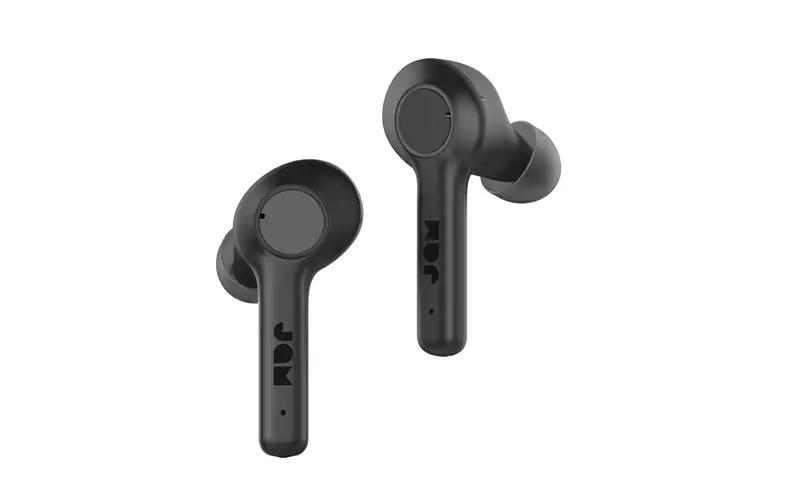
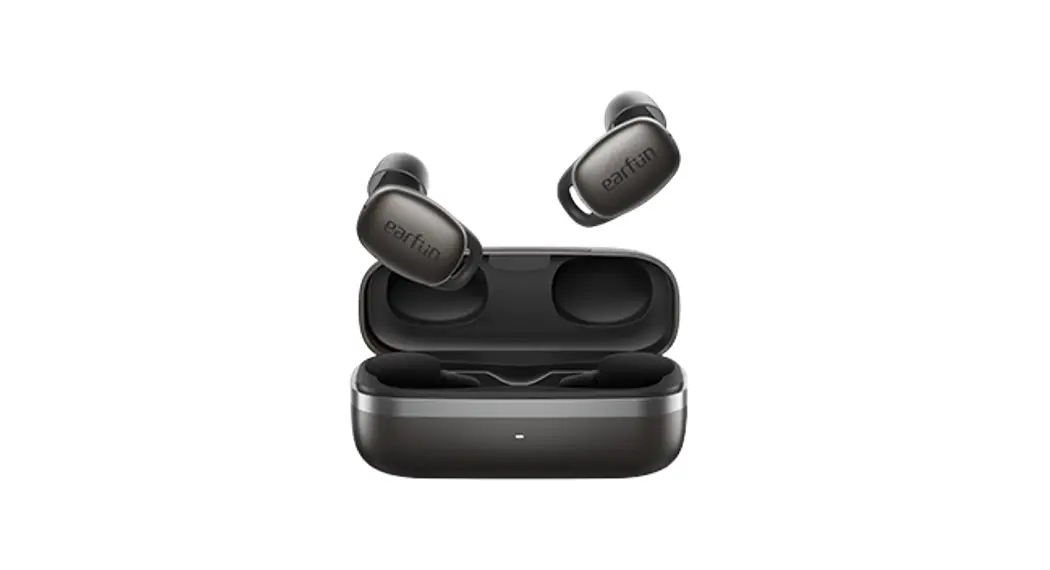
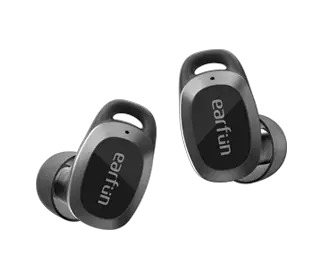
- Soundmates ANG earbuds
- Charging carry case
- Type-C cable
- Small, medium & large earbud tips
Pairing With Your Devices
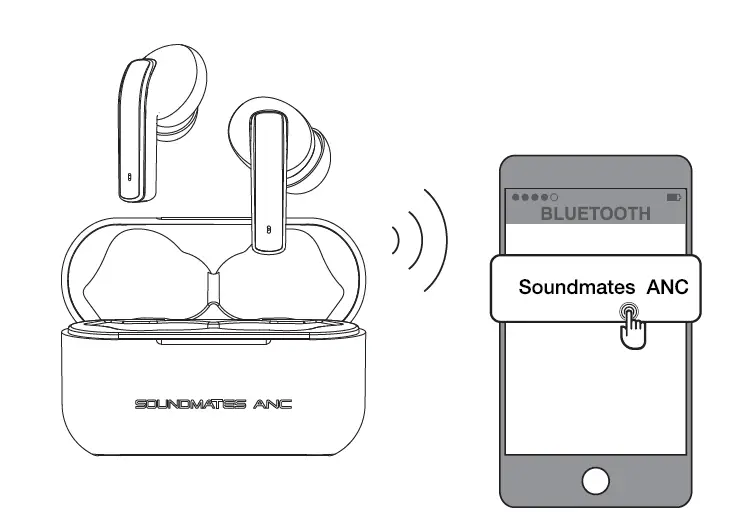
- Remove earbuds from the case.
- Open the Bluetooth pairing list on your device and click on “Sound mates ANG”.
- Your device should now be paired and ready for use.
Charging
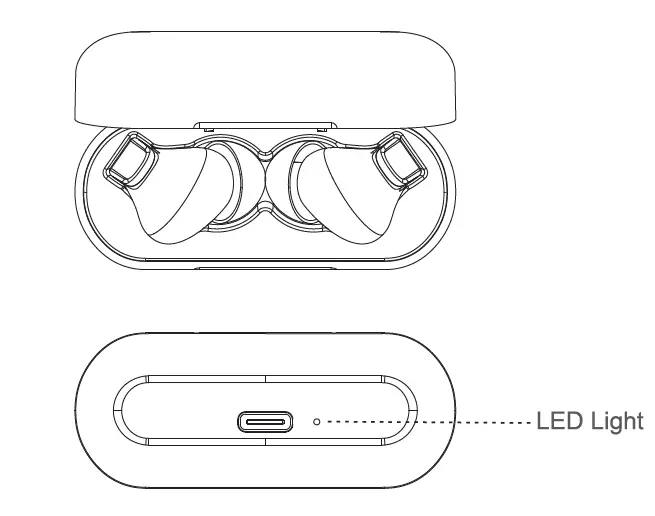
- Place earbuds in case and they will automatically begin charging if the case has remaining power.
- The indicator light on the charging case will flash red while charging.
- The earbuds LED will light red while the earbuds are charging and will turn off once fully charged.
- After full charge, lights on the case will turn solid red.
- Recharge carry case via the included Type-C cable.
OPERATION
Power ON
- Remove your earbuds from the charging case to auto Power ON.
- Or touch the R or L earbud for 2 seconds to hear “Power On”.
Power OFF
- Place your earbuds back into the charging case.
- Or touch your earbuds for 5 seconds to hear “Power OFF”.
Answer
- Touch R or L earbud 1 time.
End Call
- Touch R or L earbud 2 times.
Rejecting a call
- Touch and hold R or L earbud 2 seconds until prompt sound is heard.
Play/Pause
- Touch R or L earbud 2 times.
Next Song
- Touch R earbud 3 times.
Rewind/Previous Song
- Touch the L earbud 3 times.
ANC MODE
- Touch and hold R earbud 2 seconds until you hear “Noise Canceling ON” or “Noise Canceling OFF”.
Reset Earbud Pairing
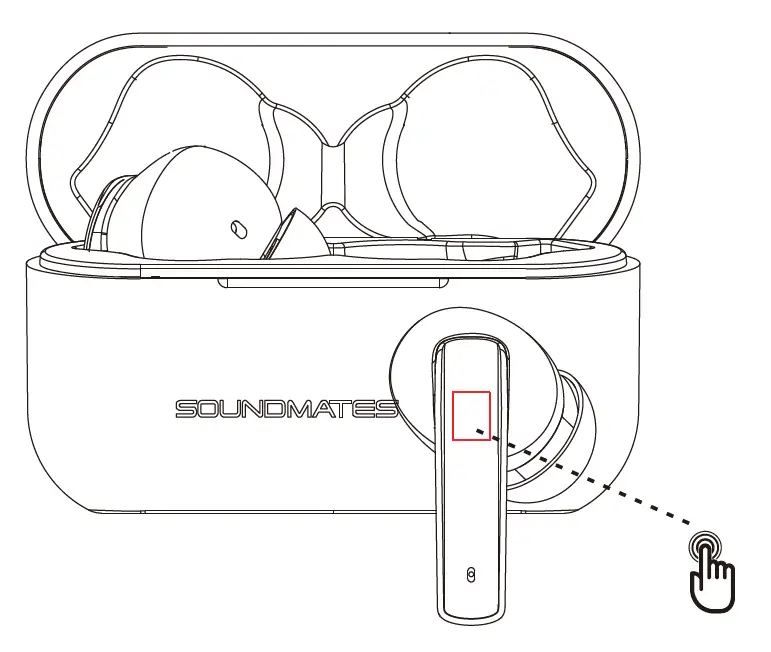
- Remove both earbuds from the case.
- Make sure both earbuds are powered off. Touch both Land R earbud 10 seconds until “Device Pairing” is heard. This clears all connection records and all devices.
- The earbuds will auto pair again after “Soundmates Connected” is heard.
- Open the Bluetooth pairing list on your phone and click on “Soundmates ANG” to connect your phone.
Remark: Make sure both earbuds are powered off.
Specifications
| Bluetooth Version | V5.0 |
| Battery (Earbuds) | Lithium Battery (40mAh each) |
| Battery (Charging Case) | Lithium Battery (500mAh each) |
| Charging Port | TypeC |
| Input Voltage | 4.5-5.5V (Supports max. 12V voltage protection |
| Earbuds Charging Time | 1.5h (approximately) |
| Case Charging Time | 2h (approximately) |
| Playing Time (ANC is off) | 6h (approximately) |
| Playing Time (ANC is on) | 5h (approximately) |
| Case Recharged Earbuds | 3Times |
| Standby time (earbuds in the charging case) | 180 days |
| Frequency | 20-20k Hz |
Safeguards
- Do not use this unit for anything other than it’s intended use.
- Keep the unit away from heat source, direct sunlight, humidity, water or any other liquid.
- Do not expose the device to extremely high or low temperatures, as it may damage the battery.
- Do not operate the unit if it has been wet or moist to prevent against electric shock and/or injury to yourself and damage to the unit.
- Do not use the unit if it has been dropped or damaged in any way.
- Repairs to electrical equipment should only be performed by a qualified electrician. Improper repairs may place the user at serious risk.
- Keep the unit out of reach of children.
- This unit is not a toy.
BATTERY DISPOSAL
This product contains a lithium polymer battery. Lithium polymer batteries are environmentally safe when fully discharged. Please refer to your local and state laws for battery disposal procedures. This device complies with part 15 of the FCC rules. Operation is subject to the following conditions: (1) this device may not cause harm for interference, and (2) this device must except any interference received, Including Interference that may cause undesired operation. Warning: changes or modifications to this unit not expressly approved by the party responsible for compliance could void the users authority to operate the equipment.
NOTE: this equipment has been tested and found to comply with limits for a class B digital device, pursuant to part 15 of the FCC Rules. These limits are designed to provide reasonable protection against harmful interference in a residential installation this equipment generates users in can radiate radio frequency energy and if not installed and used in accordance with instructions because harmful interference to radio communications However, there is no guarantee that interference will not occur in a particular installation. If this equipment does cause harmful interference to radio or television reception which can be determined by turning the equipment off and on the user is encouraged to try to correct the interference by one or more of the following measures:
- Re-orient or relocate the receiving antenna
- Increase the separation between the equipment and the receiver.
- Connect the equipment to an outlet on a circuit different from that to which the receiver is connected.
- Consult the dealer or an experienced radio TV technician for help
If you have any other questions or issues with product use and/or care, please contact tzumi
Technical Support at:
1-855-GO-TZUMI or [email protected]