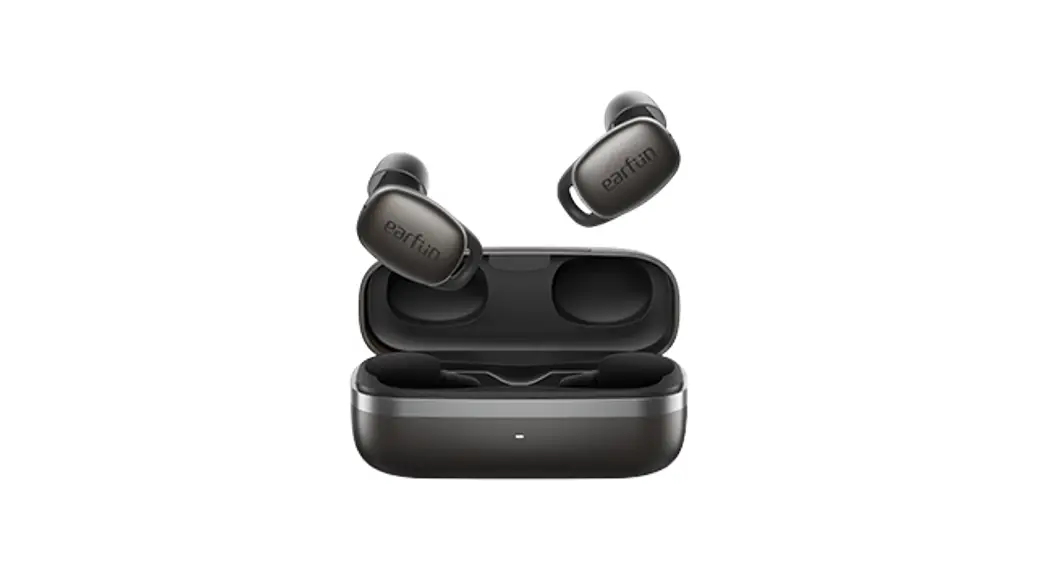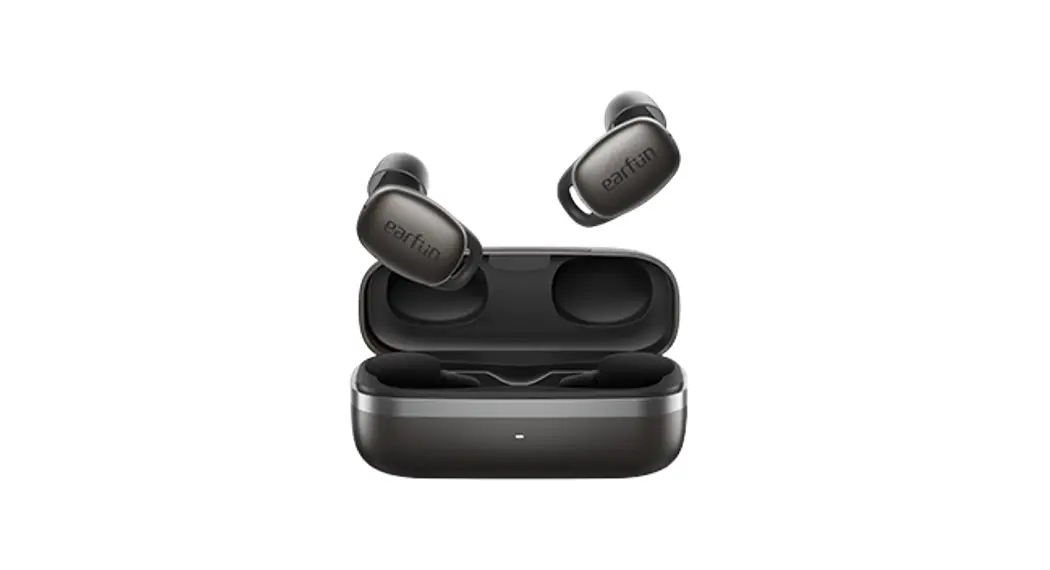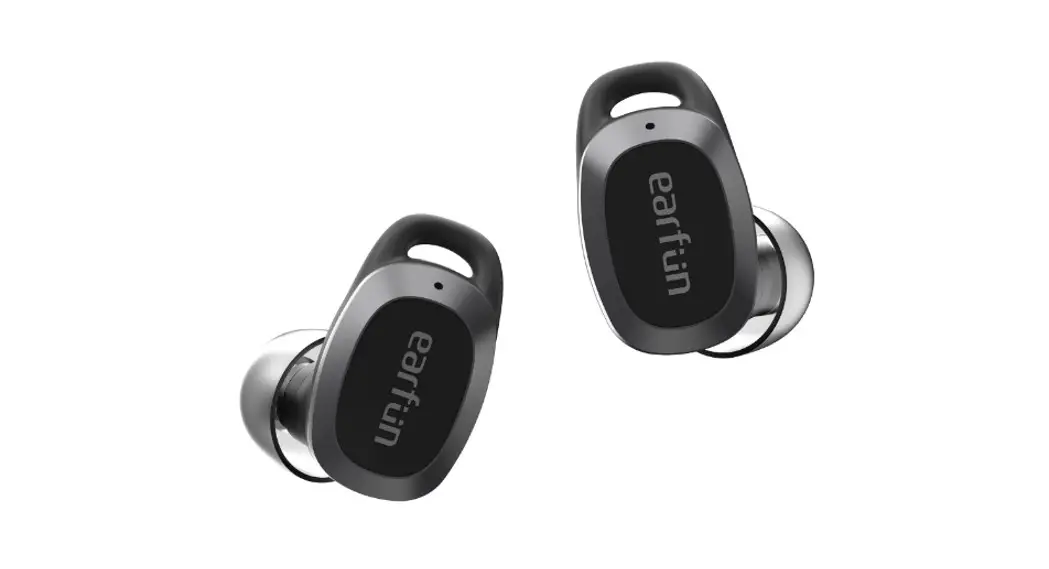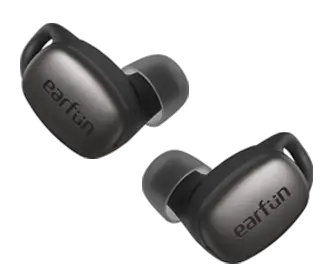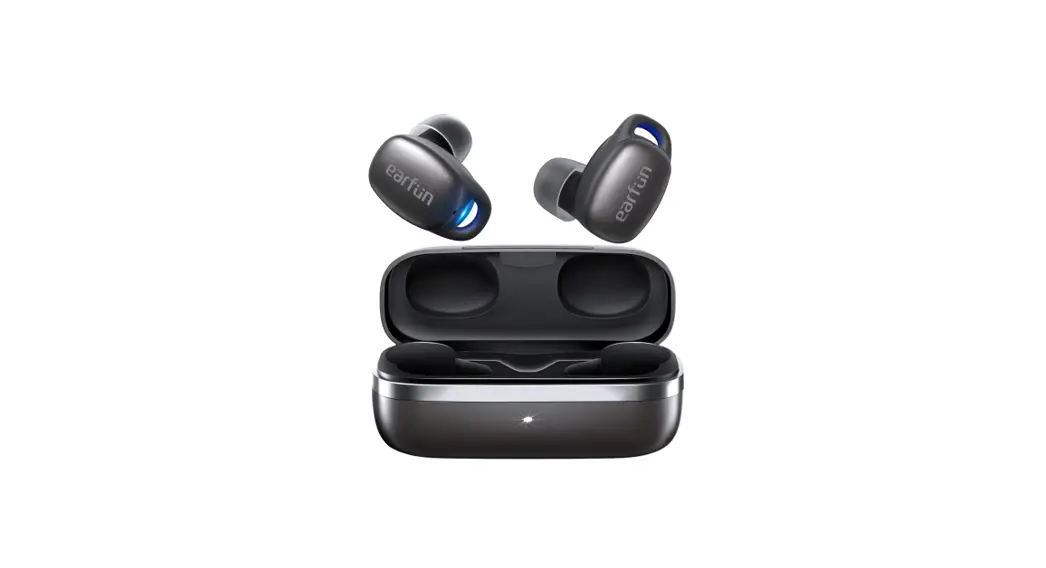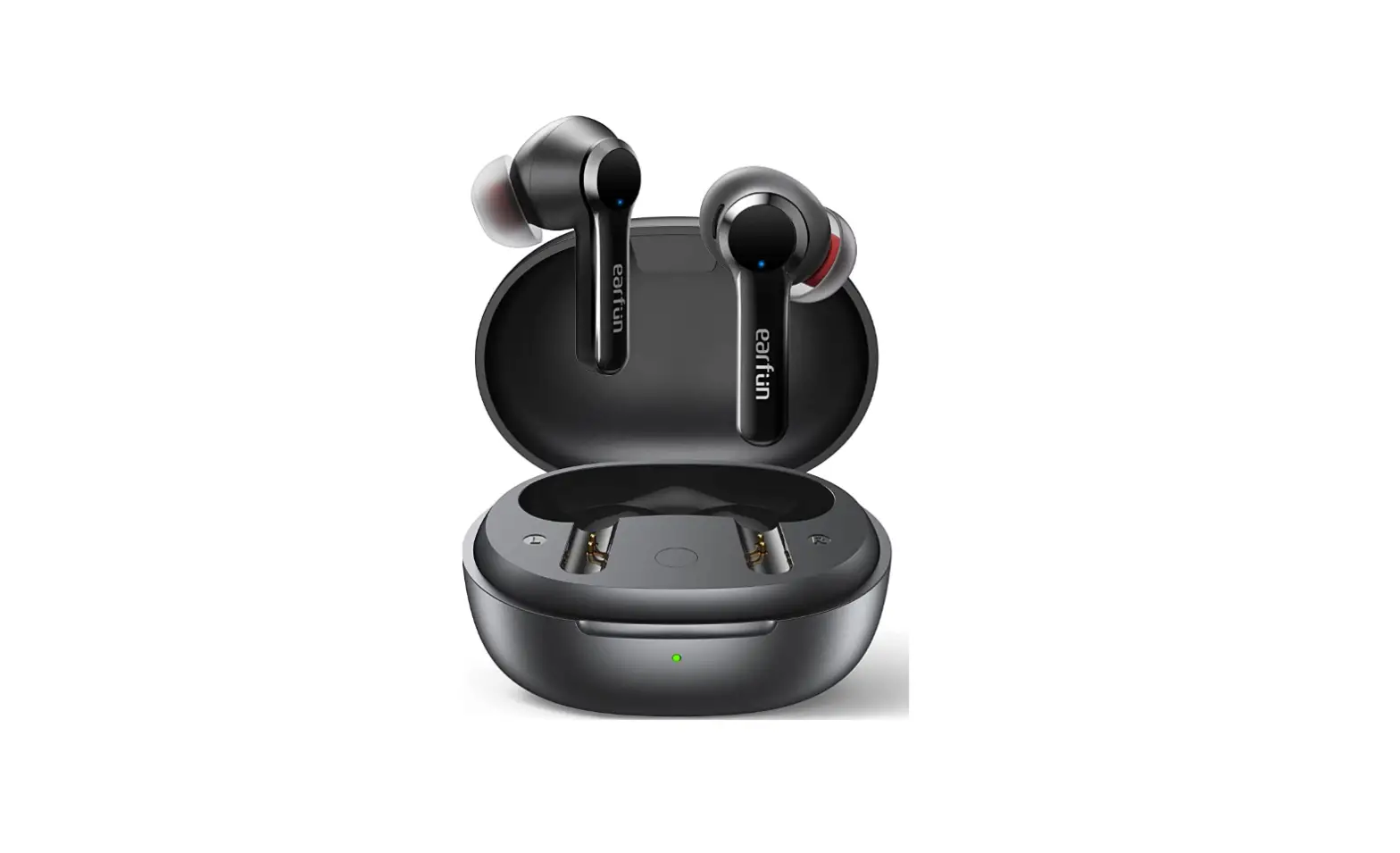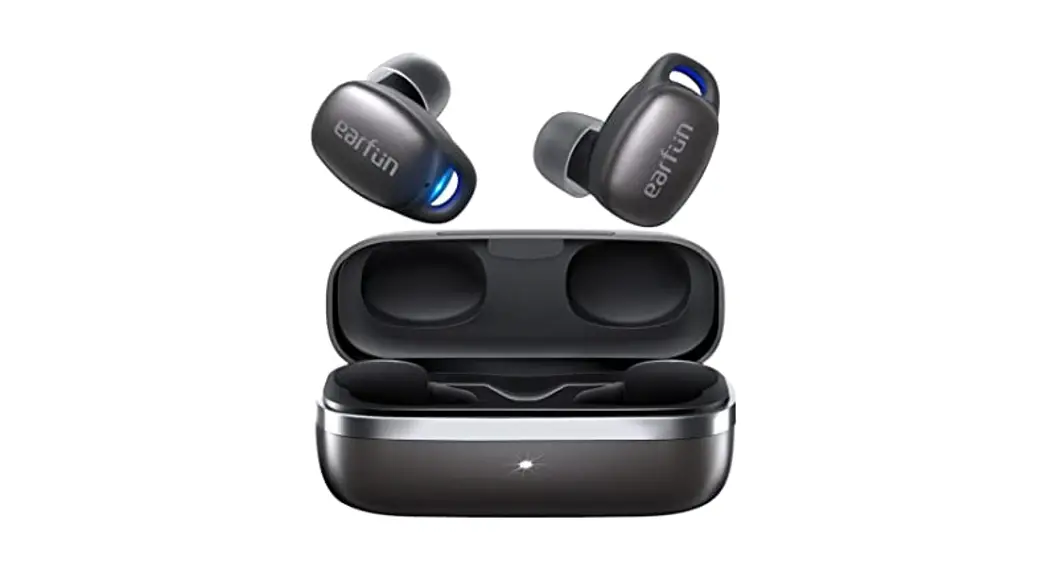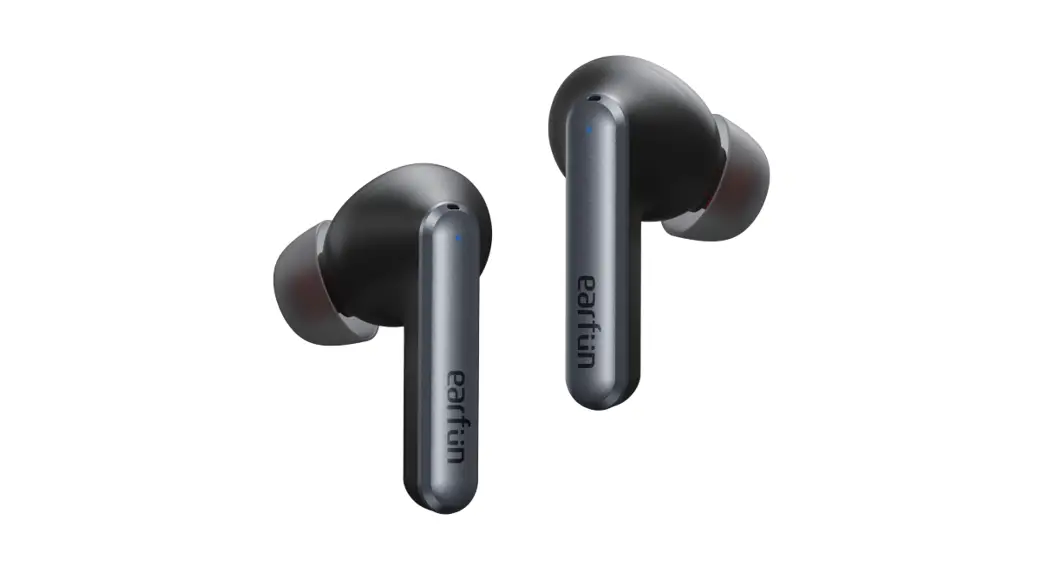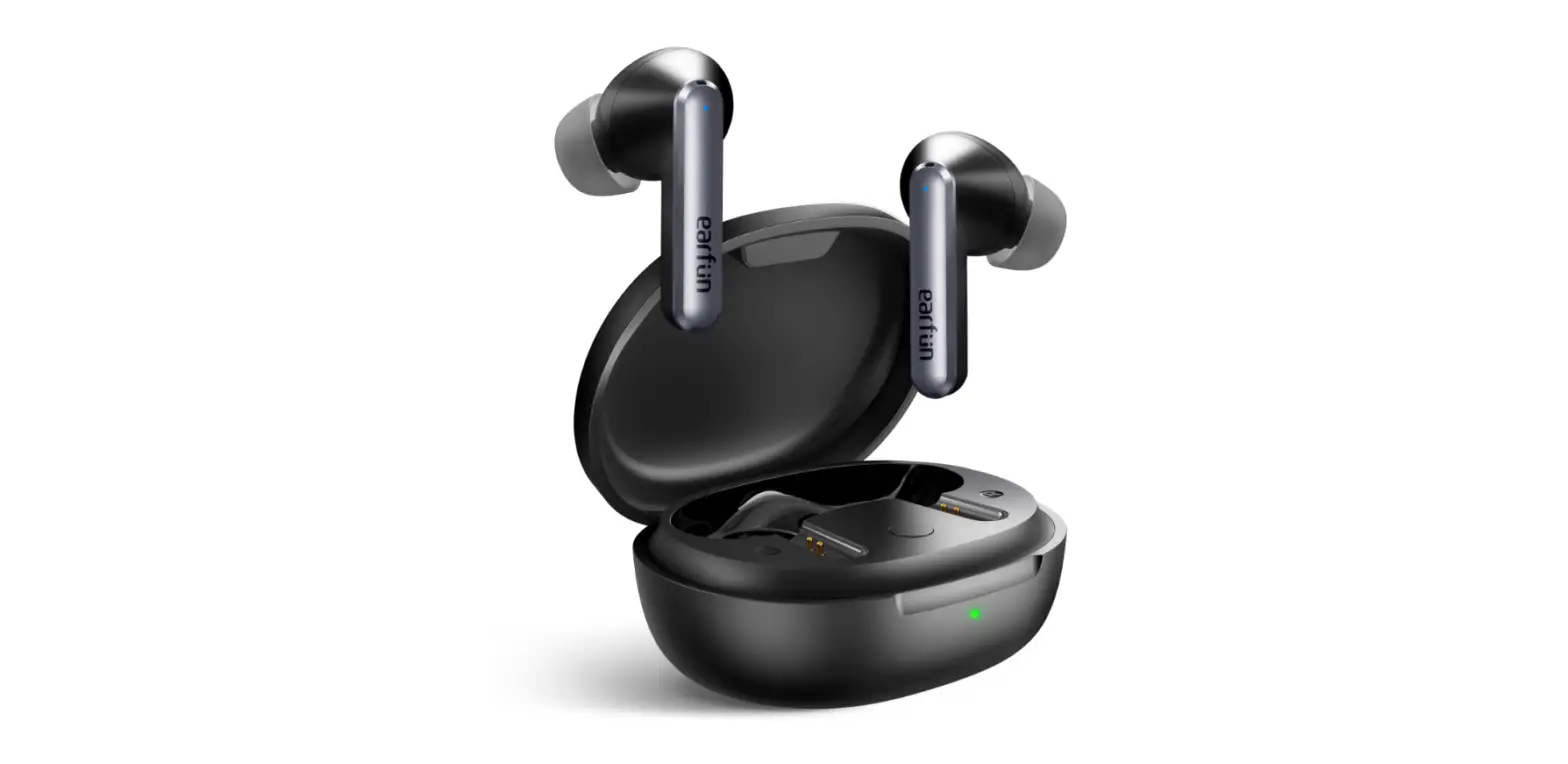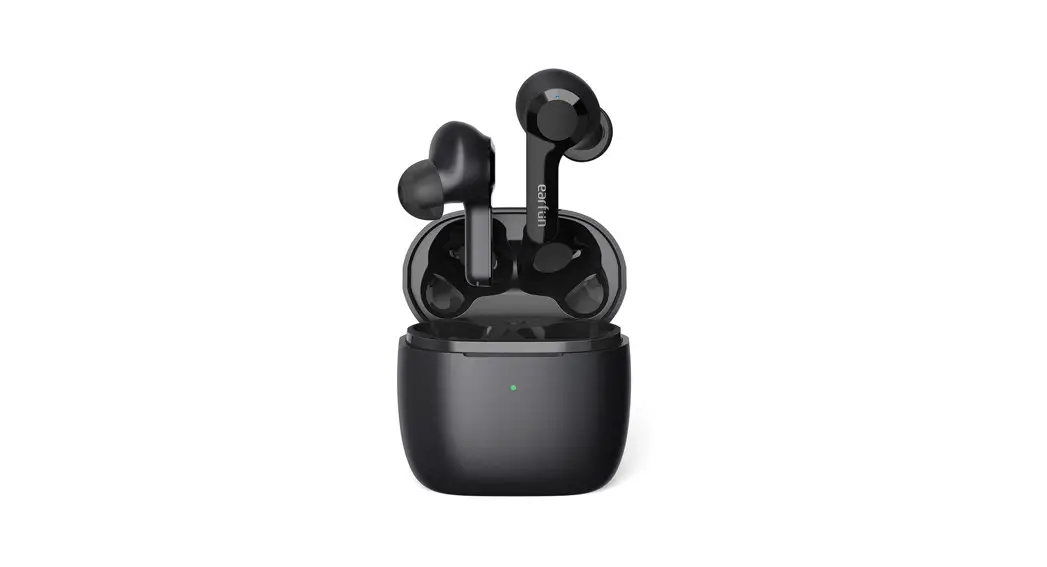
EarFun Free Pro
ANC Wireless Earbuds
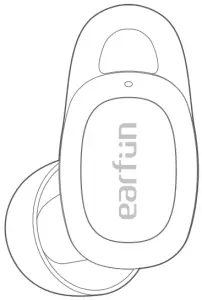
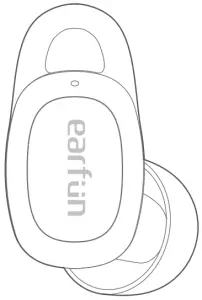

User Manual
(1) What’s in the Box
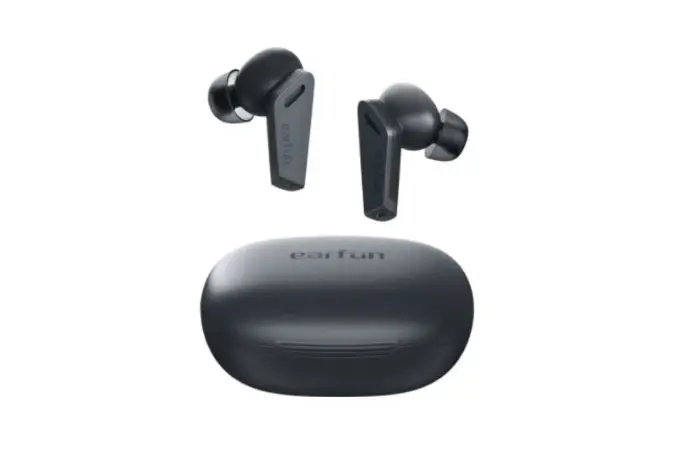
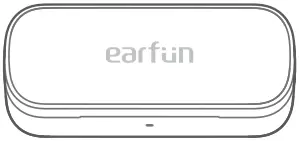
EarFun Free Pro Charging Case Ear Tips (XS, S, M, L)
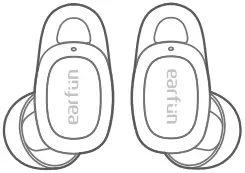
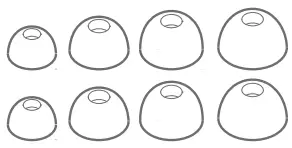
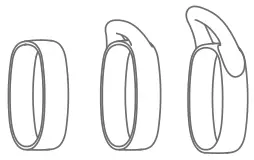
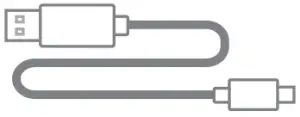
Ear Hooks (S, M, L) USB-C Cable User Manual

(2) Product Diagram
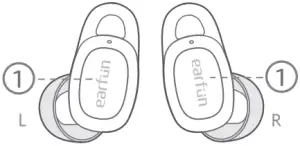
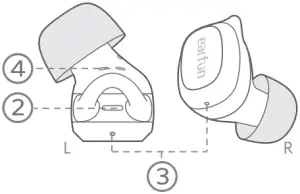
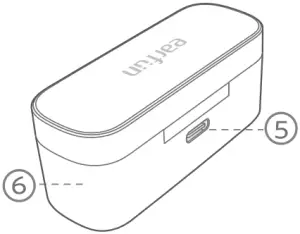
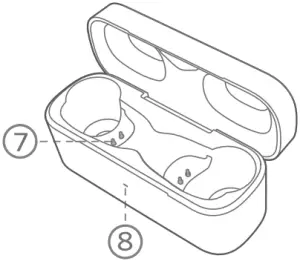
(1) Touch multifunction control (2) LED indicator
(3) Microphone (4) Charging contactor
(5) USB-C charging port (6) Charging case
(7) Charging dock (8) Charging case indicator
(3) Charging
- Open or close the charging case to activate the LED battery indicator.
- Remove the film on the earbuds when taking them out of the charging case for the first time.
- Fully charge both the earbuds and the charging case before the first-time use.
- The charging case must be closed that earbuds can start charging.
- Fully dry off the earbuds and the USB port before charging.
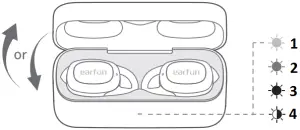
- Green > 30%
- Orange < 30%
- Red <10%
- Red flash < 5% Please charge
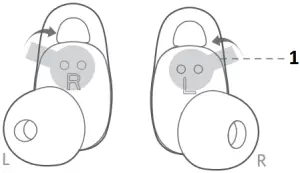
1. Remove the film for the first-time use
- Use wireless charging pad(not included) for charging.
- Connect USB-C cable for charging.
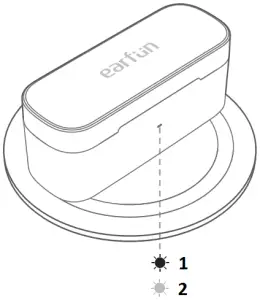
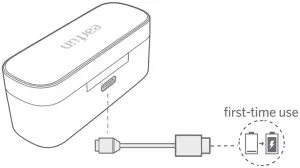
- Red – Charging
- Green – Charging complete
(4) Specifications
| Bluetooth version | V5.2 |
| Bluetooth frequency | 2.402GHz-2.48GHz |
| Bluetooth profile | A2DP, AVRCP, HFP, HSP |
| Maximum working range | 15m(without obstacle) |
| Battery capacity | 50mAh x 2(earbuds); 400mAh(charging case) |
| Charging time | 1 hour(for earbuds); 2 hours(for charging case via USB-C); 3.5 hours(for charging case via wireless charger) |
| Playtime | ANC OFF–Up to 7 hours, Totally 32 hours with the charging case; (varies by volume level and audio content) ANC ON– Up to 6 hours, Totally 27 hours with the charging case; (varies by volume level and audio content) |
| Input | DC 5V / 1A |
| Dimentions | 67mm x 25mm x 31mm |
| Weight | 42g |
(5) How to Fit
Note: If the earbuds is not worn correctly, it may affect the noise cancelling effect.
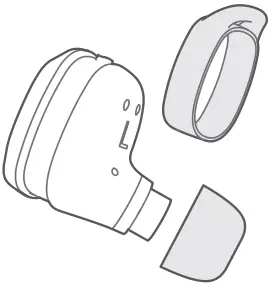

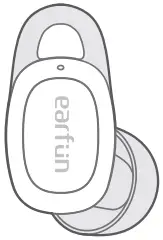
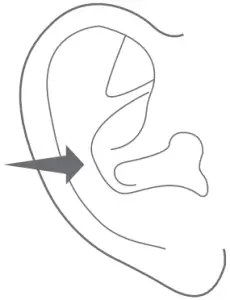
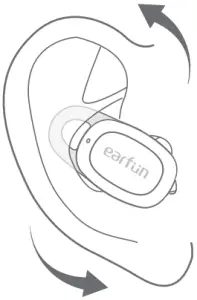
- Choose the ear tips and ear hook that fit you the best. If you couldn’t use the ear hook, please choose the one without the wing.
- Identity the left and the right earbuds.
- Insert the earbuds into the canal of your ears, the ear hook should also be inserted into the upper canal of your ears.
- Turn and find the most confortable position.
(6) Pairing Your Earbuds
1. First time pairing with device
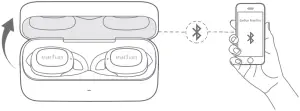
Step 1: Open the charging case, earbuds will automatically power on and enter into pairing mode.
Step 2: Activate Bluetooth on your Bluetooth-enabled device and search for other Bluetooth devices.
Step 3: Select “EarFun Free Pro” from the list of Bluetooth devices shown (if a password is needed, type ‘0000’).
Notes:
- The earbuds will automatically connect with the device they were last paired with when the case is opened.
- Each earbud could be used independently.
2. Connect to a New Device
Option A
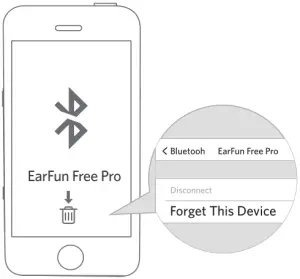
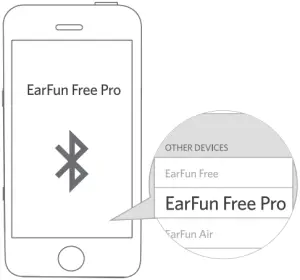
Step 1. Unpair the earbuds from the Bluetooth-enabled device that’s connected. The earbuds will disconnect from the current device and enter into pairing mode for another pair.
Step 2. Search on the new device and connect.

Option B
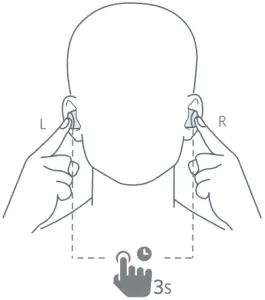
Step 1. Make sure the earbuds are powered on, and then touch and hold the both earbuds button at the same time for at least 3 seconds until they flash in blue light, after that the earbuds will enter into pairing mode.
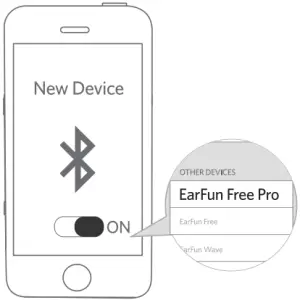
Step 2. Search the new device and connect.

(7) Functions
Power on/off
Open the charging case, the earbuds will automatically power on.
Place the earbuds back into the charging case. Close the case and the earbuds will automatically power off.
Power on 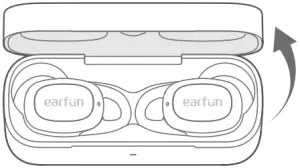 Power off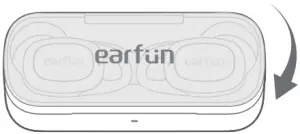
| Playing music | ||
 | ||
| Play/Pause | 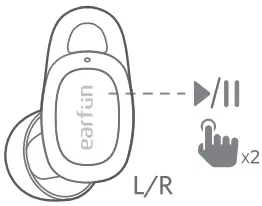 | Tap twice (L/R) |
| Next track | 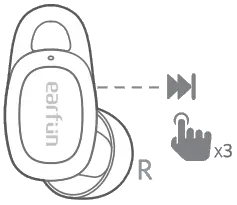 | Tap triple (R) |
| Volume up | 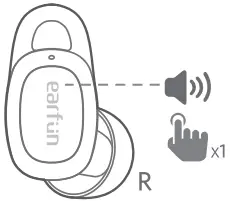 | Tap once (R) |
| Volume down | 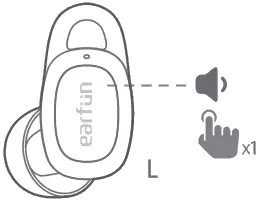 | Tap once (L) |
| Hands free conversation | ||
 | ||
| Answer/End a call | 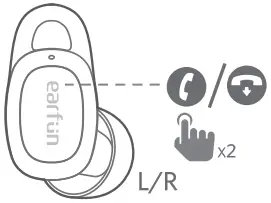 | Tap twice (L/R) |
| Reject a call | 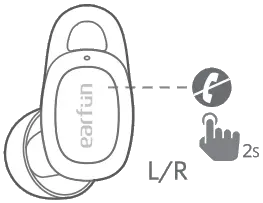 | Tap and hold for 2s (L/R) |
| Answer and transfer two calls | 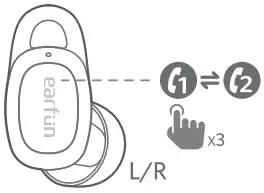 | Tap triple (L/R) |
| Activate the voice assistant | ||
 | ||
| Voice assistant | 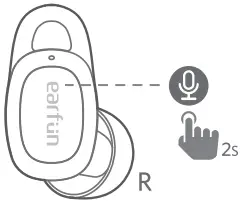 | Tap and hold for 2 seconds (R) |
| Noise cancelling control | ||
 | ||
| Noise cancelling Ambient sound Normal | 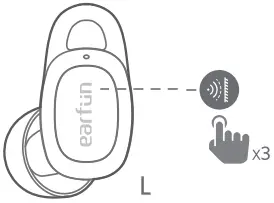 | Tap triple (L) |
| Low Latency control | ||
 | ||
| Low Latency ON/OFF | 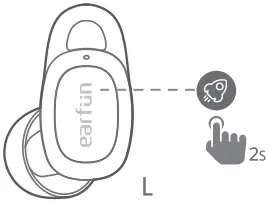 | Tap and hold for 2 seconds (L) |
Notes:
- Turn on the low latency mode will provide latency within 100ms and improve the movie and video experience, but it will shorten the connection distance. We suggest you turn off the low latency mode when you use the earbuds for music.
- The normal mode provide latency about 200ms.
- Bluetooth technology can’t eliminate latency.
(8) Earbuds LED Indicator
| Power on | Blue indicator flashes 1 second |
| Power off | Red indicator flashes 1 second |
| Pairing mode | Indicator flashes blue |
| Successfully connected | Indicator goes out |
| Factory reset | Indicator flashes in purple |
(9) Reset and Reconnecting
If you fail to build connection between two earbuds, or between earbuds and Bluetooth device, please try the following steps:
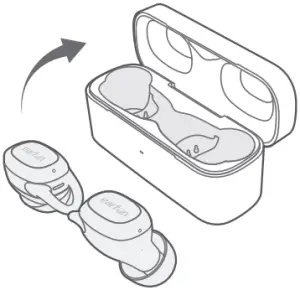
- Place both earbuds into the charging case.
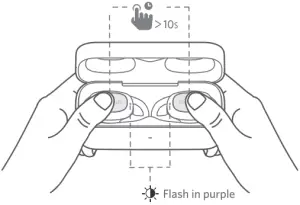
- Keep the charging case open, then touch and hold the button on each earbud at the same time for at least 10s until they flash in purple then earbuds have been reset successfully.
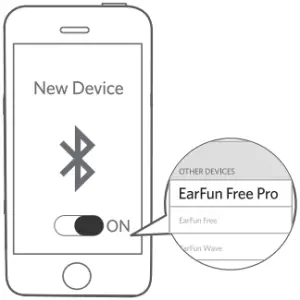
- Delete the old connection from the Bluetooth device and reconnect “EarFun Free Pro”.
(10) Troubleshooting
Q: Can I use both earphones separately?
A: Yes, each earbud could be used independently.
Q: The earphones are turning on, but it doesn’t connect to my device?
A: To connect the earbuds to your device, please check if the Bluetooth of the device is on at first, then select ‘EarFun Free Pro’ on the Bluetooth list to get paired. If the earbuds still can’t connect to your device, please try to reset it, or contact our customer support.
Q: Why the connection is not stable and cuts out intermittently?
A: Please make sure there are no objects between the earphones and your Bluetooth device, and make sure there is no radio or WIFI interference nearby.
Q: What is the range of Bluetooth earphones?
A: Bluetooth earphones have maximum range of 49 feet (15m, no obstacle). However, the actual range will depend on usage and environment.
Q: Is there volume control on the earphones?
A: Yes, touch L earbud once decreases the volume and touch R once could increase it.
Q: My earphones will not switch on.
A: Please recharge it and make sure it has enough battery power. If it is fully charged and still nothing happens or if you are not able to charge the unit, please contact our customer support for warranty cover.
Q: Is the charging case waterproof?
A: No, the earbuds are IPX5 sweat & waterproof, but the charging case is not waterproof.
Q: Will the earbuds shut off automatically?
A: The earbuds will remain on as long as they are connected to a device. If no audio is in use, they will enter power-saving mode and wake up once audio is played. If the earbuds are not connected with any devices, they will automatically shut off in 30 minutes.
FCC Statement
Changes or modifications not expressly approved by the party responsible for compliance could void the user’s authority to operate the equipment.
This equipment has been tested and found to comply with the limits for a Class B digital device, pursuant to Part 15 of the FCC Rules. These limits are designed to provide reasonable protection against harmful interference in a residential installation. This equipment generates uses and can radiate radio frequency energy and, if not installed and used in accordance with the instructions, may cause harmful interference to radio communications. However, there is no guarantee that interference will not occur in a particular installation. If this equipment does cause harmful interference to radio or television reception, which can be determined by turning the equipment off and on, the user is encouraged to try to correct the interference by one or more of the following measures:
— Reorient or relocate the receiving antenna.
— Increase the separation between the equipment and receiver.
— Connect the equipment into an outlet on a circuit different from that to which the receiver is connected.
— Consult the dealer or an experienced radio/TV technician for help.
This device complies with part 15 of the FCC rules. Operation is subject to the following two conditions:
(1) This device may not cause harmful interference.
(2) This device must accept any interference received, including interference that may cause undesired operation.
CAUTION
Danger of explosion if battery is incorrectly replaced.
Replace only with the same or equivalent type.
the battery shall not be exposed to excessive heat such as sunshine, fire or the like
 To prevent possible hearing damage, do not listen at high volume levels for long periods.

The Bluetooth® word mark and logos are registered trademarks owned by Bluetooth SIG, Inc. and any use of such marks by Earfun Technology(HK) Limited is under license.
Other trademarks and trade names are those of their respective owners.
EU Declaration of Conformity
EarFun Technologh(HK) Limited hereby declares that this equipment is in compliance with the essential requirements and other relevant provisions of Directive 2014/53/EU and RoHS 2011/65/EU Directive. The declaration of conformity may be consulted in the support section of our Web site, accessible from www.myearfun.com
NCC :
MODEL: TW301
FCC ID: 2AVIT-TW301





 EarFun Official Website | Better Sound. Better Life