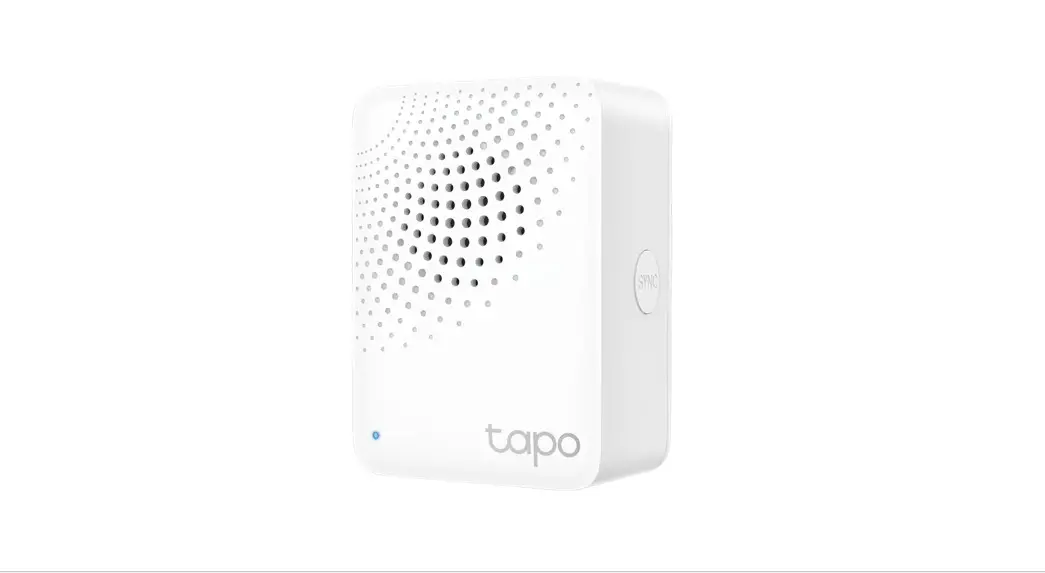
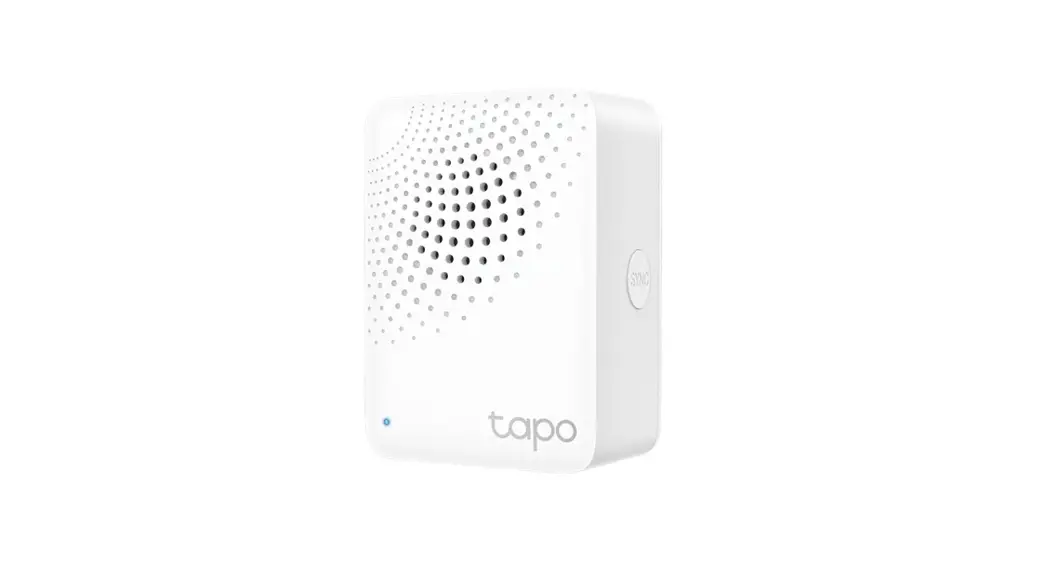
Tapo H100 Tapo Smart IoT Hub with Chime
Tapo Smart IoT Hub with Chime – Product Information
| Product Name | Tapo Smart IoT Hub with Chime |
|---|---|
| Model | Tapo H100 |
| Product Type | Smart Alarm and Smart Doorbell |
| Ringtone Options | 19 |
| Supported Devices | Up to 64 devices |
Product Usage Instructions
- Ensure the Tapo Hub is properly connected to a power
source. - Download and install the Tapo mobile app on your
smartphone. - Launch the Tapo app and follow the on-screen instructions to
set up your account. - Add the Tapo Hub to your account by scanning the QR code or
entering the provided device ID. - Once the Tapo Hub is successfully added, you can start adding
smart devices to create your smart alarm or smart doorbell
system. - To add a smart sensor (motion sensor, window/door sensor,
etc.), follow the manufacturer’s instructions to pair it with the
Tapo Hub. - For the smart doorbell feature, install the Tapo smart button
on your door according to the provided installation guide. - Use the Tapo mobile app to customize the ringtone options and
adjust other settings for your smart alarm and smart doorbell
system. - Enjoy the convenience of controlling and monitoring your home
from anywhere using the Tapo app.
Tapo Smart IoT Hub with Chime
Tapo H100
Smart Alarm
19 Ringtone Options
Smart Doorbell
Up to 64 Devices
Hu
Datasheet
oorbell
b
D
1 3 in
Alarm
Datasheet
Tapo Smart Ecosystem
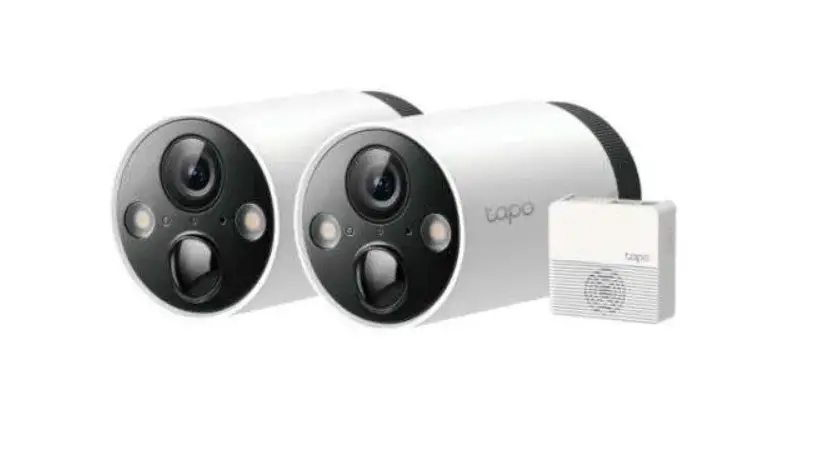
Tapo is the easy way to turn your home into a smart home. At the center of it all is the Tapo Hub. With superior ultra-low-power performance, Tapo Hub connects wirelessly with a wide range of Tapo accessories. So you can easily control and monitor your home from anywhere.
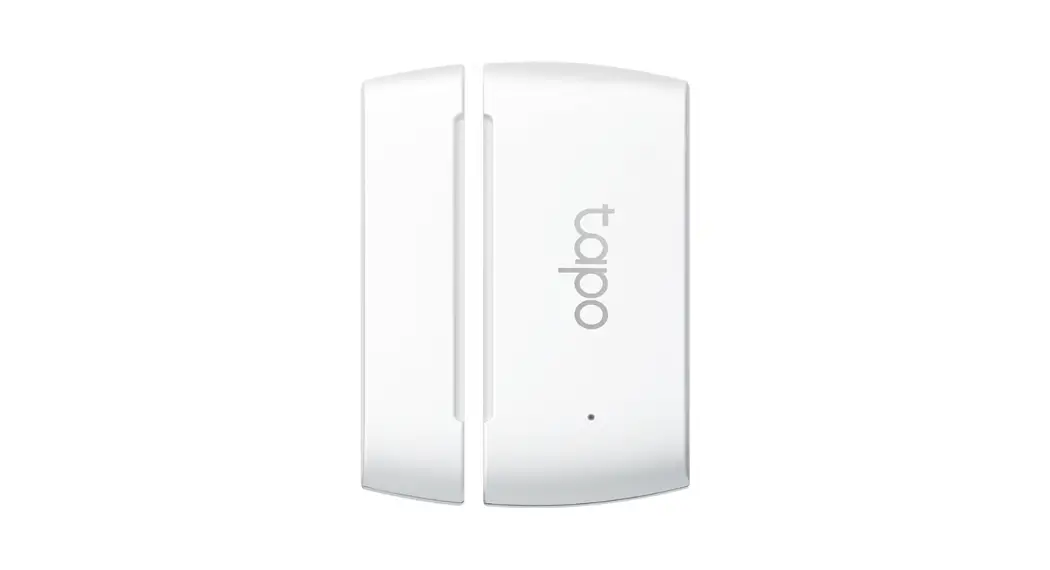
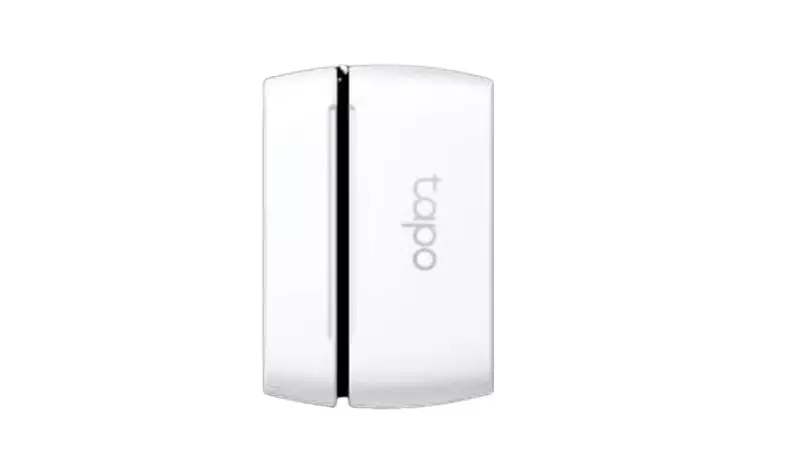
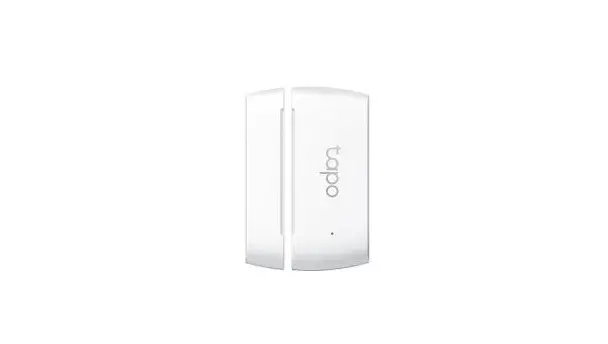
Window/Door Sensor
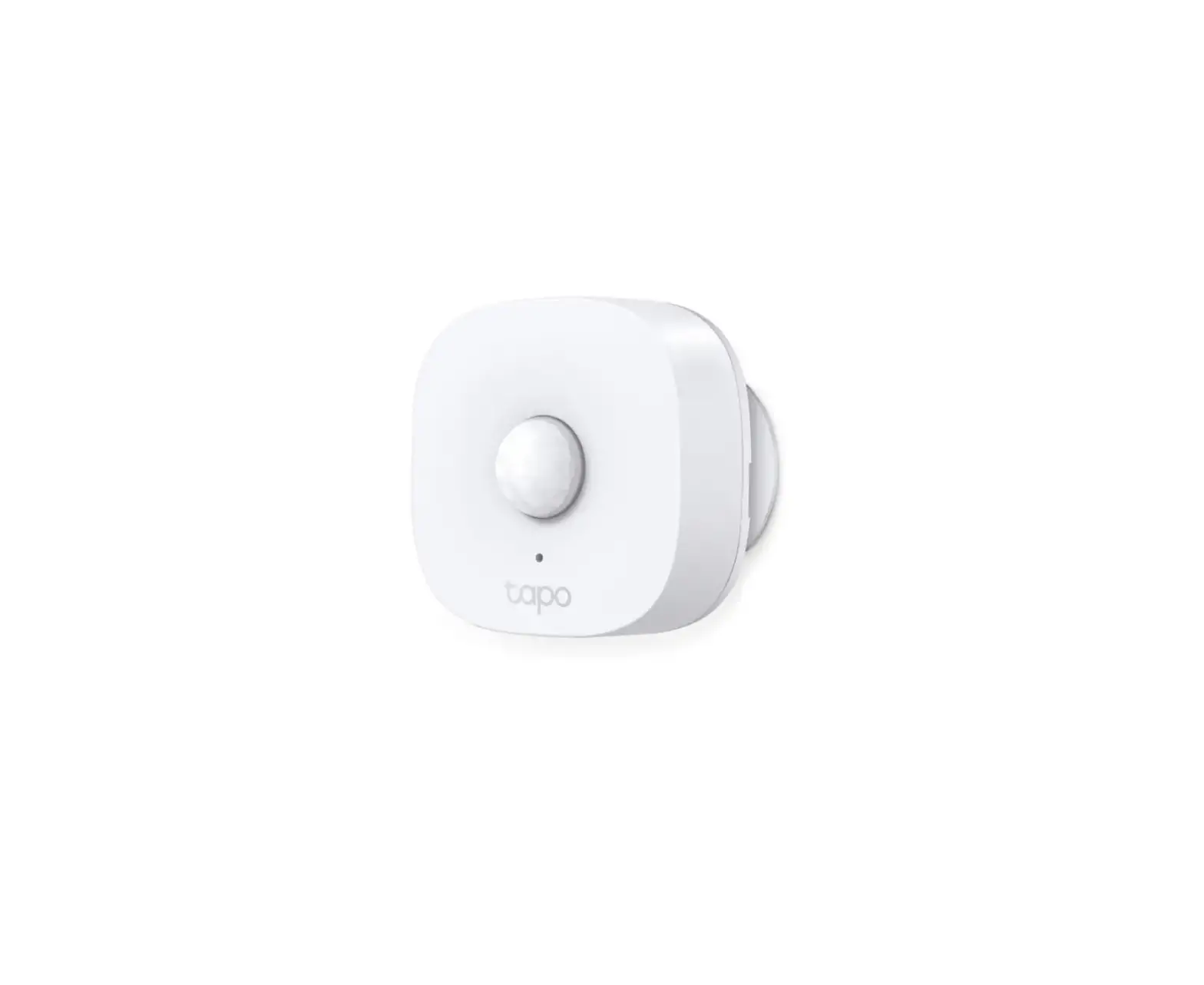
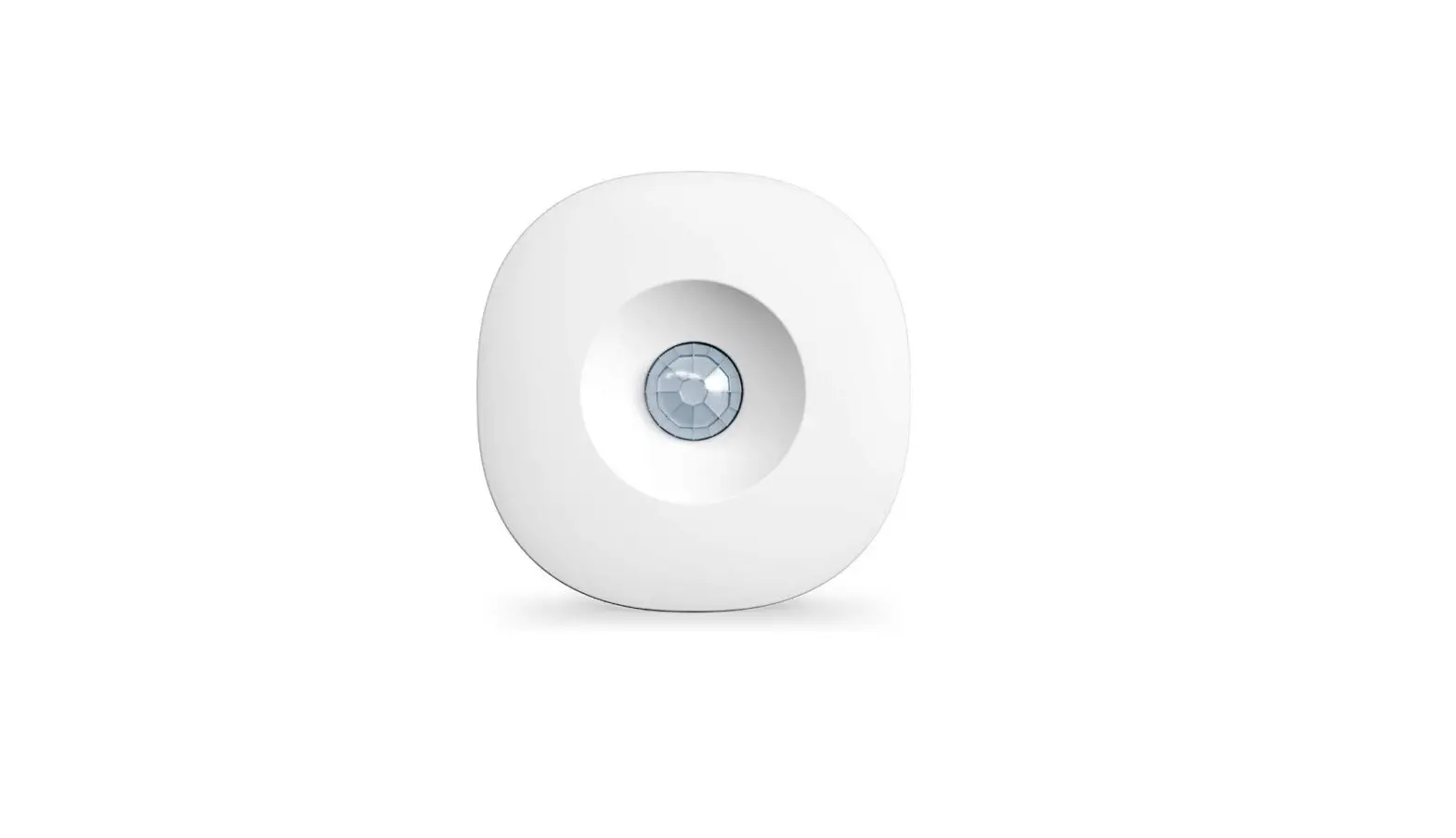
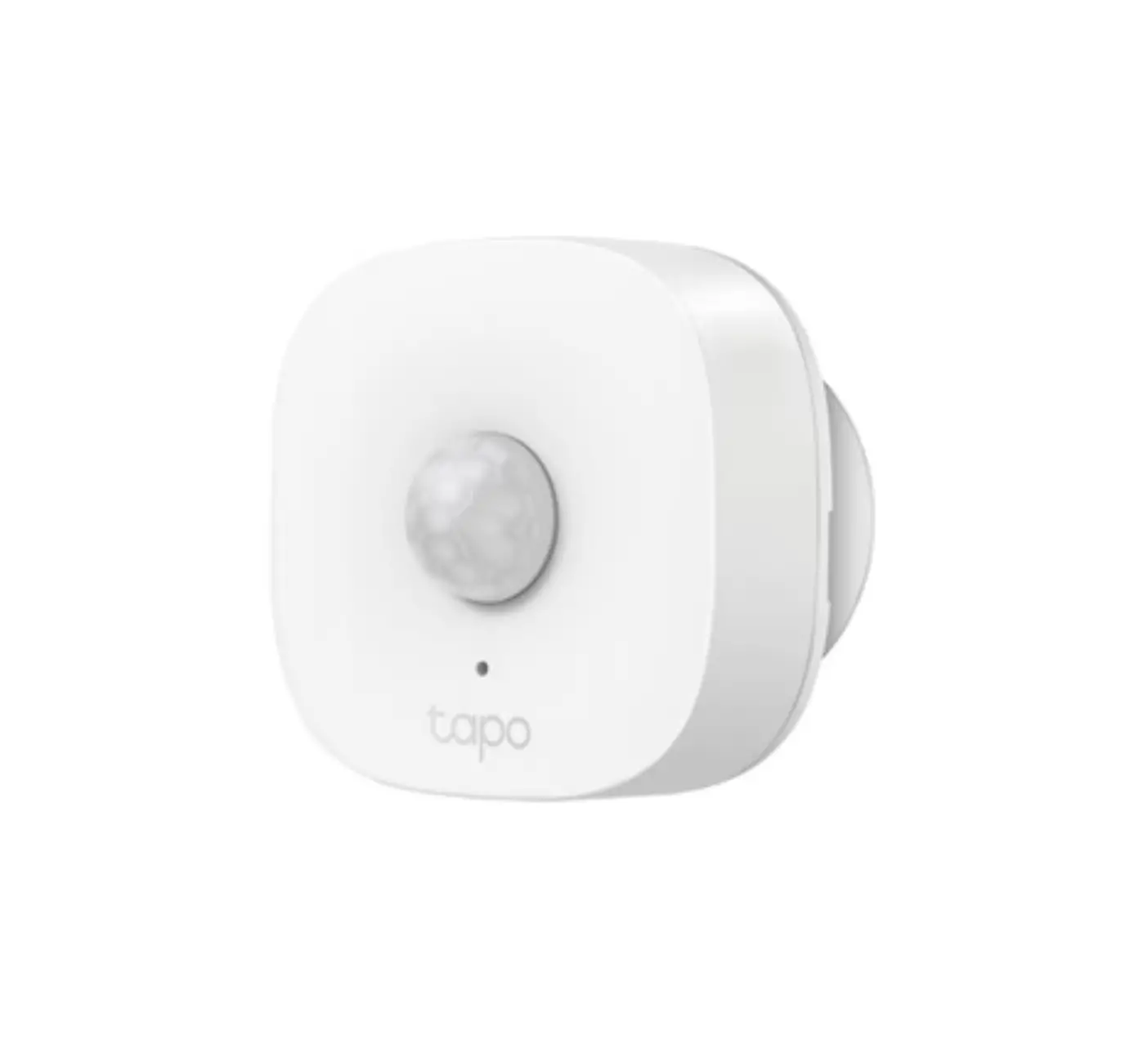
Motion Sensor
Temperature & Humidity Sensor
Smart Switch
Smart Hub
Smart Button
3 in 1 Device for All Your Needs
Datasheet
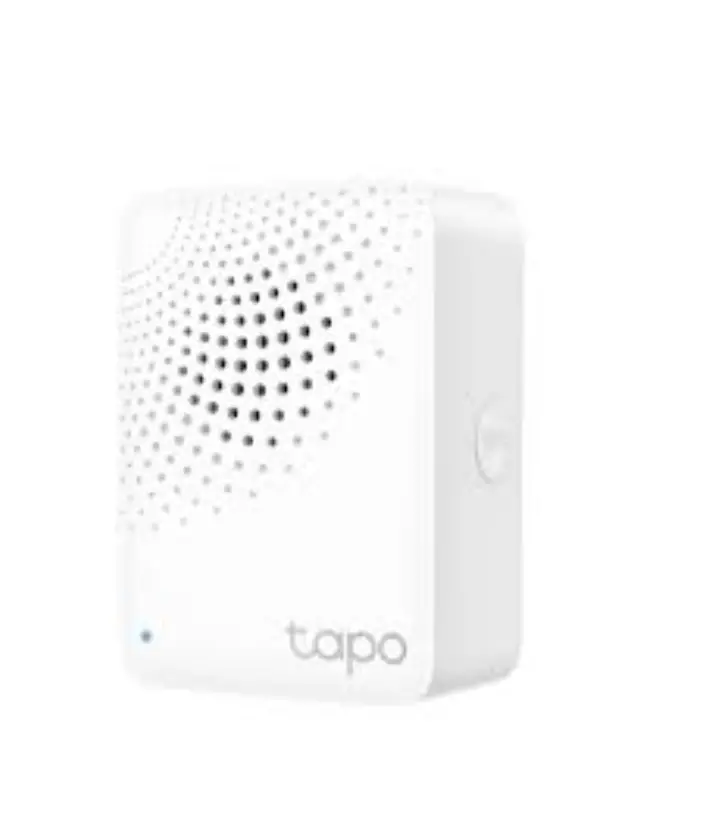
Tapo H100
Smart IoT Hub
Use a long-distance, low-power wireless protocol to connect to battery-powered Tapo devices.
Smart Alarm
Protect your home security by coordinating with Tapo smart sensors (motion sensor, window/door sensor, and more).
Smart Doorbell
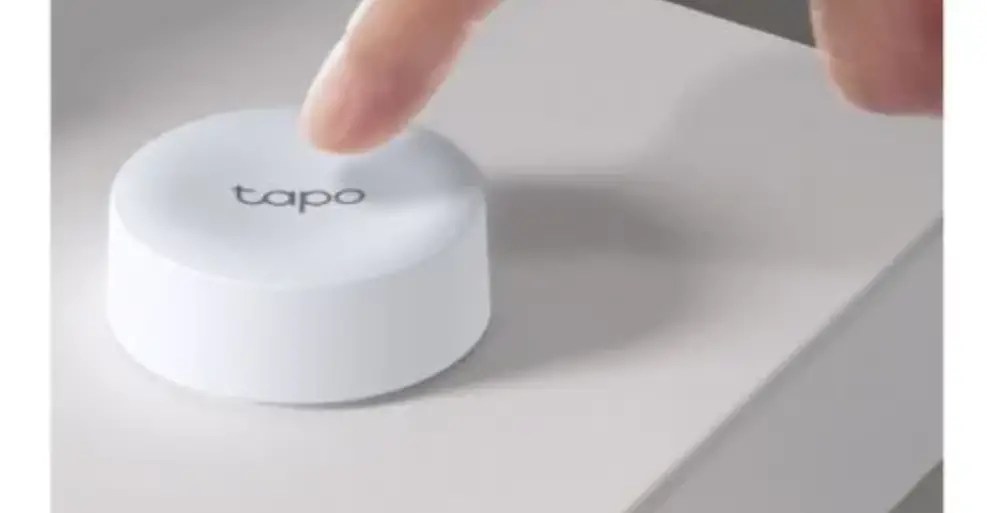
Easily build your smart doorbell system, by installing the Tapo smart
button on the door.
To build a smart alarm or smart doorbell, the Tapo Hub will need to work with certain smart devices.
Datasheet
Features
· Ultra-Long Distance Connection With the low frequency wireless protocol, Tapo hub sends and receives data steadily throughout your home.
· Ultra-Low-Power Performance Connect wirelessly with a wide range of Tapo accessories and never let your guard down.
· Real-Time Notifications Monitor your entire home and all connected devices to get instant alerts when the activity is detected. The built-in alarm gives you more than enough protection.
· 19 Ringtone Options 90 DB built-in multiple ringtones for your customized scenarios.
· Up to 64 Devices# Connect multiple devices to create a smart ecosystem for your home.
· Device Sharing Easily share management permissions with each member of your family.
· Easy Setup and Use No wiring required. Set up quickly and manage easily through the free Tapo app.
· Flame-Retardant – PC flame-retardant materials help minimize burning hazards.
Decibel values may vary by ringtones and environmental factors. #The max conenctions may vary by the types of smart devices connected. Made with V-0 (UL94) flame-retardant materials.
Datasheet
Specifications
General
· Wireless: 2.4 GHz Wi-Fi, 868 MHz for connected devices§ · Rating: AC, 100-240 V, 50/60 Hz · Power Consumption: 0.5 W · Standby Power Consumption: 0.1 W · Material: V-0 (UL-94) Flame retardant PC · LED&Button: Status LED, SYNC/Silence Button · Built-in: 90 DB alarm, 19 ringtones
Others
· Package Contents: Smart Hub Tapo H100 Quick Start Guide
· Certifications: CE, UKCA, RoHS · Operating Temperature: 0 ºC 40 ºC (32°F104°F ) · Operating Humidity: 10%90%RH, Non-condensing · Dimensions: 72×62.6×51 mm (2.8×2.5×2 inch)
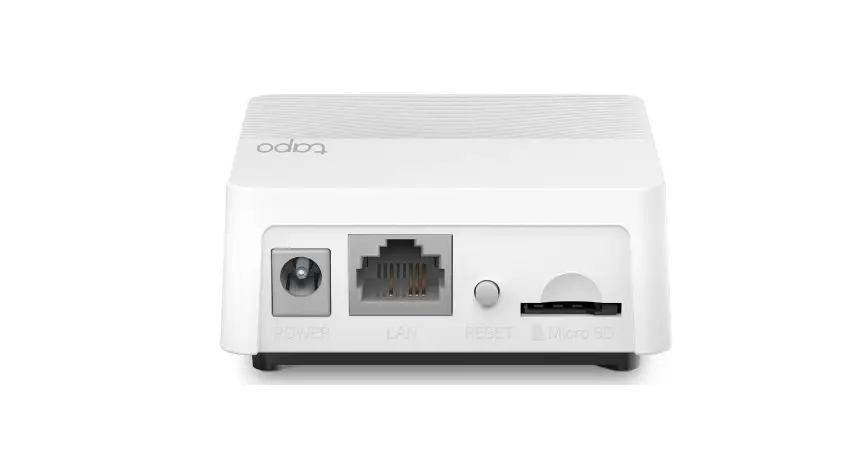
Speaker Status LED
SYNC/Silence Button Socket
§The specific working frequencies are 863 MHz to 865 MHz, and 868 MHz to 868.6 MHz. Made with V-0 (UL94) flame-retardant materials.
Decibel values may vary by ringtones and environmental factors. Please do not use in damp environments or outdoors. For more information, please visit https://www.tapo.com/ Specifications are subject to change without notice. All brands and product names are trademarks or registered trademarks of their respective holders. ©2022 TP-Link
 Tapo Smart | Smart Devices for Smart Living