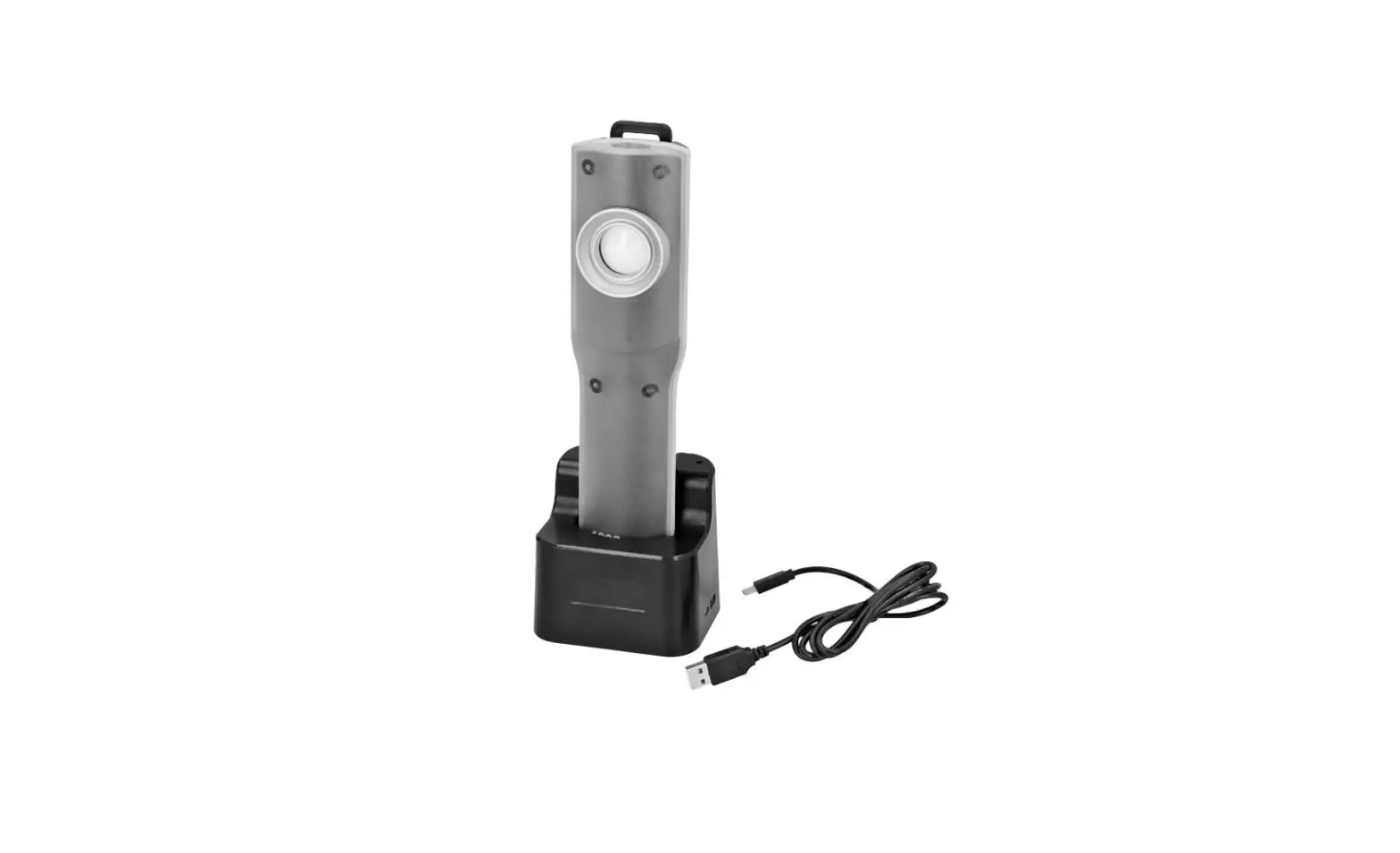
Q-Lion Rechargeable Lithium Ion Battery LED
Product Information
The Rechargeable Lithium Ion Battery LED is a versatile lamp
designed for various lighting applications. It features a built-in
rechargeable lithium-ion battery, allowing for portable usage
without the need for constant power supply. The lamp also
incorporates LED technology, ensuring energy-efficient and
long-lasting lighting.
The lamp offers three different brightness levels: Q20, Q10, and
Q5. Q20 has four brightness settings at 50%, 25%, and 10%
intensity. Q10 offers five brightness settings at 75%, 50%, 25%,
and 10% intensity. Q5 provides five brightness settings at 100%,
75%, 50%, 25%, and 10% intensity.
The lamp is capable of producing light at three different color
temperatures: 3000K, 4300K, and 5600K. This allows users to adjust
the color temperature based on the desired lighting effect or
environment.
The lamp has a power-saving feature where the LED lights
automatically enter sleep mode after 10 seconds of inactivity. To
wake up the lamp and resume controls, simply tap the Power button
once.
In case you need to disable the lamp functions for travel, you
can plug in the charger to reactivate the lamp later. This ensures
that the lamp remains in a deactivated state during
transportation.
If you encounter any software malfunction or want to reset the
lamp’s firmware, you can perform a reset to restore the default
settings. The default output is 100% intensity at a color
temperature of 5600K CCT.
Product Usage Instructions
- To turn on the lamp, press the Power button.
- To adjust the brightness level, use the appropriate brightness
settings: Q20, Q10, or Q5. Select the desired intensity level by
cycling through the available options. - To change the color temperature, use the provided options:
3000K, 4300K, or 5600K. Select the desired color temperature by
cycling through the available options. - If the lamp goes into sleep mode due to inactivity, simply tap
the Power button once to wake it up and regain control. - If you need to disable the lamp functions for travel, unplug it
from the power source. To reactivate the lamp, plug in the
charger. - In case of software malfunction or if you want to reset the
lamp’s firmware, follow these steps:- Turn off the lamp by pressing and holding the Power
button. - While holding the Power button, plug in the charger to activate
the reset mode. - Continue holding the Power button for 10 seconds until the lamp
resets and restores default settings.
- Turn off the lamp by pressing and holding the Power
| Rechargeable Lithium Ion Battery LED
Instructions
POWER · Turn on: Single Tap Power Button · Turn off: Double Tap Power Button · Power button operation & indicator
lights “sleep” after 10 seconds of inactivity–tap Power once to awake lamp & resume controls.
INTENSITY CONTROL · Change Intensity:
Wake up from device sleep. Briefly tap once & wait for intensity to dim to next lower level. · Battery-only operation output levels:
100% 75% 50% 25% 10% Off. · The lamp can operate while charging.
Charging Indicator lights scroll during operation. Intensity options reduce for Q20 & Q10 lamps. Q5 lamps retain all options: · Charging while Illuminated output levels:
Q20: 50%, 25%, 10% Q10: 75%, 50%, 25%, 10% Q5: 100%, 75%, 50%, 25%, 10%
COLOR TEMPERATURE (CCT) CONTROL · Change CCT: Long Press Power Button · Available CCT options:
3000K, 4300K, 5600K
V3.0 www.QUASARSCIENCE.com
TRAVEL MODE · KILL button: Press & hold with a pen tip
to disable lamp functions for travel. Plug in charger to reactivate lamp.
RESET LAMP · RST button: Press & hold with a pen tip
to reset lamp firmware to default 100% output @ 5600K CCT (in cases of software malfunction).
CHARGING · To charge: plug in included QC3.0
charger with a microUSB cable. The power light blinks while detecting the charger. Then a blinking indicator light shows the current charge level. · Battery level indicator lights:
25%, 50%, 75%, 100% (Low battery = 25% indicator rapid flashes) · QC3.0 USB chargers rated 9V/2A or
12V/1.5A must be used to charge lamp; standard 5V USB chargers do not work. · If there is insufficient charging voltage from a standard power adapter, the Power button light flashes quickly, then turns off. · When the lamp is illuminated and is being plugged in, the lamp will breifly flicker when changing over to DC Power.
BATTERY HEALTH TIPS · Frequent full discharge of lamp battery to
0% and/or frequently leaving charge at 100% for extended time periods rapidly deteriorates battery life. · Frequent use of plugged-in operation rapidly deteriorates battery life. · For maximum battery health in long term inactive storage, charge or discharge battery to 50%.
V3.0 www.QUASARSCIENCE.com
 Quasar Science