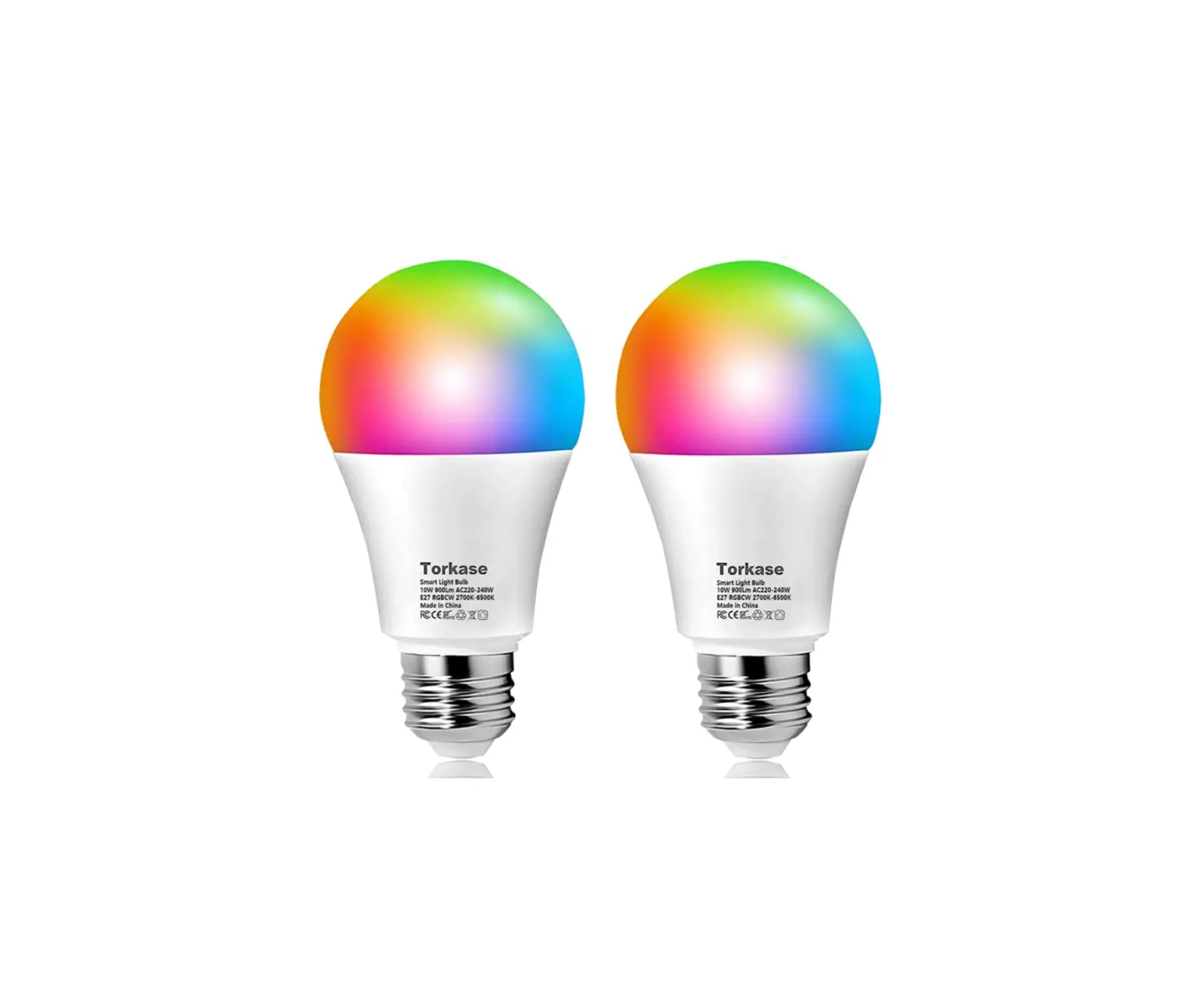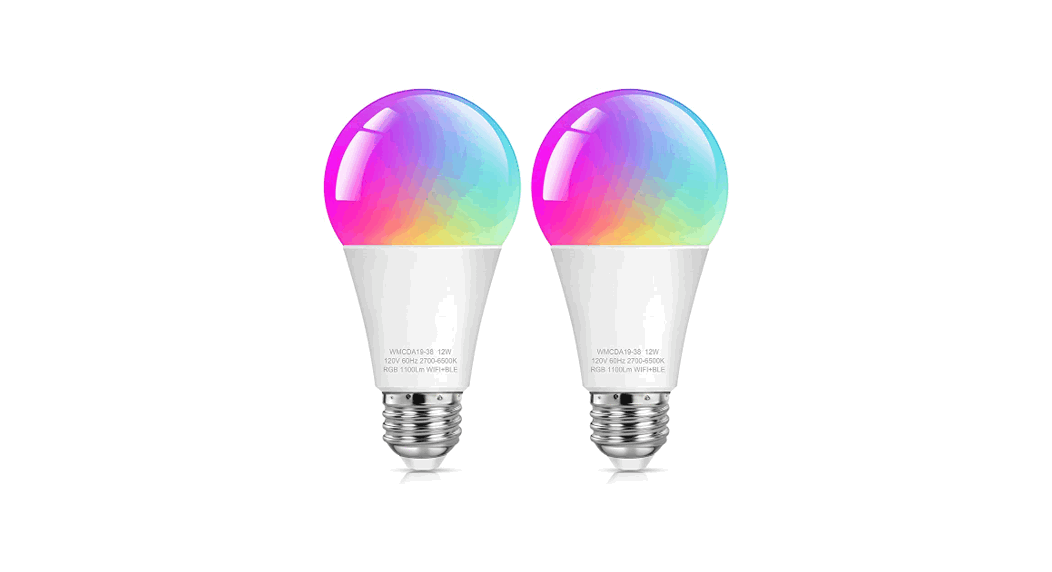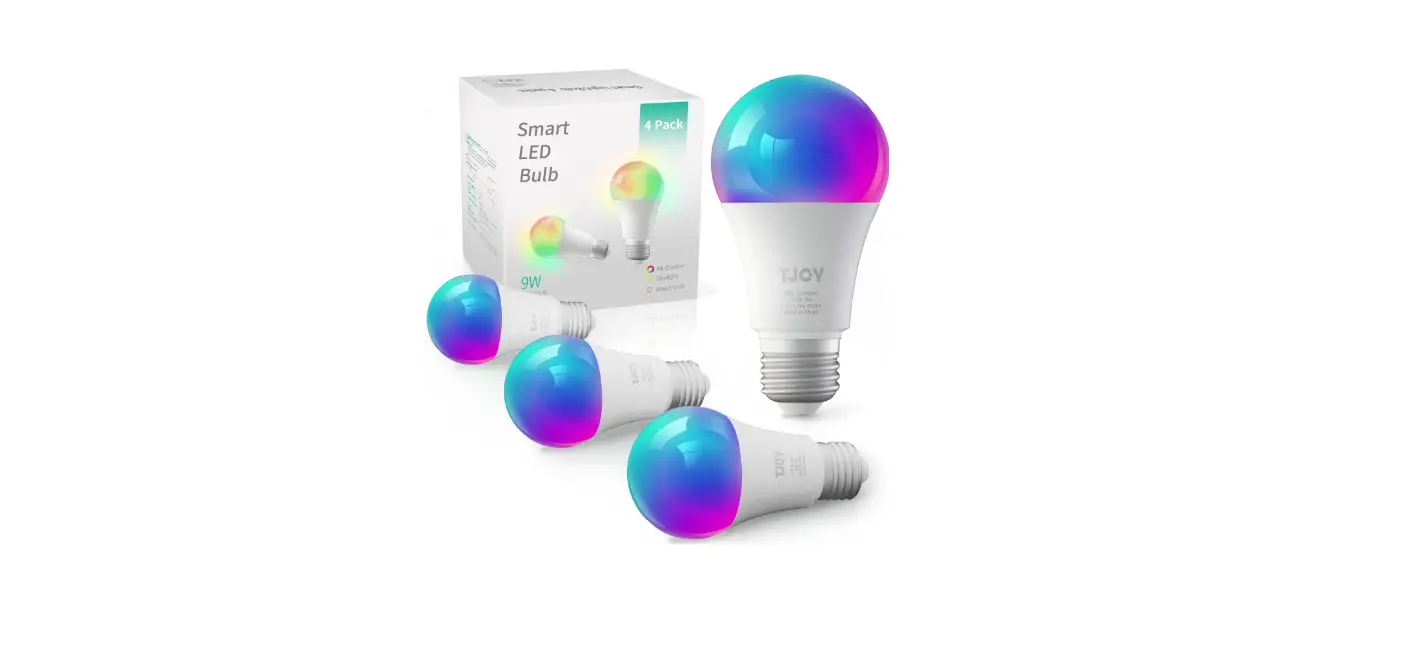
 TJOY DSBRGB06 Alexa Smart Light Bulbs User Manual
 TJOY DSBRGB06 Alexa Smart Light Bulbs User Manual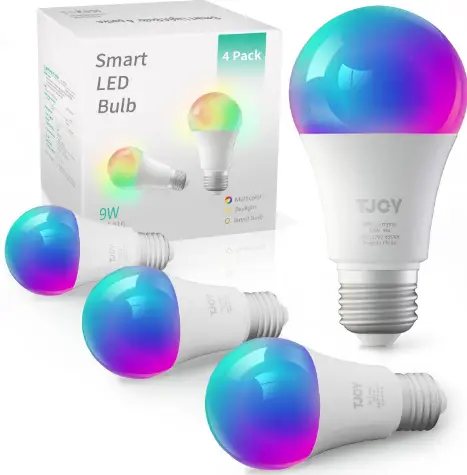
Package Contents
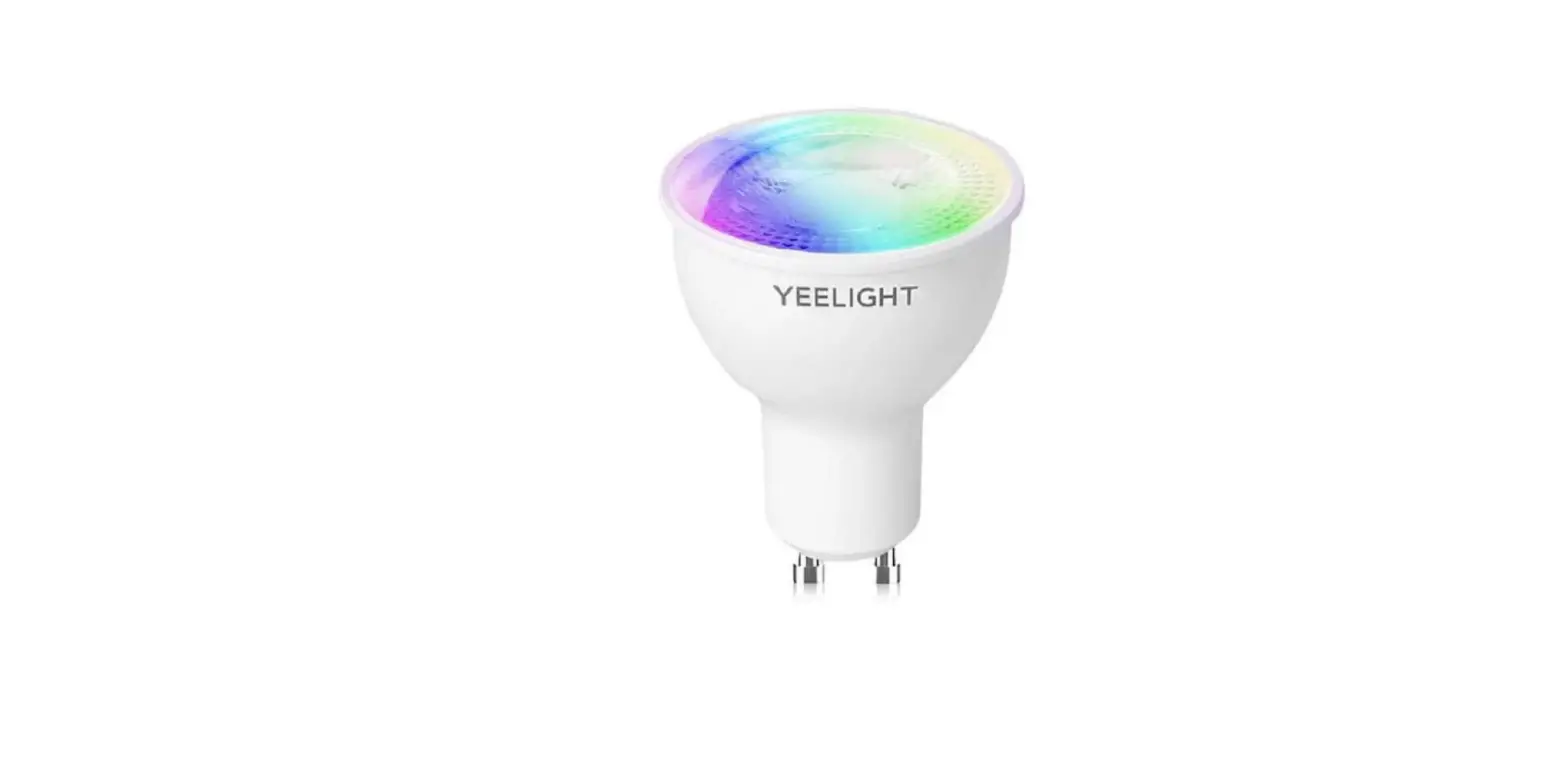
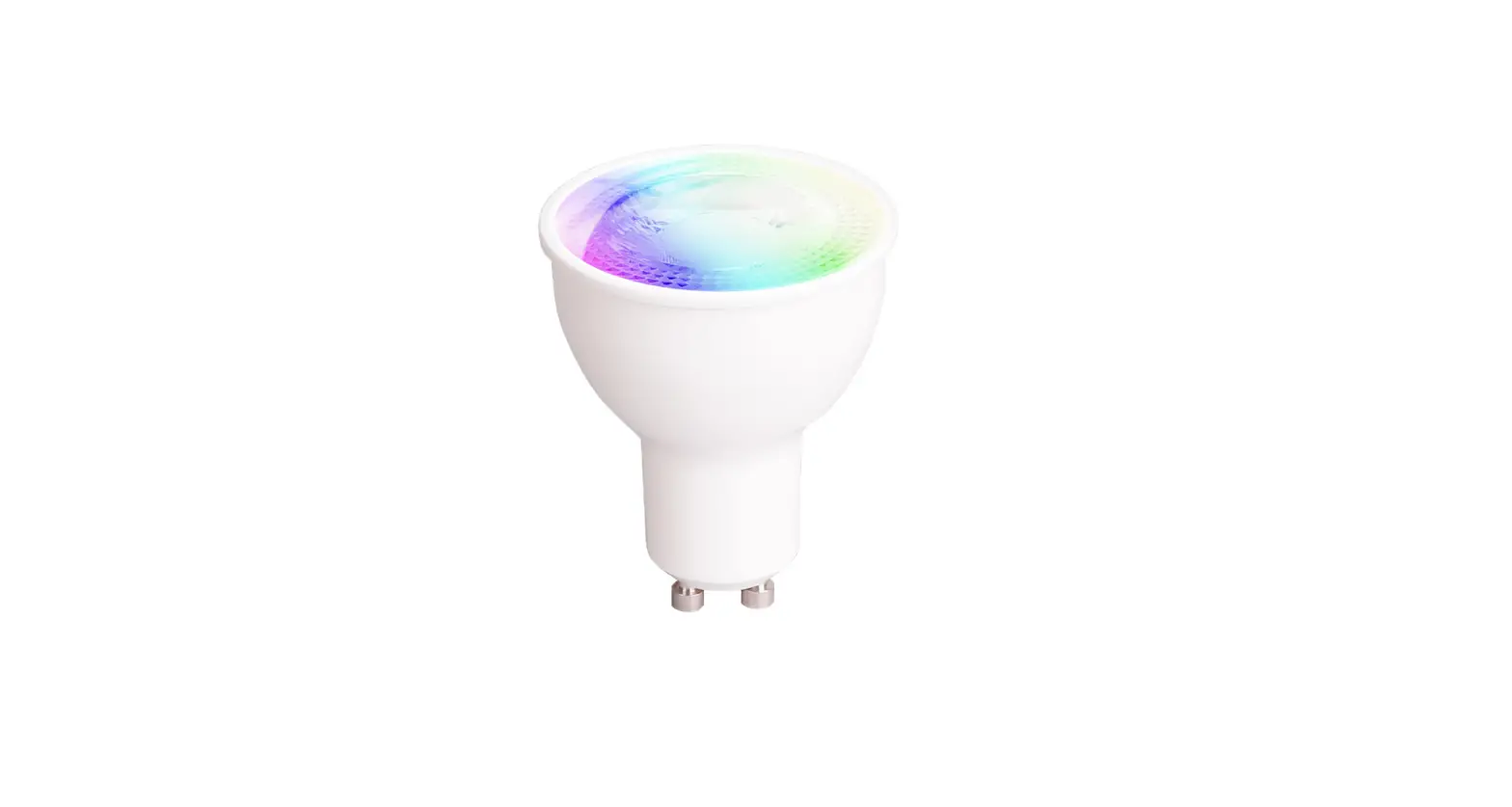
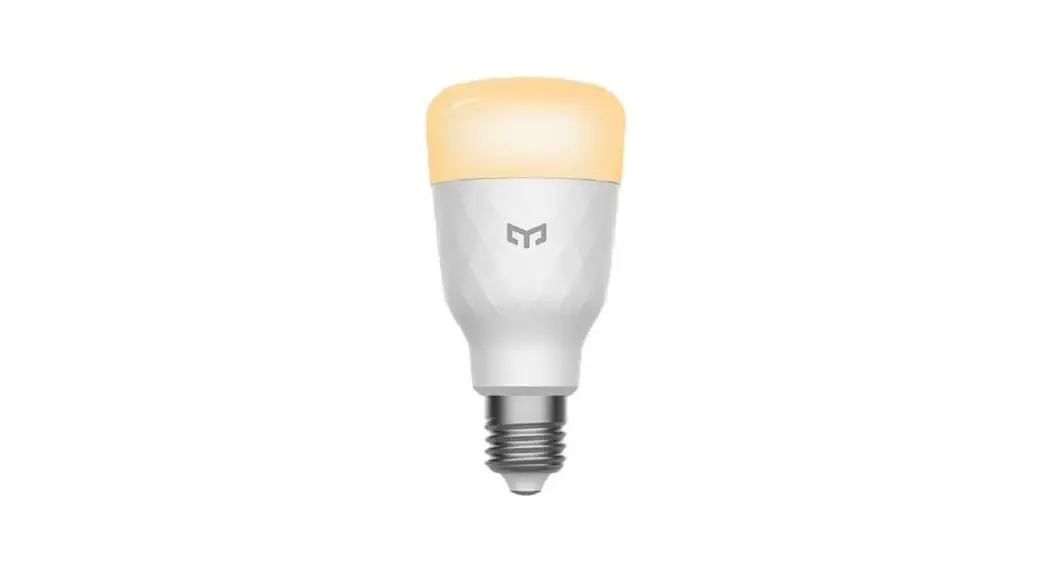
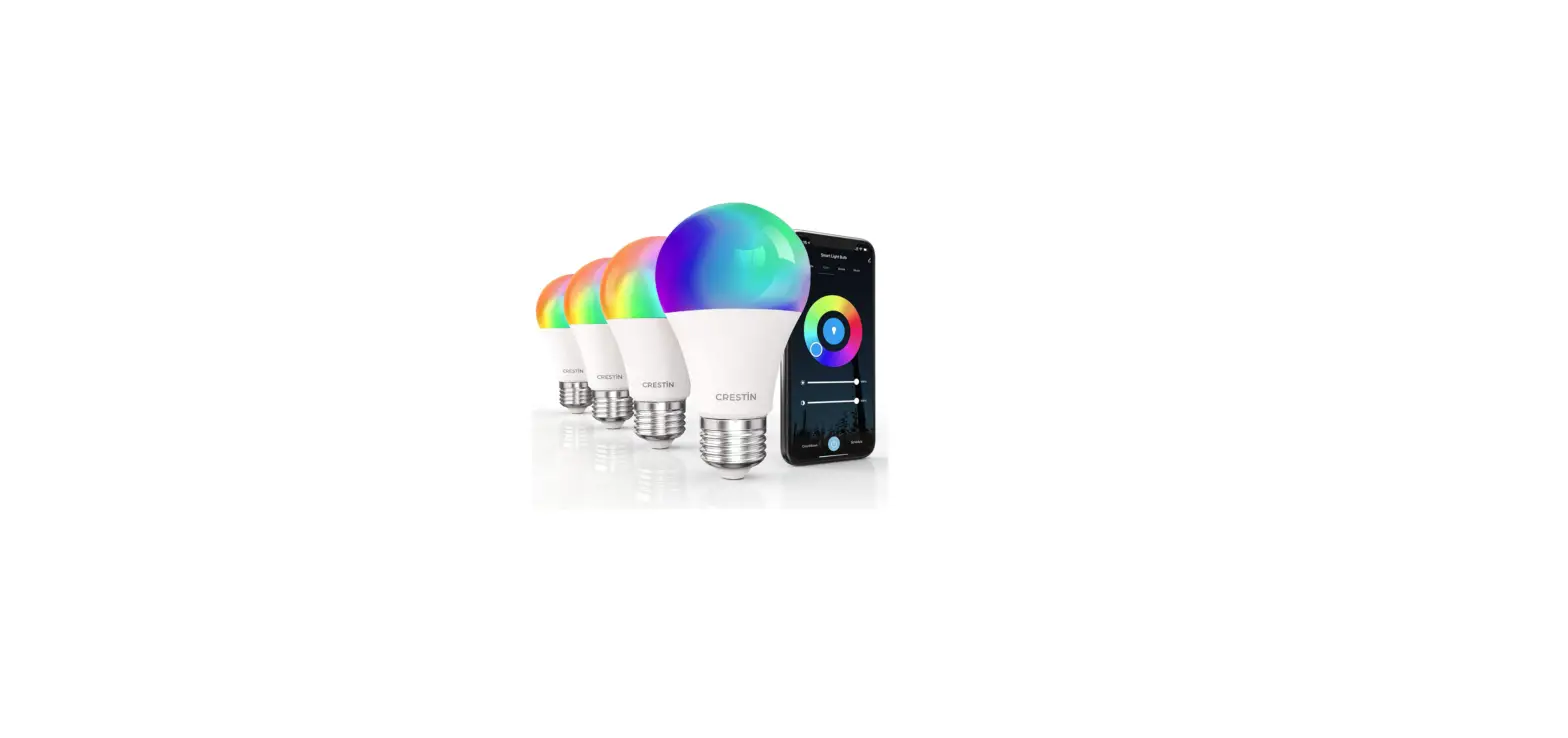
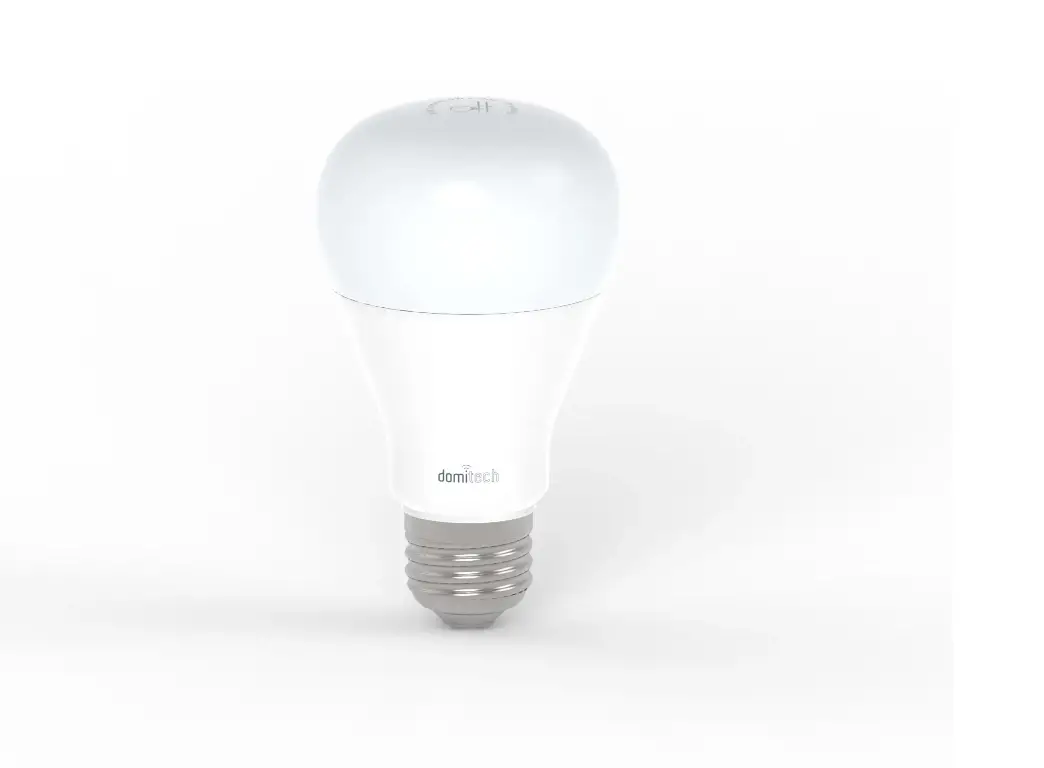
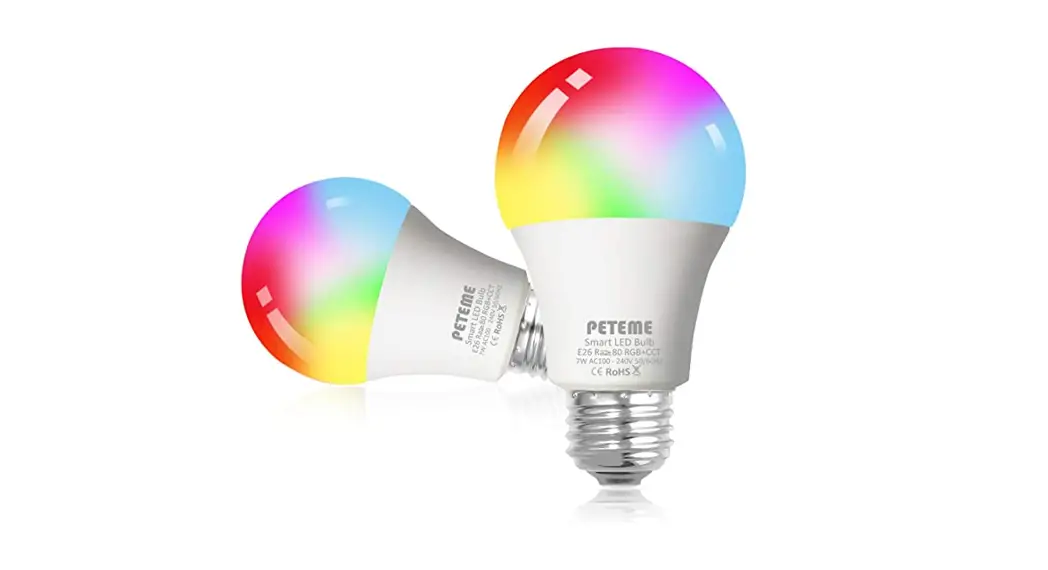
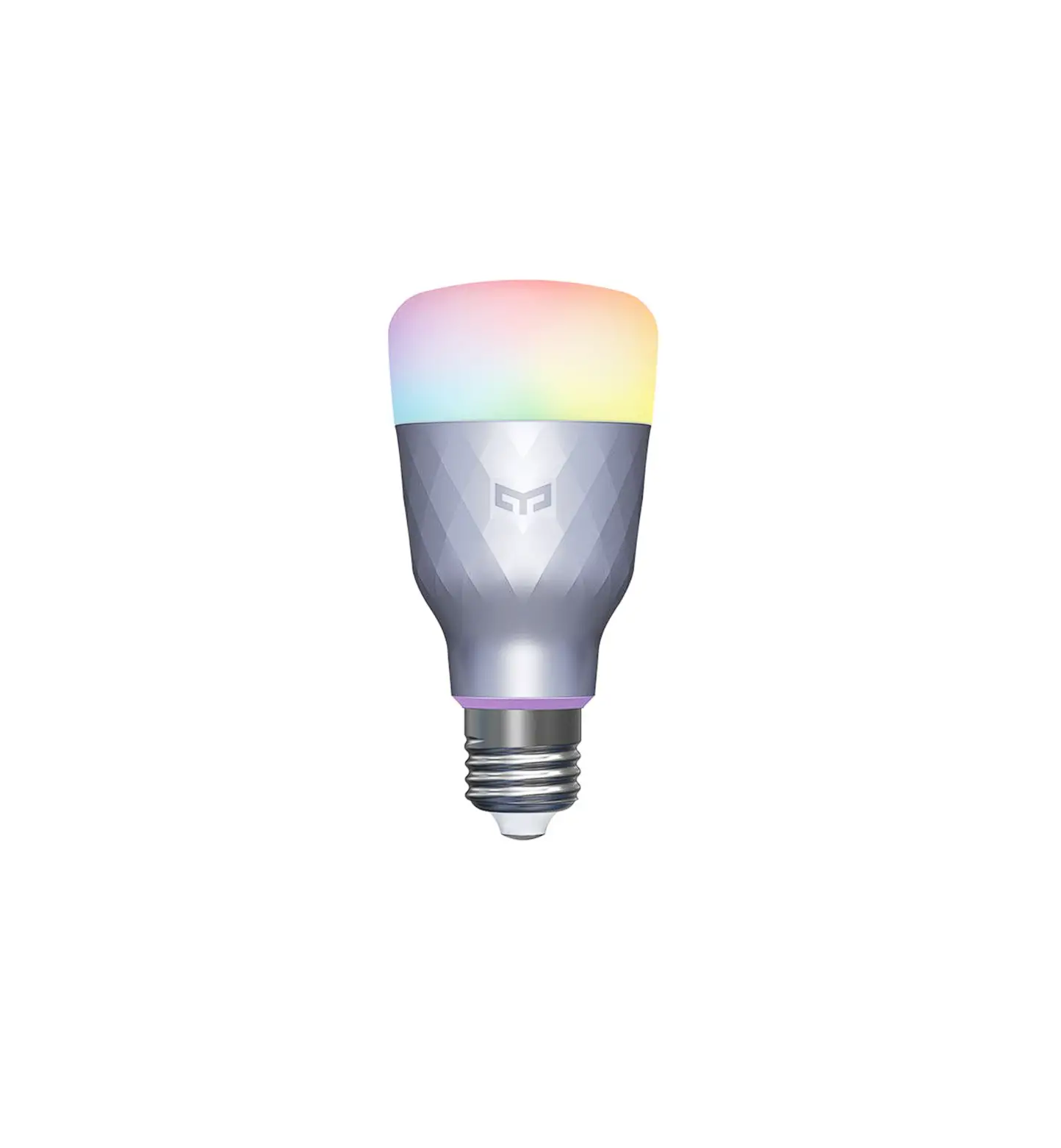
- Smart Bulb
- User Manual
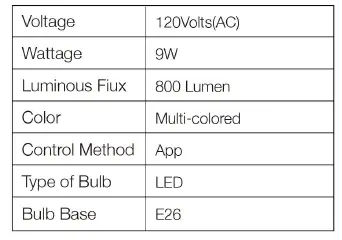
Specification
Installation Tips
Disconnect the power before installation. The bulb turns white at the first time of installation.
CONTROL WITH THE APP ON YOUR PHONE
Step 1. lnsta/1 Tuyasmart app on your phone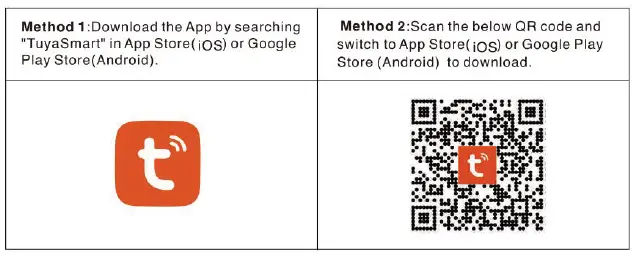
Open the TuyaSmart App, click “Sign
Up” to register an account and log in.
Note: Please allow App related access permissions, such as Bluetooth access permissions, network access permissions, and location access permissions. Otherwise, you may fail to connect.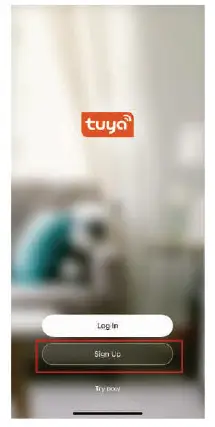
Step 2. Connect to a 2.4Ghz wifi network
(5Ghz Wifi is not supported) and turn on Bluetooth on your phone 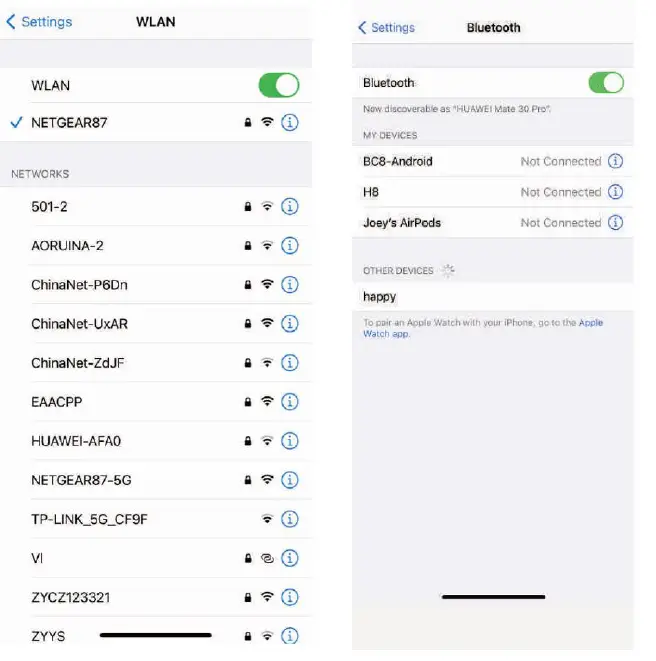
Step 3 . Initialize the smart bulb device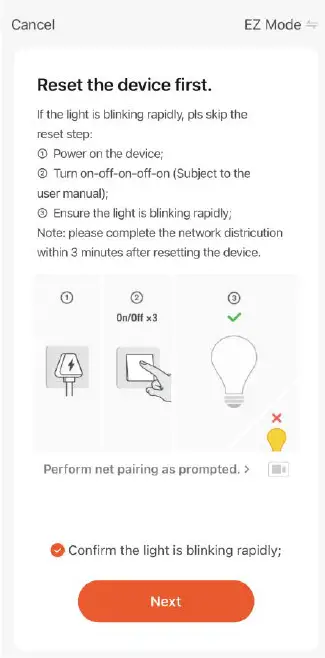
Step 4 . Open the TuyaSmart APP, the connection window will automatically pop up, click 11Go to add11 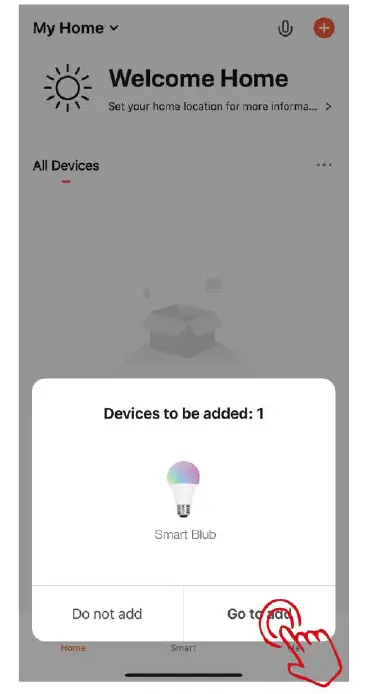
Step 5. Click 11 + 11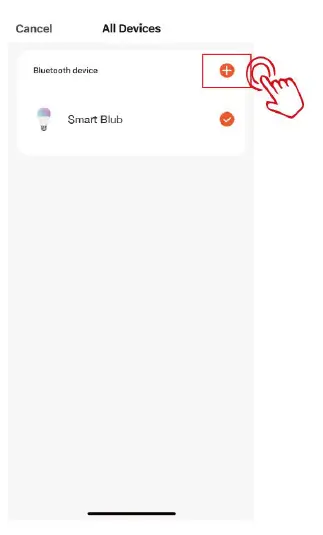
Step 6. Enter the Wi-Fi password and click Confirm 11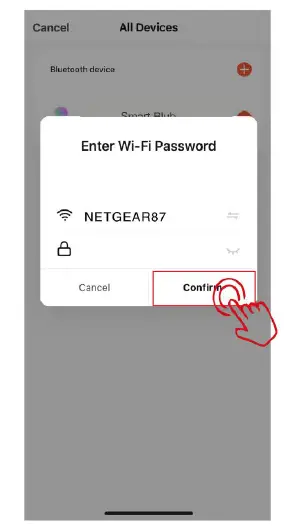
Step 7. Wait for connecting If the device connection times out. please repeat the operations from step 3 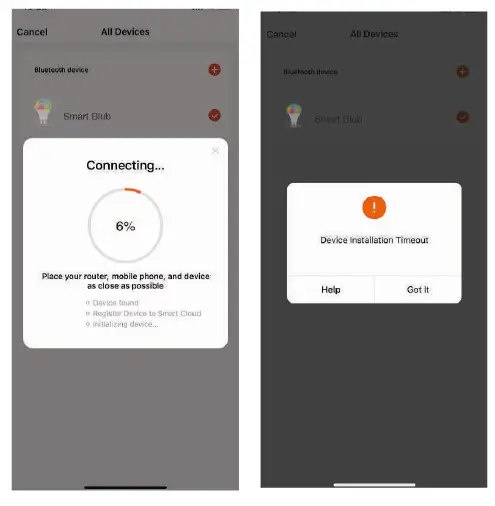
Step 8. After the connection is complete, click 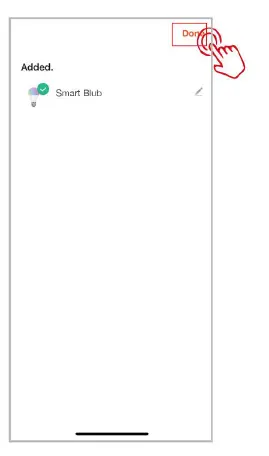
Step 9 . Connection succeeded. You can control the smart bulb with the TuyaSmart app now. 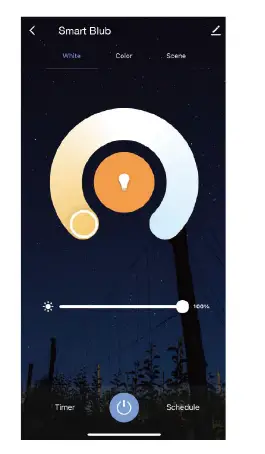
Support 3rd party Control[Alexa&Google Home]
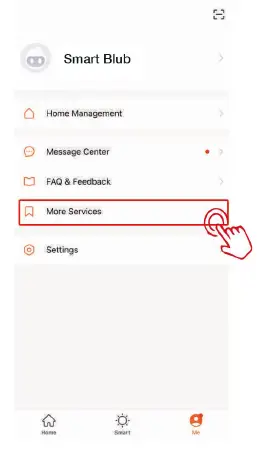
- Select the “Me” interface and then click “More Services.

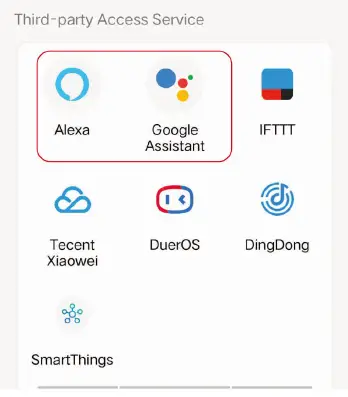
- select the third-party application to be operated.

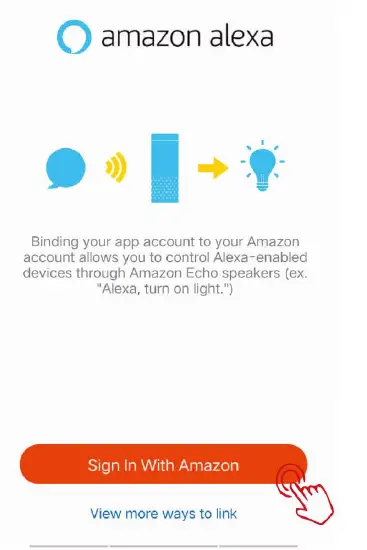
- Click”Sign In With Amazon

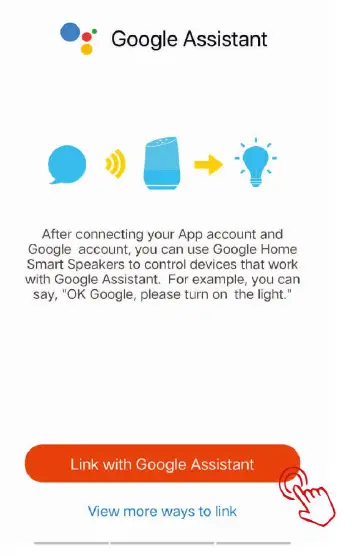
- Click”Link with Google Assistant”

- Scan the QR code to learn a more detailed tutorial on connecting to “Amazon Alexa”

- Scan the QR code to learn a more detailed tutorial on connecting to “Google Assistant”