ICEZONE Automated Ice Machine Sanitation System
Product Information
The BSG ICEZONE is an automated ice machine sanitation system
that inhibits the growth of mold, slime, and other contamination in
ice machines. It extends the life of the ice maker and lowers
maintenance costs, delivering cleaner and healthier ice.
The ICEZONE components include:
- A Service Cover
- B Service Cover Screw
- C Lamp Connector
- D Status Indicator
- E Lamp Life Reset Port
- F Lamp Seal
- J Power Connection
- H Main Body
- I UV-Lamp
- J Plasma Ports
- K 12V DC 25W Power Adapter
- L Mounting Screws/ Rivets
The dimensions of the ICEZONE are 11.93 in (L) x 4.25 in (W) x
2.05 in (H).
The electrical specifications are as follows:
- Ambient Air: No requirements (ICEZONE is not integrated into
the water system) - Water Supply: No requirements (ICEZONE is not integrated into
the water system) - Certifications: NSF (standard 169), UL (standards 507, 935),
CE, RoHS WEEE, FCC part 15 - Input: 100-240 V, 50/60 Hz
- Output: 12 V, 0.8 A (transformer rated to 2.0 A)
- Includes 8 ft cord and plug (2.5 m)
Product Usage Instructions
Important: Only qualified technicians should
install this product. Install in accordance with relevant building
codes. Read instructions carefully including safety warnings.
Warning: Protect eyes from UV light, turn off
unit or disconnect before servicing.
Prior to installation:
- For best results, clean and sanitize the ice machine and all
attached ice bins and dispensers thoroughly before installing
ICEZONE. - Only a maintenance mechanic or appropriately qualified person
may install the appliance. - Turn power off to the ice machine.
- Do not connect ICEZONE to water supply under any
circumstances. - Verify the availability of a wall plug within 8 ft. of the
ICEZONE installation.
ICEZONE Installation Instructions:
- Step 1: Identify installation location
To determine the best location for your ice machine, start by
looking for areas of mold growth and choose a position for ICEZONE
that will provide maximum treatment to that area.It is recommended that the ICEZONE be mounted on top of the ice
machine. To avoid condensation, do not mount ICEZONE with the
supply and return ports pointing up.
- Flat mount: Ports horizontal
- Side mount: Ports horizontal
- Side mount: Ports down
- Side mount: Ports up
Mark the location for the supply and return ports on the ice
machine according to the provided instructions.
For ice machine specific instructions and more detailed
guidelines, please download the instructions from the ICEZONE
installation page on BSG’s website: www.bsg-uv.com/products/chill-ice/icezone/
OWNER’S MANUAL BSG ICEZONE
Automated Ice Machine Sanitation System ICEZONE inhibits the growth of mold, slime, and other contamination in ice machines, extending the life of the ice maker and lowering maintenance costs. ICEZONE delivers cleaner and healthier ice.
IMPORTANT!
Only qualified technicians should install this product Install in accordance with relevant building codes Read instructions carefully including safety warnings
WARNING! Protect eyes from UV light, turn off unit or disconnect before servicing
ICEZONE components
A Service Cover B Service Cover Screw C Lamp Connector D Status Indicator E Lamp Life Reset Port
Specifications
F Lamp Seal J Power Connection H Main Body I UV-Lamp J Plasma Ports
K 12V DC 25W Power Adapter
L Mounting Screws/ Rivets
M PlasmaProtect® Tubing
N PlasmaProtect® Fittings
Dimensions:
11.93 in (L) x 4.25 in (W) x 2.05 in (H)
Electrical:
Ambient Air: Water Supply: Certifications:
Input: 100-240 V, 50/60 Hz Output: 12 V, 0.8 A (transformer rated to 2.0 A) Includes 8 ft cord and plug (2.5 m)
Operating temperature range: 40° F to 104° F (5° C to 40° C) 0-90% non-condensing humidity
No requirements (ICEZONE is not integrated into the water system)
NSF (standard 169), UL (standards 507, 935), CE, RoHS WEEE, FCC part 15
1
ICEZONE installation instructions
How ICEZONE works
ICEZONE creates a UV-plasma environment that inhibits the growth of contamination by reducing microbial load in the air and on surfaces in the treated area.
ICEZONE
Tools needed for installation
8 Foot Ladder
Knife or Hose Cutter
Power Drill
Phillips Head Screwdriver
Prior to installation
For best results, clean and sanitize the ice machine and all attached ice bins and dispensers thoroughly before installing ICEZONE
Only a maintenance mechanic or appropriately qualified person may install the appliance
Turn power off to the ice machine Do not connect ICEZONE to water supply under any circumstances Verify the availability of a wall plug within 8 ft. of the ICEZONE installation
There are many different types of ice machines so there is no single “right” ICEZONE installation. However to achieve maximum effectiveness, the placement of the ICEZONE is very important. Below are a couple typical examples of ICEZONE installations.
Typical ICEZONE installations
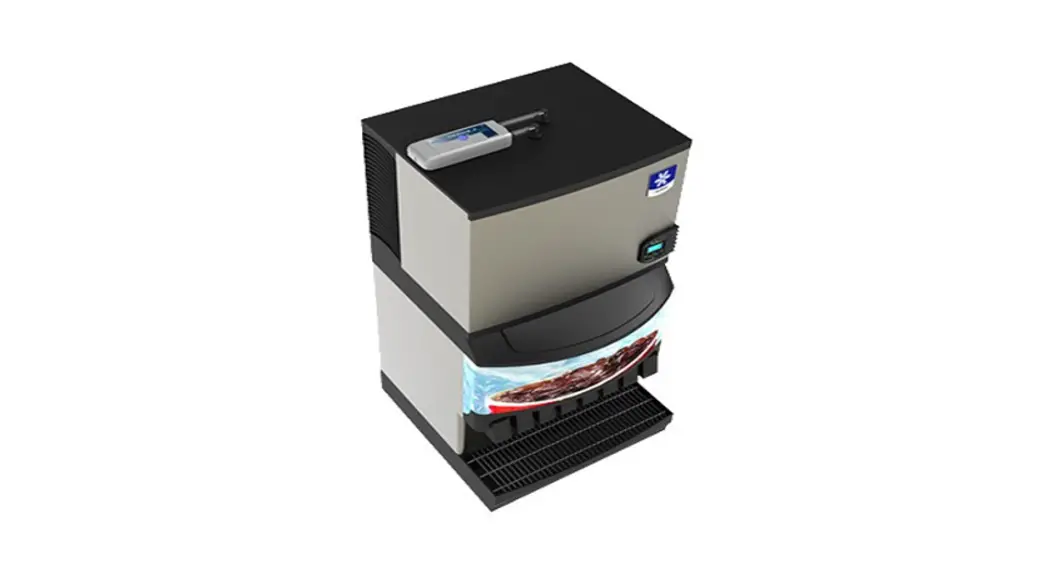
Ice and Water Dispenser
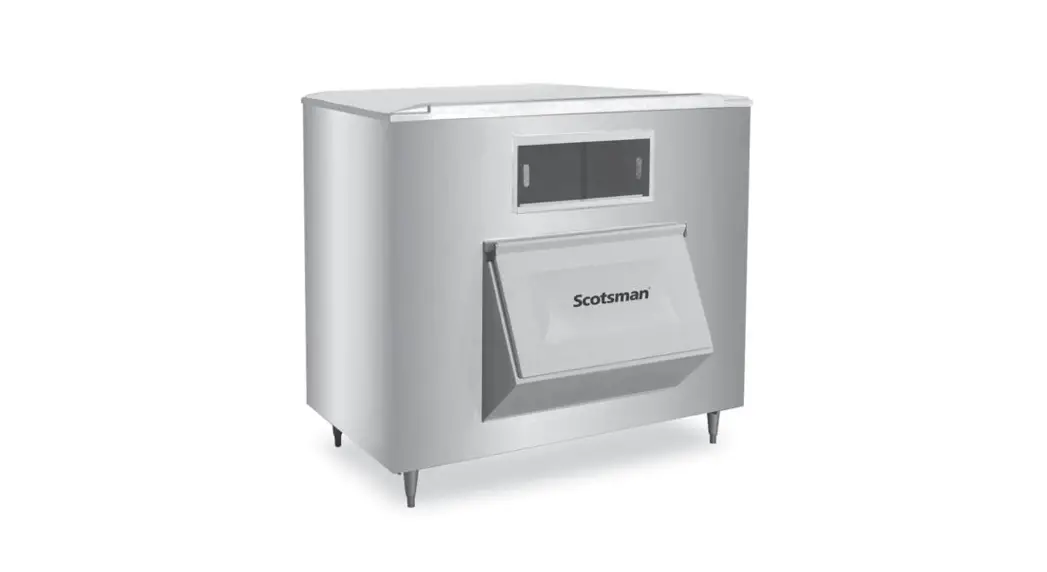
Ice Machine Cuber Mounted on Ice Bin
2
Ice Machine Cuber Mounted on Beverage
Dispenser
General installation guidelines
BSG provides ice machine specific instructions for many styles of ice machines. Please download these instructions from the ICEZONE installation page on BSG’s website: www.bsg-uv.com/products/chill-ice/icezone/
The following steps outline general guidelines for ICEZONE installation on cuber style ice machines.
Step 1: Identify installation location
To determine the best location for your ice machine, start by looking for areas of mold growth and choose a position for ICEZONE that will provide maximum treatment to that area.
It is recommended that the ICEZONE be mounted on top of the ice machine. To avoid condensation, do not mount ICEZONE with the supply and return ports pointing up.
Flat mount Ports horizontal
Side mount Ports horizontal
Side mount Ports down
Side mount Ports up
Step 2: Drill supply and return ports
Mark the location for the supply and return ports on the ice machine according to these steps:
Supply and return fittings and tubing should be installed above the ice levels
Supply should be positioned to target areas that are vulnerable to slime build-up with UV-plasma
Supply and distribution lines should be positioned as far apart as possible to maximize distribution of UV-plasma
UV-plasma is heavier than air, so install the supply line relatively high, and the return line relatively low
Expanded view of supply fitting
Outside ice machine Inside ice machine
Remove top panel or cover to be drilled. Drill the 1″ (25mm) holes for the bulkhead fittings. Clean the drilling debris from the holes in the ice machine. Install the fittings for the supply and return ports.
3
Step 3: Mount ICEZONE
Mark the location on the ice machine for the 5/32″ (4mm) holes for the ICEZONE plastic mounting rivets. These holes should be located above/near the mechanical area of the ice machine and not the ice making area (food zone). Drill the three (3) 5/32″ (4mm) holes to mount the ICEZONE. Attach ICEZONE to the ice machine with mounting screws.
A scaled diagram of the ICEZONE mounting screw template is provided below:
Mounting screw template
Step 4: Connect fittings and tubing
Arrange the tubing and fittings on the ice machine to connect to the ICEZONE output and return ports. Attach the internal return tube and ensure it does not come in contact with the ice curtain through it’s range of motion. Note: Hot water can be used to make the food-grade tubing more pliable to bend or receive fittings, as needed.
Step 5: Connect power and plug in ICEZONE
Insert the power-supply cord through the service cover slot and into the DC power socket. Place the service cover over the end of the ICEZONE and install the cover screw. Plug the ICEZONE power adapter in to the wall and observe that status light on top of the ICEZONE. The status light should show a blue circle indicating normal operation. The ICEZONE is now operating and keeping your ice machine clean!
4
Lamp replacement
UV replacement lamp part numbers
ICEZONE 10: 10-08025 ICEZONE 20: 10-08050 ICEZONE 30: 10-08100
UV replacement lamp instructions
The UV lamp in ICEZONE needs to be replaced every year. UV lamps continue to emit visible light but lose effectiveness over time. Note: Avoid touching the lamp surface with fingers.
1 Remove Service Cover
2 Remove/Replace Lamp
3 Replace Service Cover
Note: Use of non-BSG-supplied replacement UV lamps voids the warranty. Caution: UV lamps contain small amounts of mercury. Dispose of lamps in accordance with local environmental regulations. For more information visit http://lamprecycle.org
Important! Reset the lamp life counter by holding down the reset tool in the reset hole at the center of the LED Indicator Status ring. If the reset tool is not available, a paperclip can be substituted.
Lamp reset tool
5
ICEZONE LED indicator status
Steady blue Operation normal
Steady red Replace lamp
Flashing red Service required
Flashing blue/red Lamp ID incorrect
Troubleshooting
Trouble
Flashing Red Light (Fan works) Steady Red Light (Fan works)
Flashing Blue & Red Light (Fan works) No Light (Fan does not work)
Weak Airflow
Check
Open the ICEZONE service cover and check that the lamp connectors are properly installed. Replace lamp.
Lamp time expired. Replace lamp to maintain effective ice machine cleaning. Reset lamp timer after installing new lamp.
Replace lamp. Confirm lamp part number. Non-BSG lamp may be in use; replace with BSG lamp.
Make sure (1) power supply is plugged in, (2) power outlet is working properly, and (3) power cord is undamaged.
Clean lamp. Check for blocked hose or fittings.
Ozone hazard
ICEZONE generates ozone from oxygen found in the ambient air. Occupational Safety and Health Administration (OSHA) limits for ozone are as follows:
Long term exposure limit: 0.10 ppm for 8 hours Mid term exposure limit: 0.20 ppm for 2 hours Short term exposure limit: 0.30 ppm for 15 minutes
ICEZONE is designed to produce ozone below the above listed limits when installed, used and maintained as instructed. Ozone is approved by the US FDA for food service use and is categorized as “generally regarded as safe” (GRAS).
6
Warranty
Item ICEZONE
Coverage Parts
UV Lamp
Parts
Installation Shipping
None None
Period 3 years
1 Year (Pro-rated)
None None
Action
Repair or replacement at BSG’s discretion
Balance of lamp warranty coverage period credited towards purchase of replacement lamp
None
None
See warranty card in box for more details about applicable warranty terms and conditions.
Sizing
Ice machine cleaning interval* 180 days 120 days 90 days 60 days 30 days
Ice and water dispenser
IZ-10 IZ-10 IZ-10 IZ-10 IZ-10
Daily ice production (in lbs)
< 400 > 400 to < 1000
IZ-10 IZ-10 IZ-20 IZ-20 IZ-20
IZ-20 IZ-20 IZ-20 IZ-30 IZ-30
*Ice Machine Cleaning Interval: The time from the last ice machine cleaning and sanitation to the appearance
of visible organic growth. Note that this is not the same as the frequency that the ice machine is being cleaned, but rather the frequency that the ice machine should be cleaned.
1000
IZ-30 IZ-30 IZ-30 IZ-30 IZ-30
For service or warranty questions contact BSG Customer Service department at [email protected]
For general enquiries
e: [email protected] a: 9561 Satellite Boulevard,
t: +1 407-876-2000
Ste 300, Orlando,
w: bsg-uv.com
Florida, 32837
 BSG-UV - UV Disinfection for Air and Water
 Lamp Recycle – Environmental Responsiblility Starts Here
 The domain name uv.com is for sale
 ICEZONE - BSG UV