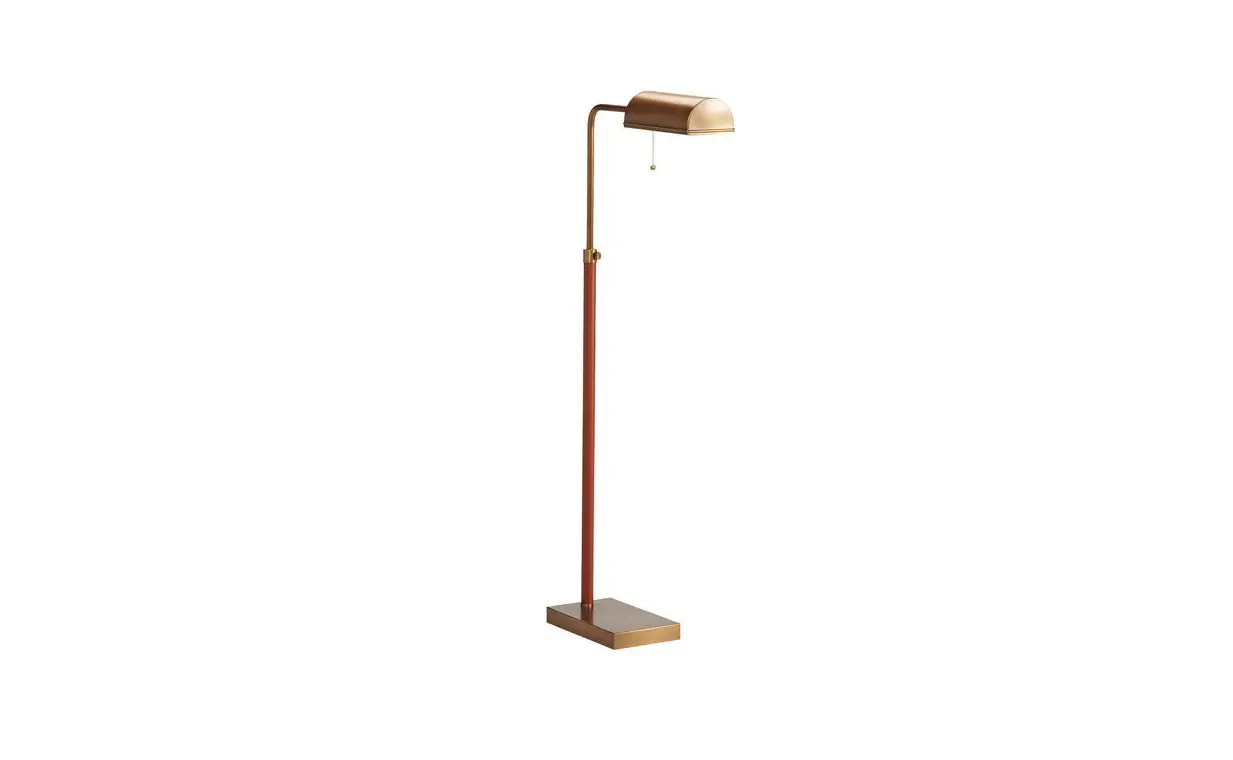
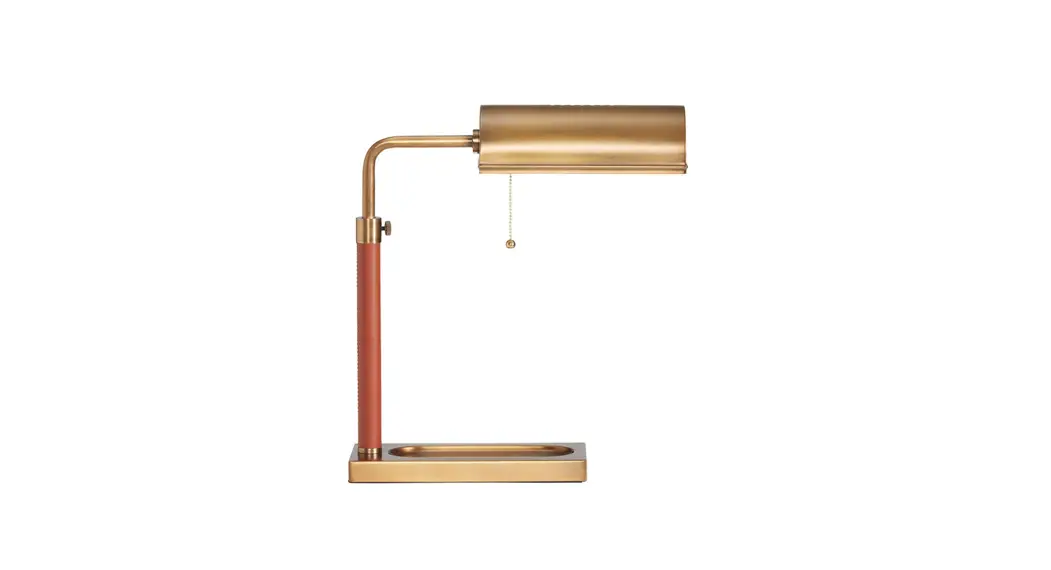
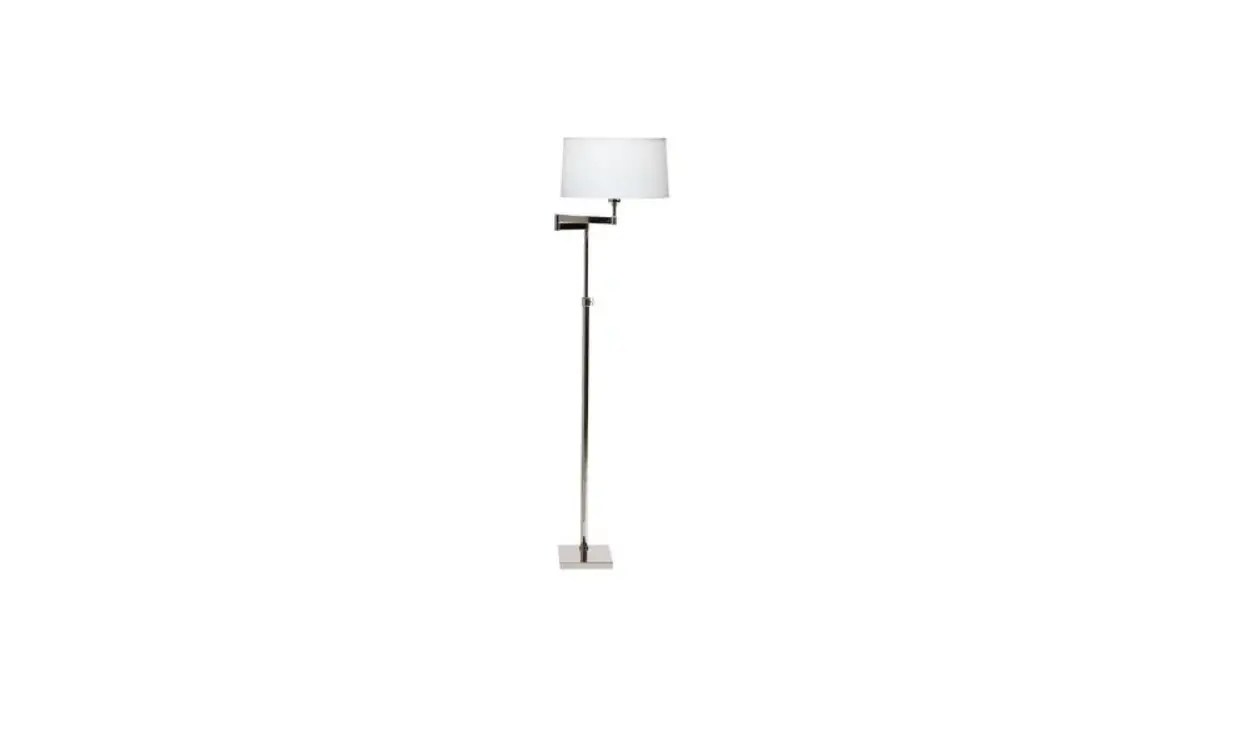
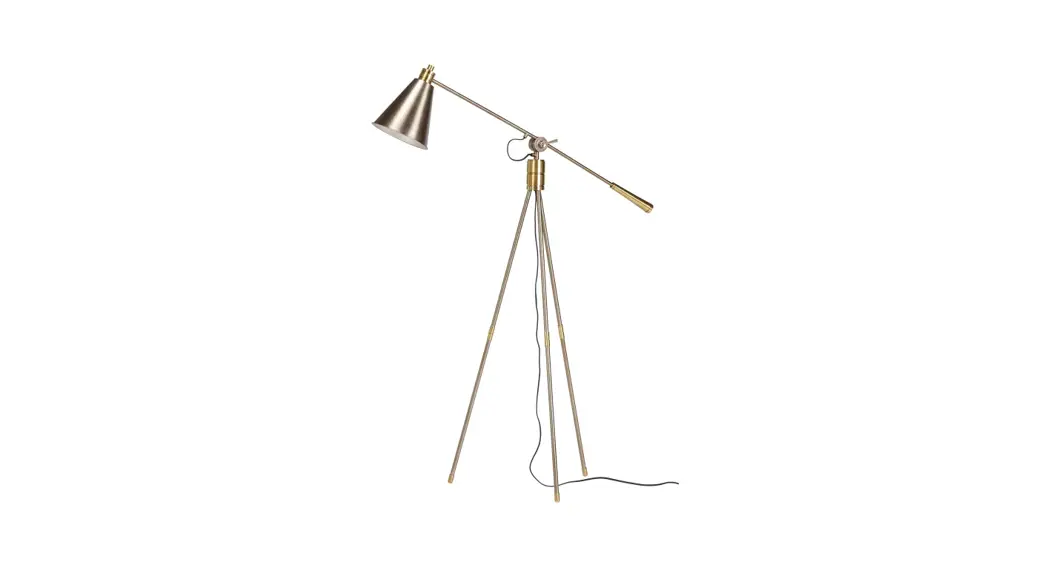
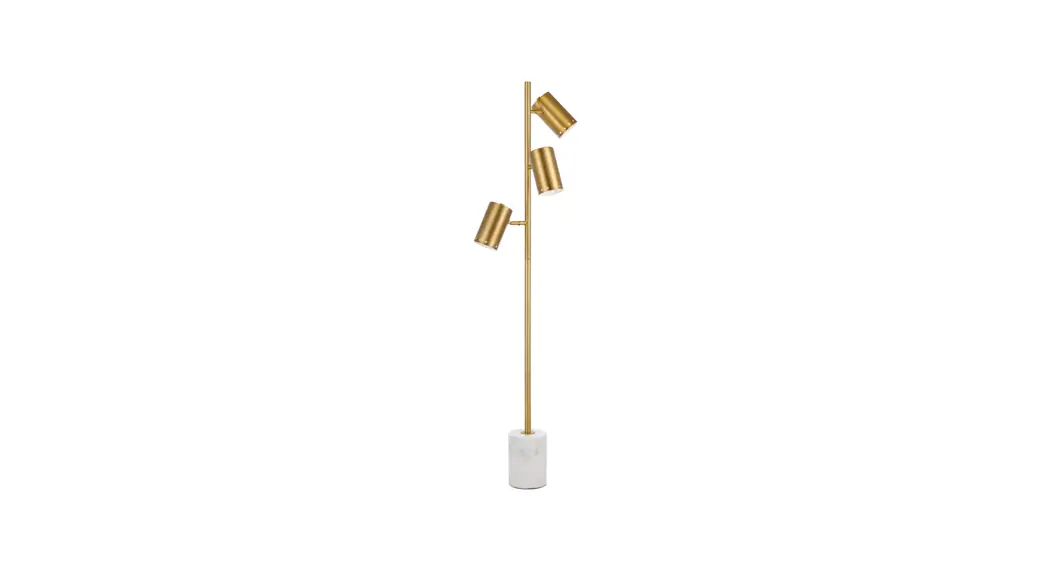
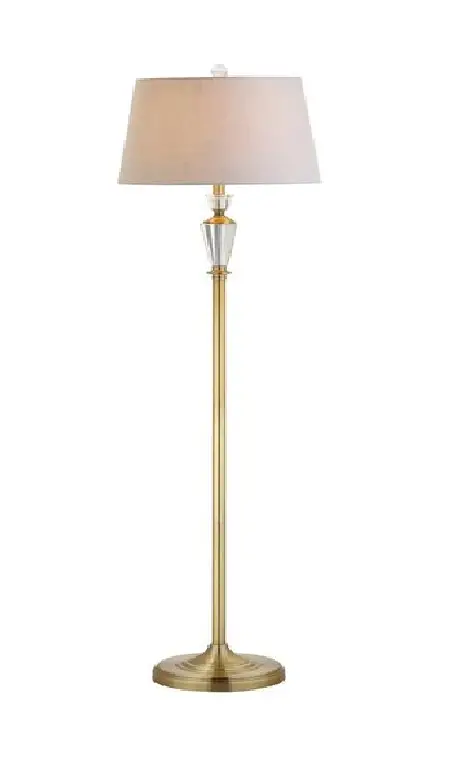
09-2574 Brass Pharmacy Floor Lamp
Product Information: Pharmacy Floor Lamp
- Model: 09-2574 / 09-2575
- Indoor use only
- Polarized plug with one blade wider than the other
- Do not modify the plug or power cord
- Do not exceed the recommended bulb wattage
- Use only the specified type of bulb
- Keep flammable materials away from the bulb
- Do not open the product or alter the wiring
- Follow precautions provided with the power cord for extension
cord usage
Product Usage Instructions: Assembly
- Use care when unpacking and locate all the parts included
before disposing of packaging materials. - Remove the silica gel packet from the socket before plugging
the lamp into an outlet. - Assemble the lamp using the provided parts:
- A. Shade
- B. Socket House
- C. Adjustment Key
- D. Lamp Pole
- E. Fixture Base
- F. Plastic Cover
- G. Electrical Plug
- Remove all parts carefully from the carton.
- Thread the bottom nipple of lamp pole (D) into the opening of
fixture base (E). - Attach shade (A) onto socket house (B).
- Insert a light bulb Type T, maximum 40 watt, into the
socket. - Remove plastic cover (F) from electrical plug (G).
- Plug the lamp into an electrical outlet.
Product Usage Instructions: Adjustment and Care
- To adjust the lamp:
- Loosen adjustment key (C).
- Adjust the lamp by pulling or pushing the upper pole up or down
to the desired height. - Or swing socket house (B) to get the desired position.
- Tighten the adjustment key (C).
- Wipe with a soft dry cloth to clean.
- Do not use cleaners, scouring pads, etc.
- Unplug the lamp and allow the bulb to cool before changing
it.
Troubleshooting
Problem: Bulb does not light
Possible cause: Bulb is burnt or damaged, Power to lamp
is off, Lamp is not plugged in
Correction: Replace bulb, Confirm power is on, Confirm
lamp is plugged in
If the fixture still does not work after troubleshooting, please
contact your local Ethan Allen Design Center.
Please save these instructions for future reference.
Pharmacy Floor Lamp Assembly Instructions 09-2574 / 09-2575
IMPORTANT SAFETY INSTRUCTIONS
TO REDUCE THE RISK OF FIRE, ELECTRICAL SHOCK, AND PERSONAL INJURY: This lighting fixture is for indoor use only. This lamp is equipped with a polarized plug. One plug blade is wider than the other. DO NOT MODIFY the plug or power cord in any way. DO NOT EXCEED the recommended bulb wattage. Use only the type of bulb specified. Keep flammable materials away from the bulb. DO NOT OPEN the product or alter the wiring in any manner. Extension cord: follow precautions provided with the power cord.
Use care when unpacking. Locate ALL THE PARTS INCLUDED before disposing of packaging materials. Remove the silica gel packet from the socket before plugging the lamp into an outlet.
ASSEMBLY, CARE, AND TROUBLESHOOTING
· No tools required for assembly · Light bulb is not included
Parts Included: (Refer to the Figure) A. Shade B. Socket House C. Adjustment Key D. Lamp Pole E. Fixture Base F. Plastic Cover G. Electrical Plug
Assembly Procedure: (Refer to the Figure) 1. Remove all parts carefully from the carton. 2. Thread the bottom nipple of lamp pole (D) into the opening of fixture
base (E). 3. Attach shade (A) onto socket house (B). 4. Insert light bulb Type T, maximum 40 watt into the socket. 5. Remove plastic cover (F) from electrical plug (G). 6. Plug lamp into electrical outlet.
Adjustment Instructions (Refer to the Figure) 1. Loosen adjustment key (C). 2. Adjust lamp by pulling or pushing upper pole up or down to desired
height. Or swing socket house (B) to get desired position. 3. Tighten the adjustment key (C).
Caring for and cleaning your lamp: 1. To clean, wipe with a soft dry cloth 2. DO NOT USE cleaners, scouring pads, etc. 3. Unplug lamp and allow bulb to cool before changing bulb.
© 2023 Ethan Allen Global, Inc.
SAVE THESE INSTRUCTIONS
Page 1 of 2
Troubleshooting:
Problem: Bulb does not light
Possible cause: Bulb is burnt or
damaged Power to lamp is off Lamp is not plugged in
Correction: Replace bulb
Confirm power is on Confirm lamp is plugged in
If the fixture still does not work after troubleshooting, please contact your local Ethan Allen Design Center.
© 2023 Ethan Allen Global, Inc.
SAVE THESE INSTRUCTIONS
Page 2 of 2