G2G Vest
G2G Vest – User Manual
Product Information:
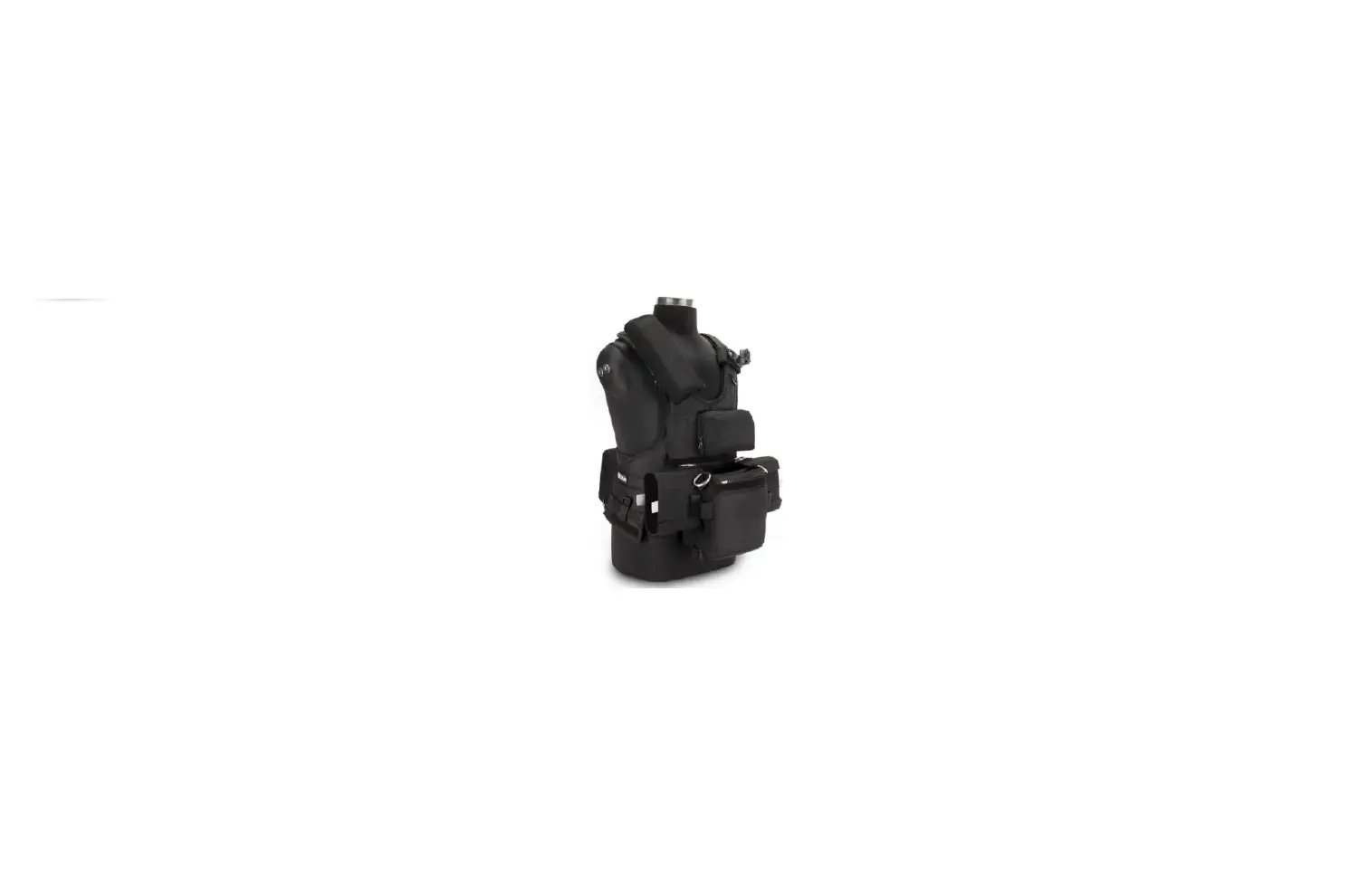
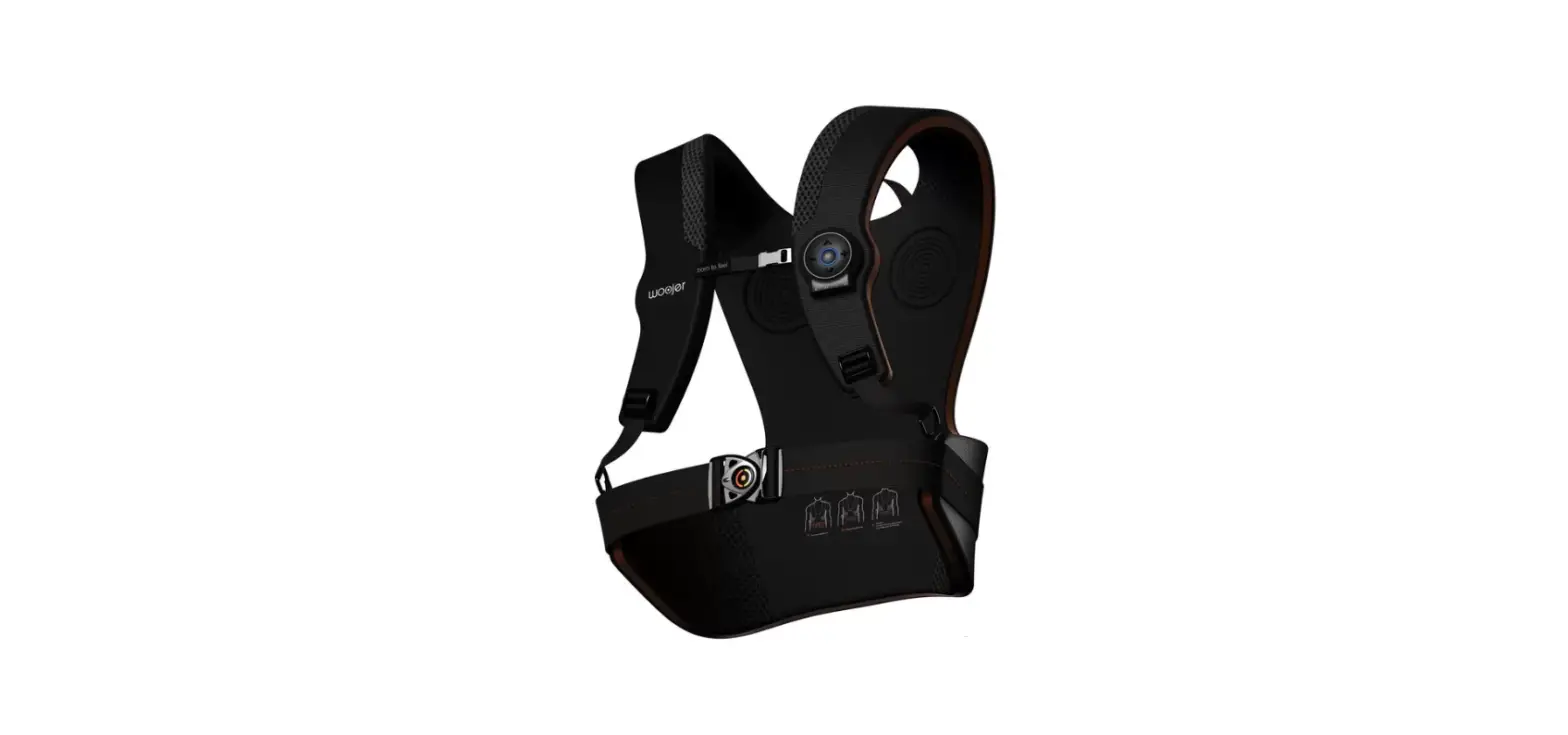
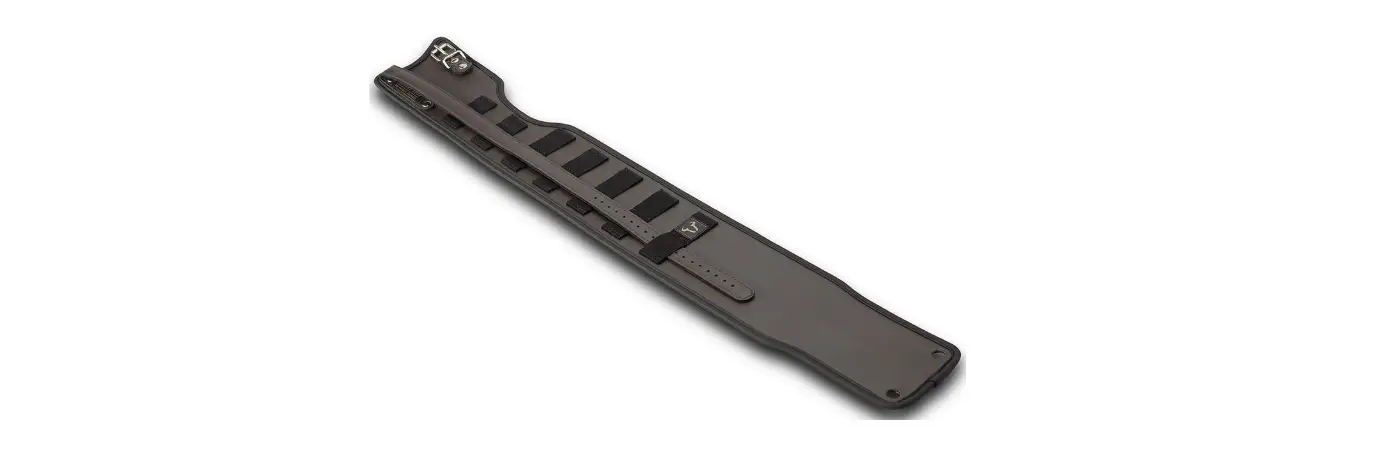
The G2G Vest is a versatile and adjustable vest designed for
comfortable load distribution during extended periods of use. It
features straps on each side and shoulder for easy wearing and
adjustment. The vest also includes center poles that can be
adjusted to ensure the belt sits securely on your hips.
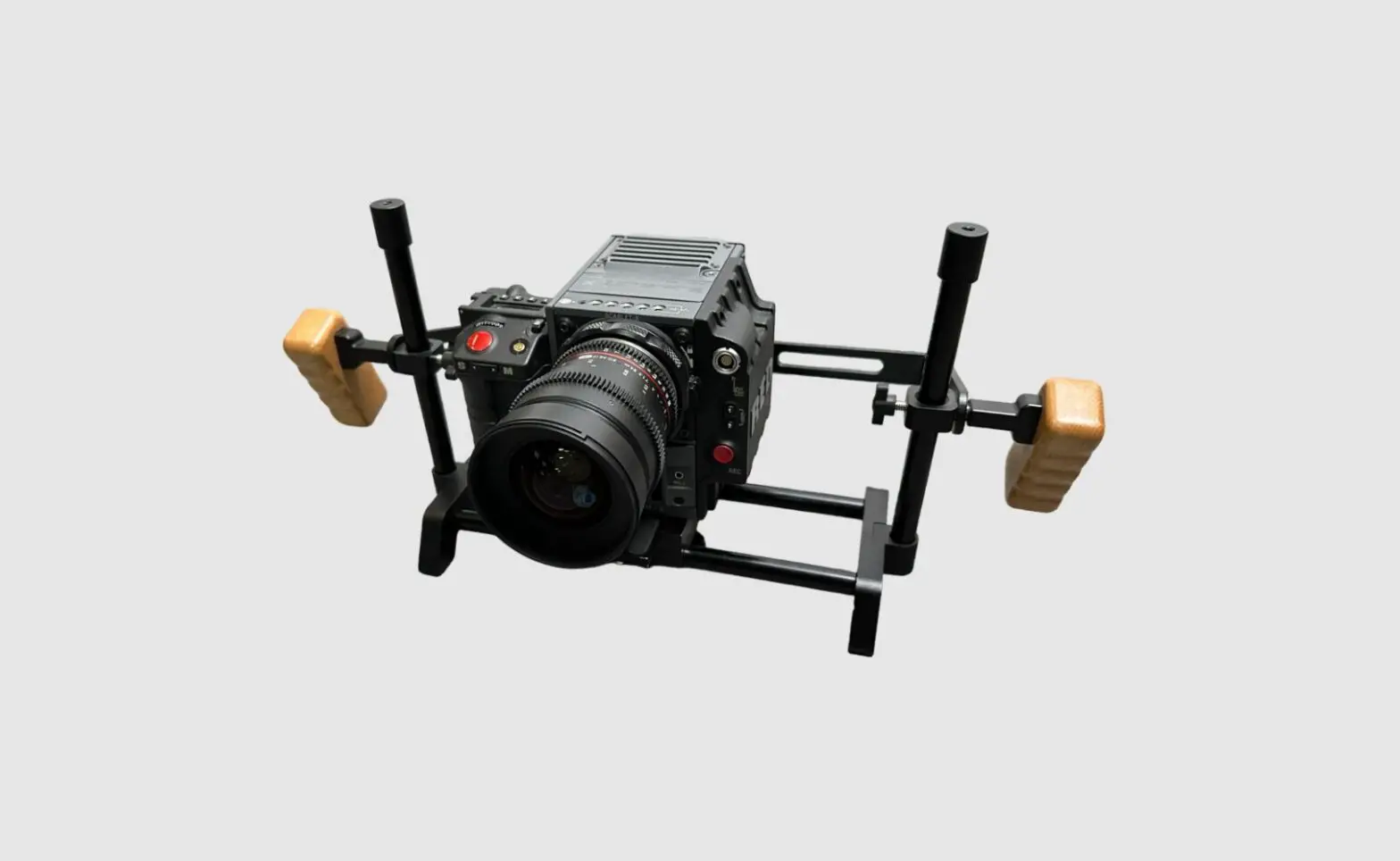
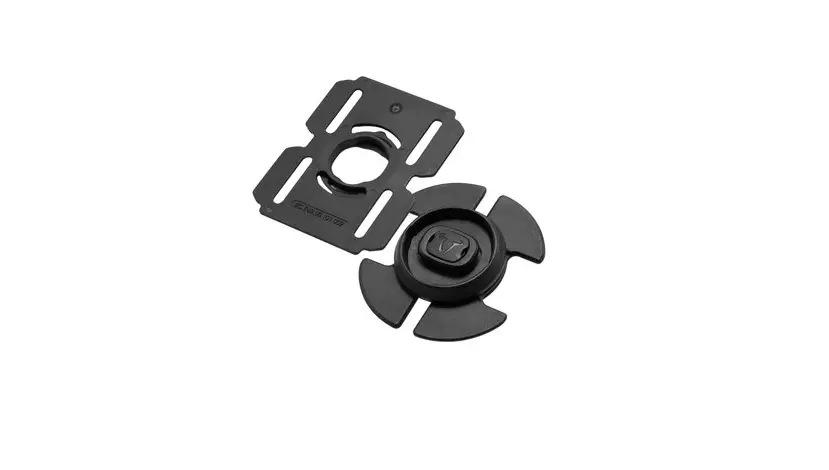
Additionally, the vest comes with arm holders that can be
configured in the front or back to suit your specific needs.
Product Usage Instructions:
Putting the vest on:
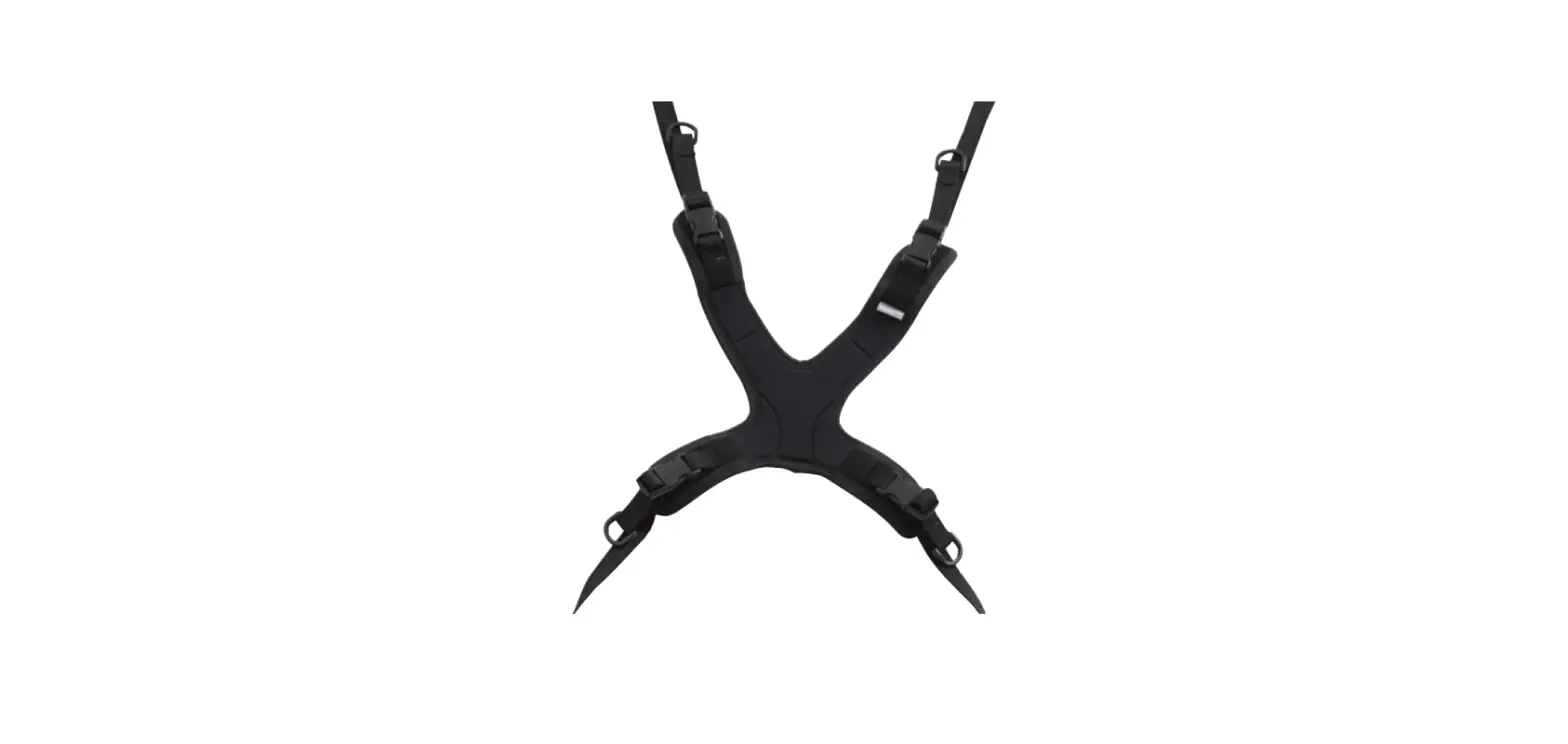
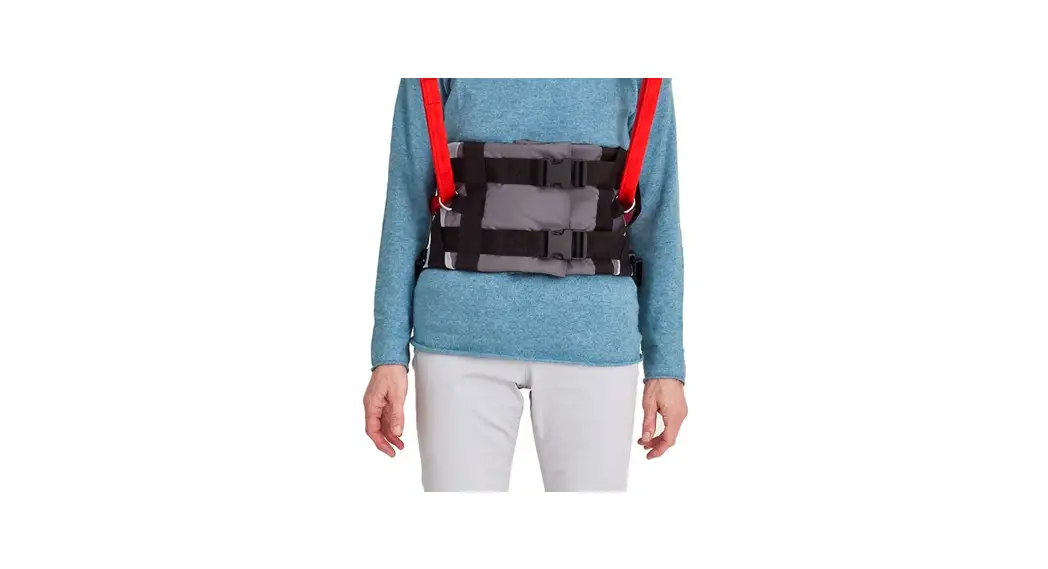
- Use the straps on each side and shoulder to put the vest on.
Refer to the pictures below for proper orientation. - Adjust the length of the center poles in the front and back to
ensure the belt sits on your hips.
Assembly:
- Loosen the screw on each side of the plate holding the poles at
the bottom of the vest in the front or back, depending on your
desired configuration. See Fig. 1. - Remove the poles from the holder. See Fig. 2.
- Slide the arm holder onto the poles, making sure to orientate
it for the desired arm position. For example, Fig. 3 shows the
holder positioned for the arm to be on the left. - Slide the arm into the holder and secure it using the 2 set
screws. Refer to Fig. 3.
Front Configurations:
For arm placement in the front, there are two possible
configurations:
- Arm on the right
- Arm on the left
Back Configurations:
Having the arm in the back distributes more load on the hips,
providing increased comfort during extended use. There are two
possible configurations:
- Arm in the back, arm on the left
- Arm in the back, arm on the right
For more information and detailed instructions, please visit our
website: www.glidegear.net
G2G Vest
USER MANUAL
Putting the vest on
1 Use the straps on each side and on each shoulder to put the vest on. Please see pictures below to see the orientation for the G2G Vest.
2 Adjust the length of the center poles in the front and in the back so that the belt sits on your hips.
FRONT For more information please visit our website: www.glidegear.net
BACK
Assembly
The G2G Vest’s arm can be set in 4 different configurations: · Arm in the front or in the back of the vest · Arm on the right or on the left
1 Loosen the screw on each side of the plate holding the poles at the bottom of the vest in the front or in the back depending on the configuration you would like. See Fig. 1.
2 Remove the poles from the holder. See Fig. 2.
Fig. 1.
3 Slide the arm holder on the poles.
Make sure to orientate the holder so that the arm will be on the side you want.
For instance, Fig. 3 shows the holder positioned for the arm to be on the left.
Fig. 2.
4 Slide the arm in the holder and secure it using the 2 set screws. Fig. 3.
For more information please visit our website: www.glidegear.net
Front Configurations
Configuration: Arm in the front Arm on the right
For more information please visit our website: www.glidegear.net
Configuration: Arm in the front Arm on the left
Back Configurations
Having the arm in the back distributes more of the load on the hips which most people find more comfortable and easier to do for extended periods of time.
Configuration:
Configuration:
Arm in the back
Arm in the back
Arm on the left
Arm on the right
For more information please visit our website: www.glidegear.net
 Professional Filming Equipment | Glide Gear