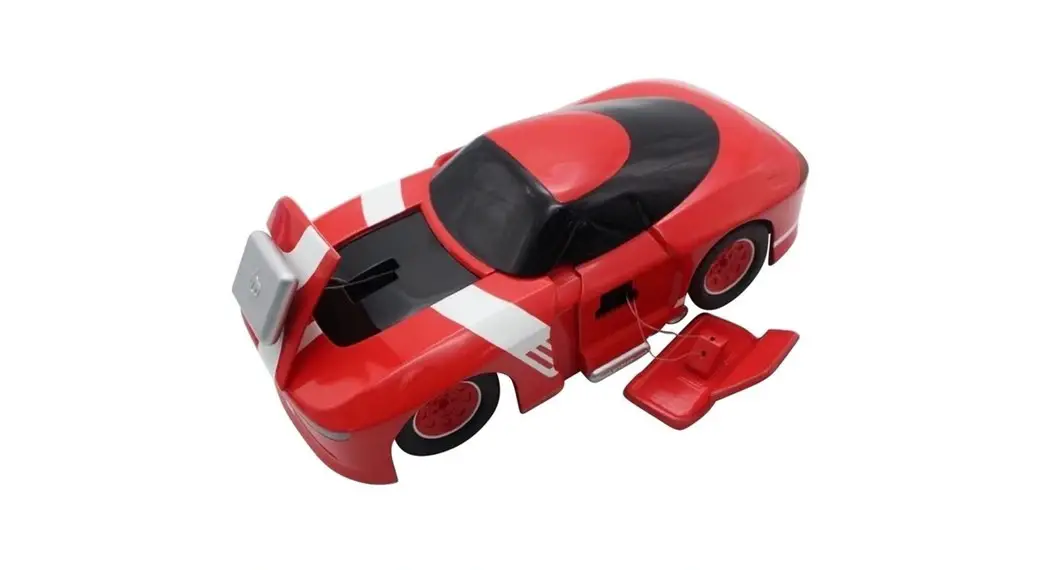
Giant Crusher Truck
Product Information: Giant Crusher
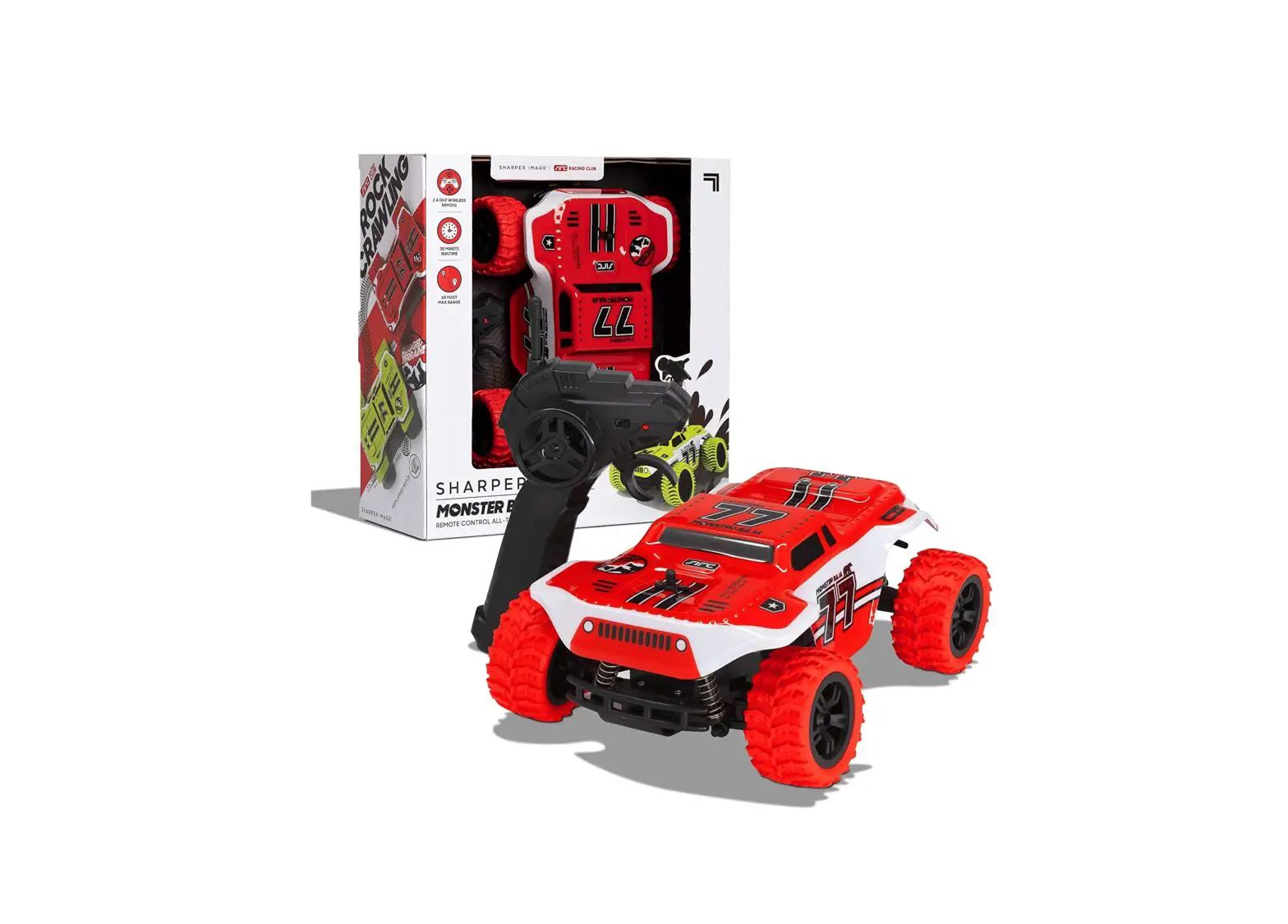
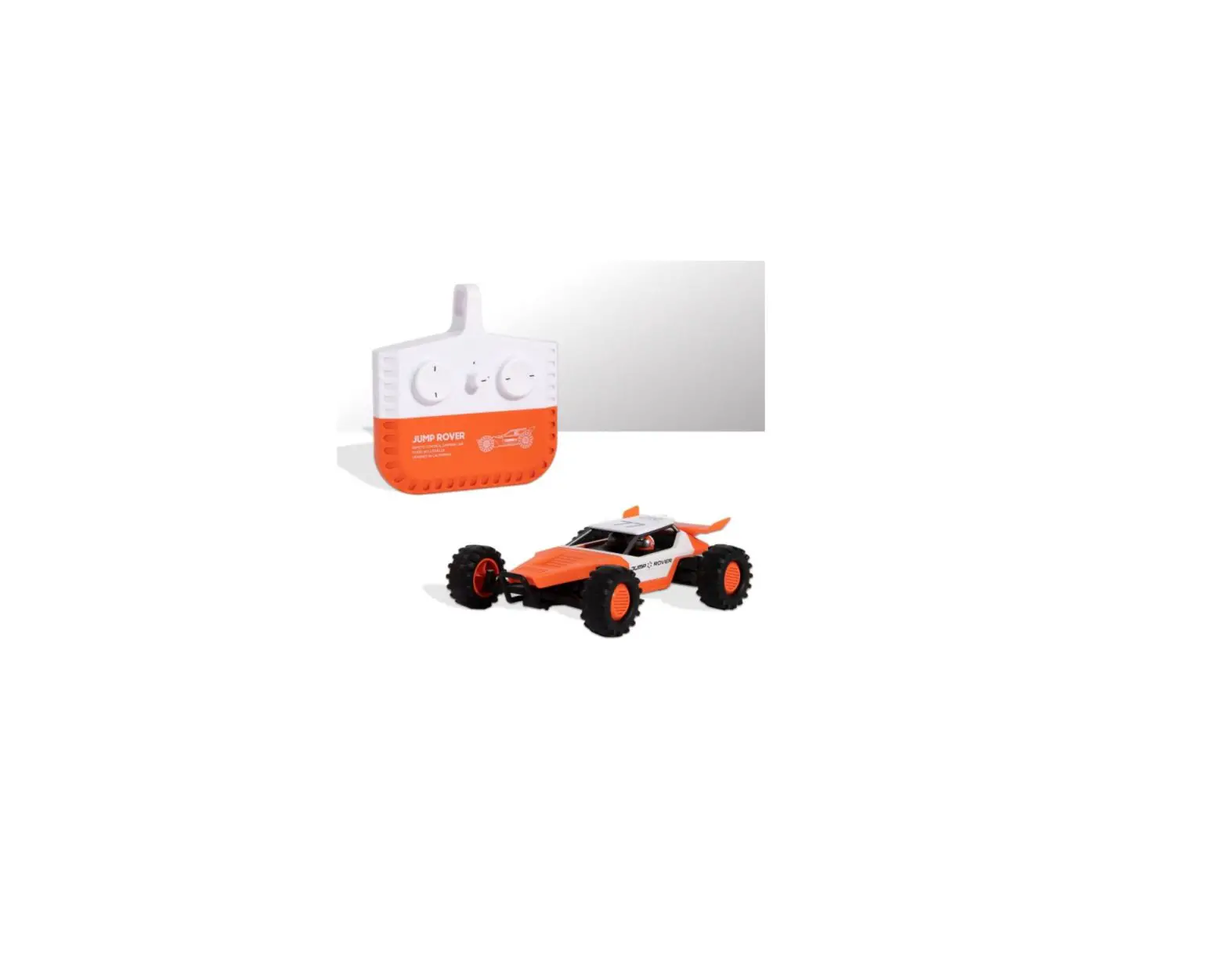
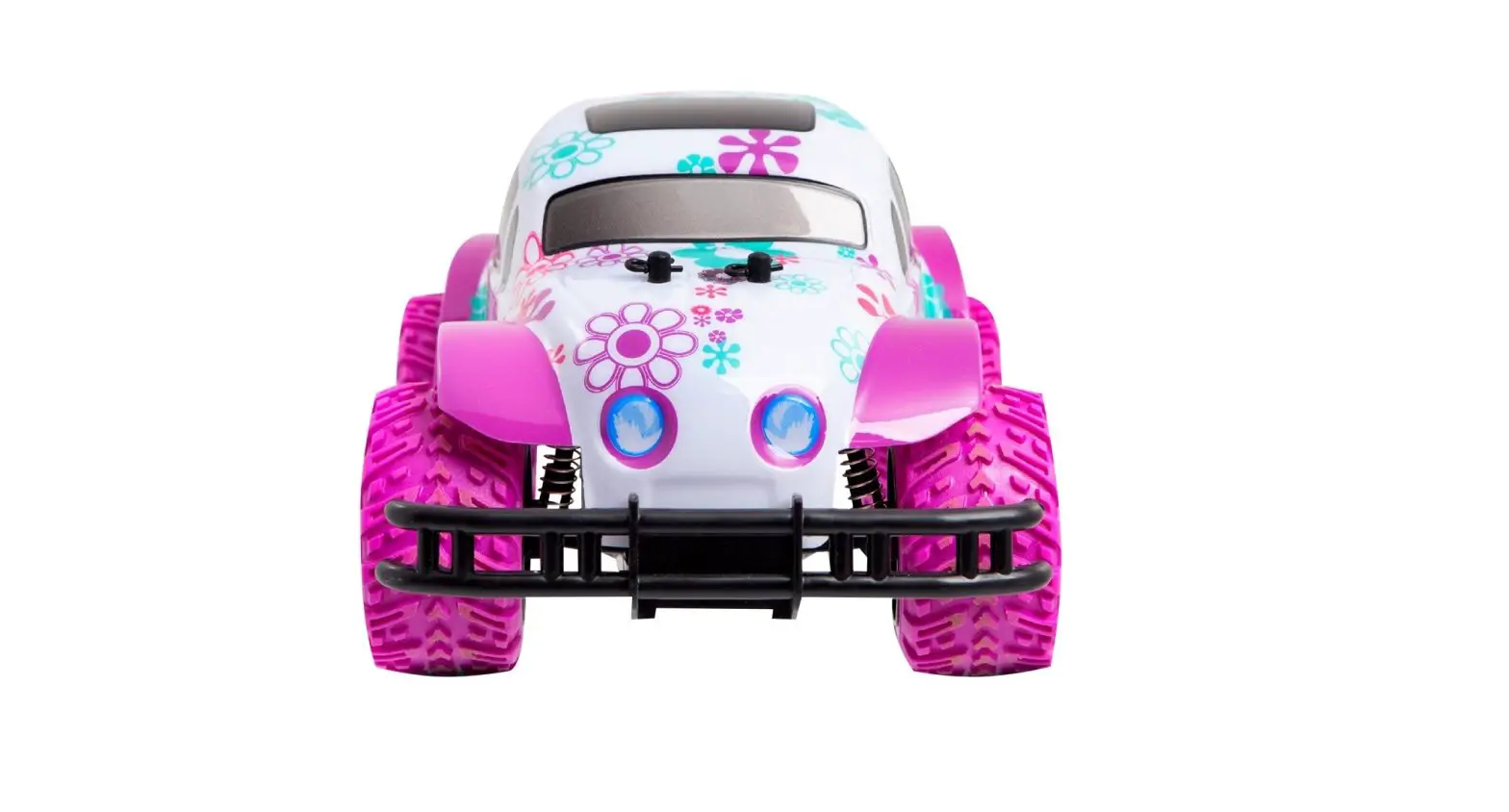
The Giant Crusher is a remote-controlled truck designed for
children aged 6 and above. It comes with a range of features and
accessories to provide an exciting play experience. The package
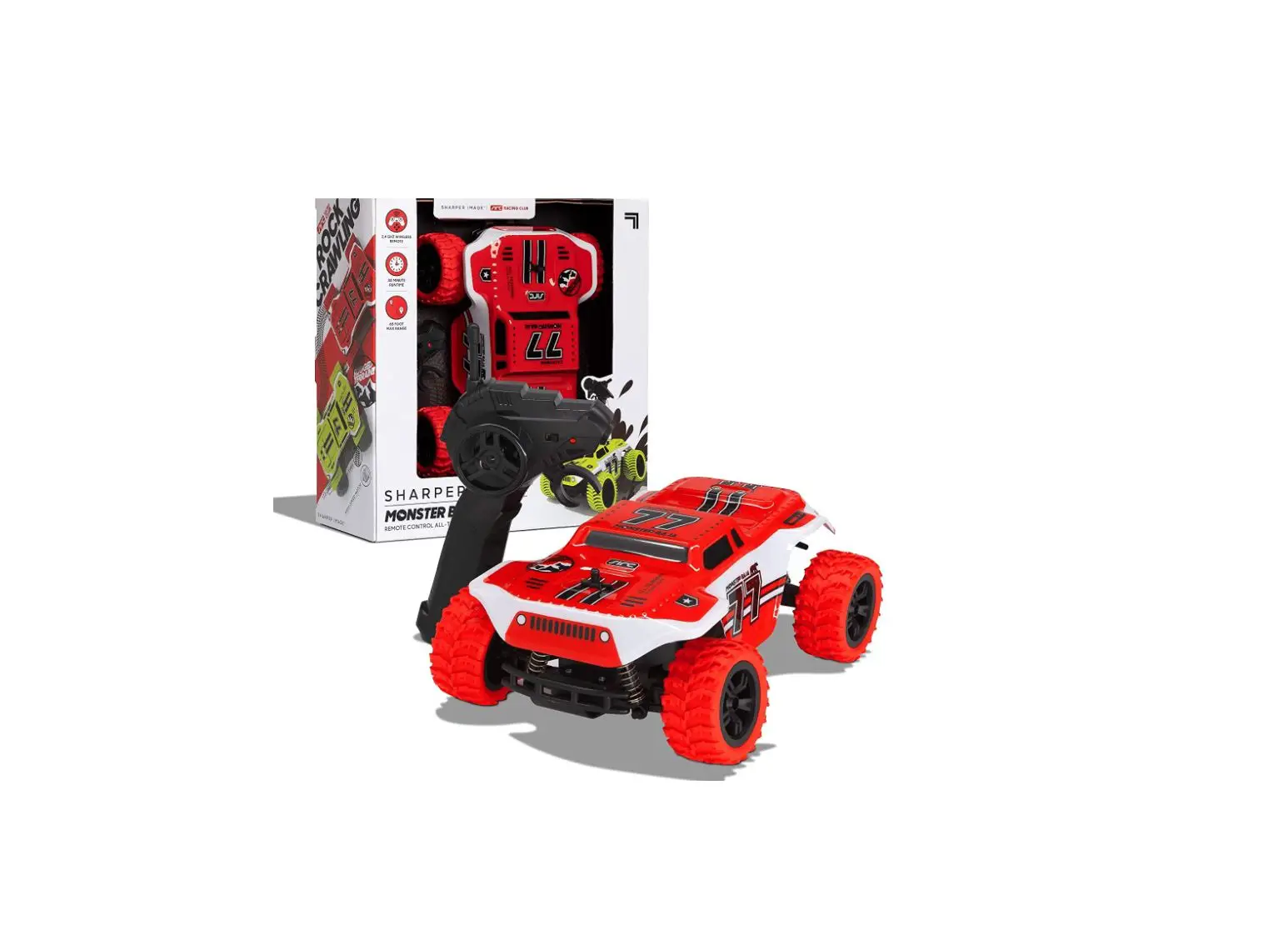
includes the Giant Crusher Truck, a remote control, a USB-C cable
for charging, and a sheet of reusable flag decals. The truck is
equipped with 4-wheel drive, allowing it to drive and climb over
obstacles with ease. It also features headlights that light up when
the vehicle is moving forward.
Product Usage Instructions
Remote Operation
- Push the left joystick forward to make the vehicle move forward
or pull back to make it reverse. - Push the right joystick left or right to turn the vehicle in
the respective direction. - Utilize the power of 4-wheel drive to drive and climb over
obstacles.
Charging the Battery
The Giant Crusher truck uses a removable rechargeable battery.
Follow these steps to charge the battery:
- Ensure that the power switch at the bottom of the truck is
turned off. - Insert the USB-C charging cable into the charging port located
at the bottom of the truck. Be careful not to use excessive force;
if there is resistance, check alignment and try again. - Connect the other end of the USB-C charging cable to your
charging source. - The red LED indicator will turn on while the truck is charging
and will turn green when fully charged. - Note: The average charging time is approximately 2 hours using
a 5.0V/2A USB wall charger. - The LED indicator on the remote control will flash when the
truck’s battery needs to be recharged. The truck can run for up to
15 minutes on a full charge.
Remote Control Battery Installation
- The remote control requires 3 AAA 1.5V batteries (not
included). - Use a tool to press and hold the battery release button on the
back of the remote control. - Slide down the battery cover to open it.
- Insert batteries as indicated in the diagram.
- Slide the battery cover back into place securely.
Pairing
The Giant Crusher truck utilizes an automatic 2.4GHz digital
channel selection system, allowing up to 10 players to race side by
side without interference. Follow these steps for pairing:
For Solo Drivers
- Ensure both the truck and remote control are powered off.
- Power on the remote control by pressing the power button. The
LED indicator will slowly flash, indicating pairing mode. - Power on the truck by flipping the power switch and place it
down. - Note: If not used for more than 5 minutes, both the truck and
remote control will enter sleep mode. Restart and pair them if
necessary.
For Multiple Drivers
- Power off all RCs and remote controls.
- Each player should sync their RC and remote control following
the steps in the “Solo Drivers” section. - After syncing each RC, leave each vehicle on until all players
have completed the syncing process. - If any syncing problems occur, all drivers should turn off
their remote controls and RCs and restart the process.
Maintenance
If dirt or water gets inside the wheels/tires, remove the orange
tread to empty it out.
For further assistance, please contact our customer support at
Model Number: 1015453 or call 1-800-374-2744. This product is
printed in China.
GIANT CRUSHER
6+
CONTENTS
1 Giant Crusher Truck 1 Remote Control 1 USB-C Cable 1 Sheet of Reusable Flag Decals
REMOTE OPERATION
1. Push the left joystick forward to make the vehicle move forward or pull back to make the vehicle reverse. The headlights will light up when the vehicle is moving forward.
2. Push the right joystick left or right to turn the vehicle left or right. 3. Drive and climb over obstacles with the power of 4-wheel drive.
CHARGING THE BATTERY
Removable Rechargeable Battery
CHARGING PORT
OPEN ON/OFF
BATTERY INSTALLATION
Power Button Forward/Backward
Joystick
Power Indication LED Left/Right Joystick
Battery Cover Release Button
The truck uses a replaceable rechargeable battery. If the battery no longer stays charged, dispose of it properly according to local disposal requirements.
CAUTION: If the rechargeable battery leaks fluid, dispose of the vehicle immediately. Do not allow fluid to come in contact with skin or eyes.
1. Make sure the power switch located at the bottom of the truck is turned to the off position. The battery pack must be installed in the truck.
2. Insert the USB-C charging cable into the port located at the bottom of the truck. IMPORTANT: Do not use excessive force when connecting the USB-C cable. If there is resistance, check alignment and try again.
3. Connect the other end of the USB-C charging cable into your charging source. The red light indicator turns on while the truck is charging and is green when the truck is fully charged.
4. Note: The average charging time is approximately 2 hours (via 5.0V/2A USB wall charger).
5. The LED indicator on the remote will begin to flash when the truck’ s battery needs to be recharged. The truck will run for up to 15 minutes on a full charge.
1. The remote control requires 3 AAA 1.5V batteries (not included). 2. Use a tool to press and hold the battery release button on the back of the
remote control. 3. Slide down the battery cover. 4. Insert batteries as indicated in the diagram. 5. Slide the battery cover back into place securely.
Sharper Image® name and logo (including the 77 logo) are trademarks or registered trademarks. Distributed by and © 2022 MerchSource, LLC. Irvine, CA 92618. All rights reserved.
Model Number: 1015453
1-800-374-2744
Printed in China
GIANT CRUSHER
6+
PAIRING
The truck utilizes an automatic 2.4GHz digital channel selection system that allows up to 10 individual players to race side by side in the same wireless range without interference.
FOR SOLO DRIVERS
MAINTENANCE
If dirt or water gets inside the wheels/tires, you can remove the orange tread to empty it out.
ON/OFF
1. Make sure both the truck and remote control are powered off. 2. Power on the remote control by pressing the power button. The remote
control will enter pairing mode and the LED indicator will slowly flash. 3. Power on the truck by flipping the power switch and set the truck down
on a flat surface. The truck will enter pairing mode and the headlights will slowly flash. 4. Wait for the truck and remote control to quit flashing. The truck headlights will turn off and the remote control LED will remain lit. 5. If pairing is unsuccessful, wait 60 seconds and then power off both the truck and the remote control before repeating steps 2 4. 6. Start driving!
Note: To save battery life, the truck and remote control will enter sleep mode if not used for longer than 5 minutes. Restart and pair the truck and remote control if necessary.
FOR MULITPLE DRIVERS
1. Make sure to power off all RCs and remote controls. 2. One by one, each player should sync their RC and remote control by
following the steps listed in the Solo Drivers section. IMPORTANT: After syncing each RC, make sure to leave each vehicle on until all players have completed the syncing of their RCs. 3. If there are problems syncing any vehicle, all drivers should turn off their remote controls and RCs and restart the process.
SAFETY PRECAUTIONS
· Adult supervision is recommended when operating the vehicle. · Always drive responsibly and make sure driving paths are clear. Never
drive towards or in close proximity to people or animals. · Never submerge the truck in water and avoid driving the truck through
water. The truck is designed with water resistance to protect against accidental splashes and moisture only. · If moisture accumulates in the truck tires, carefully remove the center bands from the tires and then rotate the tires to allow drainage. When the tires are fully drained, carefully replace the center bands. · Keep fingers, hair, and loose clothing away from tires and all moving parts while the truck is in motion. · Do not expose to extreme temperatures. · Do not leave truck or remote control near sources of heat or under direct sunlight for long periods of time. · Thoroughly inspect products before every use. If the product appears worn, frayed, splintered, cracked, or broken in any manner, discontinue use and discard immediately.
BATTERY WARNINGS
· Do not mix old and new batteries. · Do not mix alkaline, standard (carbon-zinc), or rechargeable batteries. · Alkaline batteries are recommended. Use only the specified voltage. · Insert batteries using the correct polarity. Always use, replace, and
recharge (if applicable) batteries under adult supervision. · Do not charge with non-rechargeable batteries. · Do not short-circuit the battery supply terminals. · Do not dispose of batteries in fire, batteries may explode or leak. · Remove batteries before storing. · Recycle or dispose of batteries according to federal, state, and local laws. · Keep these instructions for future reference.
Rechargeable Battery Warnings: (Non-Replaceable Battery)
· There is a risk of fire and personal injury if battery is punctured, damaged, or misused.
· Do not dismantle, crush, incinerate or short-circuit battery. · Never expose battery to extreme temperatures or moisture. · Keep away from flammable materials and direct sunlight. · Only charge using the provided charger, cable, and/or adapters. · Rechargeable battery is only to be charged by an adult. · Adult Supervision of the battery while it is charging is required. · Allow battery to cool to room temperature before charging. · Charge on a non-flammable surface and keep away from flammable
products. · Discontinue charging if battery becomes hot, swells, smokes, or gives off
a strong odor. · Battery chargers used with the product are to be regularly examined for
damage to the cord, plug, enclosure, and other parts, and in the event of such damage, they must not be used until the damage has been repaired. · Recycle or dispose of battery according to federal, state, and local laws. · Keep these instructions for future reference.
This device complies with Part 15 of the FCC Rules. Operation is subject to the following two conditions: (1) this device may not cause harmful interference, and (2) this device must accept any interference received, including interference that may cause undesired operation.
Warning: Changes or modifications to this unit not expressly approved by the party responsible for compliance could void the user’s authority to operate the equipment.
NOTE: This equipment has been tested and found to comply with the limits for a Class B digital device, pursuant to Part 15 of the FCC Rules. These limits are designed to provide reasonable protection against harmful interference in a residential installation. This equipment generates, uses and can radiate radio frequency energy and, if not installed and used in accordance with the instructions, may cause harmful interference to radio communications. However, there is no guarantee that interference will not occur in a particular installation. If this equipment does cause harmful interference to radio or television reception, which can be determined by turning the equipment off and on, the user is encouraged to try to correct the interference by one or more of the following measures: · Reorient or relocate the receiving antenna. · Increase the separation between the equipment and receiver. · Connect the equipment into an outlet on a circuit different from that to
which the receiver is connected. · Consult the dealer or an experienced radio/TV technician for help.