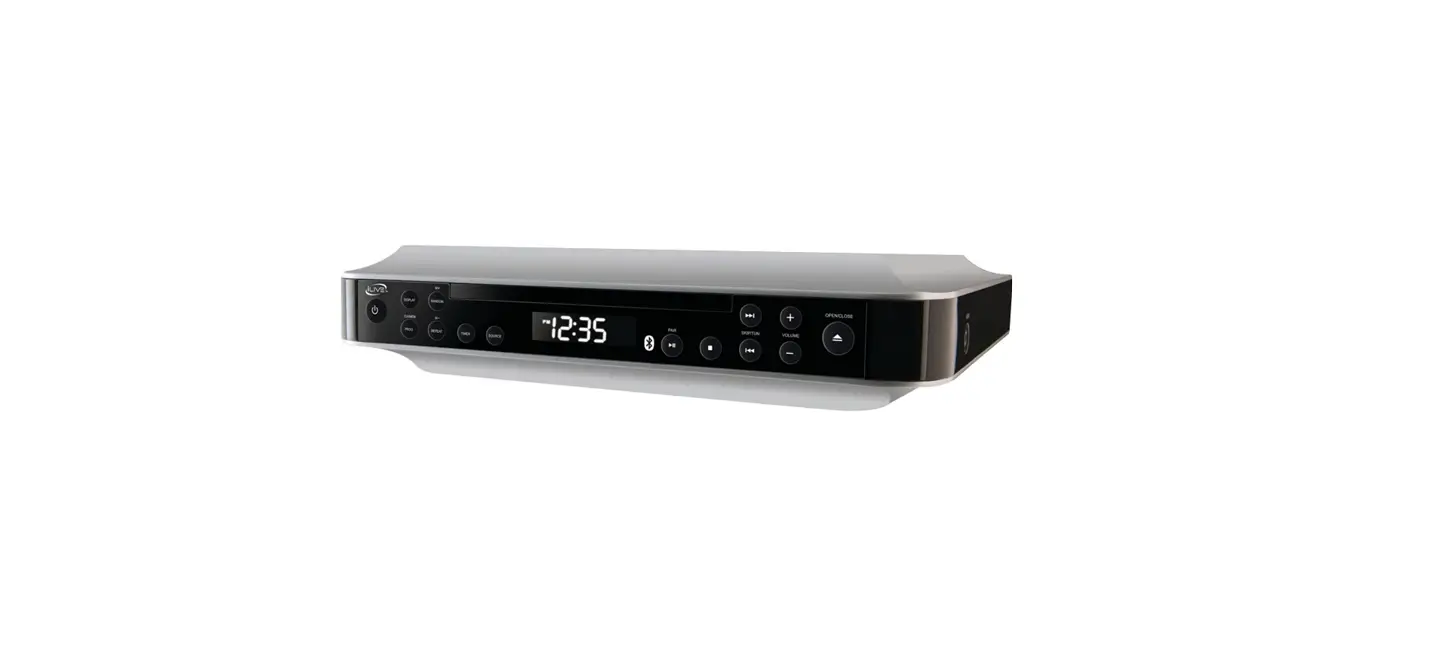
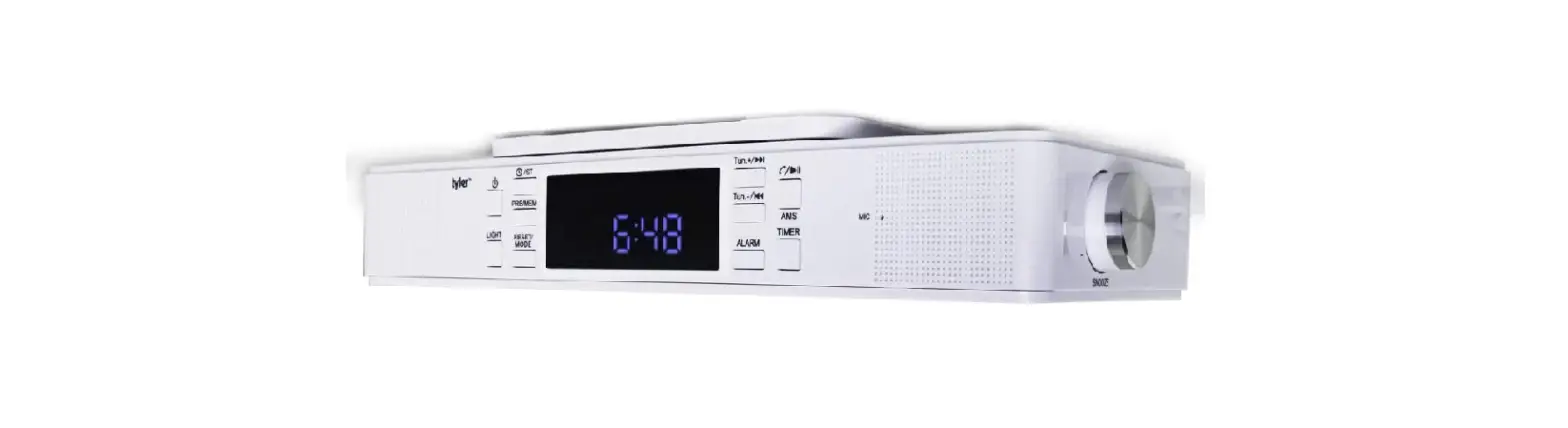
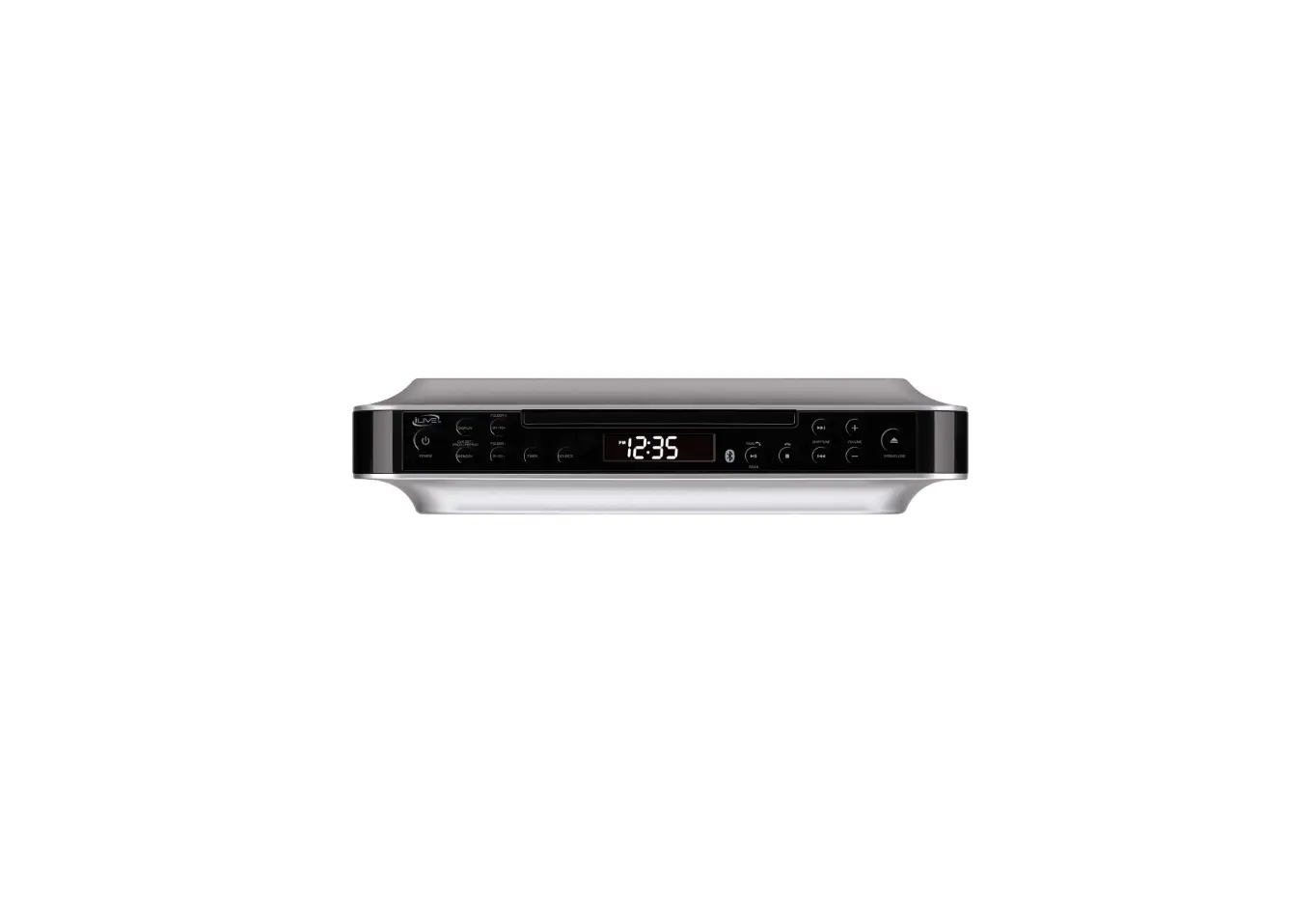
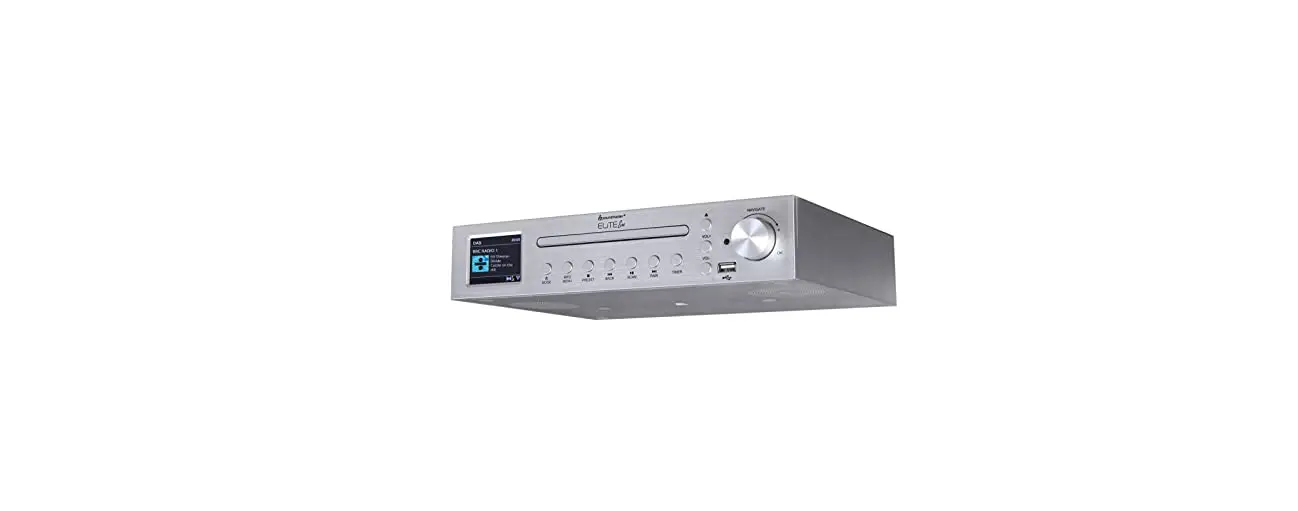
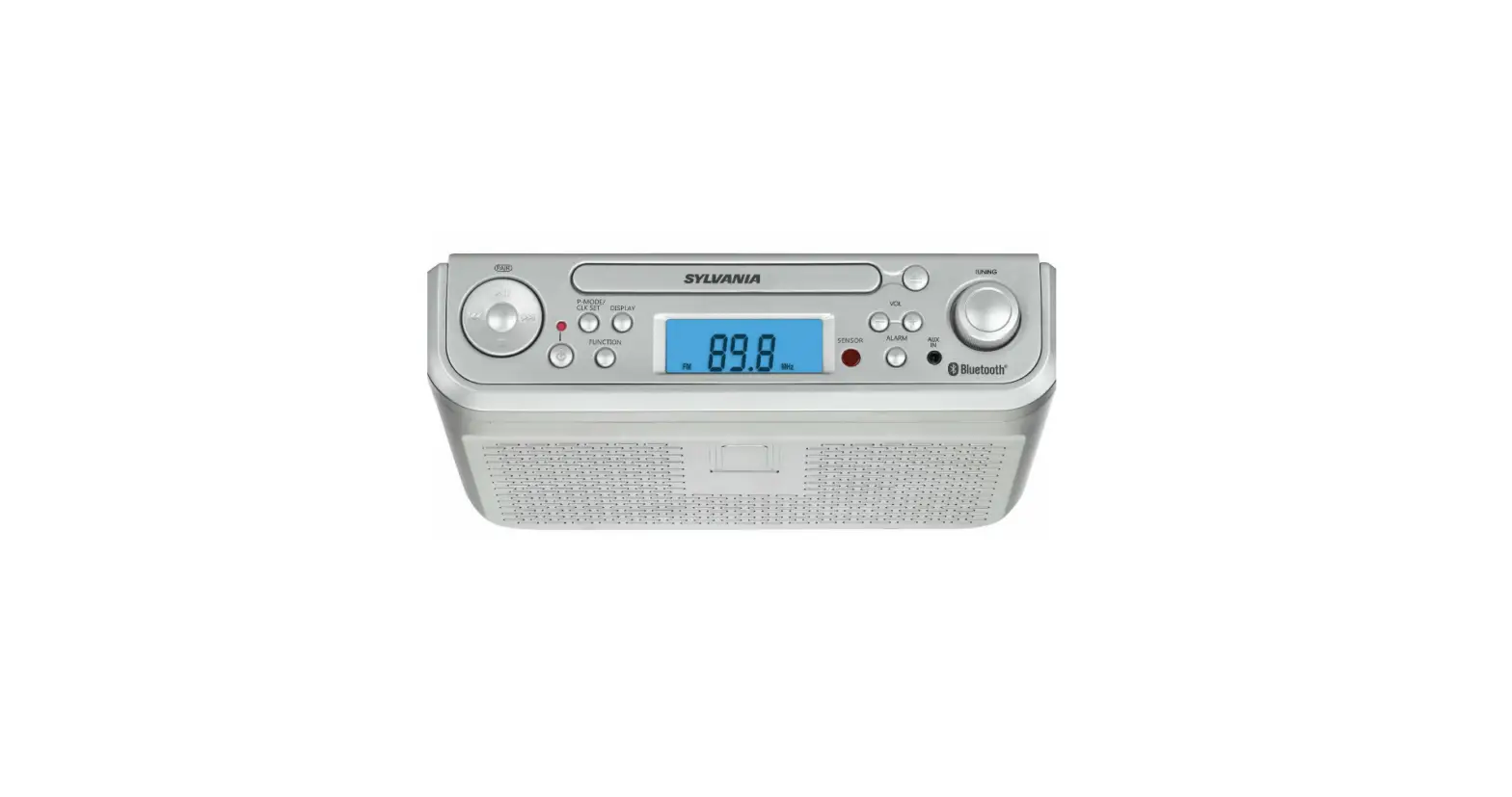
EKR-1000 Under Cabinet Bluetooth Speaker With FM Radio
Product Information
| Product Name | EKR-1000 Speaker with FM Radio |
|---|---|
| Package Contents | Main Unit, AC Adaptor, User Manual |
| Device Specifications |
|
| Device Features & Controls |
|
Product Usage Instructions
- Read the user manual carefully before using the product and
keep it for future reference. - Keep the safety and operating instructions for future
reference. - Adhere to all warnings mentioned on the appliance and in the
operating instructions. - Clean the product only with a dry cloth.
- Ensure that no ventilation openings are blocked.
- Avoid operating or placing the product near heat sources.
- Protect the power cord from being walked on or pinched.
- Use only attachments/accessories specified by the
manufacturer. - Unplug the product during lightning storms or when unused for
long periods of time. - Refer all servicing to qualified personnel in case of any
damage to the product. - Avoid exposing the device to moisture or placing any vases or
liquid containers on the speaker. - Use the device in moderate climates.
- Avoid covering the ventilation openings with items like
newspapers, tablecloths, curtains, etc. - Avoid placing open flame sources, such as lighted candles, on
the product. - Do not attempt any servicing other than mentioned in the
operating instructions unless qualified to do so. - Do not remove the device housing or open the unit. Servicing
should only be done by qualified service personnel. - The manufacturer is not responsible for any radio or TV
interference caused by unauthorized modifications. - Stop operation immediately if any liquid or solid object falls
into the cabinet. - Make sure all power sources are disconnected from the unit
before unplugging the AC-DC adaptor. - If the product is exposed to extreme temperatures, gradually
heat the room up and dry the unit before use. - In case of any trouble, remove the power source and refer
servicing to qualified personnel.
UNDER CABINET BLUETOOTH®
TM
SPEAKER WITH FM RADIO
EKR-1000
USER MANUAL
Please read carefully before use and keep for future reference.
SAFETY INSTRUCTIONS
1. Read these instructions All the safety and operating instructions should be read before this product is operated.
2. Keep these instructions. The safety and operating instructions should be retained for future reference.
3. Heed all warnings. All warnings on the appliance and in the operating instructions should be adhered to.
4. Do not use this apparatus near water. The device should not be used near water or moisture for example, in a wet basement or near a swimming pool, and the like.
5. Clean only with a dry cloth.
6. Do not block any ventilation openings. 7. Do not operate or place near any heat sources such as radiators, heat registers,
stoves, or other apparatus (including amplifiers) that produce heat. 8. Protect the power cord from being walked on or pinched particularly at the plugs,
power outlets, and at the point where they exit from the apparatus. 9. Only use attachments/accessories specified by the manufacturer. 10. Unplug the apparatus during lightning storms or when unused for long periods of
time. 11. Refer all servicing to qualified personnel. Servicing is required when the apparatus has
been damaged in any way, such as a damaged power supply cord or plug. 12. WARNING: To reduce the risk of fire or electric shock, do not expose this device to
any moisture, including rain or high humidity. Do not place any vases, or any liquid containers on the speaker.
13. Only use the device in moderate climates.
14. The ventilation should not be impeded by covering the ventilation openings with items, such as newspapers, tablecloths, curtains, etc.
15. Do not place open flame sources, such as lighted candles, on the apparatus. 16. CAUTION: These servicing instructions are for use by qualified service personnel only. 17. To reduce the risk of electric shock do not perform any servicing other than that
contained in the operating instructions unless you are qualified to do so. 18. CAUTION: TO REDUCE THE RISK OF ELECTRIC SHOCK, DO DOT REMOVE THE DEVICE
HOUSING. DO NOT OPEN THE UNIT. SERVICING SHALL ONLY BE DONE BY QUALIFIED SERVICE PERSONNEL. 19. NOTE: The manufacturer is not responsible for any radio or TV interference caused by unauthorized modifications. 20. Stop operation immediately if any liquid or solid object should fall into the cabinet.
2
21. sources are disconnected from the unit. Unplug the AC-DC adaptor from the wall
not by pulling the cord. 22. 23.
turning the power on, or gradually heat the room up and dry the unit before use. 24. Should any trouble occur, remove the power source and refer servicing to
PACKAGE CONTENTS
Main Unit………………. 1 Piece AC Adaptor ……………. 1 Piece
User Manual ………….. 1 Piece ………….. 1 Set
DEVICE SPECIFICATIONS
Power Adaptor Bluetooth Data
AC Input: 120 ~ 60Hz DC Output: 5V 1.2A
10W
Version 5.3
Radio Frequency Range Audio Output Power Approximate Dimensions Weight
FM: 87.5 – 108 MHz 2W x 2
Total 4W RMS 2.6 in. (H) x 9.1 in. (W) x 6.7 in. (D)
1.2 LBS
NOTE: SPECIFICATIONS AND ACCESSORIES ARE SUBJECT TO CHANGE WITHOUT NOTICE
3
DEVICE FEATURES & CONTROLS
Front View
1 23
4 56
78
9
10 11 12 13 14
15
16
17
4
Rear View
18 19
1. MICROPHONES 2. PM INDICATOR 3. LCD DISPLAY 4. BT INDICATOR 5. / SOURCE BUTTON 6. VOL – BUTTON 7. VOL + BUTTON 8. TIMER/LIGHT BUTTON 9. TIMER INDICATOR 10. FM INDICATOR
11. /SCAN/PAIR BUTTON 12. SKIP – BUTTON 13. SKIP + BUTTON 14. CLK/PRESET/ BUTTON 15. LED LAMP 16. SPEAKER (L) 17. SPEAKER (R) 18. FM WIRING ANTENNA 19. DC INPUT JACK
(
(
5
CONNECTING POWER
AC POWER WARNING: apparatus. NOTE: Only use the supplied power adapter. 1. Connect the AC end of AC/DC adapter into an AC wall outlet. 2. Insert the DC plug of the AC adapter cord into the DC IN JACK at the back of the
unit.
6
 Emerson Audio – EMERSONAUDIO