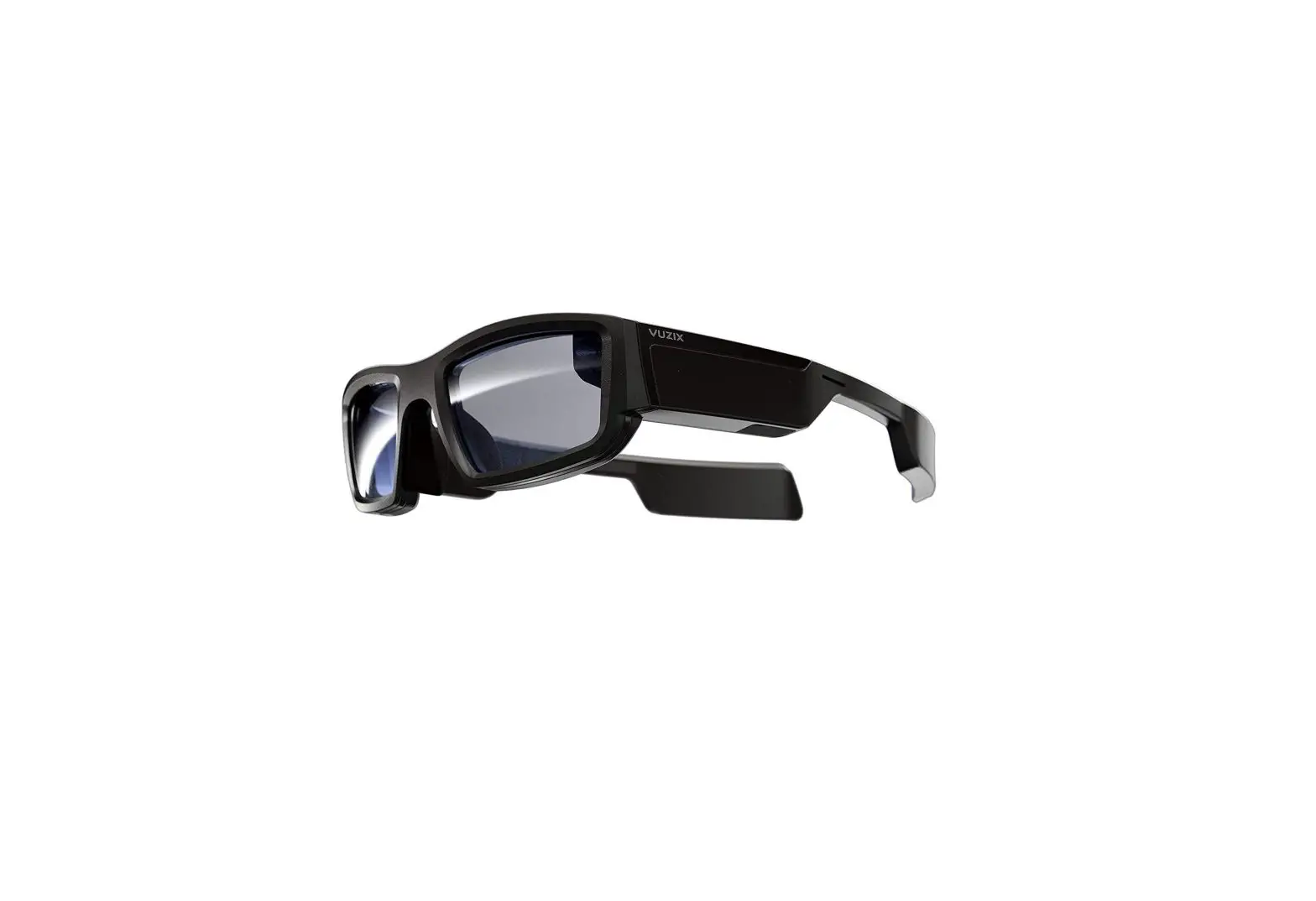
VUZIX M400C Smart Glasses User Manual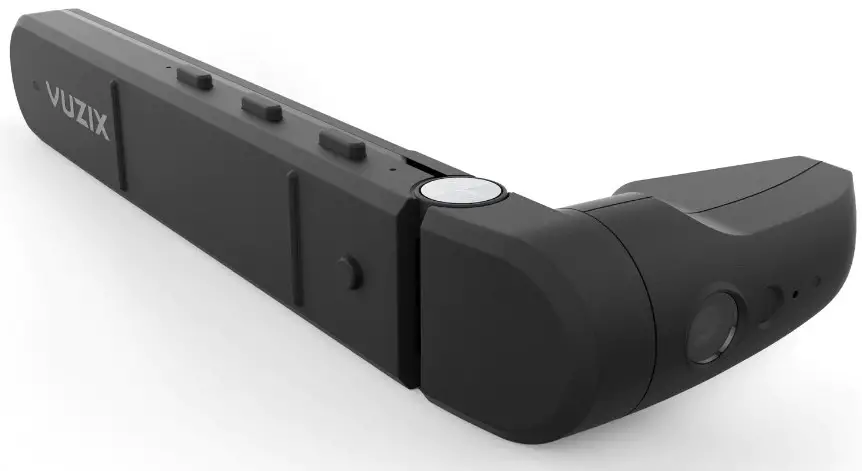
Introduction
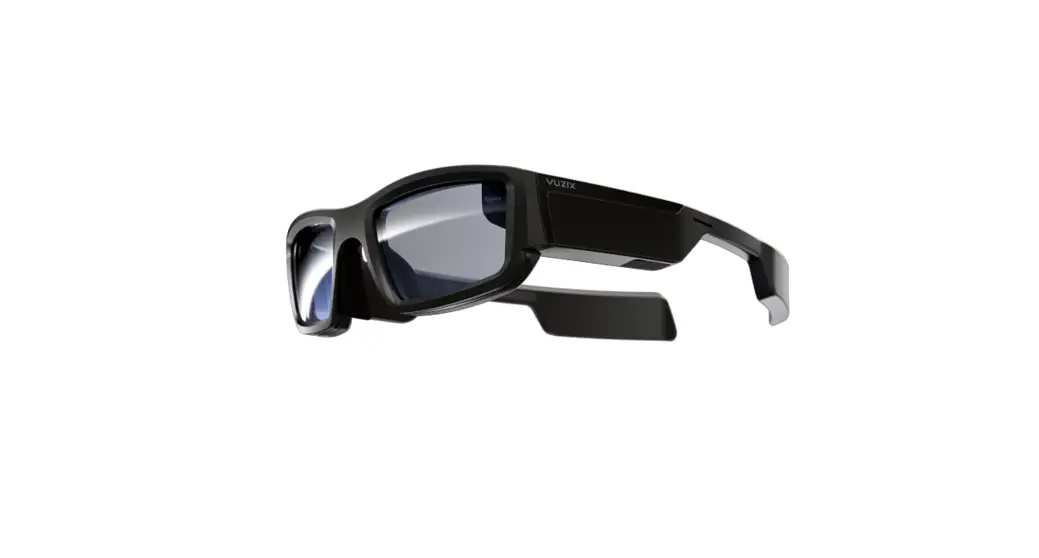
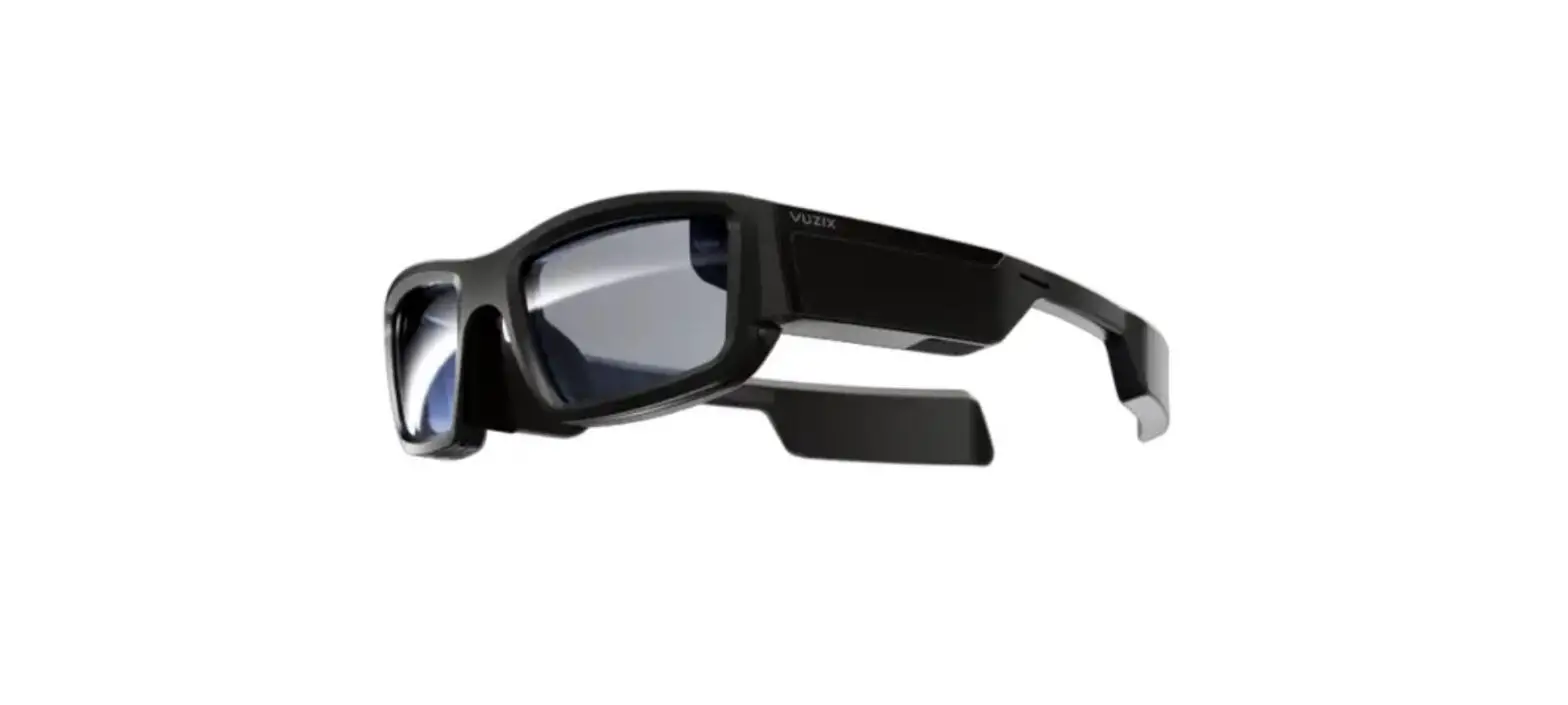
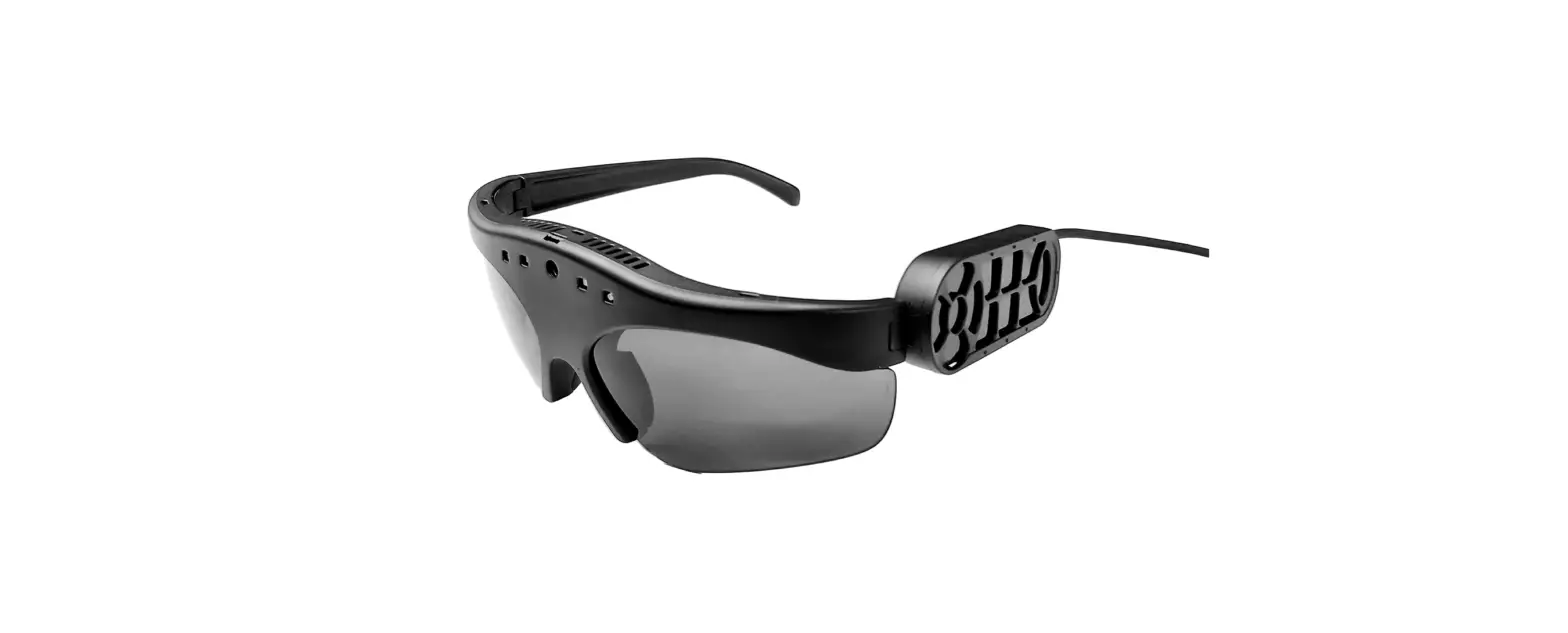
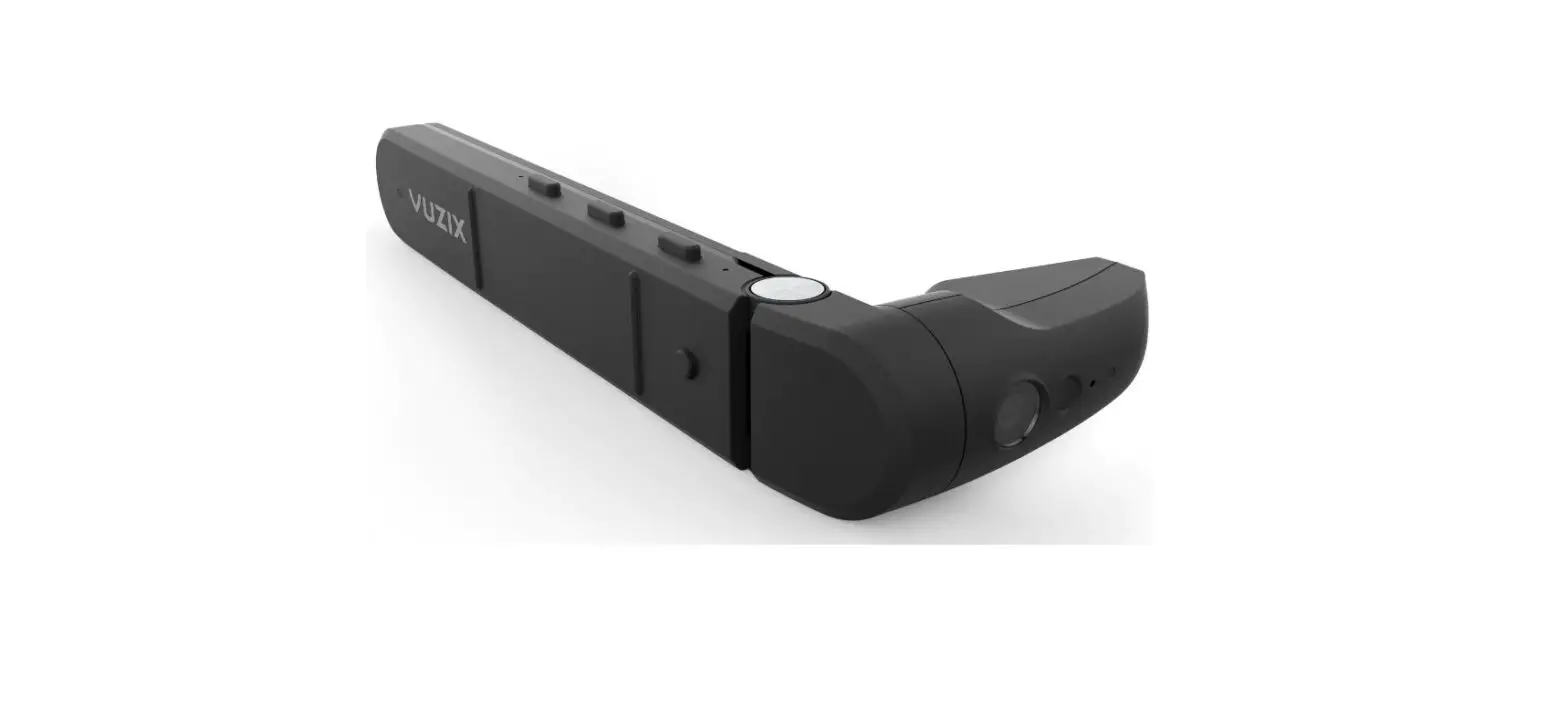
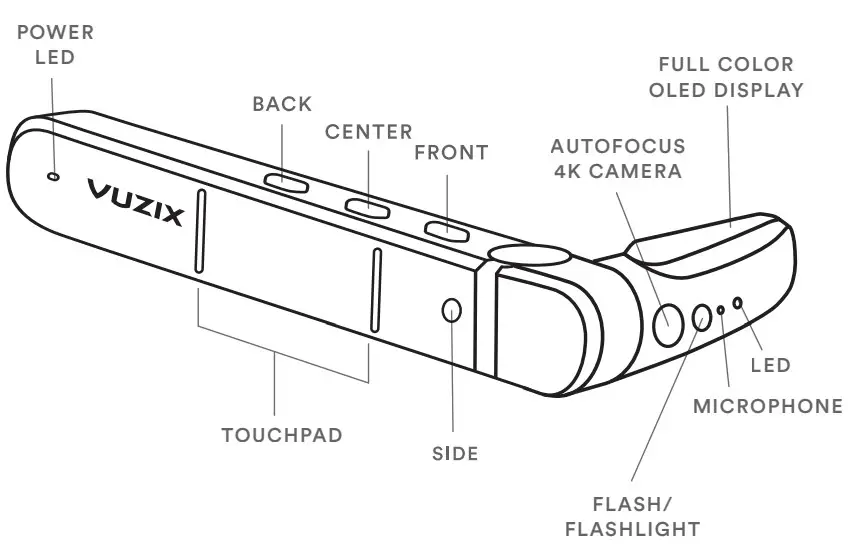
The Vuzix M400C is a head-mounted display device designed to interface with an Android based phone or portable computer via USB-Ci It features a streaming video camera, microphone, flash/flashlight, speaker, touch controls, and a full-color OLED display via a USB-C connection
Included with the M400C:
- M400C display

- USB-C to USB-C cable

- M-Series lens-less frames

- Soft storage case



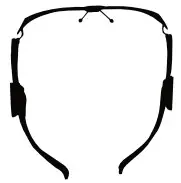

Find your dominant eye
For the best image quality, wear your Vuzix M400C on the dominant side First stretch your arms out and make a triangle Then frame an object in the distance with your hands
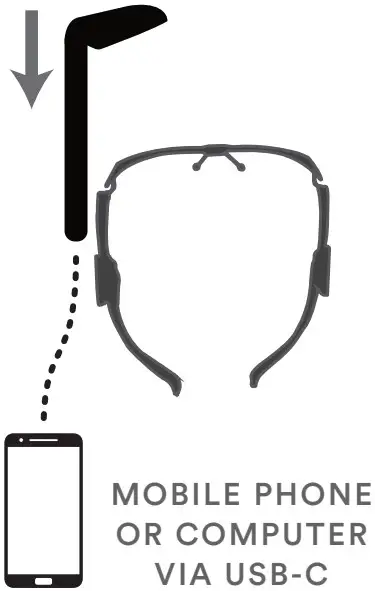
Now close one eye at a timei Notice how the object moves out of view when one eye is closed? If the object remains in view, the open eye is your dominant eyei
Right-eye dominant
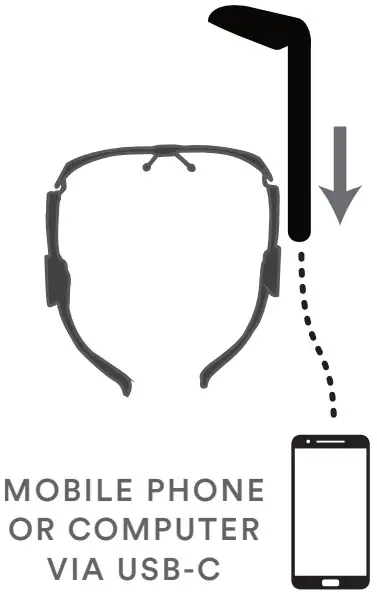
Left -eye dominant
Adjusting the fit
The frames can be worn over most prescription eyewear and the nosepiece may be adjusted for a comfortable and secure fit. Rotate the M400C and display until the full image is visible.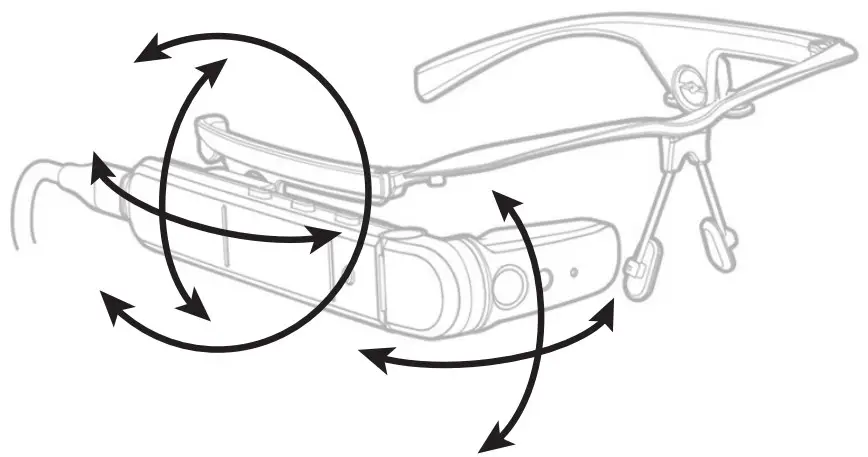
Mounting options
Visit Vuzix.com for additional mounting options such as alternate nose pades, ear hooks, safety frames, hard hat mounts, baseball cap mounts, headbands, and more.
Touchpad
Tap to activate selection Hold to activate menu Swipe up/down/left/right to move selectioni
NOTE: These default inputs for the M400C are programmable via softwarei See developer documentation for detailsi
Buttons
- Short Press
- Front Right
- Center Left
- Back Enter
- Side F16
- Long Press (~1 second)
- Front Up
- Center Down
- Back Escape
- Side Sleep
Cleaning & Care
- Clean the viewer and battery with a damp cloth and mild detergent if necessaryi Do not use all-purpose cleaners as these may damage the seals and impair the water resistancei
- Make sure that there is no standing water in the USB connector before inserting the cablei
- Do not insert sharp objects into any holes in the viewer as this may damage the mesh and impair the water resistancei
- Do not use metal objects to clean the USB port as this may cause electrical damagei
Support
For further documentation and the latest information regarding supported devices and protocols scan the QR code or visit vuzix.com/pages/m400c-supporti
SCAN QR FOR SUPPORT

For more information on Vuzix products and accessories visit:
vuzix.com | vuzix.eu | vuzix.uk | vuzix.jp
Vuzix Corporation
25 Hendrix Road
West Henrietta, NY, USA 14586
UK Importer – Vuzix (Europe) Limited
St. John’s House, 5 South Parade
Summertown, Oxford, OX2 7JL
© 2022 Vuzix Corporation. These instructions are subject to change. Please read the Safety and Warranty booklet before operating this product. All trademarks belong to the respective owners.
509PB0001 (0001) – M400C USER GUIDE MODEL 509