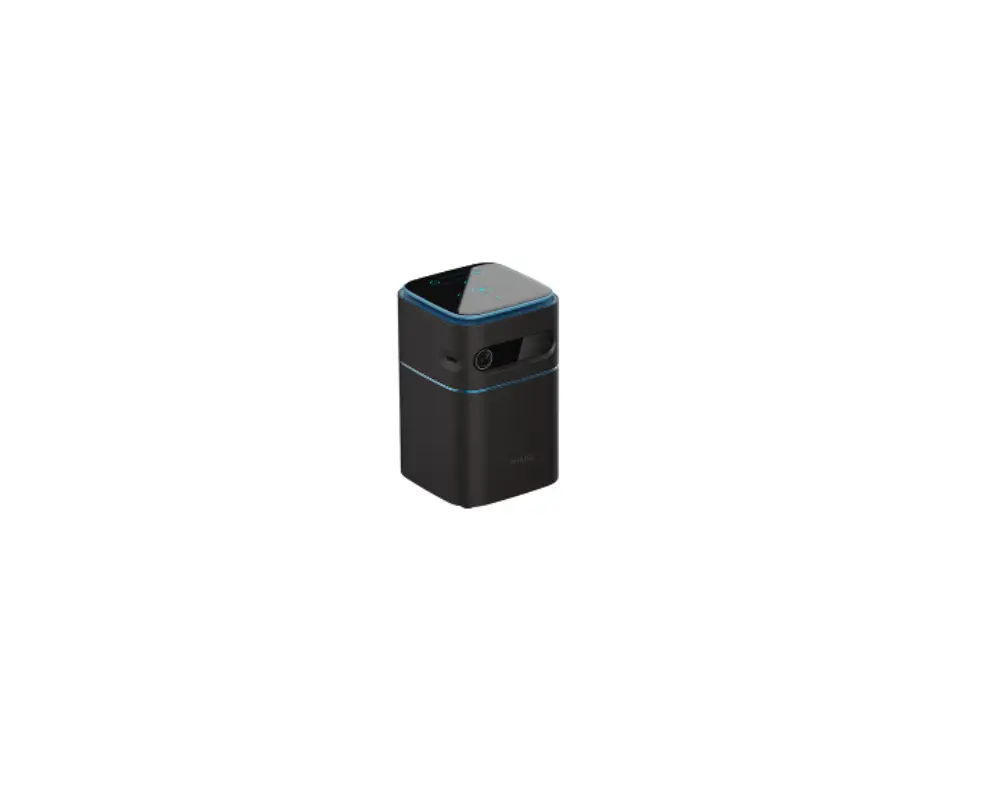
V1 HD Portable Projector
Product Information:
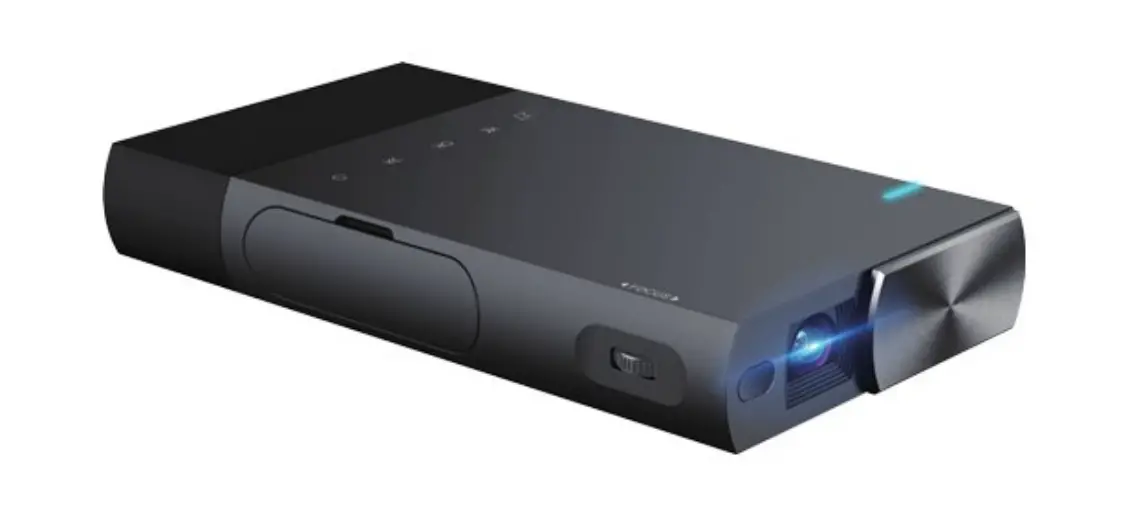
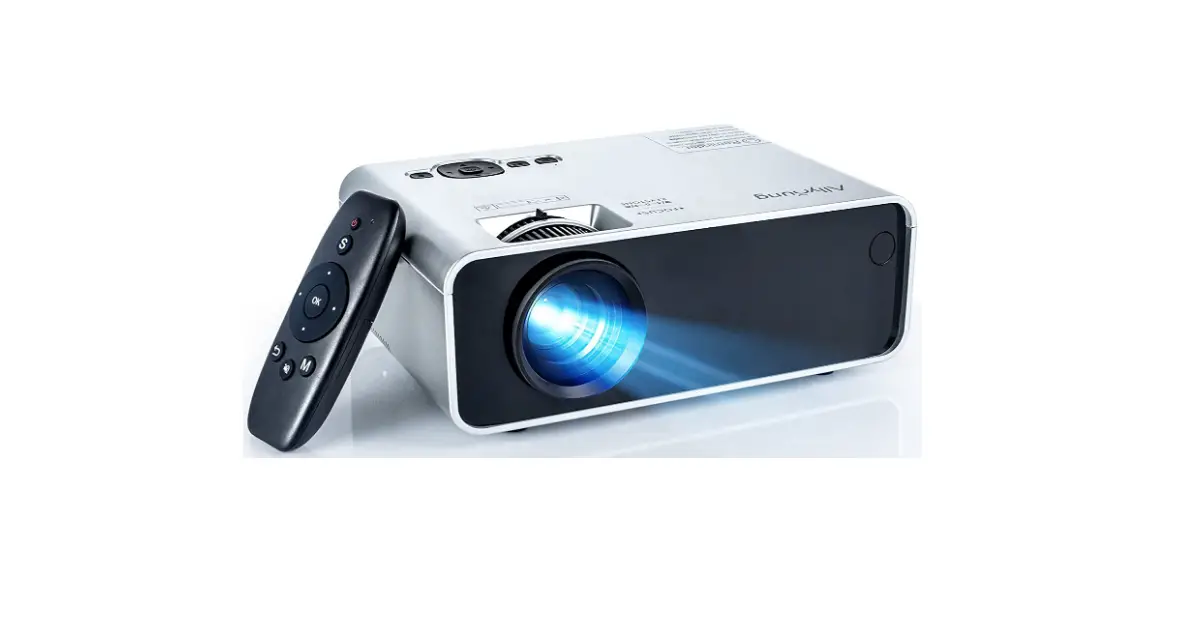
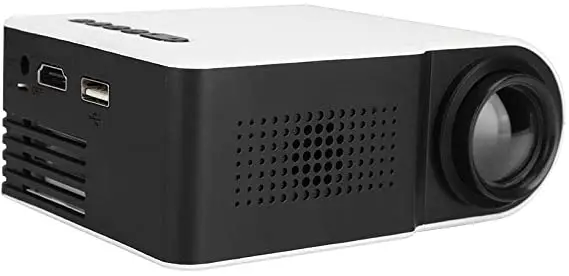
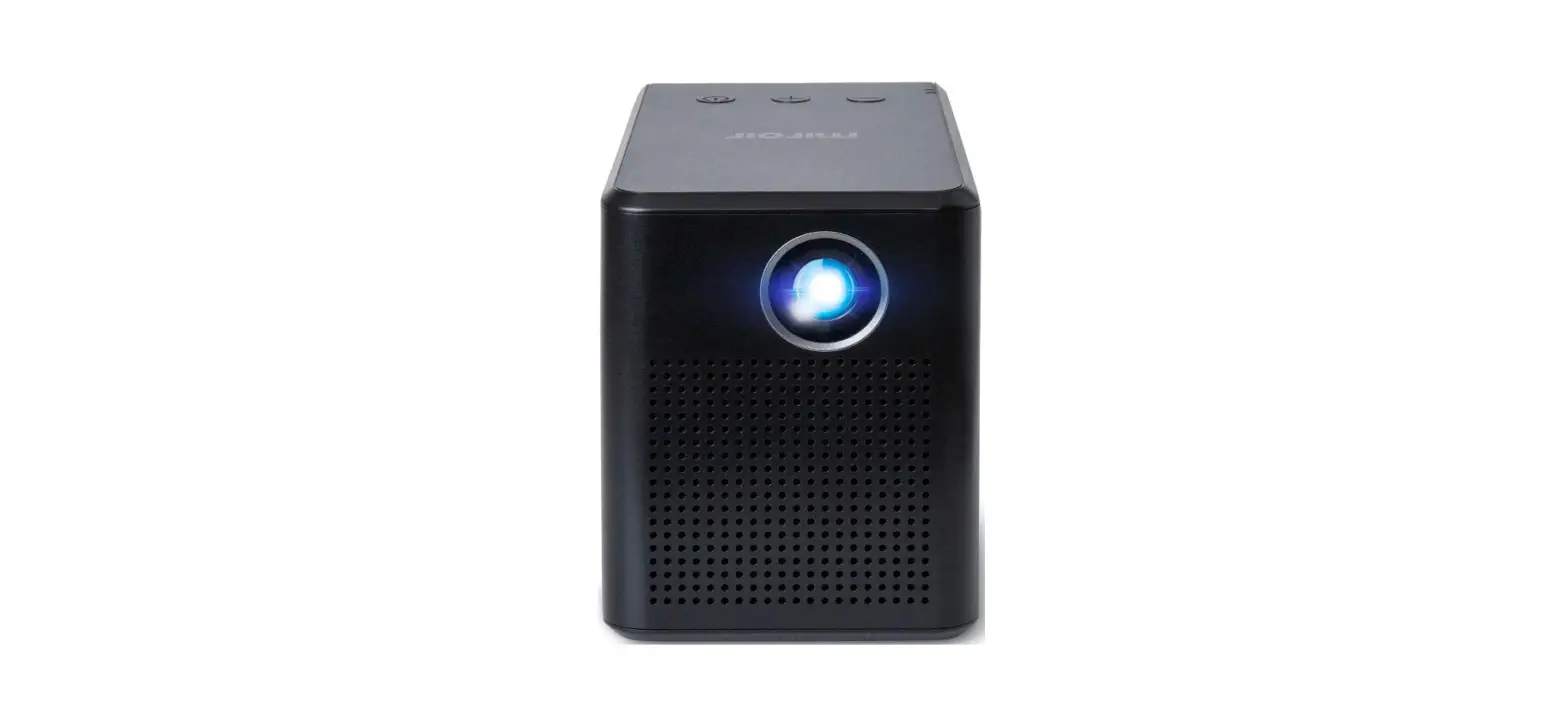
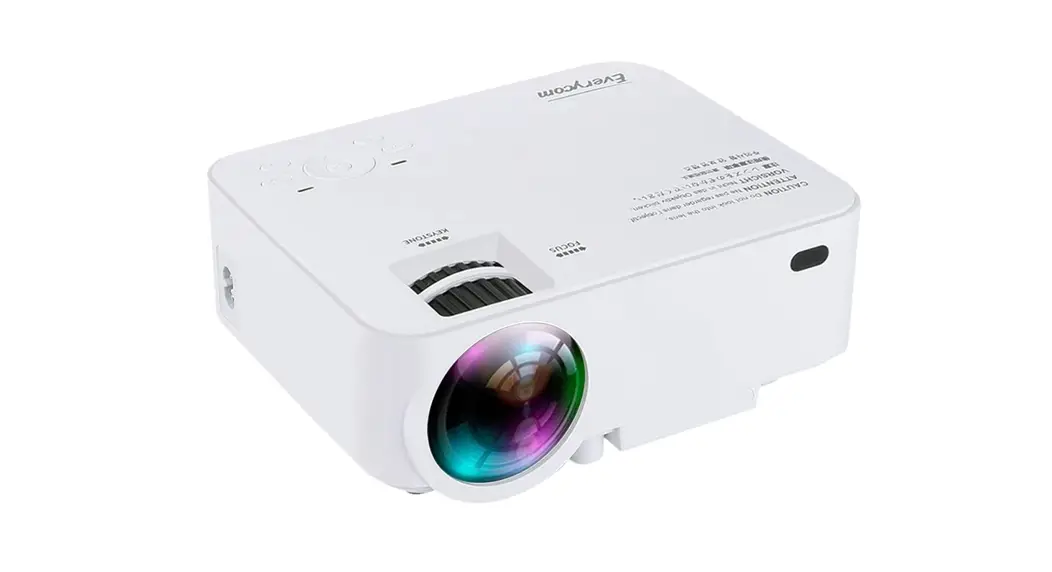
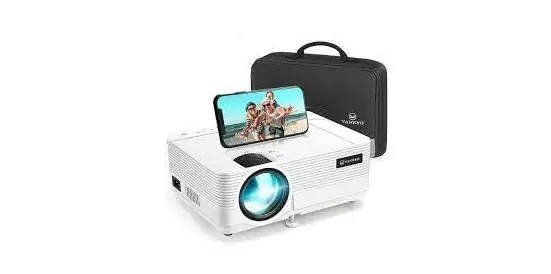
The HD-Portable Projector is a high-definition projector that is
designed to project images and videos from various devices. It has
an ON/OFF switch, a camera lens, a speaker, an audio out port, a
remote receiver, a power input, and an AV connection. The projector
can be connected to devices such as mobile hard disks, USB drives,
computers, play stations, TV boxes, HD DVDs, headsets, loudspeaker
boxes, and DVDs. It has a weight of 0.48Kg and can project images
from 1.1m to 5.0m.
Product Usage:
To use the HD-Portable Projector:
- Connect the device you want to project from to the projector
using the appropriate cable or adapter (ios: Genuine lightning to
HD cable, Android: Micro USB to HD adapter/Type C to HD
cable). - Turn on the projector using the ON/OFF switch.
- Use the focus ring to adjust the image if it appears
blurry. - If the image is upside down, enter the menu on the projector or
use the remote to flip the projection image. - Make sure the remote is pointed directly at the IR receiver and
the receiver is not covered. Replace the battery if the remote is
unresponsive.
If you experience any issues with the projector, refer to the
troubleshooting guide in the user manual.
Enter
OK
OK
Enter
ON/OFF
Camera Lens
9 8
Speaker 9 Focus
Audio Out
Remote receiver Power in Put
OK OK
OK
AV Connection
Mobile Hard Disk USB Drive
Computer Play Station TV box
HD DVD
Headset Loudspeaker box
DVD
5
1.1m-5.0m 0.48Kg 6
EN
NOTICE
VIDEO MOVIE
HD-PORTABLE PROJECTOR USER MANUAL
Recommended
EN
HD-PORTABLE PROJECTOR USER MANUAL
TROUBLESHOOTING GUIDE
1.BlurryImage * Adjust focus ring * Projector and screen/wall must be in effective distance.
2.Remote Unresponsive *Make sure remote points at IR receiver directly. *Do not cover IR receiver. *Replace the battery.
3.Mobile Connection iosGenuine lightning to HD cable. Android: Micro USB to HD adapter/Type C to HD cable.
4.Upside DownImages Enter “Menu” on projector or remote to flip the projection image.
NOT Recommended
8