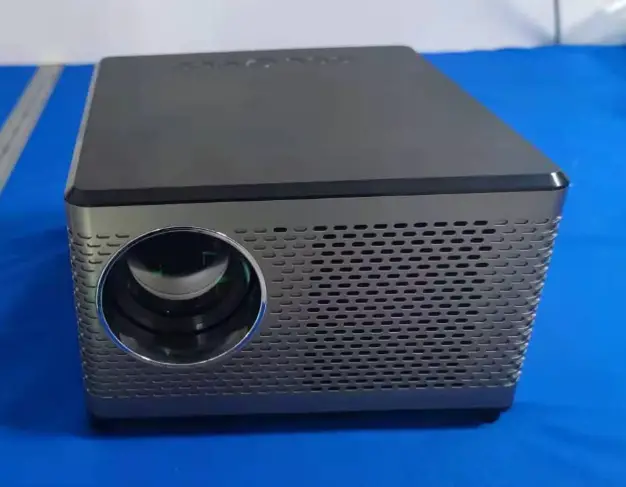
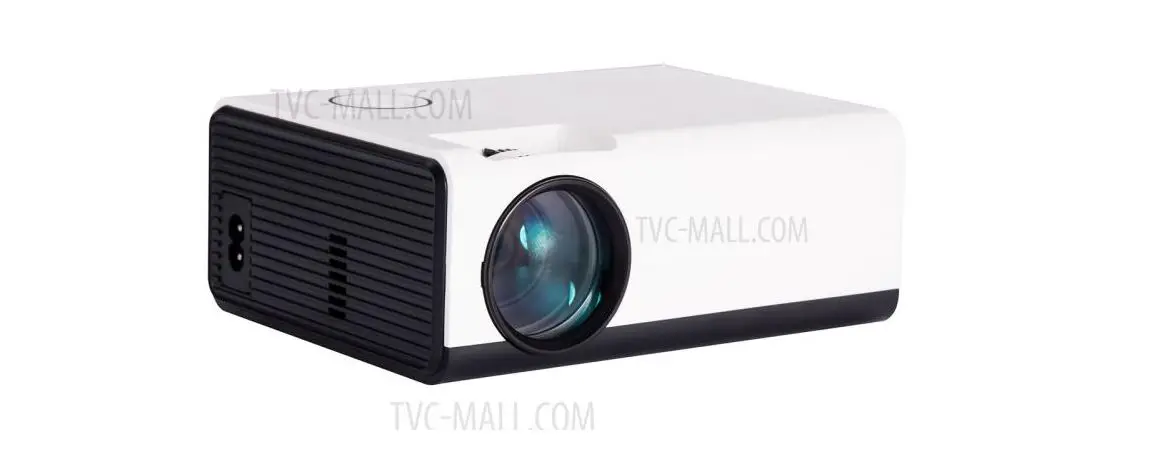
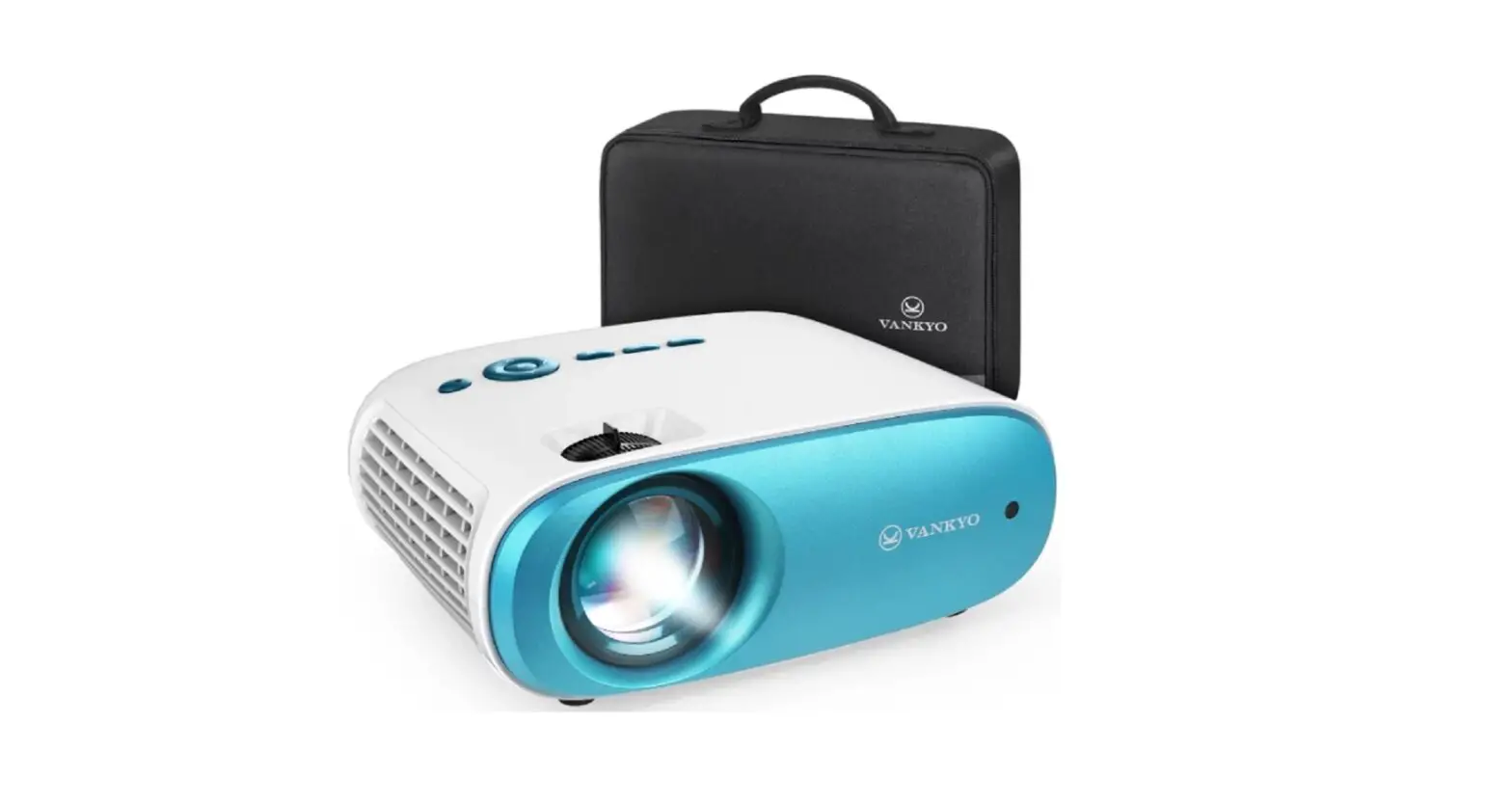
K3 LCD Projector
Product Information:
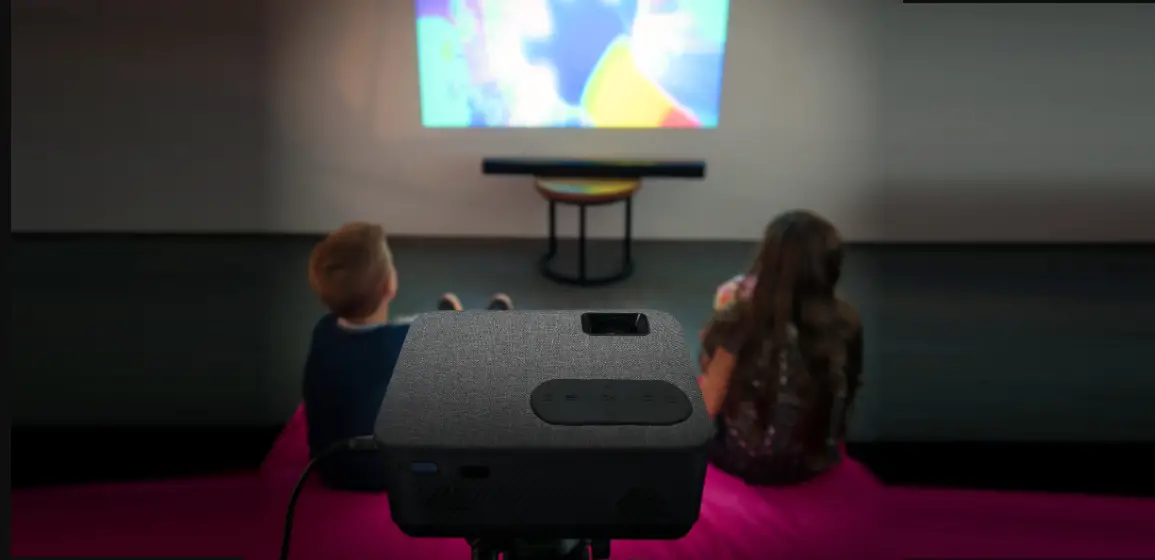
The product is a projector that can be used to turn your living
room into a movie theater, share fun videos at family gatherings,
and support presentations at work with visual media projections. It
is recommended to close the curtains and turn off the lights to
enhance the visibility of the projected image. The device should be
disconnected from power when not in use, and immediate
disconnection is advised in case of spillage of any liquid near the
projector to avoid short circuits.
The product features various functions, including mute, power
on/off, volume control, menu navigation, focus adjustment, home
button, input selection, and more.
Product Usage Instructions:
- Read the user manual thoroughly before using the product and
keep it for future reference. - Plug the power cord into an outlet.
- Press the power button to turn on the projector.
- Select the correct input source to project your device.
- Adjust the focus ring to get the best image performance.
- Press the power button again to turn off the projector.
Input Source:
Press on the projector or use the remote control to enter the
interface of the input source. The available input sources include
USB connection.
Projection Distance & Size:
The user manual does not provide specific information about
projection distance and size. Please refer to the product
specifications or contact customer support for further details.
Specifications:
The user manual does not provide specific information about the
product specifications. Please refer to the product packaging or
contact customer support for detailed specifications.
Troubleshooting Guide:
- Blurry Image:
- Adjust the electronic focus/keystone.
- Ensure that the projector and screen/wall are within an
effective distance.
- Remote Unresponsive:
- Make sure the remote points directly at the IR receiver.
- Do not cover the IR receiver.
- Upside Down Images:
- Enter the menu on the projector or use the remote to flip the
projection image.
- Enter the menu on the projector or use the remote to flip the
Projection Mode/Bluetooth Speaker:
The user manual does not provide specific information about
projection mode or Bluetooth speaker functionality. Please refer to
the product specifications or contact customer support for further
details.
LCD Projector K3 USER MANUAL
Please read this manual throughly before use this product and keep it for future referenc
PACKING LIST
NOTICE
Recomended 1. Ideal for turning your living room into a movie theater, sharing fun videos at family gatherings and supporting your presentations at work with visual media projections. 2. Close the curtains and turn off the lights to enhance the visibility of the projected image. 3. Disconnect the device from power when not in use. 4. Disconnect immediately in case of spillage of any liquid near the projector to avoid short circuits.
Not recomended 1. Never place cloths or any cover over the projector, this prevents proper ventilation of the heat from the equipment and may cause damage. 2. Do not look into the lens of the projector when it is turned on, it can cause damage to the eyes due to the intensity of the light emitted by the projector. 3. Avoid sweeping or dusty activities near the equipment. 4. It can only be opened and repaired by authorized personnel. 5. Avoid having liquids near the projector, spills can cause irreparable damage.
FUNCTION OVERVIEW
1. Menú, 2. Power, 3. Return, 4. OK, 5. Power input, 6. Audio OUT, 7. USB 1, 8. USB 2, 9. IR receiver
1. Mute, 2. Power ON/OFF, 3. Volume DOWN, 4. OK button, 5. Menu, 6. Focus +, 7. Home, 8. Volume UP, 9. Direction key, 10. Back, 11. Focus -, 12. Input
QUICK START 1. Plug the power cord into a outlet
2. Press the power button to turn on the projector
3. Select the correct input source to project your device
4. Focus the ring to get the best image performance 5. Press the power button to turn off the projector
INPUT SOURCE
Press on projector or remote control to enter the interface of input source A. USB conection
PROJECTOR CONECTION
PROJECTION DISTANCE & SIZE
SPECIFICATIONS
Display technology: LCD Power suply: AC 100-240V 50-60Hz Projection distance: 3.8 FT 18 FT (1.16M 5.5M) Installation type: Front / Rear / Ceiling Focus: Manual Speaker: 3w / 4Ohm Photo format supported: BMP / JPG / PNG / GIF / JPEG Light source: LED Unid dimentions: 6.45 x 6.3 x 6.77 inchs Unit net weight: 2.2 Lb (1Kg) Resolution supported: 576i, 576p, 720i, 720p, 1080i, 1080p Projection screen: 37″ 170″ Aspect radio: 4:3 / 16:9 / Auto Audio format supported: MP3 / PCM / FLAC / WMA Video format supported: AVI / MP4 / MOV / MPEG1 / MPEG2 / H.264 / XVID
TROUBLESHOOTING GUIDE
1. Blurry Image * Adjust electronic focus/keystone. * Projector and screen/wall must be in effective distance. 2. Remote unresponsive * Make sure remote points at IR receiver directly. * Do not cover IR receiver. 3. Up Side Down Images Enter “Menu” on projector or remote to flip the projection image.
Projection mode/Bluetooth speaker
Indicator status is as below at the power button: Standby mode: red light Working mode: blue light Speak mode: blue light After short pressing the power button, the projector is on Enter speaker mode: In the working state, short press the power button to switch to speaker mode. After entering the speaker mode for 20 seconds, it will automatically enter the Bluetooth standby state Exit speaker mode: In the speaker mode, short press the power button or any key on the remote control to exit speaker mode, and enter projection mode