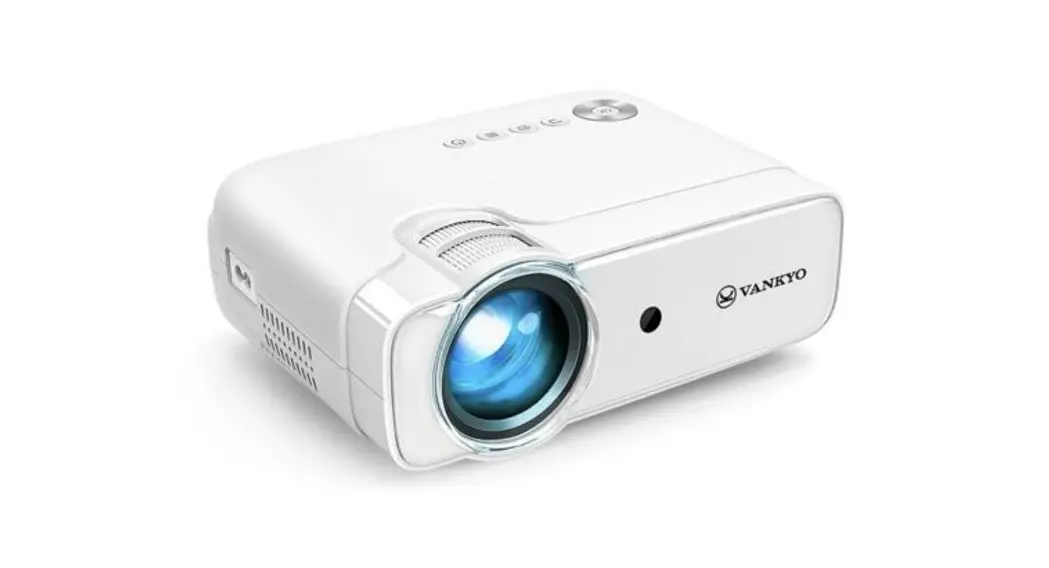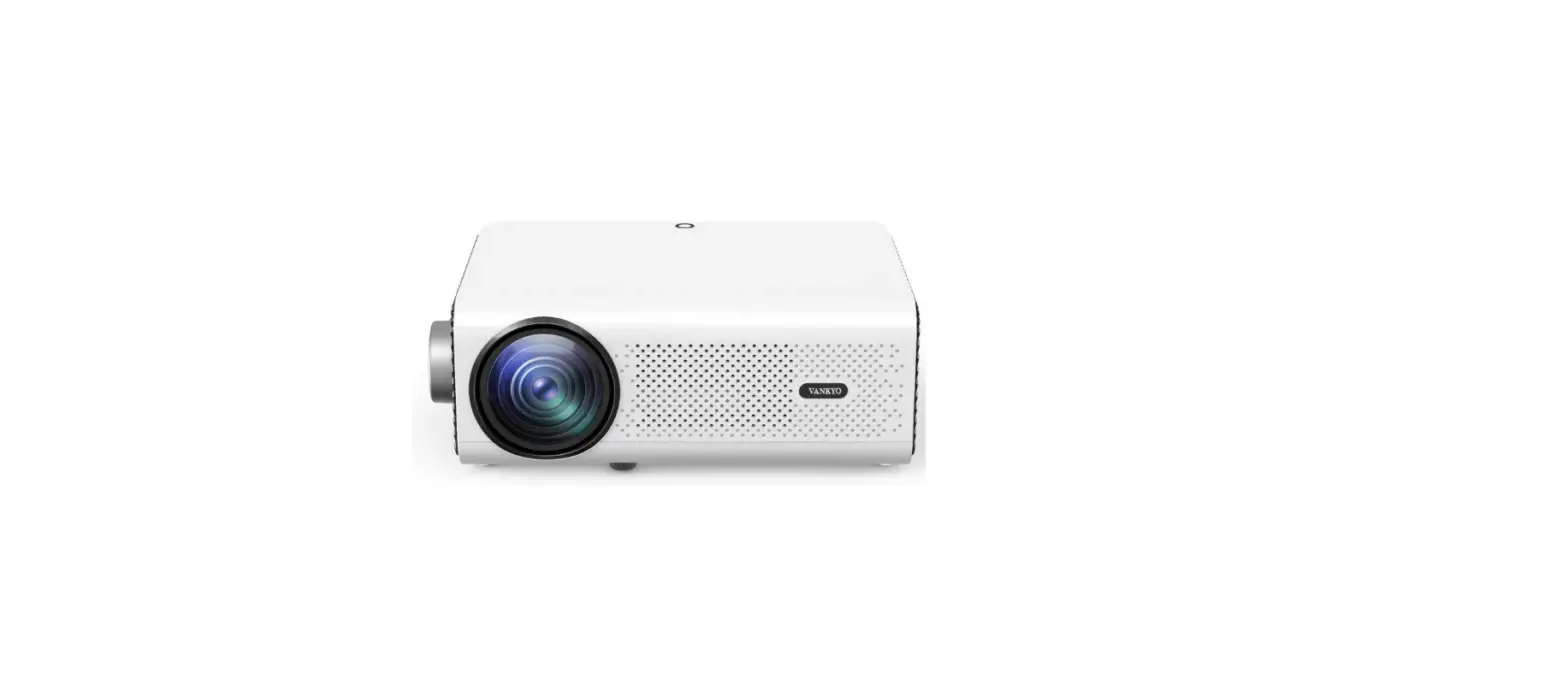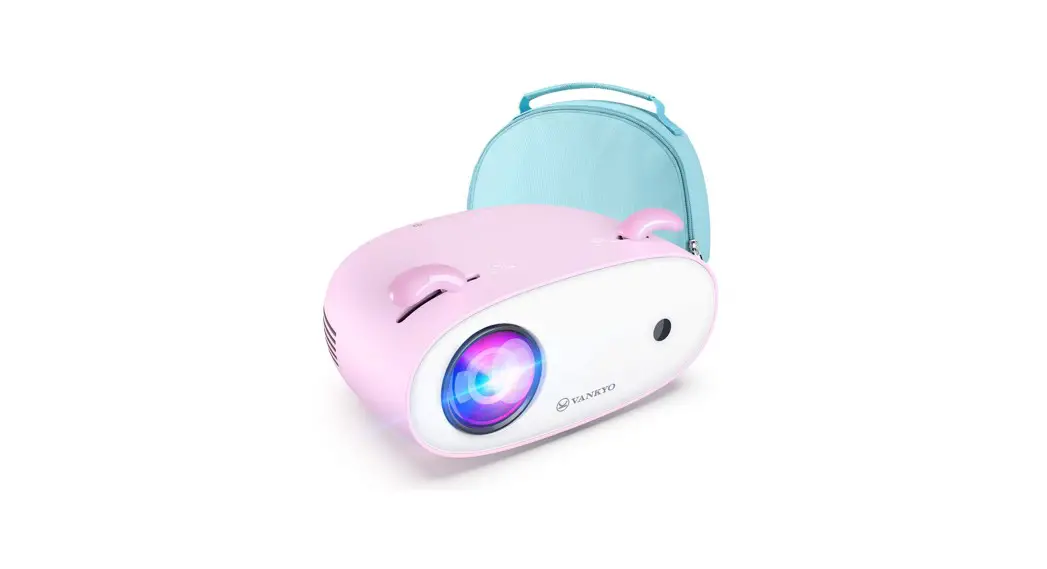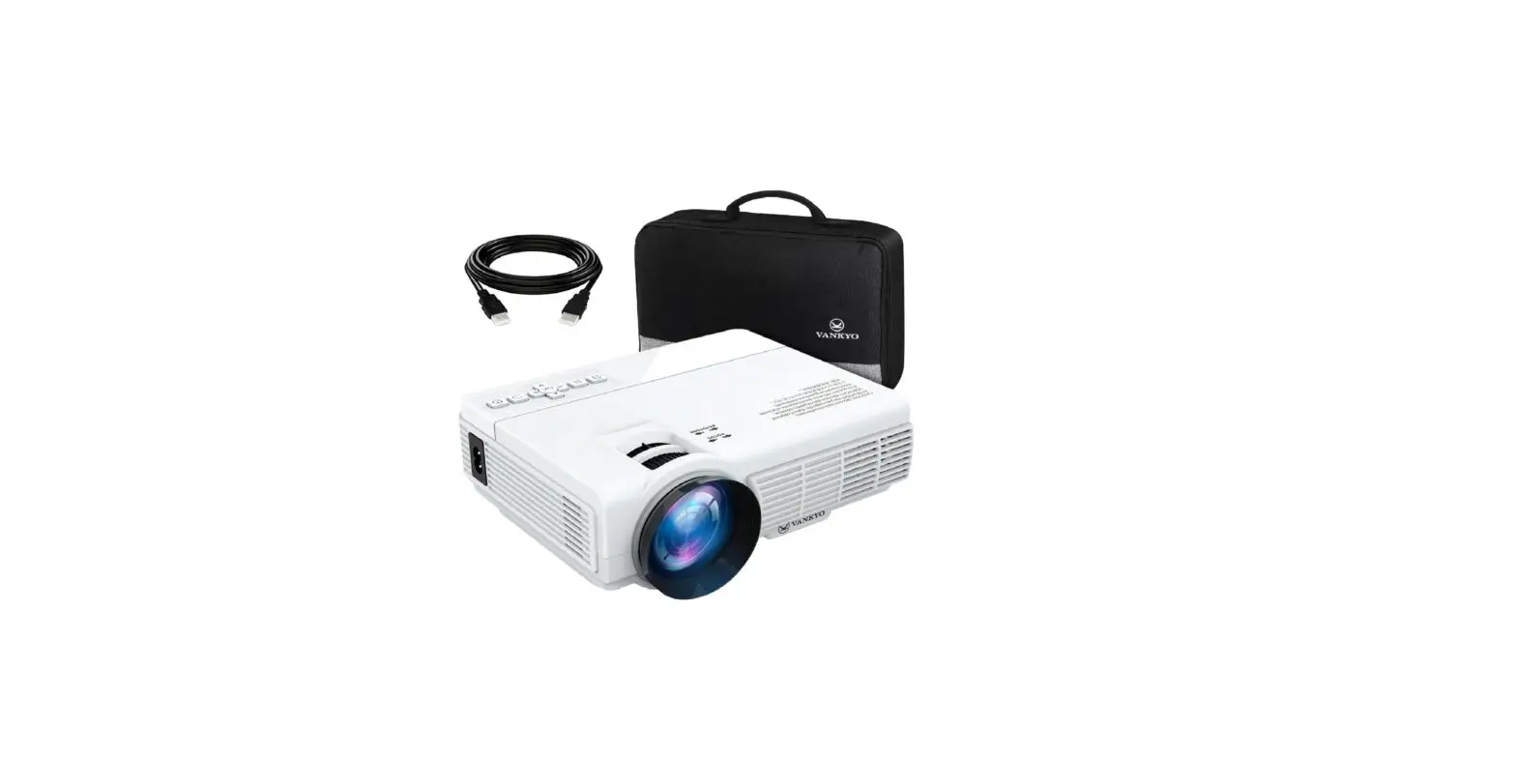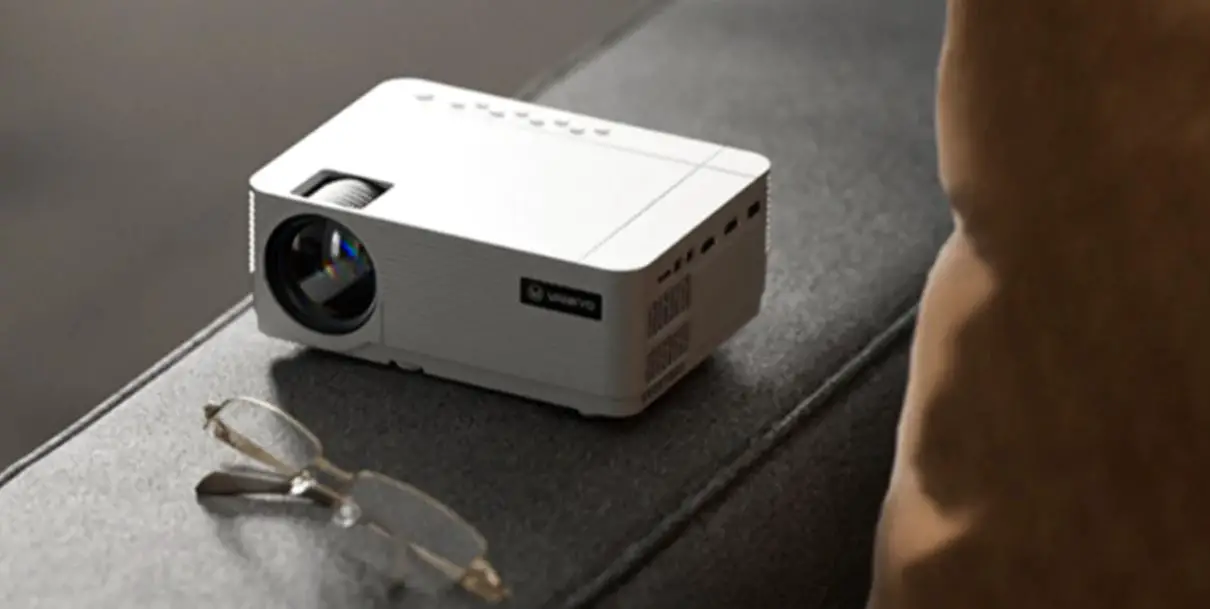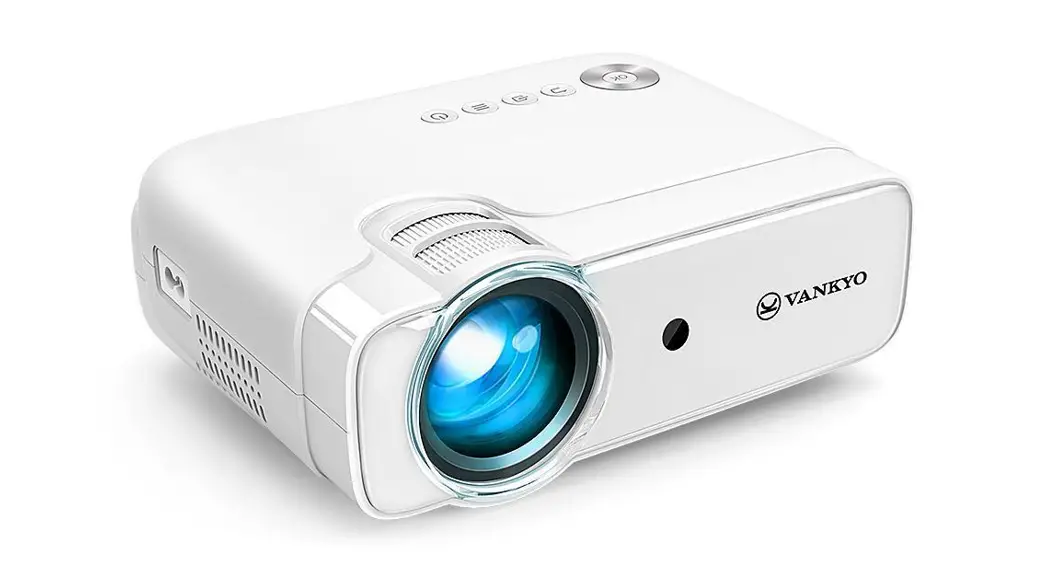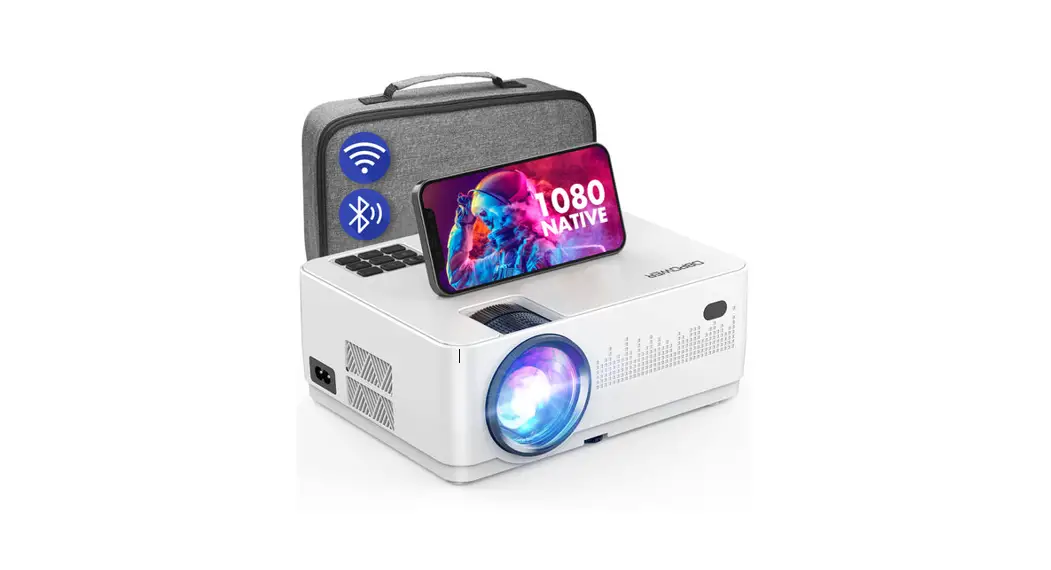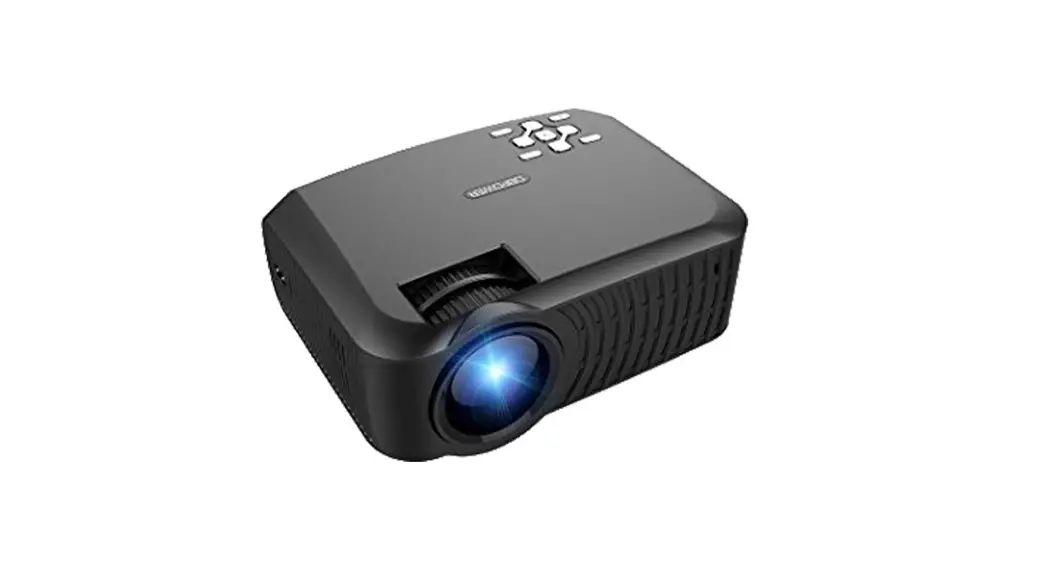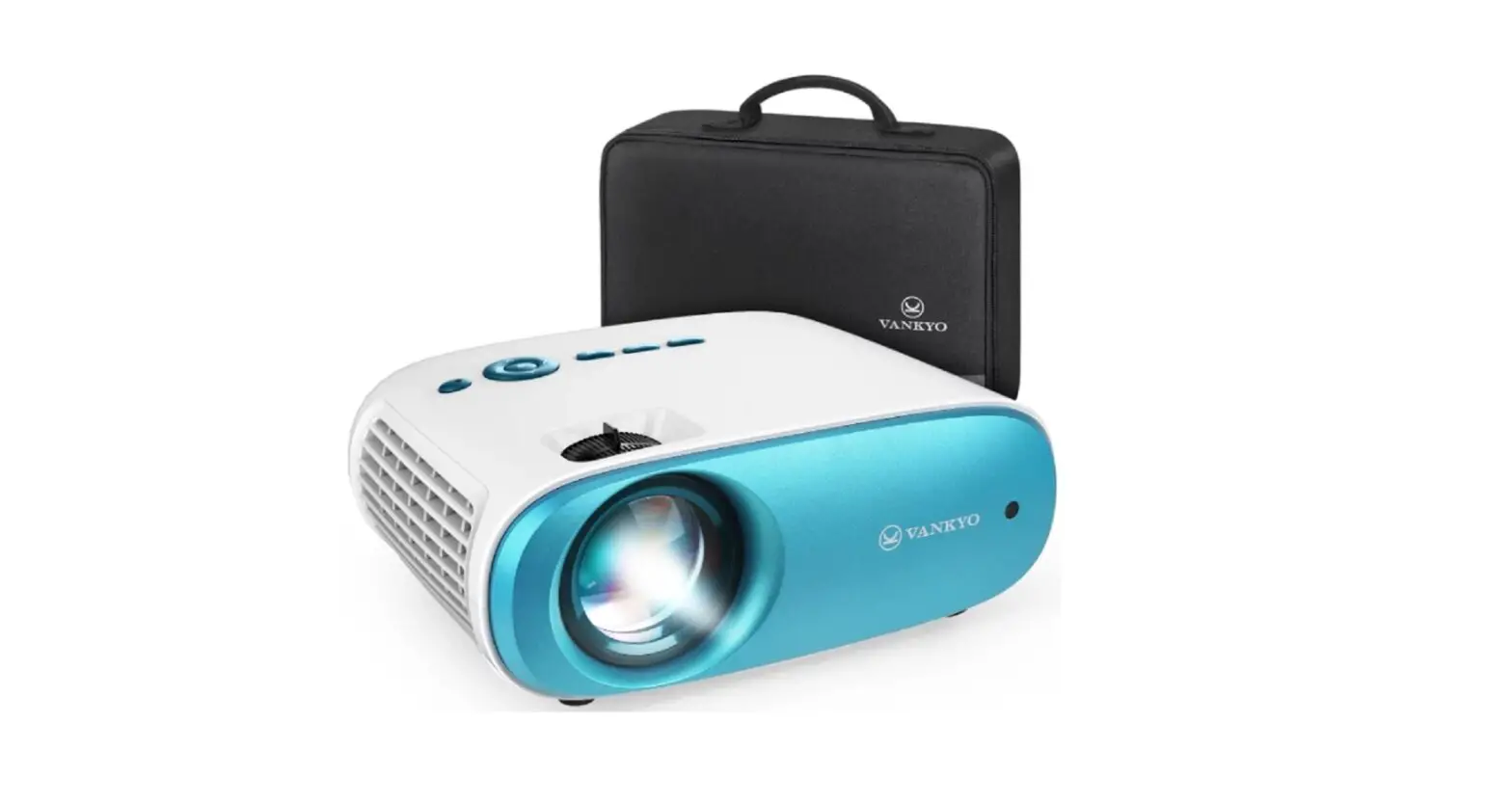
VANKYO Cinemango 100 Mini LCD Video Projector User Manual
Please read this manual thoroughly before using and keep it for future reference.
PACKING LIST
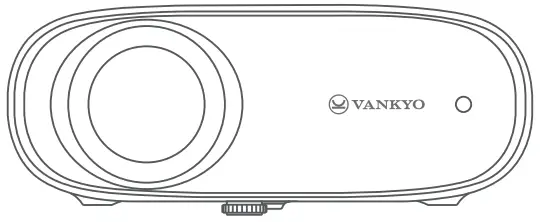
- Cinemango 100

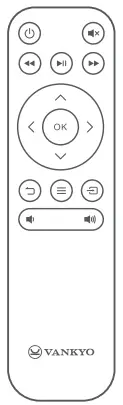
- Remote (Batteries Not Included)

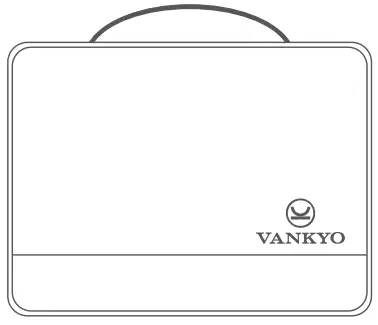
- Carrying Bag

- User Manual

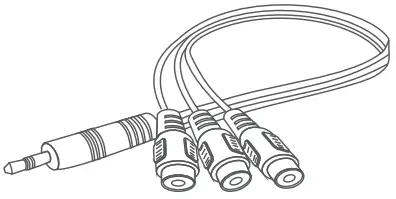
- AV Cable

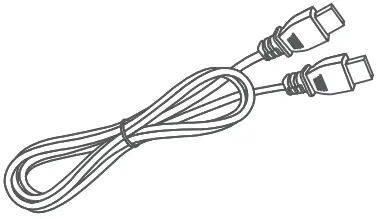
- HD Cable

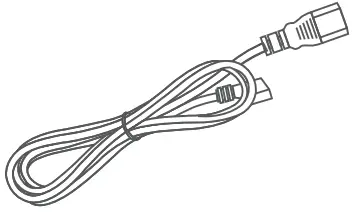
- Power Cable

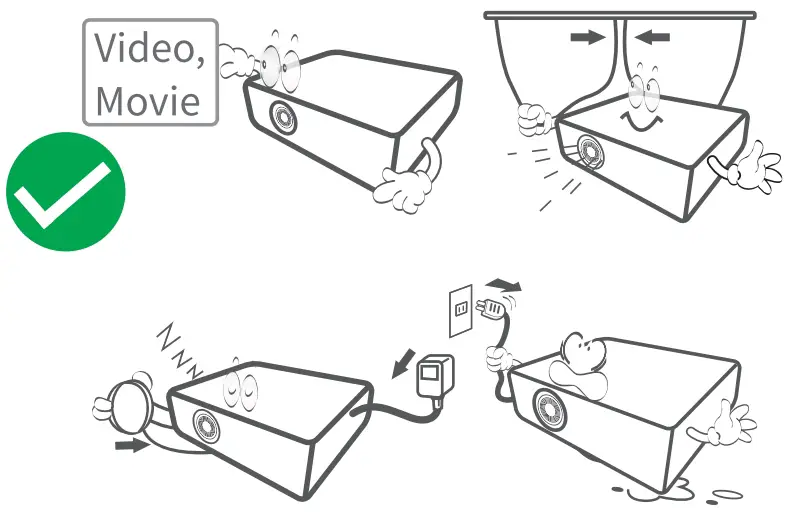
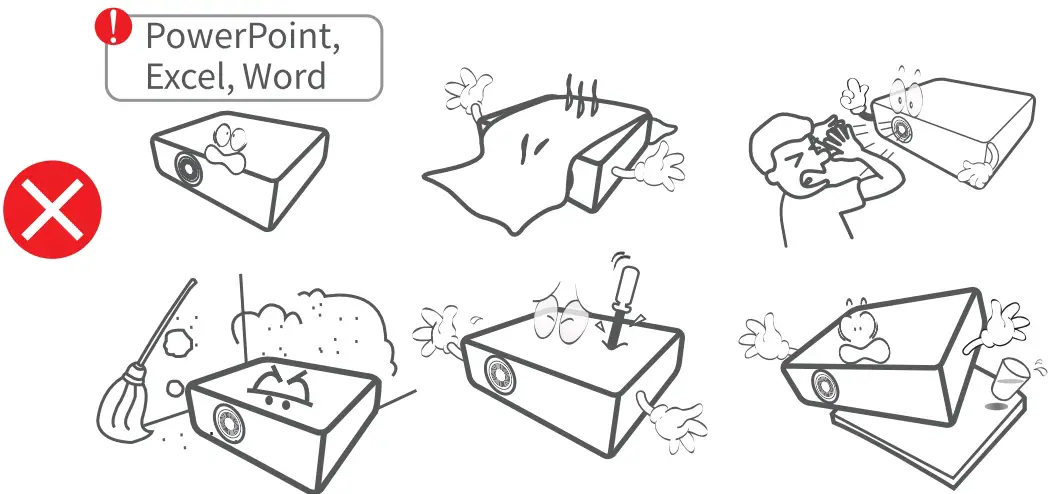
NOTICE
- Recommended

- Not Recommended

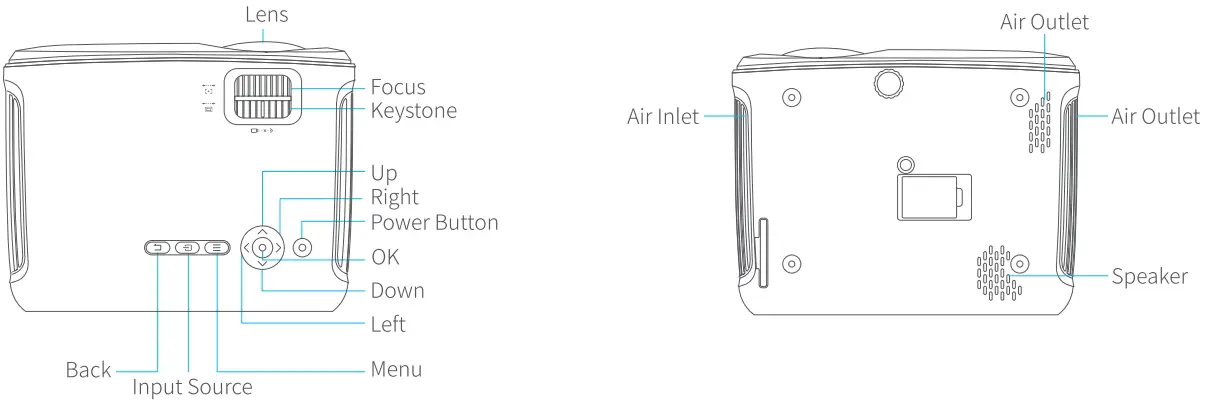
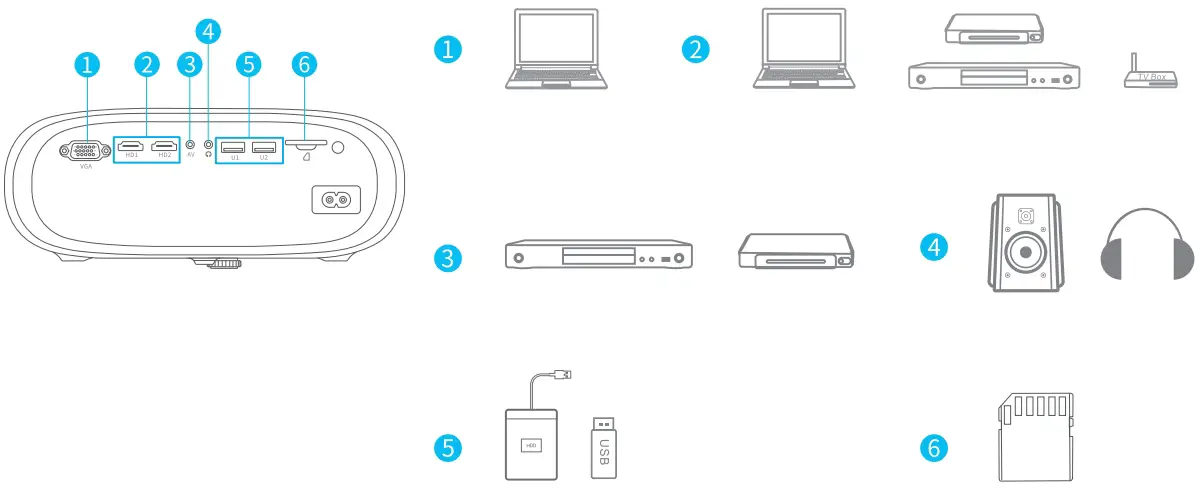
FUNCTION OVERVIEW
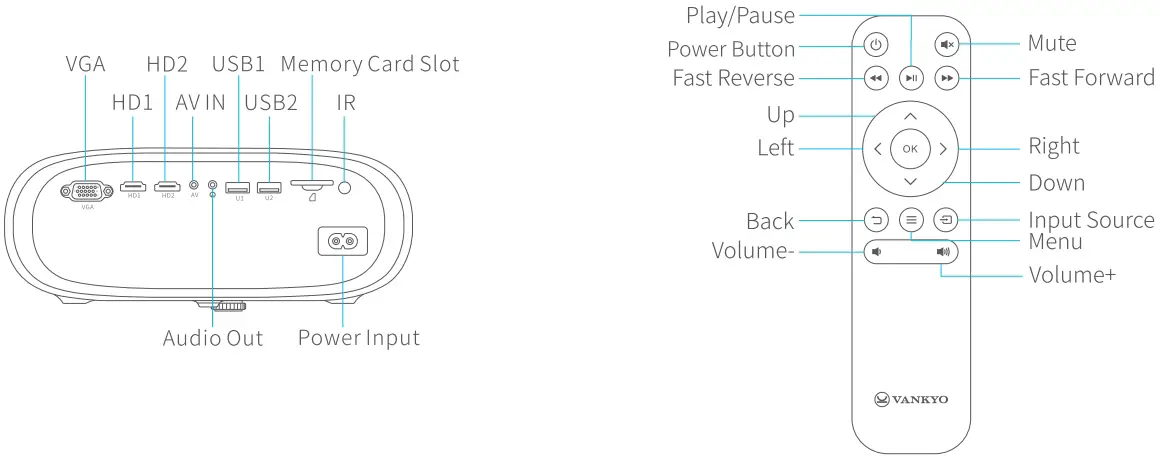
QUICK START
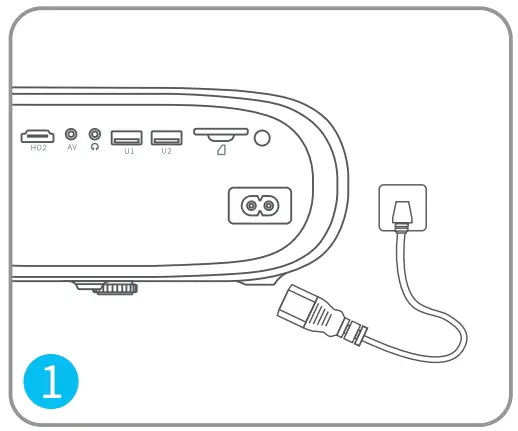
- Plug the power cord into an outlet.

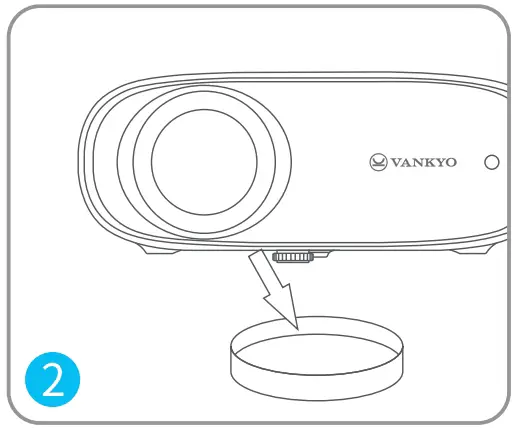
- Take off the lens cover.
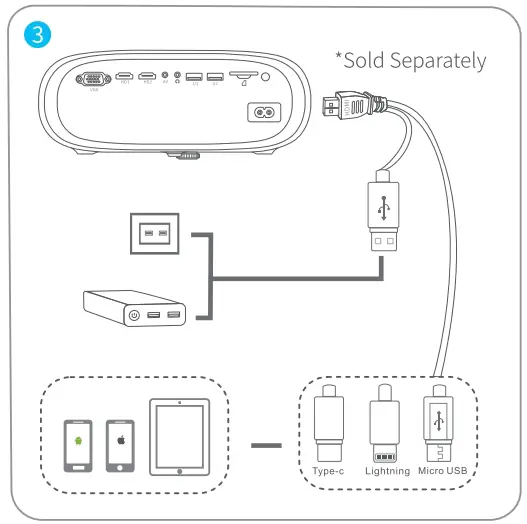
- Connect your device to the projector correctly.

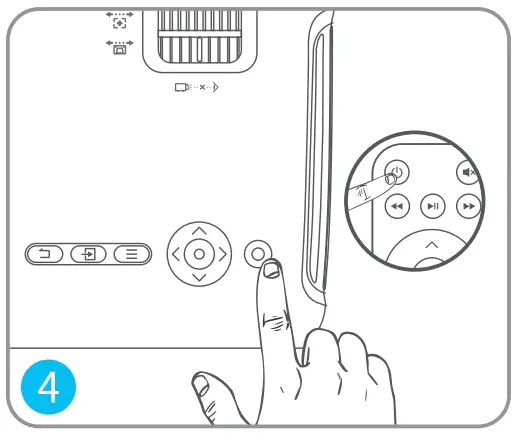
- Press the Power Button to turn on the projector.

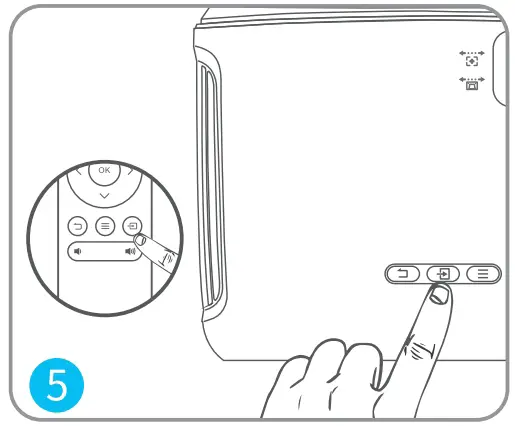
- Select the correct input source by pressing the button.

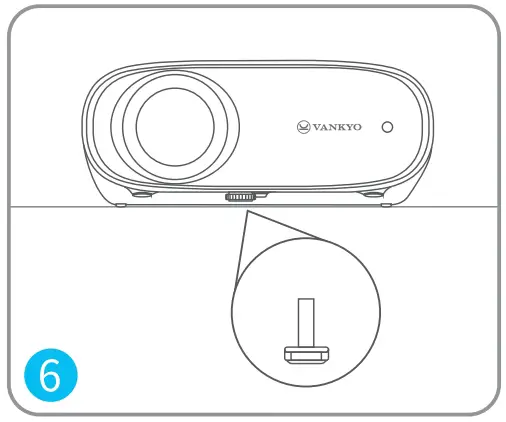
- Adjust the kickstand accordingly.

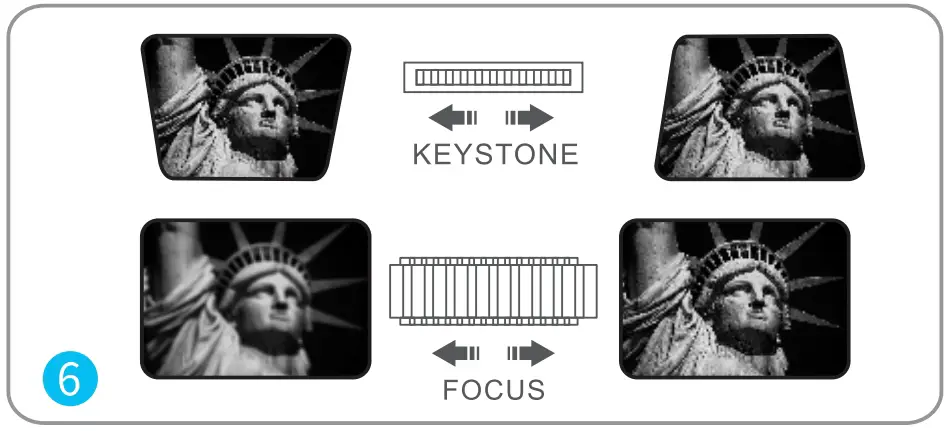
- Adjust the keystone and focus ring to get the best image performance.

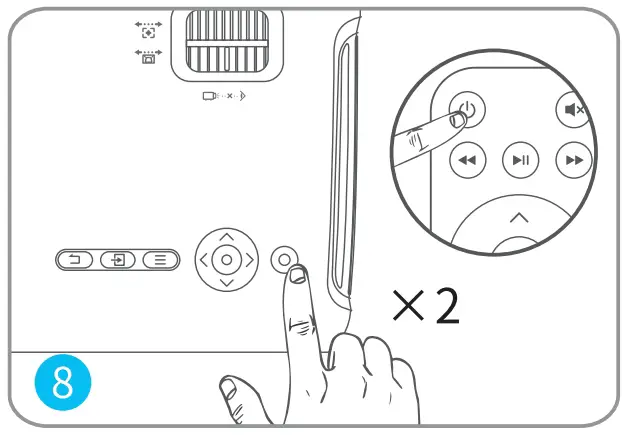
- Press the Power Button twice to turn off the projector.

INPUT SOURCE
Press  on the projector or remote to enter the interface of input Source.
- Multimedia Connection

- HD Connection
- VGA Connection
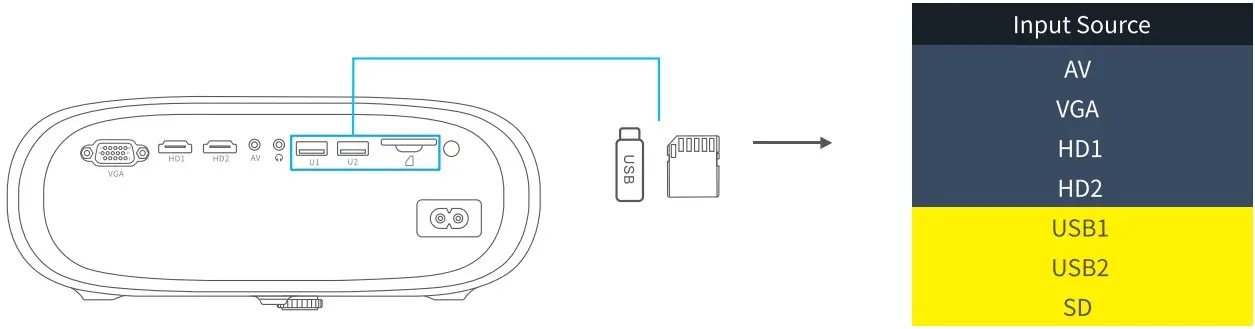
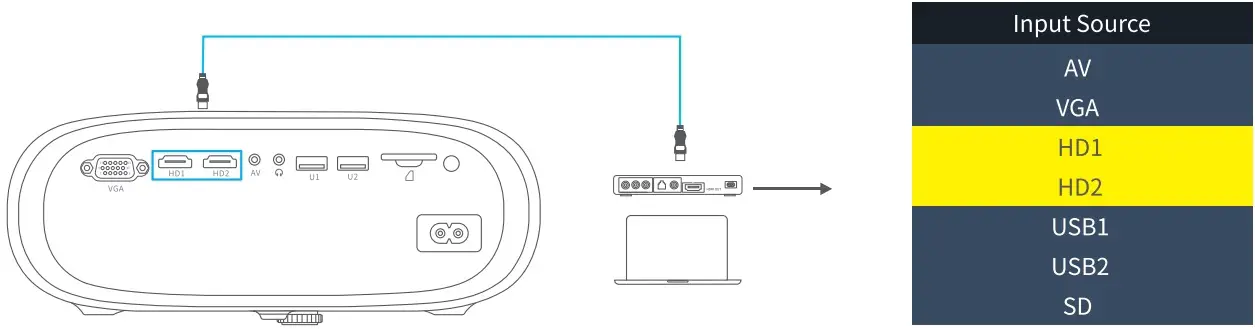
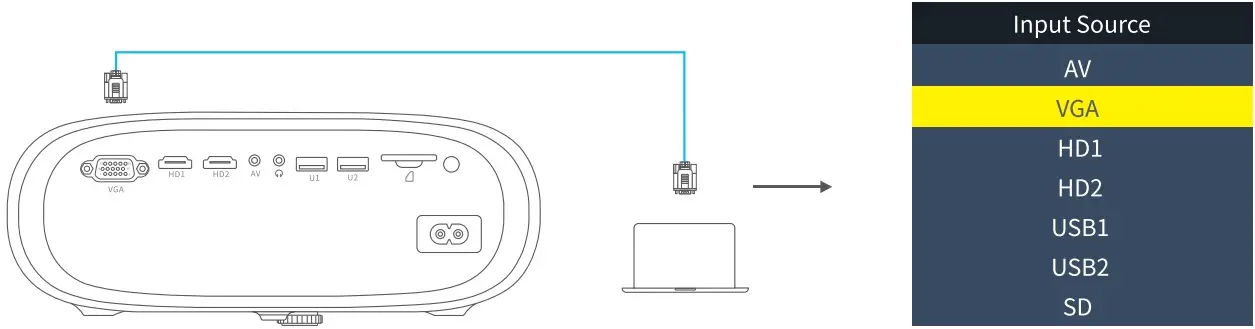
PROJECTOR CONNECTION
PROJECTION DISTANCE & SIZE
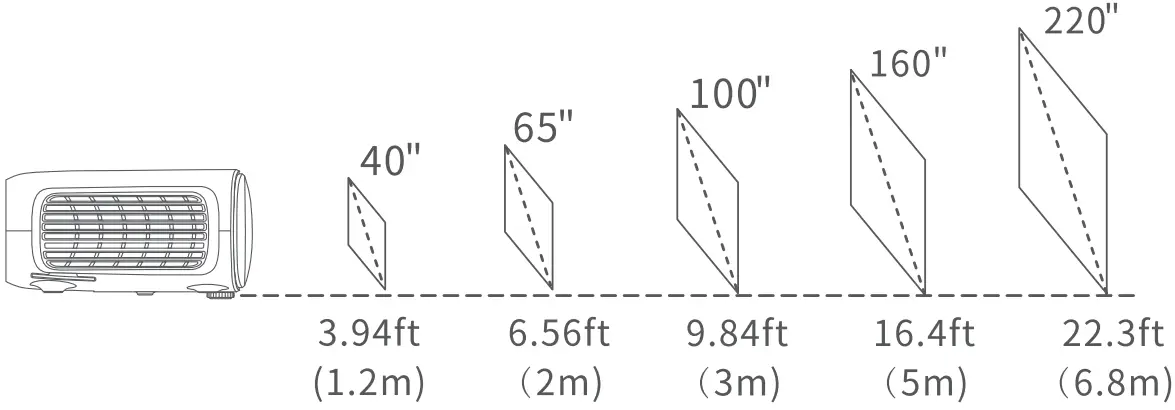
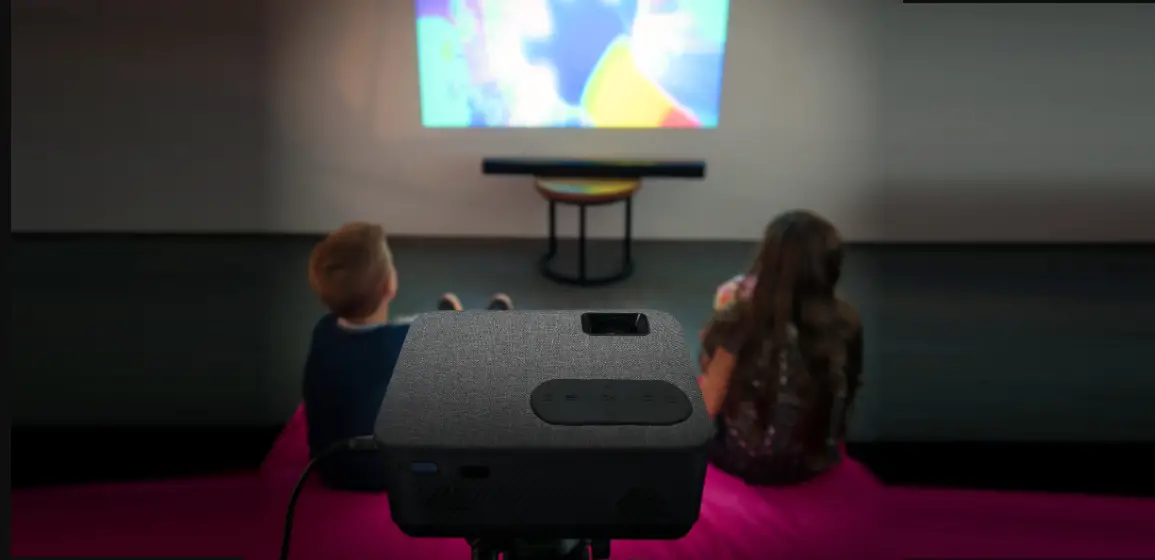
The recommended projection screen is around 100 inches with a distance of around 9.84ft. Ambient darkness will improve the clarity of the projected images.
SPECIFICATION
| Display Technology | LCD | Light Source | LED |
| Resolution | Native 1280 x 720 | Input Signal | 480P,5761,576P,720i, 720R, 1080i, 1080P |
| Installation Type | Front/Rear/Ceiling | Aspect Ratio | 4:3/16:9/Auto |
| Focus | Manual | Keystone | +15° |
| Speaker | 3W/4ohm | Power Supply | AC 100-240V, 50/60Hz |
| Unit Dimension | 9.25 x 7.09 x 3.66in (235 x 180 x 93m m) | Unit Net Weight | 3.08Ib (1.4kg) |
| Photo Format Supported | BMP/JPG/JPEG/PGN/GIF | Audio Format Supported | MP2/MP3/PCM/FLAC/WMA/AAC |
| Video Format Supported | AVI/MP4/MKV/FLV/MOV/RMVB/ 3GP/MPEG1/MPEG2/H.264/XVID | Ports | VGA x 1/110 In x 2/AV In x 1/ Audio Out x 1/USB2.0 Port x 2/ Memory Card Slot x 1 |
| Mounting Screw | 1/4″ | Number of Screw | Not included
|
TROUBLESHOOTING GUIDE
- Blurry Image
- Adjust focus ring/keystone.
- Projector and screen/wall must be in effective distance.
- Remote Unresponsive
- Make sure remote points at IR receiver directly.
- Do not cover IR receiver.
- Try a new pair of AM batteries.
- Mobile Connection
iOS: Genuine lightning to HDMI cable
Android: Micro USB to HDMI adapter/Type C to HDMI cable - UP Side Down Images
- Go to Menu > PICTURE > Projection Mode to flip the projection image.
- Adjust the Image Size
- Go to Menu > PICTURE > Reduce Image Size to adjust the image size.
- Auto Off
- Go to Menu > TIME > Auto-off Timer to adjust the time period before the projector automatically turns off.
CAUTION
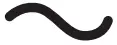 The symbol indicates AC voltage
RECYCLING
 This product bears the selective sorting symbol for Waste electrical and electronic equipment (WEEE). This means that this product must be handled pursuant to European directive 2012/19/EU in order to be recycled or dismantled to minimize its impact on the environment.
This product can be used across EU member states.
VANKYO SUPPORT
North America [email protected]
United Kingdom [email protected]
- www.ivankyo.com

- @VankyoOfficial
- VANKYO