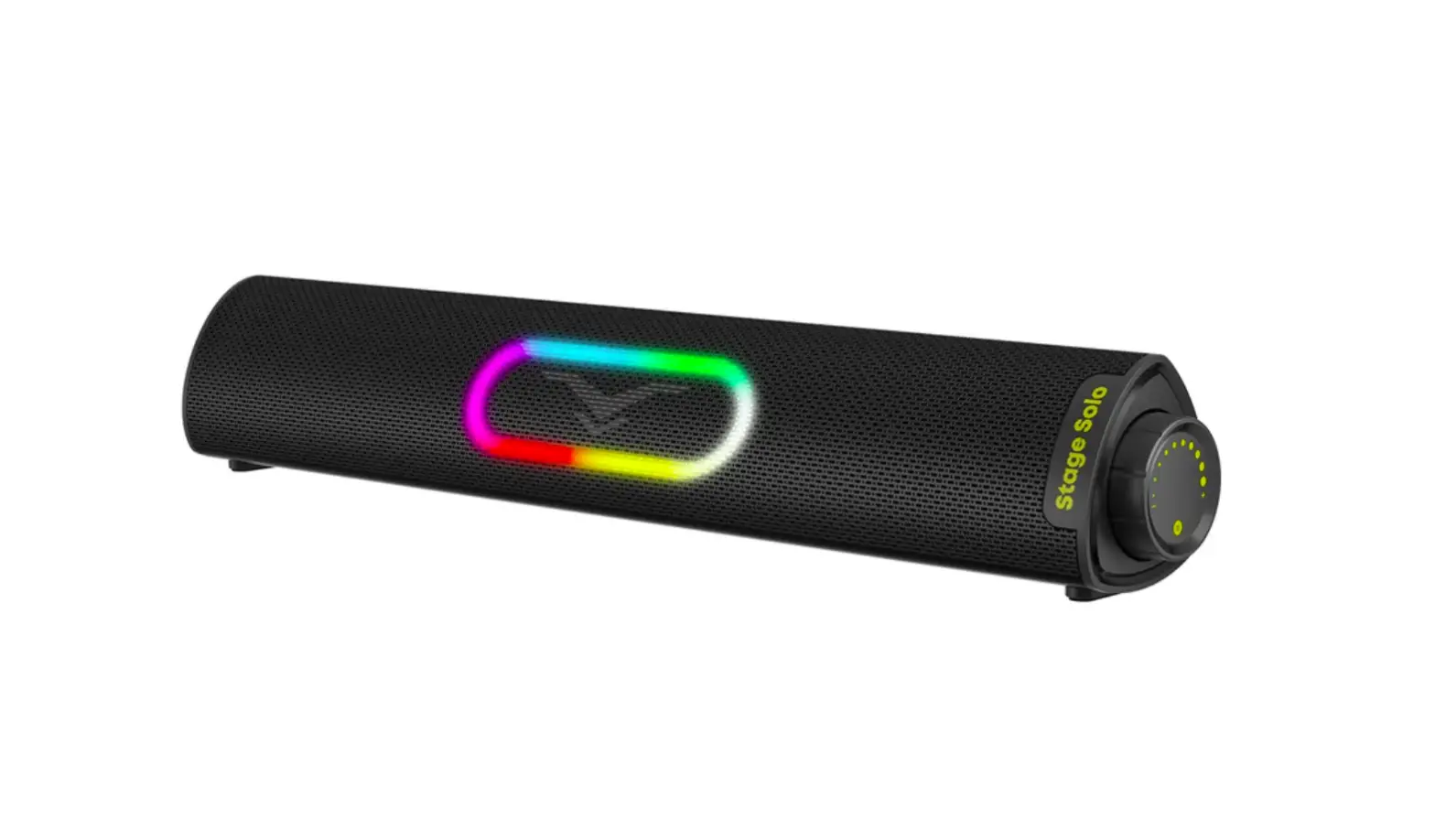
STAGE sound Stage Solo Mini Sound Bar User Manual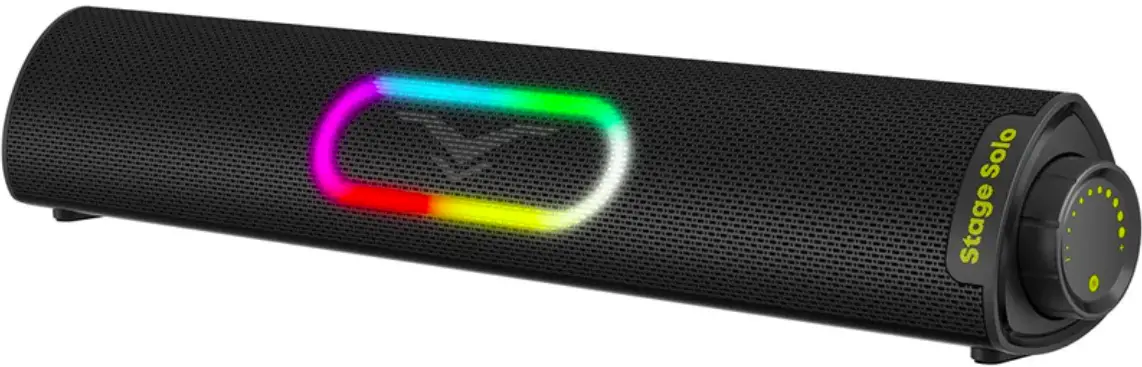
| Model | Stage Solo |
| Connection | Bluetooth & 3.5mm Audio Plug & USB-A Plug |
| Power Supply | USB-A Plug(Not Built in Battery) |
| Power Input | |
| 5V _ 2A Max | |
| Frequency | 50Hz – 20KHz |
| SNR | 194dB |
| Net Weight | 773g / 27.27 Oz |
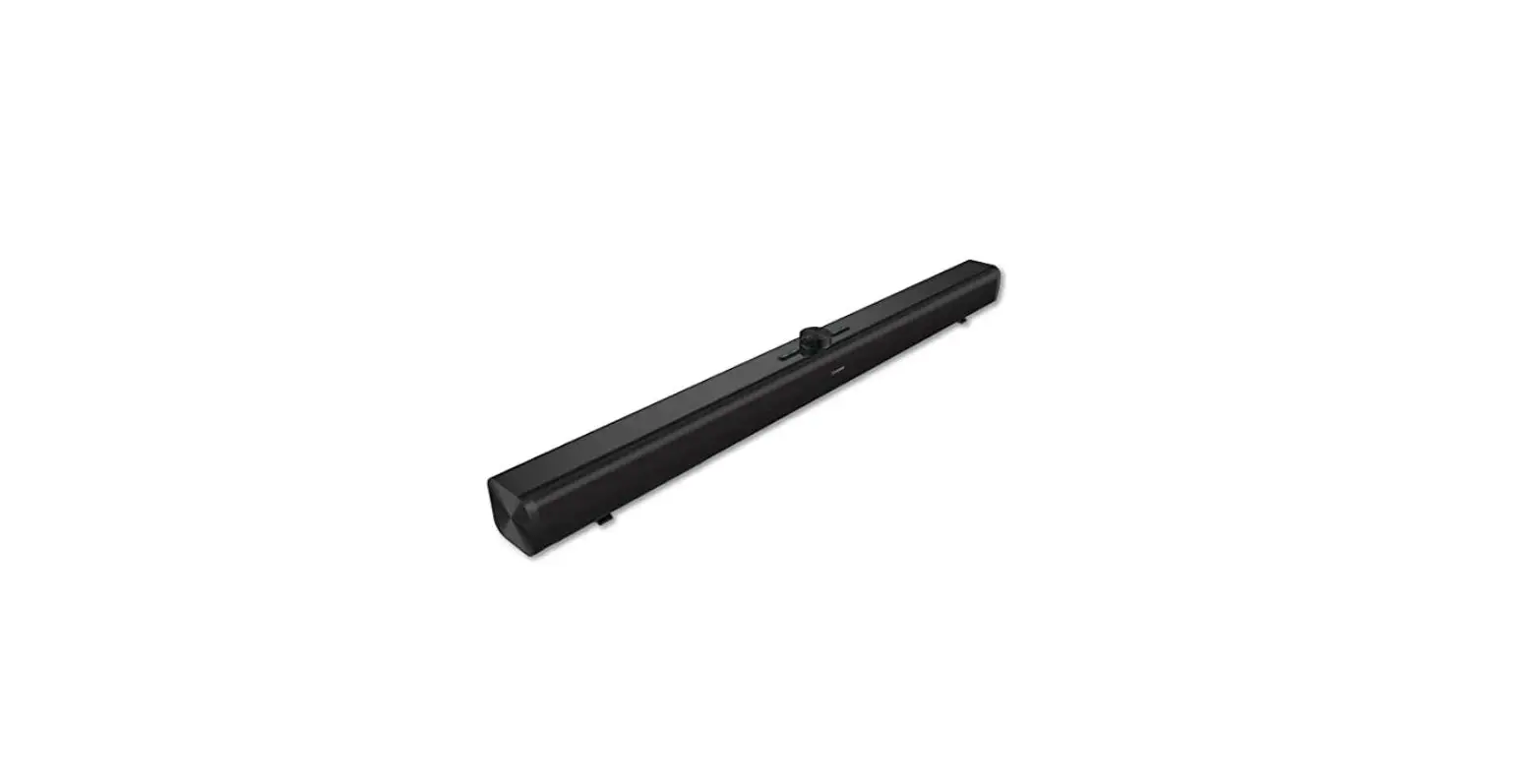
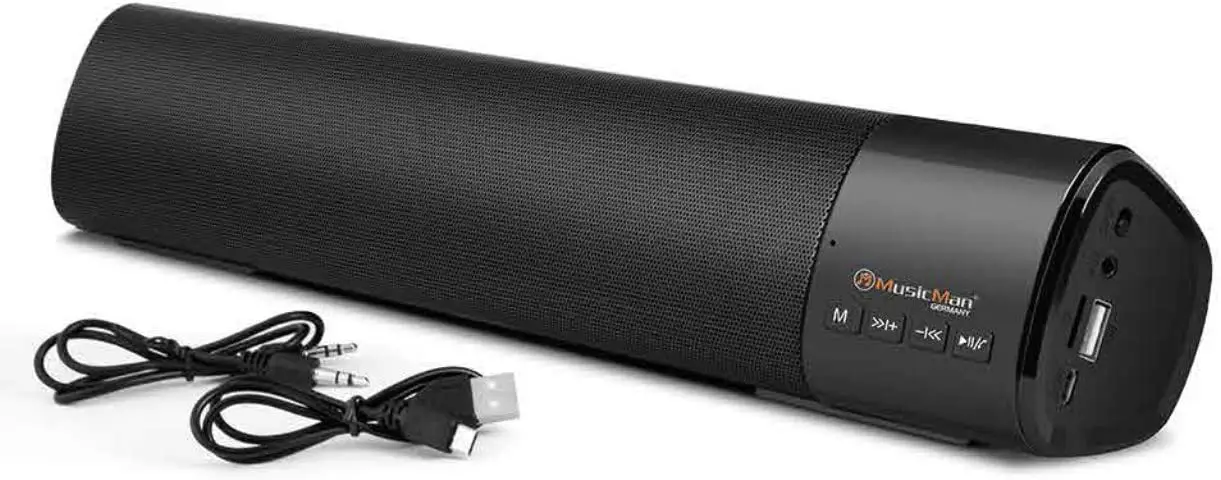
Diagram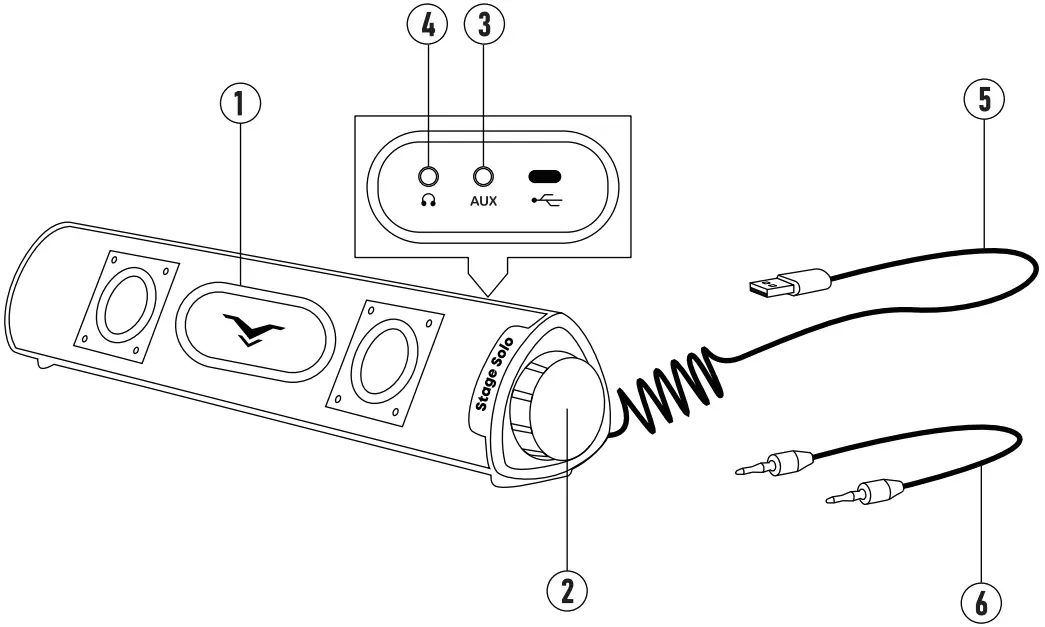
- RGB Light
- Multi-function Button
- AUX Analog Audio In (3.5mm Stereo)
- 3.5mm Headphone Port
- USB Cable
- 3.5mm AUX Cable
All In One Control
| Operation | USB Audio Mode | Bluetooth Mode | AUX Mode |
| Press and hold2 seconds | Power on/off | Power on/off | Power on/off |
| Press once | Play/pause | Play/pause | Mute on/off |
| Press twice | Switch toBluetooth Mode(Prompt: Pairing) | Switch to Aux Mode(Prompt: Auxiliary in) | Switch to USBAudio Mode(Prompt: USB audio) |
| Press three times | Change RGB lighting | Change RGB lighting | Change RGB lighting |
| Press six times | / | Disconnect and reset | / |
| Rotate clockwise | Volume up | Volume up | Volume up |
| Rotate anticlockwise | Volume down | Volume down | Volume down |
NOTE:
- The USB cable works not only as power supply for the speakers, but also as separate input for PC data.
- The USB Audio Mode will only work when connect to laptop or desktop PC.
- There are 4 lighting modes: Dynamic, RGB Race, Normal, Off.
- The soundbar is not built with microphone.
- Please place the soundbar on a flat table to avoid any impact or drop.
- The soundbar will shutdown automatically after 20 mins if there is no signal or no playback.
 For more latest products, please visit: www.coolmetech.com
 For any assistance, please Email us: [email protected]


![Yamaha Sound Bar [sr-c20a] User Manual](https://static-data1.manualsee.com/1/img/163/57372/2021/02/Yamaha-Sound-Bar-SR-C20A-Featured.jpg "Yamaha Sound Bar [sr-c20a] User Manual")