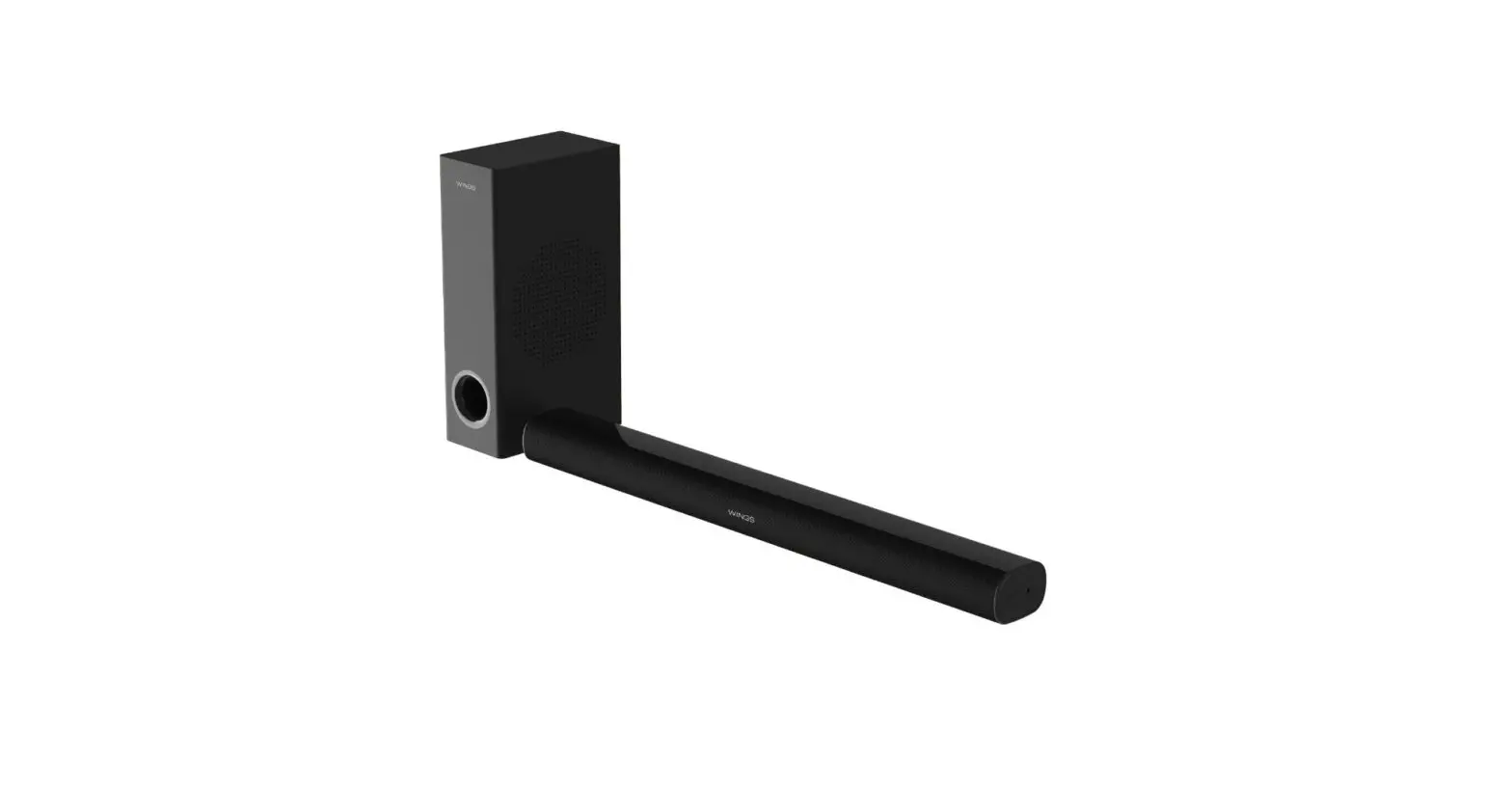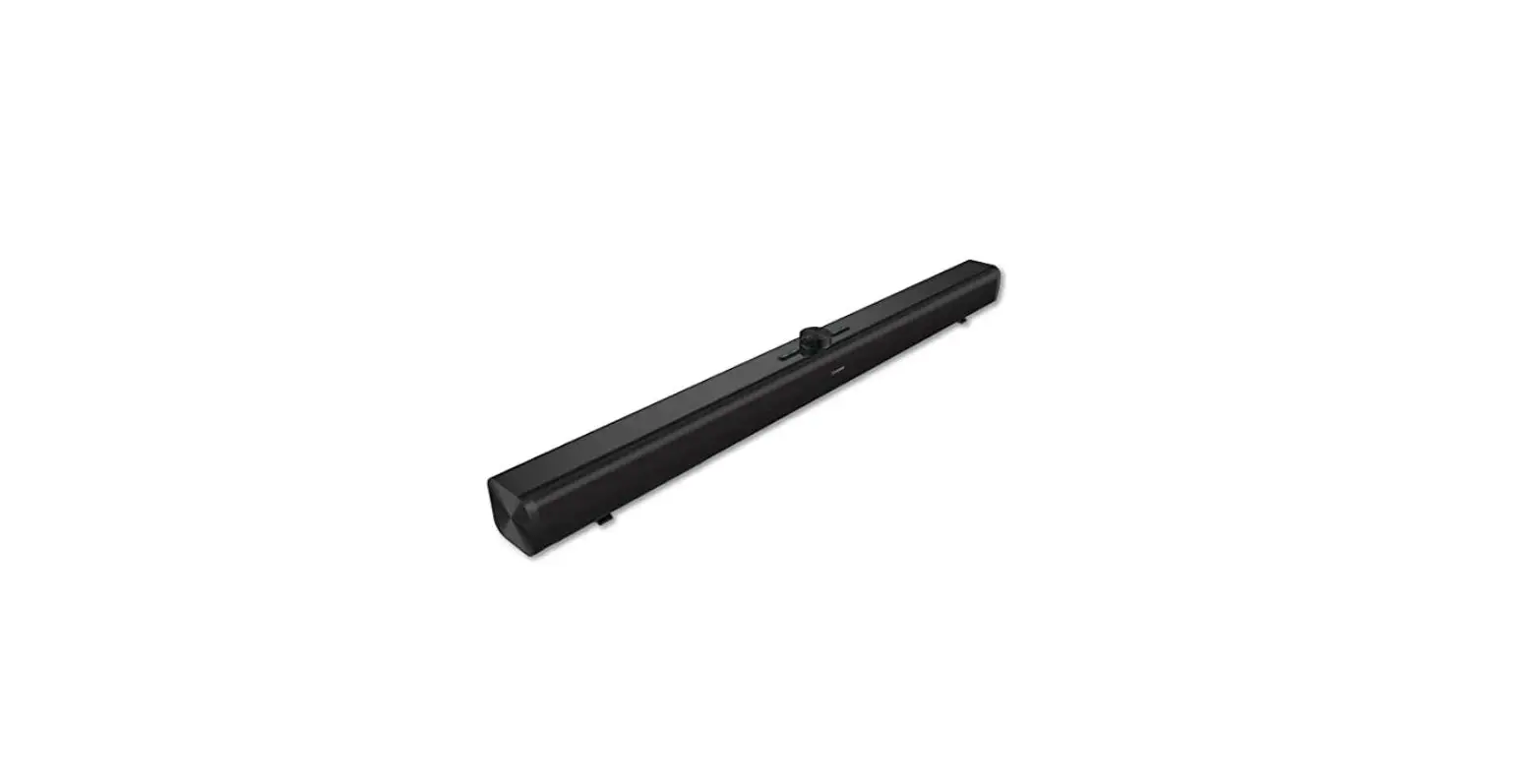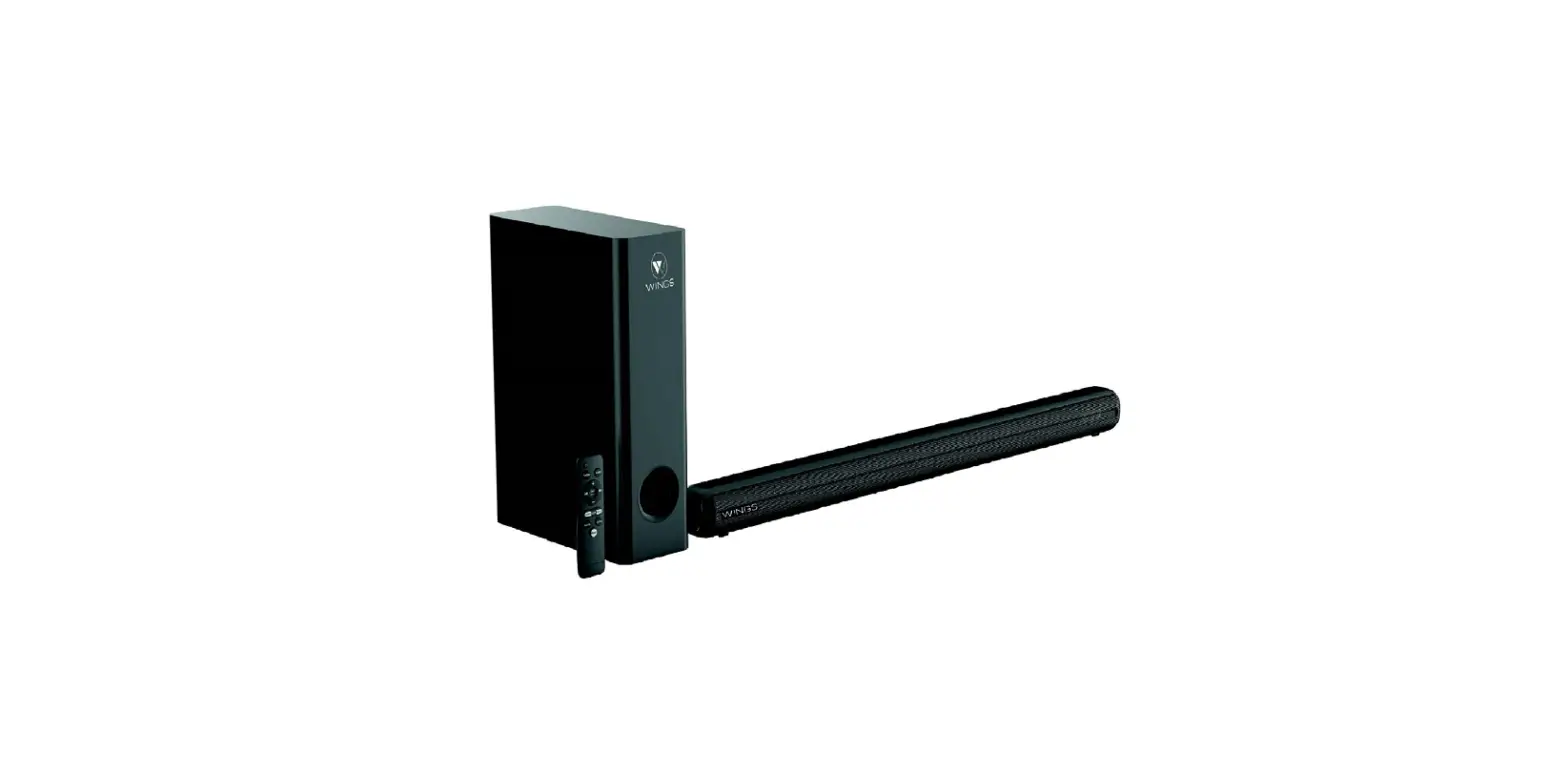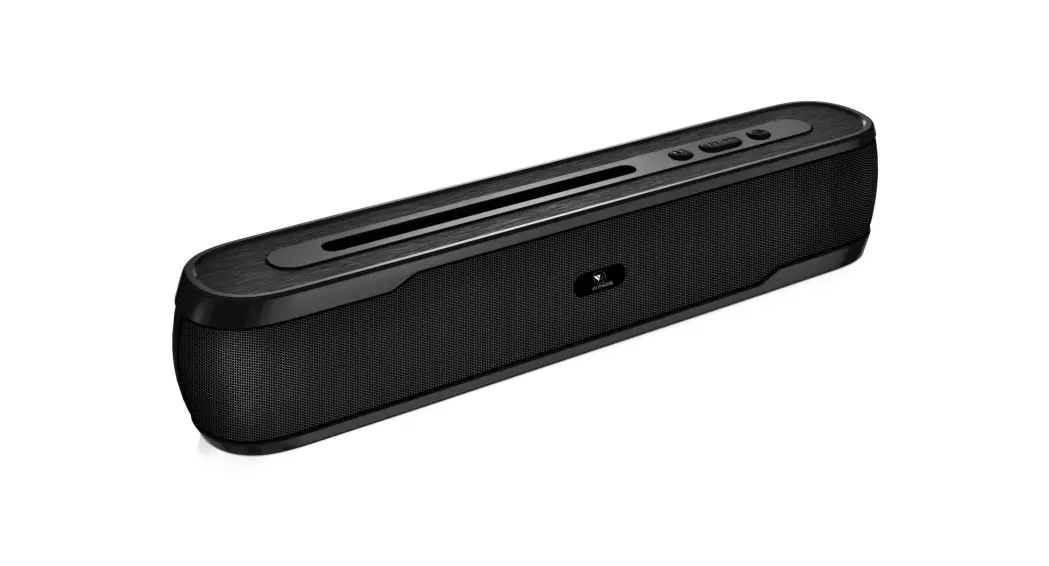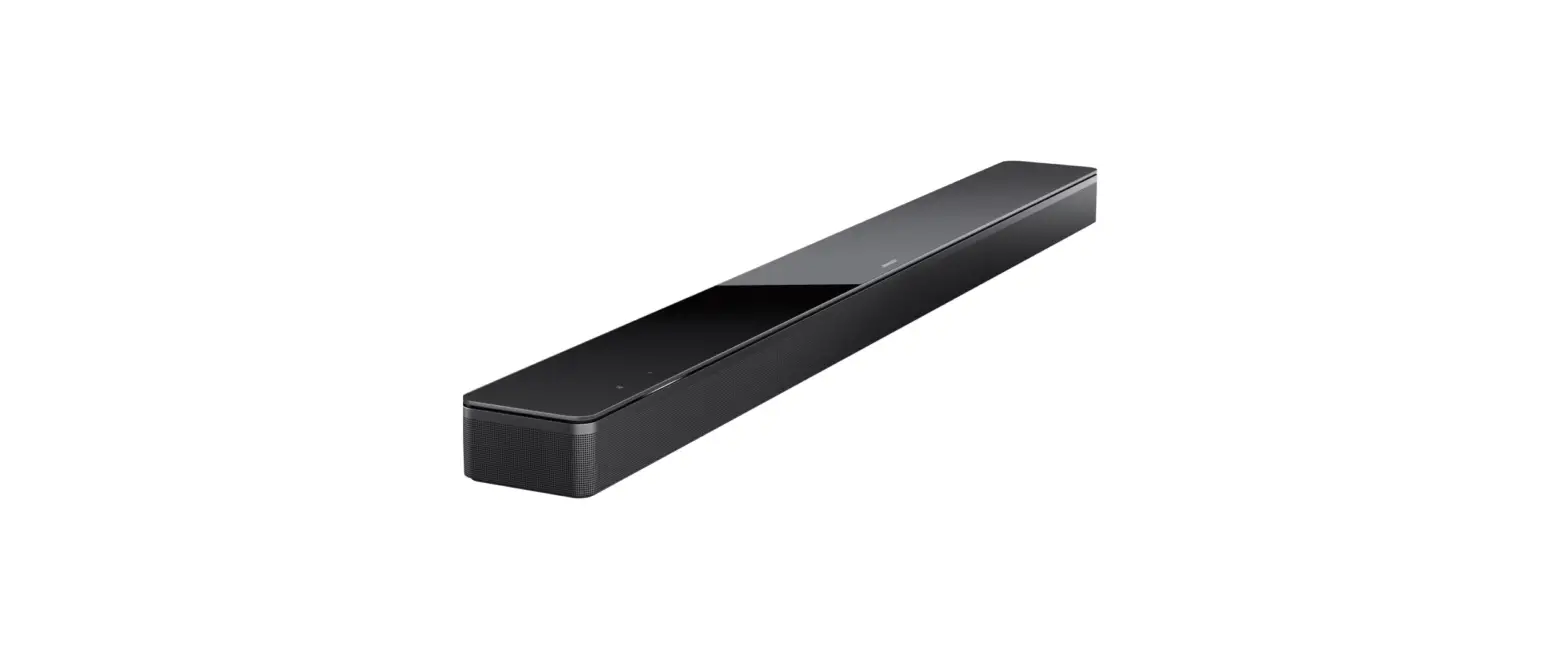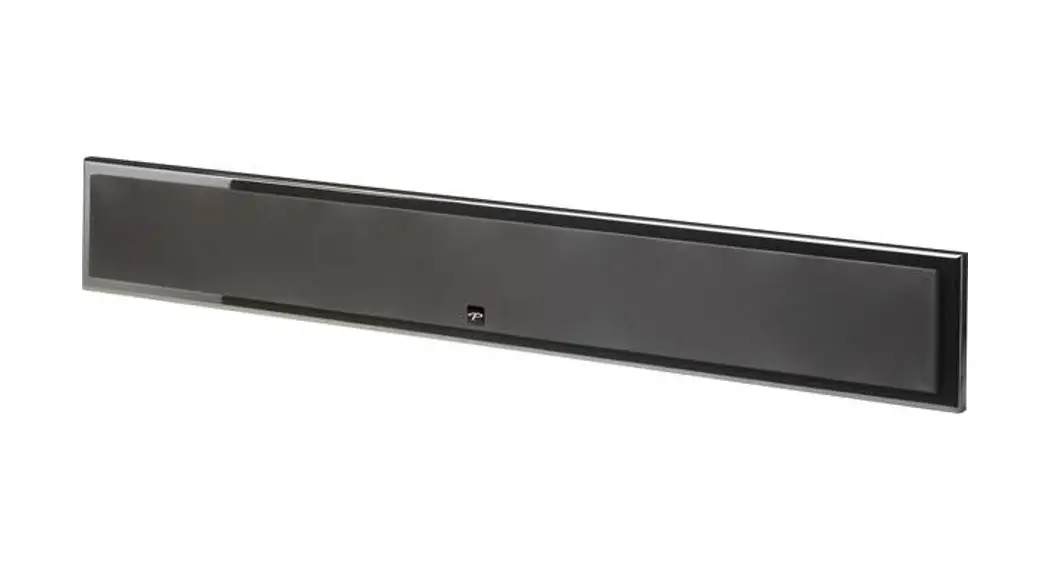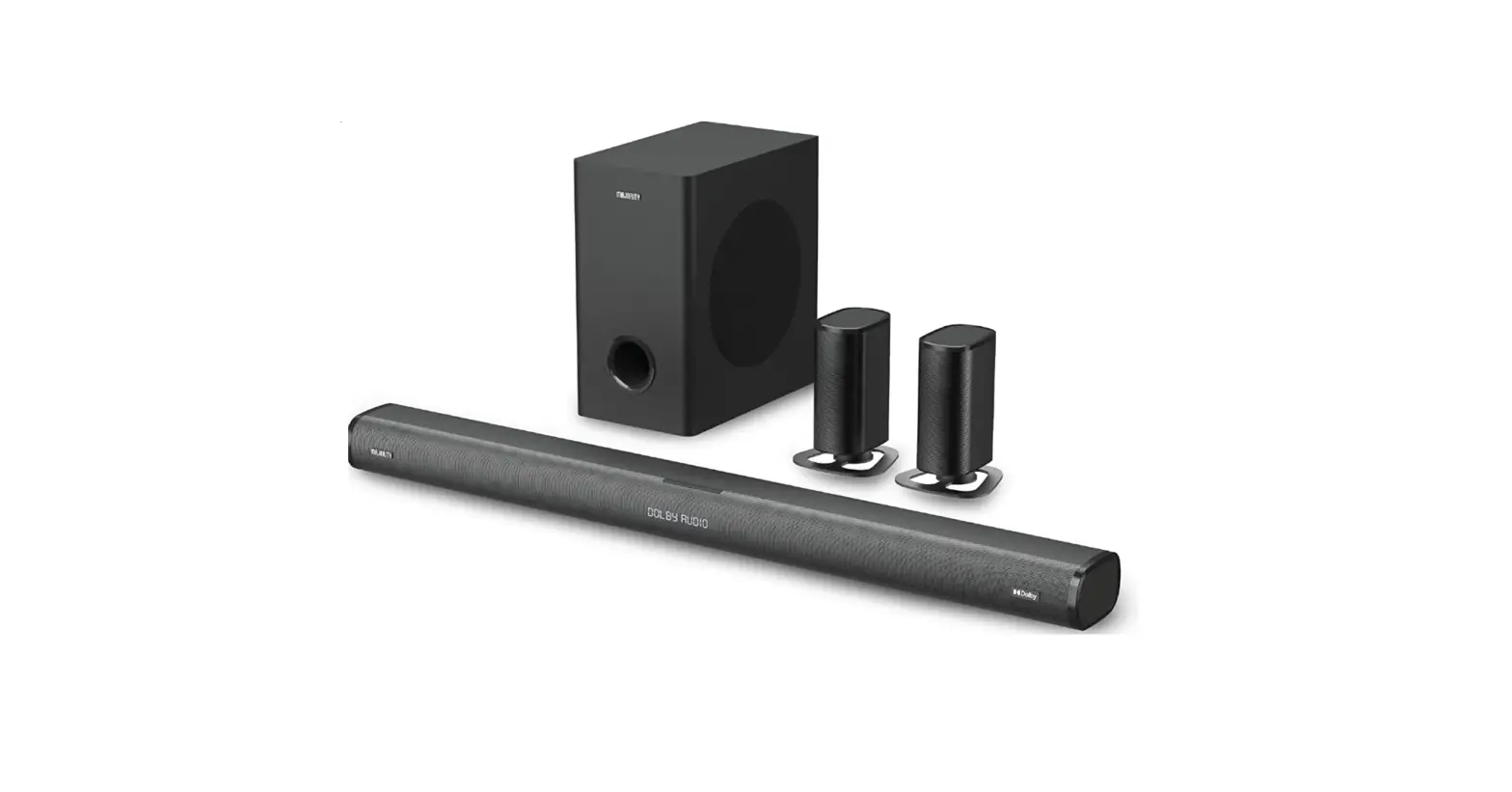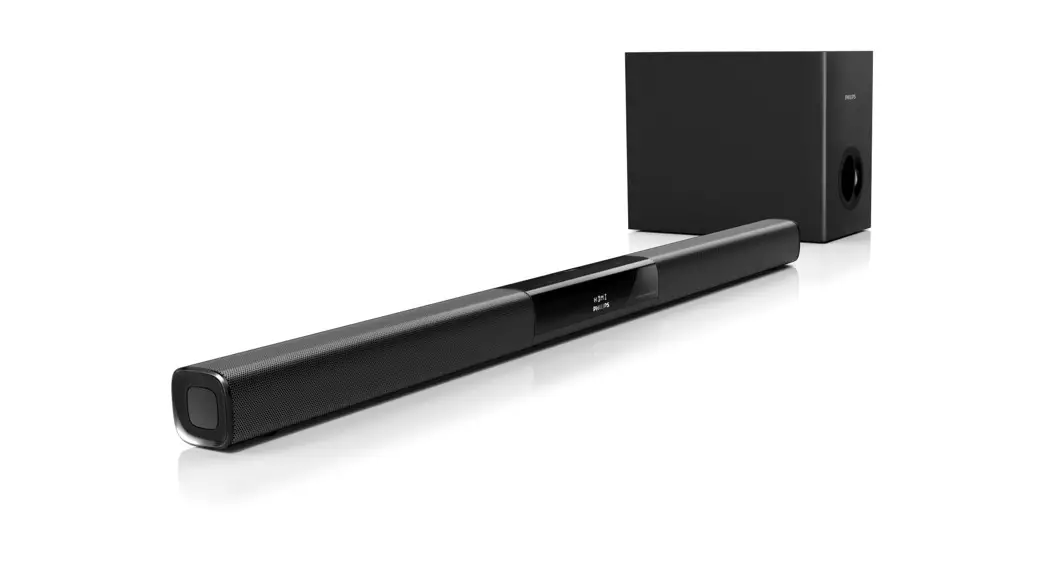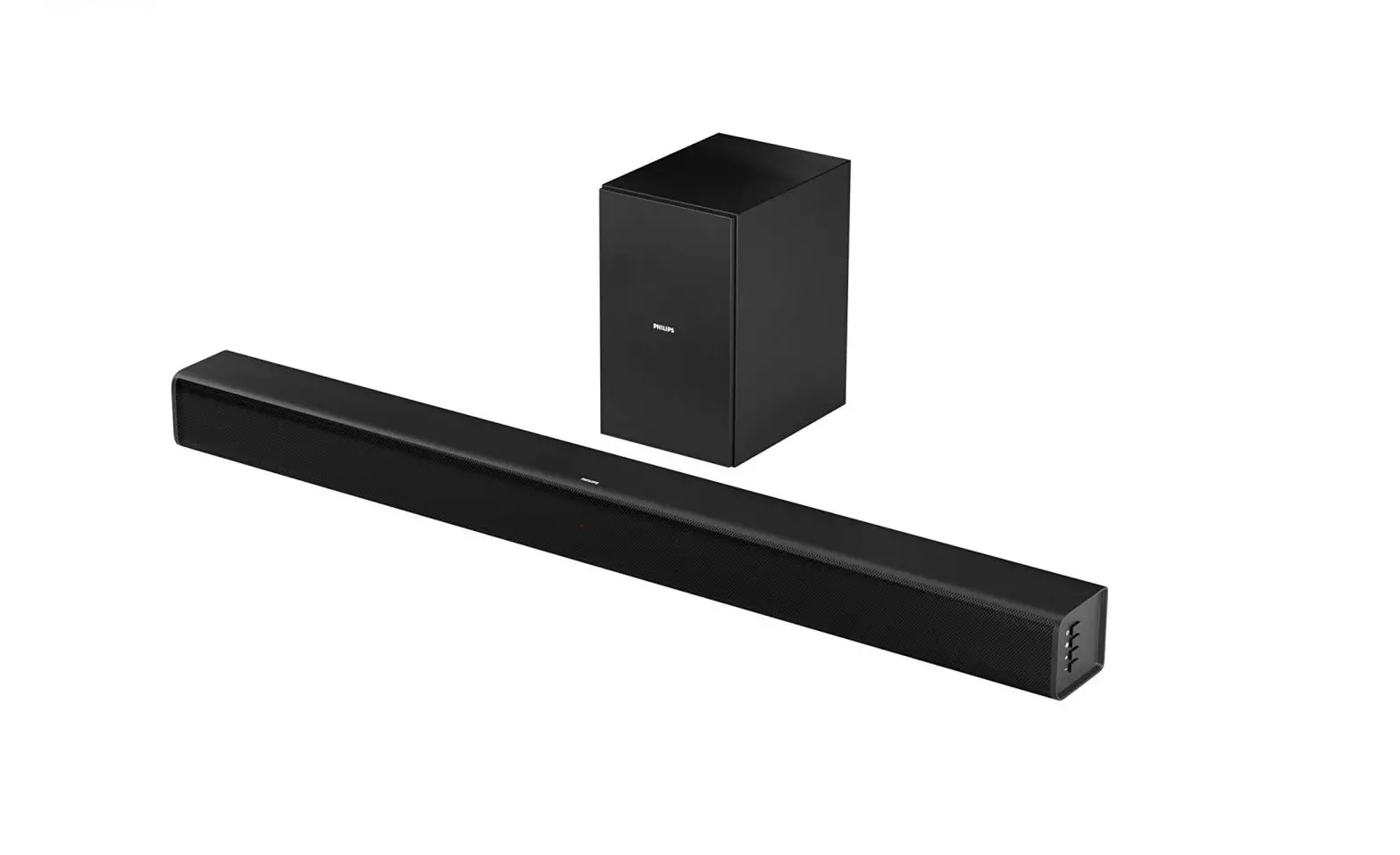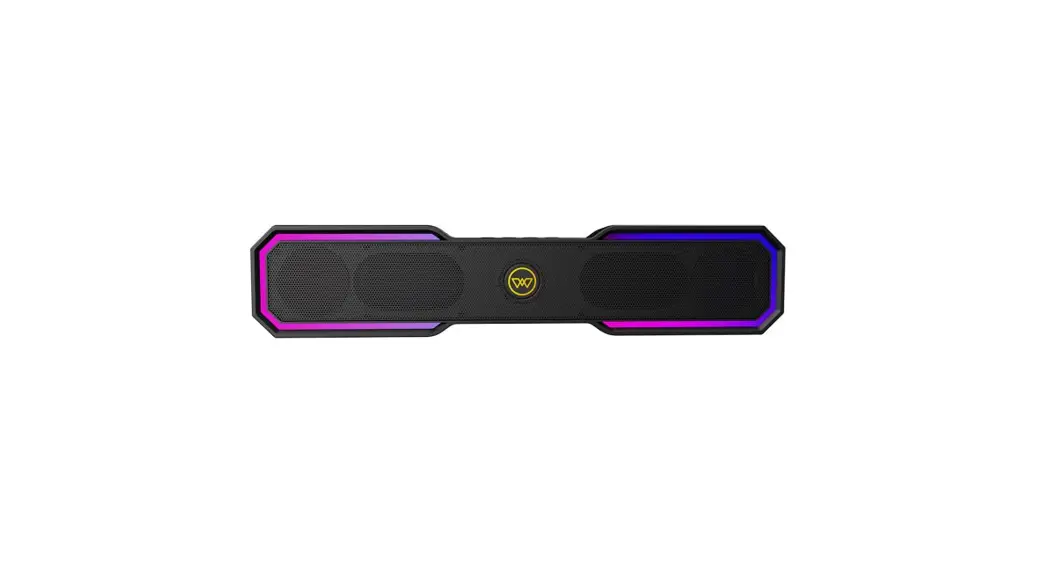
 Lifestyle Center Stage 100 Soundbar
User Manual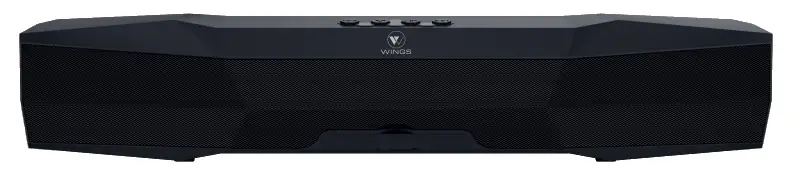
Introduction
Welcome to the Wings Portable Device Generation with the all new Wings Center Stage 100. We hope you are as excited as us to feel and flaunt your latest Sound gear. But before you dive right in, we strongly recommend going through this user manual thoroughly as it contains important technical information to ensure you have a seamless audio experience with us. Once you are done reading the manual, we are sure you will be all set to.
FEEL IT! FLAUNT IT!
What’s In The Box
1 Sound bar
1 Charging Cable
1 User manual
1 AUX Cable
1 Warranty Card
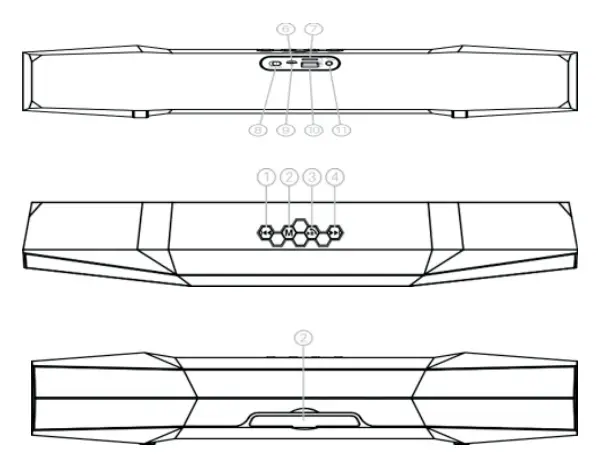
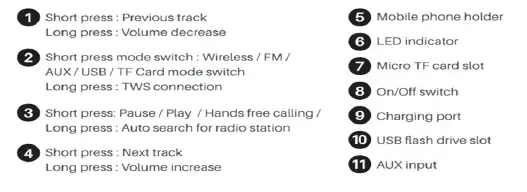
Center Stage 100 Layout
How to Pair
Step 1: Switch On the device by pressing the Power ON/ OFF button.
Step 2: You will hear a voice prompt. The status LED will flash blue, indicating that the device is in pairing mode.
Step 3: Switch ON Bluetooth on your pairing device and Search for “Center Stage 100” in the Bluetooth menu.
Step 4: Select “Center Stage 100” from the list of found devices.
Step 5: After successful pairing, you will hear a voice prompt indicating that the device is paired and the status LED will stay solid blue.
More Music Playing Options
Stream music from TF card or USB flash drive
-Turn ON the device.
- Insert the TF card or USB flash drive preloaded with songs, into the TF card slot or USB flash drive slot of the device correspondingly, you will hear a voice prompt for “USB mode” or “TF card mode” respectively.
- Device would automatically start playing songs from the micro TF card or USB flash.
Listening to FM radio
- Turn ON the device.
- Insert the Micro USB end of the charging cable into the charging port, and leave the other end of the cable open. Charging cable serves as FM antenna while in FM Radio mode. -Short press key “M” to toggle to FM radio mode, you will hear voice prompt “The Radio Mode”
- To AUTO-SCAN the stations, long press the
 key for 3
 - It will take few minutes to search all the Once all the stations are scanned, they get registered in the device, automatically.
– Short press or key to skip selected stations.
– Long press or key to decrease or increase the
– Short press key to pause FM playback.
Play music through “Auxiliary” mode -Turn ON the device.
- Insert one end of the auxiliary cable (included) into the auxiliary port, you will hear a voice prompt “AUX mode”. Plug the other end to the audio device (such as phone / MP3 / Player / computer / tablet…etc)
- Select your song at the source device to play.
- Long press key or to decrease or increase the volume.
Note: Songs can only be changed through the source devices, while playing music in auxiliary mode.
TWS Connection
TWS mode enables two Center Stage 100 to connect in stereo. -Turn the two devices ON.
- Long press the “M” button on two devices and you will hear a ringtone. This confirms that the devices are connected successfully in TWS
- Search for “Center Stage 100” in your mobile phone and pair it with this device. Enjoy your music.
- If you don’t need TWS mode, please long press the “M” button, you will hear a The devices are now not connected in TWS mode.
Charging The Device
- When the battery is drained out, device would turn off automatically.
- Plug the Micro USB end of the charging cable into the charging port. Plug the other end into a USB port of your computer or other devices made for USB charging. Red LED Light illuminates indicating that the device is being charged. Once the device is fully charged, LED Light would turn OFF.
Music Function
| MUSIC MODE | FUNCTION OPERATION BUTTONS | |
| Playing Music | Increase Volume | Long Press  Key Key |
| Playing Music | Decrease Volume | Long Press Key Key |
| Playing Music | Pause | Short Press  Key Key |
| Playing Music | Play | Short Press Key |
| Playing Music | Previous Track | Short Press Key |
| Playing Music | Next Track | Short Press Key |
Technical Specification
| Wireless version | 5.0 + EDR |
| Wireless distance | up to 10 meters |
| Output power | 2 x 8 Watts (16 Watt) |
| FM frequency range | 87-108MHz |
| Unit size | L437 x W69 x H87mm |
| Power input | DC SV/1A |
| Charging time | 4 hours |
| Play time | ..p to 7 hours |
| Built-In rechargeable battery | 2500mAh |
| Micro SD(T F) card/USB flash drive | S.:pport upto 32 GB |
| Multiple functions | Wireless play / FM radio / USB Handsfree calling / Micro TF card |
Safety And Maintenance
Please read below suggestions in order to helping prolong the product lifespan and clearly understand the warranty clauses:
- Keep the product dry, do not put it in humid conditions to avoid short circuit.
- Do not expose it to the peak sun or high heat for extended period of time as this will short lifespan of electronic components, damage battery and deform some plastic parts.
- Do not put it in cold circumstance to avoid damage to PCB board.
- Do not attempt to dismantle the product, as it maybe unsafe especially for non-professionals.
- Do not use chemical products, detergent, oily liquids to clean the item.
- Do not scratch the surface with sharp items to avoid damaging the case and appearance.
Note: Any damage to the product that is not manufacturing defect will lead to warranty being rendered null and void. Therefore, please take utmost care of your product.