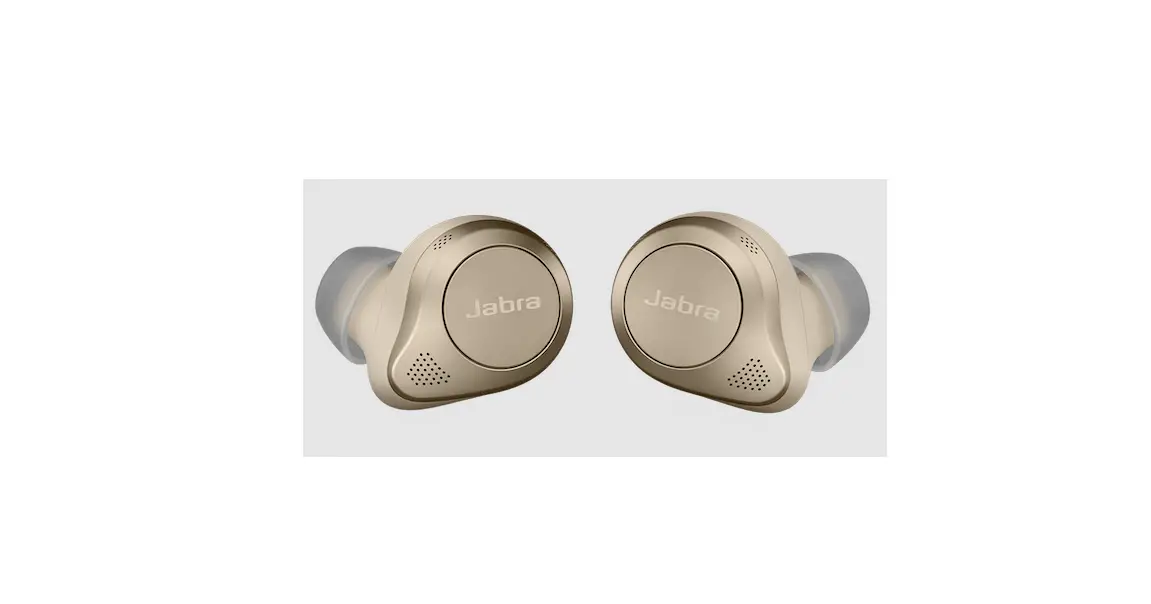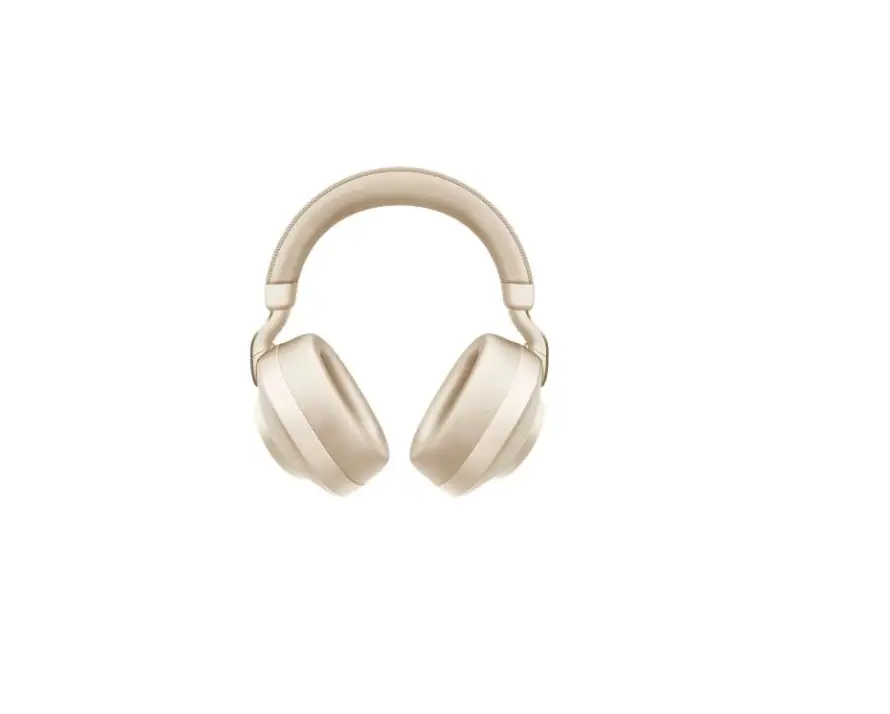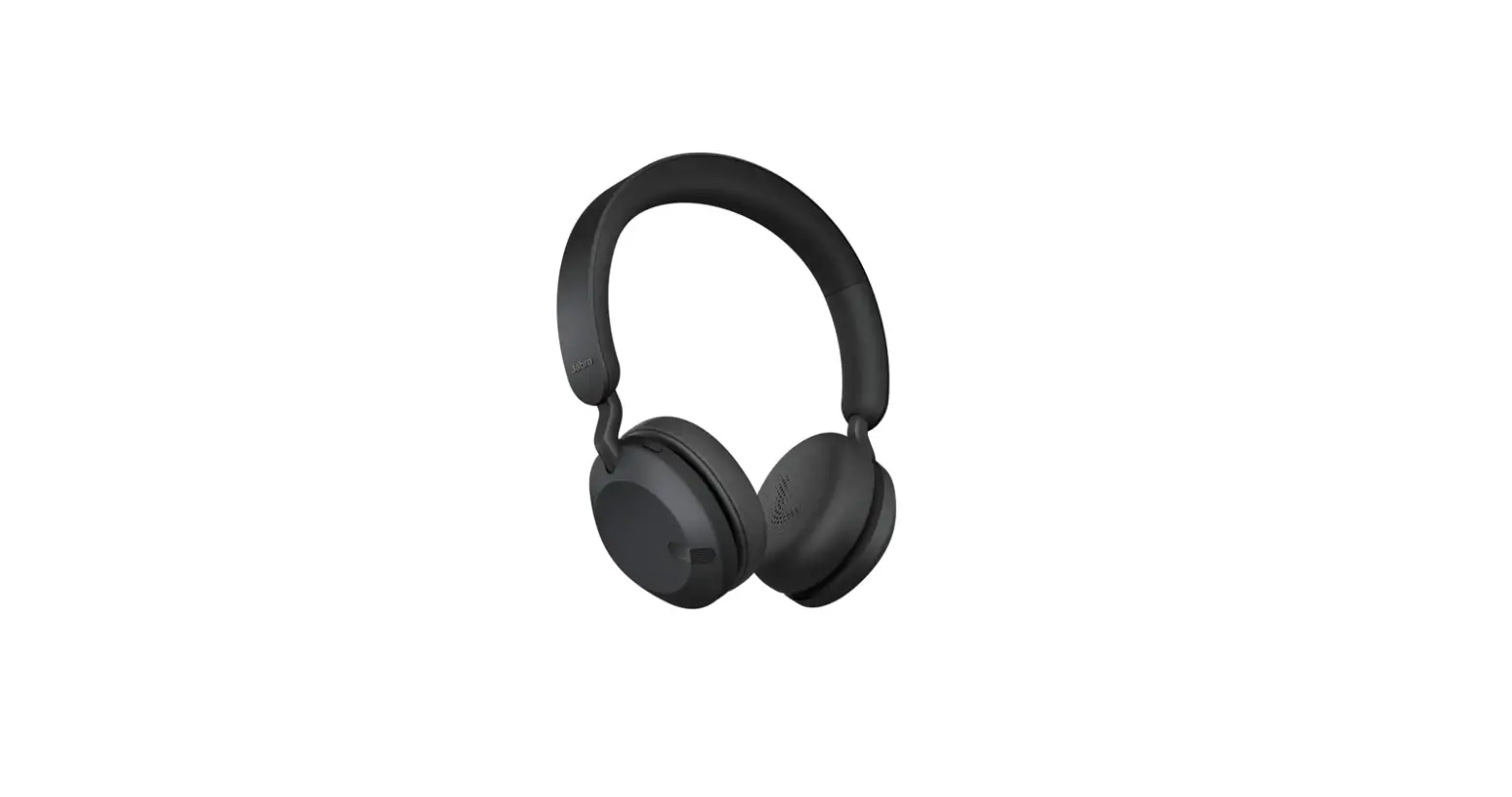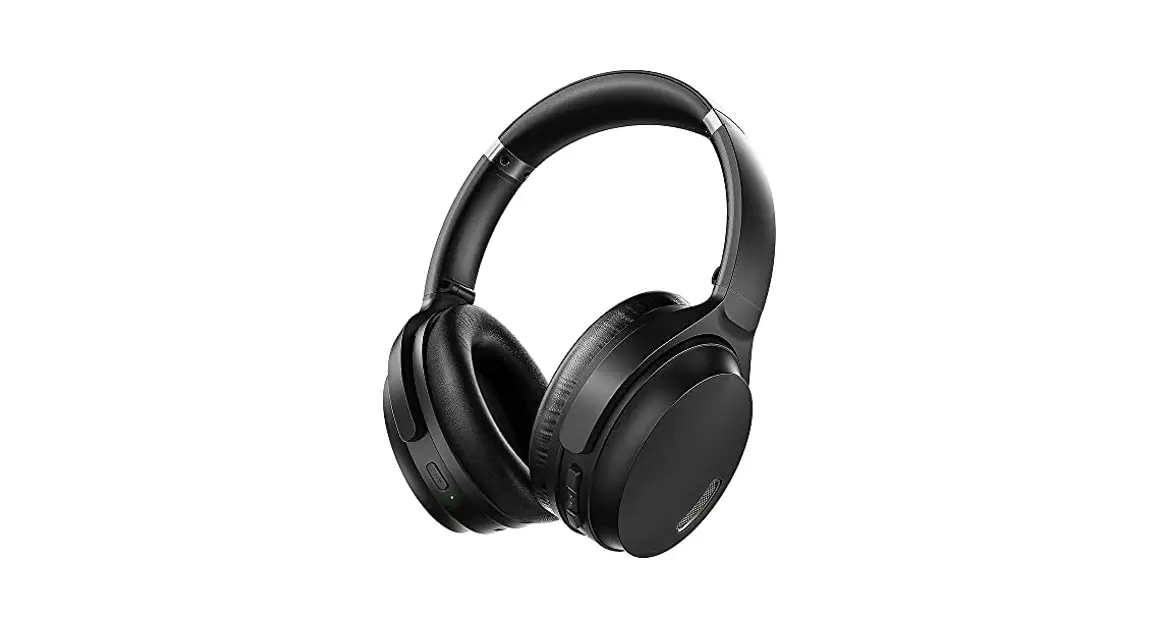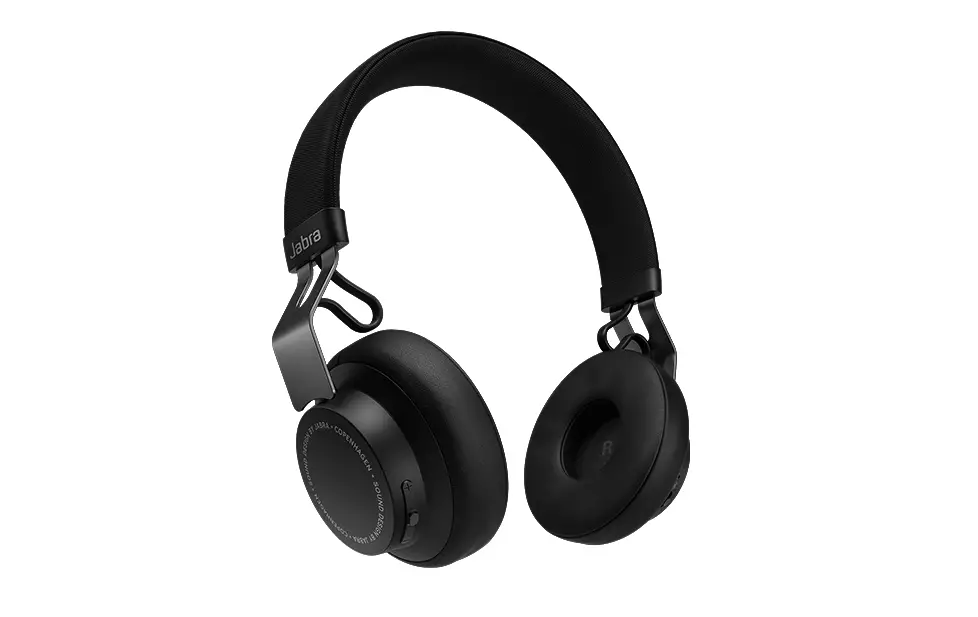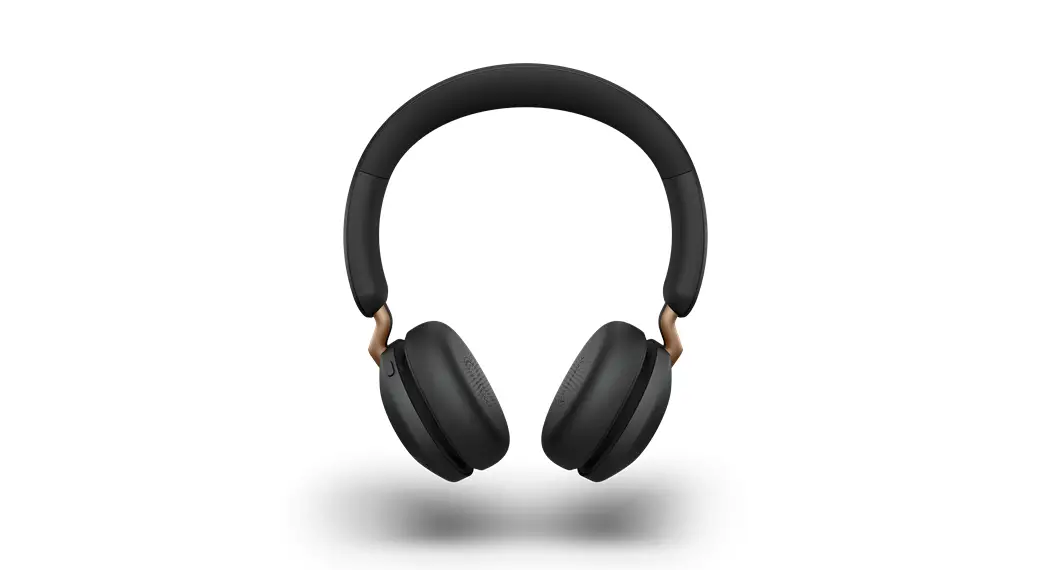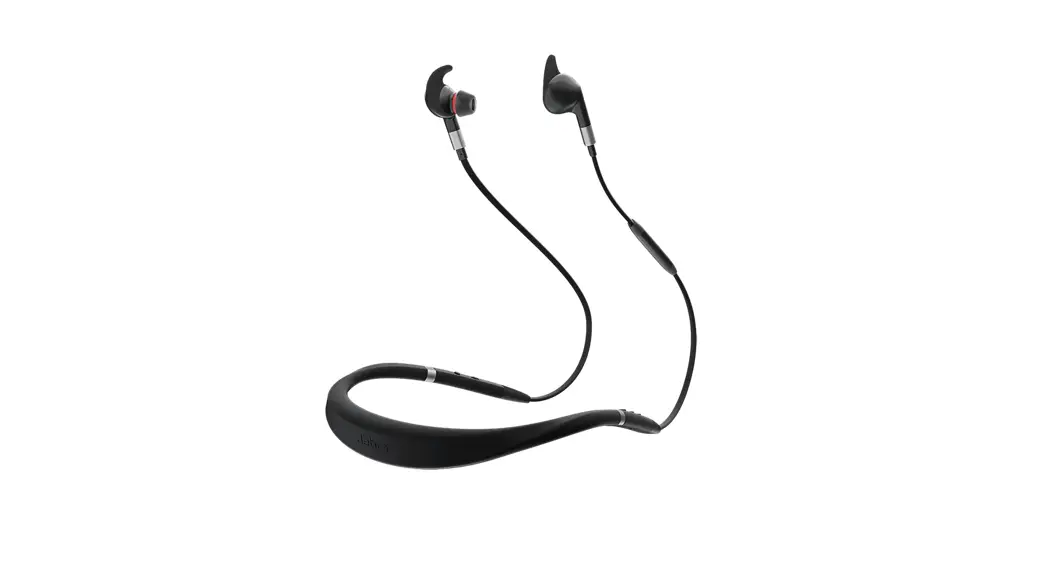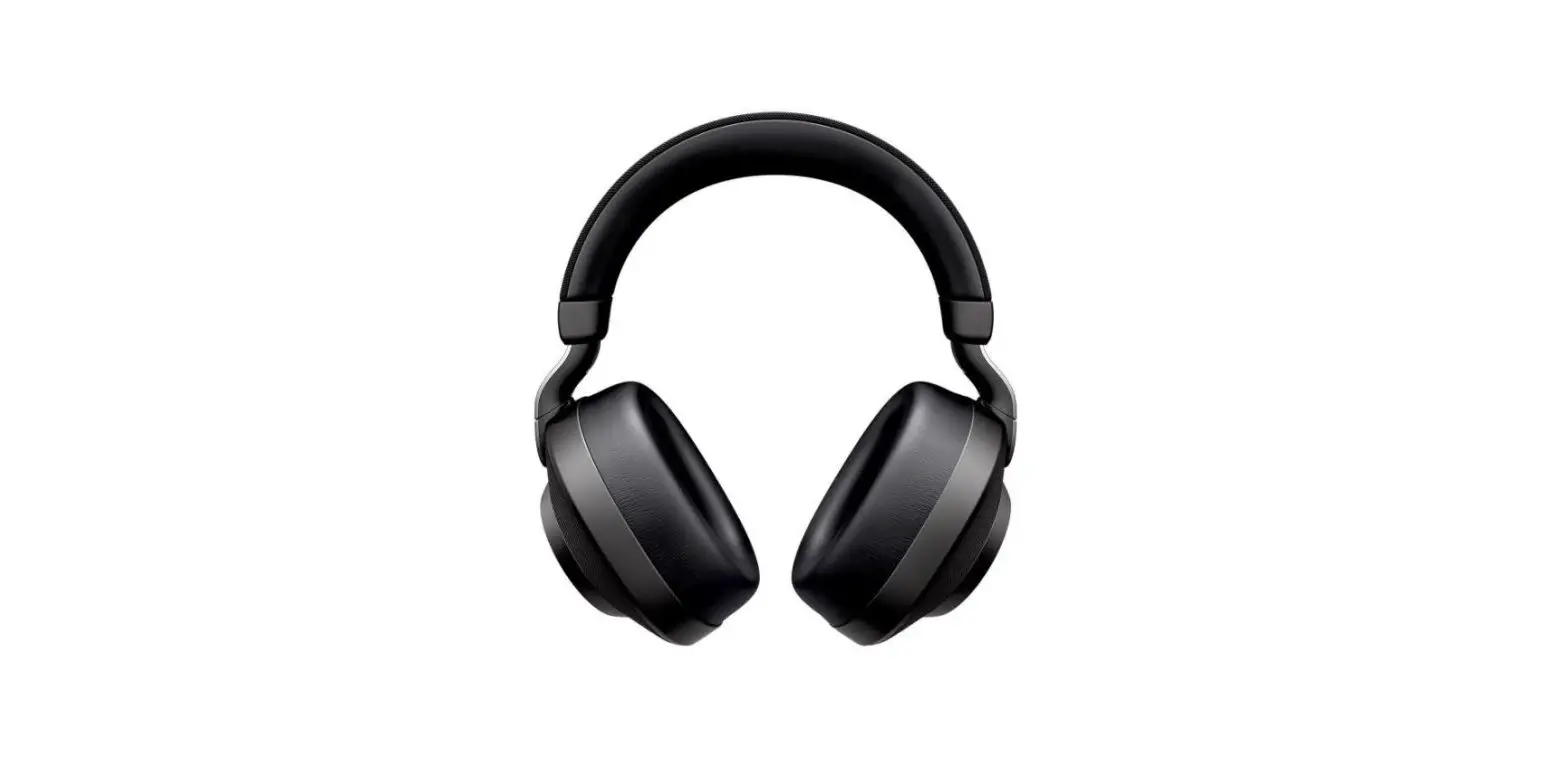

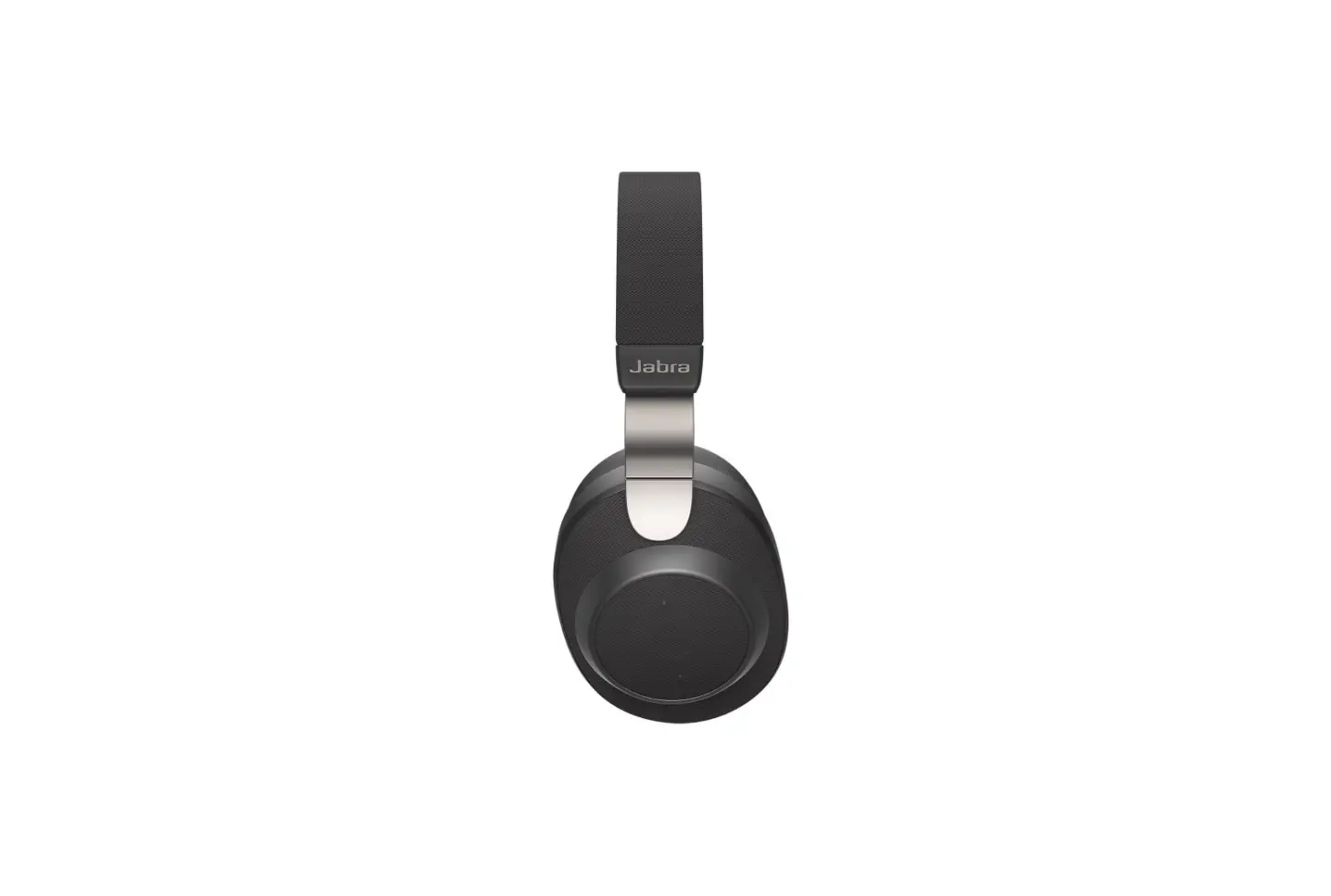
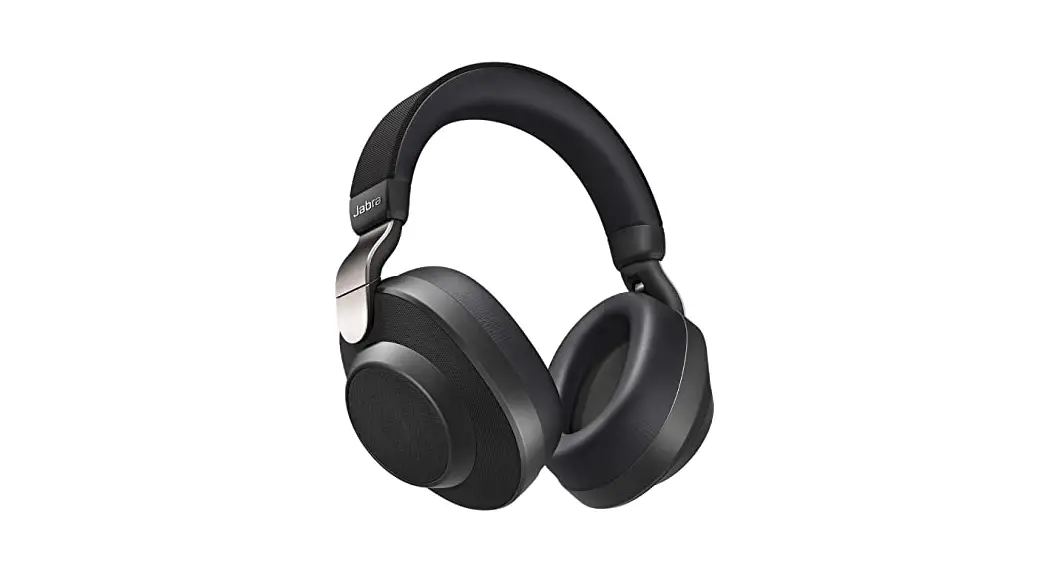
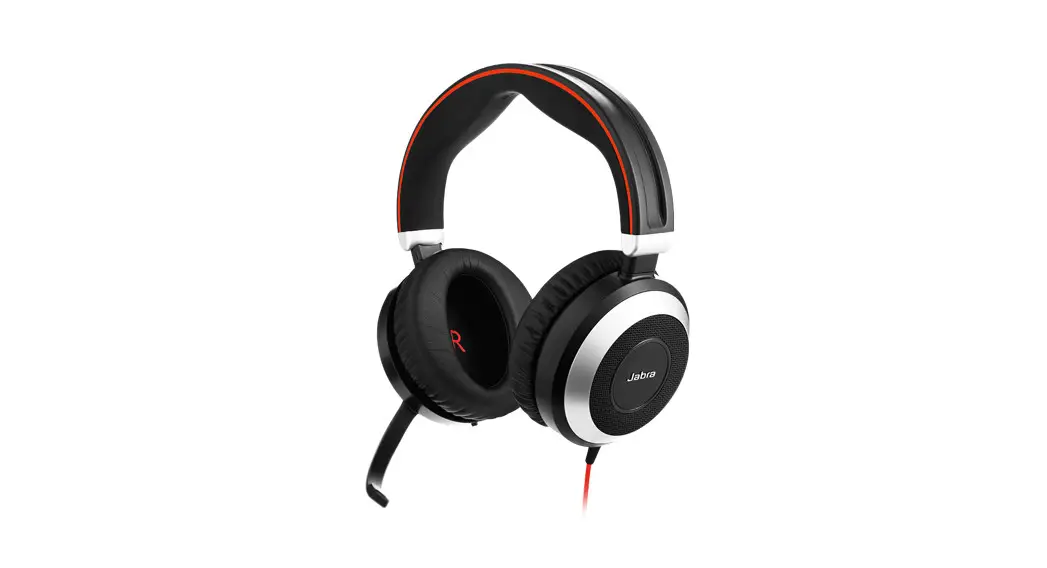
Jabra Elite 85h Wireless Noise-Cancelling Headphones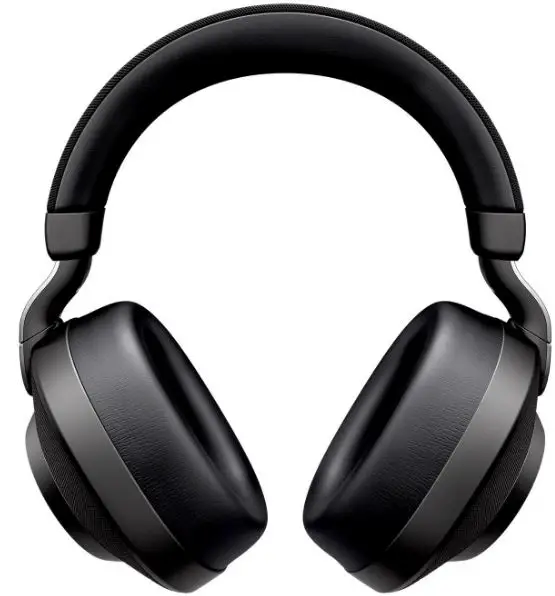
Get started
Power off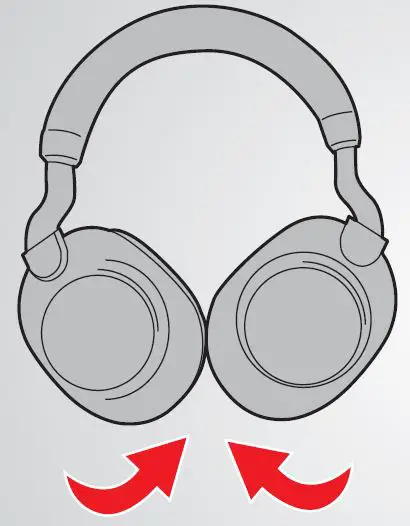
Power on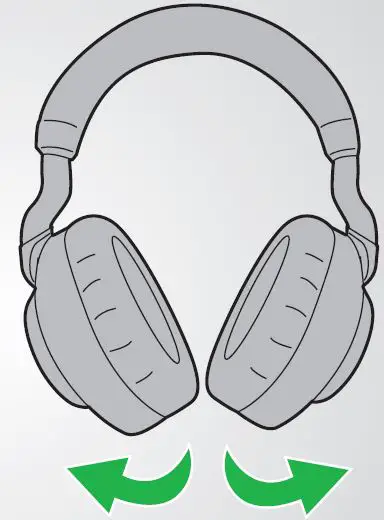
How to pair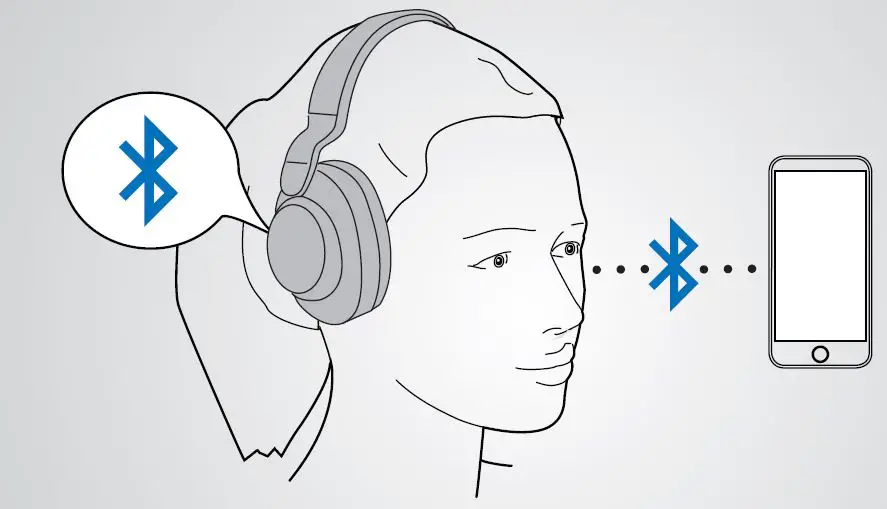
Wear the headphones and select the Jabra Elite 85h in the Bluetooth menu on your smartphone.
How to use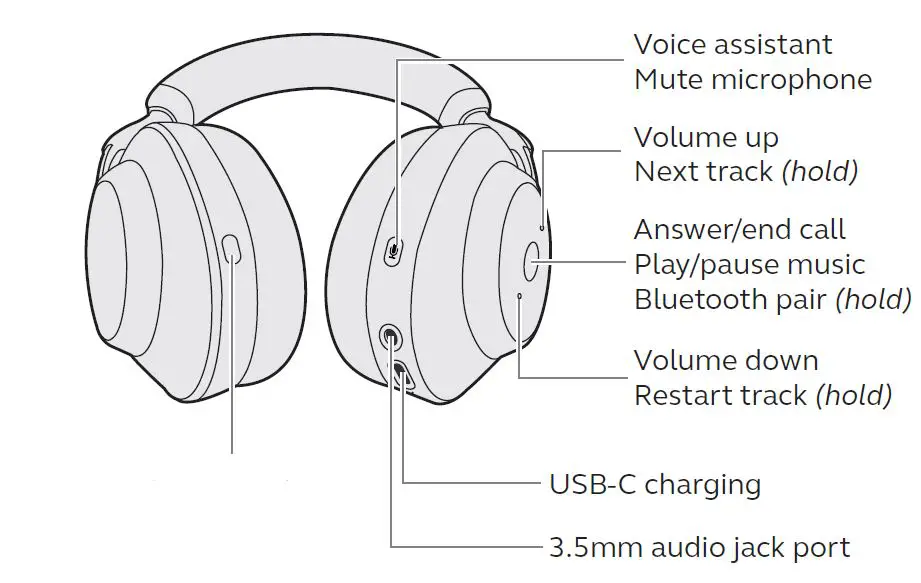
Cycle between Sound Modes:
- ANC
- Off
- HearThroughTM
Cycle between Moments in Jabra Sound+ (hold)
How to charge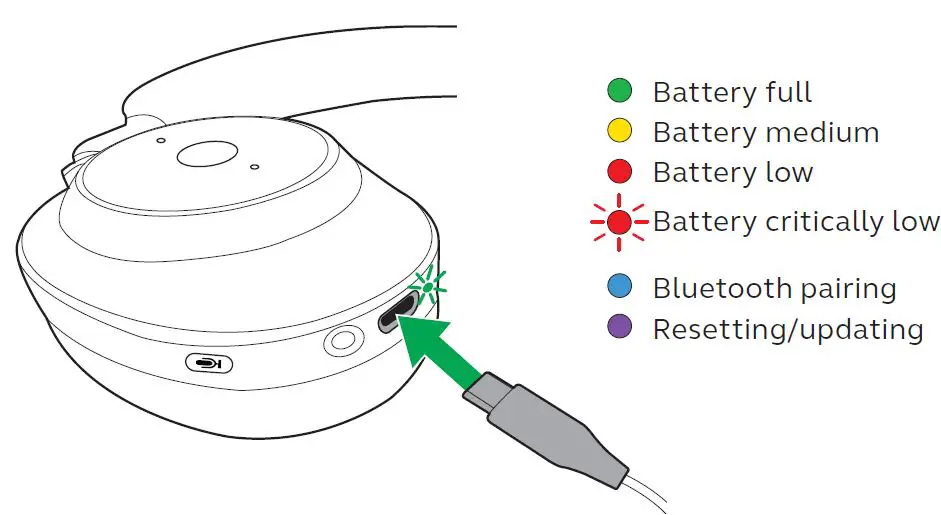
Plug the headphones into a USB port on your computer or wall charger using the supplied charging cable. It takes approx. 2.5 hours to fully charge the headset.
Sound Modes
Active Noise Cancellation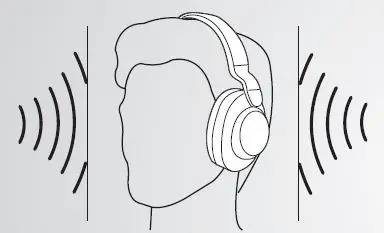
Eliminate unwanted background noise at the touch of a button.
HearThroughTM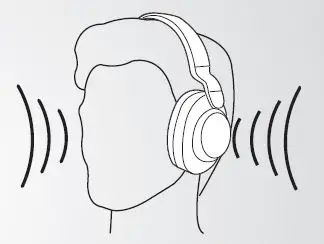
Listen to your surroundings without taking off your headset.
On the left earcup, press the Sound Modes button to cycle between the Sound Modes. Press and hold the button to cycle between Moments in Jabra Sound+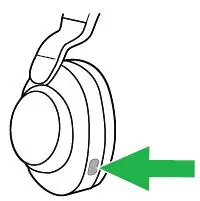
On-ear detection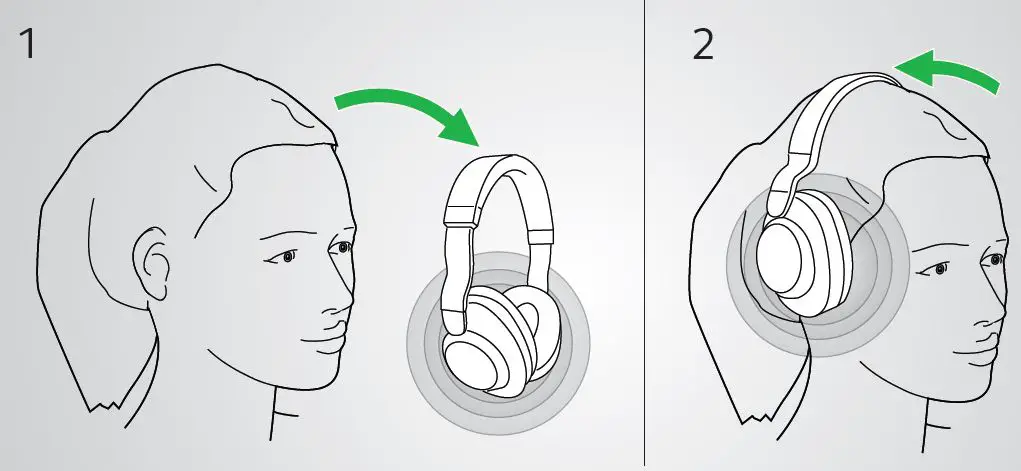
- Remove the headphones to pause your music or mute your call.
- To resume your music or un-mute the call, wear the headphones.
© 2019 GN Audio. All rights reserved. Jabra® is a registered trademark of GN Audio. The Bluetooth® word mark and logos are owned by the Bluetooth SIG, Inc. and any use of such marks by GN Audio is under license.
- MADE IN CHINA
- MODEL: OTE100
- FCC ID: BCE-OTE100
- IC: 2386C-OTE100
Declaration of Conformity can be found on www.jabra.com/doc
 Declarations of Conformity
 [FAQTitle] | Jabra Elite 85h - Black | FAQ | Jabra Support
 [FAQTitle] | Jabra Elite 85h - Navy | FAQ | Jabra Support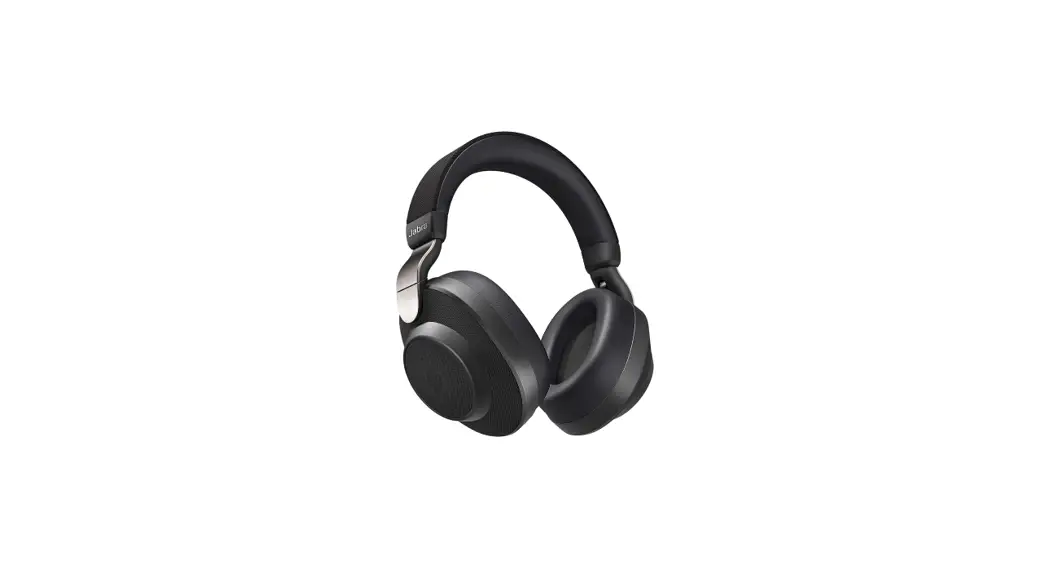

![Jabra Evolve 75e Active Noise Cancellation Headphones [hsc070w, End040w] User Manual](https://static-data1.manualsee.com/1/img/46/16963/2020/12/Jabra-Evolve-75e-Active-Noise-Cancellation-Headphones-HSC070W-END040W-FEATURED-1568x766.png "Jabra Evolve 75e Active Noise Cancellation Headphones [hsc070w, End040w] User Manual")