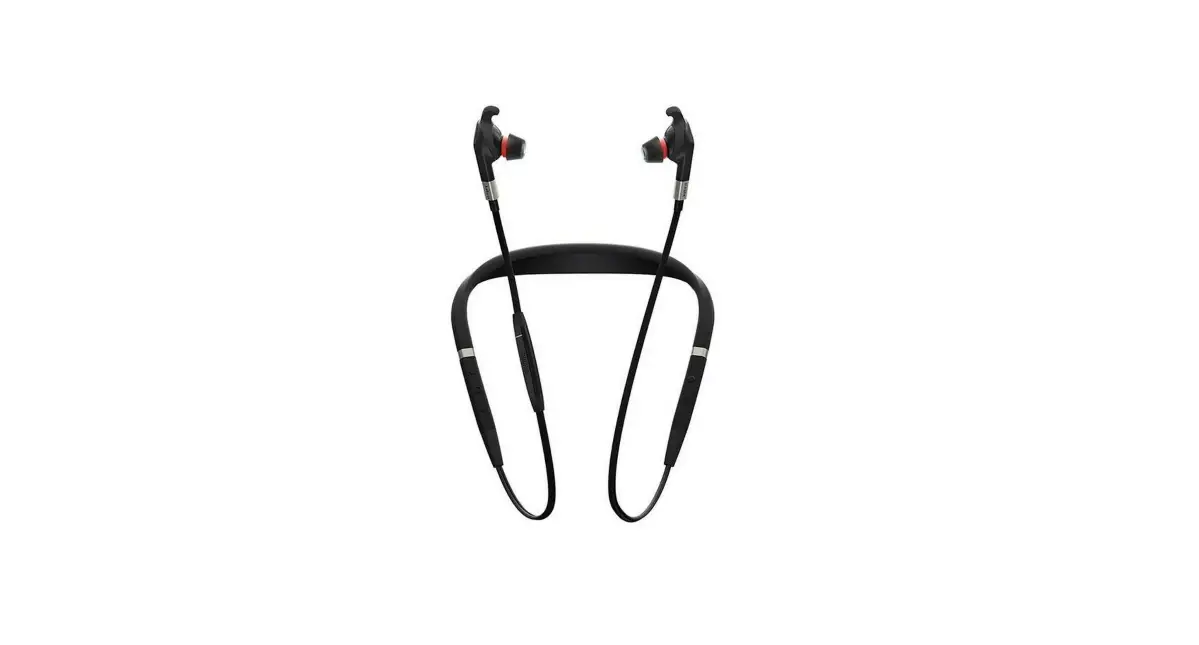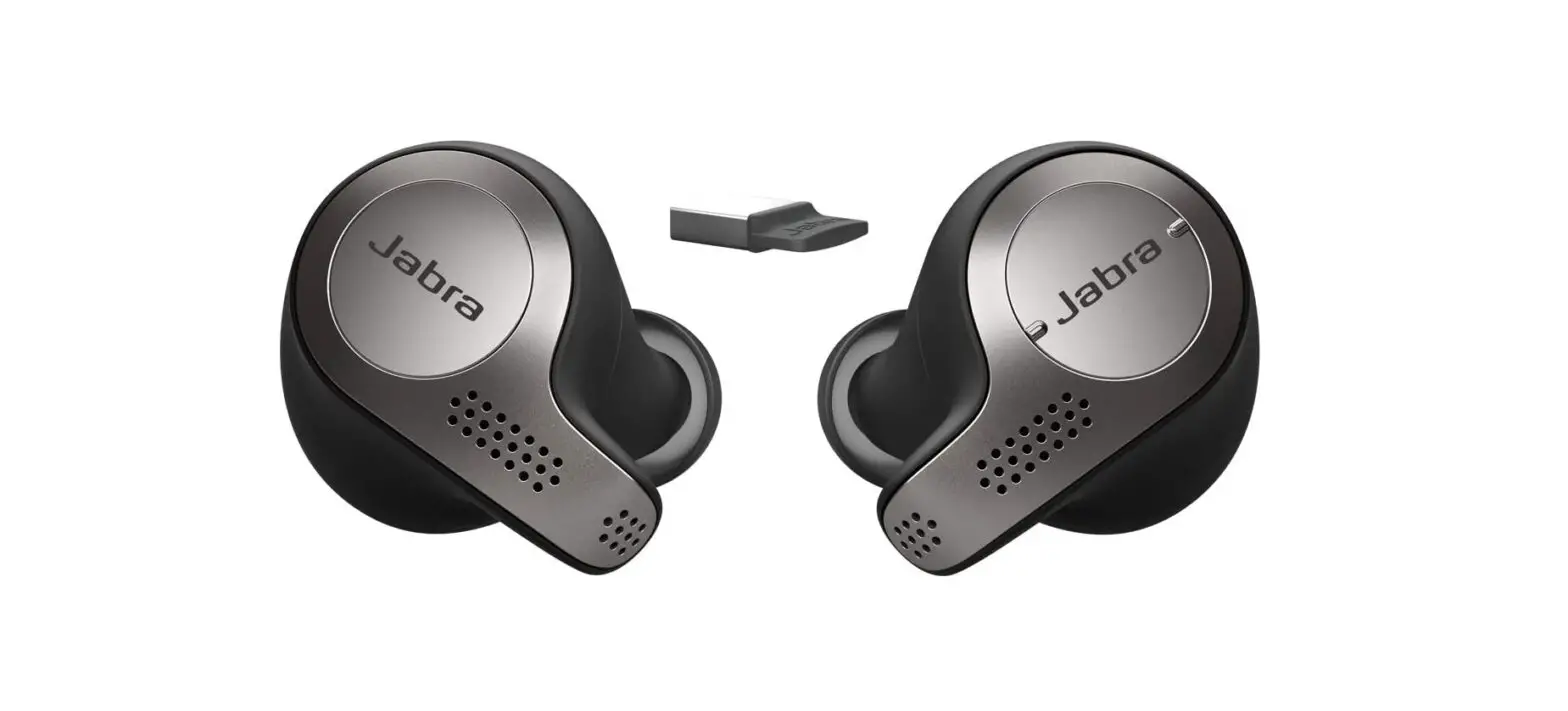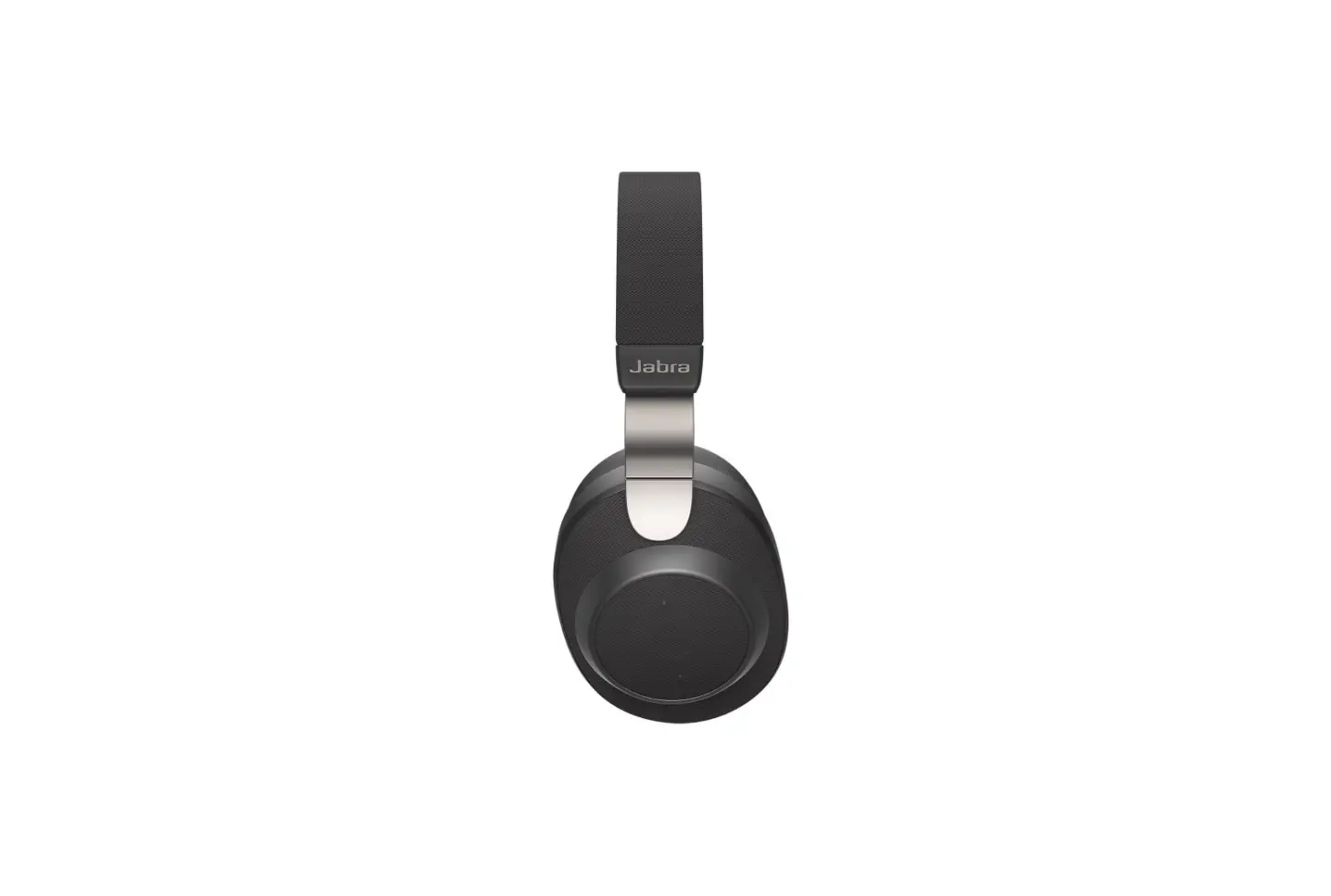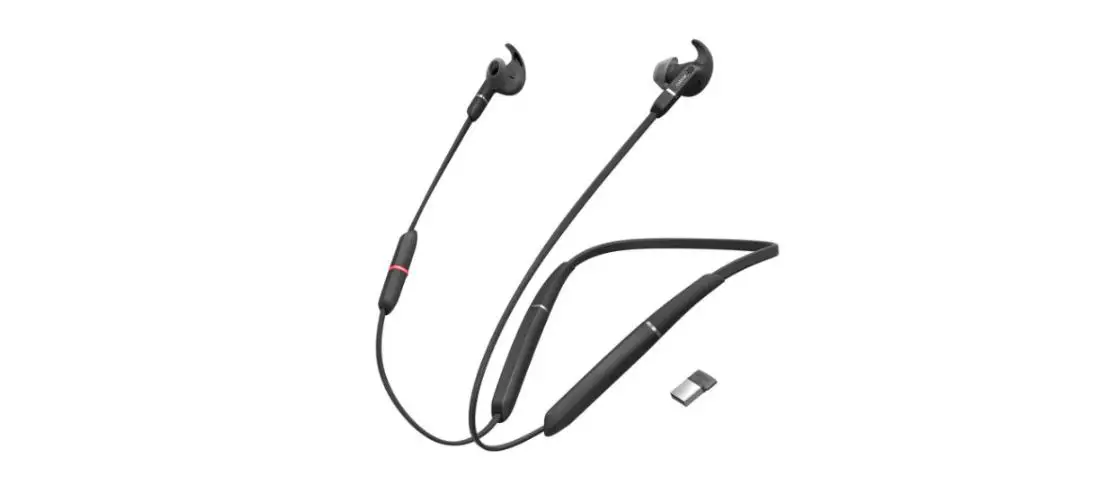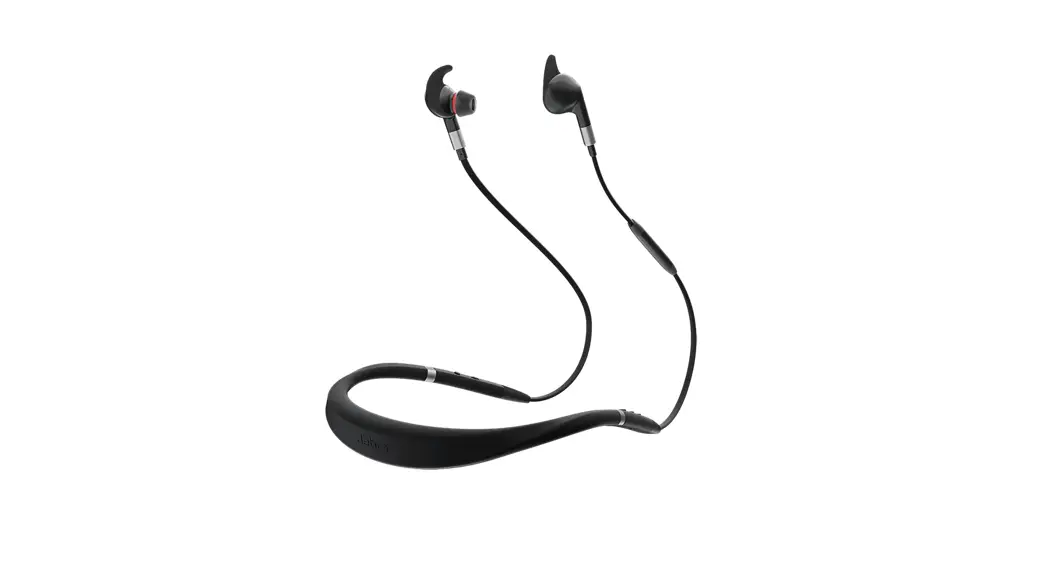

Jabra Evolve 75e UC
How do I pair my Jabra Evolve 75e with my mobile device?
To pair your Jabra Evolve 75e with your smartphone, tablet, or another mobile device, follow these steps.
- Turn on the Bluetooth setting on your mobile device.
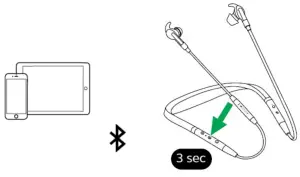
- Turn off the earbuds by pressing and holding (3 seconds) the Multi-function button until the LED flashes red and the neckband vibrates.
- To enter pairing mode, press and hold (3 seconds) the Multi-function button until the LED flashes blue. If you are wearing the earbuds, you will hear the pairing instructions. The earbuds are now ready to pair with your mobile device.

- To pair, go to the Bluetooth menu on your mobile device and select the Jabra Evolve 75e from the list of available devices. If you are asked for a pin code, enter “0000” (four zeros).
Note
If pairing is not successful, try the pairing steps again, or try pairing with a different Bluetooth device. For troubleshooting tips, see here.
Optionally, try using the Bluetooth Pairing Guide which provides detailed steps for pairing with a mobile device.30/06/2021 01:25
/supportpages/jabra-evolve-75e/7099-823-409/faq/797fb84a-ad9a-4e0a-99117d87cf03811e
30/06/2021 01:25
![Jabra Evolve 75e Active Noise Cancellation Headphones [hsc070w, End040w] User Manual](https://static-data1.manualsee.com/1/img/46/16963/2020/12/Jabra-Evolve-75e-Active-Noise-Cancellation-Headphones-HSC070W-END040W-FEATURED-1568x766.png "Jabra Evolve 75e Active Noise Cancellation Headphones [hsc070w, End040w] User Manual")