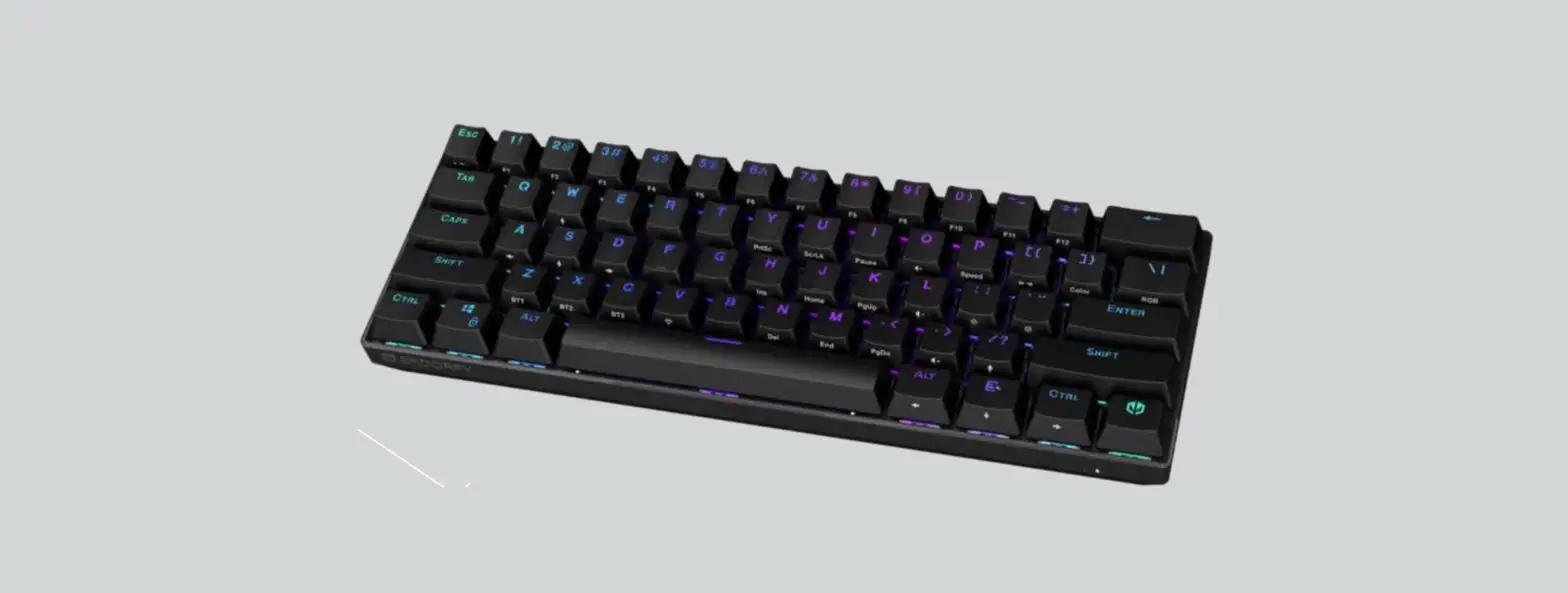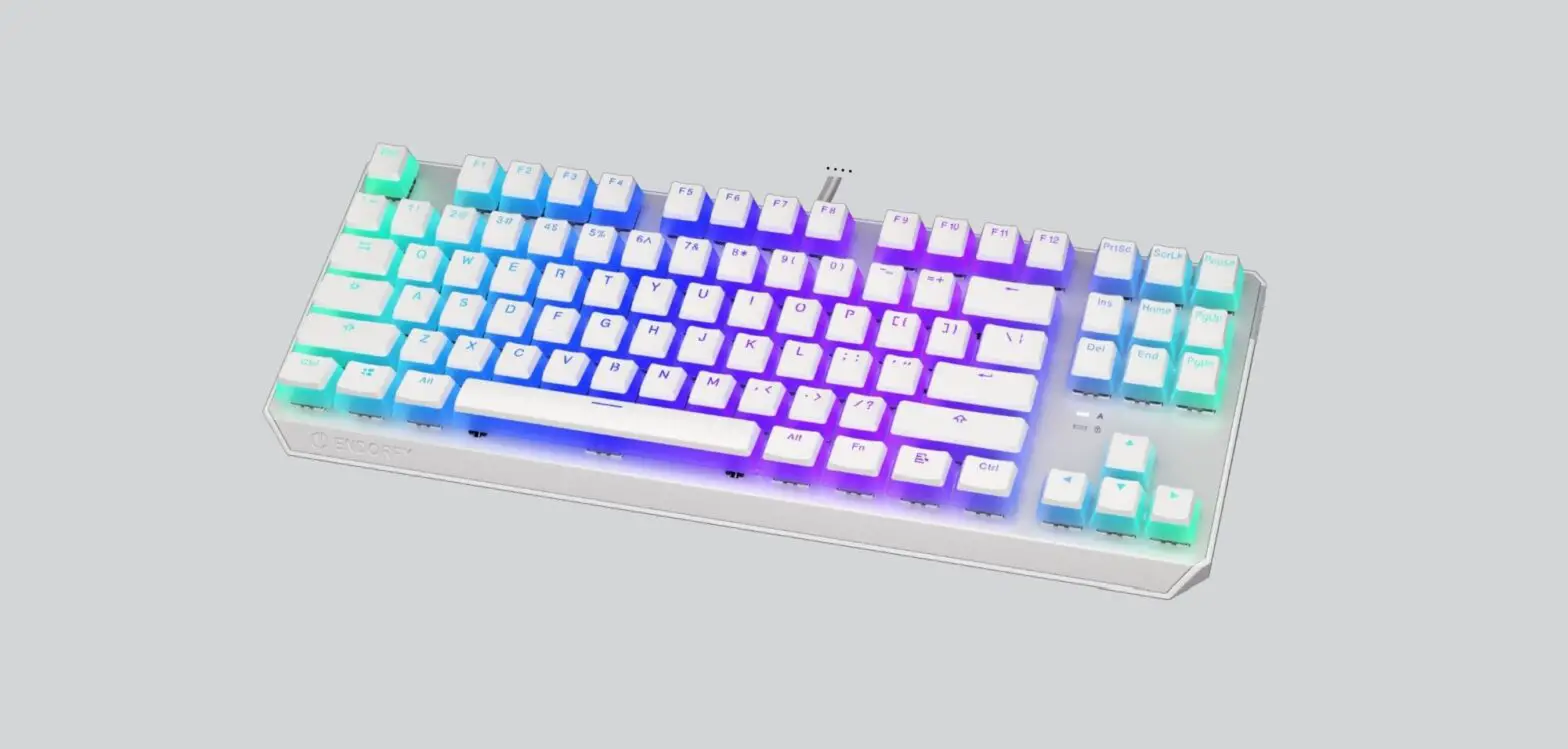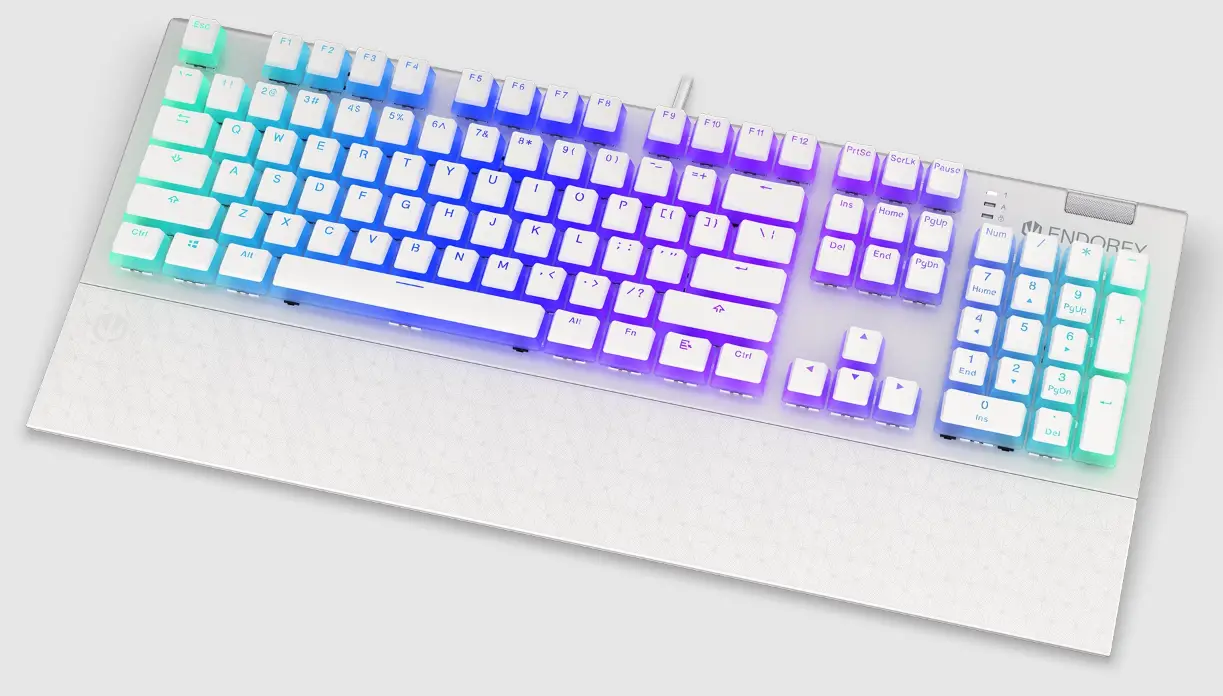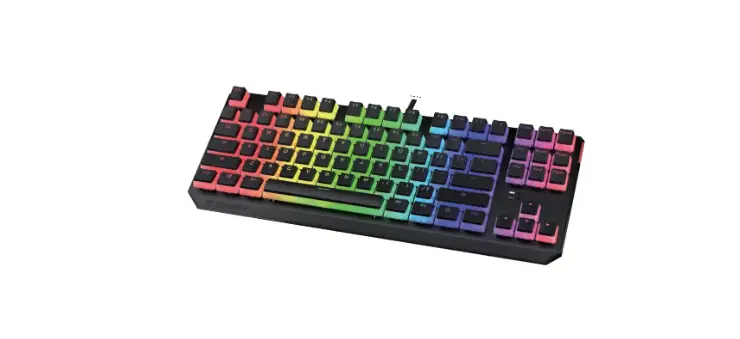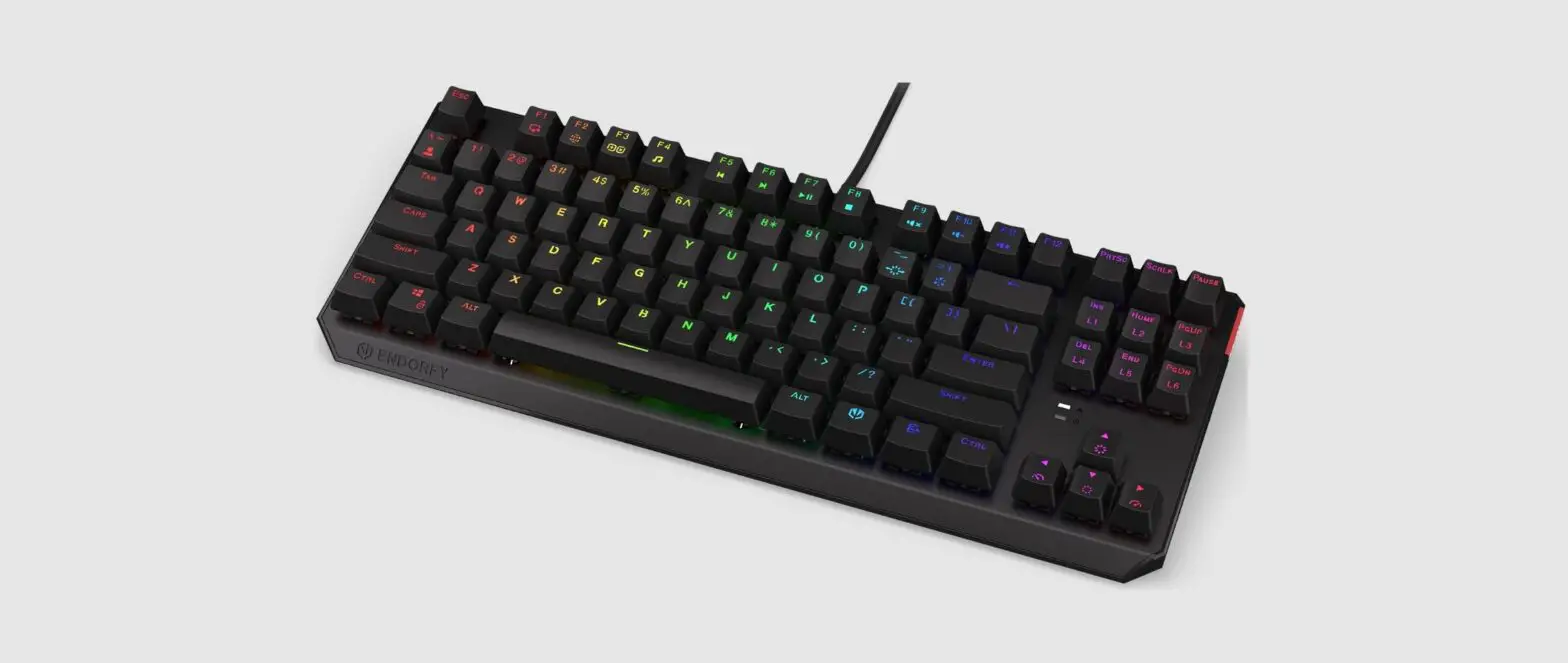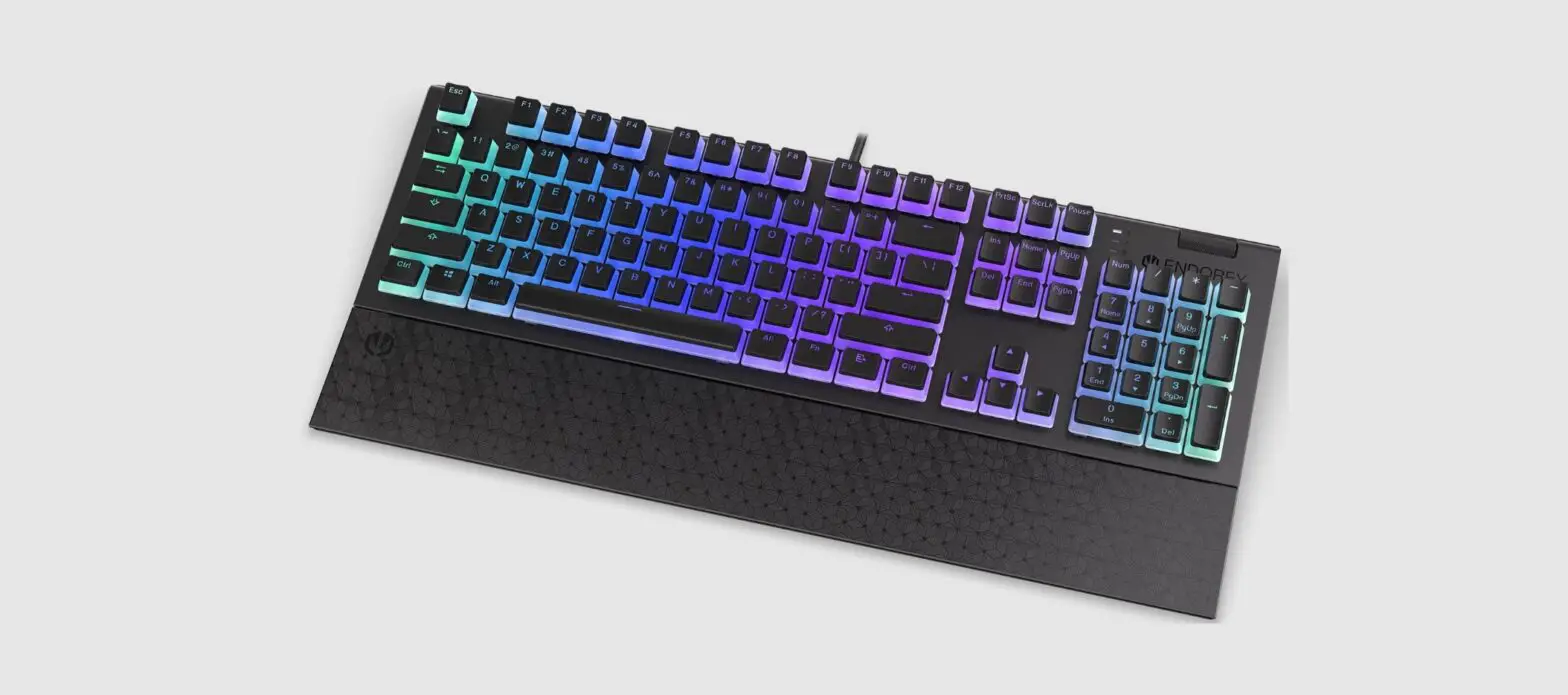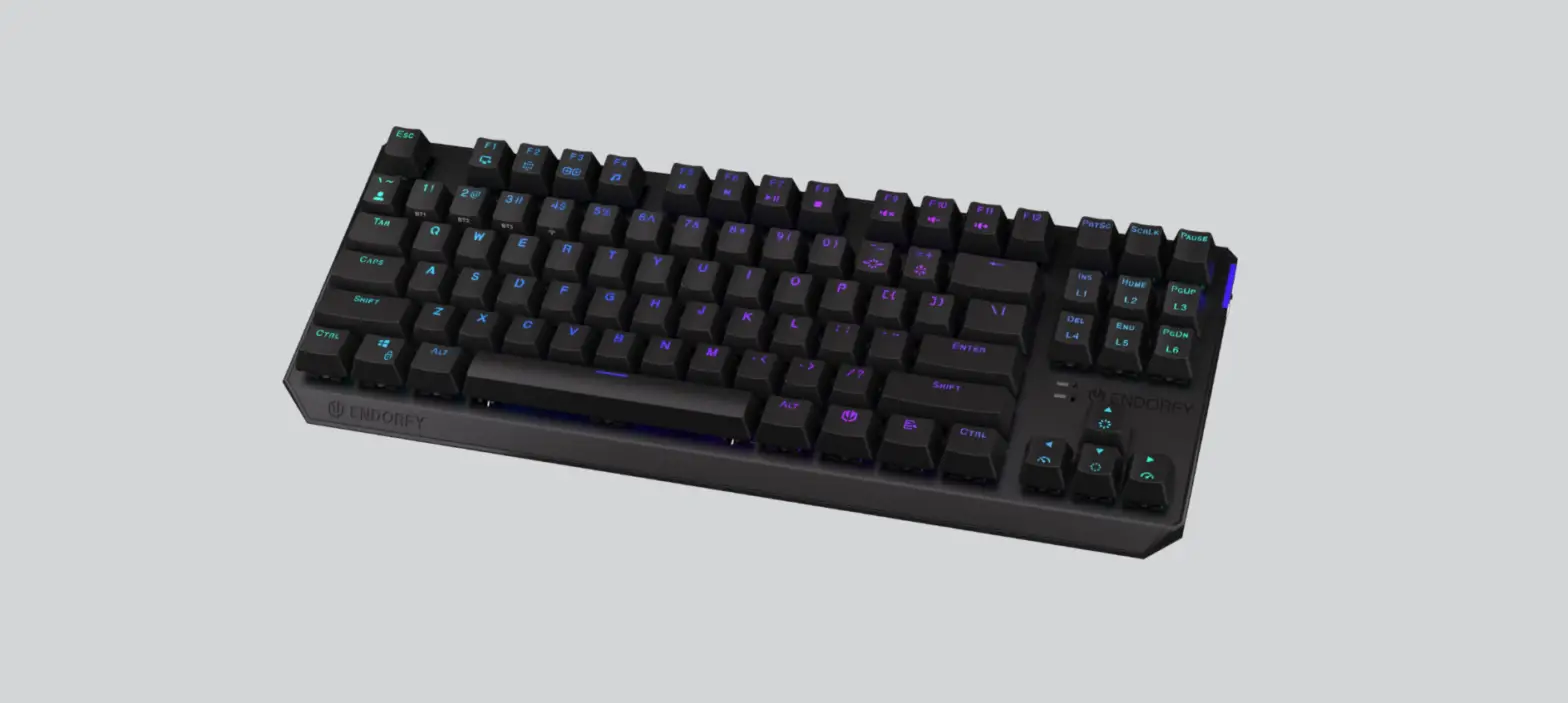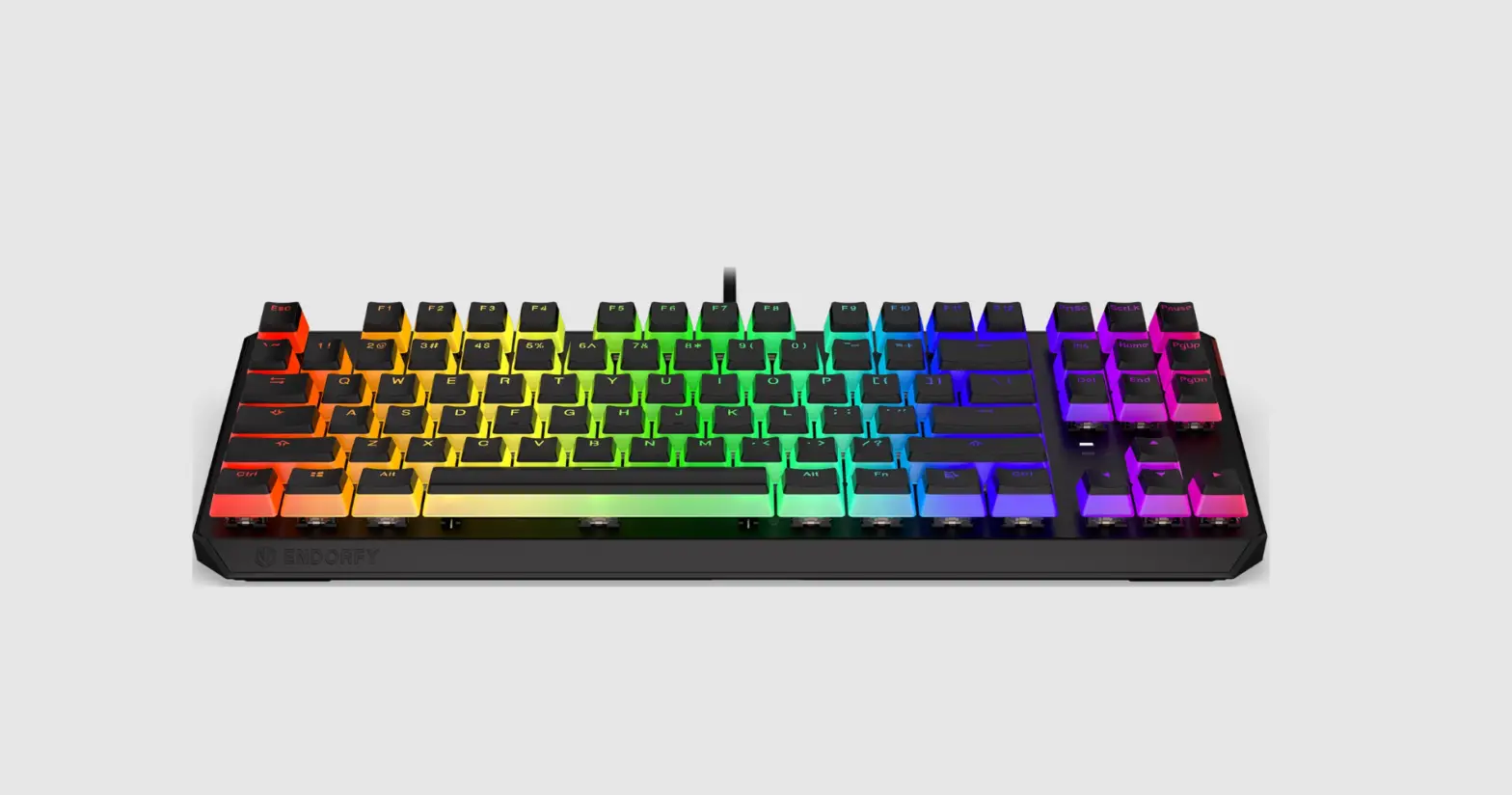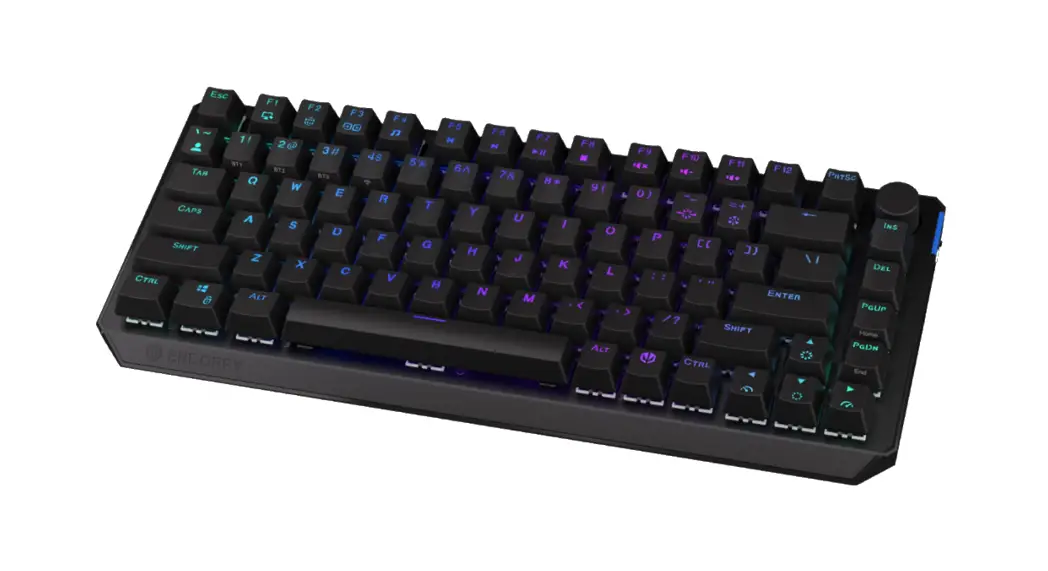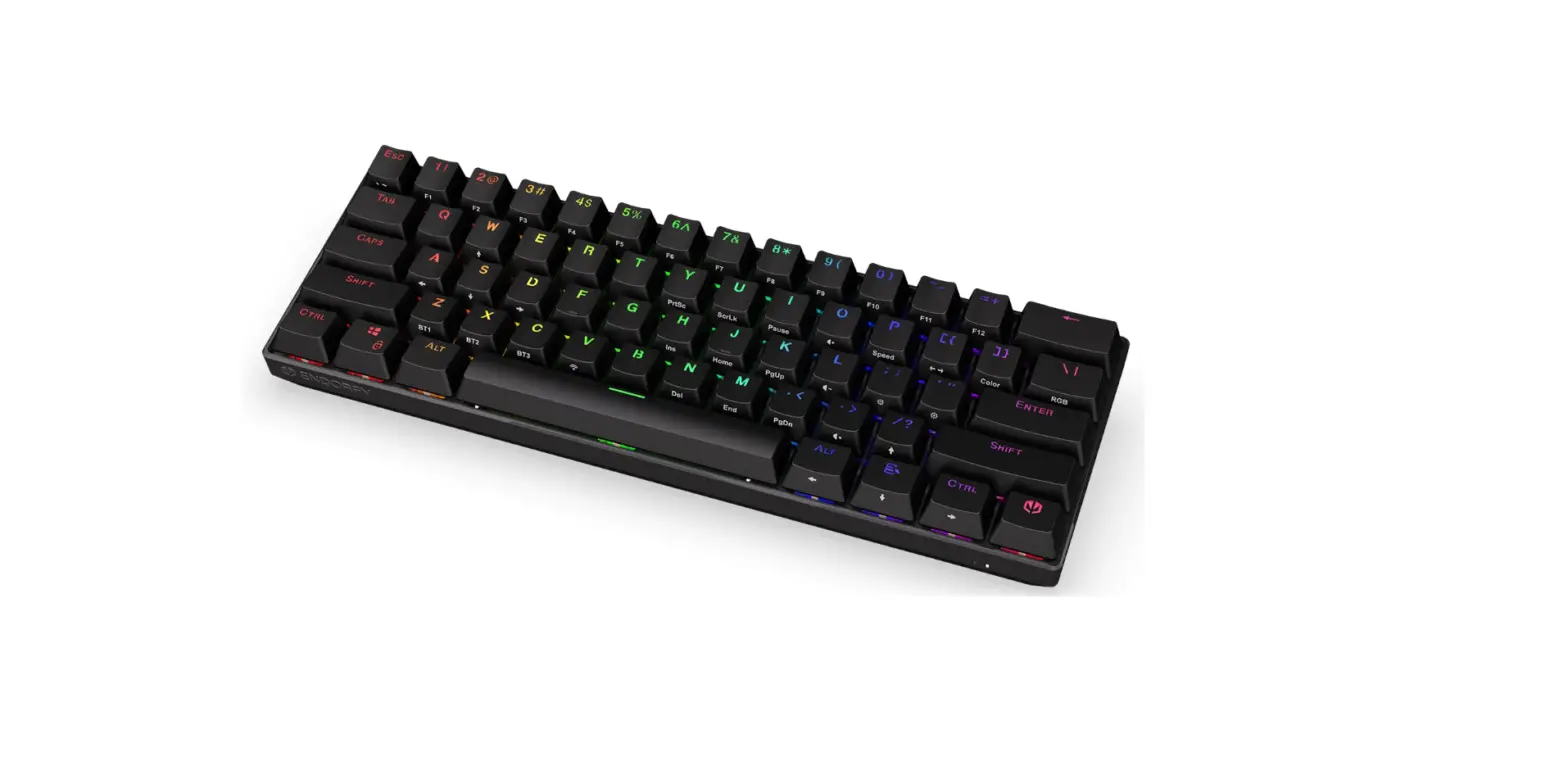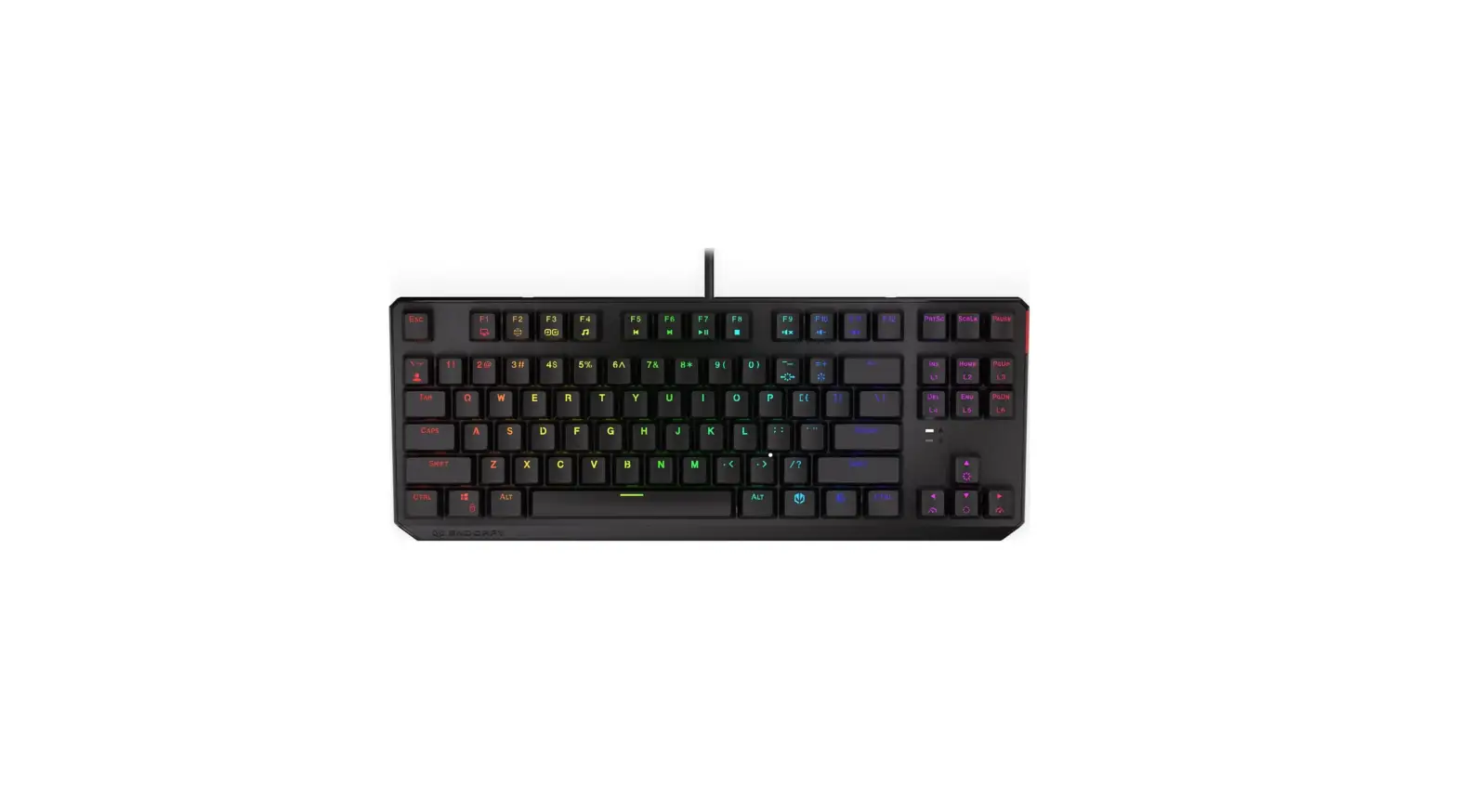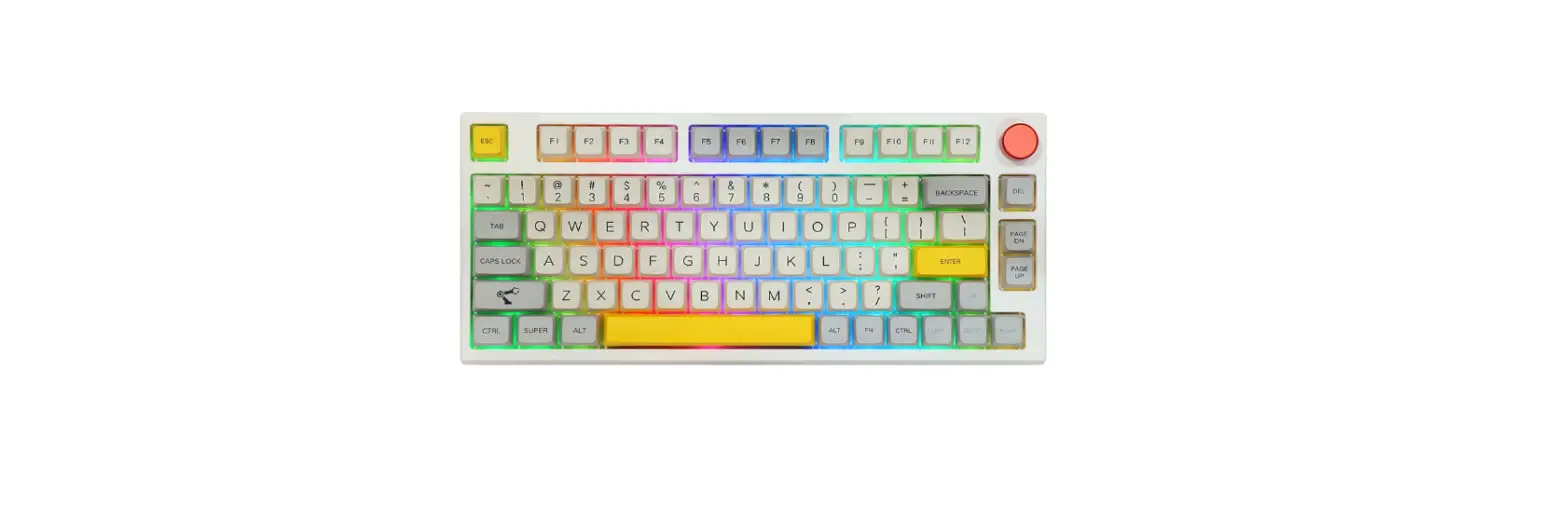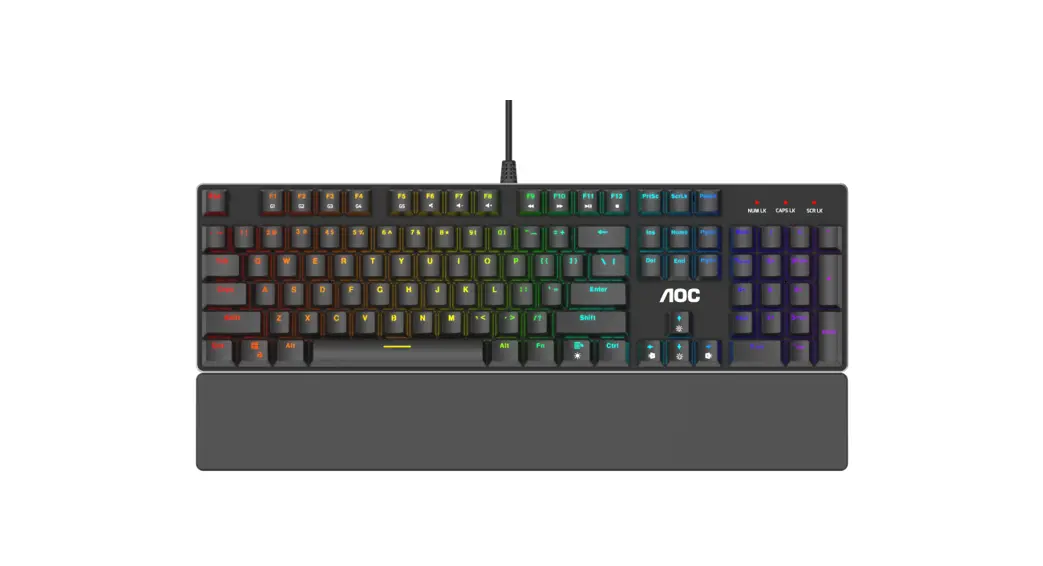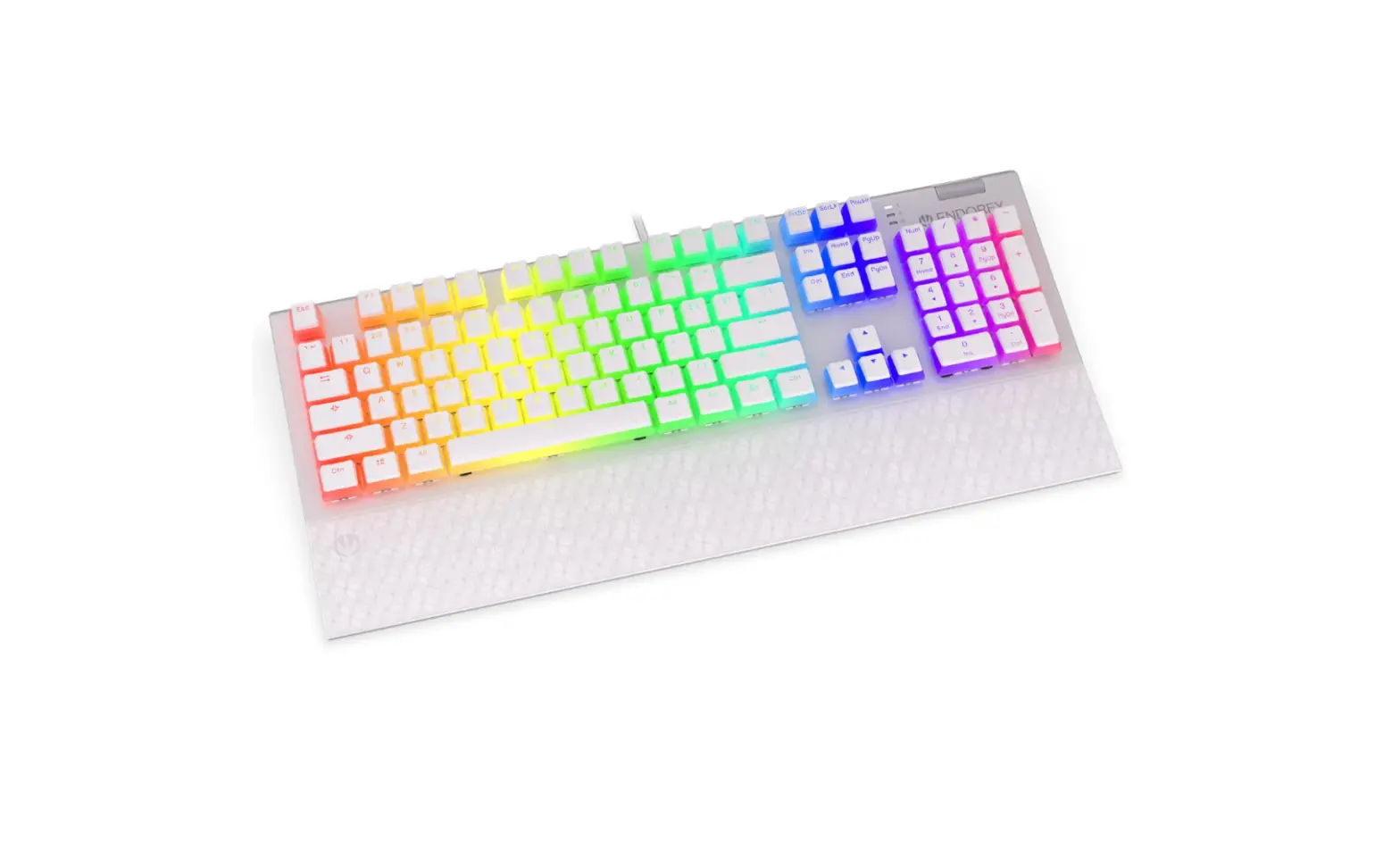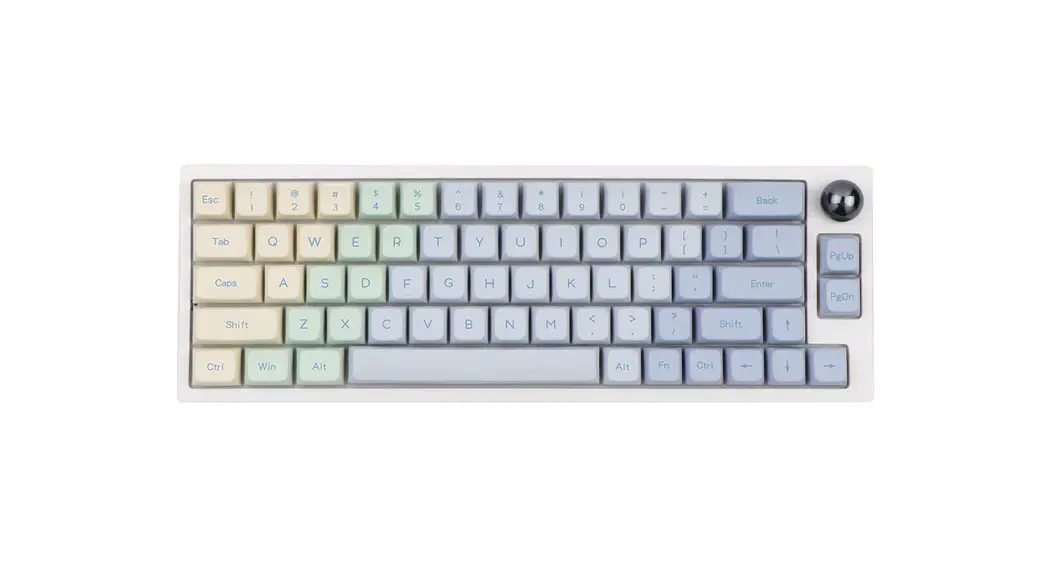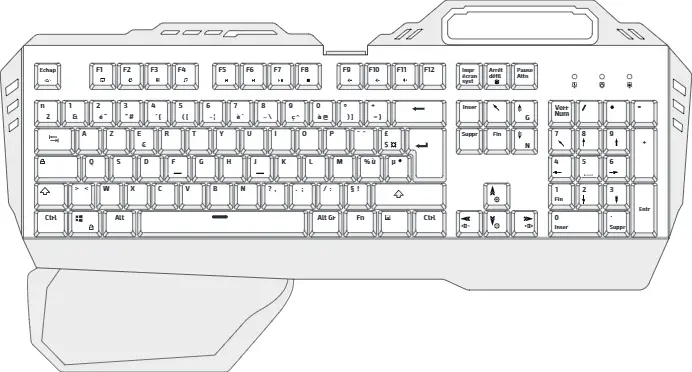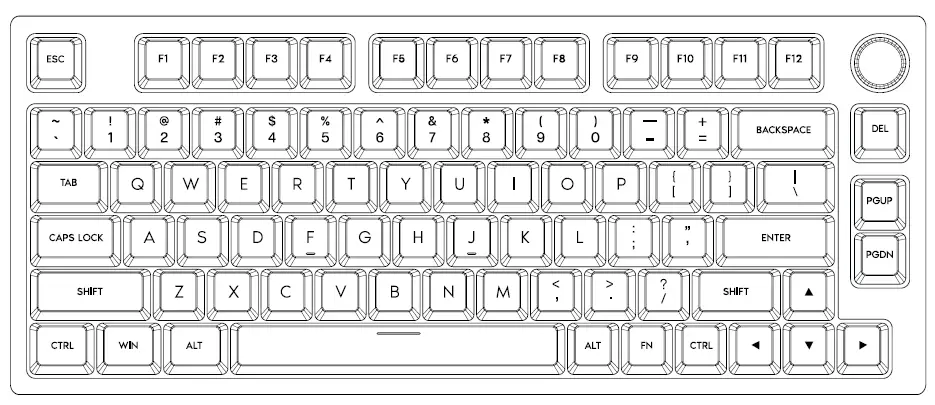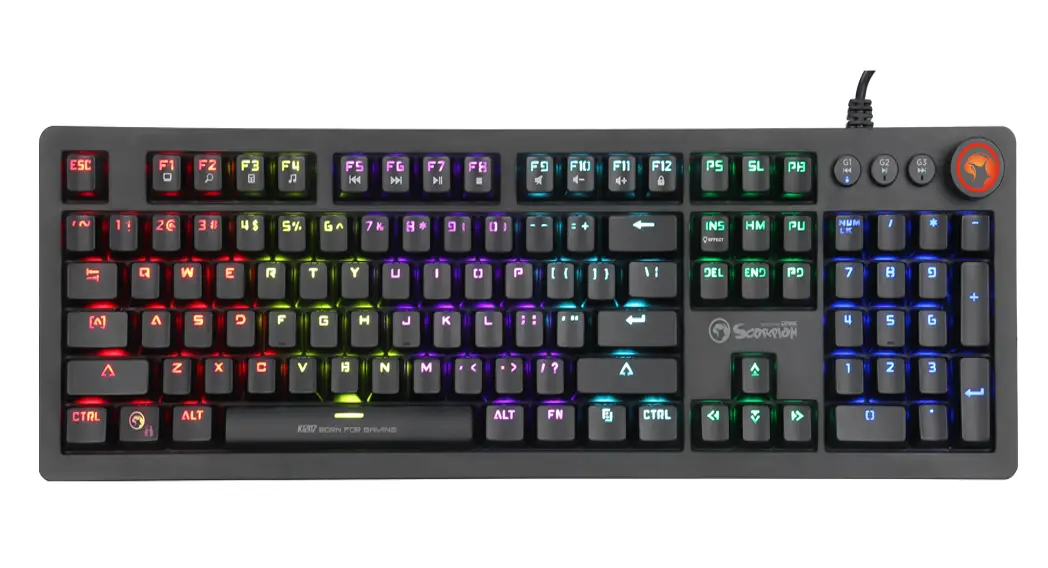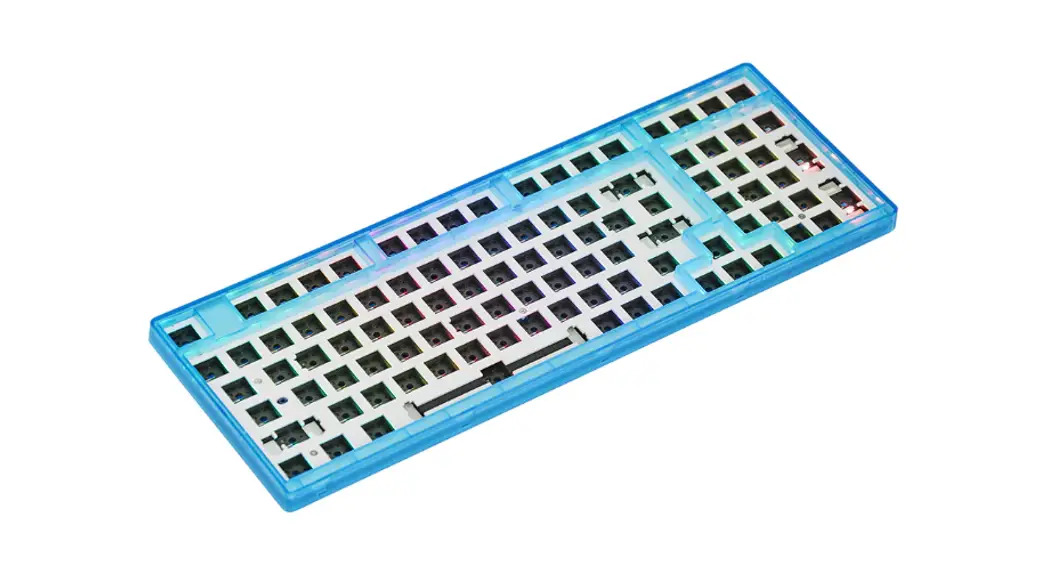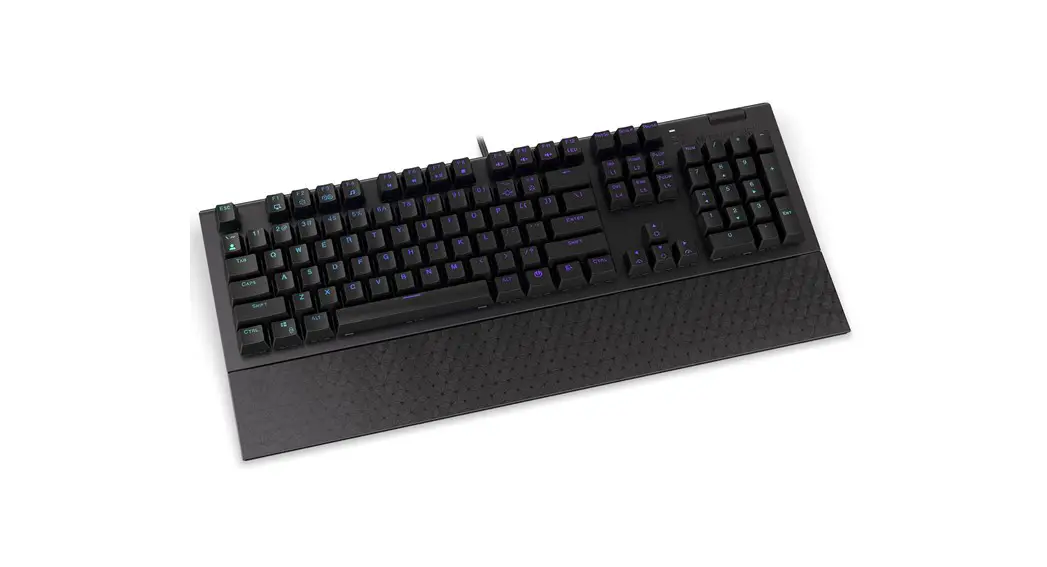


MECHANICAL GAMING KEYBOARD
EY5A028 | EY5A029 | EY5AO30 More at
www.endorty.com
We are all technology heroes.
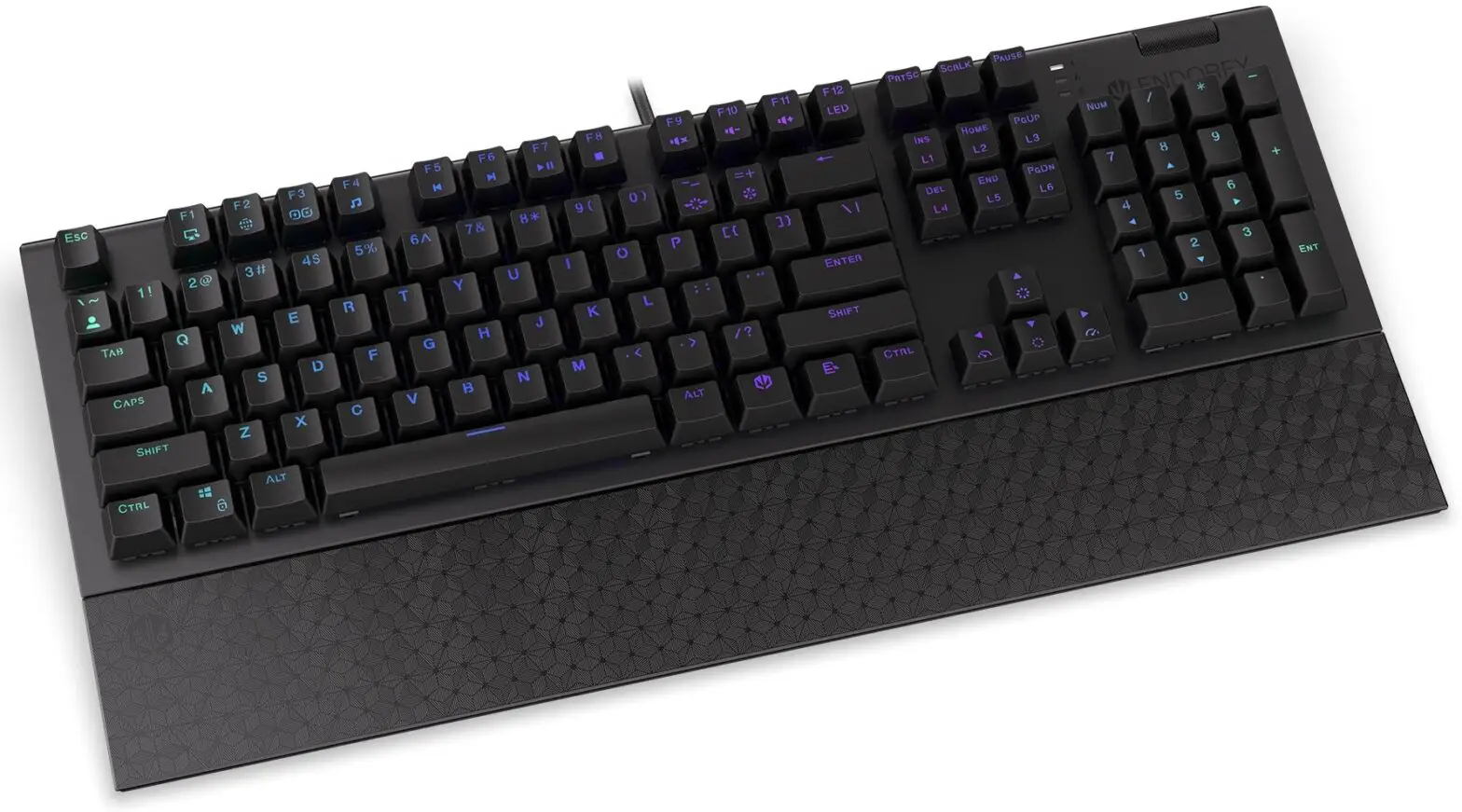
EY5A028 Omnis Mechanical Gaming Keyboard
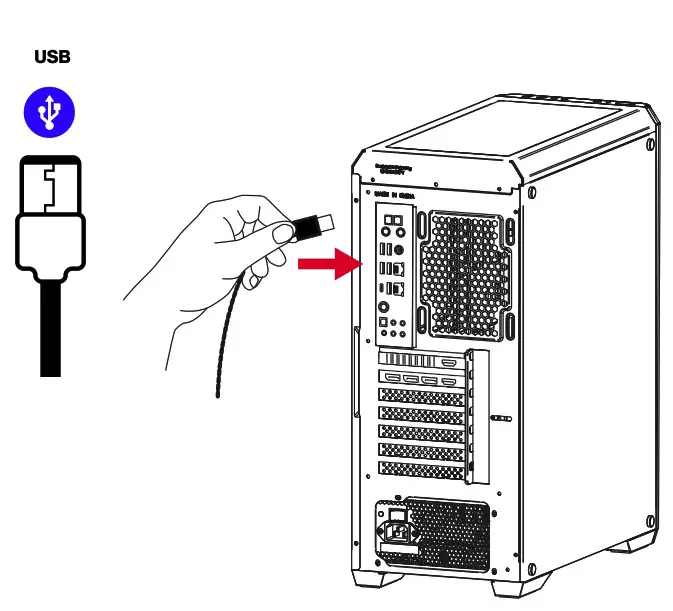
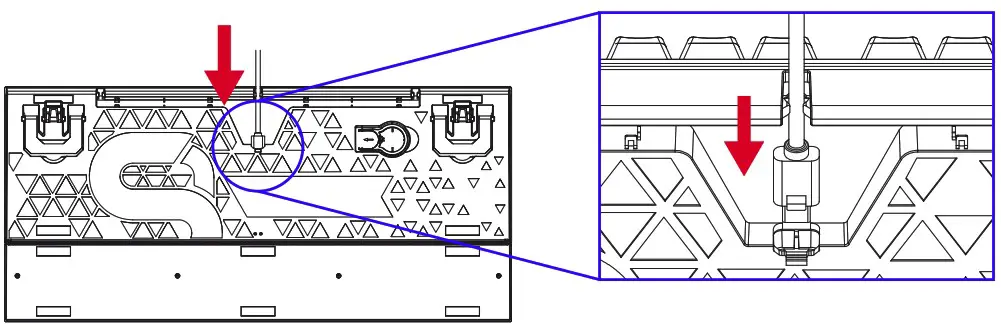
USB
SOFTWARE
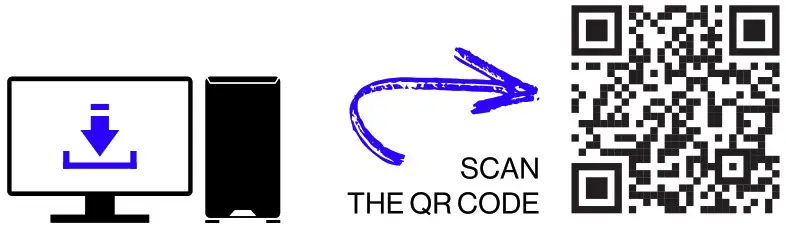
http://endorfy.com/kb/EY5A-Omnis
WWW.ENDORFY.COM/SOFTWARE
SOFTWARE/MULTIMEDIA KEYS
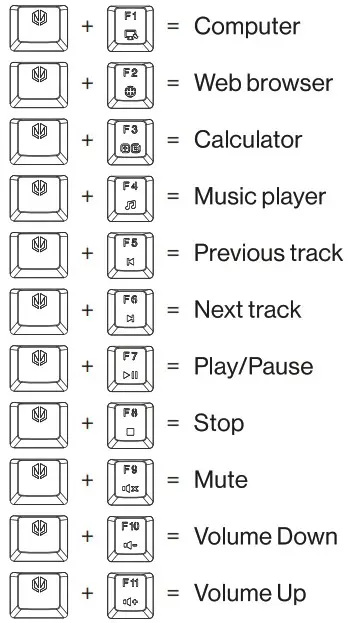
HOTKEYS
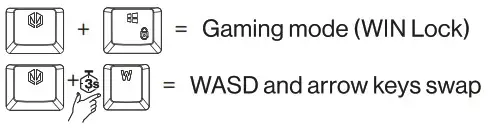
FACTORY RESET

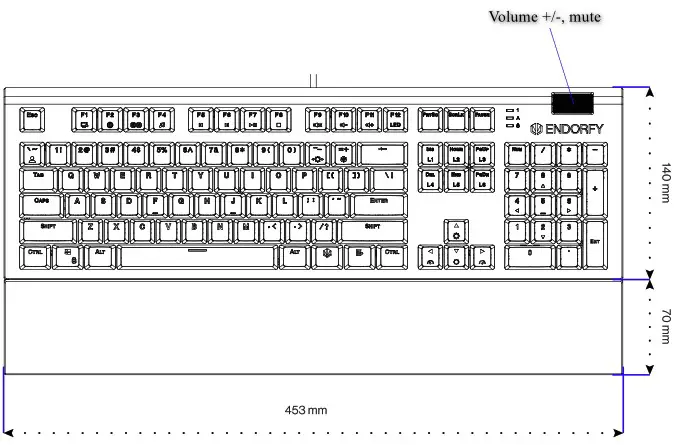
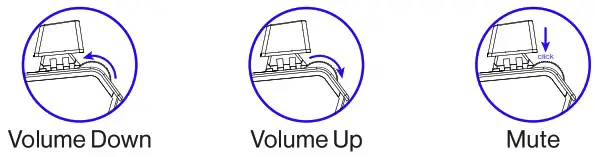
VOLUME CONTROL WHEEL
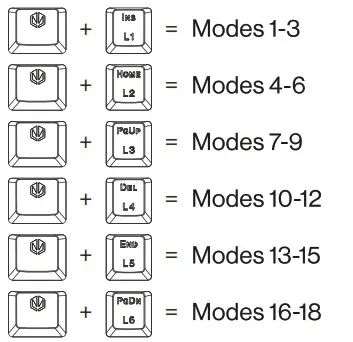
LED BACKLIGHT EFFECTS
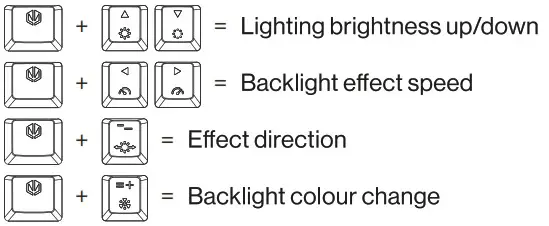
LED BACKLIGHT EFFECTS
CREATING A CUSTOM BACKLIT MODE
- Press [FN] (key with the ENDORFY logo) + [‘ ~] to enter the user mode.
- In user mode, press [FN] + [‘~] again to enter edit mode (the LED indicators will start to blink).
Click any buttons to turn LEDs on/off. Switch between colors using [FN] + [=+]. You can switch off key LED completely while is not blinking. Make you own LED combination. - Press [FN] +[“~] to save the user mode, indicator LEDs will stop blinking.
Safety instruction
- Use the product only as intended.
- Make sure that the product is in good working order before using it.
- This device is intended for indoor use, under normal humidity conditions. Do not use it outdoors.
- Do not install and use the device within reach of children.
- Before connecting the device, wait until it heats up to the ambient temperature to prevent damage due to condensation.
- Only use a clean, dry cloth for cleaning. Do not touch the device with wet hands.
- The device does not have any parts that can be repaired by the user. Return the device to the service centre for repair.
- The warranty will be voided if you open the enclosure or modify the device.
- The product should be used as intended. Incorrect use may damage the product and be dangerous to your health.
- Do not use the product near liquids or in places where it may be directly exposed to liquids. If the device comes into contact with any liquids, immediately disconnect it from the power source.
- The warranty does not cover mechanical damage to the product.
- If the device malfunctions, promptly disconnect the power supply and contact the technical support department of Endorfy.
- Do not discard electrical and electronic equipment together with other household waste.
- The end user is obliged to remove unnecessary or faulty electrical equipment to the collection point or the seller. To obtain additional information, contact the local authorities or the store where you purchased the product.
CUSTOMER SERVICE
ENDORFY.COM/CONTACT
DETAILED INFO
ENDORFY.COM/KB/EY5A-OMNIS
Designed by ENDORFY
COOLING SP.ZO.O. UL. SOKOLOWSKA 24 05-806 SOKOLOW, POLSKA
TEL. +48222920130