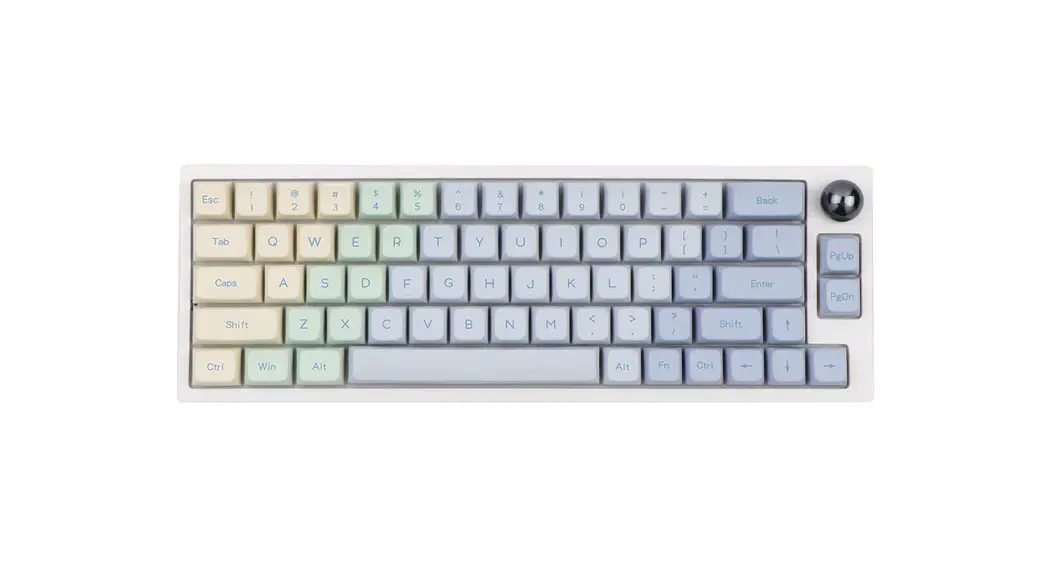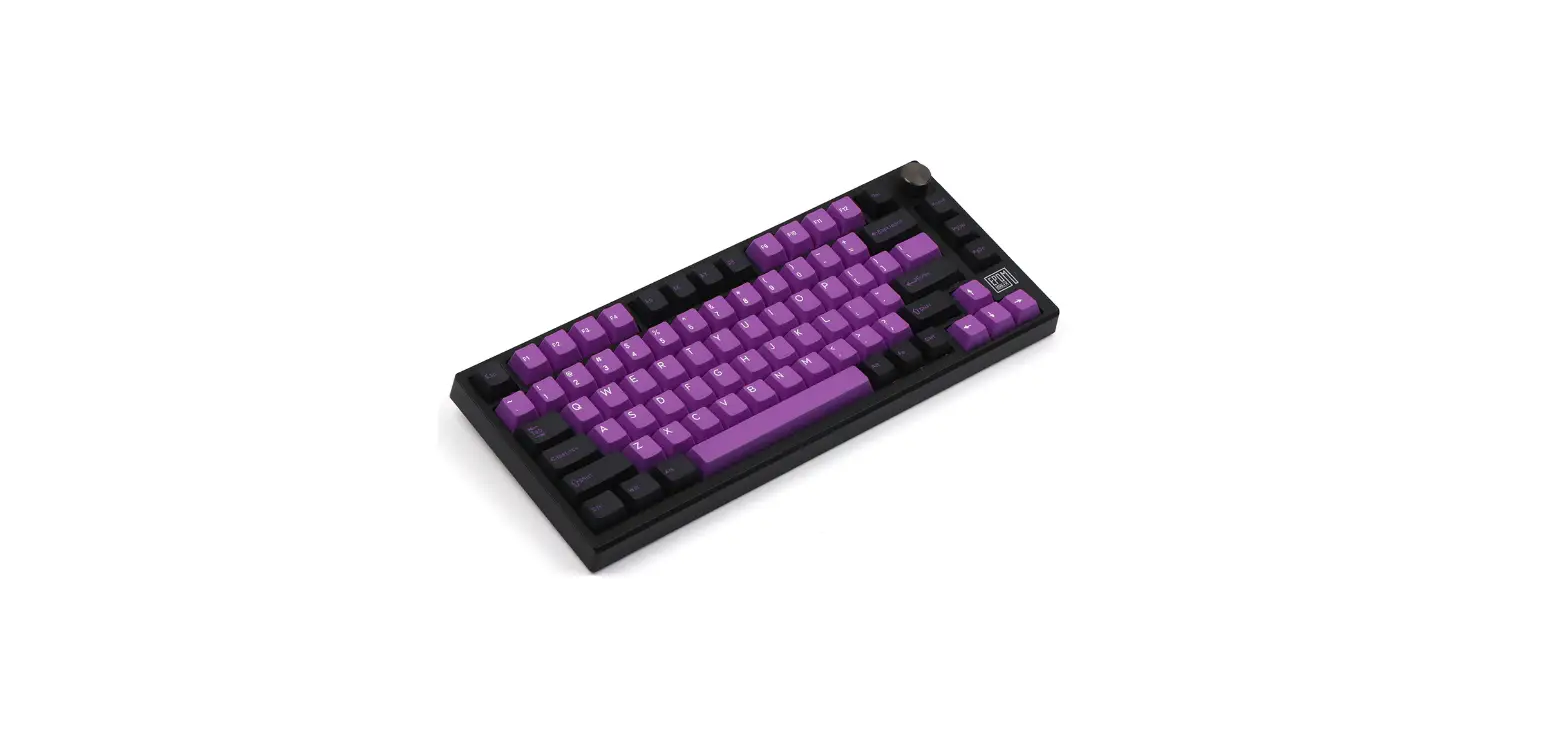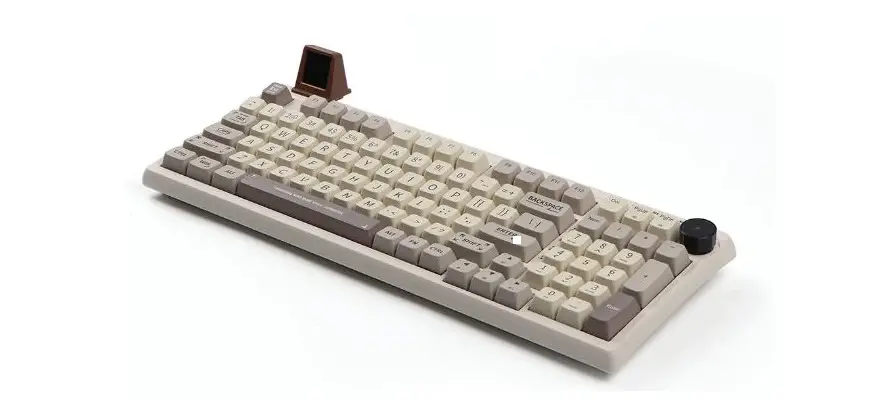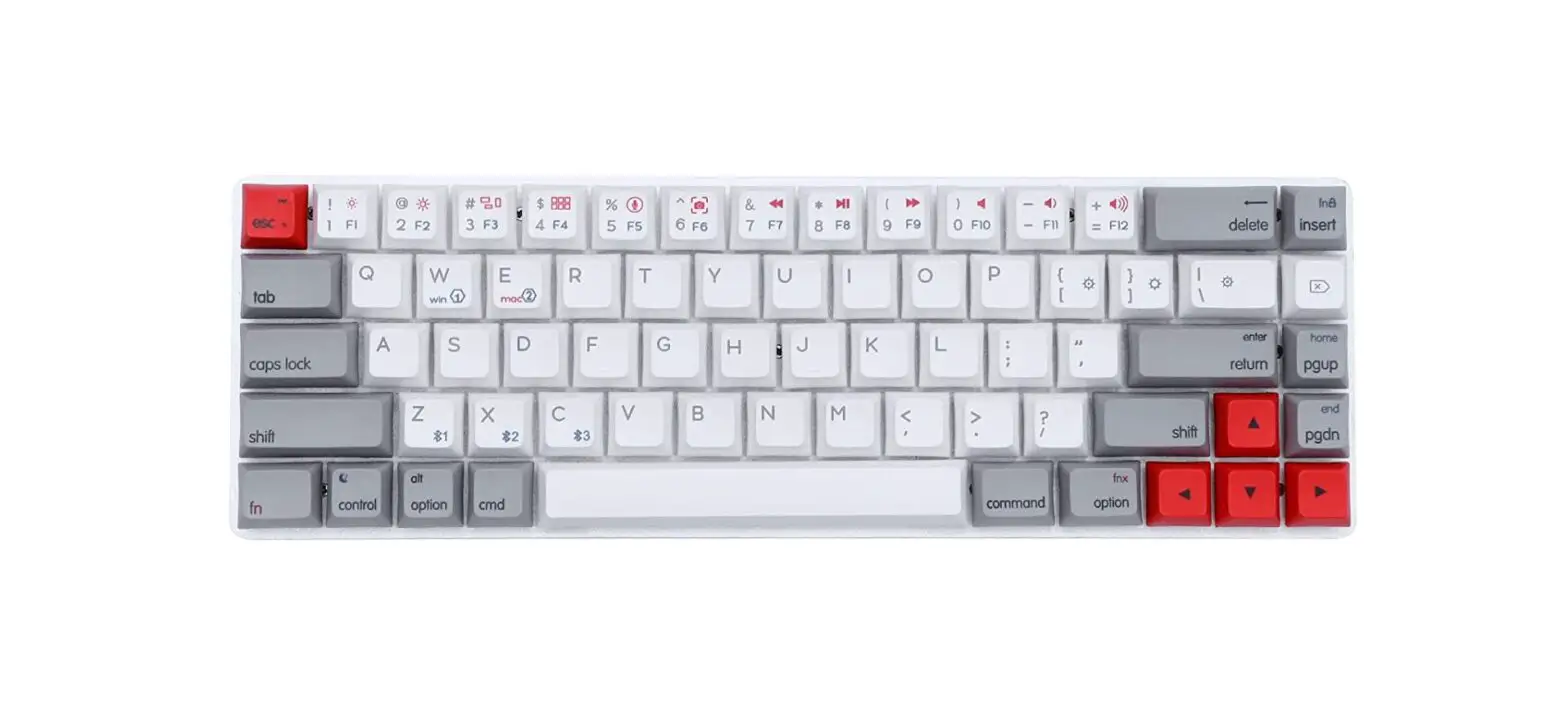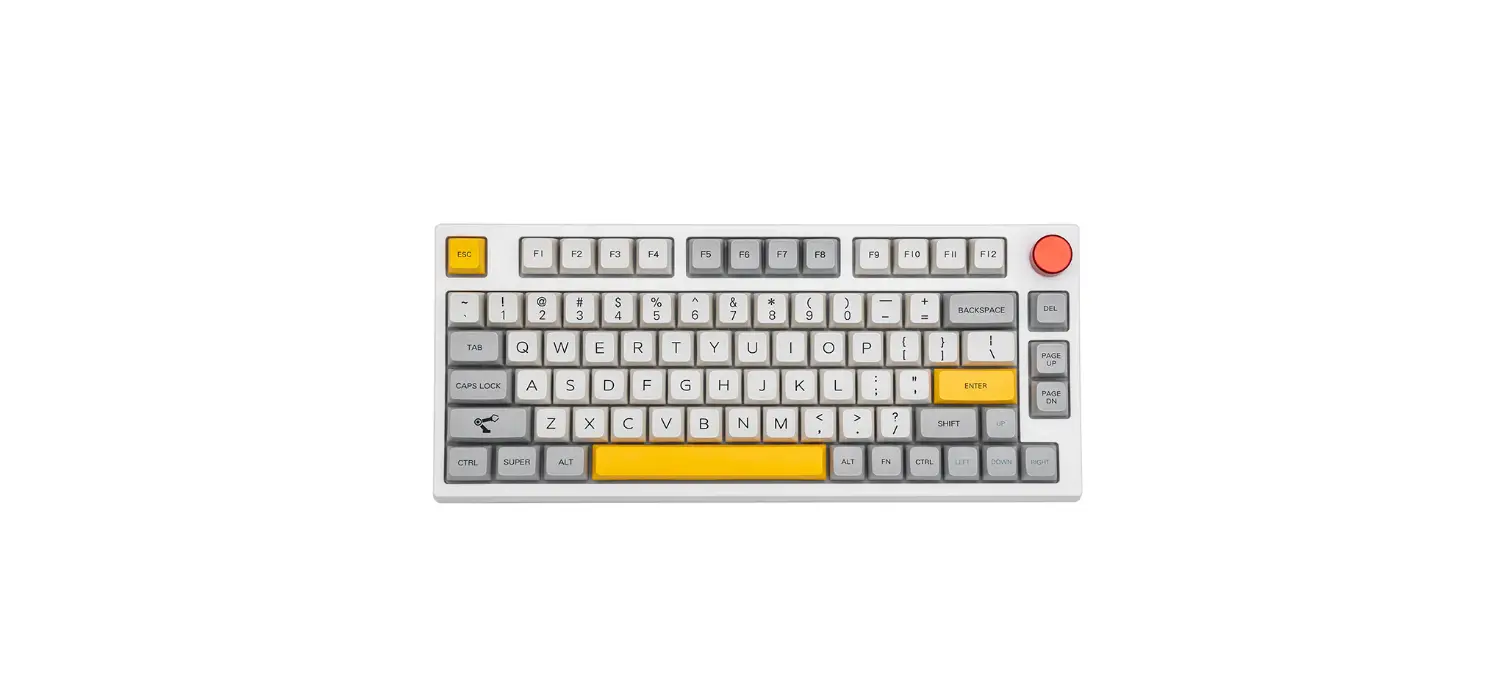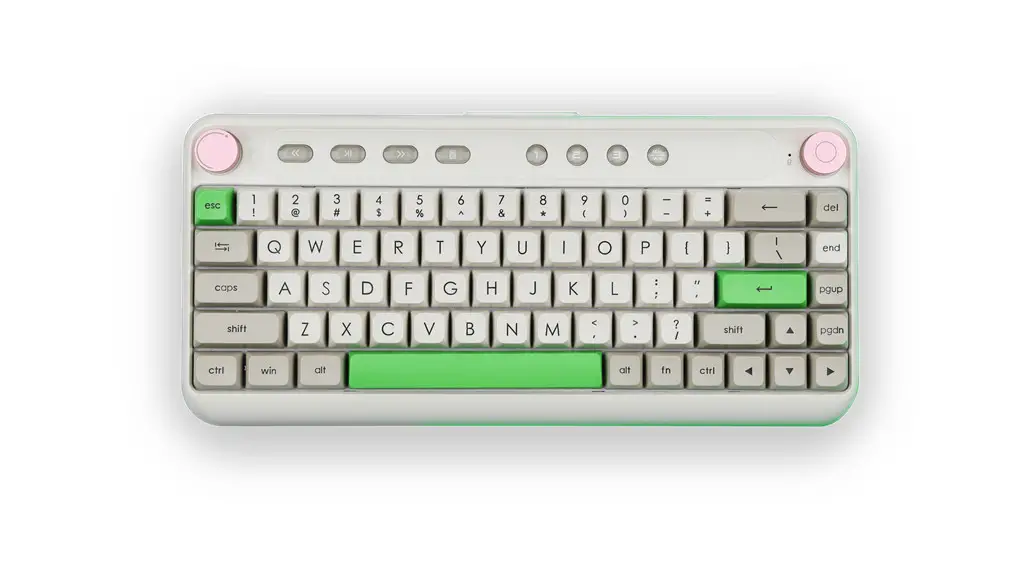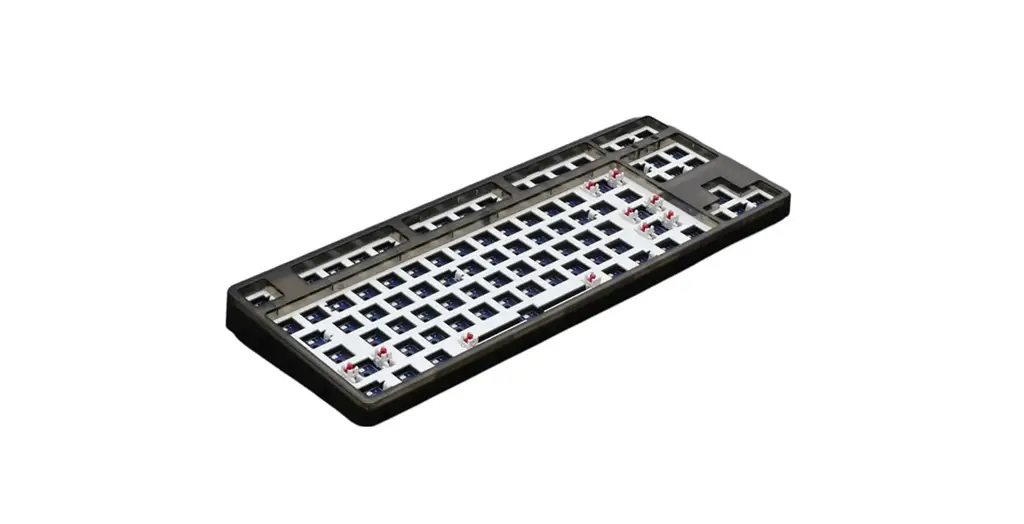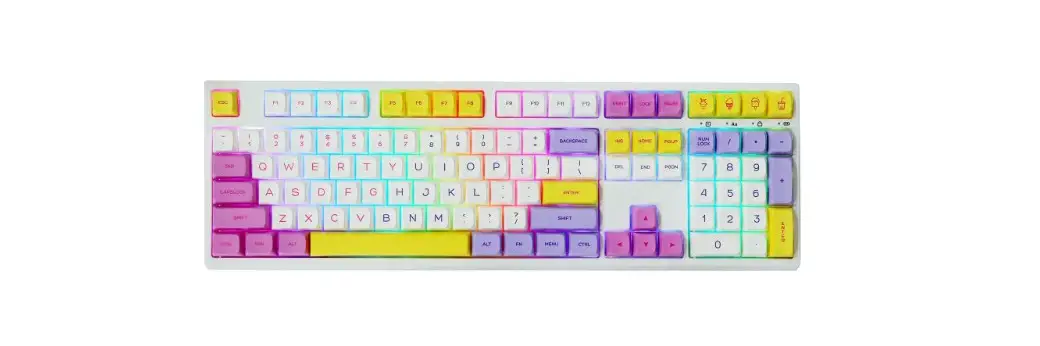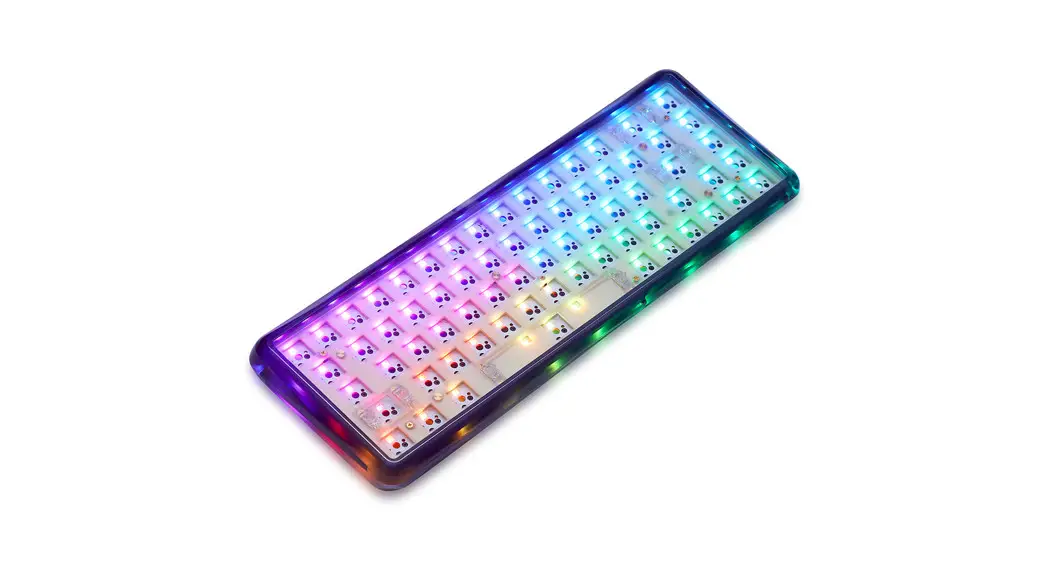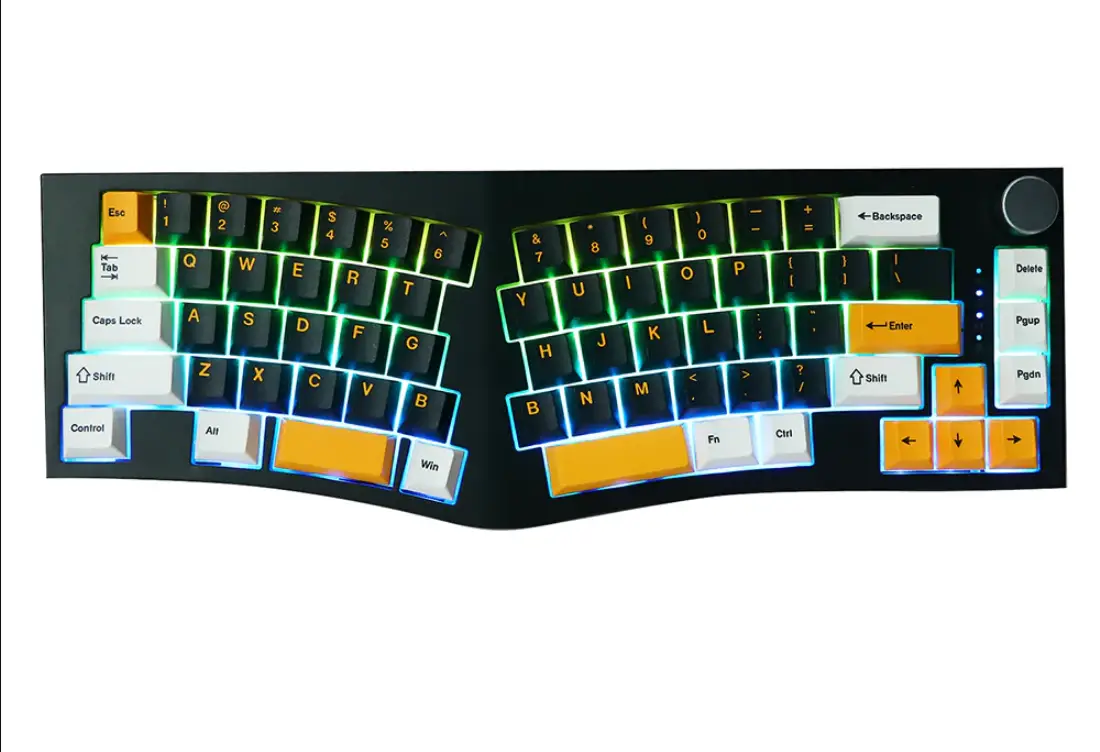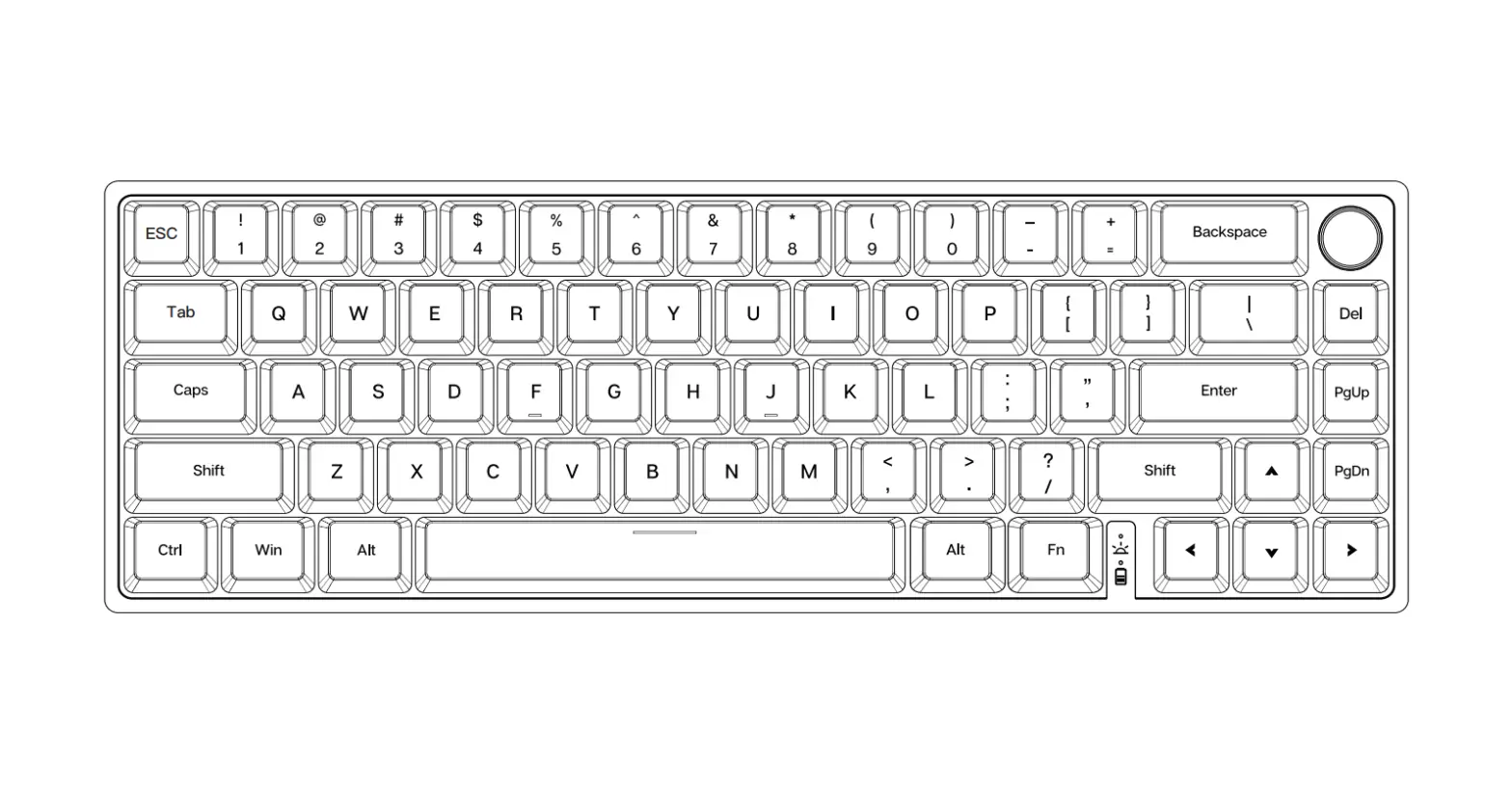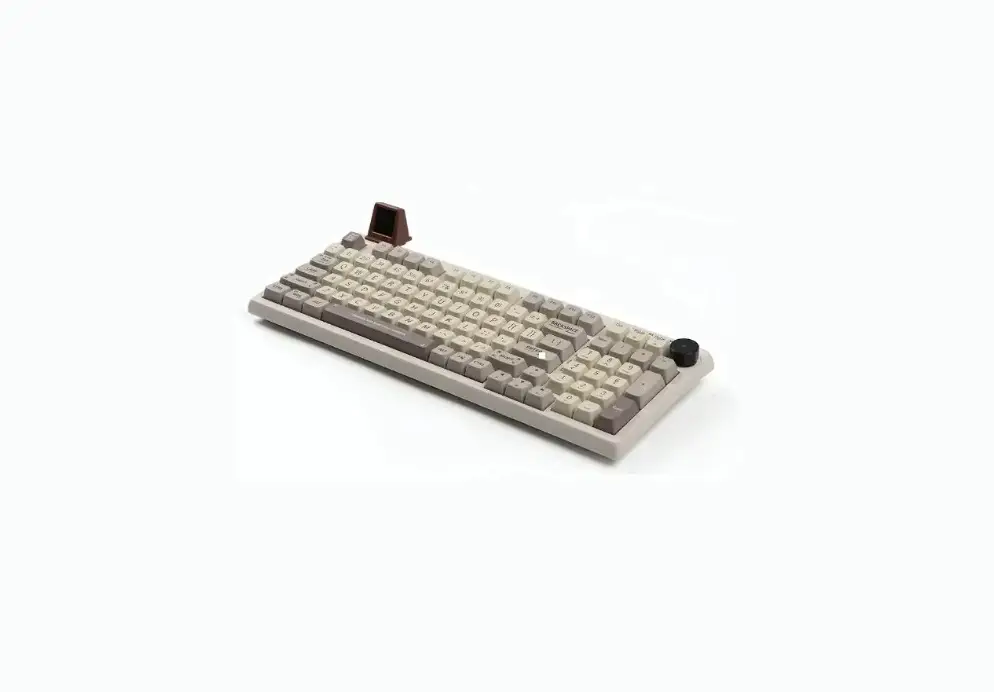

Skyline 98 Wired Mechanical Gaming Keyboard Kit
User Guide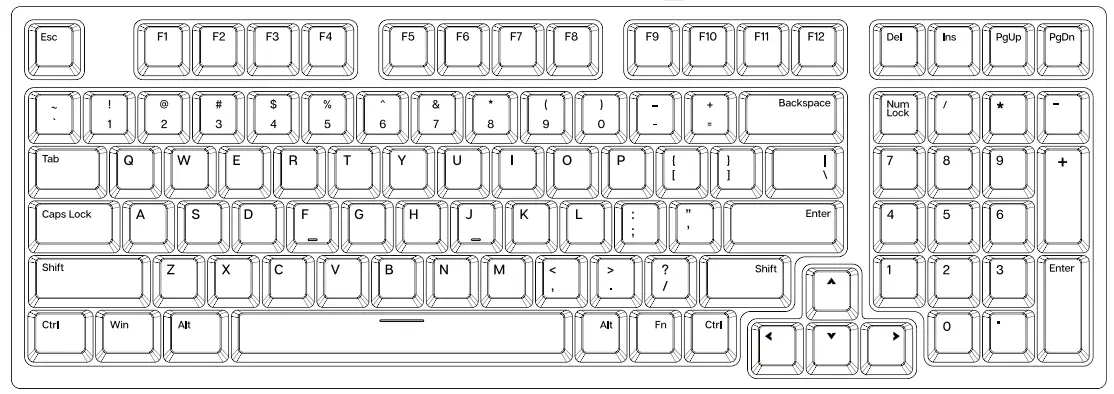
Skyline 98 Wired Mechanical Gaming Keyboard Kit
1800 Compact Hot Swappable Wired Mechanical Gaming Keyboard Kit
This Quick Guide is an introduction to the use and functionality of the EPOMAKER Skyline 98
For an in-depth guide of the functionality of the customization software please refer to the manual that you can find on the official epomaker website at https://epomaker.com/pages/software-downloads
Should you require more assistance please email us at [email protected]
MODEL: EPOMAKER Skyline 98
SIZE: 385 x 140 x 30mm
NKRO: Yes
SYSTEM: Windows / Mac
CONNECTION: USB-C
WEIGHT: 11409 509
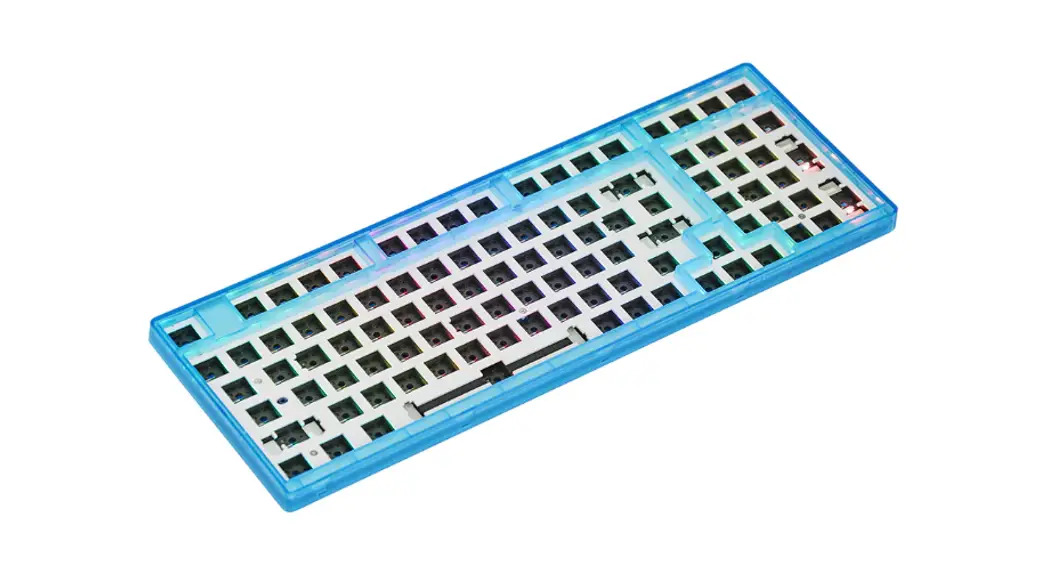
HOTSWAP: YES
KEYCAPS: PST
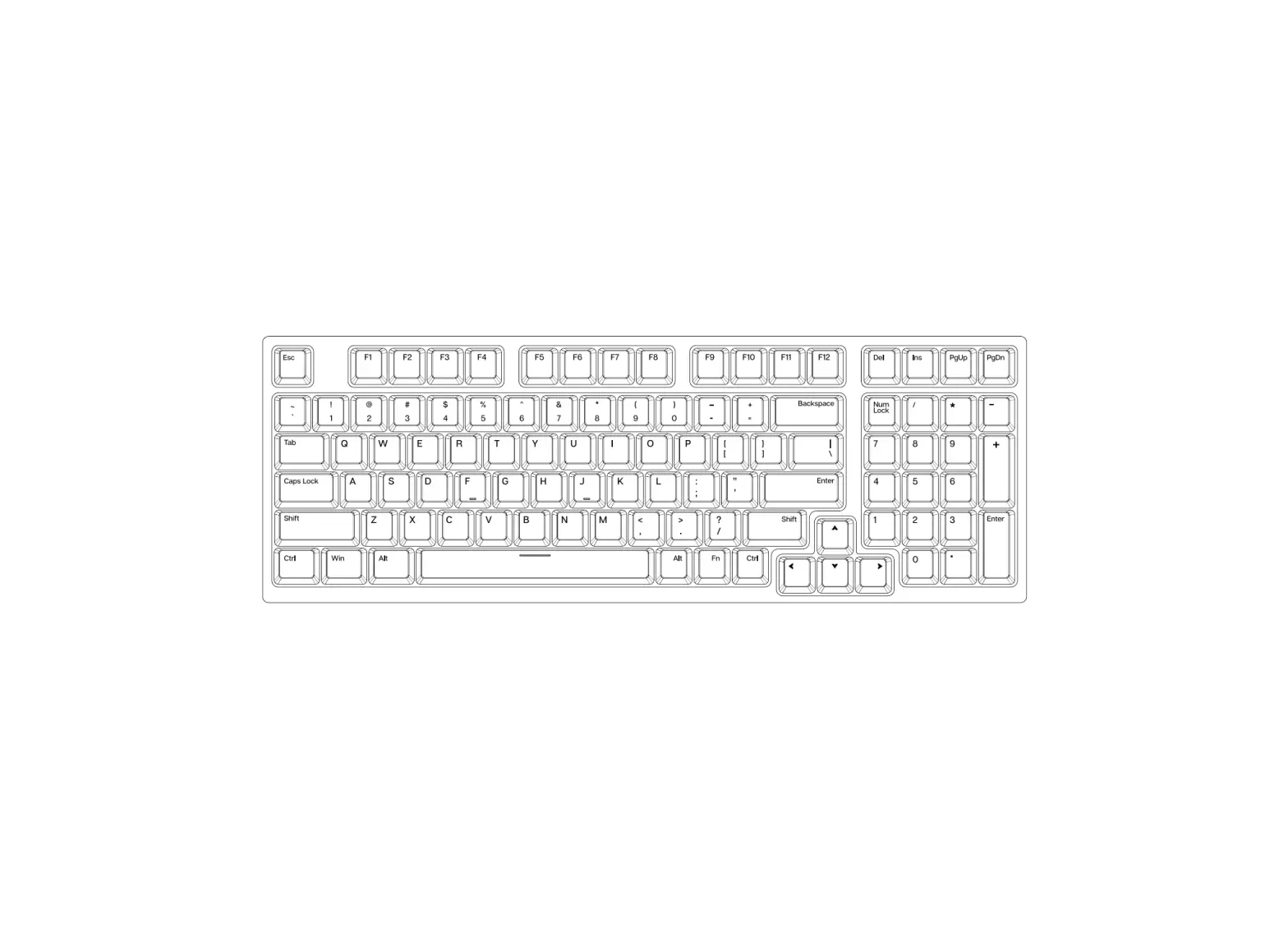
LAYOUT: 98 Keys
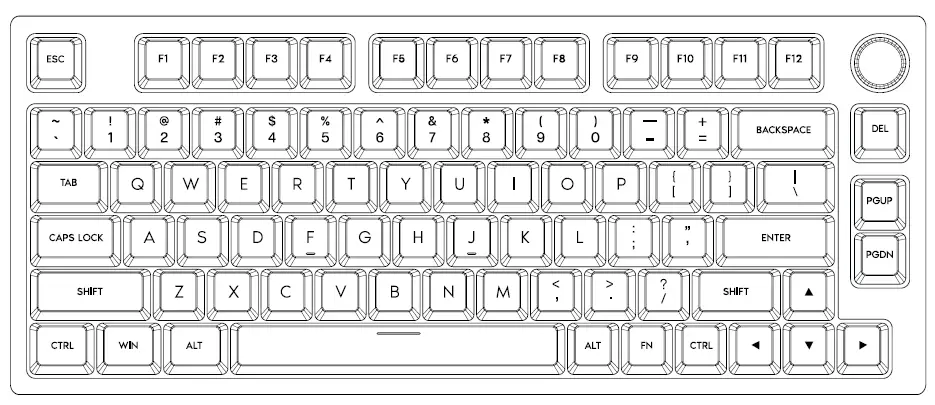
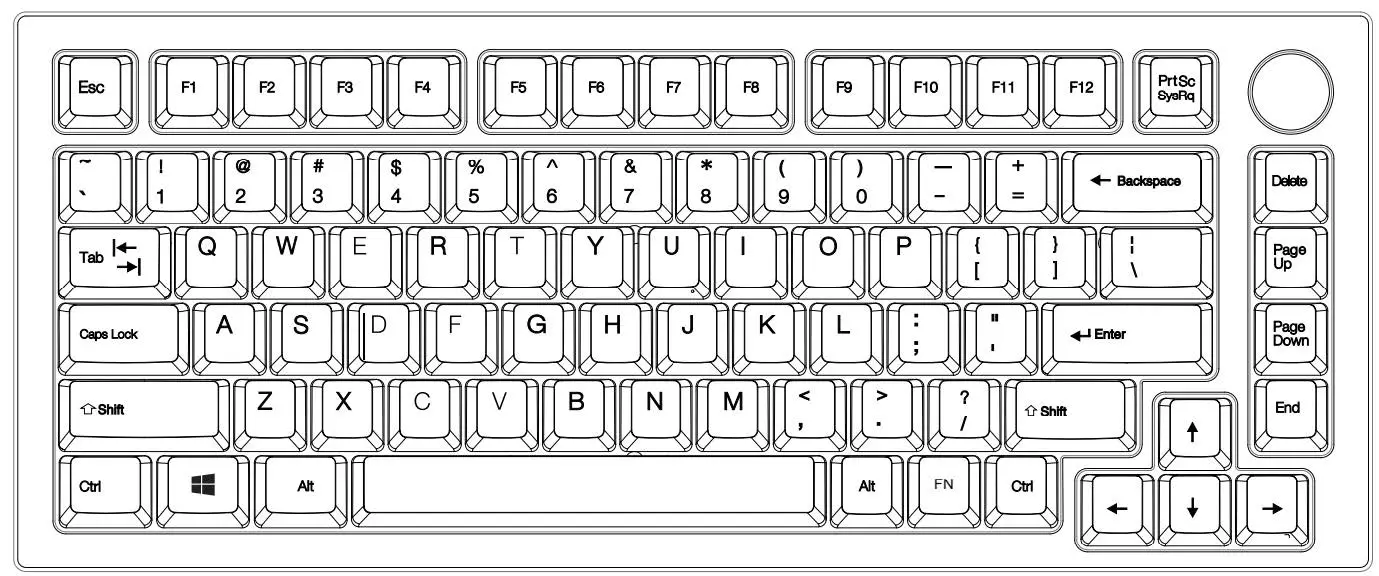
WINDOWS SHORTCUT KEY
| FN+Esc | Long press 3s to restore the default setting |
| Fn + F1 | Screen Brightness – |
| Fn + F2 | Screen Brightness + |
| Fn + F3 | Control Center |
| Fn + F4 | Explorer |
| Fn + F5 | |
| Fn + F6 | Home Page |
| Fn + F7 | Previous track |
| Fn + F8 | Play/Pause |
| Fn + F9 | Next track |
| Fn + F10 | Mute |
| Fn + F11 | Volume – |
| Fn + F12 | Volume + |
| Fn+PGUP | Home |
| Fn+PGDN | End |
| Fn+P | PAUSE |
| Fn + I | Prtsc |
| Fn + 0 | Scroll |
| Fn+Backspace | Turn on/off Backlights |
| Fn+\| | Toggle Backlight Effects |
| Fn+Shift_R | Toggle Backlight Colors |
| Fn+↑ | Backlight Brightness + |
| Fn+↓ | Backlight Brightness – |
| Fn+← | Backlight Speed – |
| Fn+→ | Backlight Speed + |
| Fn+Win_L | Lock/Unlock Win Key |
MAC OS SHORTCUT KEY
| FN+Esc | Long press 3s to restore the default setting |
| F1 | Screen Brightness – |
| F2 | Screen Brightness + |
| F3 | Control Center |
| F4 | Explorer |
| F5 | |
| F6 | Home Page |
| F7 | Previous track |
| F8 | Play/Pause |
| F9 | Next track |
| F10 | Mute |
| F11 | Volume – |
| F12 | Volume + |
| Fn+PGUP | Home |
| Fn+PGDN | End |
| Fn+P | PAUSE |
| Fn + I | Prtsc |
| Fn + 0 | Scroll |
| Fn+Backspace | Turn on/off Backlights |
| Fn+\| | Toggle Backlight Effects |
| Fn+Shift_R | Toggle Backlight Colors |
| Fn+↑ | Backlight Brightness + |
| Fn+↓ | Backlight Brightness – |
| Fn+← | Backlight Speed – |
| Fn+→ | Backlight Speed + |
| Fn+Win_L | Lock/Unlock Win Key |
REPLACING KEYCAPS AND SWITCHES
For a full guide on how to remove keycaps and switches scan the QR Code or type in your browser: https://epomaker.com/blogs/guides/diy-guide-how-to-remove-and-replace-your-mechanical-keyboard-switches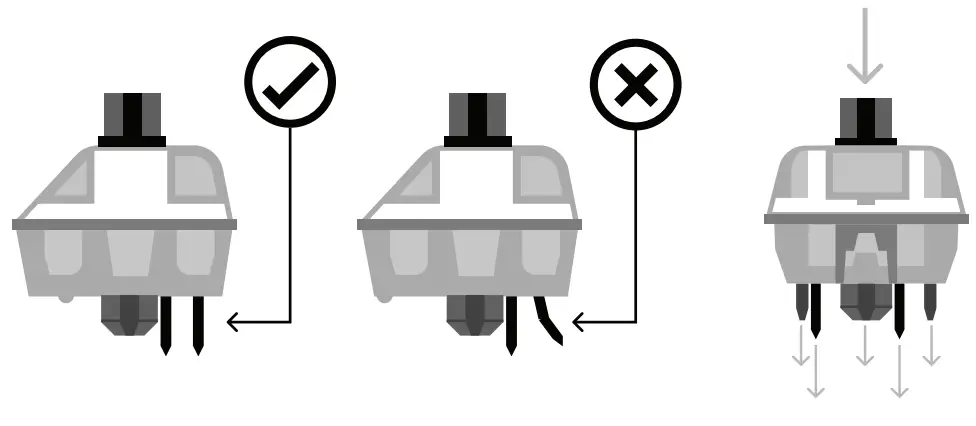
Before installing switches, be sure the pins are clean and straight.
Push Straight Down
Please be gentle. Be sure the pins are aligned with the slots.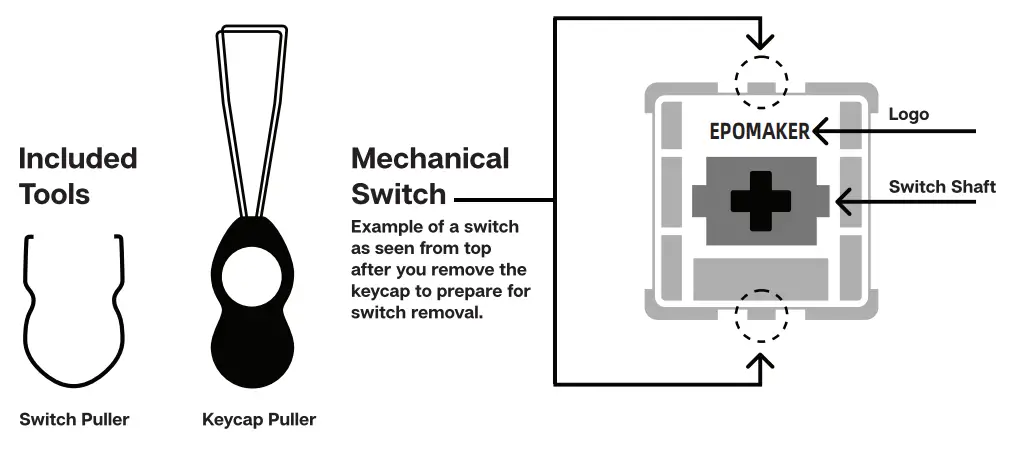
The Switch Puller tool aligns Vertically to the Switch to unclip the plastic securing the switch to the plate.
Remove Switches
- Grab your Switch Removal Tool and align the gripping teeth vertically (on the V-Axis) at the center of the switch, as shown in the example graphic above.
- Grab the switch with the Switch Puller and apply pressure until the switch releases itself from the plate.
- Using firm but gentle force pull the switch away from the keyboard using a vertical motion.
Install Switches
- Check that all the switch metallic pins are perfectly straight and clean.
- Align the switch vertically to have the Gateron logo facing north. The pins should align themselves to the keyboard PBC.
- Press the switch down until you hear a click. This means your switch clips have attached themselves to the keyboard plate.
- Inspect the switch to ensure it’s properly attached to your keyboard, and test it.
 Note: If the key doesn’t work it’s possible you may have bent one of the switches while installing it. Pull the switch out and repeat the process.
Pins may be damaged beyond repair and need replacement if this process is not done correctly. Never apply excessive force when replacing keycaps or switches. If you cannot remove or install keycaps or switches please contact customer service as soon as possible to avoid damage to the keyboard due to operating errors.
TECHNICAL ASSISTANCE
For technical assistance, please email to [email protected] with your purchase order number and a detailed description of your issue.
We normally respond to inquiries within 24 hours. If you purchased your keyboard from a distributor or not from any official store of Epomaker, please contact them directly for any additional help.
COMMUNITY FORUMS
Join our community and learn together with other keyboard enthusiasts. https://discord.gg/2q3Z7C2
 https://www.reddit.com/r/Epomaker/
WARRANTY EPOMAKER
The warranty covers any factory defects that might affect the proper functionality of your purchase. It doesn’t cover any damage that may occur from normal wear and tear. If your product is defective we will send you a replacement unit. Replacement units might require you to send the defective unit back to Epomaker.
We provide a 1-year warranty for our products when bought from our website (EPOMAKER.com). Your item will not be covered by your 1-year warranty if the inspection shows any sign of modification or changes unsupported by the original product, these include: Changing internal components, Assembling and reassembling the product, and Replacing Batteries, etc.
We will ONLY cover the item if it is bought from our official stores. You do not have a warranty with us if you bought the item from another reseller or likewise. Please contact the store that you bought your product from to resolve issues.
Made in China
Manufacturer: Shenzhen Changyun Technology Co., Ltd.
Address: Seventh Floor, Kai Daer Building, No.168 Tongsha Road
Xik Street, Nanshan District, Shenzhen, Guangdong, CN
Email: [email protected]
Web: mweopomaker.com
APEX CE SPECIALISTS LIMITED
Address: UNIT 30 NORTH POW HOUSE, NORTH POINT BUSINESS PARK, NEW MALLOW ROAD CORK, T23 AT2P, IRELAND
Contact: Wells Tel: +353212066339
Email: [email protected]

 Reddit - Dive into anything