 INSTALLATION INSTRUCTIONS
WINDOW STAND
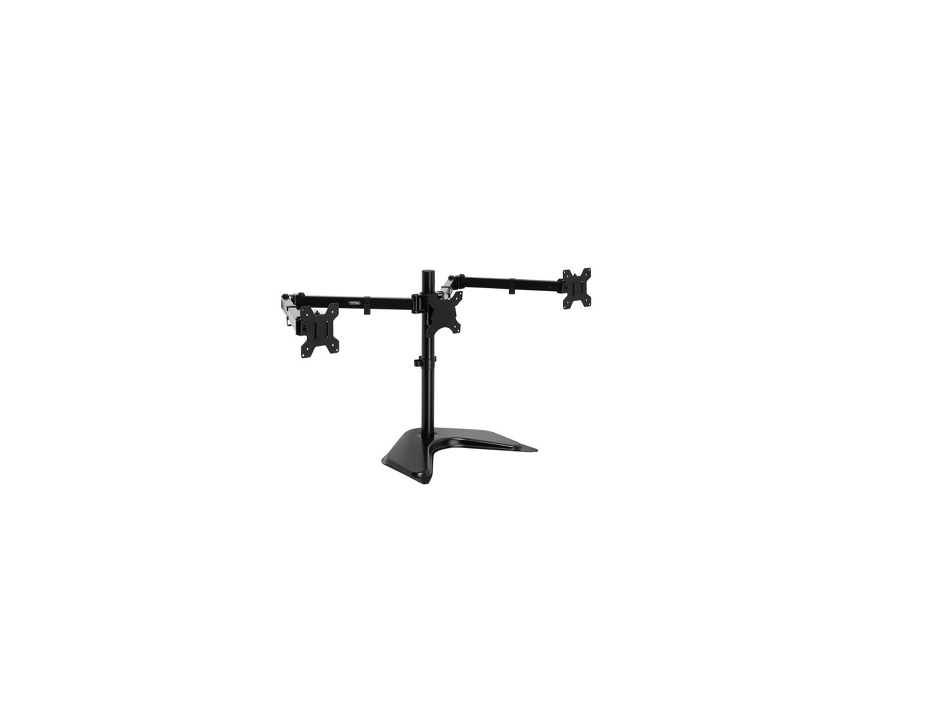
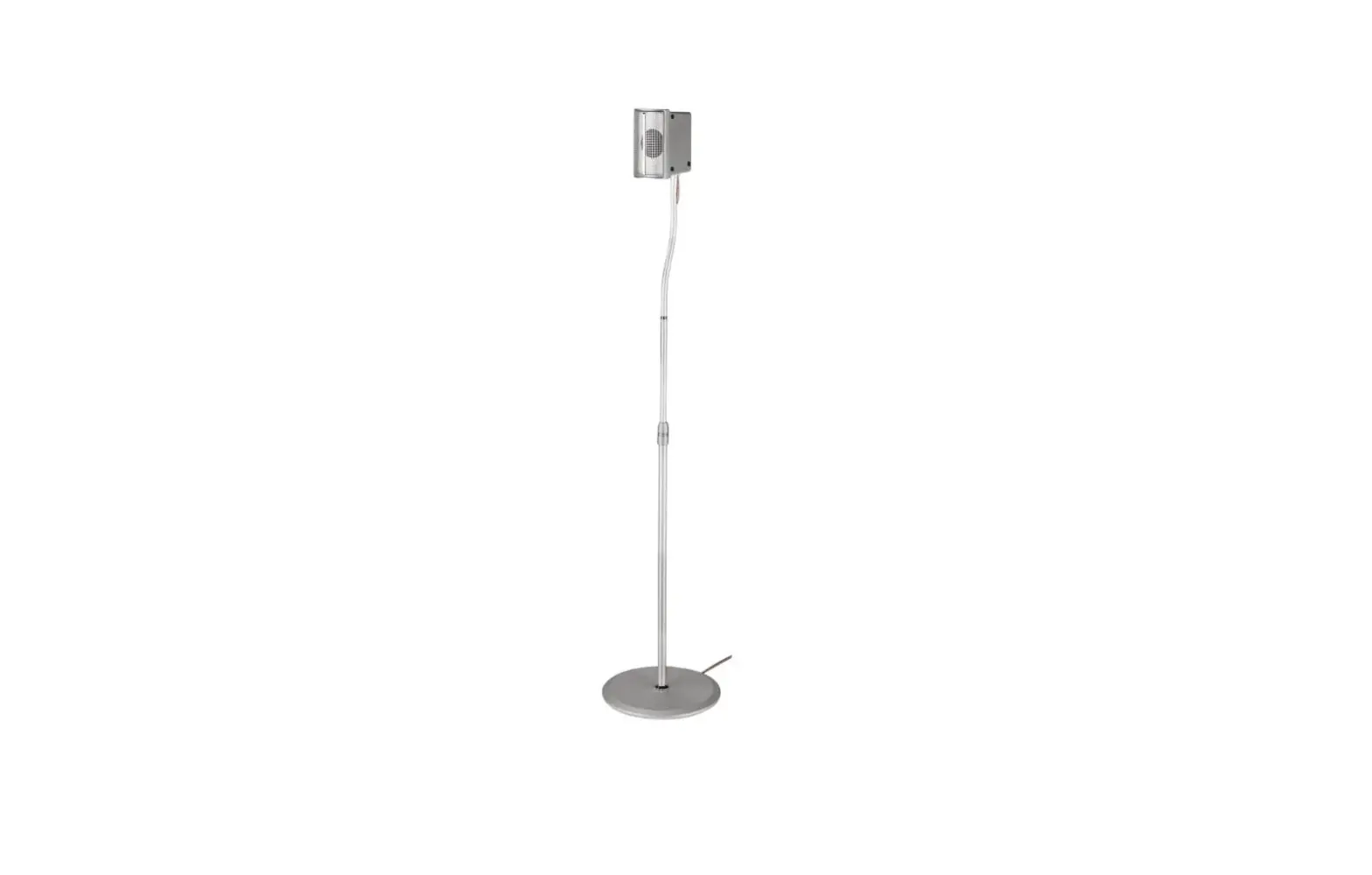
09232 Window Stand
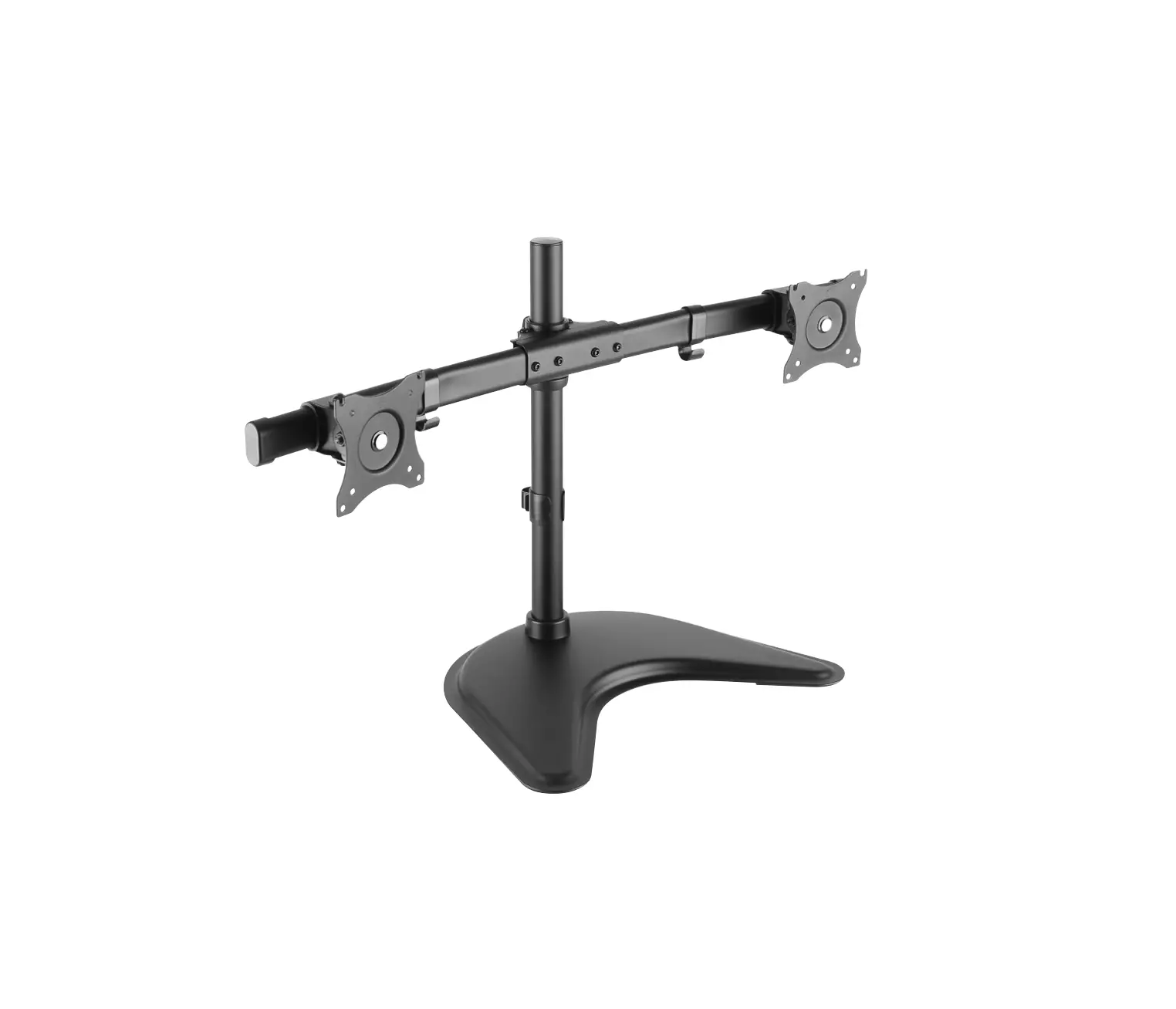
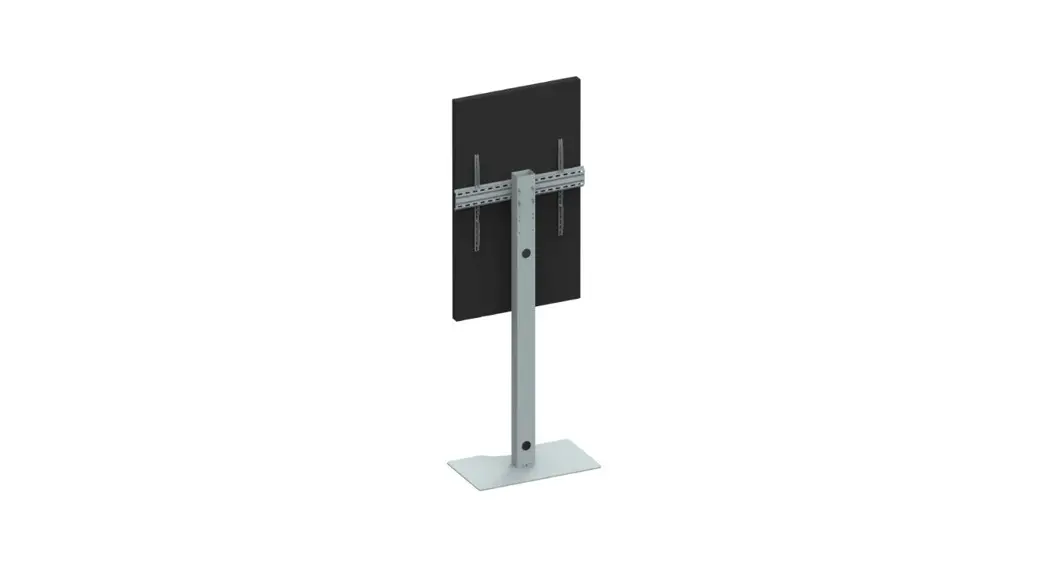
FREESTANDING VERSION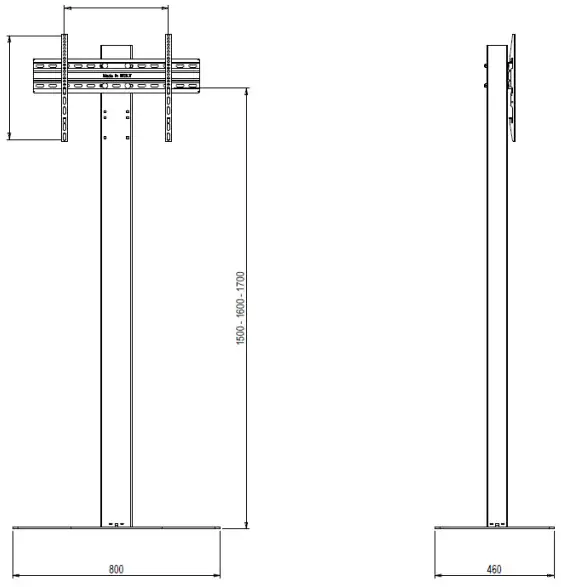
| FREESTANDING VERSION | PRODUCT CODE | COLOR | MIN VESA | MAX VESA | SCREEN ORIENTATION | SCREEN SIZE inch | WEIGHT CAPACITY Kg/Lbs |
| WINDOW STAND LANDSCAPE | 9232 | Black | 200X200 | 600X400 | Landscape | 32 – 65 | 50kg – 110Ibs |
| WINDOW STAND PORTRAIT | 9233 | Black | 200X200 | 400×400 | Portrait | 32 – 65 | 50kg – 110Ibs |
| WINDOW STAND PORTRAIT | 9237 | Black | 200X200 | 400×600 | Portrait | 32 – 65 | 50kg – 110Ibs |
BOLT DOWN VERSION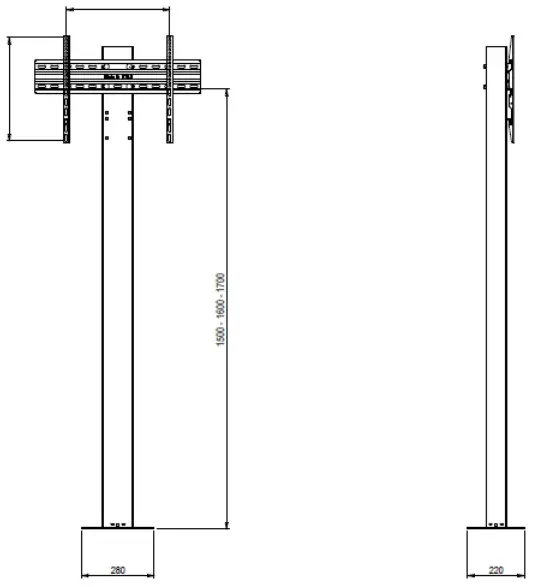
| BOLT DOWN VERSION | PRODUCT CODE | COLOR | MIN VESA | MAX VESA | SCREEN ORIENTATION | SCREEN SIZE inch | WEIGHT CAPACITY Kg/Lbs |
| WINDOW STAND LANDSCAPE | 9230 | Black | 200X200 | 600X400 | Landscape | 32 – 65 | 50kg – 110Ibs |
| WINDOW STAND PORTRAIT | 9231 | Black | 200X200 | 400×400 | Portrait | 32 – 65 | 50kg – 110Ibs |
| WINDOW STAND PORTRAIT | 9236 | Black | 200X200 | 400×600 | Portrait | 32 – 65 | 50kg – 110Ibs |
REL 2022 – document code 04563
 PARTS
PARTS
 PARTS
PARTS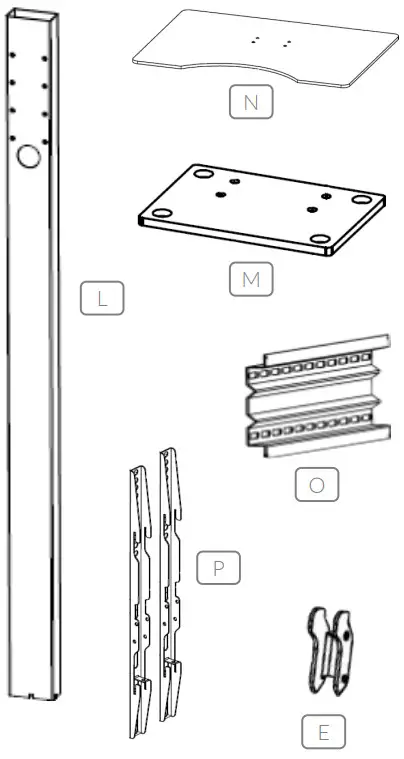
WARNING
During installation, the installation guide and the instructions for use which are supplied with the screen itself must also be consulted. OMB is never responsible for direct, indirect or consequential damages which arise due to incorrect and/or inexpert mounting, mounting on constructions which are not strong enough, modifications, use other than prescribed, overloading, not working in accordance with the instructions for use, combinations with other than OMB’s products, unintended combinations of OMB’s products.
- Before use, check if all bolts and nuts are tightened up securely.
- Use this stand only on horizontal and stable floors.
- When moving the stand, we advice to get the screen display off the stand to prevent damage.
- Moving the stand has to be done with great caution and at least 2 persons.
- Maximum weight of the screen display: Kg. 50 (lbs 110).
- The stand is suitable for supporting a monitor only.
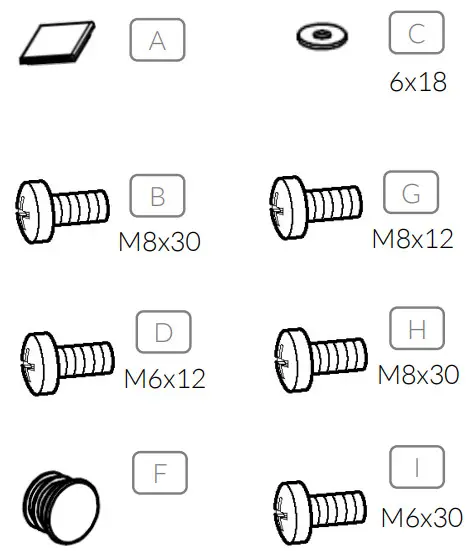
| Position | Code | Description | Q.ty |
| A | 3975 | BUMPER UNDER PLATE | 4 |
| B | 3897 | SCREW M8X30 | 4 |
| C | 1252 | WASHER 6X18 | 8 |
| D | 964 | SCREW M6X12 | 4 |
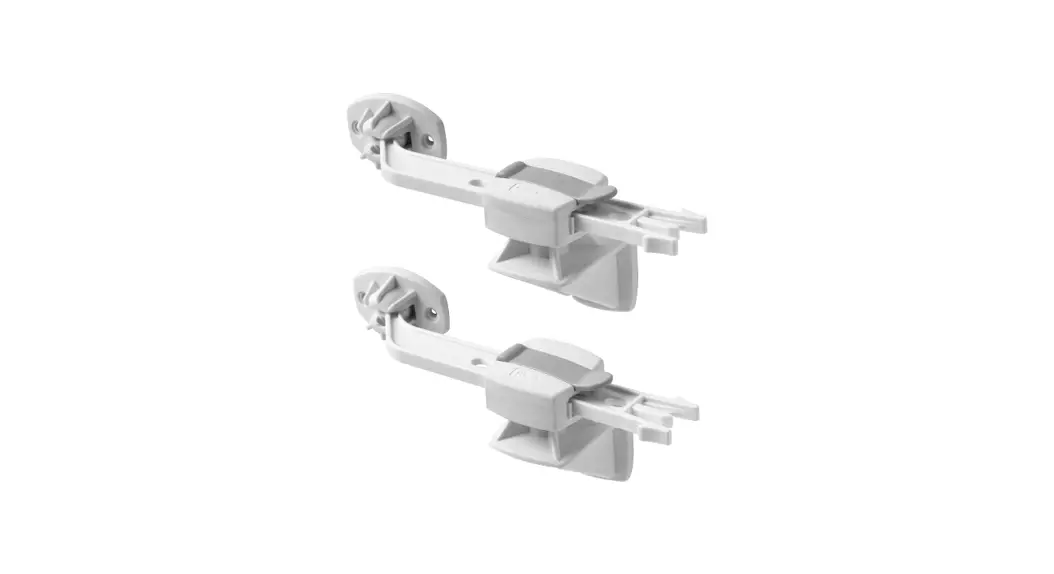
| E | 2351 | SNAP HOOK | 2 |
| F | 2115 | CABLE HOLE CAP | 2 |
| Position | Code | Description | Q.ty |
| G | 2331 | SCREW M8x12 | 4 |
| H | 2332 | SCREW M8x30 | 4 |
| I | 1251 | SCREW M6x30 | 4 |
| Position | Code | Description | Q.ty |
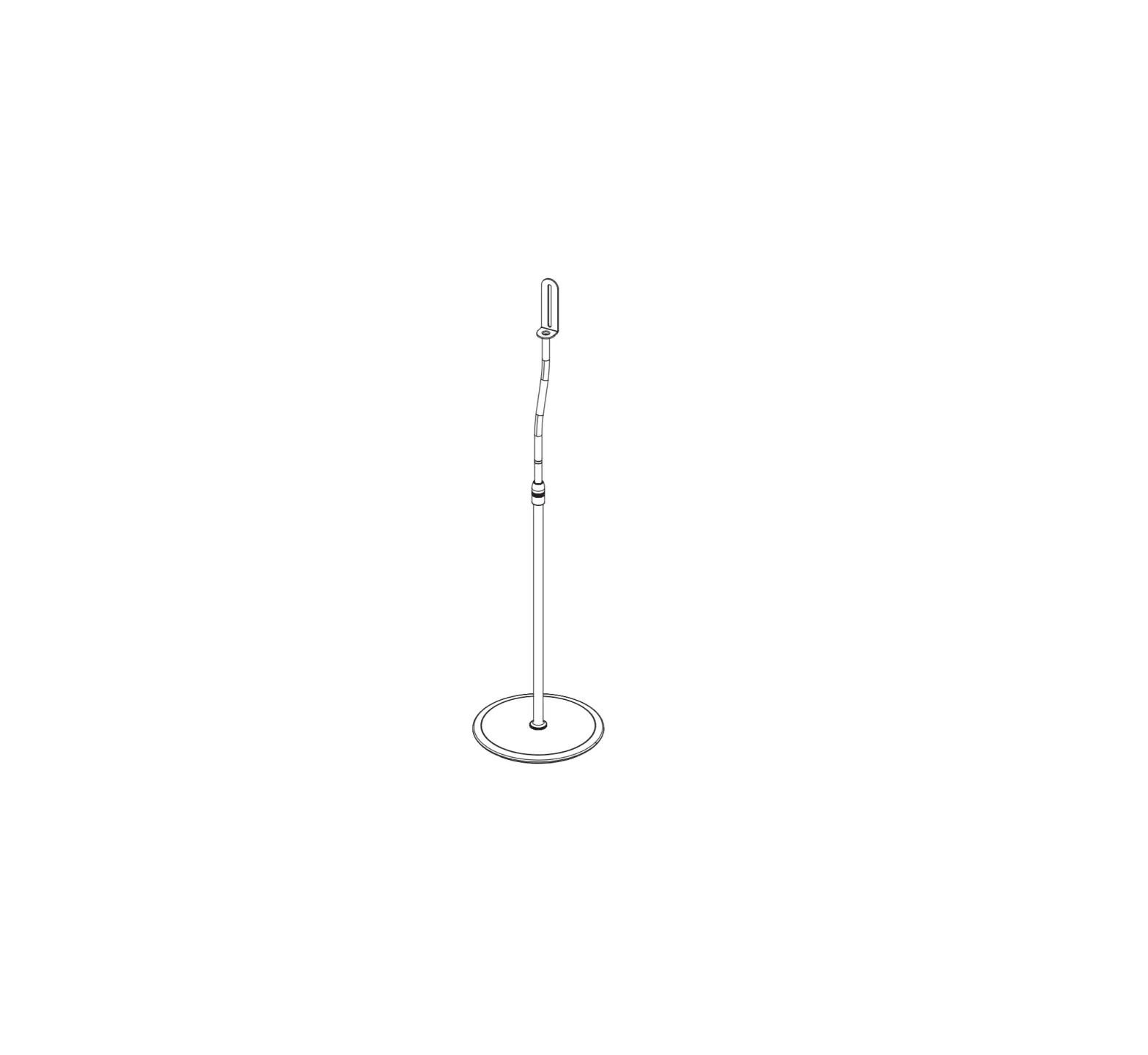
| L | MAIN POLE | 1 | |
| M | BASE PLATE TO BOLT DOWN | 1 | |
| N | BASE PLATE FREESTANDING | 1 | |
| O | SCREEN VESA SUPPORT | 1 | |
| P | MONITOR HOLDER BARS | 2 |
ASSEMBLY PROCESS
Fix the FREESTANDING (N) or BOLT DOWN BASE (M) to the main pole (L) using 4 screws M8x30 (B).
To fix the BOLT DOWN version to the floor, consult an expert technician.
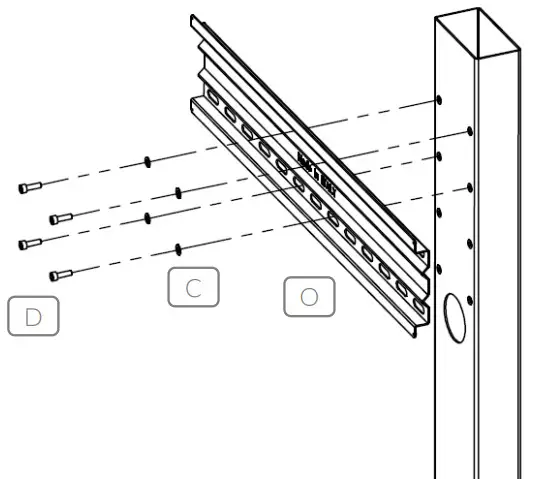
Floor fixing screws are not supplied.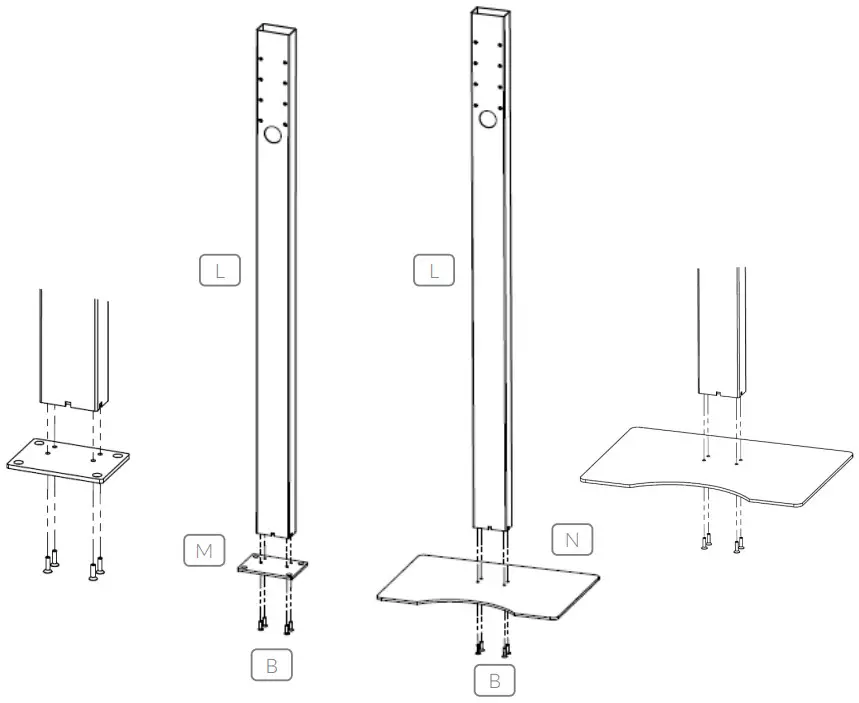 Fix the SCREEN VESA SUPPORT (O) to the main pole using 4x washers (C) and 4x screws (D)
  Insert the 2x SNAP HOOK (E) in the MONITOR HOLDER BARS (P) as indicated in the picture.
Fix the 2x MONITOR HOLDER BARS (P) to your screen using one of following screw set: (G), (H) or (I)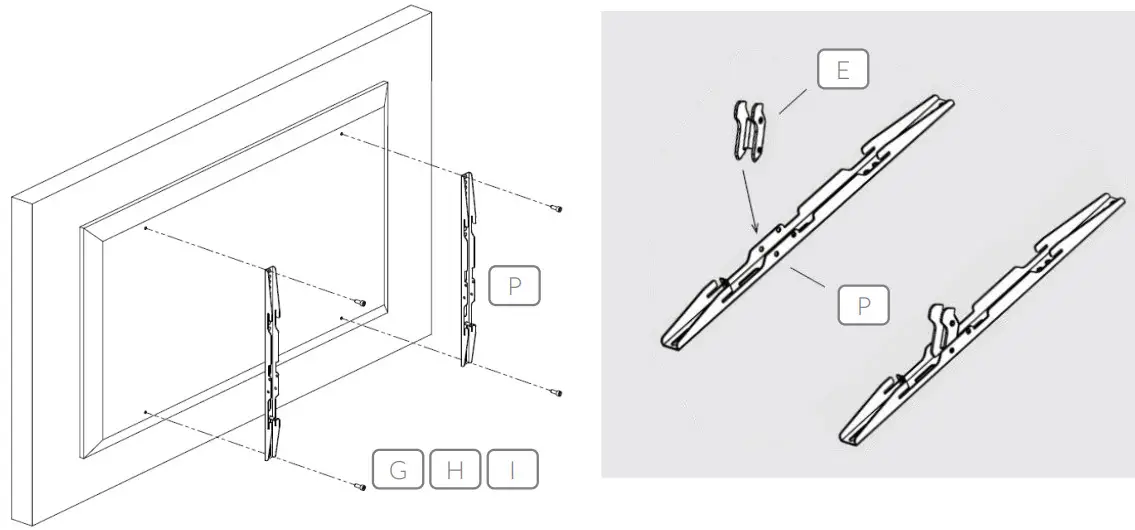 Hook the monitor to VESA SUPPORT (O) while pressing lightly to engage the SNAP HOOK CLIP (E)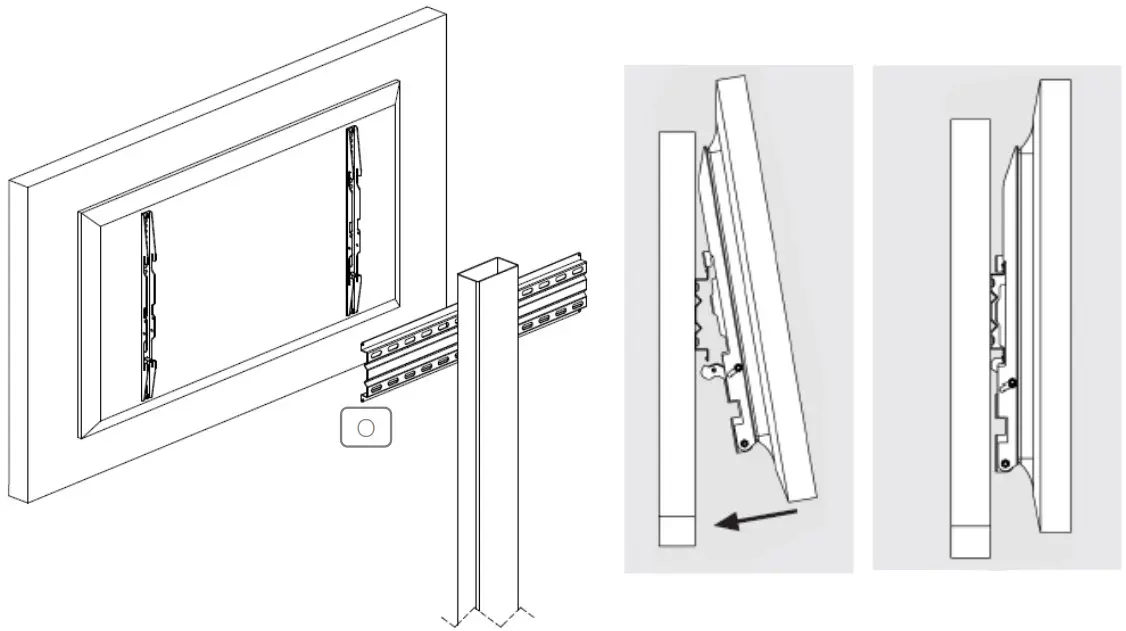
OMB srl │ Via Risorgimento, 25 │ 38070 STENICO (TN) │ ITALY
Tel. +39 0465 771036 │ [email protected]│www.ombitaly.it
 Omb - Targeted To Professionals