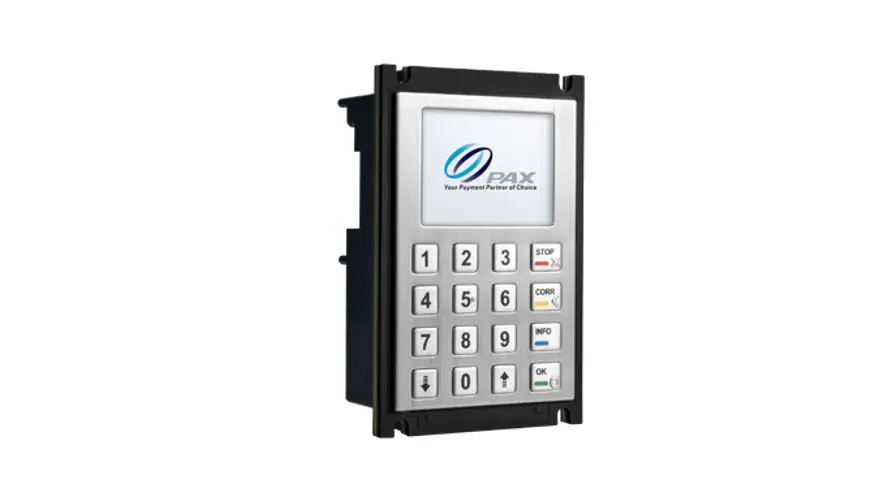
A35 Integrated Smart PINpad
Product Information: A35 Integrated Smart PINpad
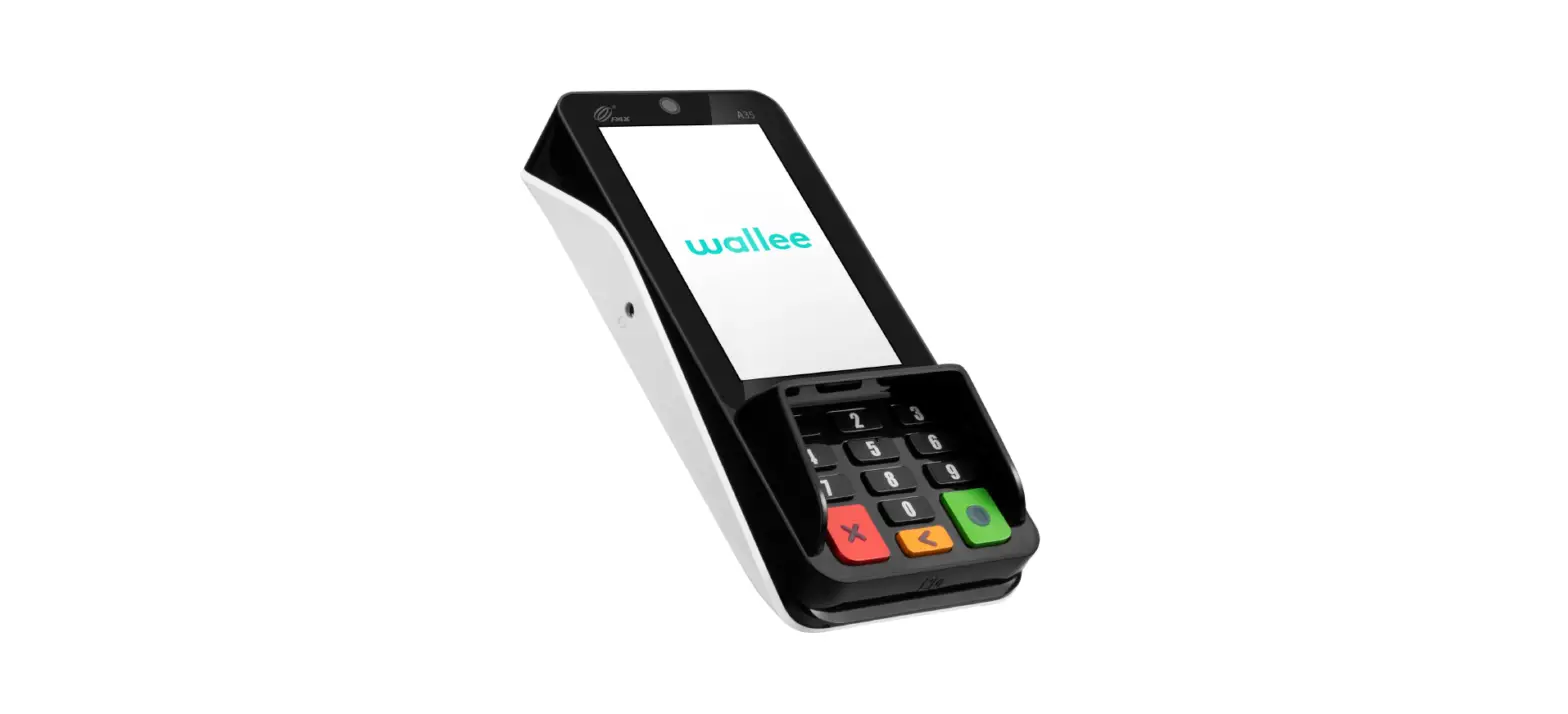
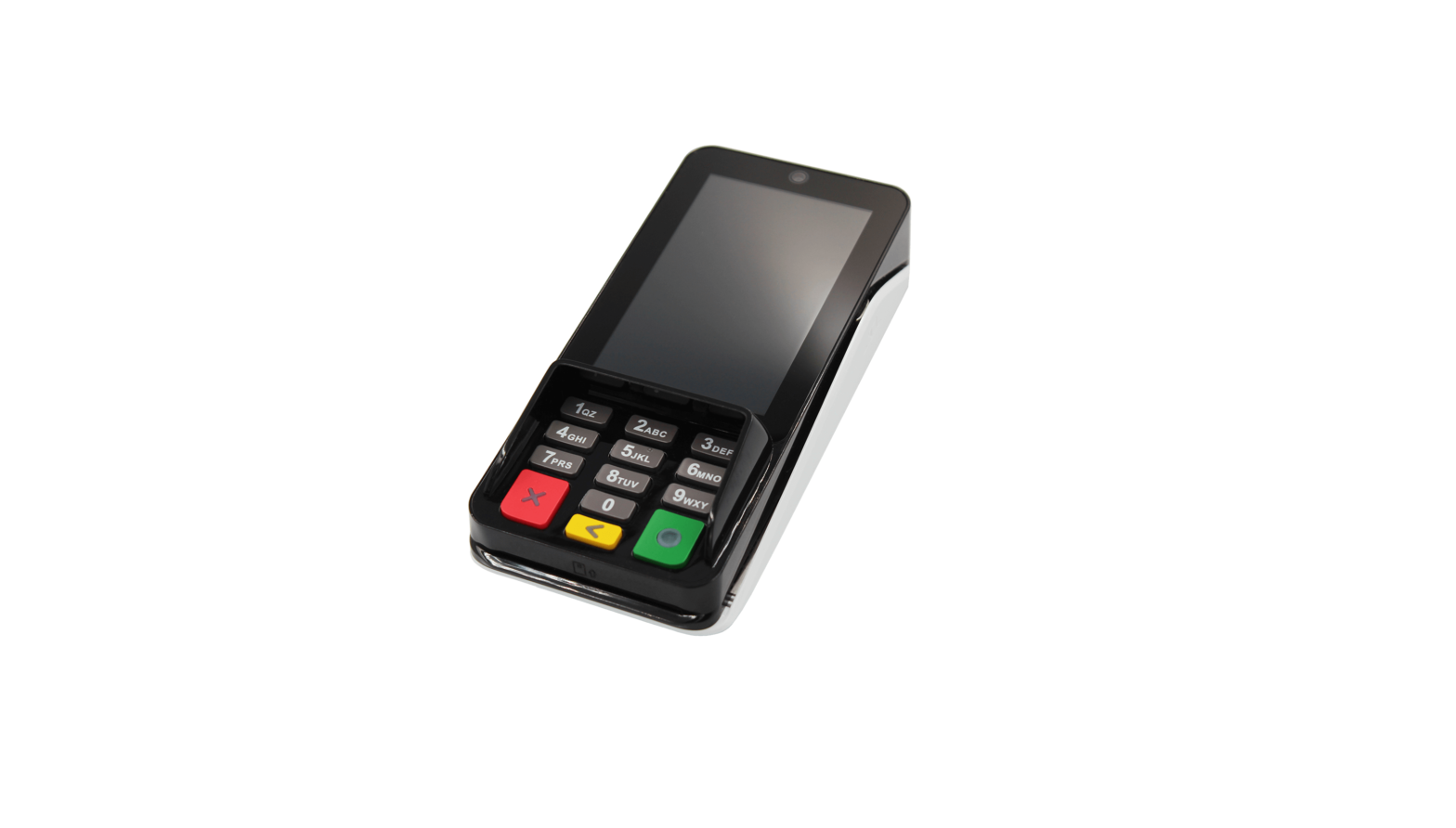
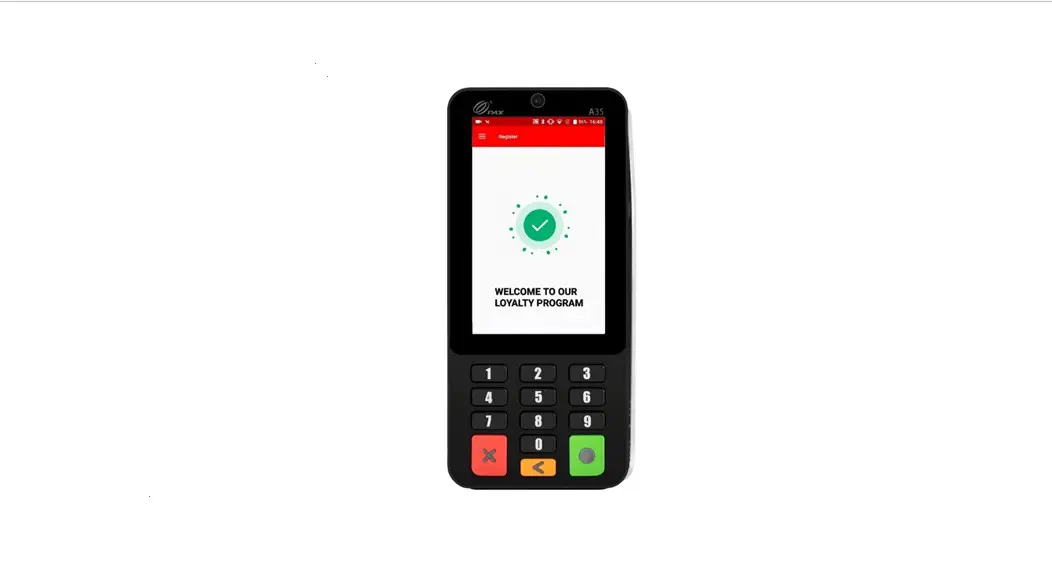
The A35 Integrated Smart PINpad is a versatile payment device
suitable for use in supermarkets, food & beverage, fashion
& retail industries. It is powered by PayDroid and equipped
with PCI 6 SRED, ensuring secure transactions. The device features
a 4” WVGA capacitive touch screen, 0.3MP front-facing camera
(optional 5MP), advanced connectivity, and multi-functional port.
The device supports Chip & PIN, NFC Contactless, and Magnetic
Stripe card readers. It has a compact size of 163.69 x 76.90 x
30.10mm and weighs 260g.
Product Usage Instructions:
- Connect the device to a power source using the provided
adapter. - Insert the SIM/SAM card into the designated slot on the
device. - Turn on the device by pressing and holding the power button
located on the side of the device. - Follow the on-screen instructions to set up the device and
connect it to a network. - To initiate a transaction, select the payment method (Chip
& PIN, NFC Contactless, or Magnetic Stripe) and follow the
prompts on the screen. - If using the optional 5MP front-facing camera or facial
recognition module, align the customer’s face with the camera to
complete the transaction. - Once the transaction is complete, provide a receipt to the
customer (if applicable) and turn off the device by pressing and
holding the power button.
Note: For further information on product usage and
troubleshooting, please refer to the user manual provided by
PAX.
A35
INTEGRATED
Smart PINpad
Supermarkets
Food & Beverage
Fashion & Retail
SMART
Powered by PayDroid
PCI 6 SRED
www.pax.com.cn
4″ Display
0.3MP Front or 5MP Front
Advanced Connectivity
A35
Smart PINpad
SPECIFICATIONS
Operating System Processor Memory Card Readers
Cameras
Displays Comms Configurations Adapter SIM / SAM Keys / Buttons Audio Ports Physical
Environmental
Accessory Options
Certifications
PayDroid Powered by Android 10.0 Application CPU: ARM Cortex A53 Security CPU: ARM 8GB Flash + 1GB DDR, Optional 128GB microSD
Chip & PIN | NFC Contactless | Magnetic Stripe
0.3MP FixFocus Front-Facing Camera Optional: 5MP FixFocus Front-Facing Camera Optional: Facial Recognition Module
4” WVGA 480 x 800 Pixels, Capacitive Touch Screen
RS232 | Ethernet | USB 2.0 Wi-Fi® (2.4GHz & 5GHz ) + Bluetooth® (4.2/5.0) (optional)
Input: 100-240VAC, 50Hz/60Hz | Output: 5.0V DC, 1.0A
2 PSAM
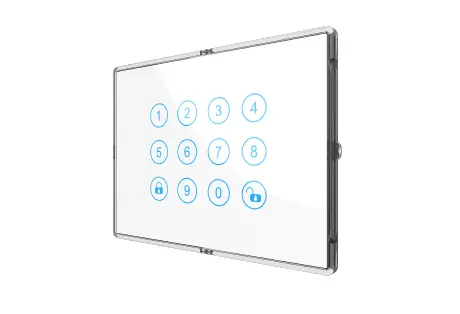
13 keys: 0-9 | Enter | Clear | Cancel, Back-Lighting (optional)
1 Speaker | 1 Audio Jack
Multi-Functional Port |1 Kensington | MicroSD (optional)
163.69 x 76.90 x 30.10mm
260g
0°C ~ 50°C (32°F ~ 122°F) Operating Temperature -20°C ~ 70°C (-4°F ~ 158°F) Storage Temperature 5% ~ 93% Relative Humidity, Non-Condensing
Communication Cables | Gigabit Ethernet | Power Over Ethernet | Power Over USB | Pole Stand
PCI PTS 6.x, SRED | EMV L1 & L2 | EMV Contactless L1 | Visa payWave | MasterCard Contactless | UPI qUICS | Amex ExpressPay | Discover D-PAS | JCB J/Speedy | Interac Flash | MasterCard TQM | UL | FCC | IC | CE | RoHs
This document is provided to you for informational purposes only. All features and specifications are subject to change without notice. PAX
and the PAX logo are either trademarks or registered trademarks of PAX Technology Limited in China and/or other countries.The Bluetooth®
word mark and logos are registered trademarks owned by Bluetooth SIG, Inc. and any use of such marks by PAX Technology Limited is under license. Other trademarks and trade names are those of their respective owners. © 2022 PAX Technology Limited. All rights reserved