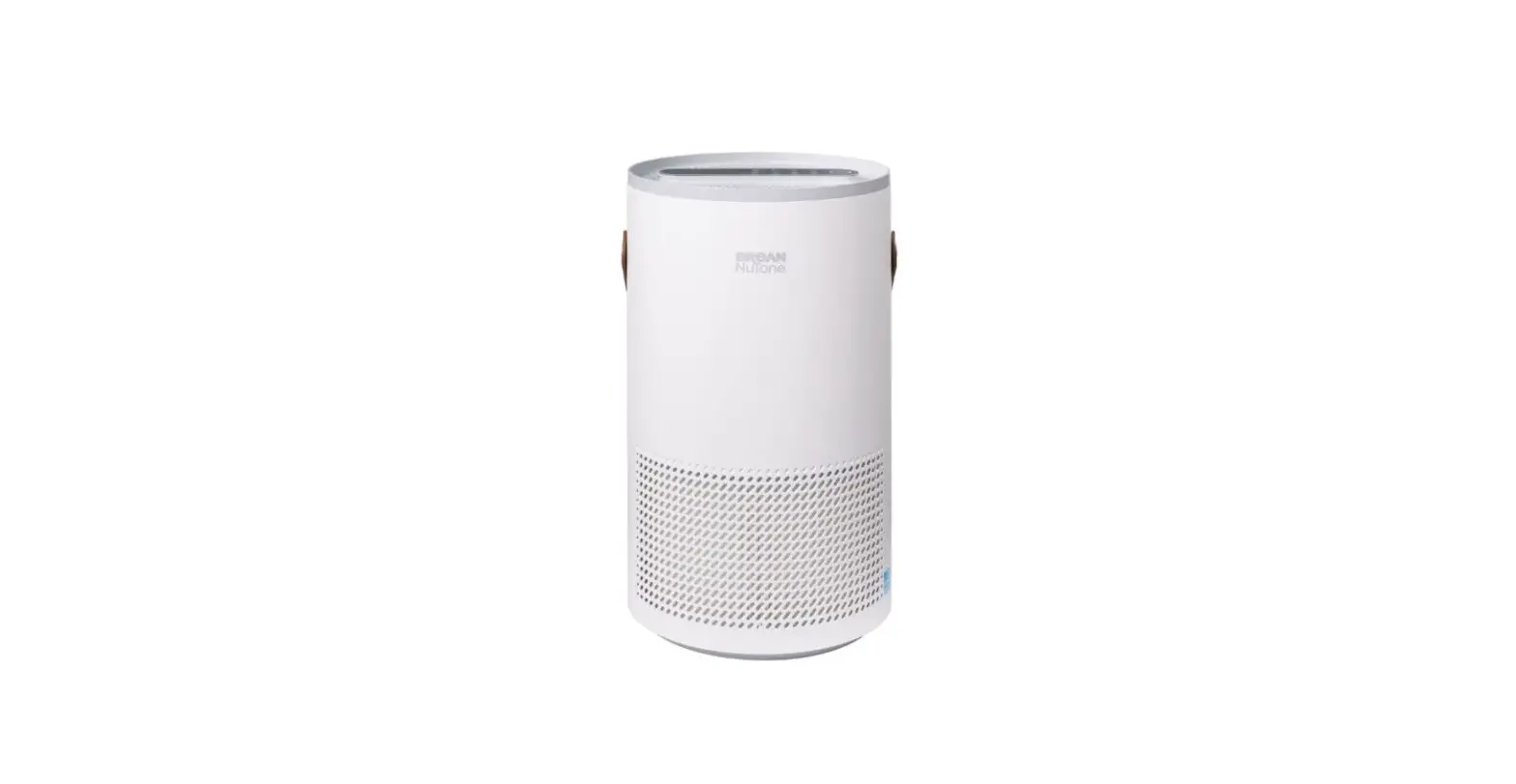
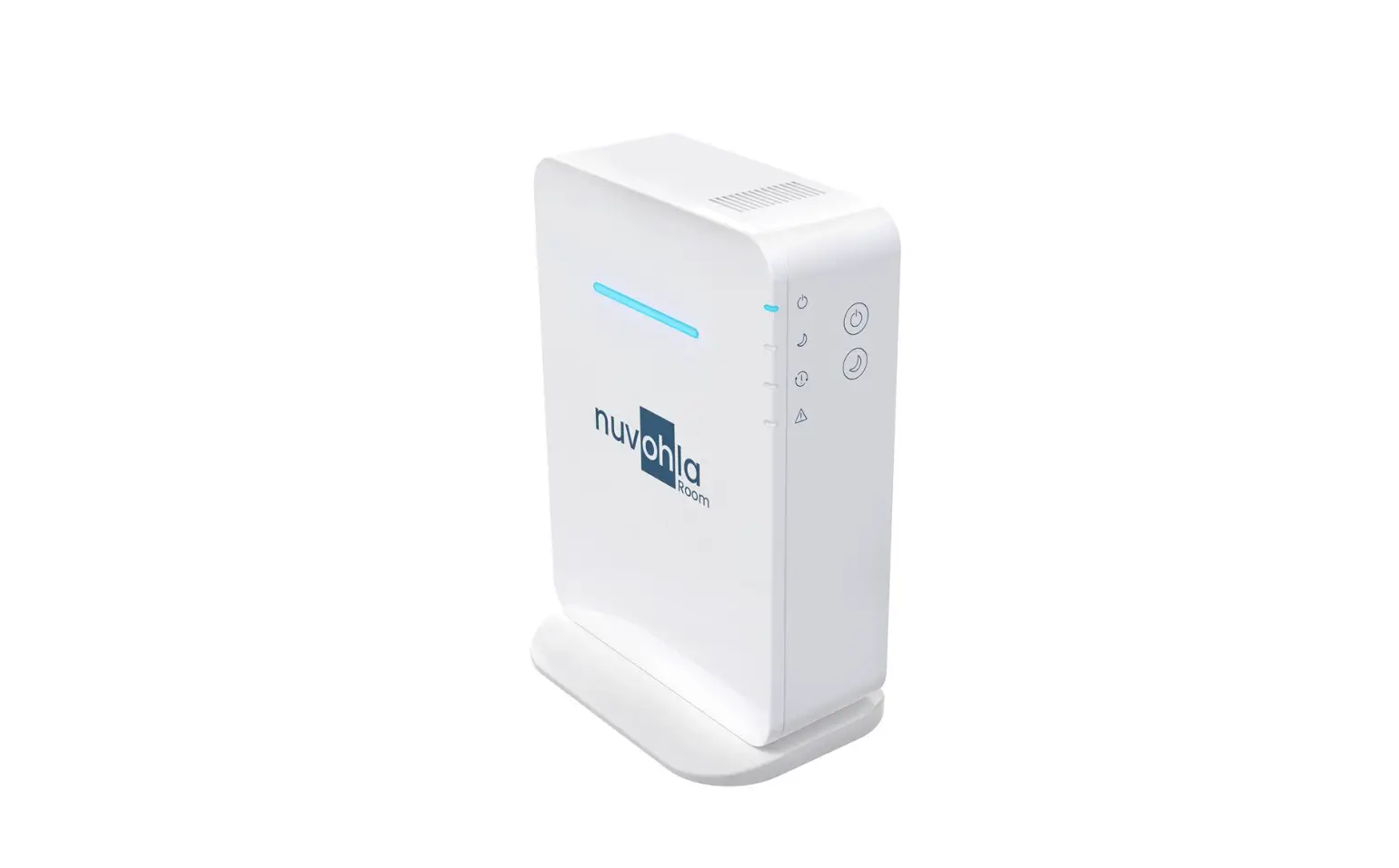
BNAP-100 Air Purifier
BETTER AIR. BETTER LIFE.
BNAP-100 Air Purifier w/ SmartSenseTM
Quick Start Guide
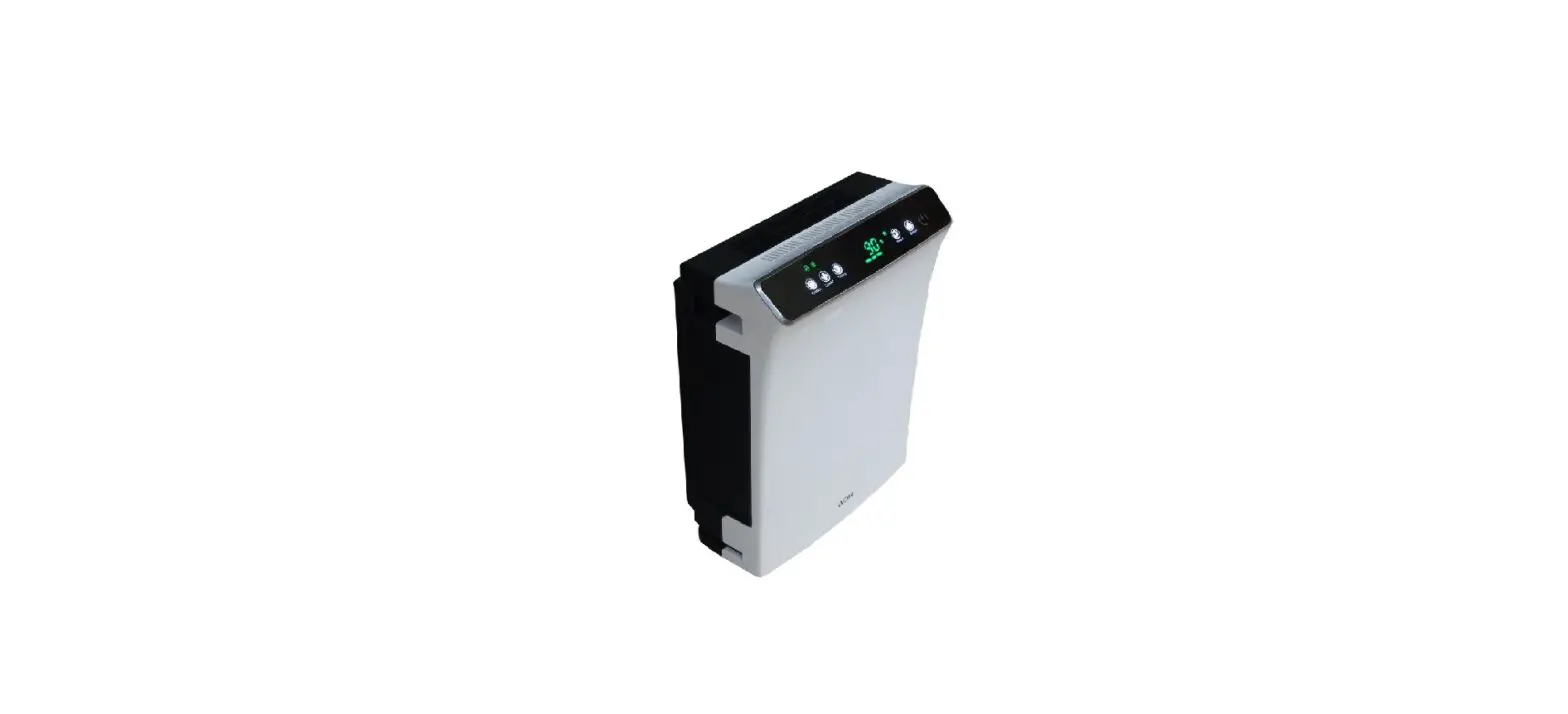
- Wi-Fi – Connect to Wi-Fi to control the air
purifier via a mobile app. - LIGHT – Tap to set the light feature to
Normal, Dim or Off. - SWITCH – Tap to display the air quality
indicators – PM10, PM2.5, PM1 or TVOC. - TIMER – Tap to set the countdown timer from 1
to 12 hours in one-hour intervals. - REMOVE PLASTIC FILM – Remove the plastic film
from the filter before use. - SPEED – Tap to set the fan speed to 1, 2, 3, 4
or 5. Sleep mode is also available. - FILTER – Press and hold for 5 seconds to reset
the filter replacement indicator. - AUTO – Tap to turn on Auto Mode. The air
purifier adjusts the fan speed based on air quality. - UV-C – Tap to turn on or off the UV
function. - POWER – Tap to turn the unit on or off.
The air quality light ring will indicate the worst condition of
PM or TVOC with Good, Moderate or Poor indicators.
Product Usage Instructions:
To use the BNAP-100 Air Purifier with SmartSenseTM, please
follow these steps:
- Ensure that the air purifier is placed in an open area with
adequate ventilation and away from any obstacles. - Connect the air purifier to a power source and tap the power
button to turn it on. - Tap the Wi-Fi button to connect to the mobile app for remote
control. - Tap the SWITCH button to display the air quality
indicators. - Tap the SPEED button to set the desired fan speed or sleep
mode. - Tap the TIMER button to set the countdown timer for automatic
shut-off. - Tap the AUTO button to turn on Auto Mode for automatic fan
speed adjustments based on air quality. - Tap the UV-C button to turn on or off the UV function.
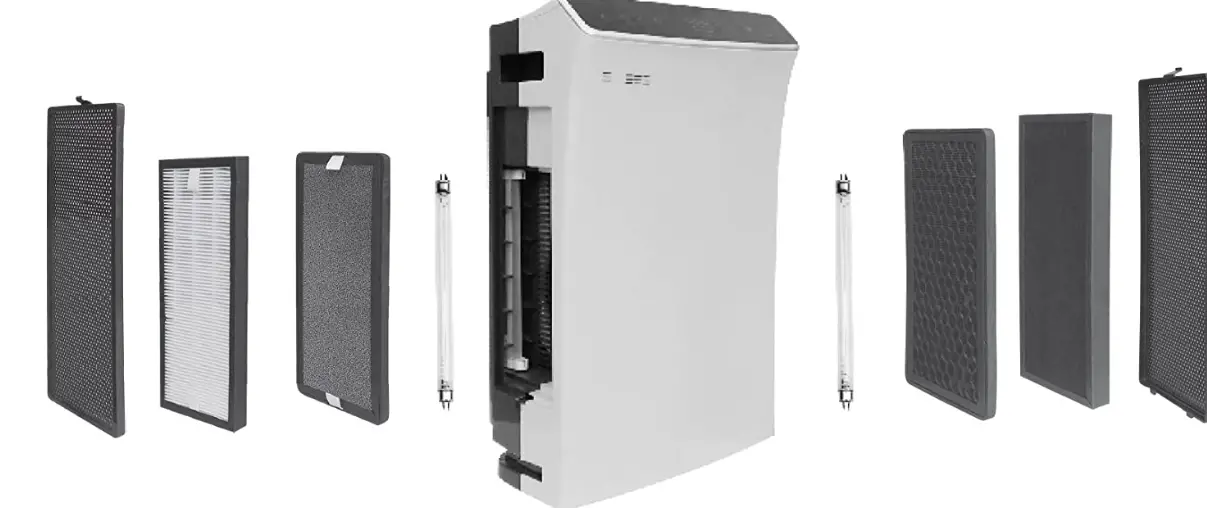
- When the filter replacement indicator lights up, press and hold
the FILTER button for 5 seconds to reset it.
Remember to remove the plastic film from the filter before use.
The air quality light ring will indicate whether the air quality is
Good, Moderate or Poor based on PM or TVOC levels. Regularly clean
or replace the filter as needed for optimal air purification.
BETTER AIR. BETTER LIFE.
BNAP-100 Air Purifier w/ SmartSenseTM Quick Start Guide
Wi-Fi
· Download “Broan-NuTone Air Purifier” from your app store
· Press and hold the Wi-Fi button for 5 seconds
LIGHT
Tap to set light feature: Normal I Dim I Off
SWITCH
Tap to display:
PM10 I PM2.5 I PM1 I TVOC
TIMER
Tap to set the countdown timer 1-12 hours in one-hour intervals
REMOVE PLASTIC
FILM
SPEED
Tap to set a fan speed:
1 I 2 I 3 I 4 I 5 I Sleep Mode
FILTER
Tap Press and hold for 5 seconds
AUTO
Tap to turn Auto Mode On Auto Mode adjusts fan speed
based on air quality
UV-C
Tap to turn
On I Off the
UV function
The air quality light ring will indicate the worst condition of PM or TVOC
POWER
Tap to turn
the unit On I Off
Good Moderate Poor