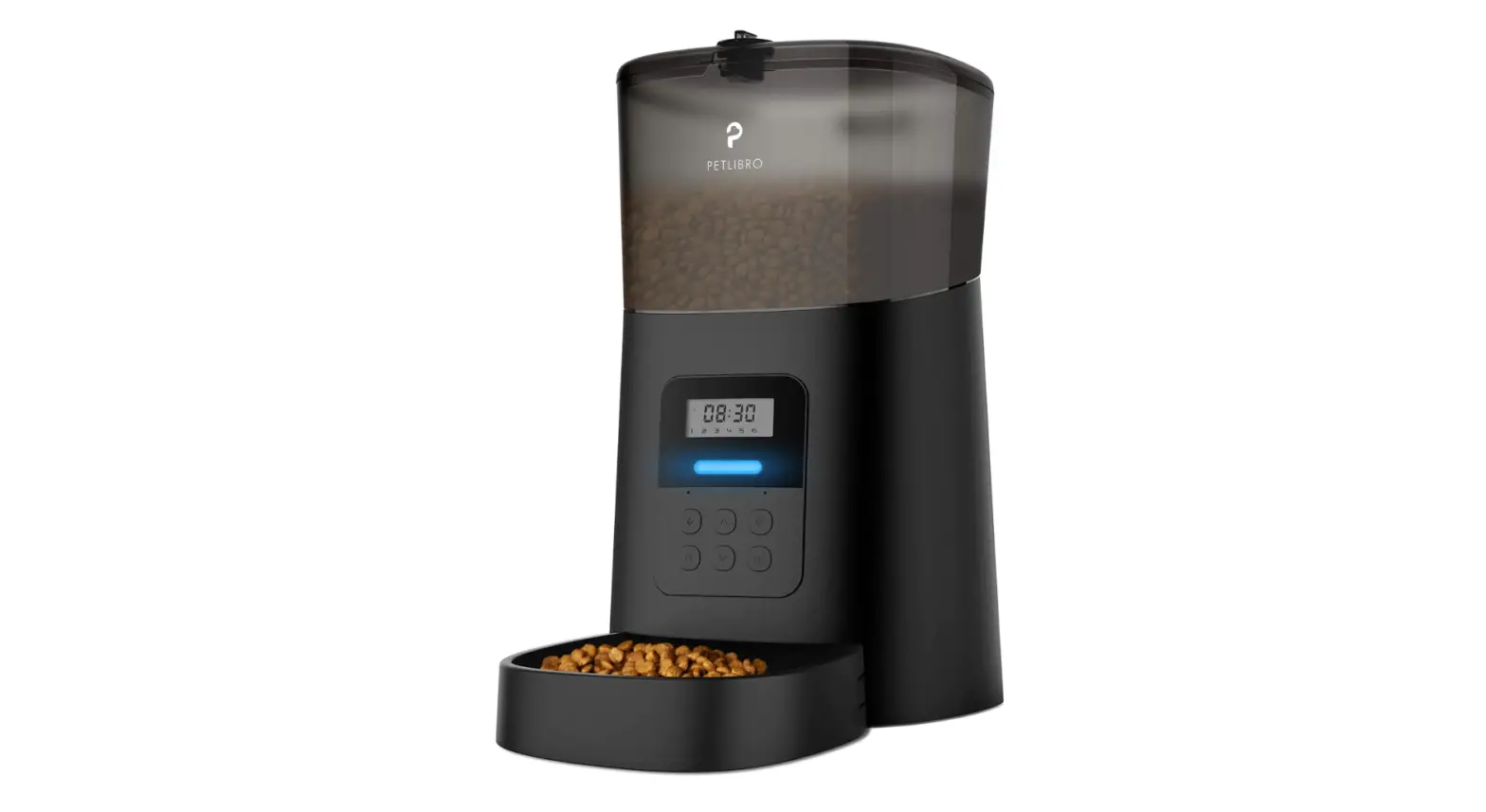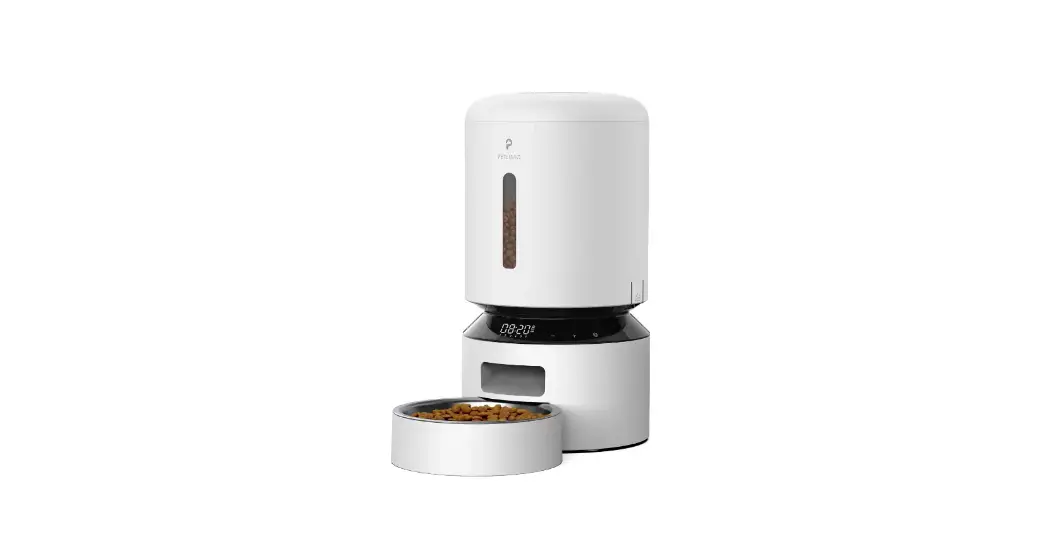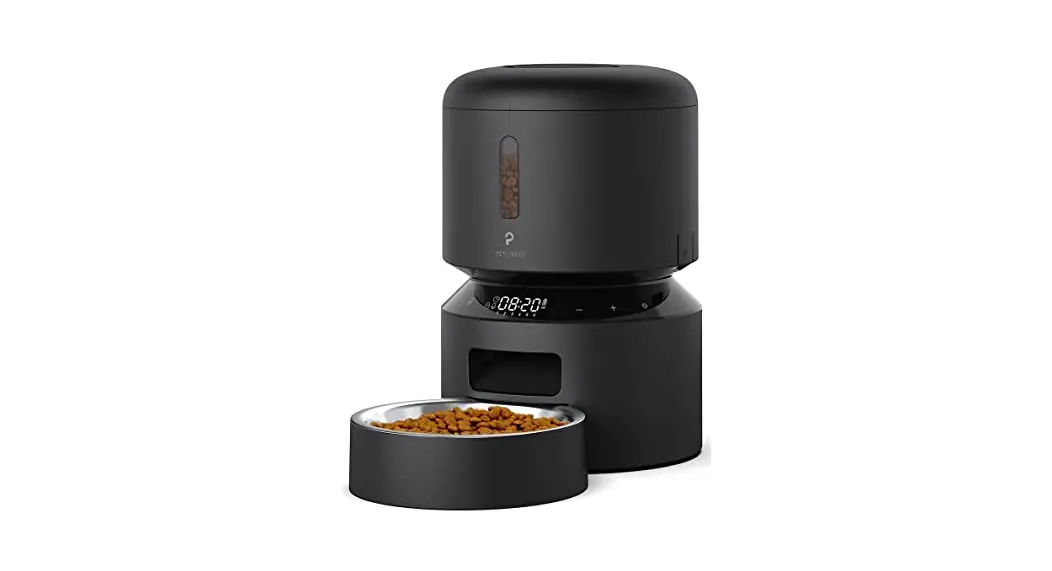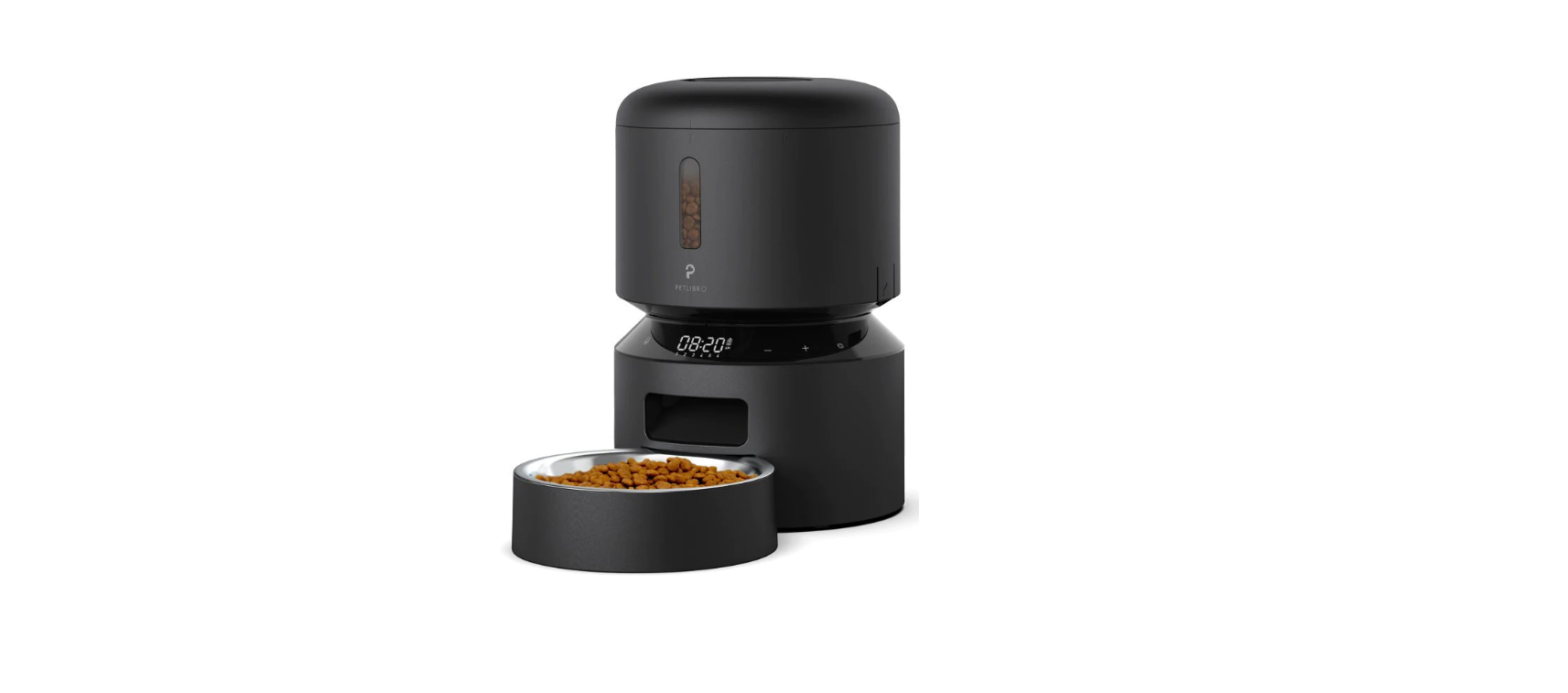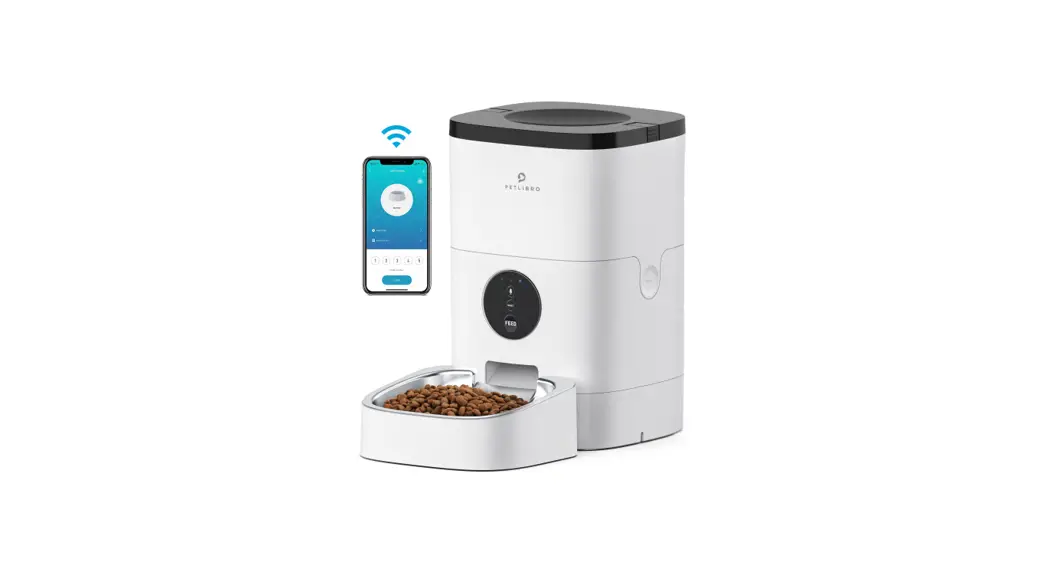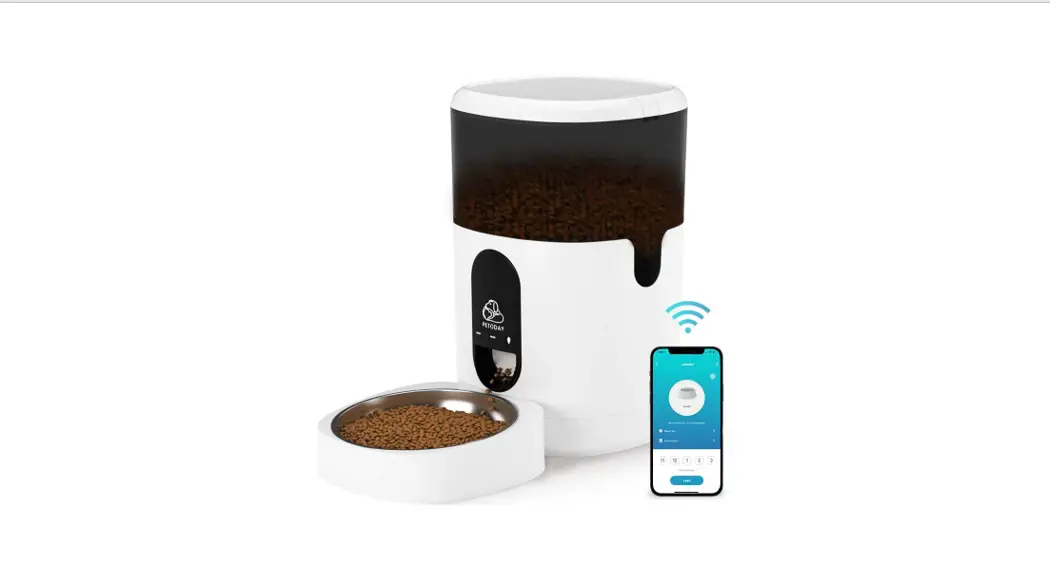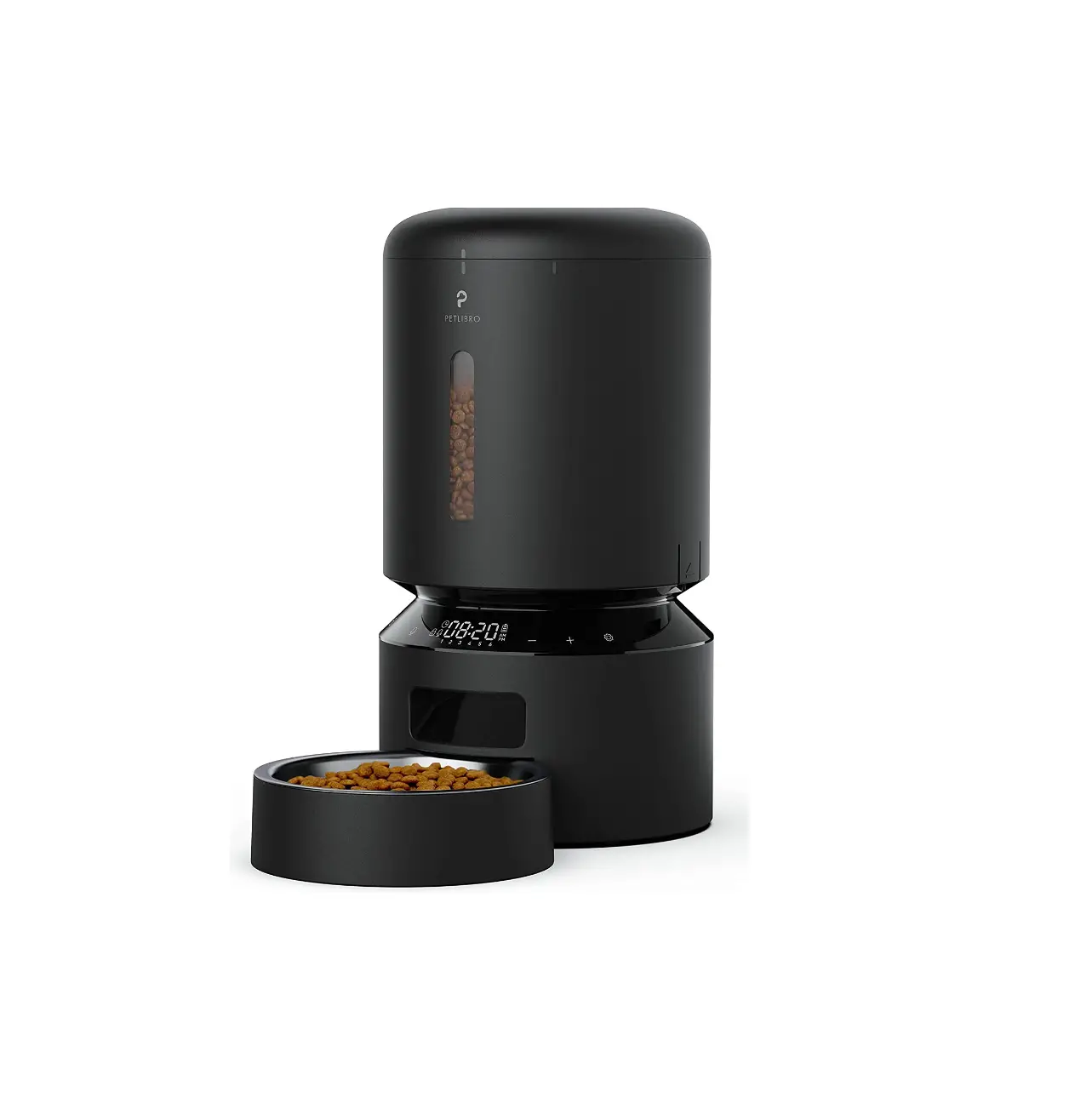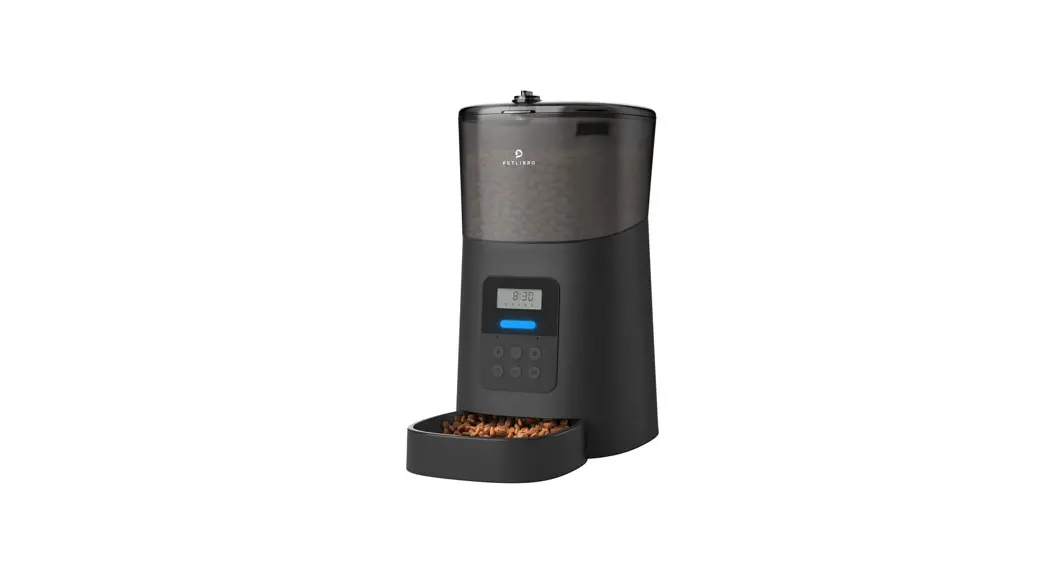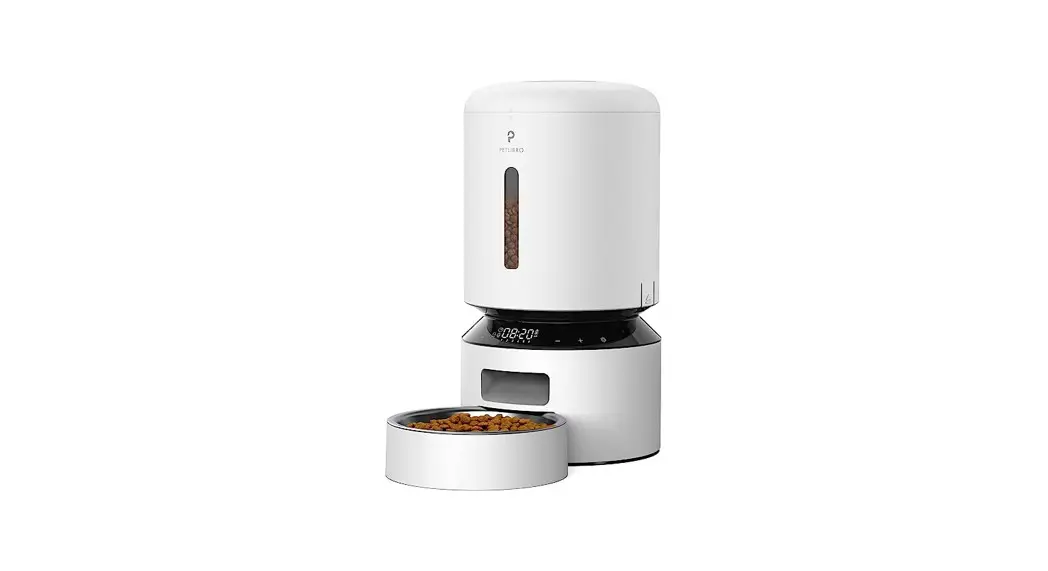
 Automatic Pet Feeder
Model: PLAF001
User Guide
ASSEMBLY AND PREPARE FOR SETTING
- Take out the food bowl inside the food tank.

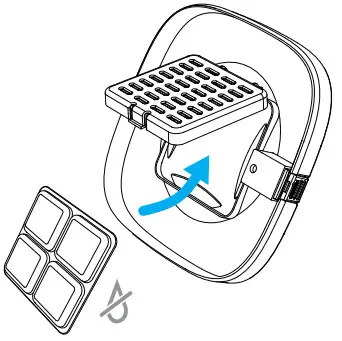
- Put the desiccant bag into the carrier under the lid
Notes:
• To prevent mold growth, it is recommended to change the desiccant bag every 15 days.
• Remove the desiccant bag before cleaning the lid.
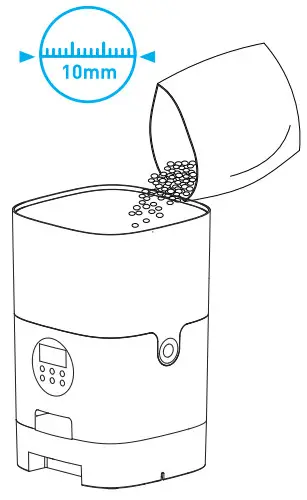
- Add diry pet food to the food tank.
Notes:
• Do NOT use canned, wet or moist pet food.
• Recommend kibble size ranging from 2-10mm / 0.07-0.4in in diameter.
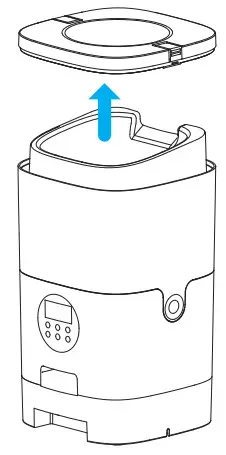
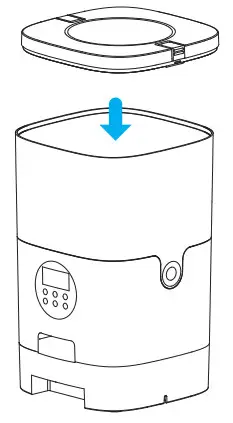
- Put the lid back on.
Press down to make sure it snaps into place.
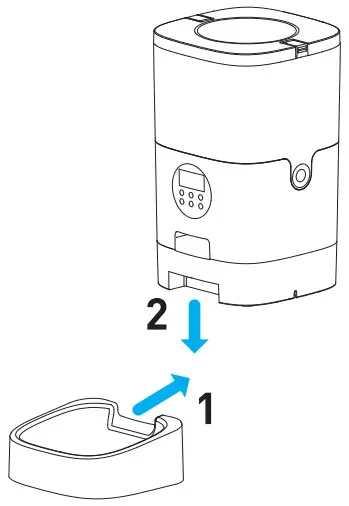
- Install the food bowl.
Attach the bowl to the designated notches undemeath the feeder base
Note: Before moving the feeder, press the bowl down to remove it from the feeder base. If there is grain in the food bowl, handle it gently to avoid spilling. Hold the base instead of any other parts when lifting the feeder.
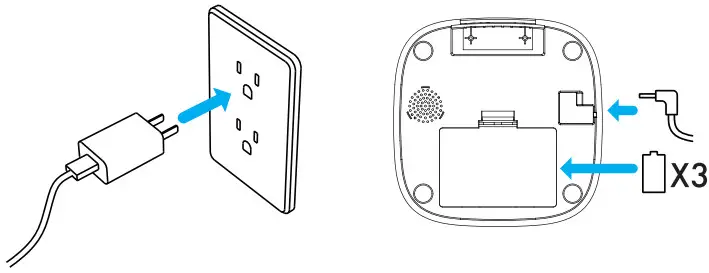
- Connect Power.
• Plug the 5V power adapter into a power socket and the power cable into the power jack under the feeder.
• Open the battery compartment at the bottom of the unit, and install 3 alkaline D batteries (not included) in case of power outage.
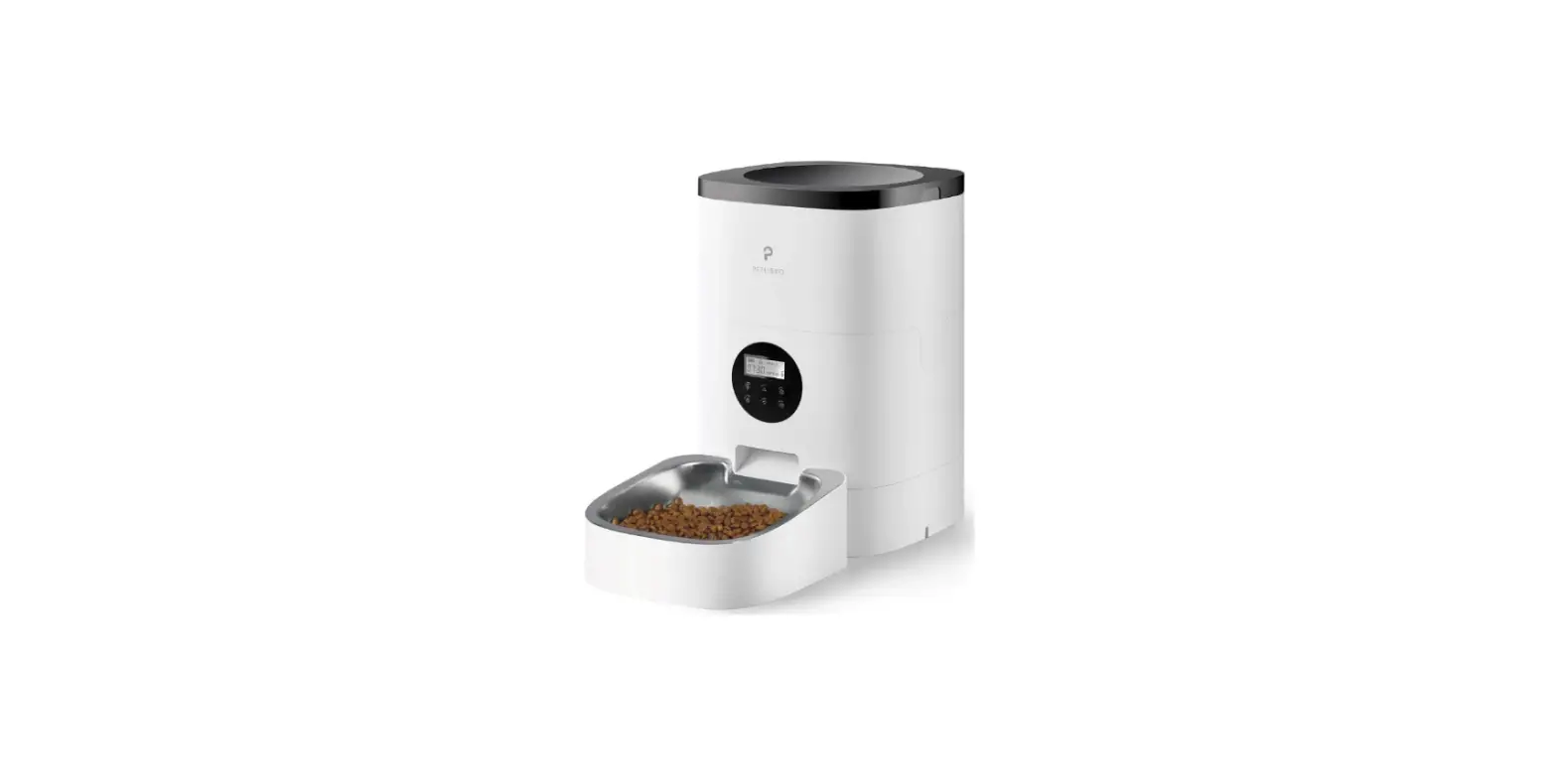
• The LCD display willlight up automatically indicating the feederis on now.
Notes:
1) Batteries are NOT included.
2) Before connecting power, make sure all parts are clean and dry.
3) The battery should power with an output of 4-5V; the battery level icon on the display blinks on a low’ battery level.
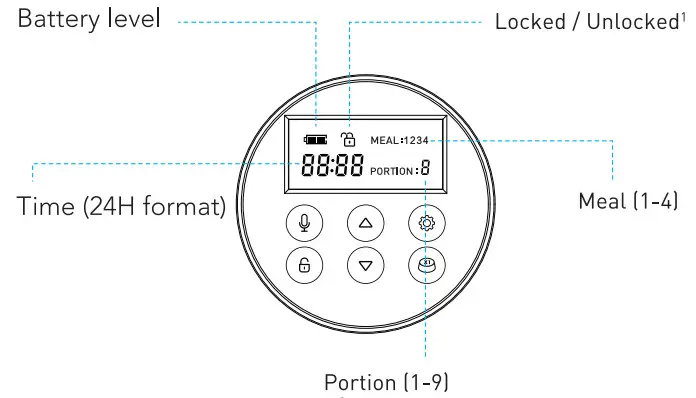
 Recording Button
In the unlocked mode, press and hold for 3s until a beep is heard. Release the button, stert recording (Max 10s), press once to save, two beeps are heard Unlocked Button
Before programming, press and hold the button for 3 seconds to unlock the system
 Up Button
- In the unlocked mode, press to increase value.
- In the locked mode, press and hold for 6 to 10 seconds, the display flashes twice, and the current time is 00:00, indicating the resetting is complete.
 Down Buton
- In the unlocked mode, press to decrease value.
 Setting Button
Press to switch between time, meal, and portions.
 Manual Feeding Button
In the unlocked mode, press once to feed a portion
Note: After 30 seconds of standby, the control buttons and screen are automatically locked.
PROGRAM SETTING
Unlock, and set the current time________________________ 10
Set the number of meals per day________________________ 11
Set the time and portion of meals_______________________ 11
Record a meal call_________________________________ 14