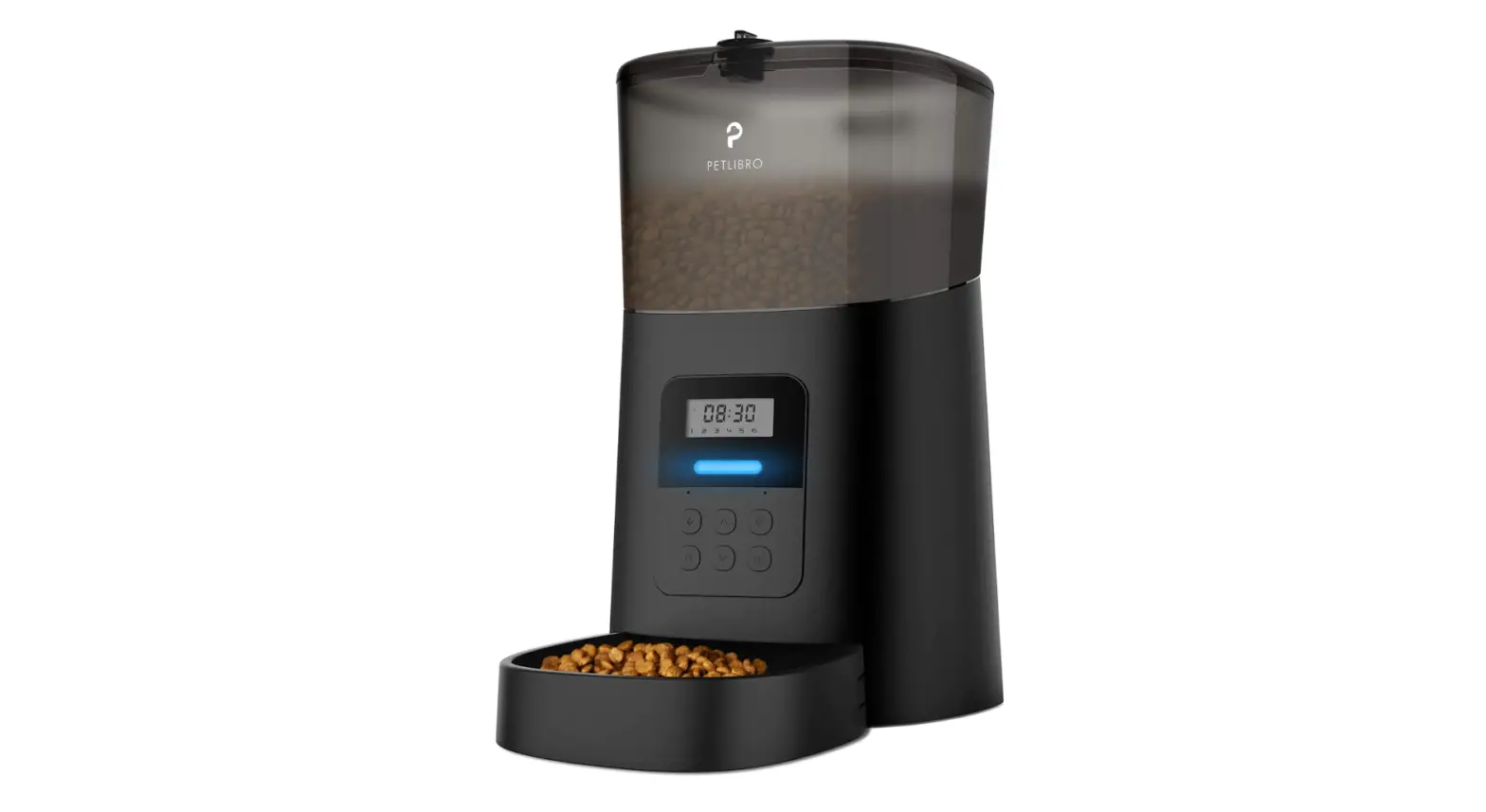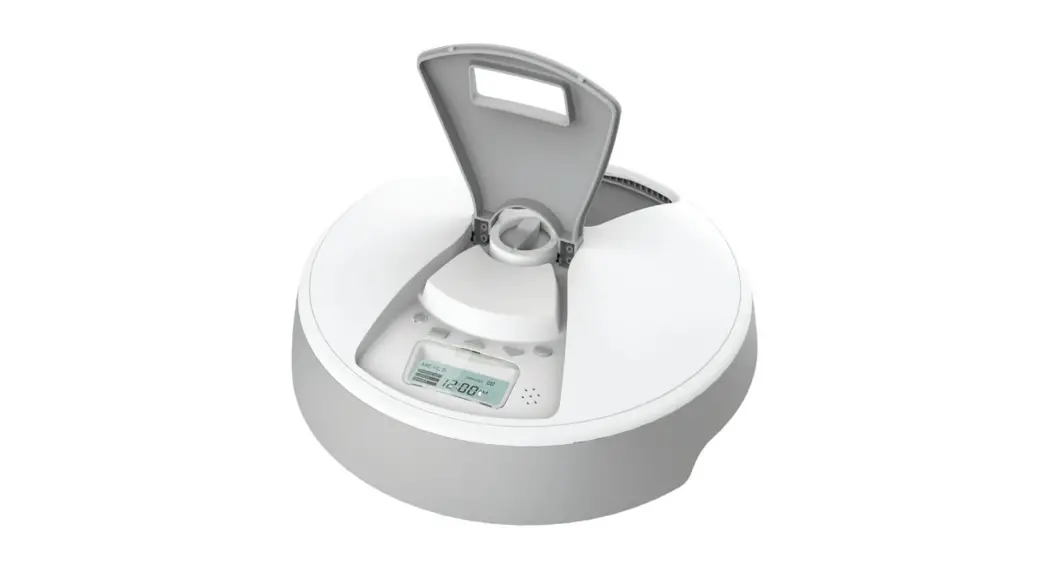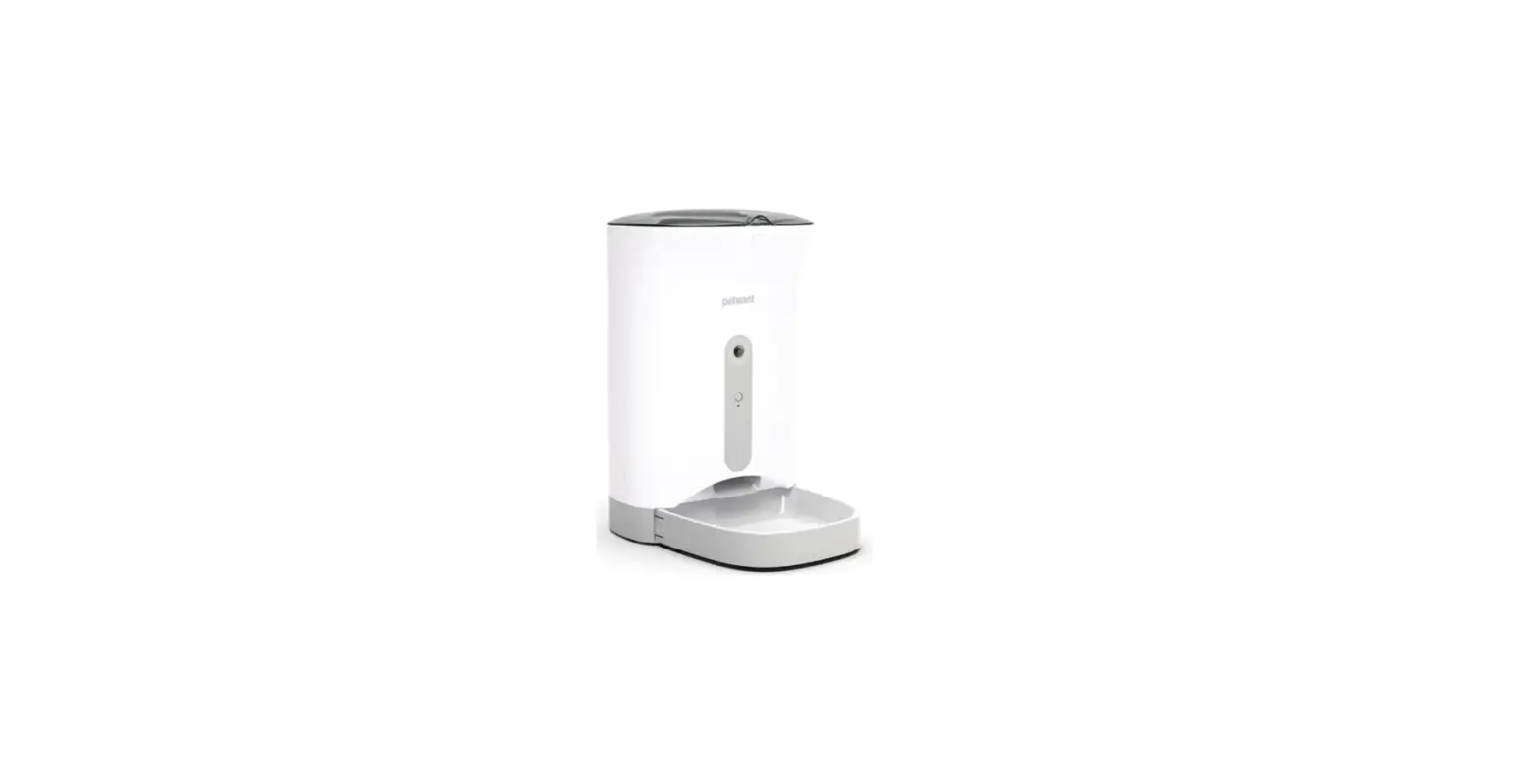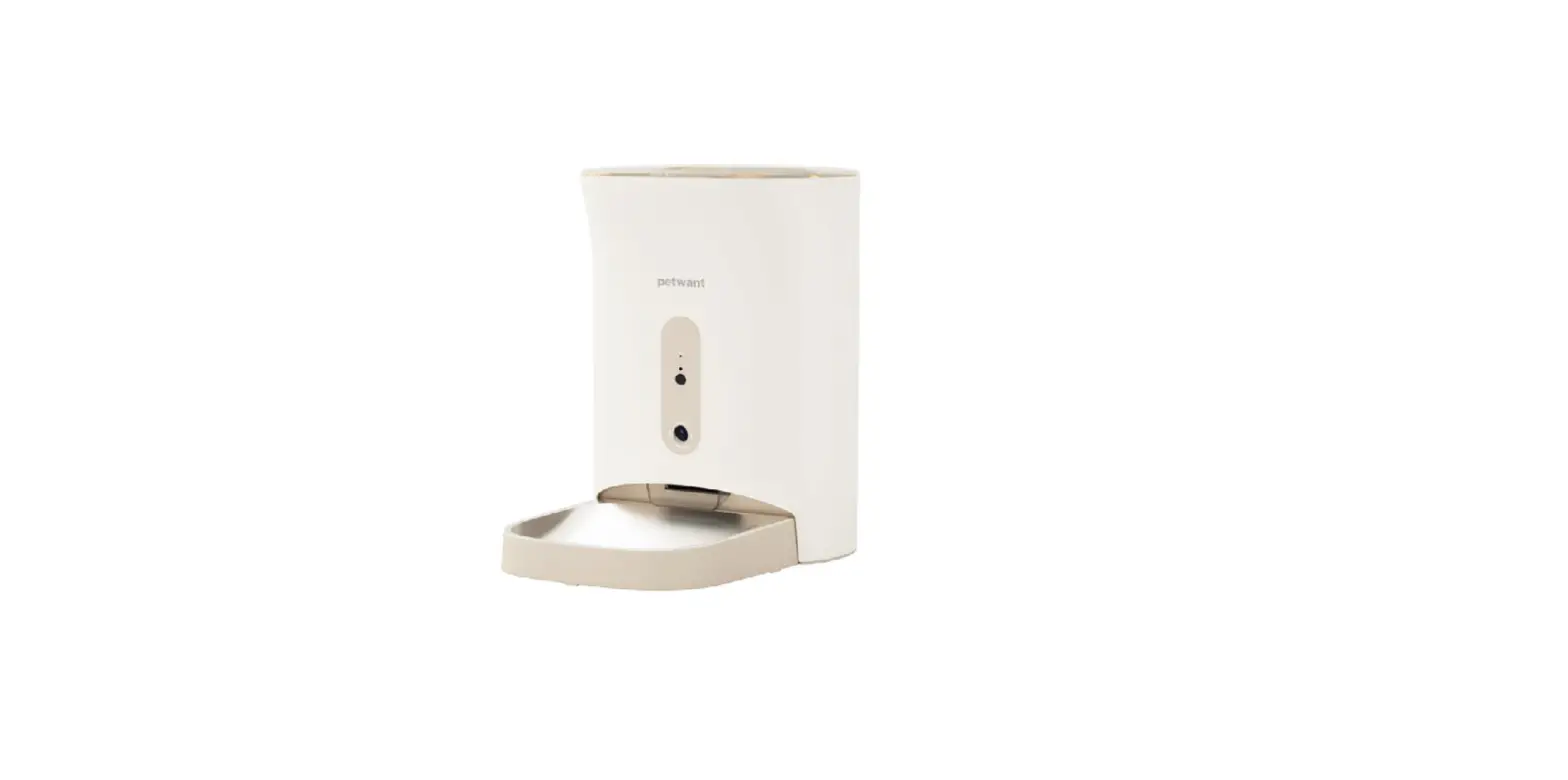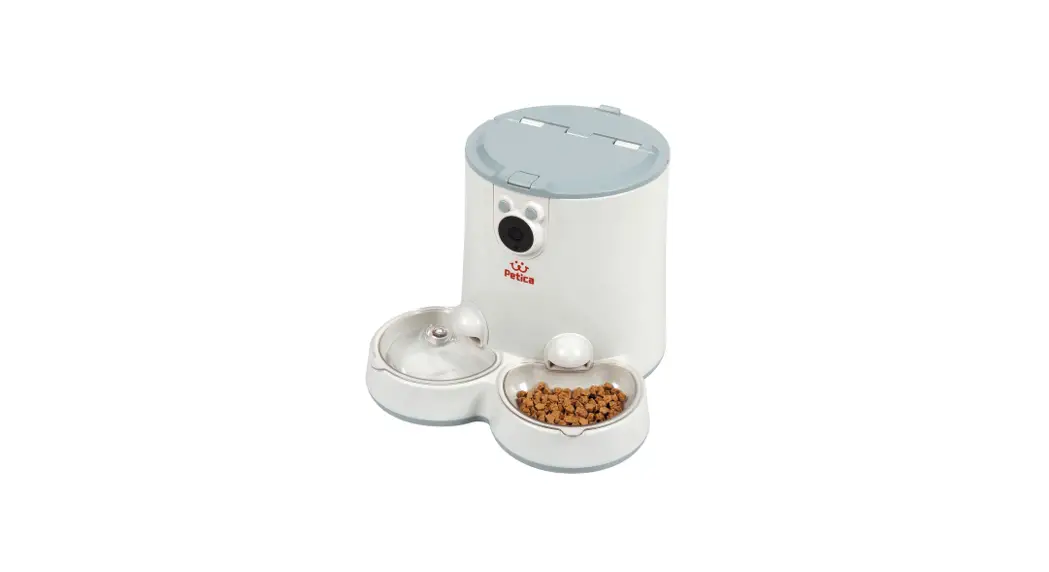

 | ||||
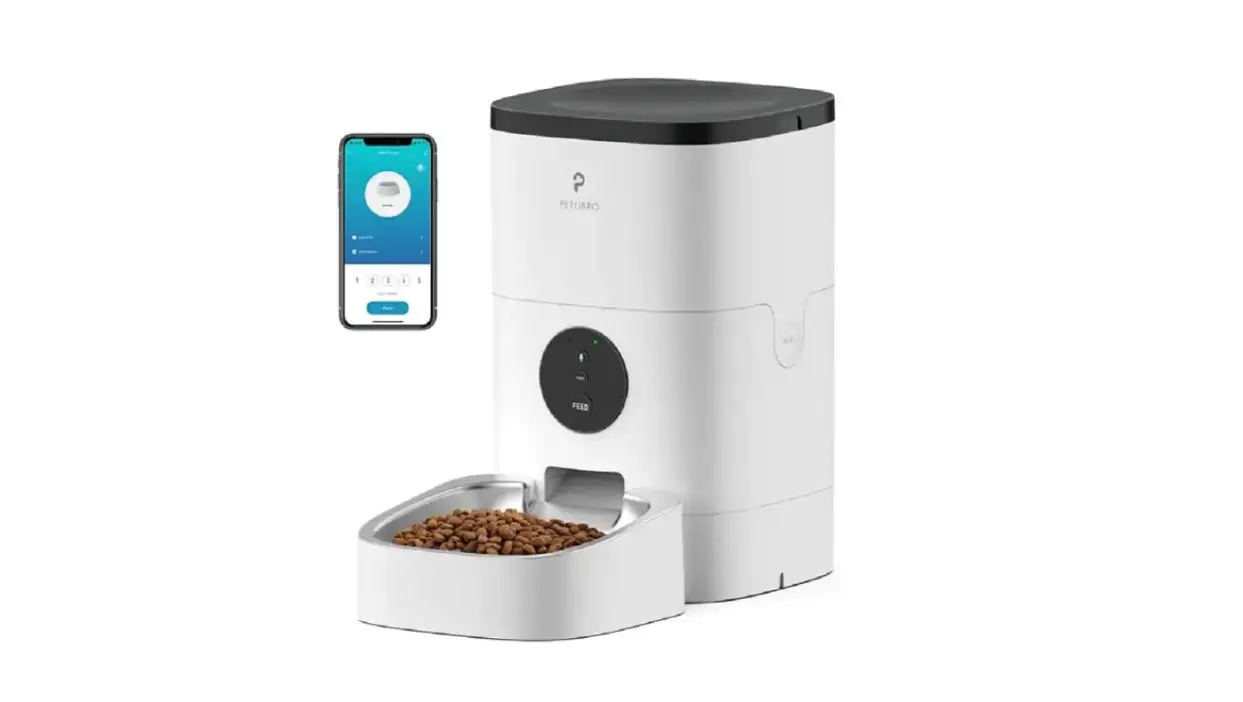
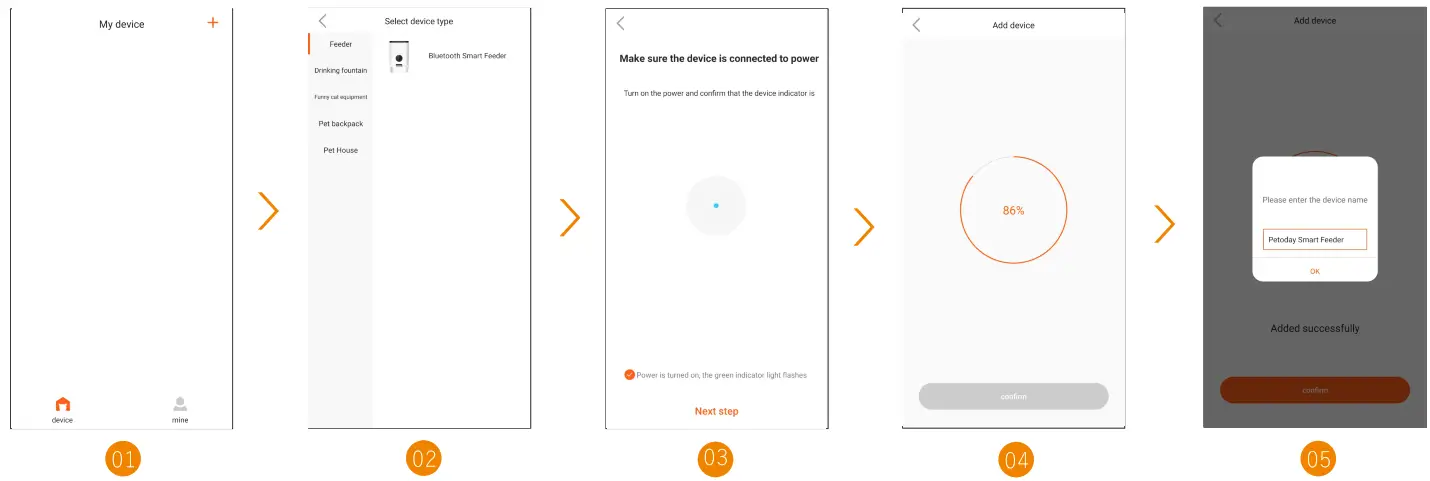
| Open APP click”+”to add davice | Select Feeder-> Bluetooth Smart Feeder | Confirm that the indicator light is flashing slowly | Waiting to connect with the device | After the connection is successful, you can change the device name |
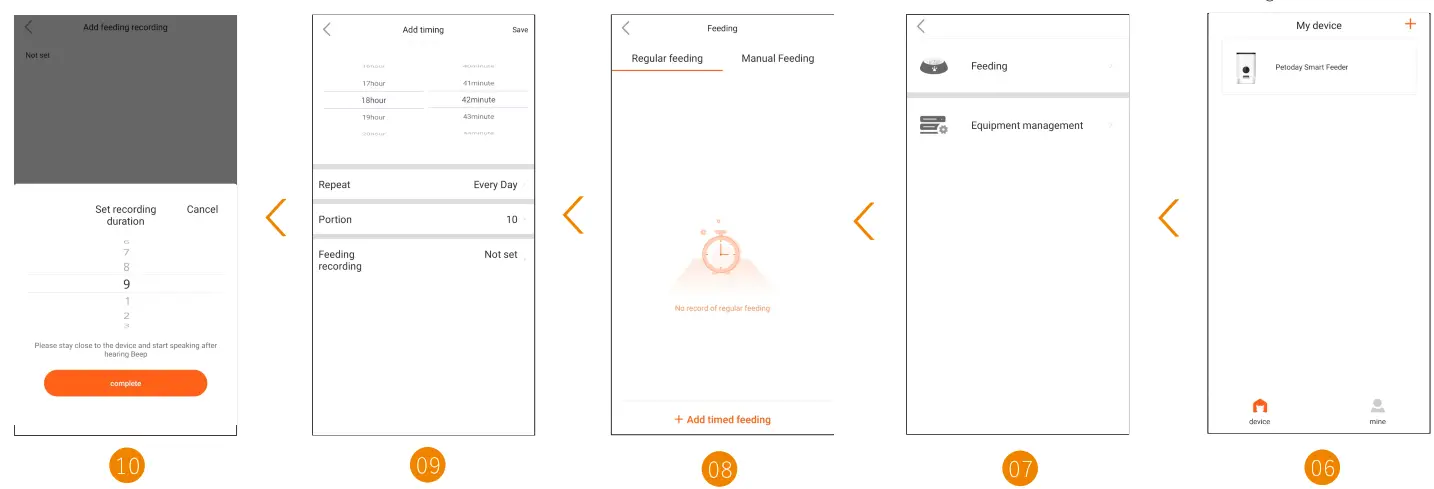 | ||||
| Click “Add recording”, after setting the recording duration, click “complete” to start recording. | Regular feeding: “+ Add timed feeding”, you can set the Time, the Feeding Portion, and the Feeding Recording according to your pet’s food intake and habits | Choose “+ Add timed feeding” or “Manual Feeding” | Choose “Feeding” or “Equipment management” | Click the device icon in the “My Devices” list to enter the management interface |
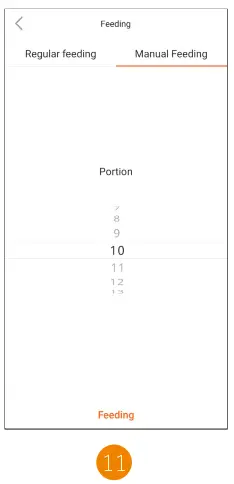
Manual Feeding: After selecting the portion of feeding, click “Feeding” to provide your pet with an unplanned meal

https://www.xaws888.com/app/DuDuPet/downloadguide/download.html
Scan to download the APP & log in
- Please use indoor only to avoid direct exposure to the sunlight.
- Turn on your Bluetooth function.(103 devices need to open the APP Bluetooth permission in the phone settings and perform Bluetooth pairing.)
- Turn on the location access for your Phone (Only needed for the first connection).
- Please keep the feeder close to your Phone. A distance in a range of 10 meters without wall barriers is recommended.
- If the configuration fails, please power off and restart the feeder [press and hold the Reset button for 105], then wait for about 2 mins to re-configuration.