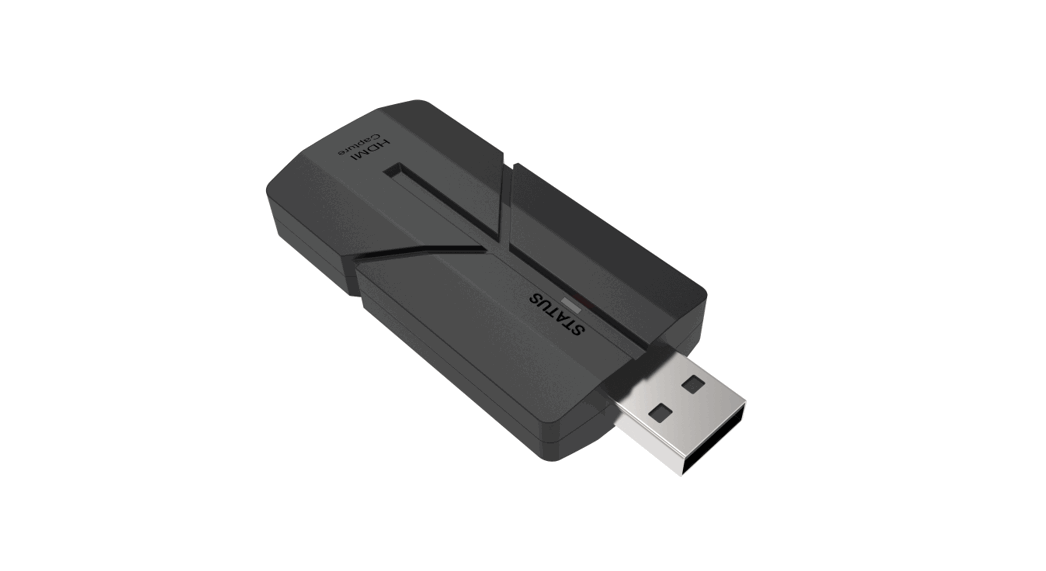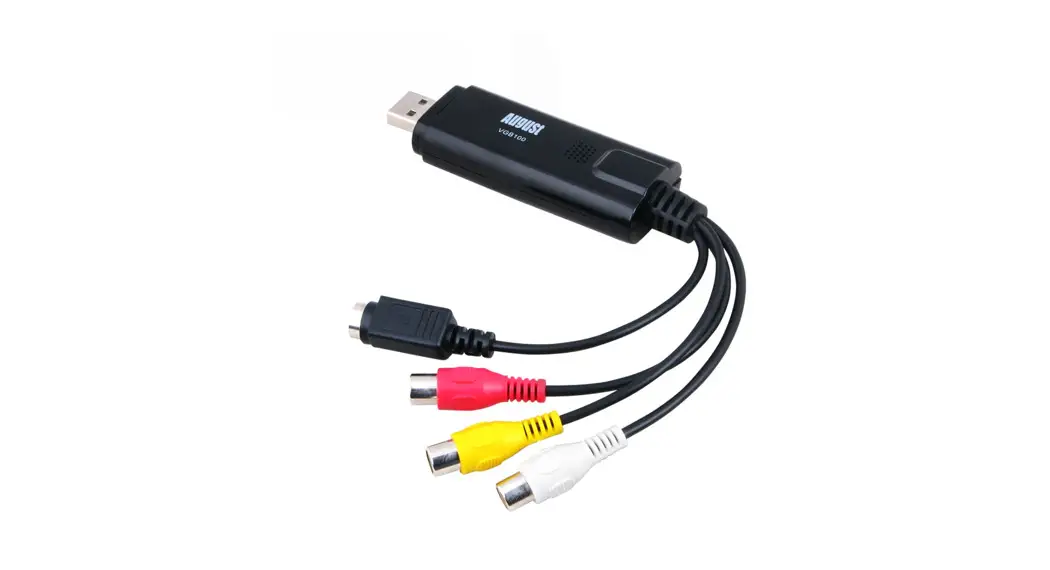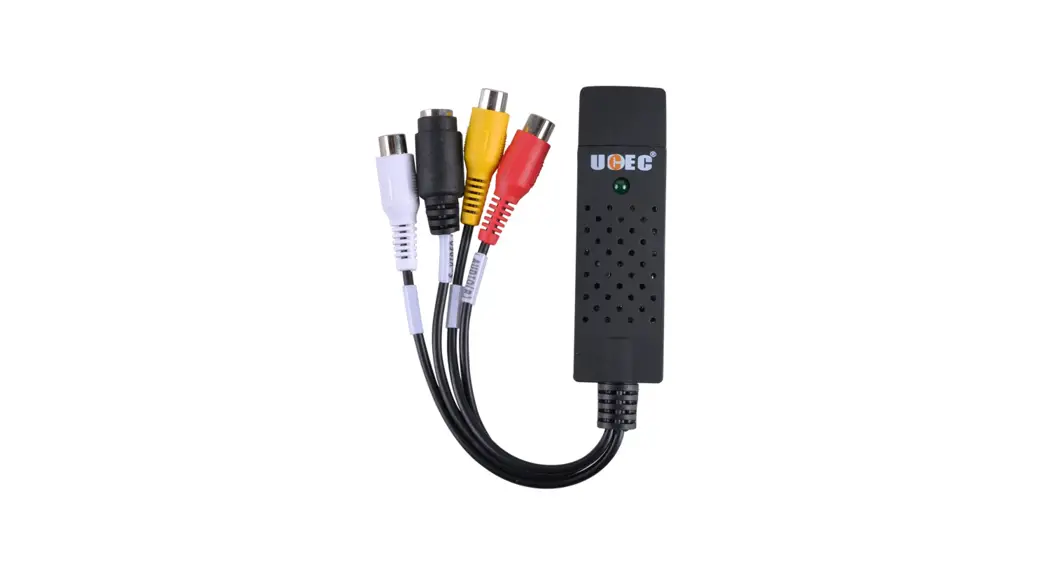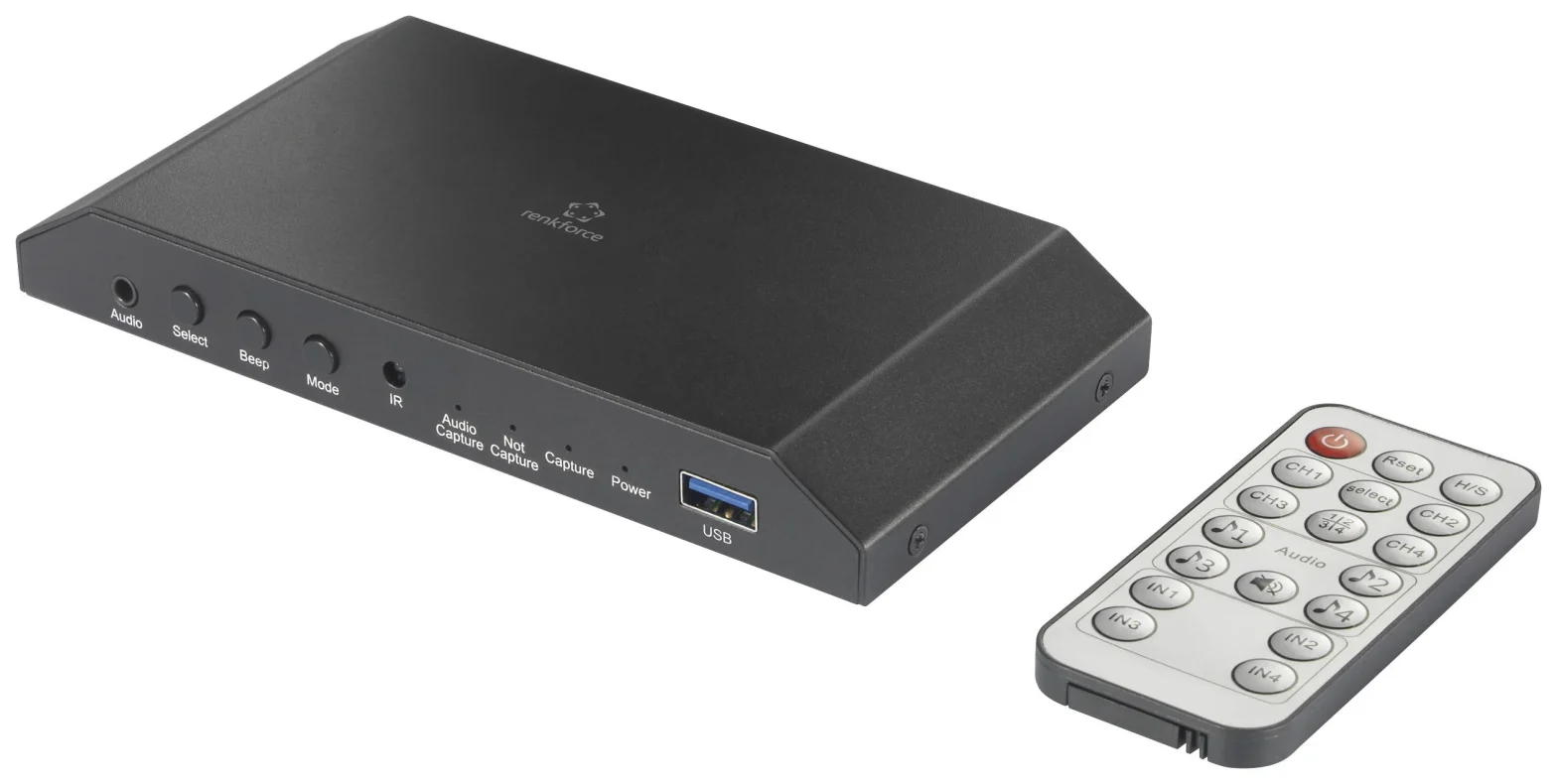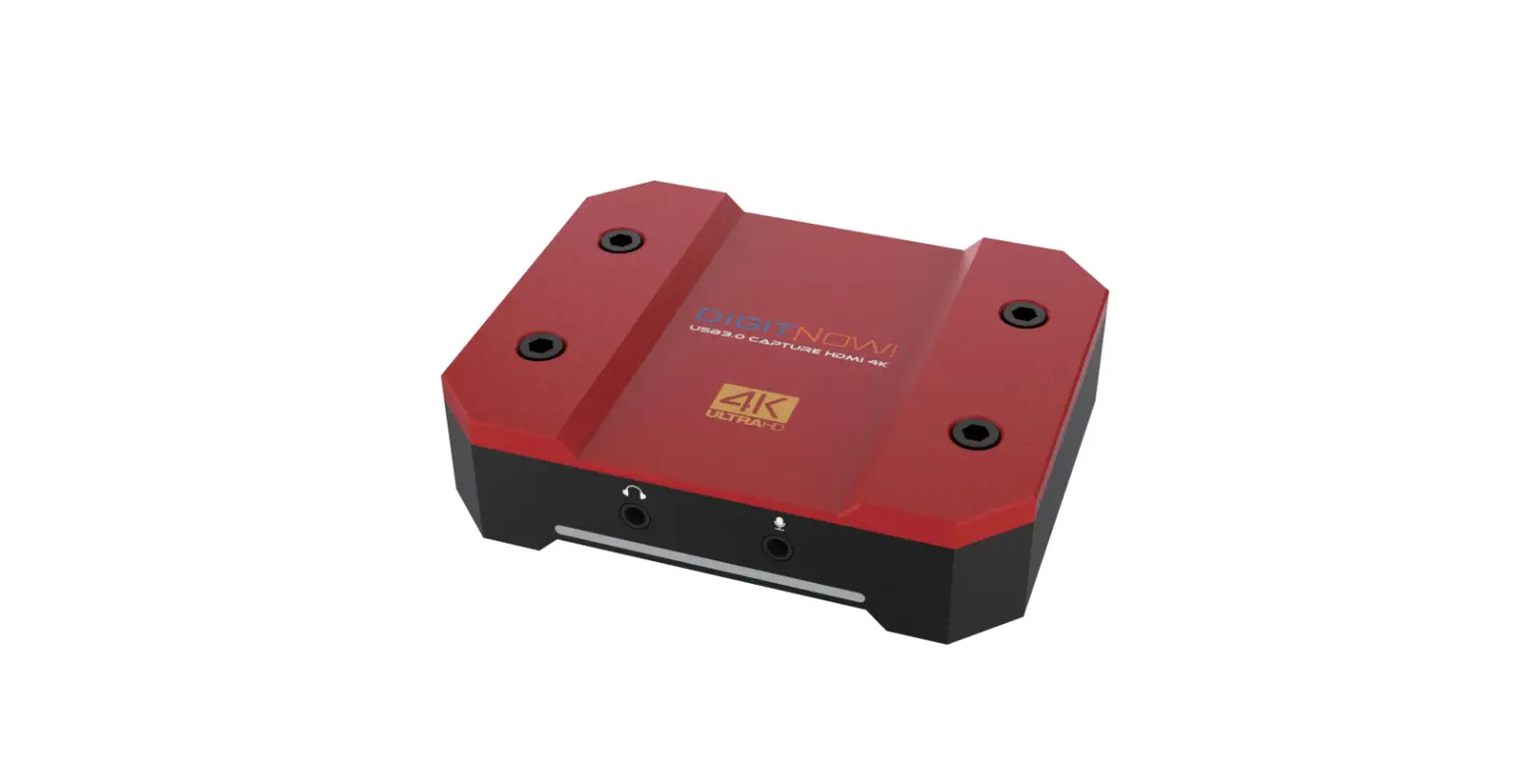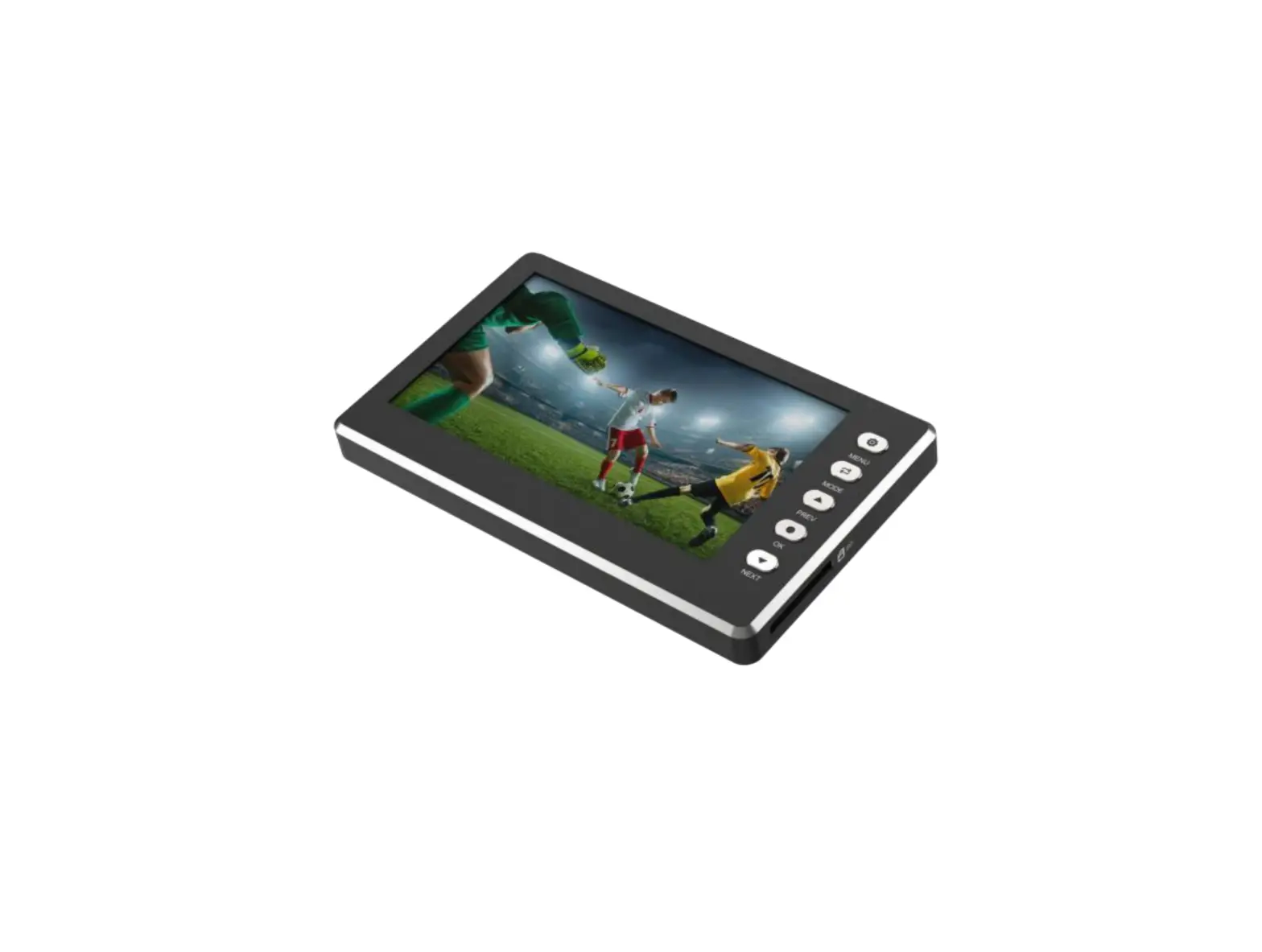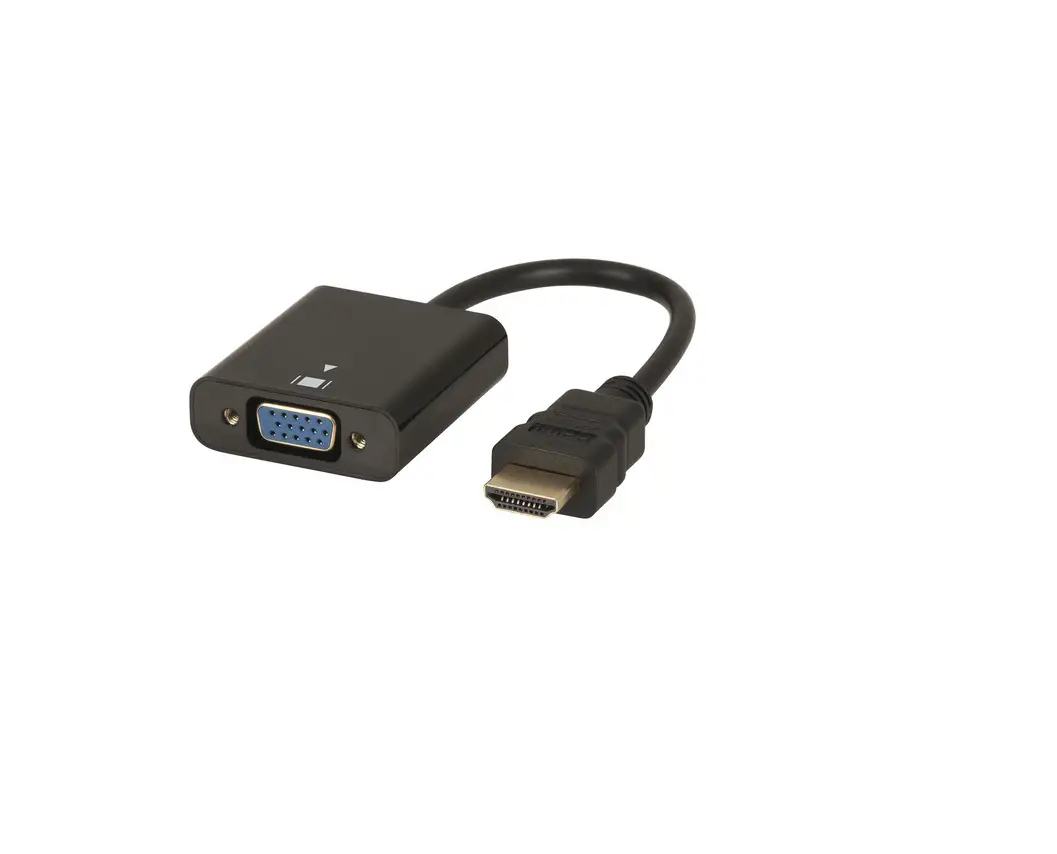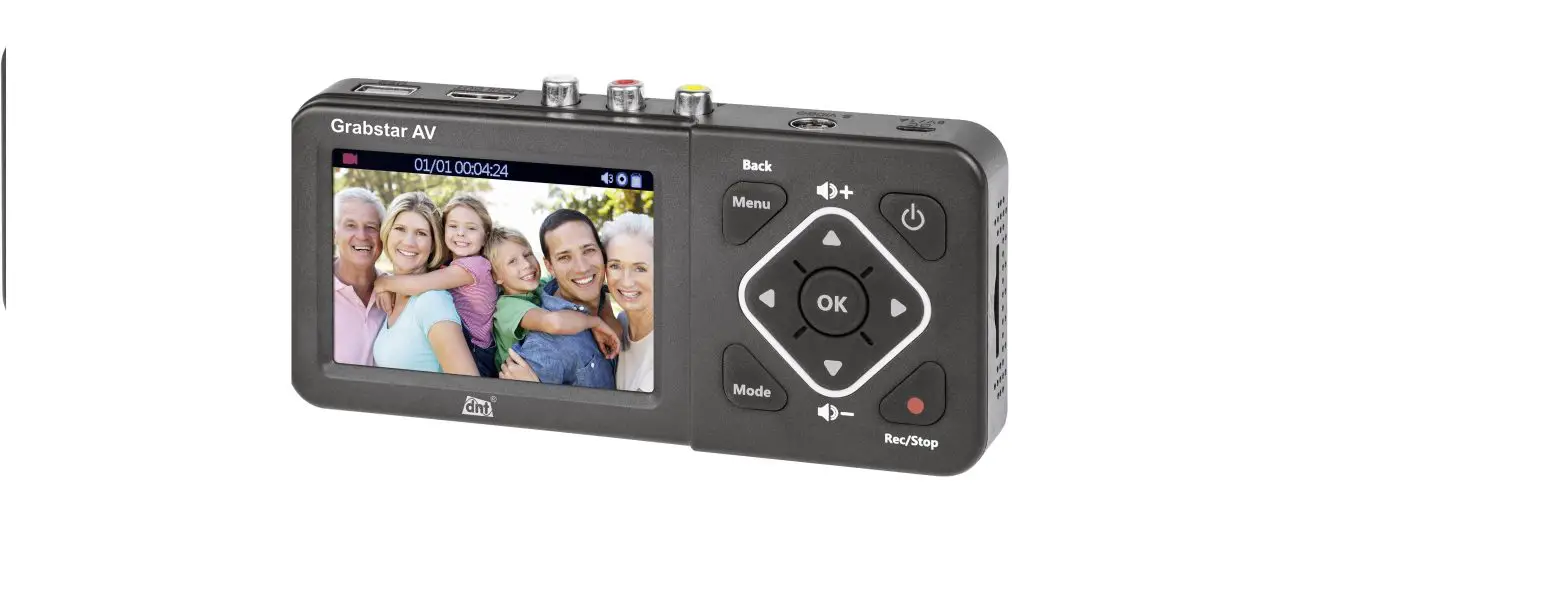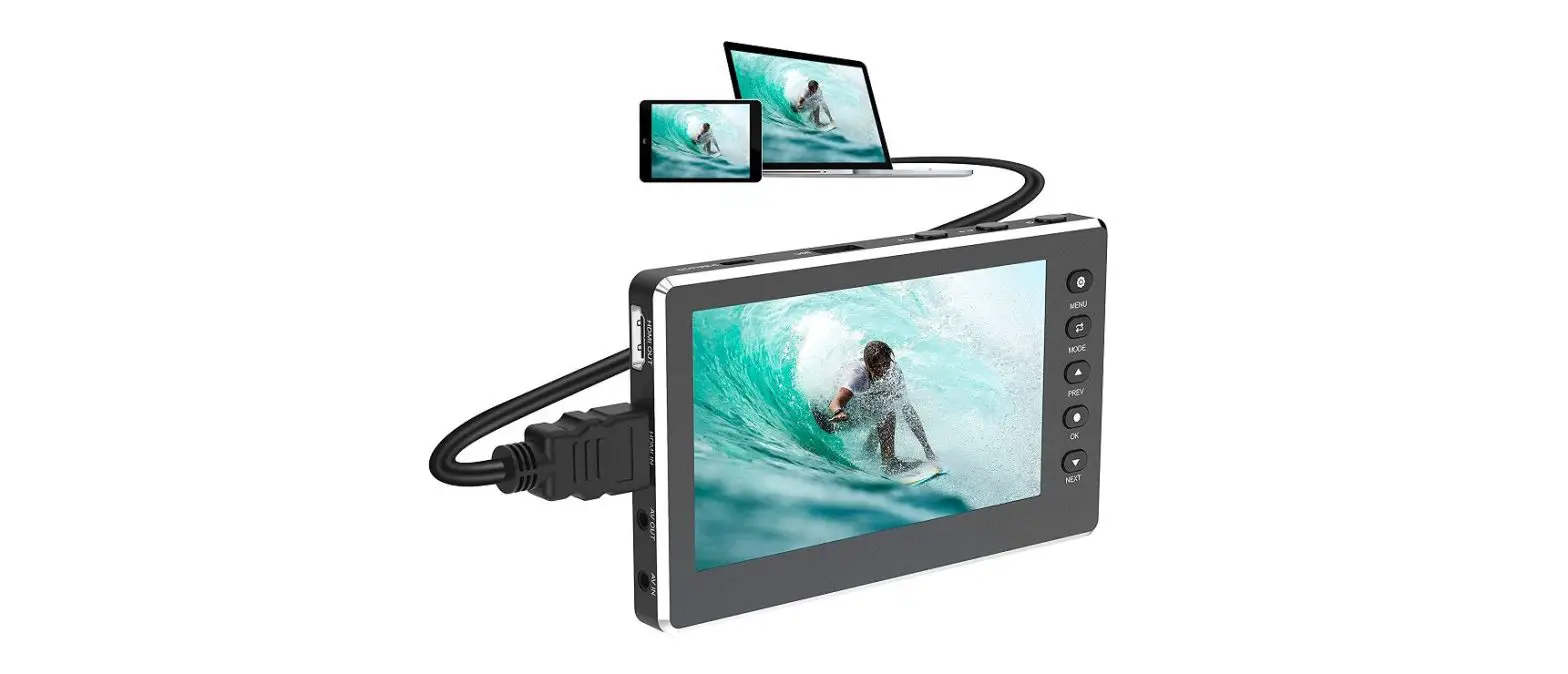

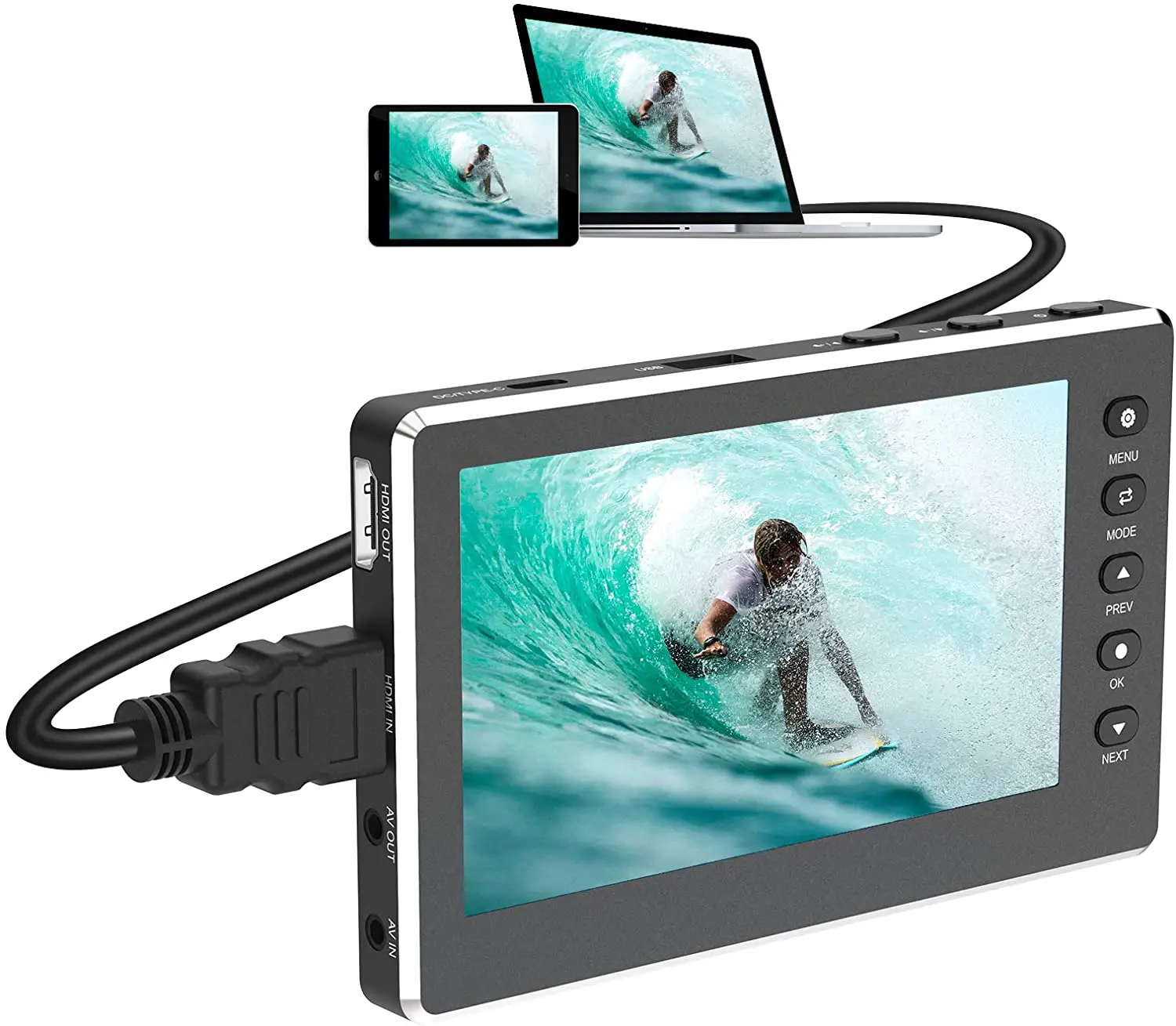
DIGITNOW V102-BLACK HD Video Capture Box 1080P 60FPS USB 2.0 Video to Digital Converter
Warning
Before using a USB flash drive or an SD card, please make sure to set the format to FAT32 or exFAT, and the maximum capacity to 128G. For the best result, It is recommended to use a 10 or higher speed class SD card. Incorrect format or a low-speed level SD card may affect the normal use of the device.
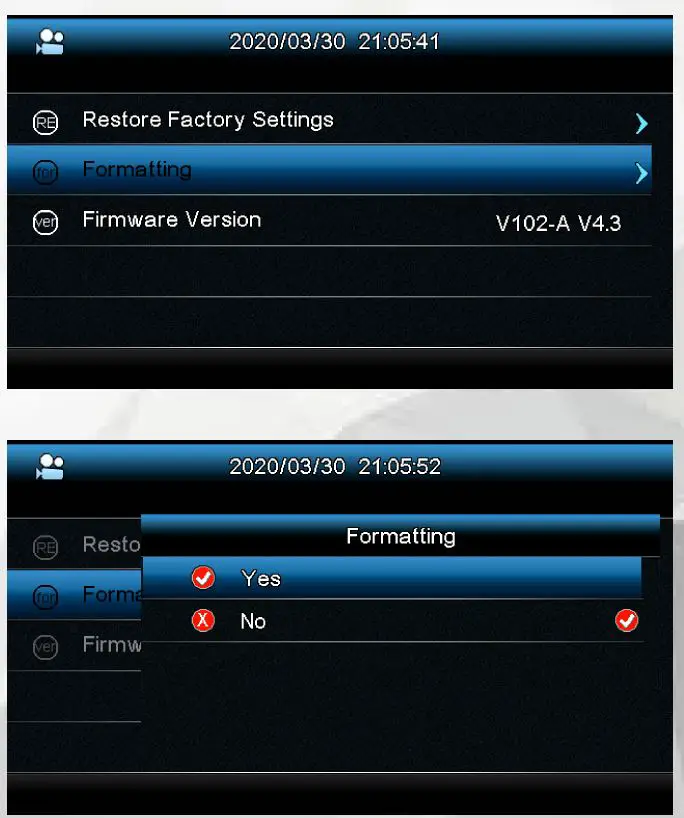
Please use the following method to format a USB flash drive or an SD card via this machine: Press the “Menu” button to enter the menu options, then select the “Format” option. Press the “OK” button to enter the format interface, then select the “YES” option and press the “OK” button to confirm the format.