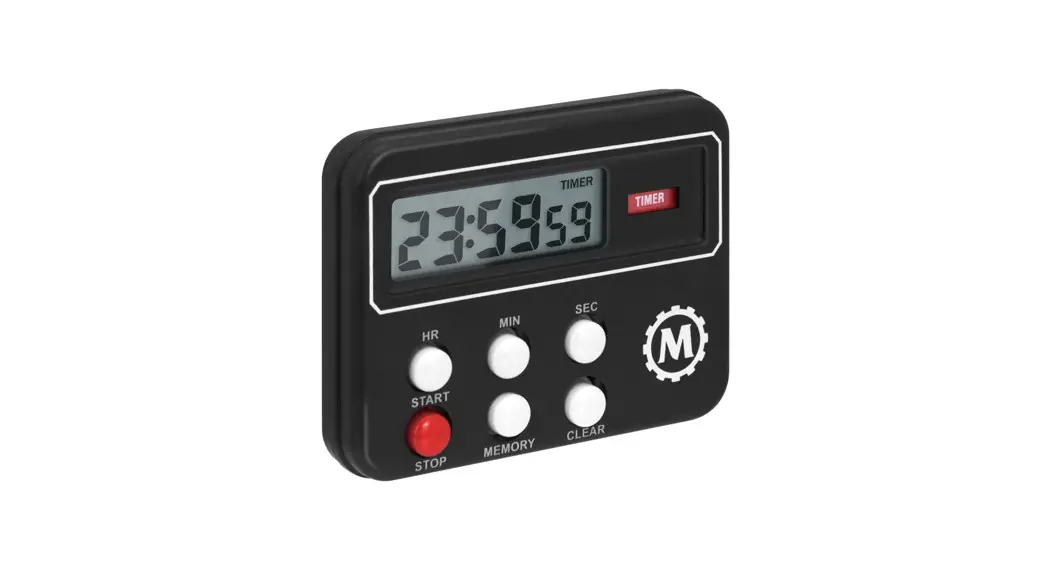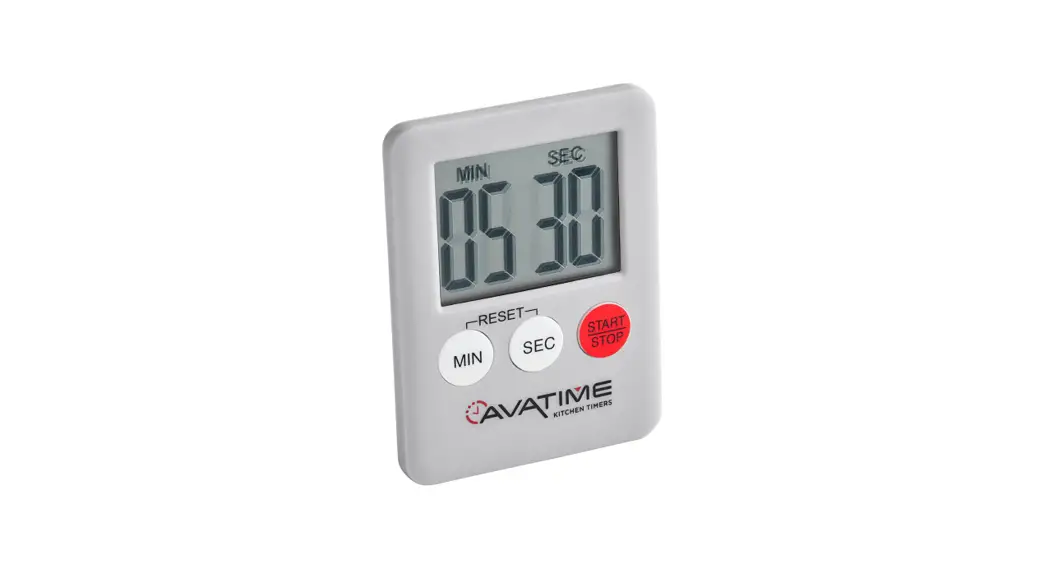
 914MDT100M Mini Digital Timer
Instructions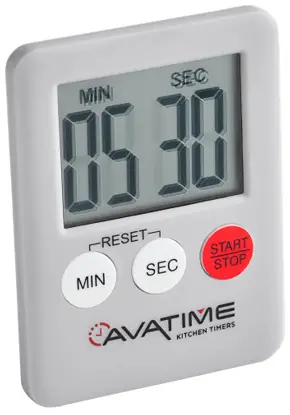
914MDT100M Mini Digital Timer
Before Use: Carefully remove plastic strip from battery compartment. This is included to preserve battery life. Remove film from LCD display.
Cleaning and Care: Hand wash only. Do not immerse in water or put in the dishwasher.
Count down:
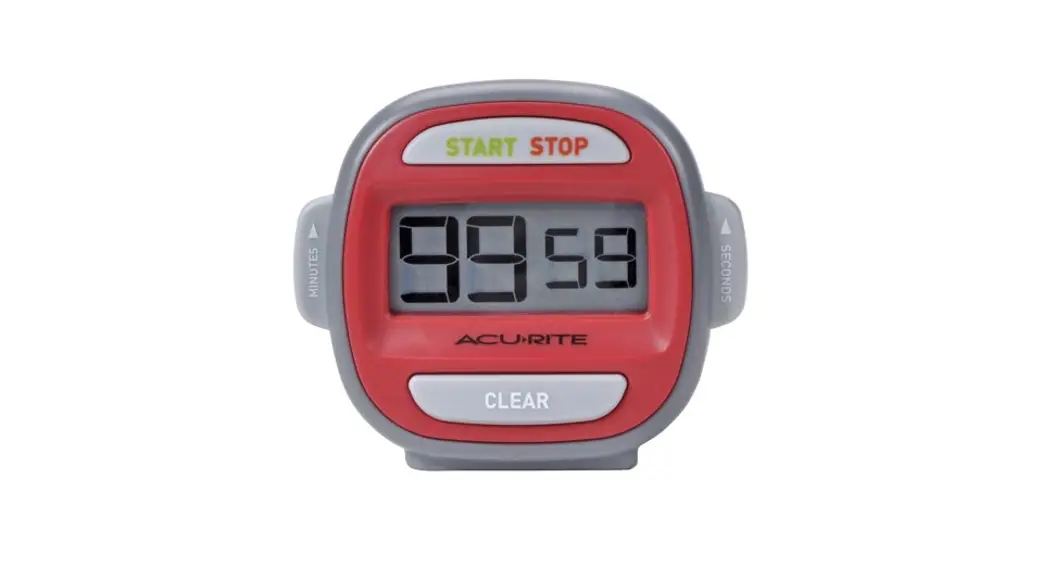
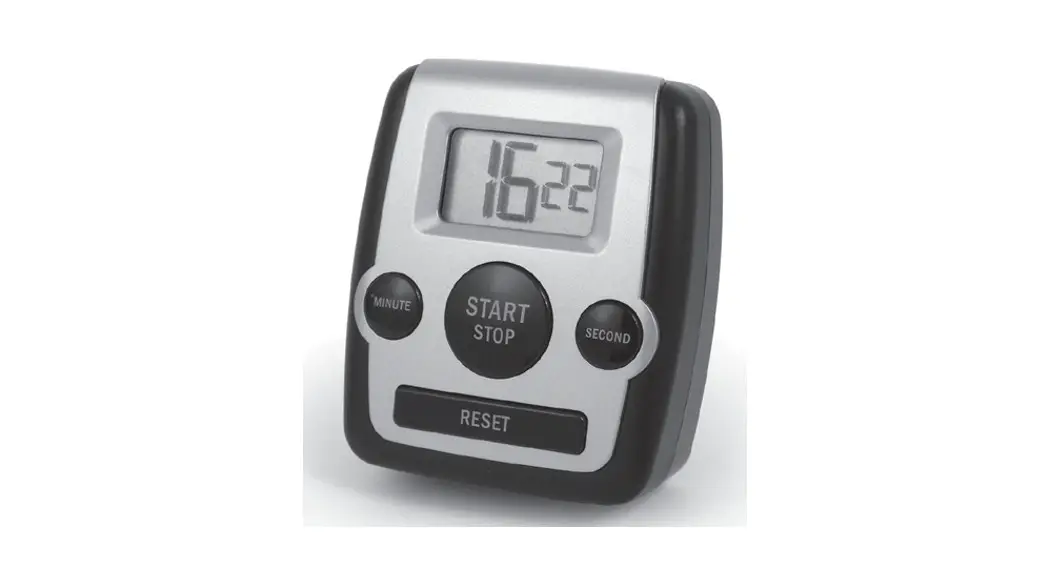
- Press MIN and SEC to set desired time. Press and hold each button for fast advance.
- Press START/STOP to start the count down.
- Press START/STOP to pause and resume the count down.
- When timer counts down to 0, press START/STOP to turn o the alarm and recall last time setting.
- Press MIN and SEC simultaneously to clear the time.
Note: Set desired time in minutes and seconds up to 99 minutes and 59 seconds.
Count up:
- Press START/STOP to start the count up.
- Press START/STOP to pause and resume the count up.
- Press MIN and SEC simultaneously to clear the time.
Note: The timer will count up to 99 minutes and 59 seconds.
914MDT100M