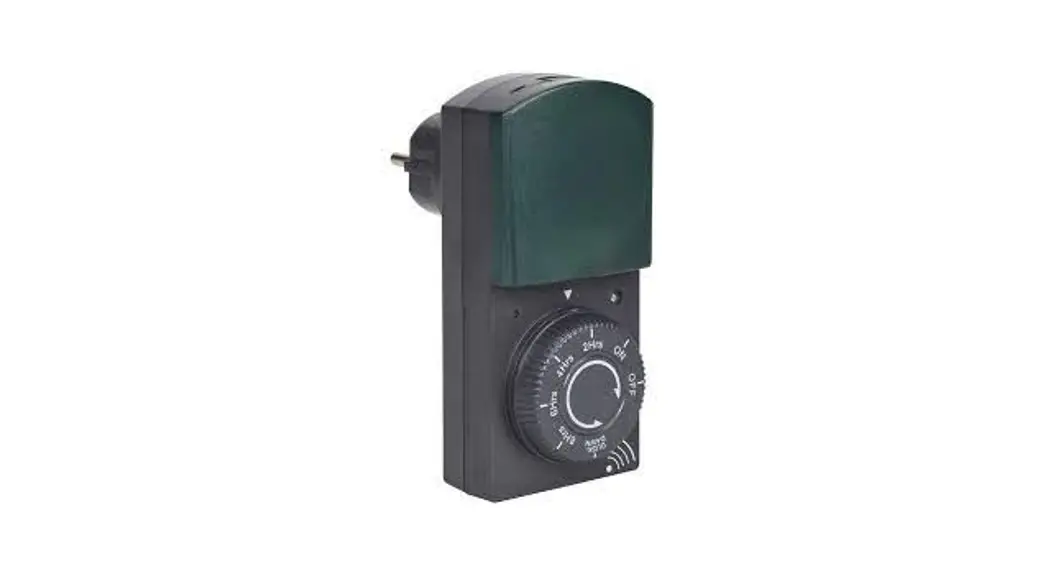
 006053 Countdown Timer Instructions
 Item no. 00605
COUNTDOWN TIMER
OPERATING INSTRUCTIONS Important! Read the user instructions carefully before use. Save them for future reference. (Translation of the original instructions).
Care for the environment!
Recycle discarded products in accordance with local regulations. Jula reserves the right to make changes. For the latest version of operating instructions, see www.jula.com
 JULA AB, BOX 363, SE-532 24 SKARA
2021-12-15
Jul A8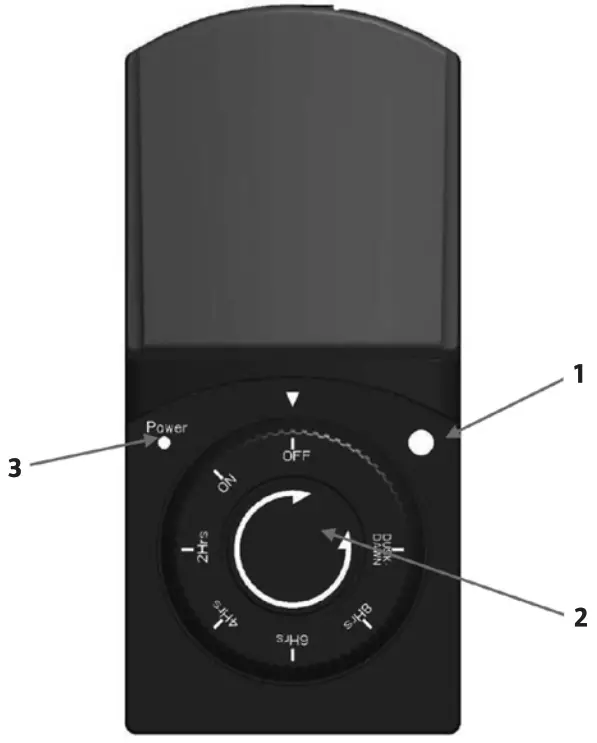
SAFETY INSTRUCTIONS
- Only for outdoor use.
- Do not connect two or more timers together.
- Do not connect appliances that need a current of more than 5 amps
- Do not connect appliances with an output of more than 1000 W.
- Always check that the plug on the connected appliance is fully inserted into the socket on the time
- If the timer needs cleaning, unplug it from the mains and wipe it with a dry cloth.
- Do not immerse the timer in water or any other liquid
- Do not connect heaters and other similar equipment to the timer.
- Check that the appliance to be controlled is switched off before plugging it into the timer
SYMBOLS
 | Splash proof. |
 | Approved as per applicable directives. |
| Recycle discarded products as electrical waste |
TECHNICAL DATA
| Max load | 230V50HI |
| Rated voltage | 1000W |
| Amperage | Max SA |
| Protection rating | IP4A |
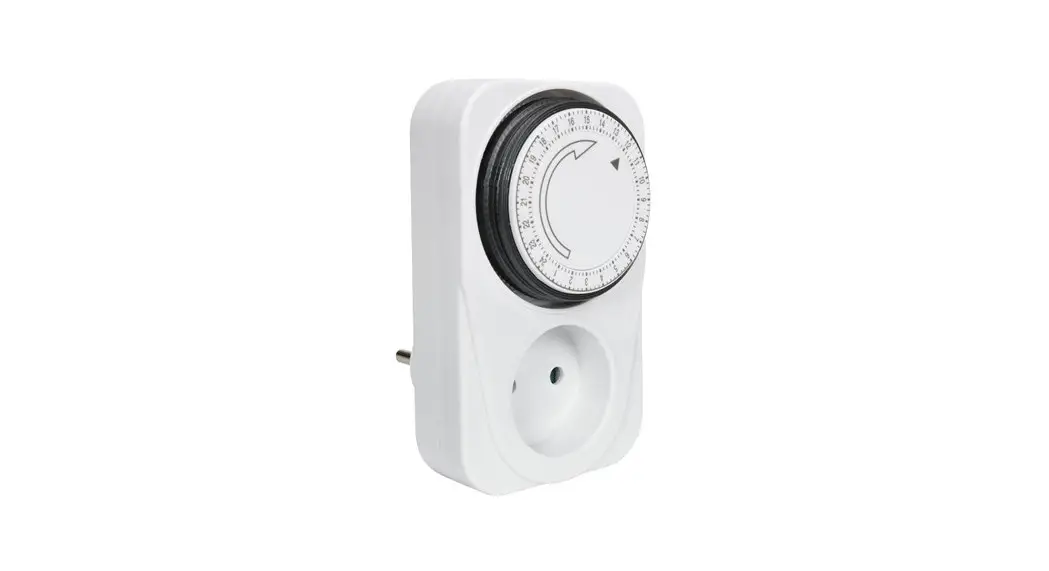
DESCRIPTION
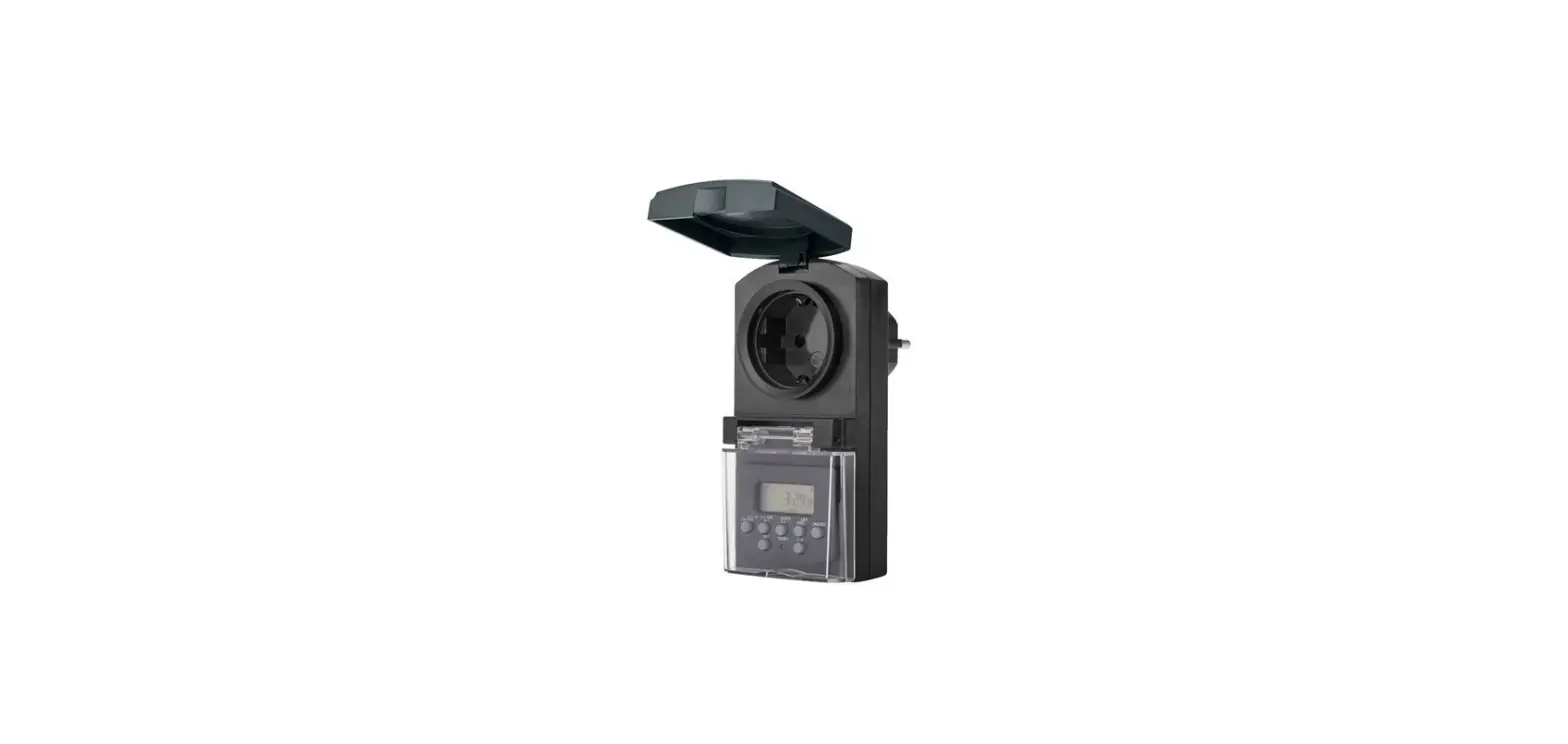
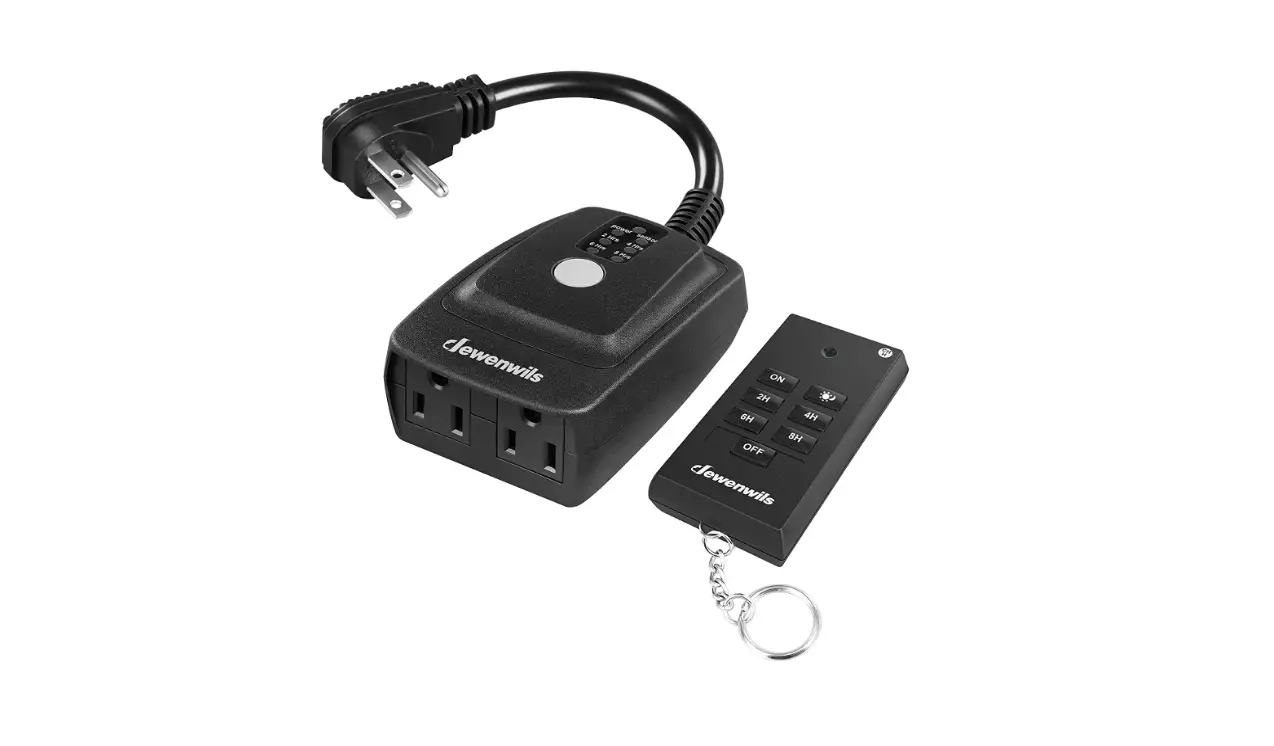
- Photocell
- Control dial
- Status light for on/off mode
USE FUNCTIONS
| Designation | description |
| OFF | Always OFF. |
| ON | Always ON. |
| DUSK- DAWN | ON when it goes dark, OFF when it gets light. |
| 2H | ON when it goes dark, OFF automatically after 2 hours. |
| 4H | ON when it goes dark, OFF automatically after 4 hours |
| 6H | ON when it goes dark, OFF automatically after 6 hours. |
| 8H | ON when it goes dark, OFF automatically after 8 hours |
HOW TO USE
- Turn the control dial so that the arrow is pointing at the required mode.
- In ON mode (always ON) and OFF (always OFF), the photocell is not used.
- In DUSK-DAWN mode the connected appliance starts automatically when it goes dark and switches off when it gets light. Detection range for photocell: 5–75 lux
- In2Hrs/4 Hrs/6 Hrs/8 Hrs mode the connected appliance starts when it goes dark and switches off after 2/4/6 0r 8 hours.
NOTE
- If the photocell detects light during the countdown period the countdown function is deactivated. The countdown starts again when it goes dark again.
- If the setting is changed during a countdown the countdown stops and the new countdown starts.
- Place the photocell where it is not exposed to artificial light when it goes dark to avoid unintentional activation.