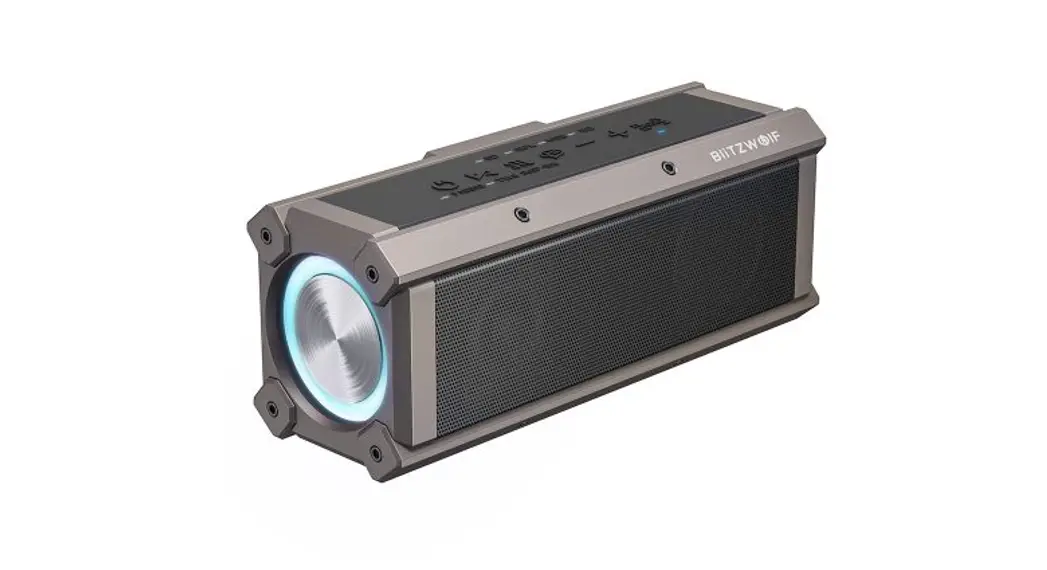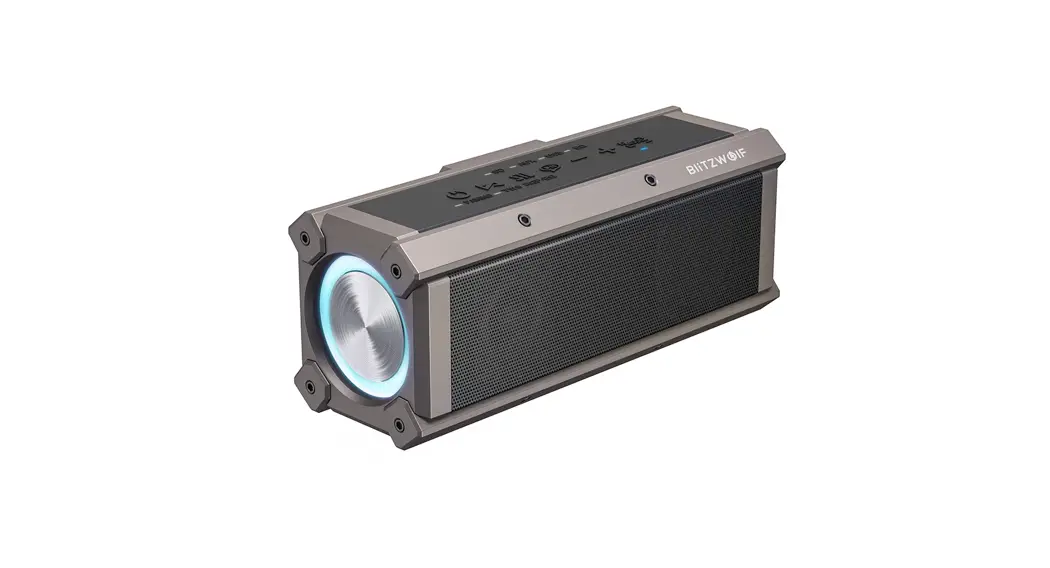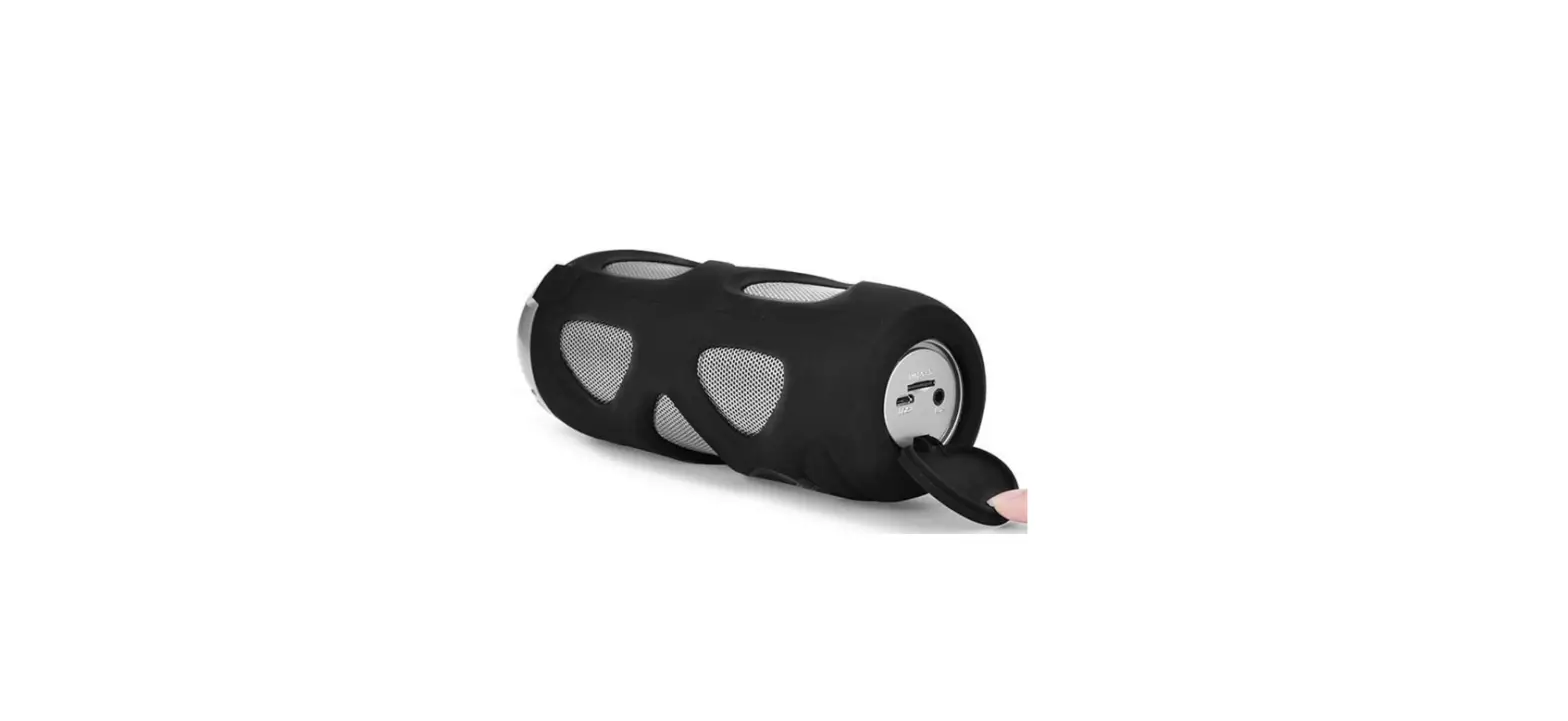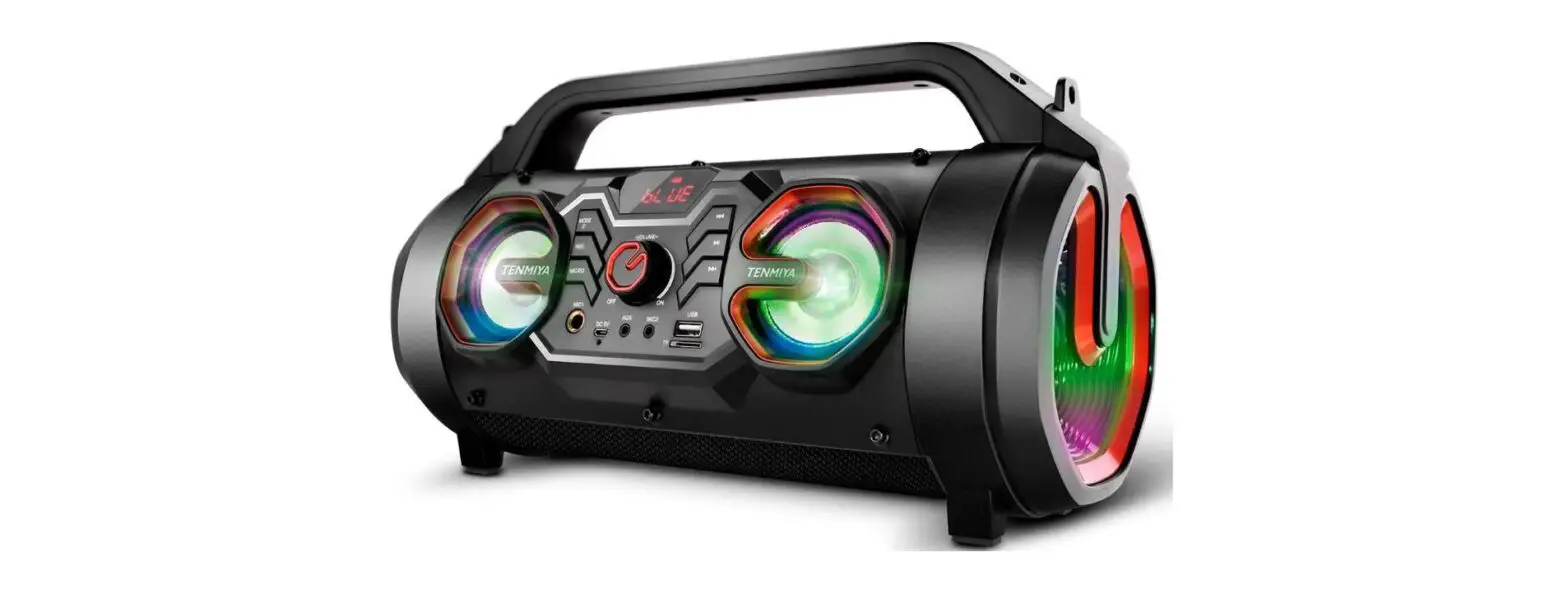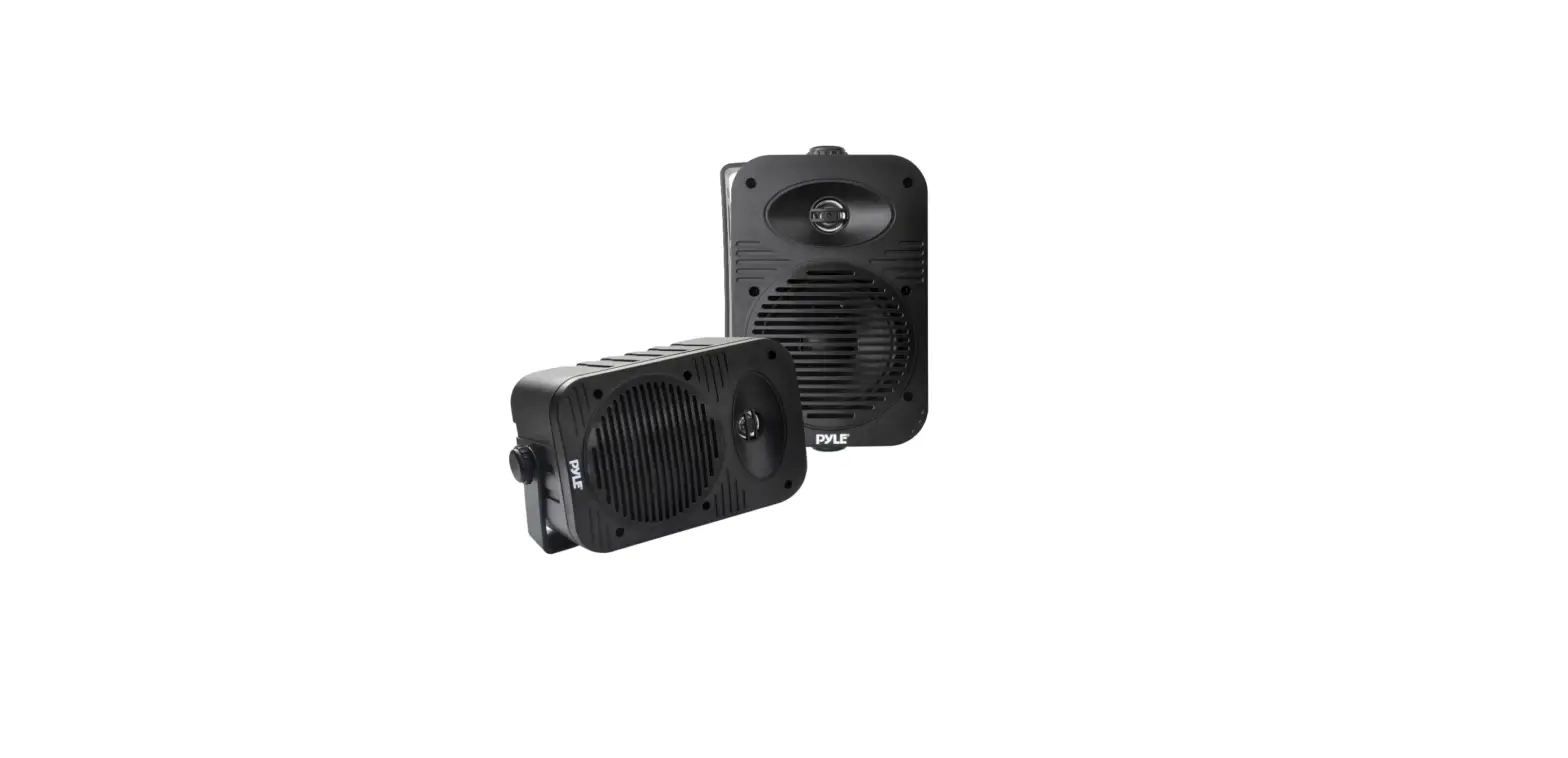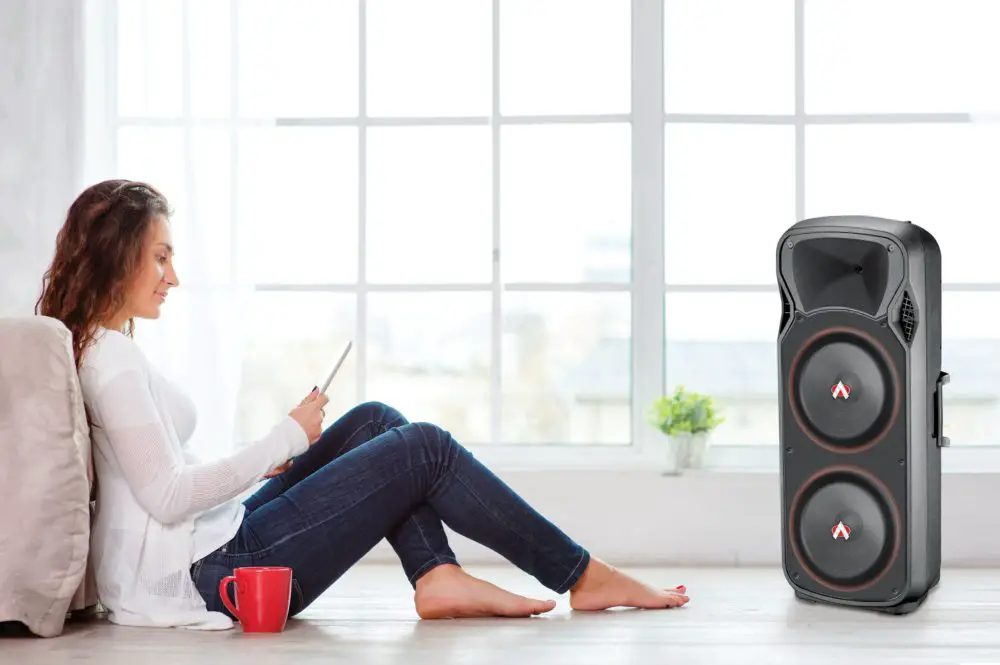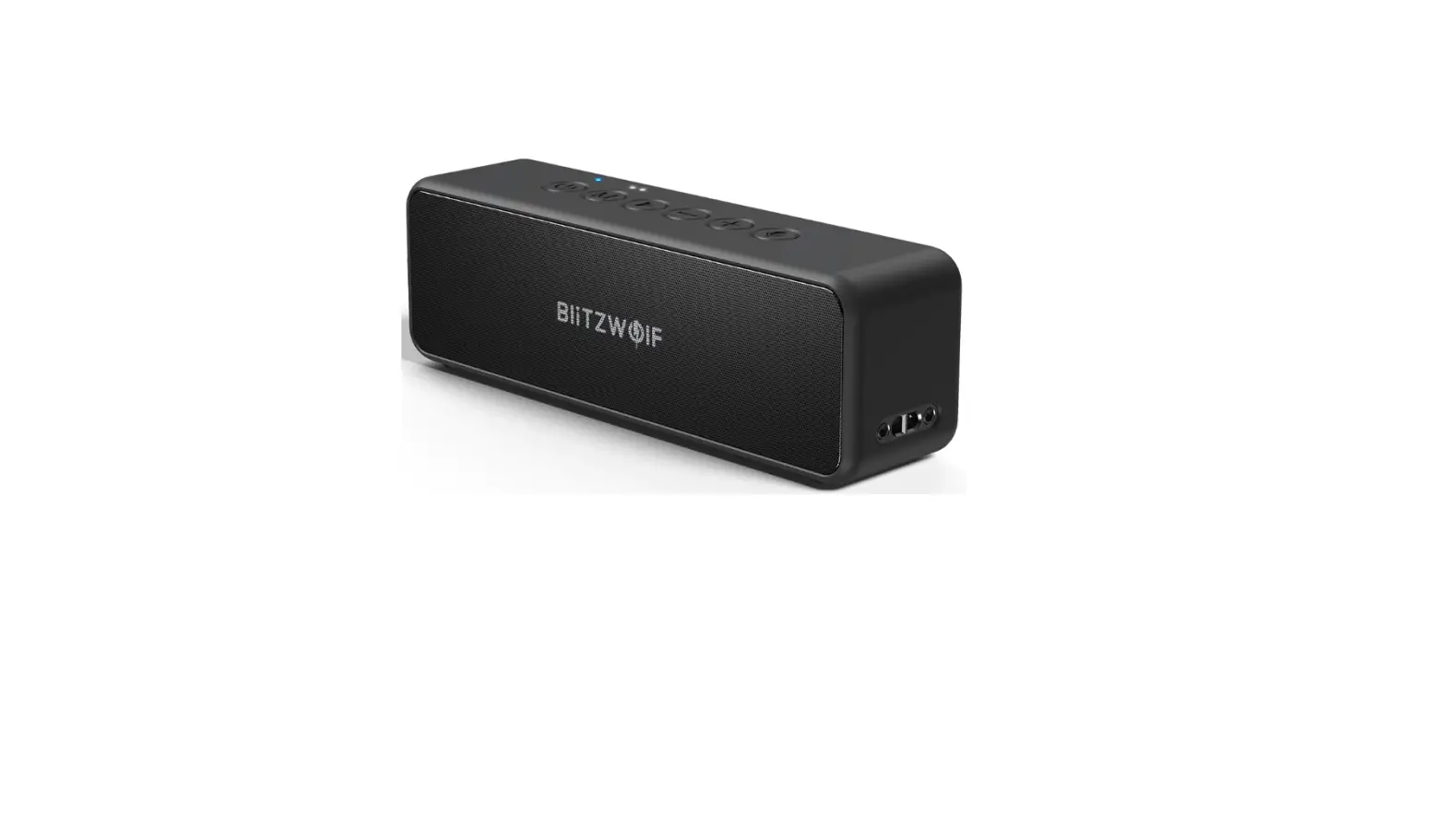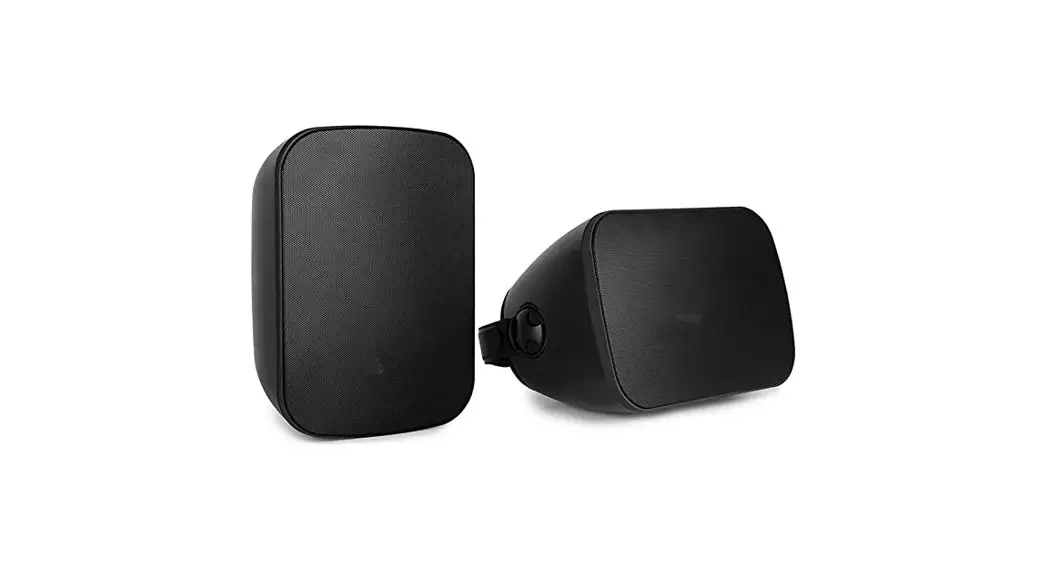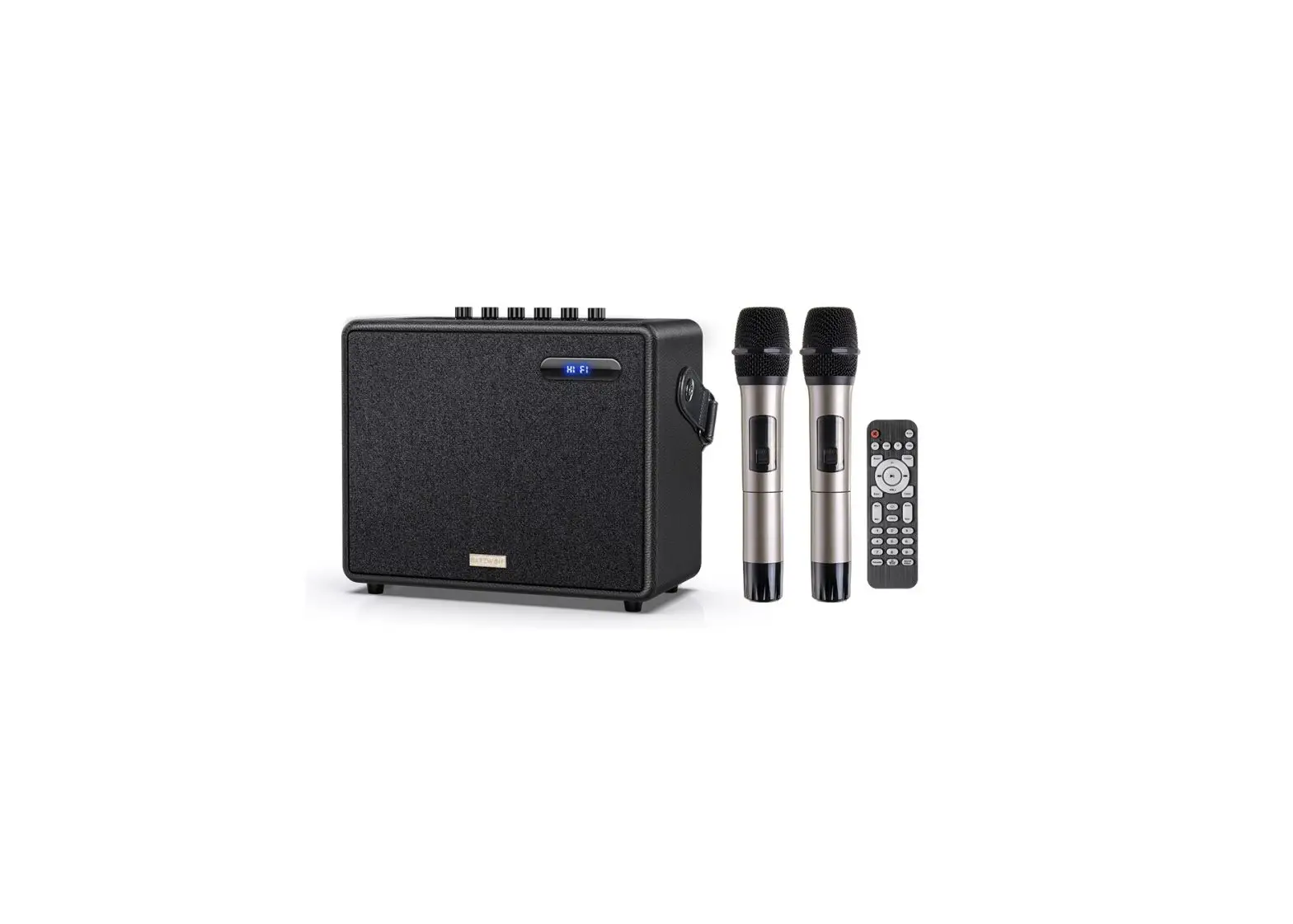
BliTZWOlF BW-WOO3 Outdoor Speaker with Up to 60W Premium Sound
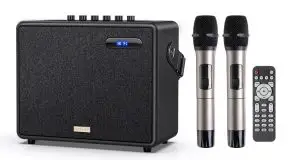
Product specifications
| Product model | BW- WOO3 |
| Horn specifications | Bass 6.5 “+4″, treble 3” |
| Rated power | 45W |
| Frequency response | 50Hz- 18KHz |
| Bluetooth version | 5.0 |
| Battery capacity | Lithium ion battery: 12V, 4500 mAh |
| Input specification | DC13.5V,3.5A (Power adapter) |
| Charging time | About 3~6 hours |
| Machine size | 290x240x150mm |
Product accessory
- Power adapter x 1 PCS
- Remote control x 1 PCS
- Wireless microphone x 2PCS
- 3.5mm live line x 1 PCS
- Instructions x 1 PCS
Overview
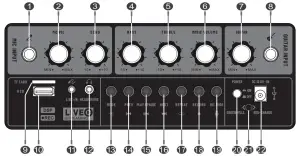
- Wired microphone input interface
- Mic vol
- Mic echo vol
- Bass volume adjustment
- Treble volume adjustment
- Music volume
- Guitar volume
- Guitar input
- TF card
- USS input
- Live input
- Headphone input port
- Channel input selection
Long press to turn off voice - Last song
- Play, stop
- Next song
- Loop Playback
When playing the recording, long press to delete the recording - Play the recording. Press and hold the recording
- Mic mode(Three mode switching)
- Power switch
- Charging indicator
Charging red, full of green - Power input
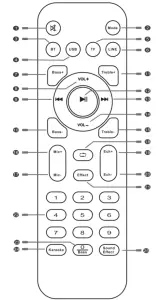
- Mute
- Input channel switching
- Bluetooth
- USB input
- TF card
- Live input
- Bass+
- Volume+
- Last song
- Bass –
- Treble+
- Play, stop
- Next song
- Volume –
- Treble –
- Mic vol +
- Mic vol –
- Loop playback
- Mic reverberation
- Mic reverberation
- Effect mode
- Number Button (In USB/TF mode, you can select songs with the number button.)
- Number Button Long press—Bass boost switch
- Karaoke effect conversion
- Sound changing effect( Open mic)
The function keys in the box at the bottom of the remote control are composite keys. Short press in the U- disk channel can select music mathematically, and long press can convert to special sound effect.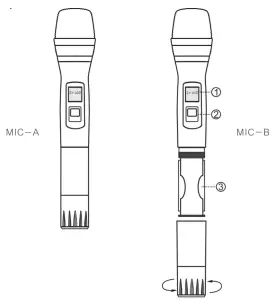
WIRELESS MICROPHONE
Turn on the microphone switch in any channel after power on
- DISPLAY
- POWER SWITCH
- BATTERY COMPARTMENT
OPERATION DETAILS
OPERATION DETAILS
- CHARGING
* It is recommended to charge about 6 hours when using this product for the first time
* When charging, connect the adapter to the 11 OV ~ 220V power socket and the charging input port of the machine The charging time is 3 r-v 6 hours. Please unplug the power supply after full charge. Long time charging will cause battery damage
* If the machine is not used for a long time, it is recommended to charge it every 2-5 months, otherwise it will cause premature loss or damage of the battery - CONNECT BLUETOOTH
* After power on, the display window lights up
* Switch to Bluetooth channel and click Connect when mobile phone searches BW-W003
* After the connection is successful, start to play music - USB DISPLAY
* After power on, you can play music by inserting USB flash disk under any channel
* Press control panel pause / play, previous song, next song to select song. The number key on the lower part of the remote control can select music digitally
* This machine supports MP3, wma, WAV, FLAC music formats - LIVE / MONITOR
* After power on, plug in the 3.5 audio cable to the live input interface of the machine, and connect the other end to the mobile phone. Plug in the earphone into the monitoring interface of the machine, and you can broadcast the karaoke live
* When the live broadcast or microphone is on, long press the special effects button on the lower part of the remote control to add sound effects
* Another mobile phone Bluetooth connection to the machine can be used as a live background accompaniment
 SCHEU FER Technologies GmbH
Address: Hertleinstrasse 37,91052,Erlangen,Germany
E-mail: [email protected] VISHTEC UK Co.,Ltd
Address: Unit G25 Waterfront Studios, 1DockRoad, London,E16 1 AH
E-mail: [email protected]