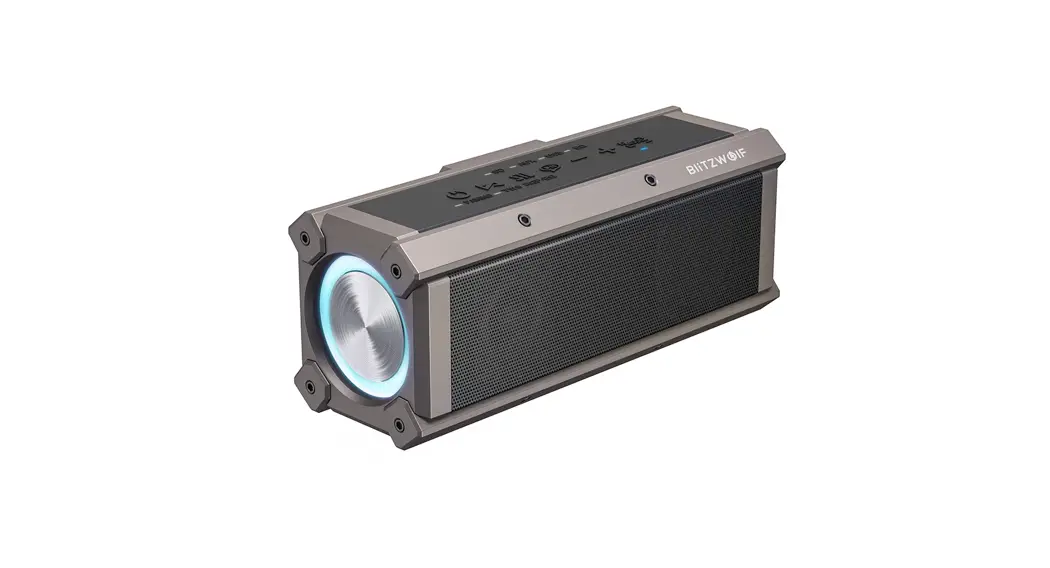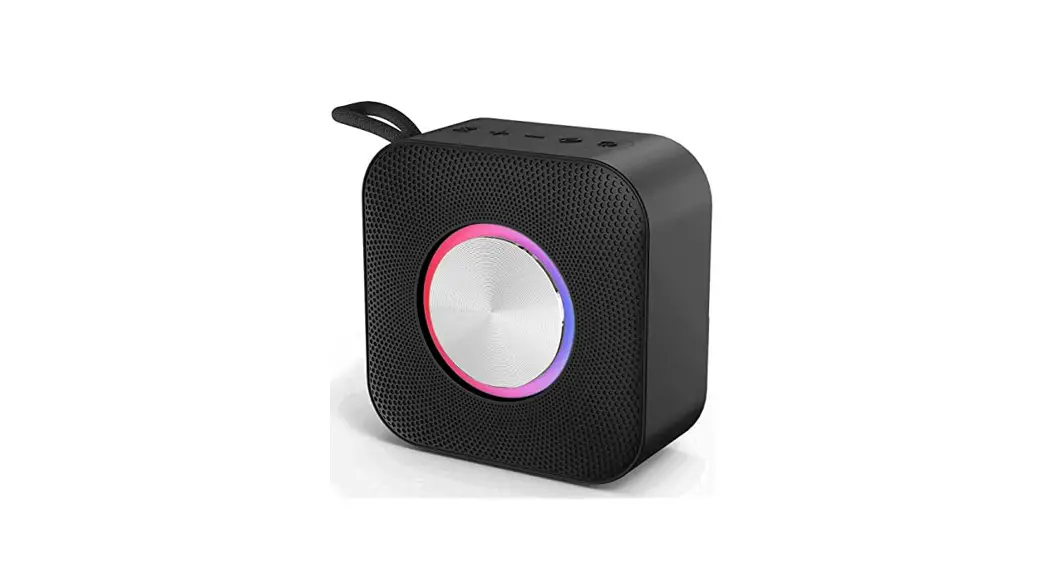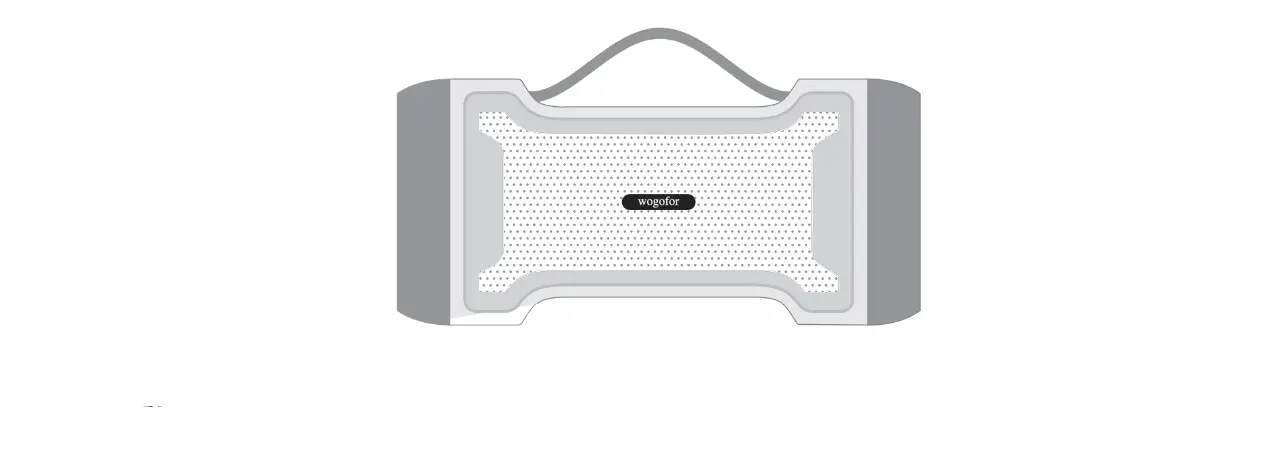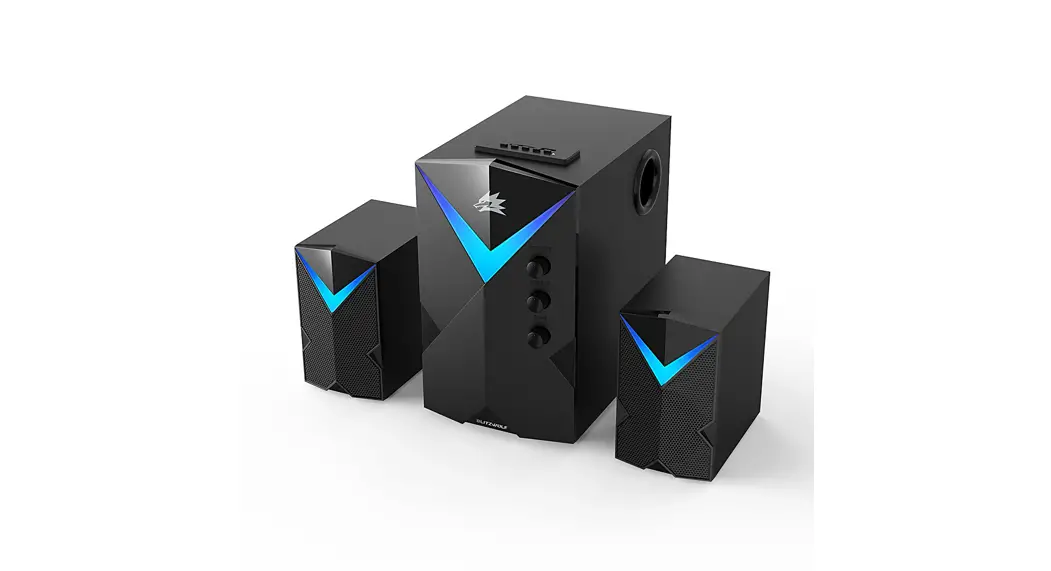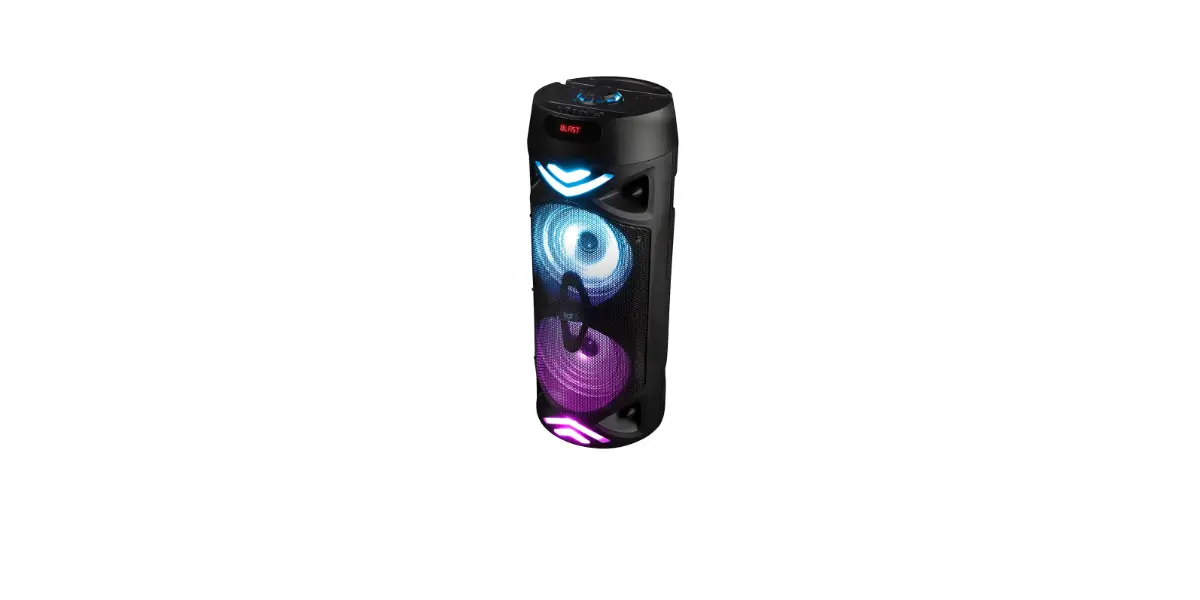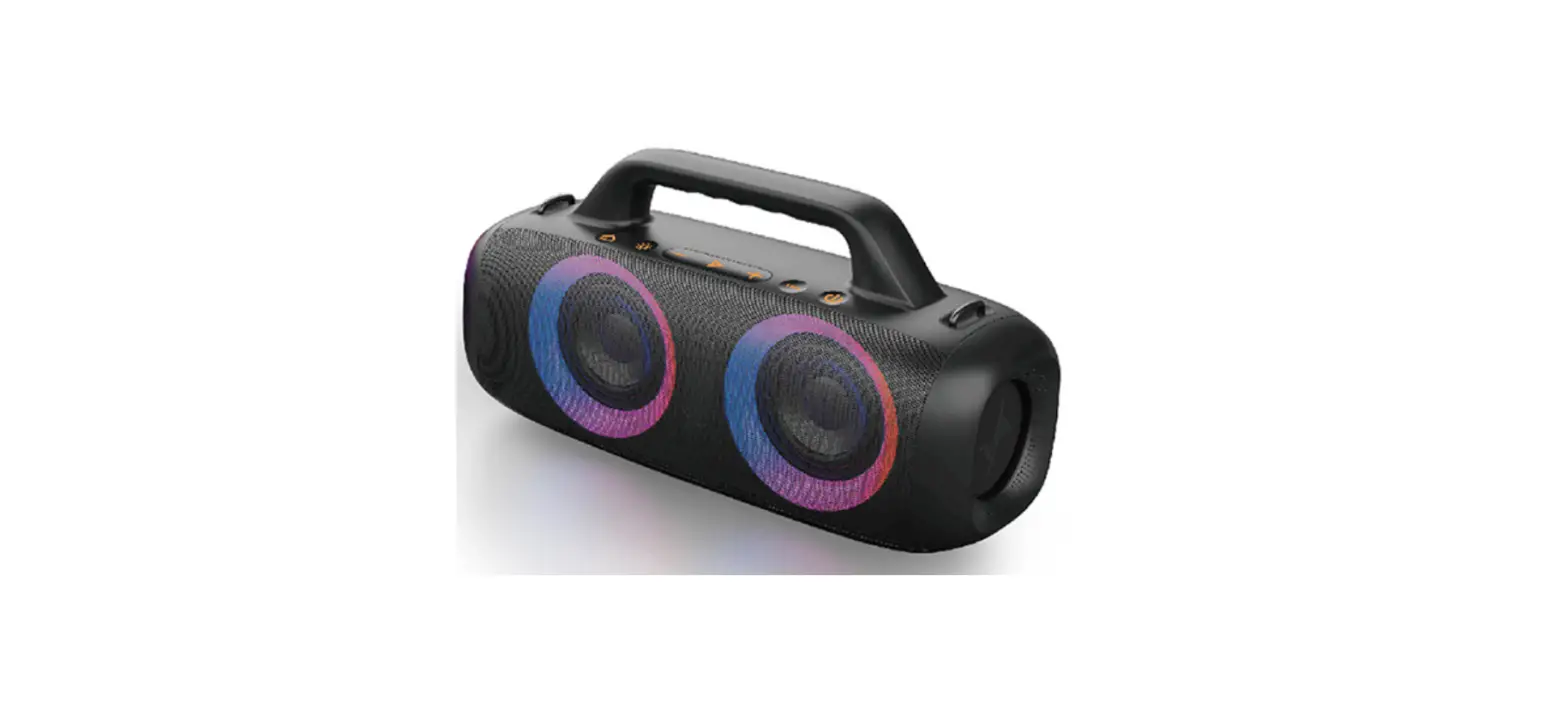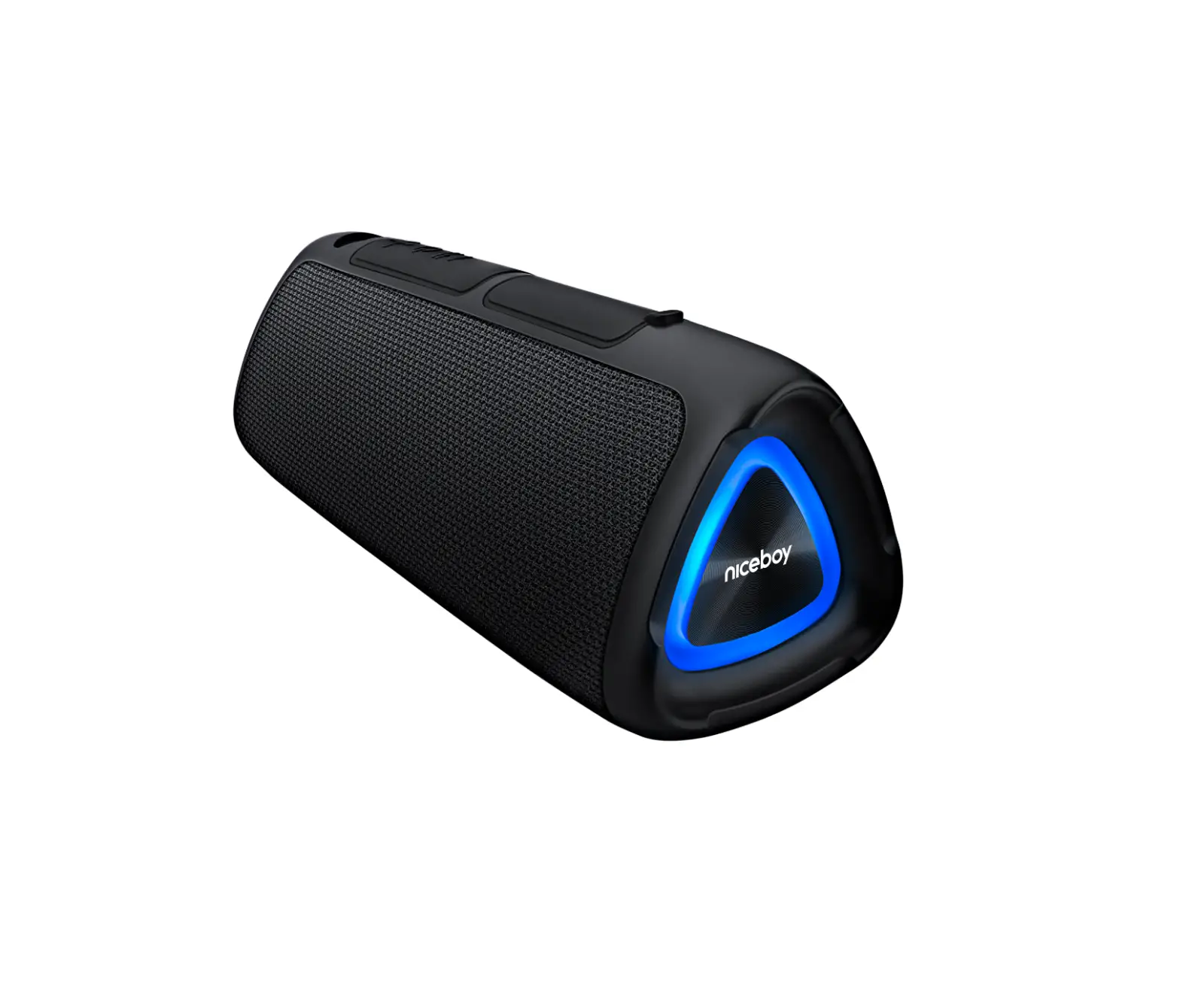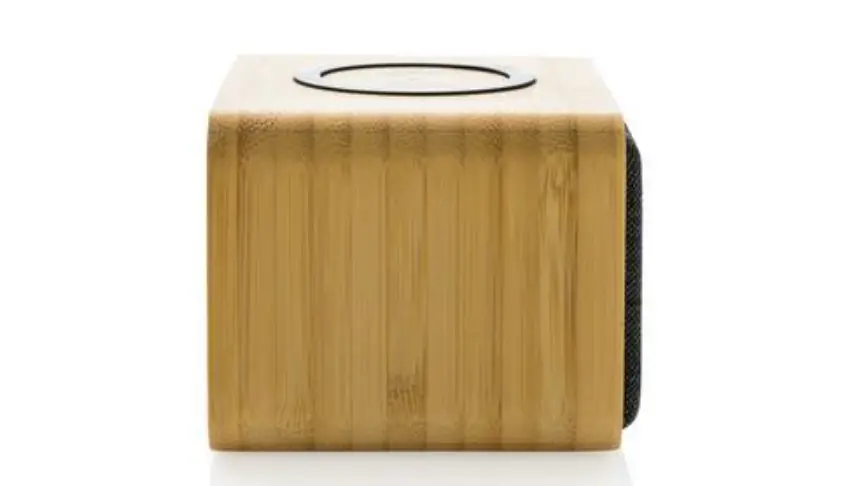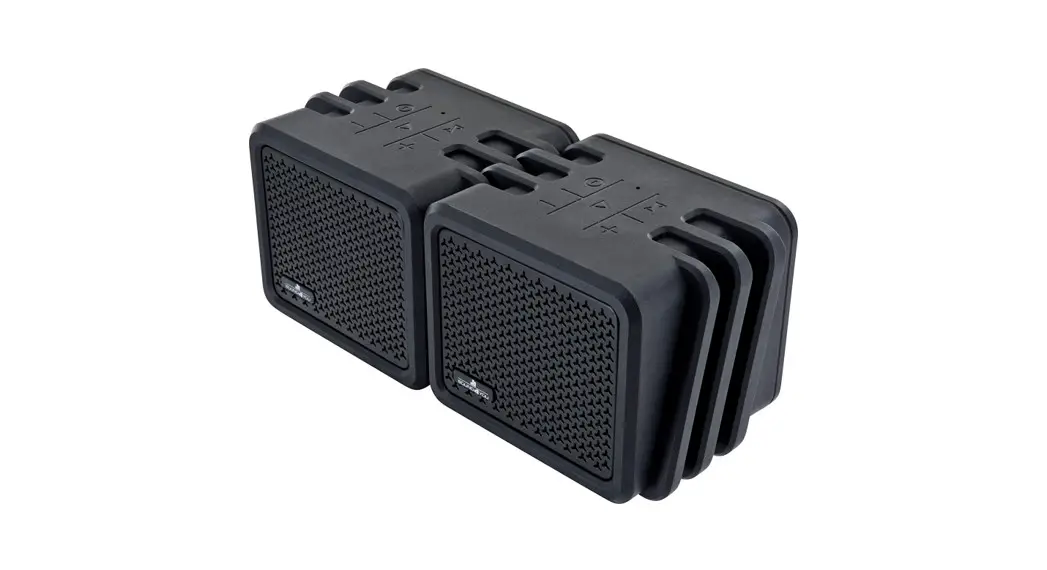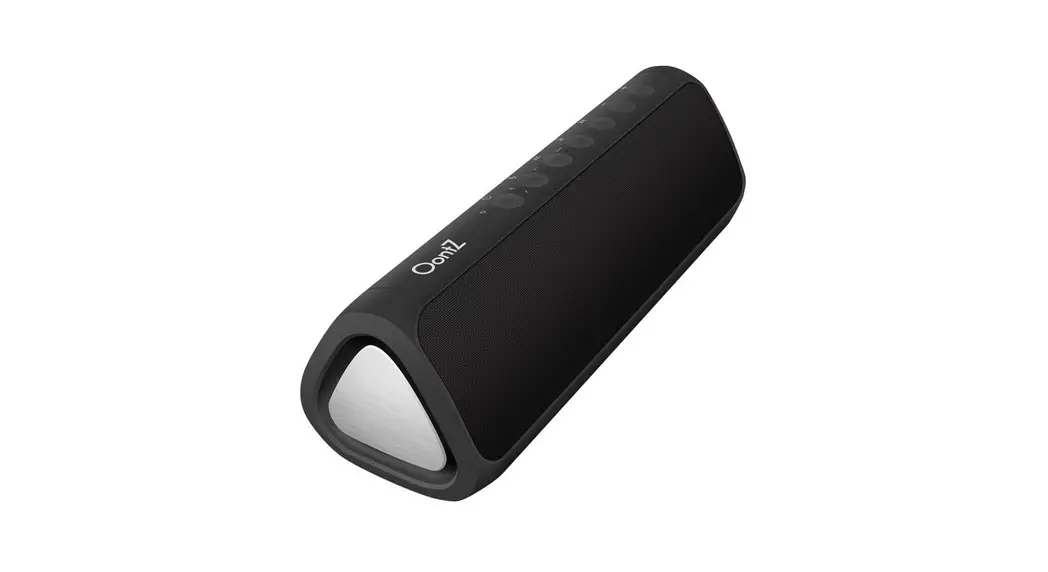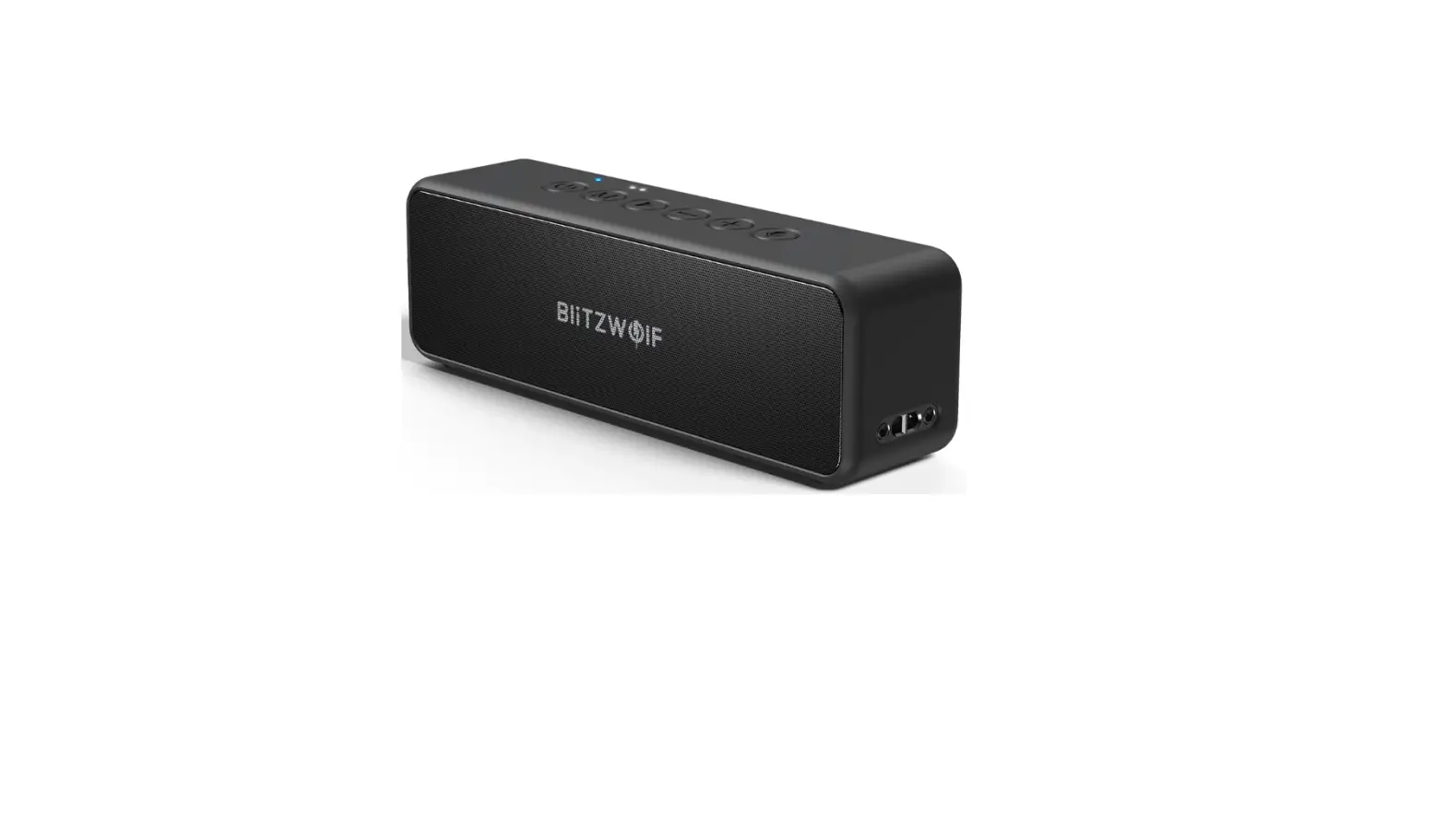
BliTZWOlF BW-WA4 Wireless Speaker User Manual
Product Description
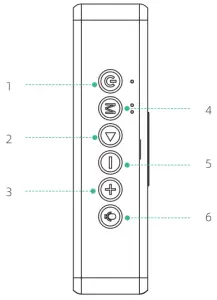
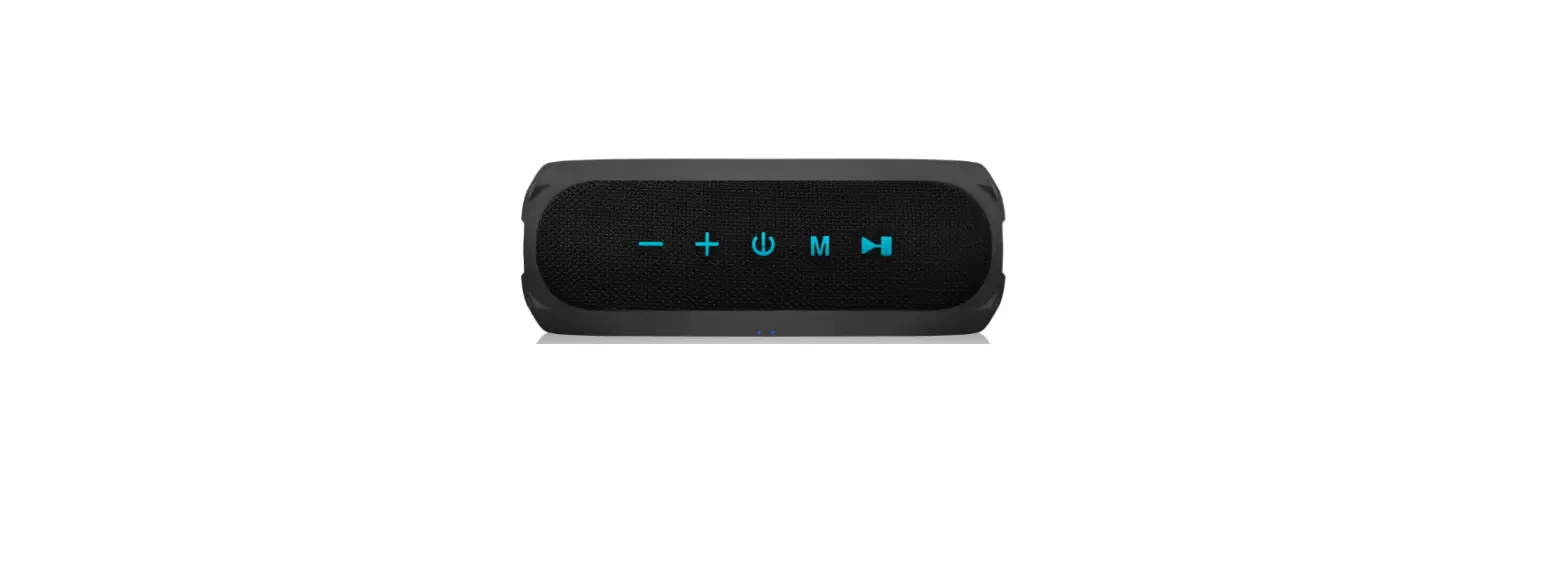
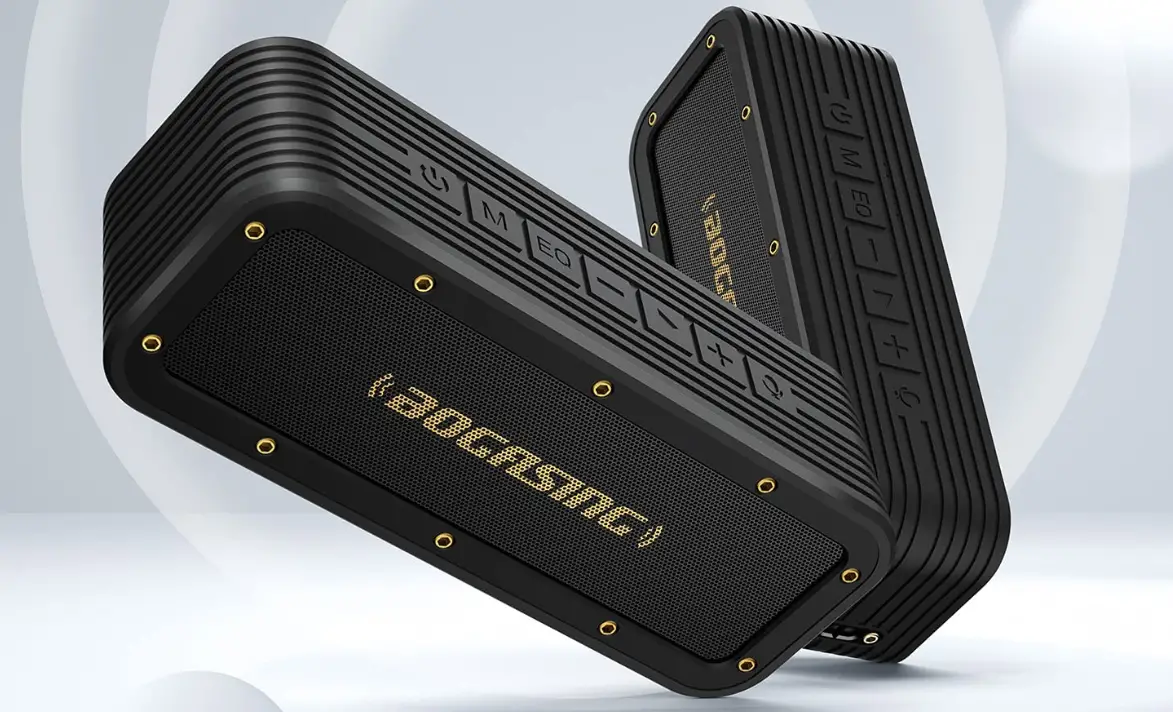
- Power switch
- Play/Pause
- Volume+
- Mode switching
- Volume-
- Voice assistant
Instructions
| Operate | Function | |
 | Short press | Boot |
| Long press | Turn off | |
| Double click | Double-click the button to enter TWS mode | |
 | Short press | Toggle sound: surround/bass/vocals |
| Long press | Switching mode: Bluetooth/TF card /AUX Restore factory Settings in 8 seconds | |
 | Short press | 1.Play/pause 2.Answer/hang up the phone 3.Double-click the last dialed phone number to redial |
| Long press | 1.Hold down 3S to disconnect Bluetooth. 2.Hold down for 2 seconds to reject an incoming call | |
 | Short press | Turn down the volume |
| Long press | In a song | |
 | Short press | Increase in the volume |
| Long press | The next song | |
 | Short press | Enable the voice assistant function |
TWS
- Please make sure these two speakers to be paired disconnect from your Bluetooth device before you turn them on. Then please turn on two speakers.
- Select either of the speaker. Double click “power” button to enter TWS status.
- When successfully paired, The LED indication light on either speaker will stay yellow, and the other speaker will flash blue.
- Find BW-WA4 on your device, select it and connect.
- Once the speakers are well paired at the first time, they will be automatically paired next time without the above pairing operation.
- If the speaker used to be paired, it is suggested to press “M” button for 8 seconds to forcibly cut off the power. Then restart and have same speaker re-paired with required new speaker according to the above instruction item 1- item 4.
- When speakers are paired, only the “master” speaker will answer the phone.
- EQ (M button) sound effects can be used when TWS mode.
Specifications
| Model | V5.0 |
| Supported Profiles | A2DP.AVRCP.HFP |
| Communication distance | >10m |
| Frequency Response | 80Hz__18000Hz |
| Impedance | 4Ω±15% |
| Call Time | 20 (70% volume) hours |
| Music playing time | 6 (50% volume) hours |
| Battery Capacity | 3600mAh |
| Charging time | About 3 hours |
| Input voltage | 5V/1.5A |
| Maximum power | 30W |
| Size | 215x 55x 68mm |