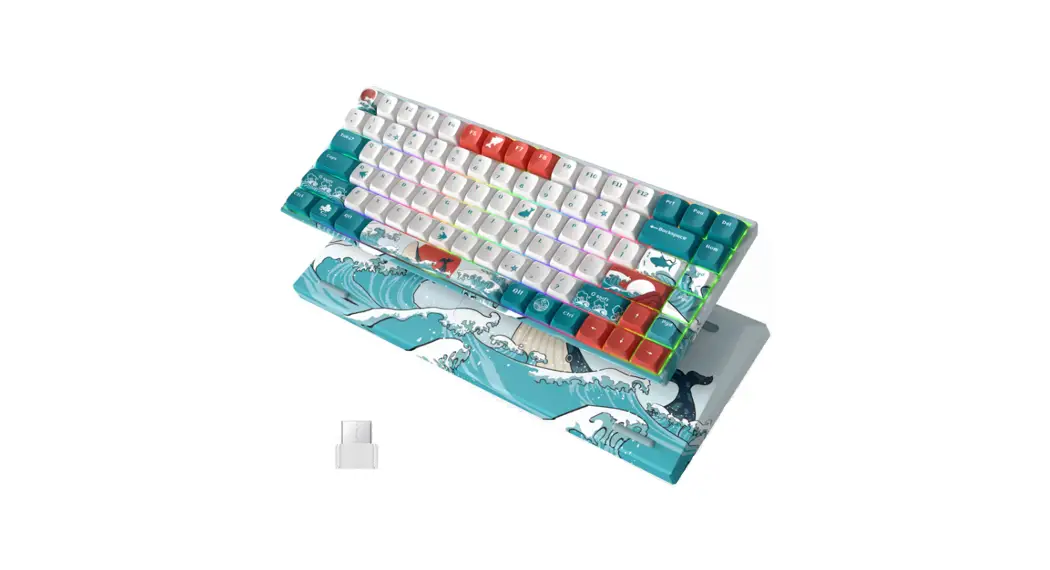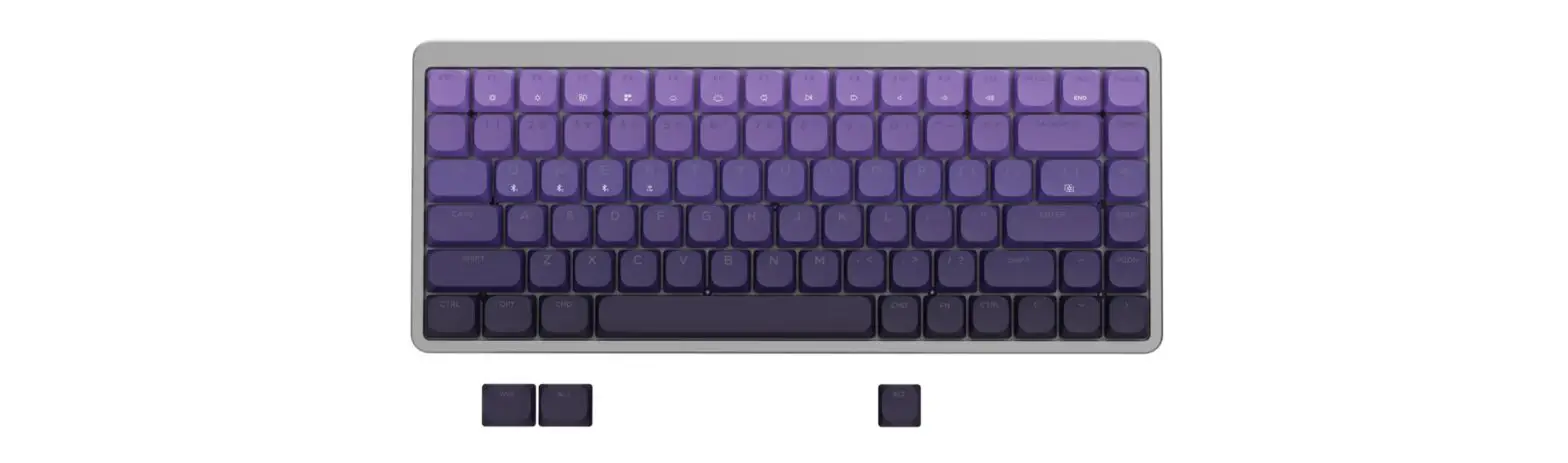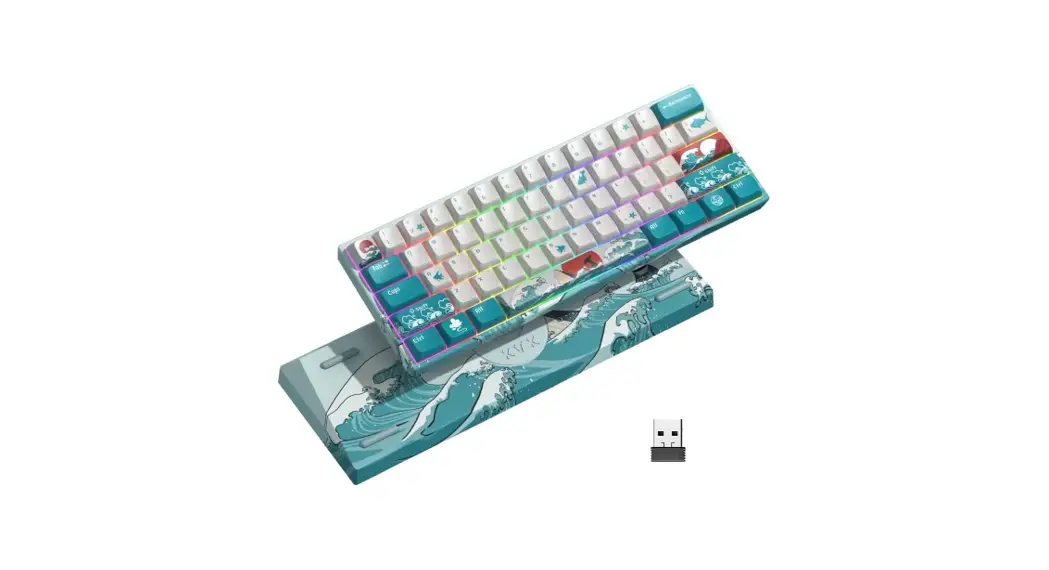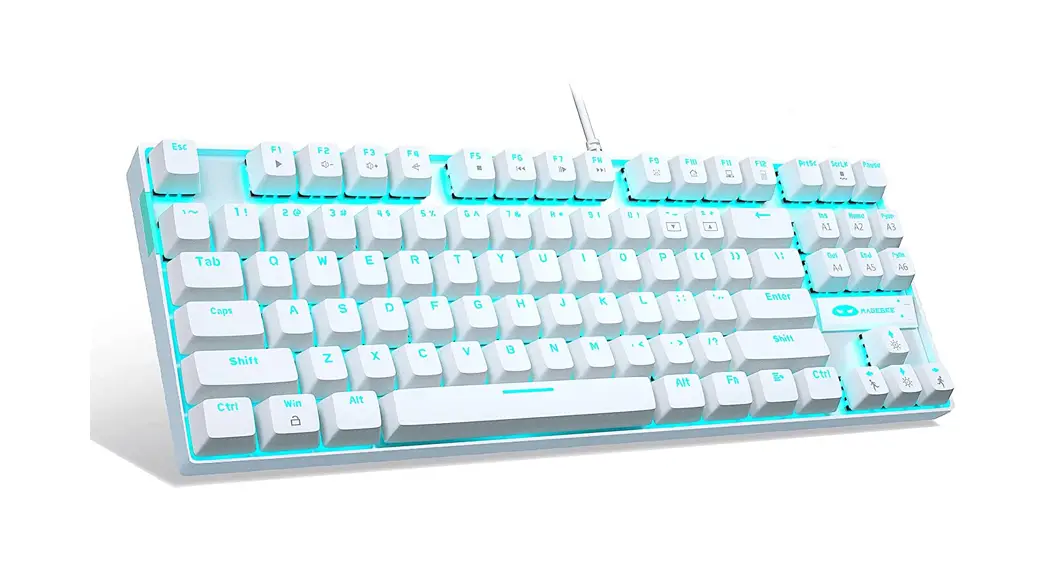
xvx DK61 Wireless Keyboard User Manual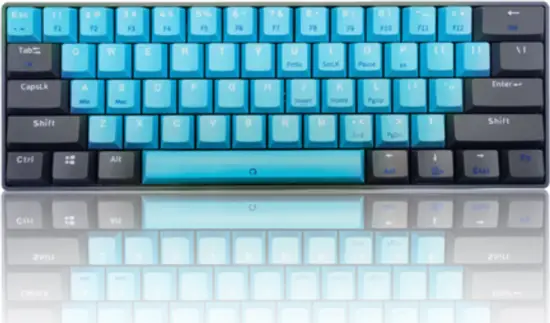
Products Features
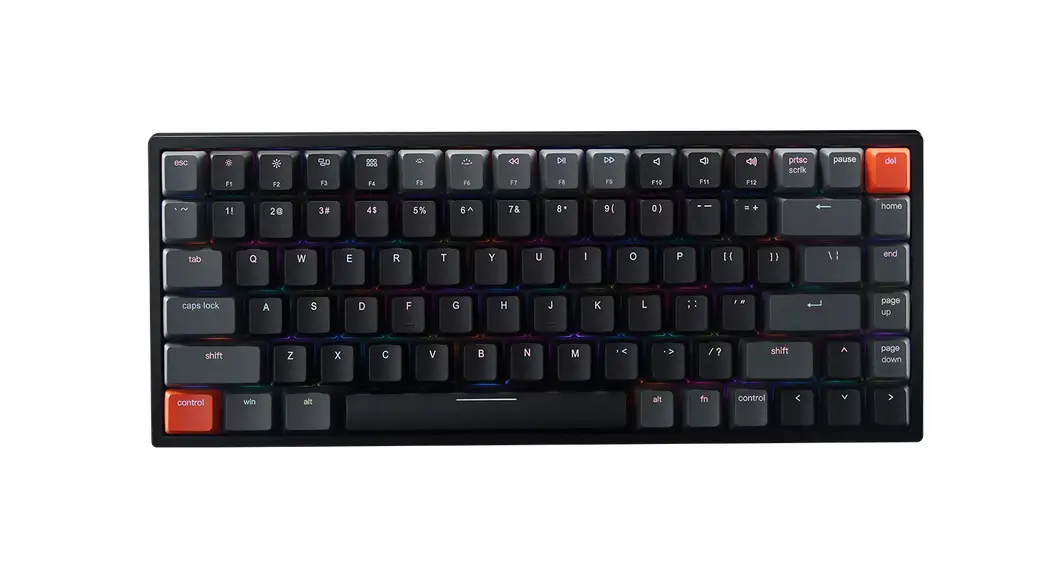
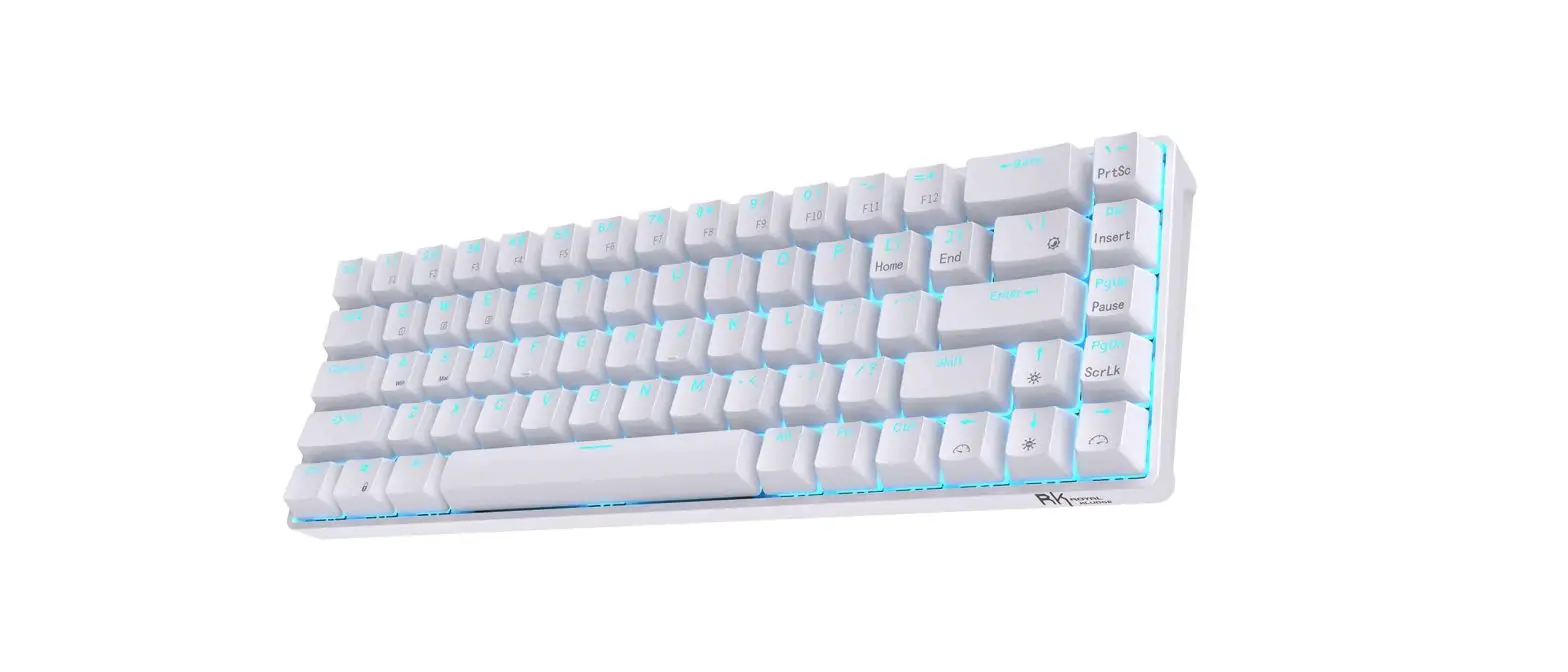
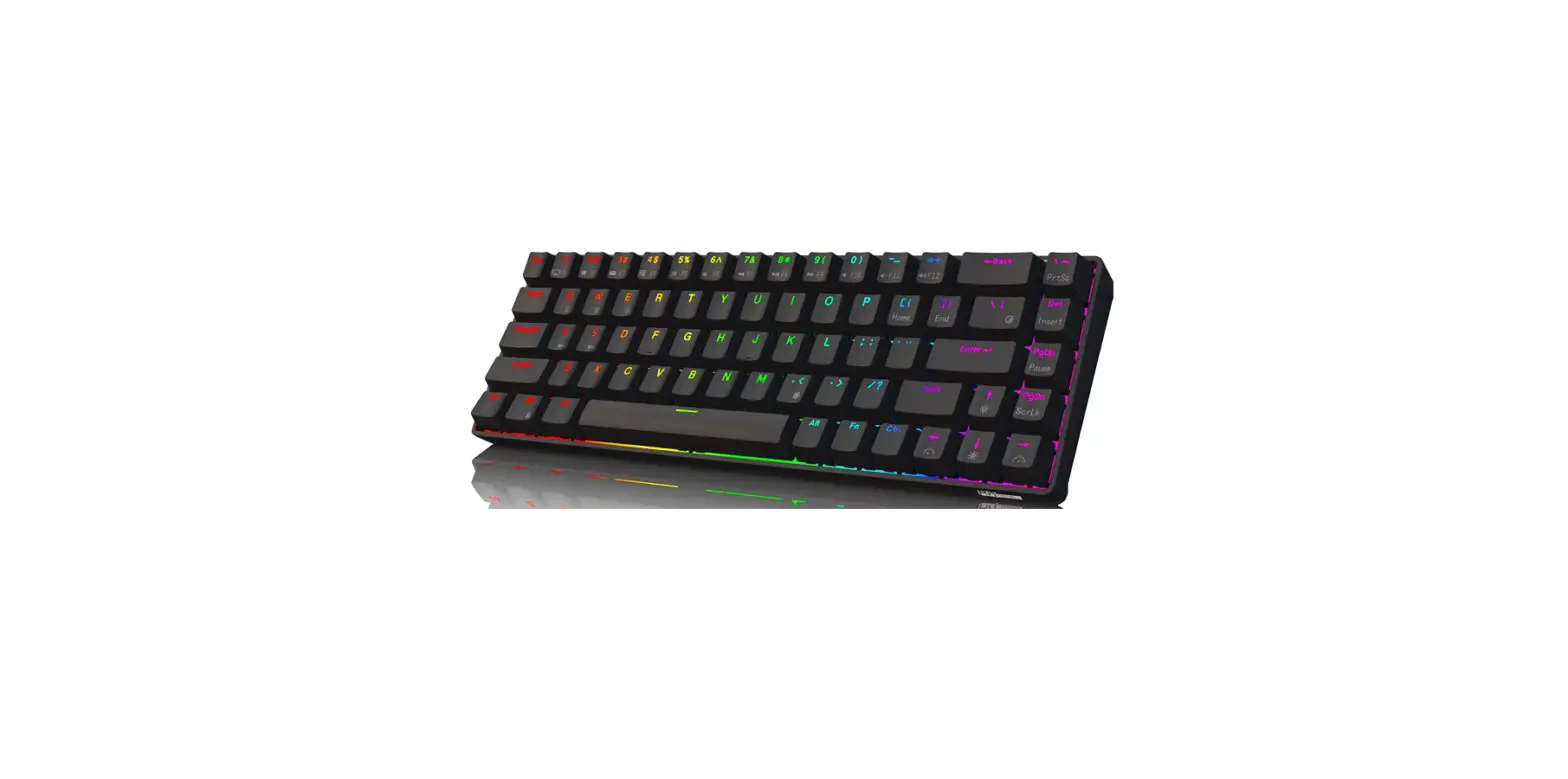
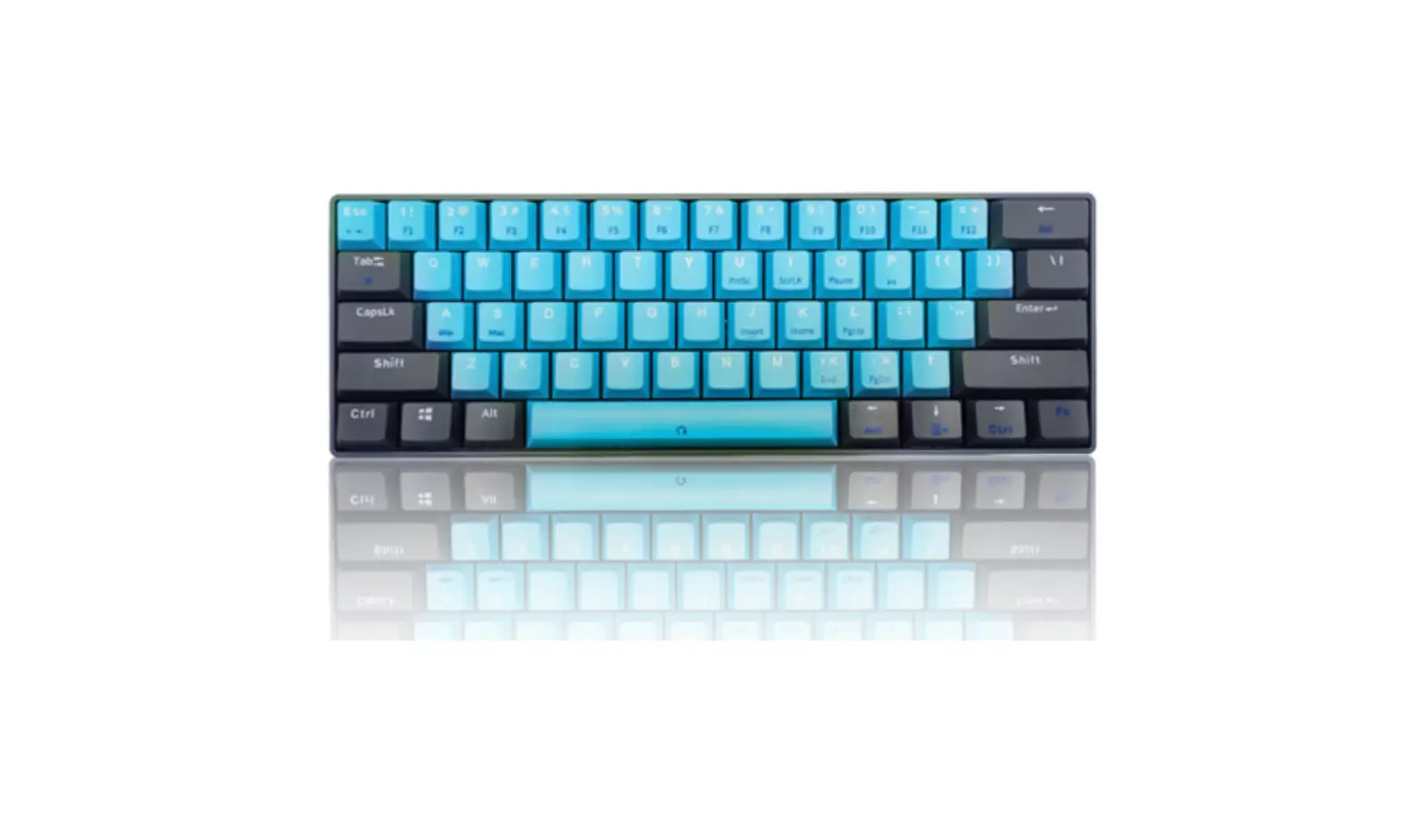
- Popular 61 key compact color mechanical feel keyboard B.Ultra-lightweight and convenient design, easy to carry
- Tri-mode connections : Bluetooth ,2.4Ghz ,USB- C
- Support 4 operation system : i0S. Android. Mac OS and Windows
- Long-lasting battery life and auto-sleep mode .
- Multi FN combination keys for easy use .
Package include:
- A.1*61 Color keyboard
- B.1*Type C cable
- C.1* User manual
Technical specifications
- A.Working voltage: 5V
- B.Product Weight: 367g
- C.Product Size: 300*100*20mm
FN Combination Key Function
| FN+ Shortcut Key | Function | |||
| FN+ ESC | – | FN+0 | Pause | |
| FN+ 1! | F1 | FN+J | Insert | |
| FN+ 2A | F2 | FN+K | Home | |
| FN+ 3# | F3 | FN+L | Page Up | |
| FN+ 4$ | F4 | FN+,< | End | |
| FN+ 5% | F5 | FN+.> | Page Down | |
| FN+ 6^ | F6 | FN+Back Space | Del | |
| FN+ 7& | F7 | FN+Win- L | WIN Lock | |
| FN+ 8* | F8 | FN+Up ↑ | /? | |
| FN+ 9( | F9 | FN+Left ← | Left Side ALT | |
| FN+ 0) | F10 | FN+Down ↓ | APP | |
| FN+ – – | F11 | FN+Right → | Right Side ALT | |
| FN+ =+ | F12 | Left Side or Right Side Shift +↑ | ? | |
| FN+U | Print Screen | Left Side or Right Side Shift +ESC | – | |
| FN+I | Scroll Lock |
FN+Space
Press for 3 Seconds to Reset Keyboard Functions
Press for 3 seconds to clear settings and restore the factory default
FN+TAB:
Switch to 2.4G/Bluetooth Mode
Usb mode is preferred for keyboard, Usb cable is inserted into the computer to automatically switch to USB mode. In non-USB mode, FN+TAB key is used to switch between 2.4G mode and Bluetooth mode. The green light indicates 2.4G mode, and the blue light indicates Bluetooth mode.
The FN+P key is used for wireless pairing
FN+P:
Press for 3 seconds the blue light starts to flash, and the keyboard enters the bluetooth pairing mode.
FN+A:
Win System
FN+S:
Mac System
Indicator Description
Capitals Indicator Left Indicator, Capitals Status is Blue Light Equipment Indicator Right Indicator, 2.4G Mode is Green Light, Bluetooth Mode is Blue Light
Basic Performance
When there is no operation 30 minutes, keyboard is entering to the deep sleep mode (Wireless disconnect, enter any keys to connect back)
System Support: Win7/ Wing/ Win10/Android/10S/Mac ETC.
Reminder
If you have any questions about the product, you can contact customer service at any time, we will serve you wholeheartedly. We are worthy of your trust.

FCC Statements
The device has been evaluated to meet general RF expo sure requirement. The device can be used in portable exposure condition without restriction.
FCC Warning:
Any Changes or modifications not expressly approved by the party responsible for compliance could void the user’s authority to operate the equipment. Note: This equipment has been tested and found to comply with the limits for a Class B digital device, pursuant to part 15 of the FCC Rules. Operation is subject to the following two conditions:
- This device may not cause harmful interference, and
- this device must accept any interference received, including interference that may cause undesired operation.
These limits are designed to provide reasonable protection against harmful interference in a residential installation. This equipment generates uses and can radiate radio frequency energy and, if not installed and used in accordance with the instructions, may cause harmful interference to radio commu-nications. However, there is no guarantee that interference will not occur in a particular installation. If this equipment does cause harmful interference to radio or television reception, which can be determined by turning the equipment off and on, the user is encouraged to try to correct the interference by one or more of the following measures:
- Reorient or relocate the receiving antenna.
- Increase the separation between the equipment and receiver.
- Connect the equipment into an outlet on a circuit different from that to which the receiver is connected.
- Consult the dealer or an experienced radio/TV technician for help.