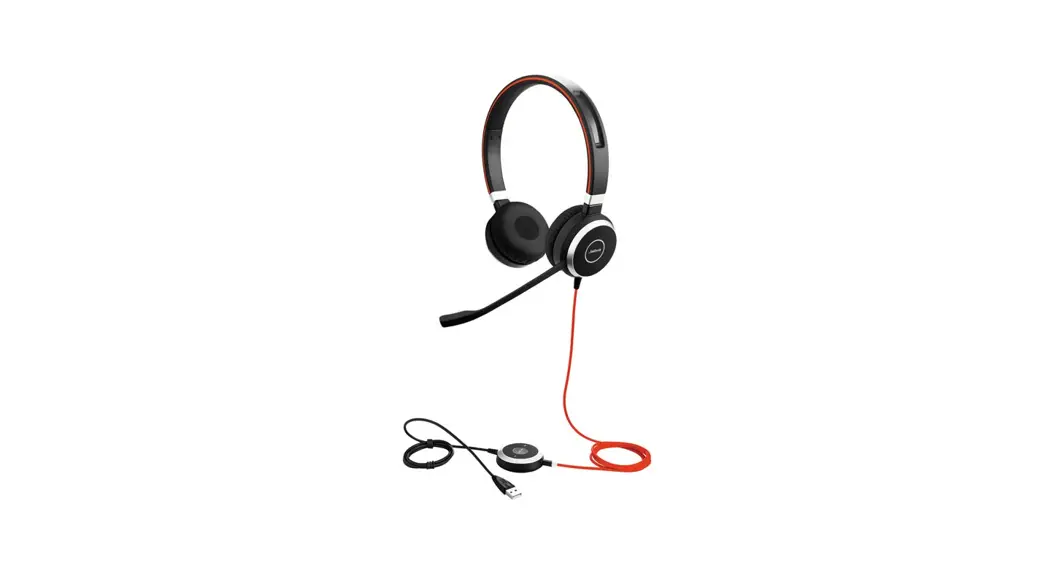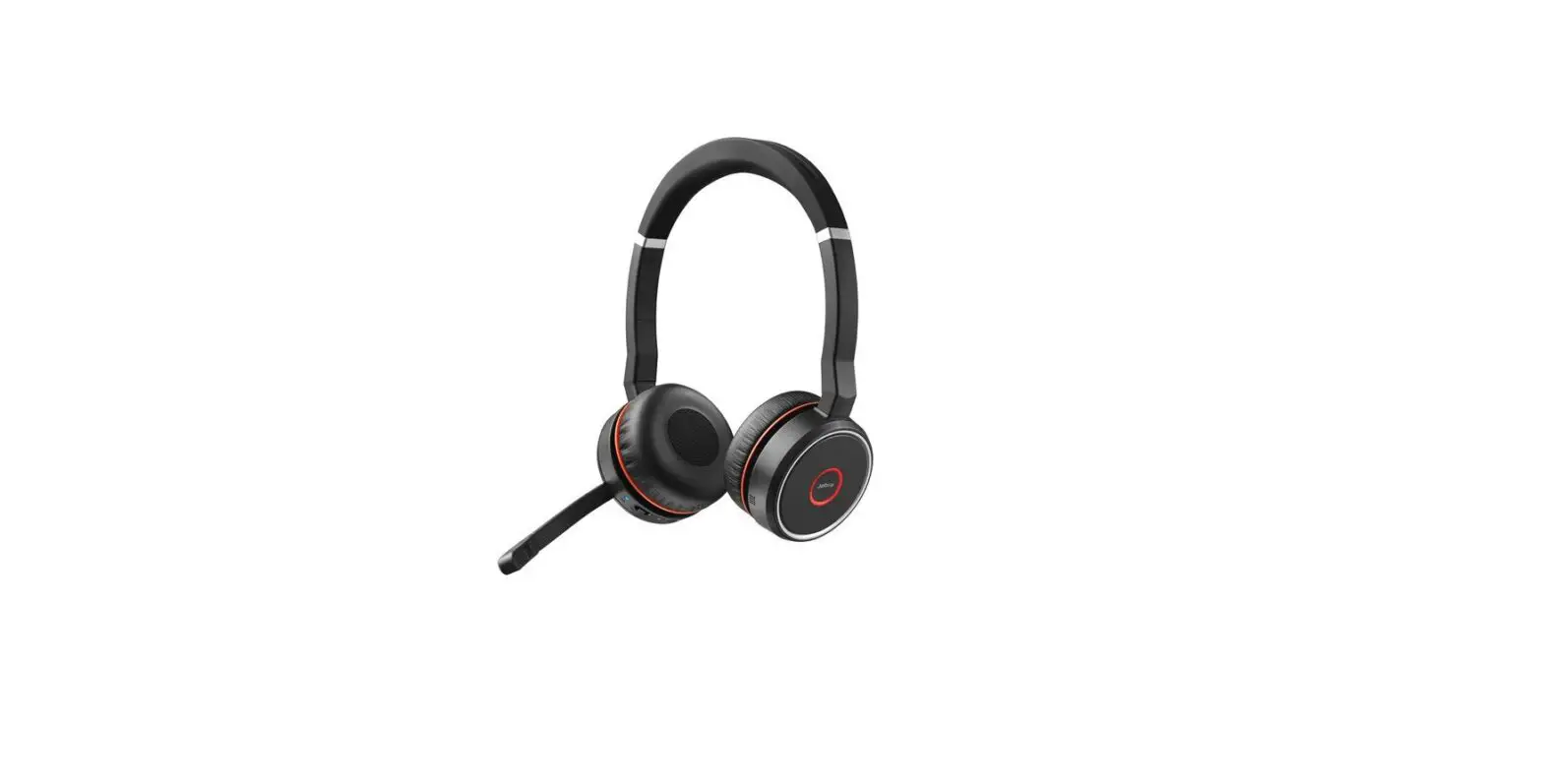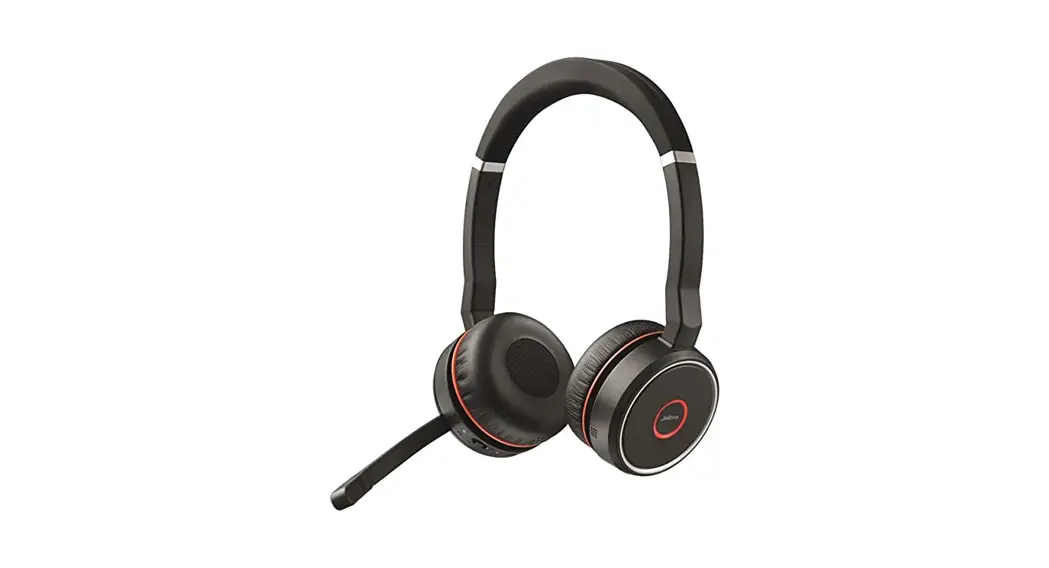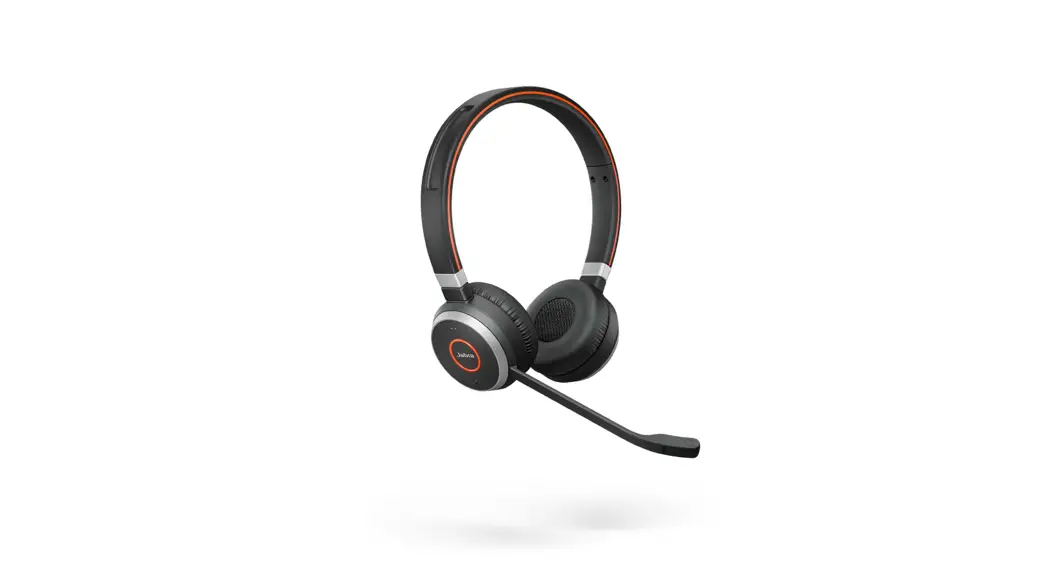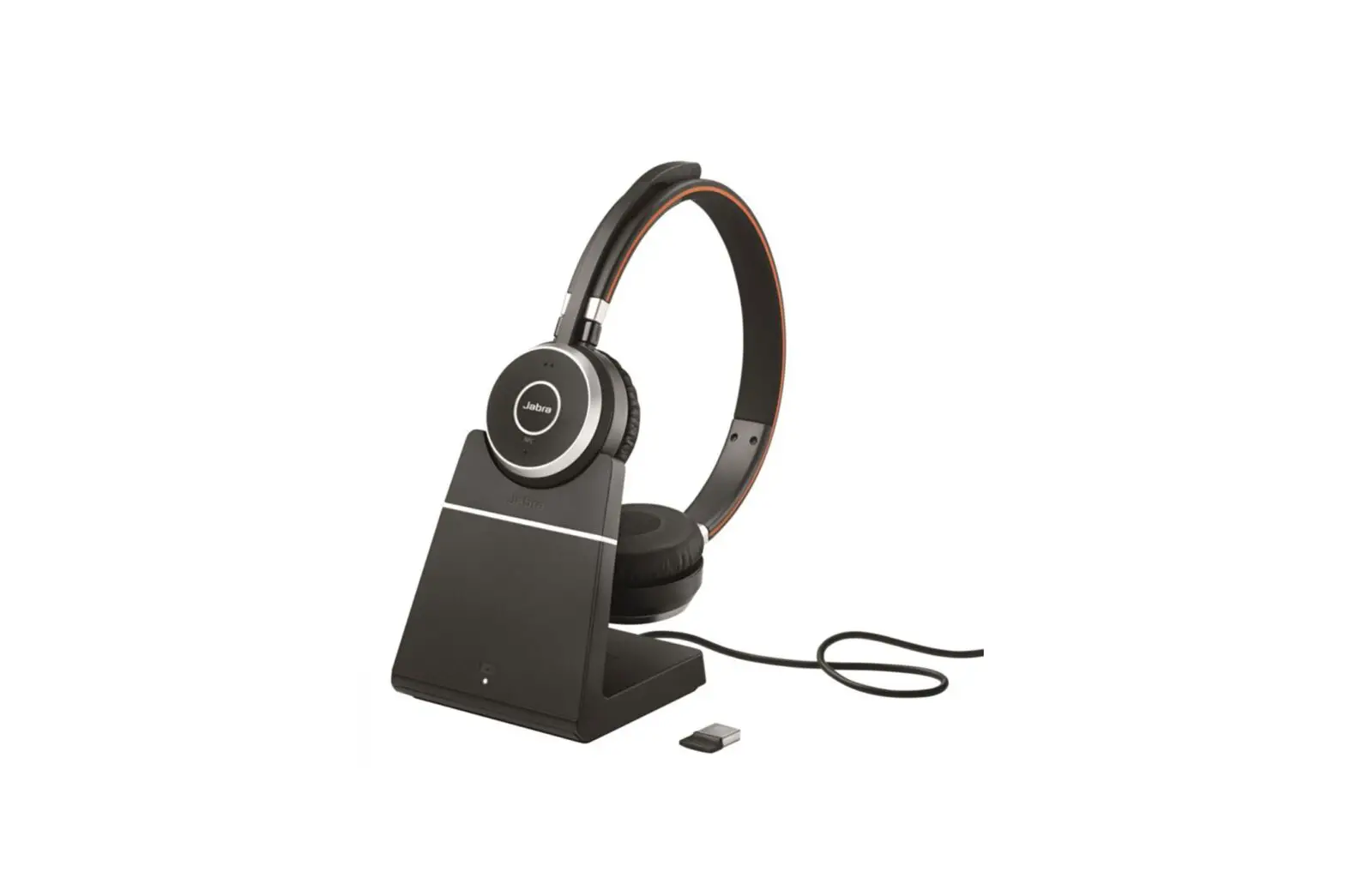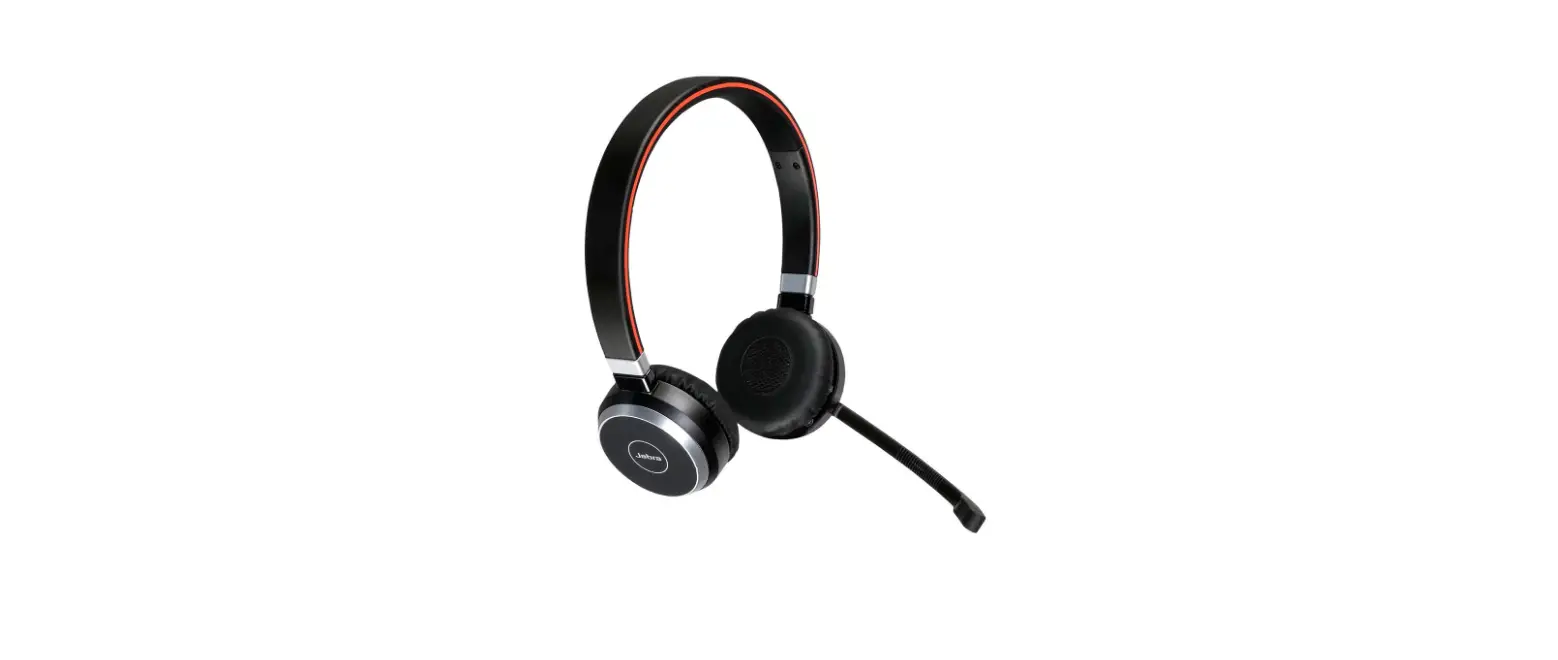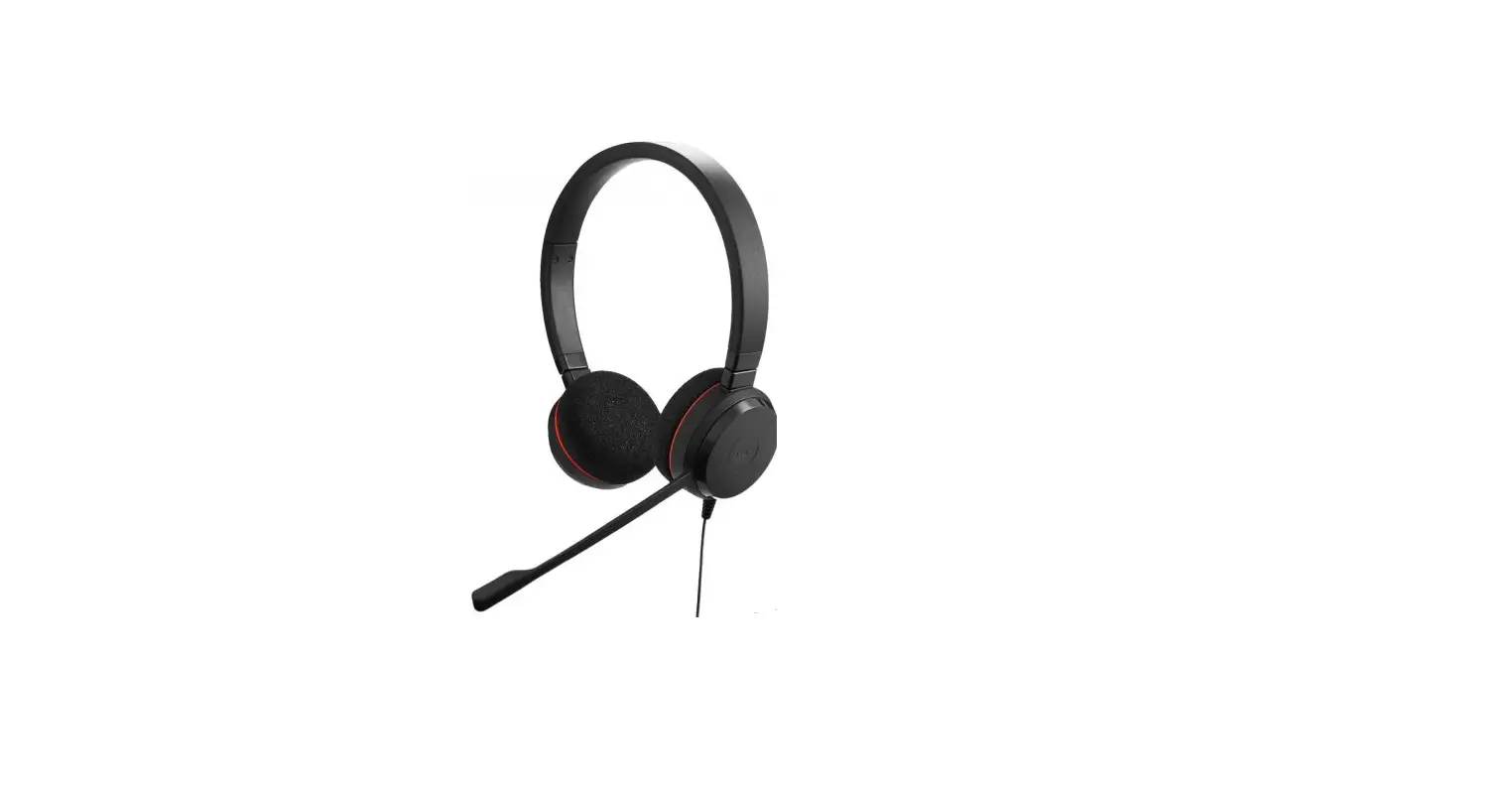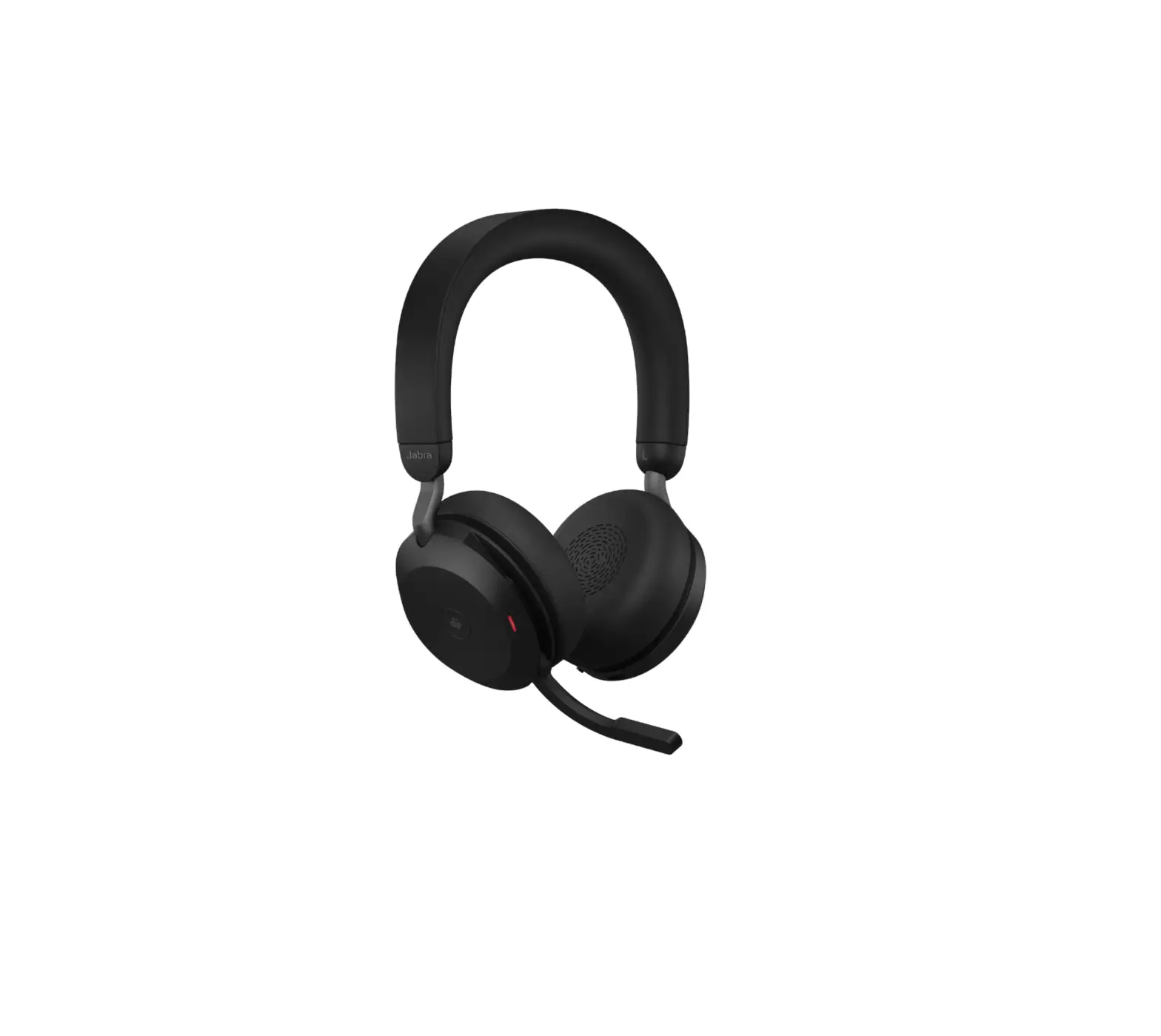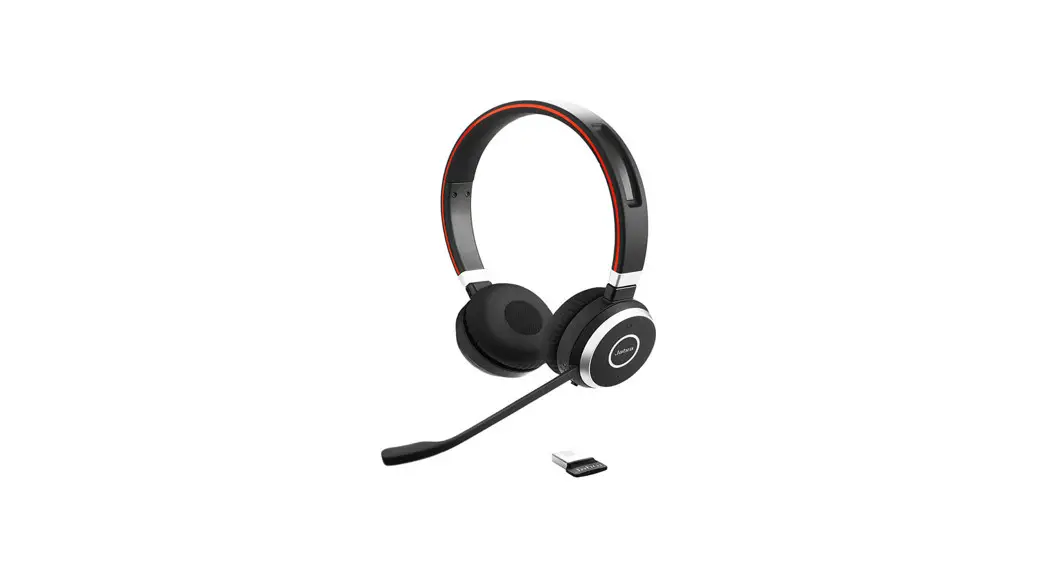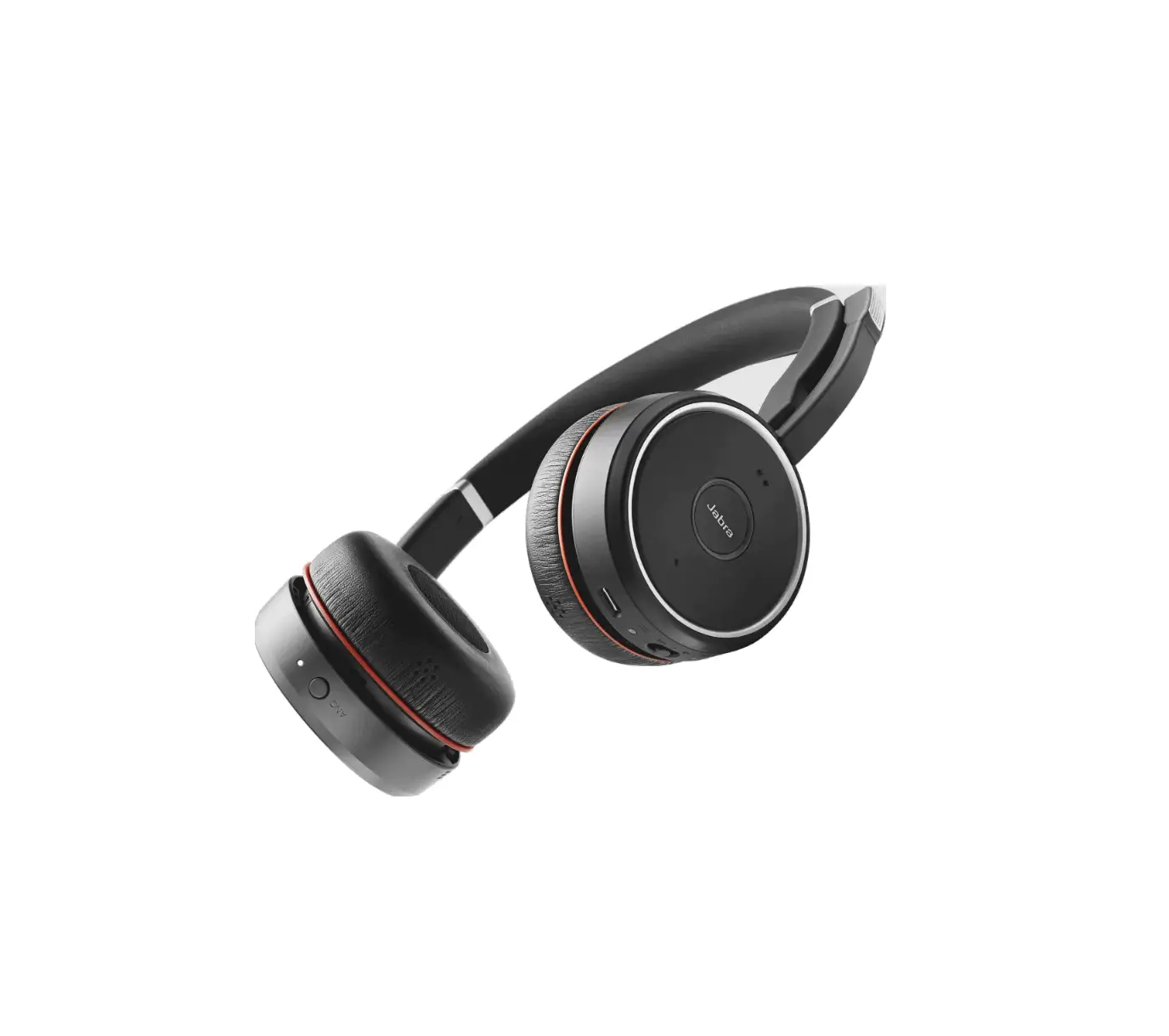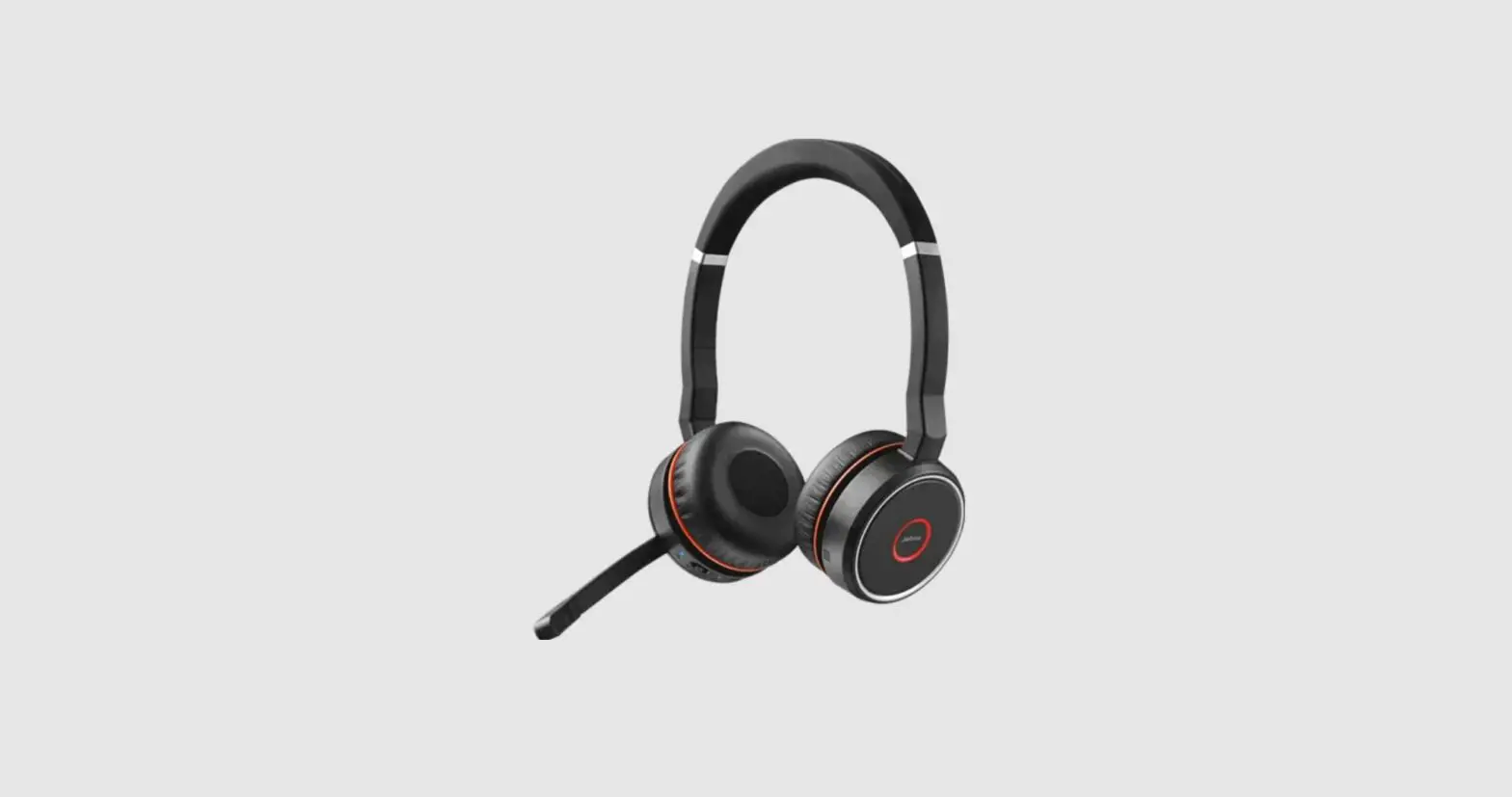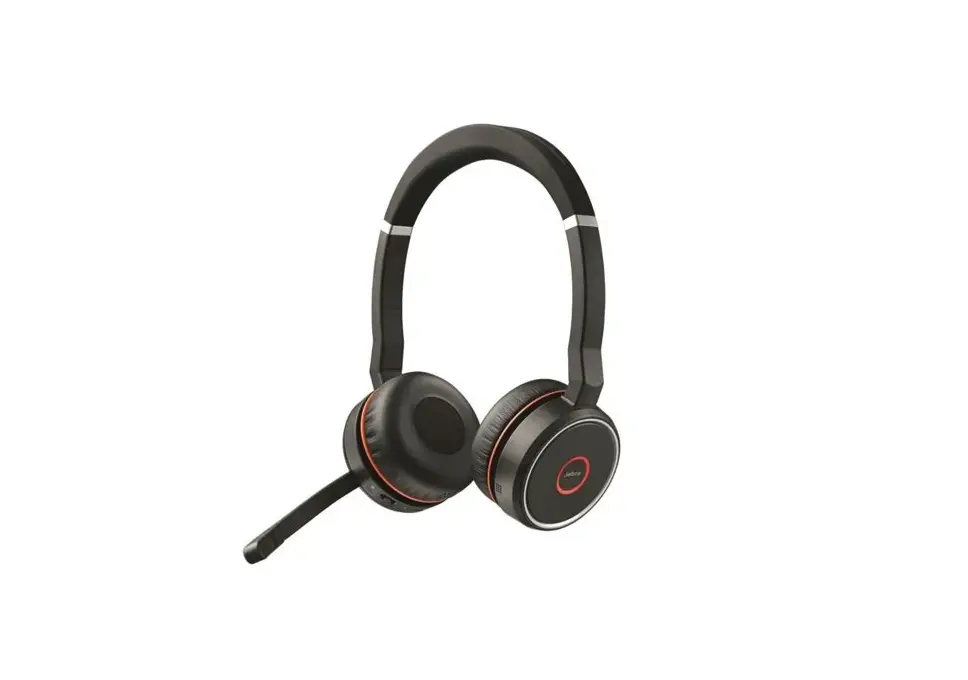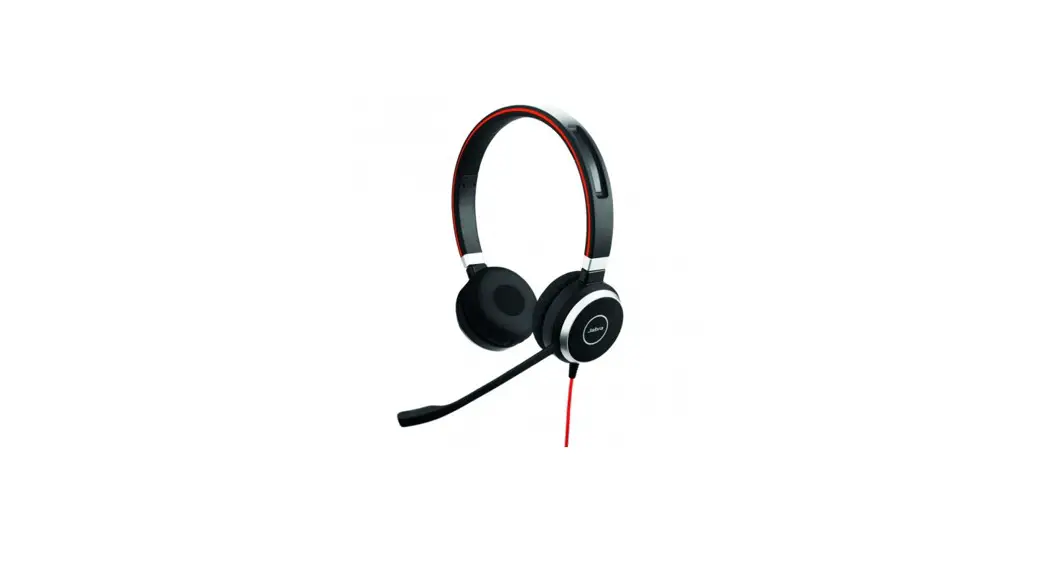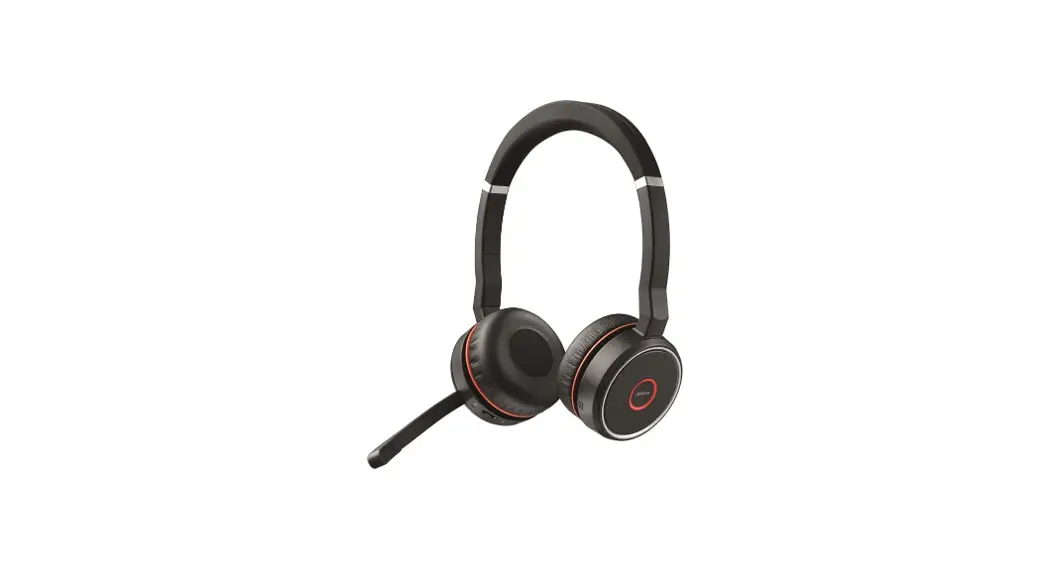
 Jabra Evolve 75 MS Stereo
Evolve 75 MS Stereo Binaural Headband
How do I use the call and music controls on my Jabra Evolve 75?
View the following table for information about the basic button controls on your Jabra headset.
Note
The overview is in English only. For versions in other languages, refer to the translated user manual in the Product documents section on the product support page.
| RIGHT EARCUP | ||
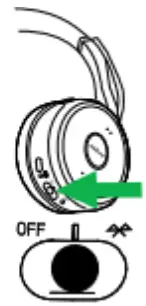 | Turn headset on/off | Slide the On/Off/ Bluetooth switch to On or Off |
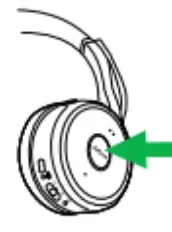 | ||
| Answer call | Press the Answer/End call button | |
| End call | Press the Answer/End call button | |
| Open Microsoft Teams notification* | Press the Answer/End call button | |
| Play/pause musk | Hold (1 sec) the Answer/End caU button | |
| Reject call | Double-tap the Answer/End caU button | |
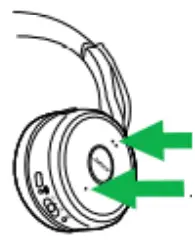 | Volume up/down | Press the Volume up or Volume down button |
| Next track | Hold (1 sec) the Volume up button | |
| Previous track | Hold (1 sec) the Volume down button | |
| Battery status | Press the Volume up or Volume down button, when not on a call or Listening to music |
*Requires Microsoft Teams headset variant
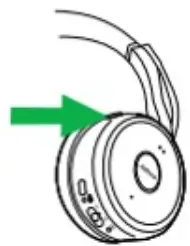
| Mute/ un-mute microphone | Press the Mute button, or rotate the microphone up/down |
| Turn voice guidance on/off | Hold (5 secs) the Mute button | |
| Siri/Cortana/ Google Now | Press the Mute button, when not on a call or listening to music | |
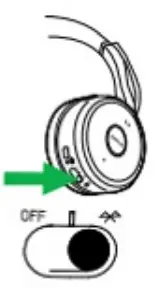 | Pair Bluetooth device | Slide and hold (3 secs) the On/Off/ Bluetooth switch in the Bluetooth position |
LEFT EARCUP
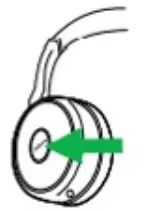 | Listen-in on/off | Press the Listen-in button |
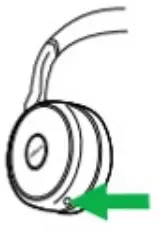 | ANC on/off | Press the ANC button |
| Right earcup | Multiple call handling | |
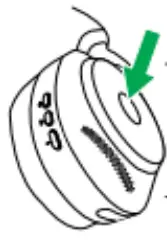 | End current call and answer incoming call | Press the Answer/ End call button |
| Put current call on hold and answer incoming call | Hold (2 secs) the Answer/End call button* | |
| Switch between held call and active call | Hold (2 secs) the Answer/End call button* | |
| Reject incoming call, when on a call | Double-press the Answer/End call button | |
*Non-Microsoft Teams headset variant only
https://www.jabra.in/supportpages/jabra-evolve-75/7599-832-109/fad/202f03a5-d7c0-416f-87d1-0354e3c4101e
14/07/2022
 [FAQTitle] | Jabra Evolve 75 MS Stereo | FAQ | Jabra Support