 oth-AB202
Phantom Series
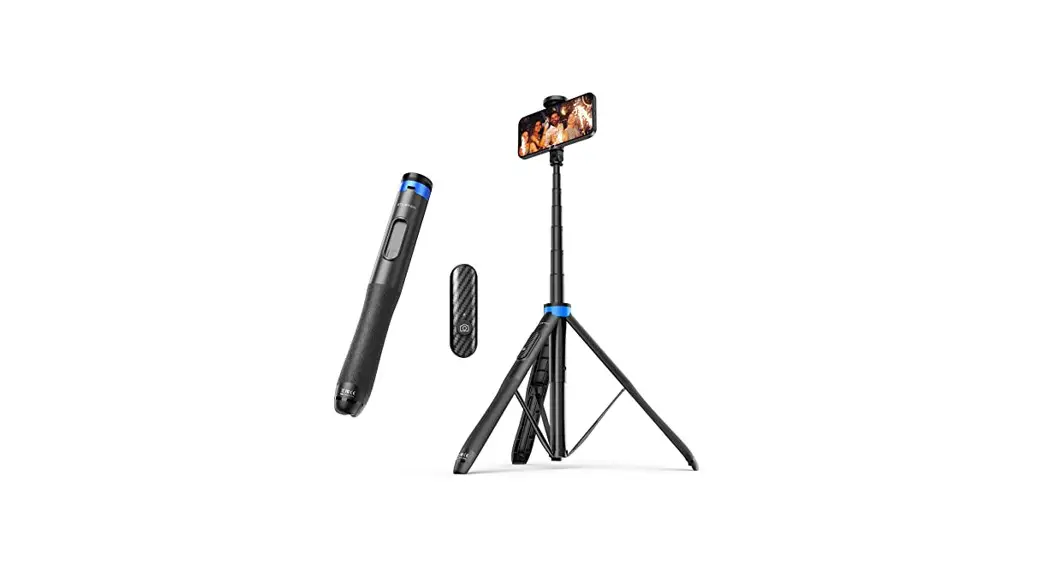
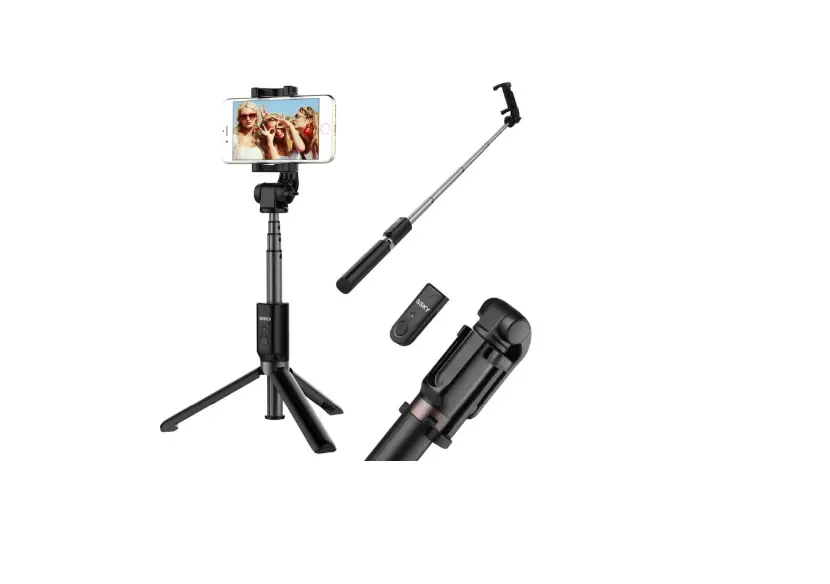
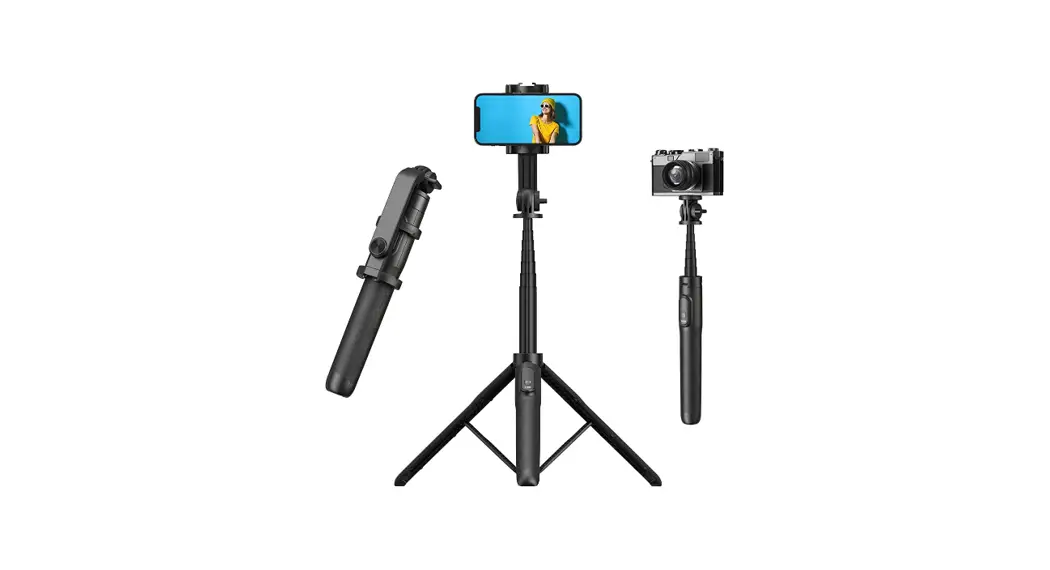
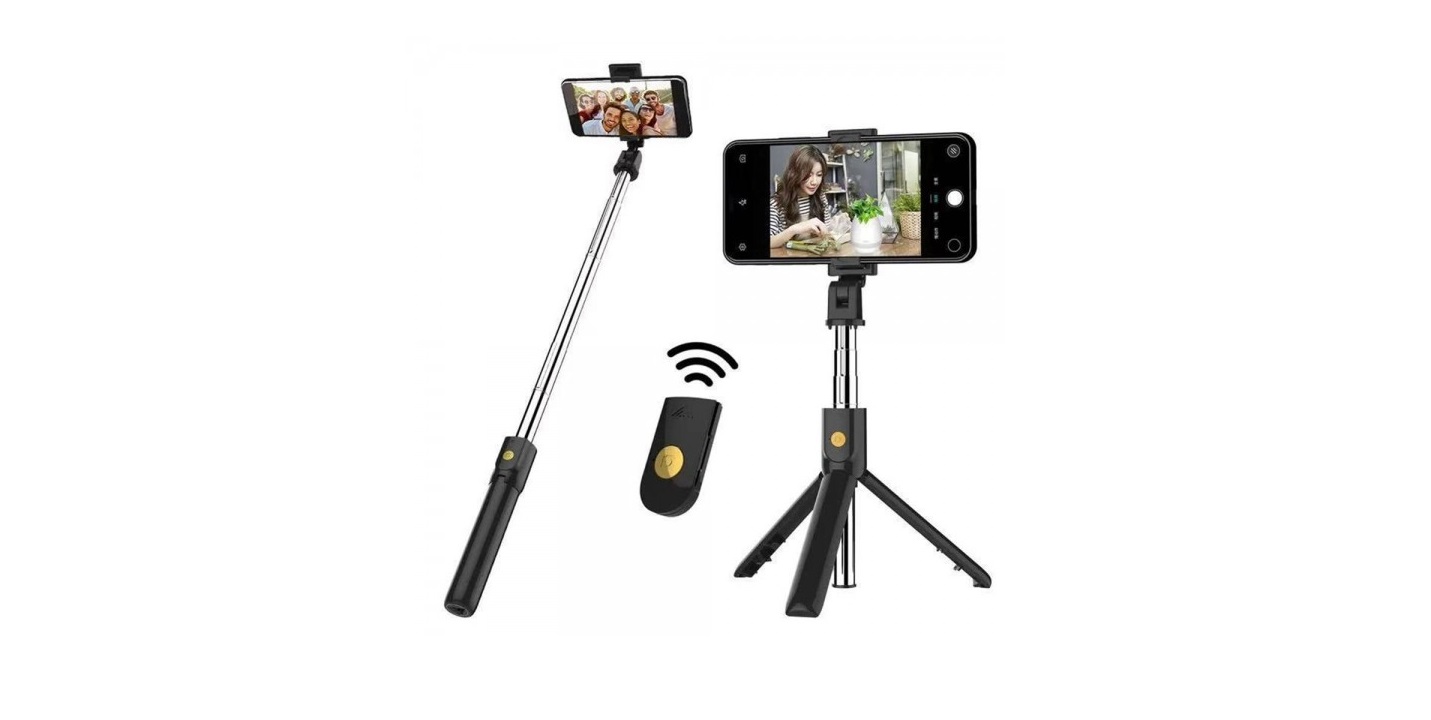
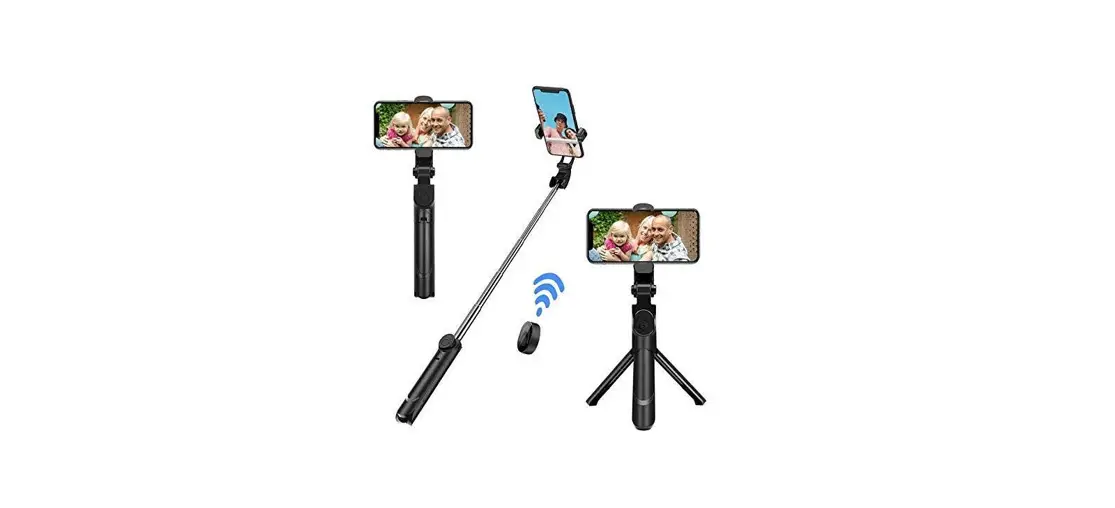
Tripod Wireless Selfie Stick
User Manual 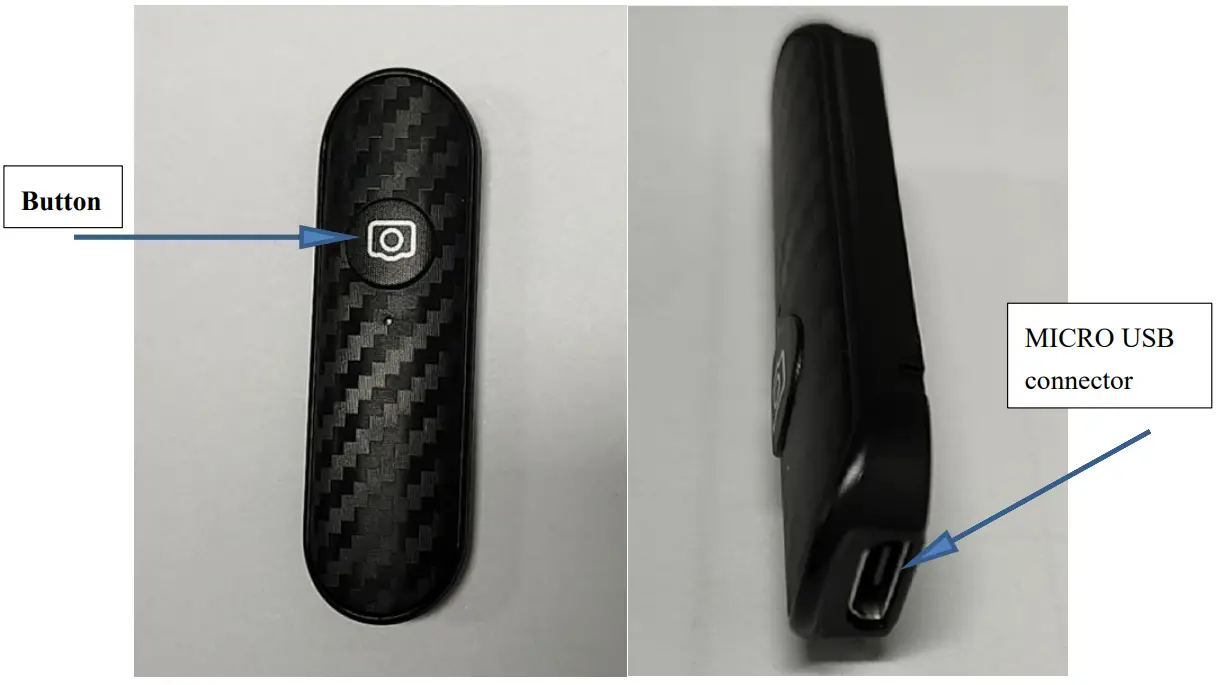
Power on:
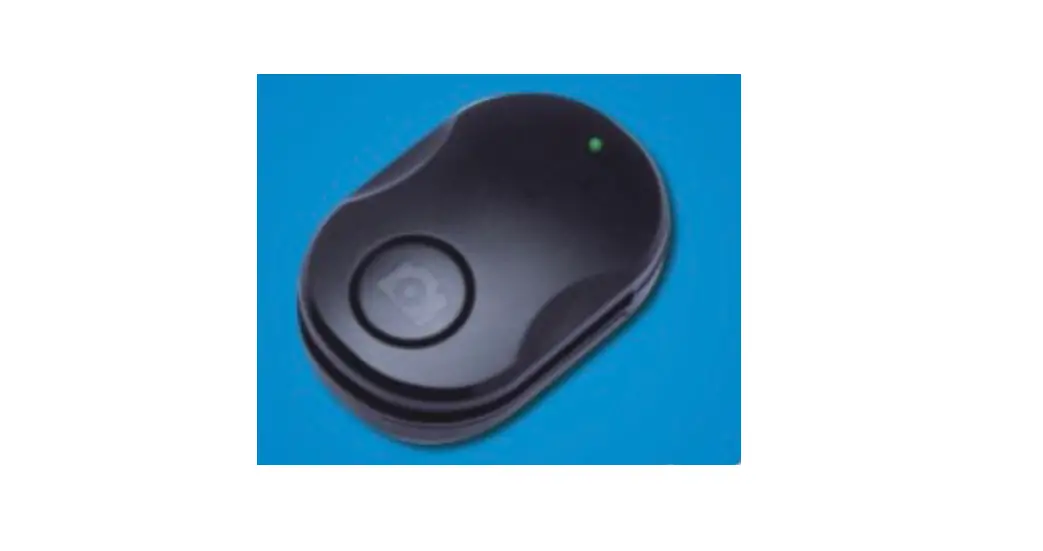
Press and hold the button for 2 seconds to power on, the green indicator light stays on for 3 seconds and then enters the pairing state, the pairing state green indicator flashes for 1 second/time.
Pairing connection:
Turn on the device and enter the pairing state, use the Bluetooth device to search for the Bluetooth name “SEAJIC”, and click to connect.
Taking pictures/videos:
After the mobile phone enters the camera interface, short press the button to take a picture; after the mobile phone enters the video recording interface, short press the button to take a video.
Power off: In the power-on and sleep state, press and hold the camera button for 3 seconds to turn off the power, and the indicator light will turn off.
Charging: During the charging process, the red indicator light is always on, and automatically turns off when fully charged. The charging current is 50MA.
- Automatic shutdown after charging:
- Low voltage indication: When the battery is low (less than or equal to 3.4V), the red indicator light will automatically start flashing until it starts charging.
- Low power shutdown: When the battery voltage is lower than 3.0V, the remote control automatically shuts down.
Electrical parameters
| Power on current | <18mA | momentary peak |
| pairing current | 0.5mA – 5mA | pairing status |
| stand-by current | 0.5mA–1.5mA | connection without working |
| Working current | 0.5mA – 2.5mA | When pressing the key continuously |
| Power off current | 5uA | Power off status |
Main configuration:
| Bluetooth chip | TLSR8232 |
| crystal oscillator | 24MHZ,3.2X2.5mm |
| EEPROM | built-in |
| Button | 5*5*1.5mm |
| Battery capacity | 50MAh |
| Bluetooth distance | ≤10 meter |
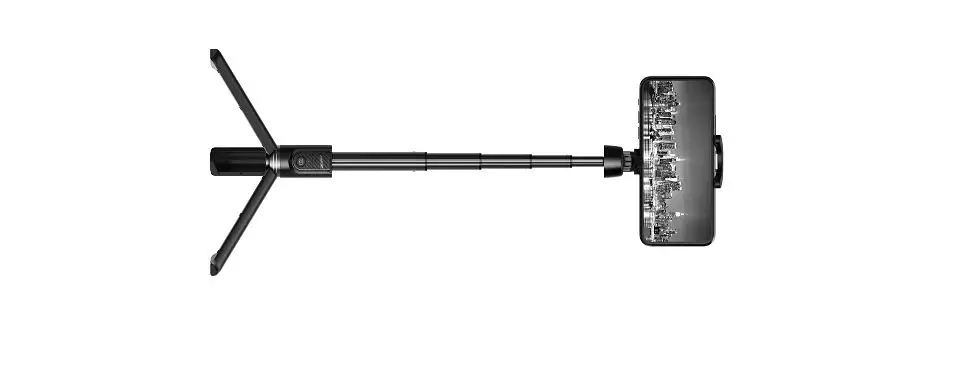
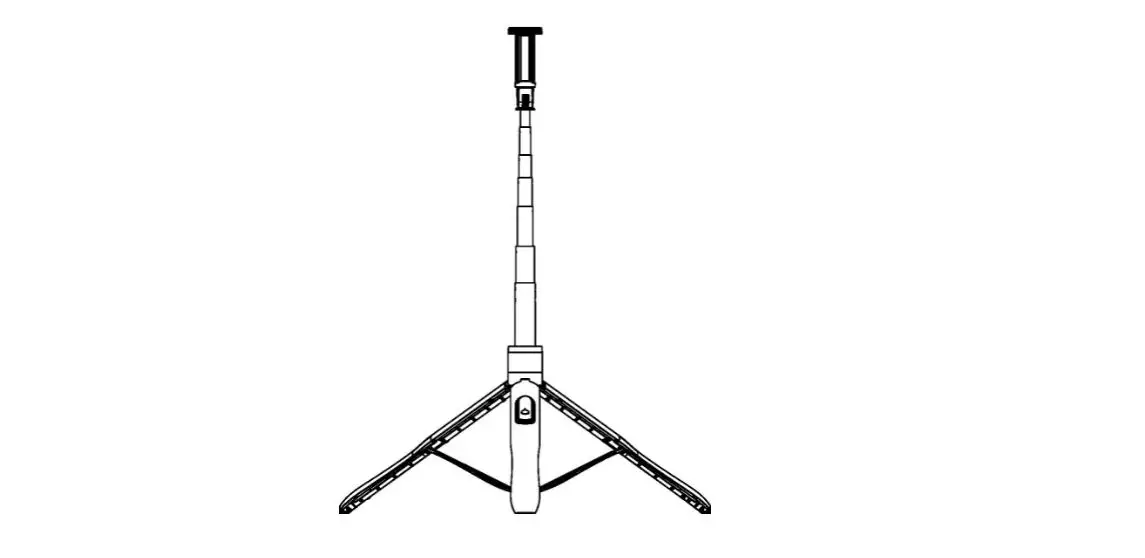
Dimensions
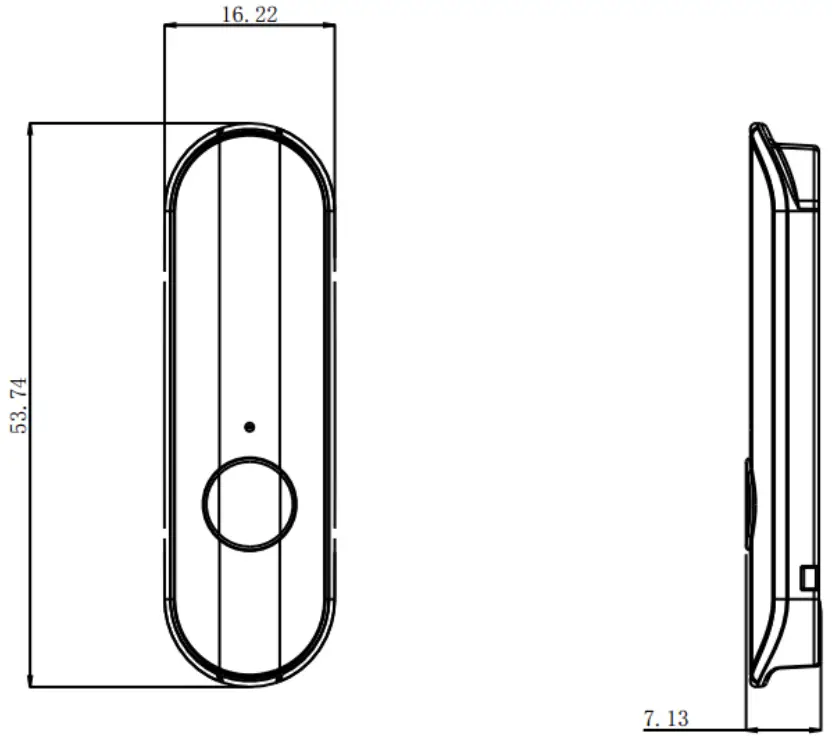
Safety precautions:
This product contains a built-in battery. It is not suitable to expose the product to strong sunlight or fire or Water spray. Do not place the device in an environment where the temperature is too high (more than 50 degrees Celsius) because This can cause serious damage to the equipment.
FCC Regulatory Compliance
This device complies with Part 15 of the FCC Rules. Operation is subject to the following two conditions:
- this device may not cause harmful interference, and
- this device must accept any interference received, including interference that may cause undesired operation.
Changes or modifications not expressly approved by the party responsible for compliance could void the user’s authority to operate the equipment.
This equipment has been tested and found to comply with the limits for a Class B digital device, pursuant to Part 15 of the FCC Rules. These limits are designed to provide reasonable protection against harmful interference in a residential installation. This equipment generates, uses, and can radiate radio frequency energy and, if not installed and used in accordance with the instructions, may cause harmful interference to radio communications. However, there is no guarantee that interference will not occur in a particular installation.
If this equipment does cause harmful interference to radio or television reception, which can be determined by turning the equipment off and on, the user is encouraged to try to correct the interference by one or more of the following measures:
- Reorient or relocate the receiving antenna.
- Increase the separation between the equipment and receiver.
- Connect the equipment into an outlet on a circuit different from that to which the receiver is connected.
- Consult the dealer or an experienced radio/TV technician for help.
This equipment complies with FCC radiation exposure limits set forth for an uncontrolled environment. This transmitter must not be co-located or operating in conjunction with any other antenna or transmitter.
Thank you for using this product, I wish you a happy life.