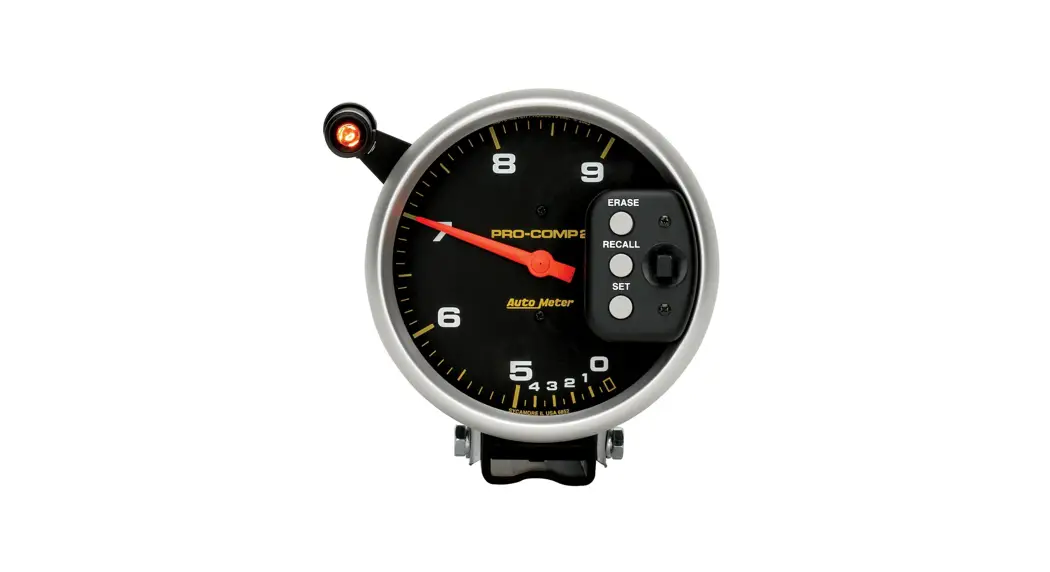
1967-1968 Ford Mustang Tach
Product Information
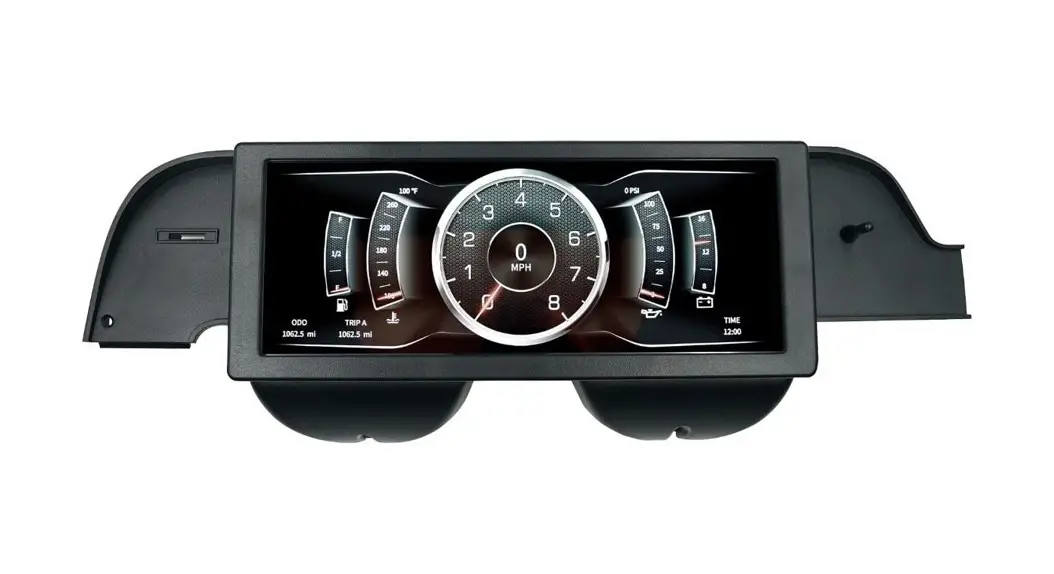
The 1967-1968 Ford Mustang Tach is a tachometer assembly that
comes with a plastic spacer/adapter and a wire harness. It has two
part numbers, C7ZZ-17360-6K and C7ZZ-17360-8K. The product requires
installation items and tools such as a #2 Phillips screwdriver,
assorted small socket set and ratchet, 15/32 drill bit or Uni Bit
and drill, grinding bit or half-moon file, and safety glasses.
Product Usage Instructions
- Before installation, disconnect the negative (ground) cable
from the battery. - Disconnect the speedo cable from the back of the instrument
cluster and remove the (x6) Phillips screws holding the instrument
bezel to the dash. Remove the 3/8 nut that is on the back of the
cluster over by the center dash plate. Place a rag on the steering
column to prevent scratches. - Remove the instrument cluster and unplug the (x2) electrical
connectors that connect the instrument cluster harness to the under
dash harness. - Place the cluster face down on a towel or a fender cover to
protect your instrument bezel. Remove the (x3) screws that hold the
white block off plate or clock assembly to the back of the
cluster. - Remove the (x9) screws that hold the cluster to the plastic
instrument bezel and carefully separate the two. Do not touch the
gauge needles and make sure that you do not lose the cardboard turn
signal or high beam tubes. - Set the plastic bezel aside.
- Trim a bit off the top of the metal cluster housing to
accommodate your new Drake tach assembly. Hold the tach up to the
metal cluster housing and using a marker, mark where the metal
needs to be trimmed. Use a metal bit in a die grinder or drill or
use a half-round file. Wear safety glasses. - After testing fitment, install the plastic spacer from the
front of the cluster and install the screws through the back of the
housing. Do not over-tighten. Then, slide the tach through the
front of the cluster and align it to be straight. - Remove the center, small lens in your instrument bezel and
discard or put away. With the bezel face down and the turn signal
tubes in place, lower the instrument cluster down onto the bezel.
Pay attention to the wiper switch arm, as you must line it up to go
through the bezel. Reinstall the (x9) bezel screws. - Drill a 15/32 hole in the firewall for the black/yellow wire
with the grommet to connect to the negative coil. If using a MSD
ignition or similar, use a tach adapter. - Connect the red wire with the eyelet connector to the post on
the back of the ignition switch. That post is key hot. Connect the
blue/red wire to the blue/red wire with the red 3 post female
connector that is part of the under dash harness. It is located
behind the lighter/radio. That connector is how the radio gets
lighted when you turn on the lights. - Connect the black ground wire to the metal support brace that
is directly behind the instrument cluster.
Parts List:
1967-1968 Ford Mustang Tach
Part Numbers: C7ZZ-17360-6K & C7ZZ-17360-8K
Qty.
Description
1 Tachometer Assembly
1 Plastic Spacer/Adapter
1
Wire Harness
Installation Items/Tools:
#2 Phillips Screwdriver
Assorted Small Socket Set & Ratchet 15/32 Drill Bit or Uni Bit & Drill
Grinding Bit or Half Moon File
Safety Glasses
Installation:
1. Disconnect the negative (ground) cable from the battery.
2. Disconnect the speedo cable from the back of the instrument cluster and remove the (x6) Phillips screws holding the instrument bezel to the dash. Then, you need to remove the 3/8 nut that is on the back of the cluster over by the center dash plate. It is a good idea to place a rag on the steering column to prevent scratches.
3. Carefully remove the cluster and unplug the (x2) electrical connectors that connect the instrument cluster harness to the under dash harness.
4. Place the cluster face down on a towel or a fender cover to protect your instrument bezel. Remove the (x3) screws that hold the white block off plate or clock assembly to the back of the cluster (Figure 1).
9 screws
Figure 1
1
5. Then, remove the (x9) screws that hold the cluster to the plastic instrument bezel and carefully separate the two. Be careful to not touch the gauge needles and also make sure that you do not loose the cardboard turn signal or high beam “tubes” (Figures 1 & 2).
Figure 2 – Tubes
6. For now, set the plastic bezel aside.
7. You will need to trim a bit off the top of the metal cluster housing to accommodate your new Drake tach assembly. Hold the tach up to the metal cluster housing and using a marker, mark where the metal needs to be trimmed. You can use a metal bit in a die grinder or drill or you can use a half round file. Make sure that you are wearing safety glasses (Figures 3, 4, & 5).
Figure 3
Figure 4
Figure 5
2
8. After you have tested fitment, install the plastic spacer from the front of the cluster and install the screws through the back of the housing. Do not over-tighten. Then, simply slide the tach through the front of the cluster and align as to be straight (Figures 6 & 7).
Figure 6
Figure 7
9. Next, you will remove the center, small lens in your instrument bezel and discard or put away. With the bezel face down and the turn signal tubes in place, lower the instrument cluster down onto the bezel. Pay attention to the wiper switch arm, as you must line it up to go through the bezel. Now, go ahead and reinstall the (x9) bezel screws.
10. With the instrument cluster assembly completed, again place it face down and install the wiring. Using the harness supplied, attach the spade with the red wire on the +. The spade with the black/yellow wire on the S terminal and the spade with the all black on the -. Then for the light, plug in the black male bullet connector into the yellow/red female bullet connector and finally the blue/red wire with the female bullet connector into the red wire with the male bullet connector (Figures 8 & 9).
Figure 8
Figure 9
3
11. You will need to drill a 15/32 hole in the firewall for the black/yellow wire with the grommet to connect to the negative coil. If you are using a MSD ignition or similar, you will need a tach adapter (Figure 10).
Figure 10
12. The red wire with the eyelet connector goes to the post on the back of the ignition switch. That post is key hot. The blue/red wire connects to the blue/red wire with the red 3 post female connector that is part of the under dash harness. It is located behind the lighter/radio. That connector is how the radio gets lighted when you turn on the lights.
13. Connect the black ground wire to the metal support brace that is directly behind the instrument cluster.
14. Now, finally connect the black/yellow wire with the bullet connector that you previously passed through the firewall that connects to the negative post on the coil or tach adapter (Figures 11 & 12).
Figure 11
Figure 12
15. Now, reinstall the instrument cluster harness (x2) plugs back into the main under dash harness, and reconnect the speedo cable. Insert the cluster back into the dash and install (x5) screws that hold the instrument cluster to the dash.
16. Hook back up the ground cable to the battery and enjoy your new Drake tach.
4
Wiring Diagrams:
Blue/Red dash lights
Red wire back of ignition switch
Black Ground
Black/Yellow lead to neg coil
Neg coil black/yellow
MAIN HARNESS
Red wire to + on back of tach
Blue/Red to Red lamp wire
Black/Yellow to “S” terminal on tach
Ground to Yellow/Red for lamp
Neg on back of tach
WIRES TO TACH
5
Any questions? Please contact Technical Service: 1-866-464-6553 or 270-781-9741. For online help, please refer to: www.holley.com. © 2022 Scott Drake, Inc. All rights reserved. Tous Droits Réservés.
IS_17360 199R12363 Date: 2-16-22
6
 Holley